
Product & Brand Prompt #230
[BRAND NAME] [COLOR] ABSOLUTE RULE — READ BEFORE GENERATING ANYTHING: The fluid mass in this image has the exact shape of the [BRAND NAME] logo and nothing else.
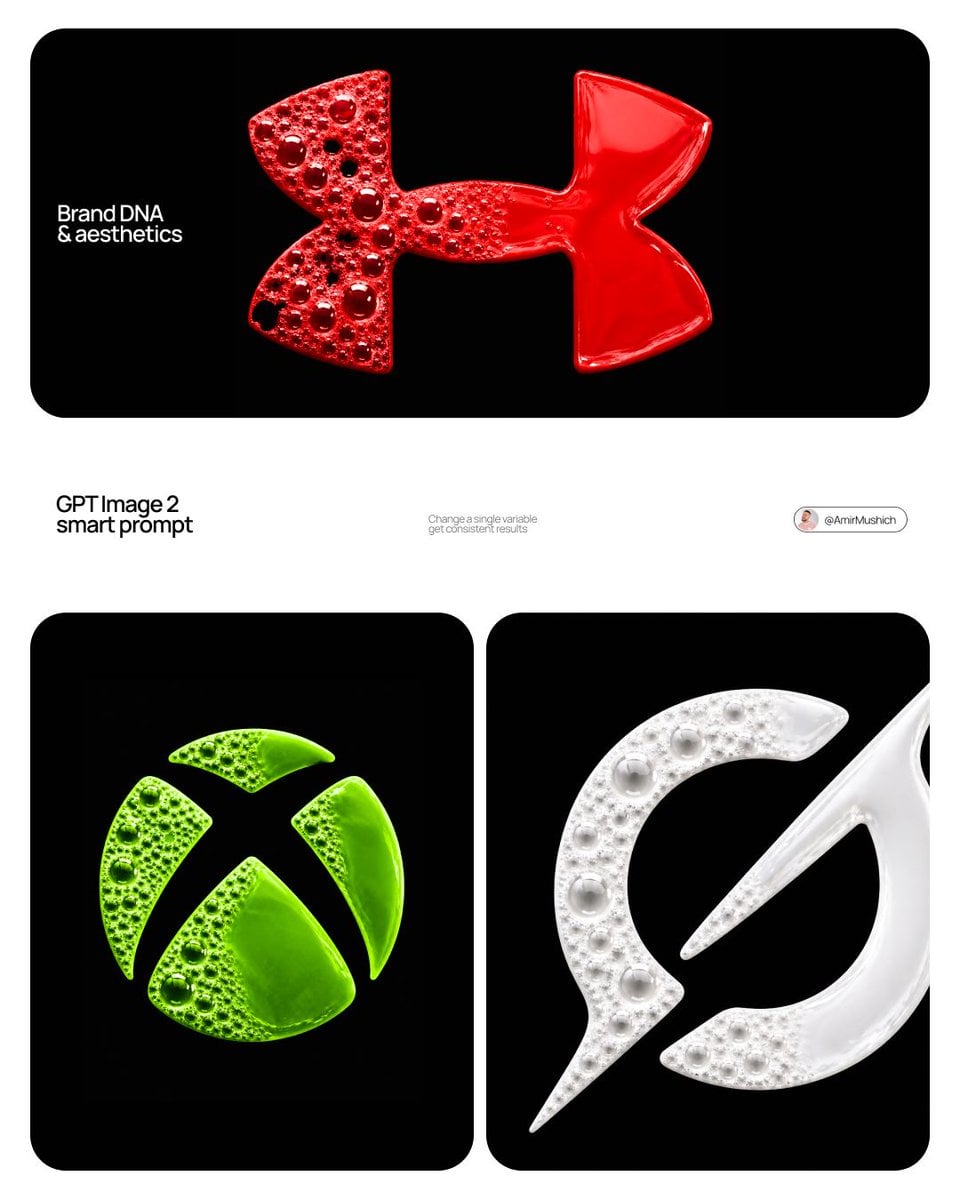
- Prompt included
- Model and format preset
- Premium template
The prompt behind this image
Copy the exact prompt behind Product & Brand Prompt #230, or open it in the studio and make it yours.
[BRAND NAME] | [COLOR] ABSOLUTE RULE — READ BEFORE GENERATING ANYTHING: The fluid mass in this image has the exact shape of the [BRAND NAME] logo and nothing else. Not a circle. Not an oval. Not a blob. Not a rounded shape with the logo inside it. The outer silhouette of the fluid IS the logo outline — identical to the canonical [BRAND NAME] logo trademark. If someone covers the bubble texture and looks only at the silhouette they must immediately recognize it as the [BRAND NAME] logo. The fluid does not flow into a circle. The fluid does not form a blob. The fluid is constrained to the exact logo shape. This is the single most important rule in this prompt — it overrides everything else. Act as a Macro Fluid Photographer and CGI Art Director creating a hero typographic image where the brand logo is formed entirely from living fluorescent foam and bubble liquid — as if the logo was poured into a logo-shaped mold on a black surface and captured at the exact moment of maximum bubble activity. References: macro fluid photography, fluorescent paint foam art, soap bubble macro photography. --- PHASE 0: BRAND LOGO INTELLIGENCE — GEOMETRY IS LAW Retrieve the 100% canonical trademark-accurate primary mark of [BRAND NAME]. Use only the core logo symbol or emblem. STEP 1 — ESTABLISH EXACT SILHOUETTE: reconstruct the precise canonical [BRAND NAME] logo silhouette — every curve, every angle, every proportion exactly as trademarked. Draw this silhouette in your mind as a flat solid shape. This is the mold. It is rigid. It does not change shape. STEP 2 — FLUID FILLS THE MOLD: the fluid foam fills the interior of this rigid mold. The outer boundary of the fluid mass IS the logo outline — precise, hard, clean. Think of it as the logo shape cut from foam rubber and placed on a black surface. The fluid is solid where the logo is solid. The fluid is absent where the logo has designed empty space — those gaps show pure black background. STEP 3 — NO CONTAINER: there is no circle, no oval, no badge, no rounded rectangle, no frame around the logo. The logo floats directly on the black background. Its edges are the logo edges — nothing more. STEP 4 — ORIENTATION LOCKED: correct canonical upright orientation exactly as in official brand materials. Not rotated, not flipped, not mirrored, not tilted. STEP 5 — ZERO FLUID OUTSIDE BOUNDARY: the logo silhouette is an absolute hard boundary. Zero fluid, zero bubbles, zero tendrils, zero droplets outside this boundary. The black background begins exactly where the logo outline ends. STEP 6 — GEOMETRY WINS ALWAYS: wherever fluid simulation physics conflict with exact logo geometry — the logo geometry wins. Always. Apply [COLOR] as the fluid foam color throughout — in its most saturated fluorescent version. --- PHASE 1: FLUID MATERIAL SYSTEM — CRITICAL The entire logo form is filled with a single continuous viscous fluid existing in two physical states simultaneously. The fluid is NOT water — thick, viscous, surface-tension-dominant, like fluorescent soap foam, acrylic paint with trapped air, or colored slime. Base color: [COLOR] at maximum fluorescent saturation — self-luminous quality as if internally lit, consistent with UV-reactive fluorescent paint. Tonal variation strictly within [COLOR] family: thin bubble membrane walls — 35 to 45% lighter than base [COLOR], approaching near-transparency. Mid-thickness fluid zones — pure saturated [COLOR]. Deep thick liquid pools — 25 to 35% darker than base [COLOR]. Fluid surface in liquid zone: high gloss, wet, shiny, visible broad specular reflection. Foam zone membranes: lower gloss, slight soap film iridescence. --- PHASE 2: BUBBLE ARCHITECTURE SYSTEM Full bubble size hierarchy present across the foam zone only. Large anchor bubbles — 10 to 18mm diameter, 4 to 8 present. Medium bubbles — 4 to 9mm, 15 to 25 present. Small bubbles — 1.5 to 3mm, 30 to 50 present. Micro bubbles — 0.5 to 1mm, 50 to 100+ present. Each bubble: physically accurate sphere of trapped air enclosed by thin colored fluid membrane, 0.1 to 0.3mm thick, semi-transparent. Soap film iridescence barely perceptible. Bubble dome highlight: bright white crescent arc in UPPER-LEFT portion of each dome — 15 to 20% of dome surface, soft-edged, white regardless of bubble color. Inside large bubbles: dark reflection with [COLOR] tint confirming membrane transparency. Bubble contact deformation: flat septum membranes at contact points. Burst bubble holes: 3 to 8 irregular dark voids within foam zone only — revealing black background. Never at or near the logo boundary edges. --- PHASE 3: DUAL-STATE CONTRAST — CRITICAL Left zone — foam state: dense chaotic foam with full bubble hierarchy strictly within the logo silhouette. All bubble activity stays inside the logo boundary — never at or beyond the edge. Right zone — liquid state: solid continuous smooth mass — bubbles completely absent, maximum 2 to 3 micro-bubbles at transition edge only. Smooth viscous pool: gentle surface tension undulation 0.5 to 1mm, high gloss, broad soft specular highlight toward upper-left. Dense, heavy, pooled. Transition zone: gradual 8 to 15mm wide transition through vertical center — large bubbles disappear, fluid surface becomes smooth, last bubbles partially collapsed with sagging membranes dissolving into liquid surface. Edge behavior: both the foam side and the liquid side terminate exactly at the canonical logo outline. The logo boundary is geometric and exact on all sides. Clean edge. No organic ragged outer silhouette. The logo shape is always recognizable from the outer boundary alone. NO SPLATTER — ABSOLUTE: zero droplets, zero spray, zero tendrils, zero extensions beyond logo boundary. The composition is completely calm and contained. --- PHASE 4: LIGHTING — MATCH REFERENCE EXACTLY Primary light: large softbox upper-LEFT at 20 to 30° offset from vertical — NOT directly overhead. Light from above AND left simultaneously. Temperature 5500K neutral white. Left side and upper-left surfaces brighter. Right side relatively darker. Every bubble dome highlight arc in UPPER-LEFT. Liquid zone broad specular reflection toward upper-left. Micro-shadows from bubbles fall lower-right, 0.5 to 1mm, barely visible. Secondary ambient: 8 to 10% cool ambient from above. No fill from right. No rim light. No colored light. --- PHASE 5: COMPOSITION & CAMERA Background: absolute black #000000 — perfectly clean, zero texture, zero noise, zero gradient. Pure void. Aspect ratio: 1:1 square. Logo form occupies 60 to 70% of frame — centered horizontally and vertically. Generous clean black surround on all sides. Camera: directly overhead, perfectly perpendicular — zero elevation, zero perspective distortion, zero rotation. Pure top-down flat-lay macro. The logo silhouette reads as the correct [BRAND NAME] mark from this top-down view. Depth of field: sharp across entire fluid surface. --- PHASE 6: TECH SPECS Render: Houdini FLIP fluid simulation + Redshift or Octane, OR photorealistic CGI achieving identical result. CRITICAL: the fluid simulation domain is bounded by the exact logo silhouette — the simulation cannot escape the logo boundary. Fluid mesh: real FLIP simulation geometry constrained to logo shape. Bubble geometry: real curved surface per bubble, not texture map. Bubble membranes: thin-shell geometry, IOR 1.33, transmission 0.7 to 0.85, thin-film iridescence. Liquid zone: smooth FLIP mesh, roughness 0.02 to 0.05, high gloss. Foam zone material: fluorescent shader, emissive 0.05 to 0.1, subsurface scattering 2 to 4mm. Lighting: one large rectangular area light 80×80cm, upper-left 20 to 30° from vertical, 5500K. Secondary HDRI ambient 8 to 10%, neutral gray. Ray tracing minimum 12 bounces. Caustics on. Sampling minimum 2048. Anti-aliasing maximum. No film grain. No post-process. Output feel: indistinguishable from professional macro photograph of real fluorescent foam in a perfectly clean studio. --- FINAL CHECK — MANDATORY BEFORE OUTPUT: (1) Does the outer silhouette of the fluid mass match the exact [BRAND NAME] logo shape? If no — regenerate. (2) Is the fluid inside a circle, oval, or any container? If yes — regenerate. (3) Is there any fluid, droplet, or bubble outside the logo boundary? If yes — regenerate. (4) Are both foam state and liquid state clearly visible? If no — regenerate.
How to use Product & Brand Prompt #230 in 3 steps
- 1Upload ImagePNG, JPG or paste
Add your photo
Upload the photo the template builds on. The prompt, model and format are already set.
- 2…a portrait of your subject in softgolden-hour light, 85mm…
Personalize
Edit the subject and creative details for your destination.
- 3Generate
Generate
Press Generate — your image is created in PicX Studio, so you can compare it with the original and refine one variable at a time.
More like this
Templates with the same subject, style or setup. Open one to see its prompt.
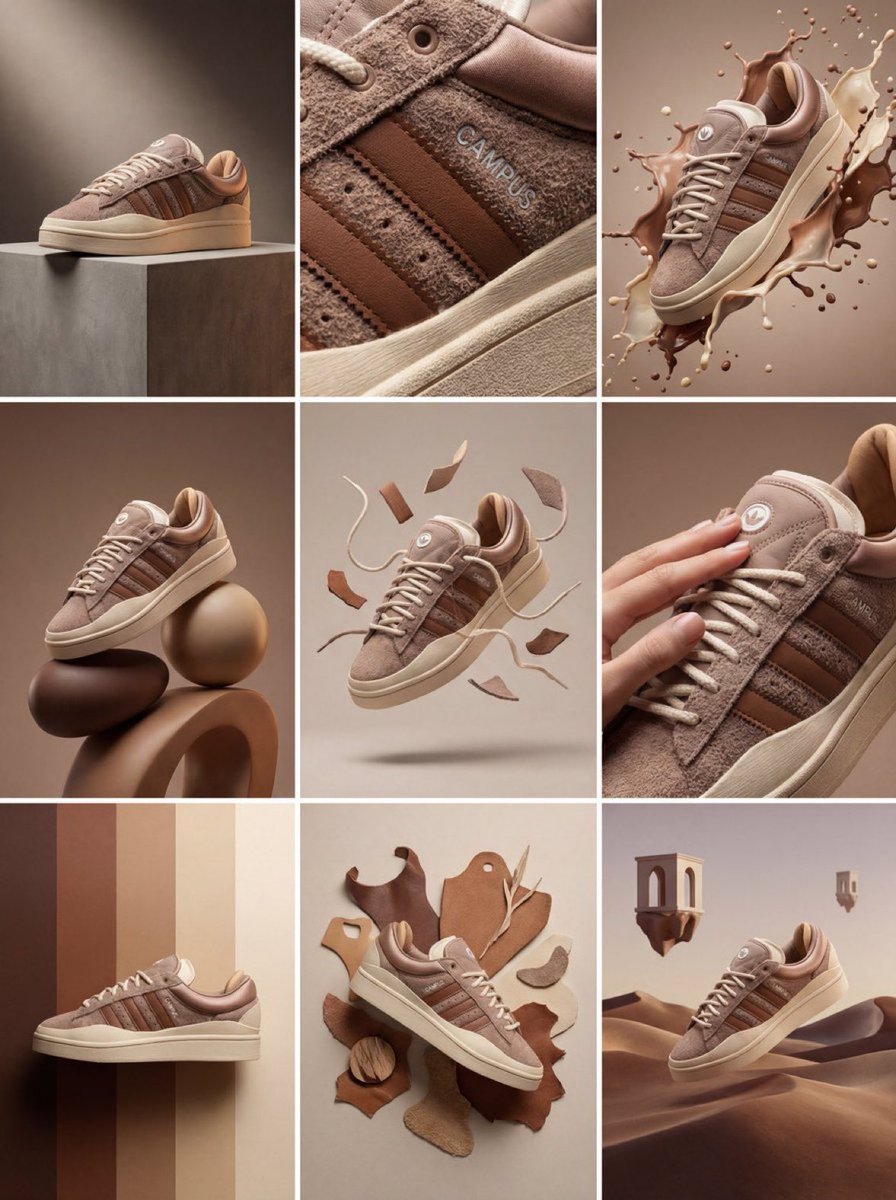
Product & Brand Prompt #1444
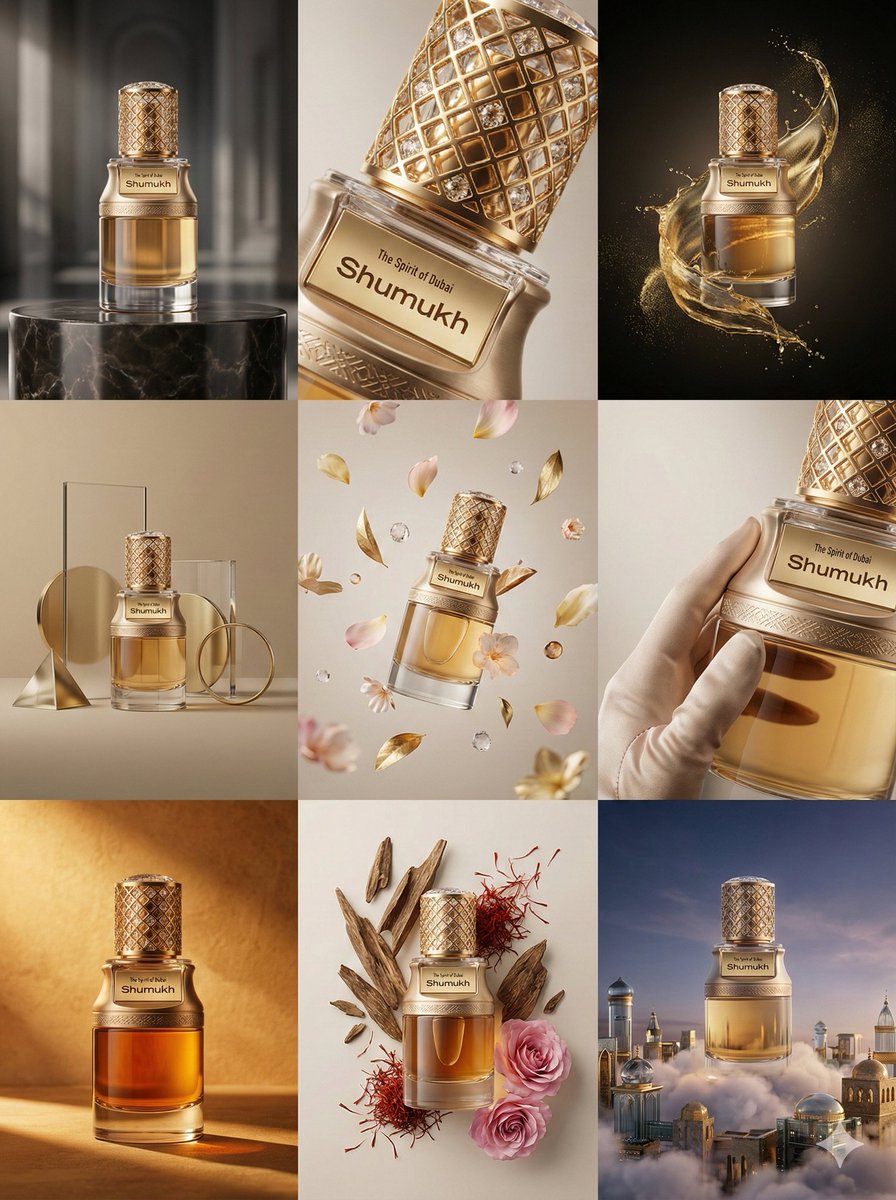
Product & Brand Prompt #569
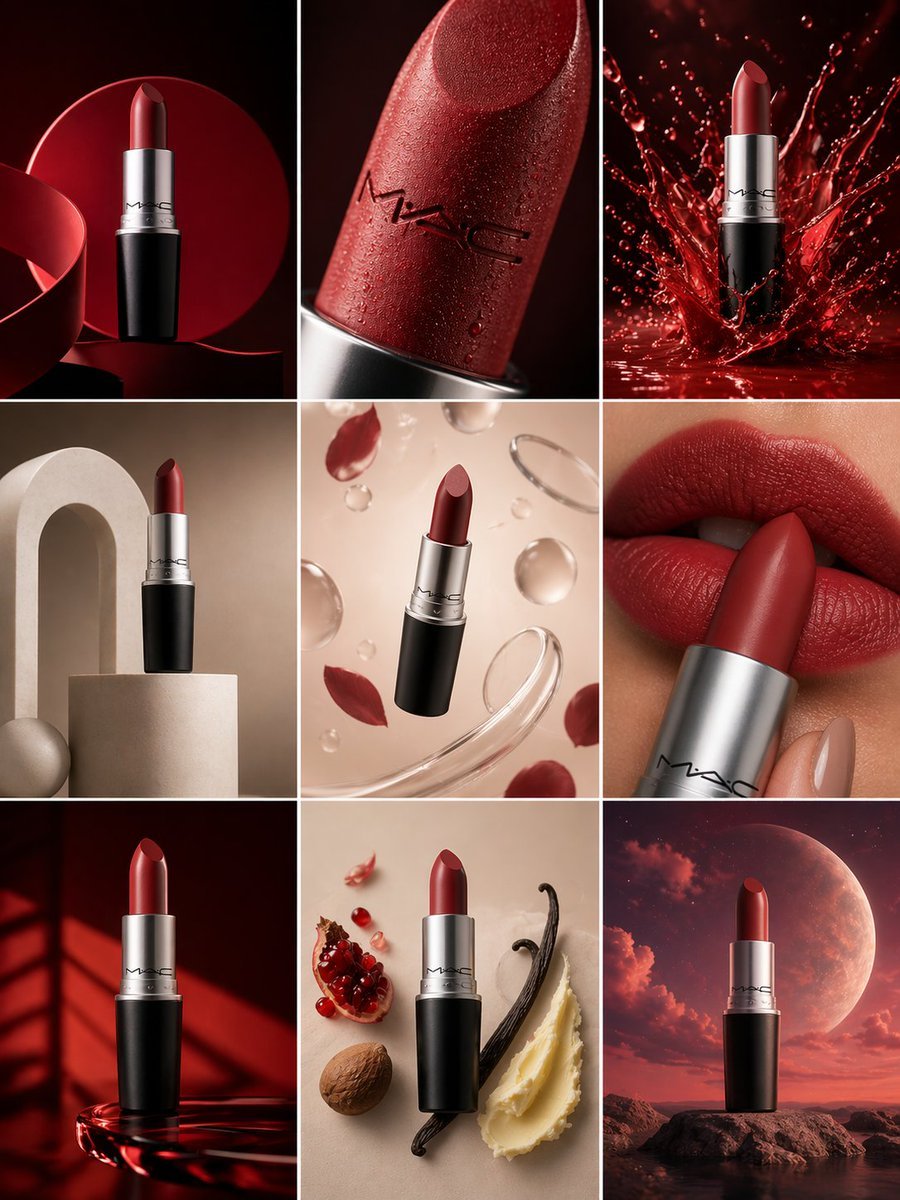
Product & Brand Prompt #285
Product & Brand Prompt #953
Product & Brand Prompt #341

A hyper-realistic beauty product photograph of a pink jar placed
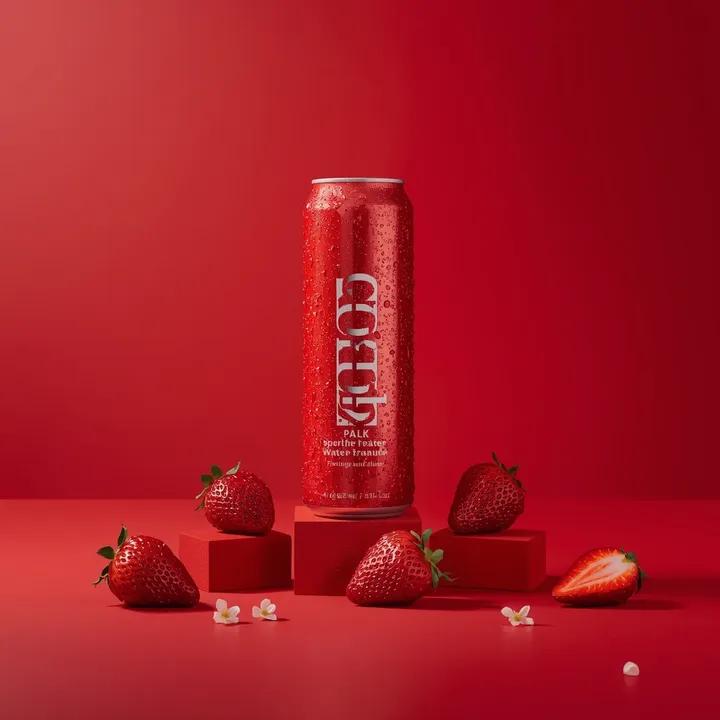
A premium studio product photograph of a tall, slim red aluminum

ChatGPT Image 1 5 Google Veo 3 1

Act as a Senior Editorial Designer and Typographer
Aesthetic and fill the negative space

Clean, minimalist fashion infographic from an uploaded reference photo
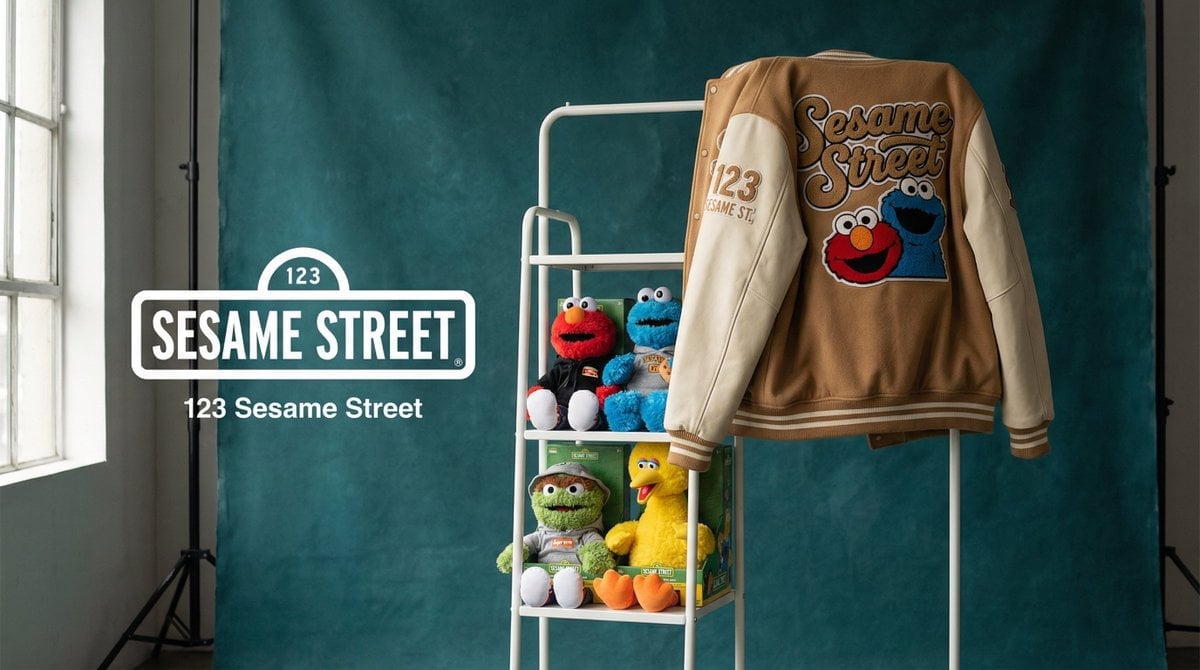
Photograph announcing a limited merchandise drop
Make it yours
Product & Brand Prompt #230 works as-is. These are the safest ways to change it without losing the look.
Change one field
Copy a single group, rewrite it, and generate again so you can see what that field is doing.
Keep the frame, change the subject
Hold the composition and light of Product & Brand Prompt #230, then swap wardrobe, props or the person for a new take.
| If the result… | Why | Fix |
|---|---|---|
| The result drifts from the preview | Too many fields changed at once. | Reuse Product & Brand Prompt #230 as-is first, then change one group — subject, light, or setting. |
| The model over-stylizes the scene | The prose prompt leaves finish and camera underspecified. | Add one camera or lighting sentence and stay on GPT Image 2. |
More GPT Image 2 templates
Other prompts made for GPT Image 2.

Six VTuber Japanese Logo Sheet

Realistic Portrait of Woman and Deer

The Vista Modular Condo Poster

AI Model Routing Comparison Infographic

2.5D Anime Art Board

Isometric Productivity Desk Scene

New York Double Exposure Poster

Four-Panel AI Landscape Comparison

Japanese Tatami Lifestyle Magazine Cover

NESCAFÉ Coffee Map Poster
More image prompts
Fresh picks from across the catalog.
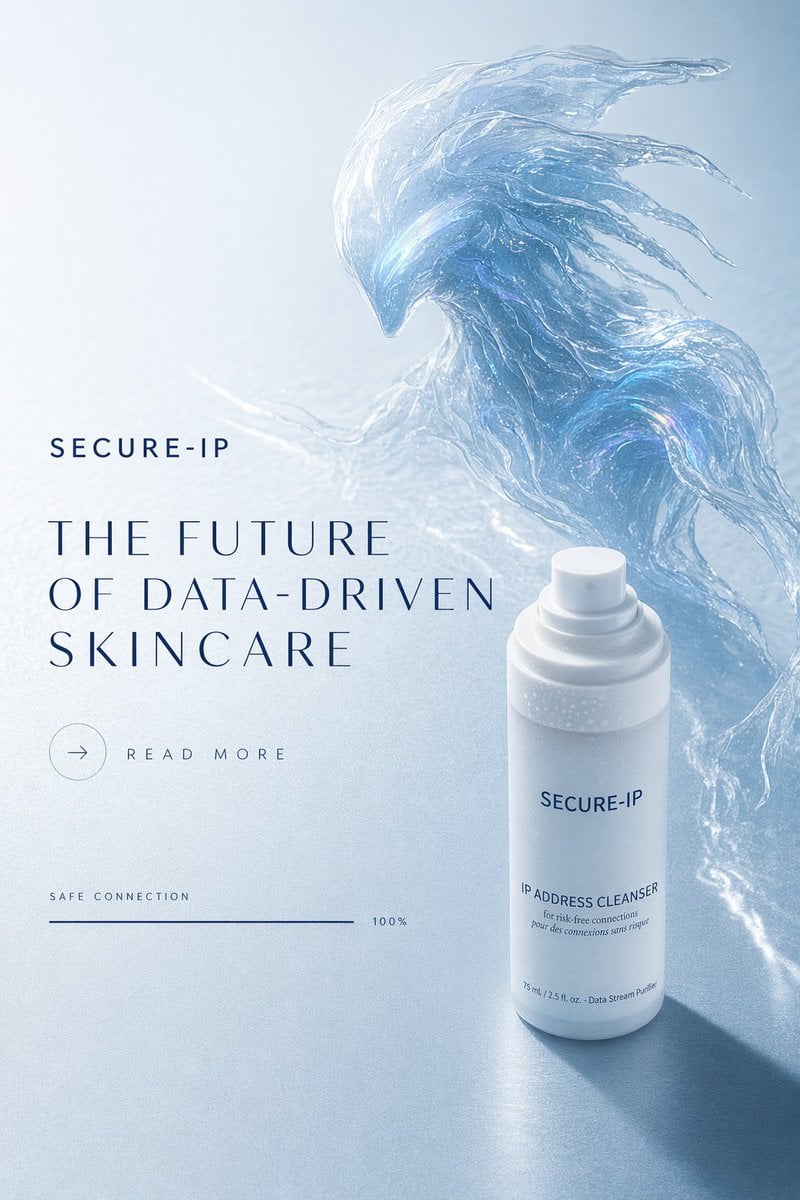
Futuristic Data-Driven Skincare Ad
Sparkling Eyes Emoji Prompt
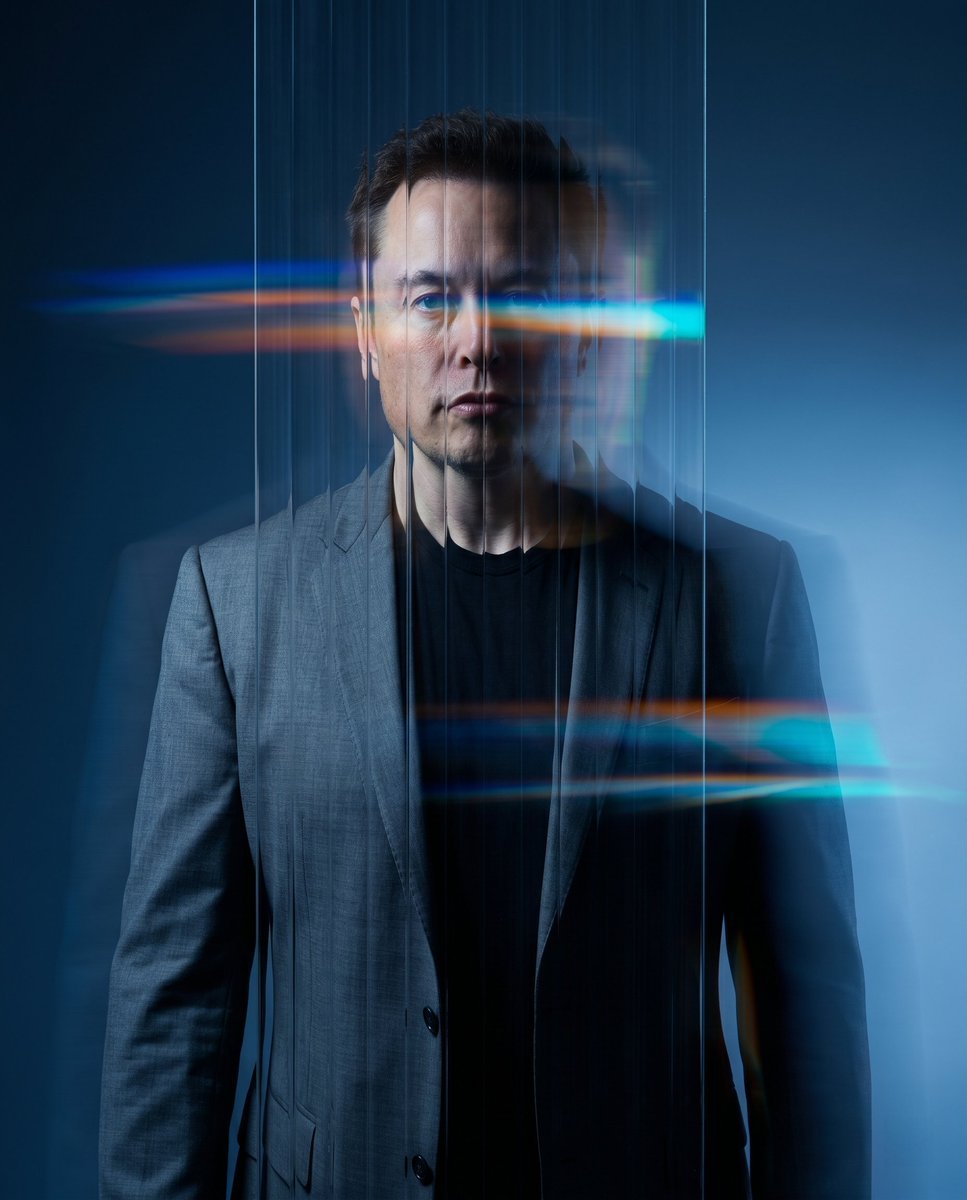
Refractive Glass Concept Portrait
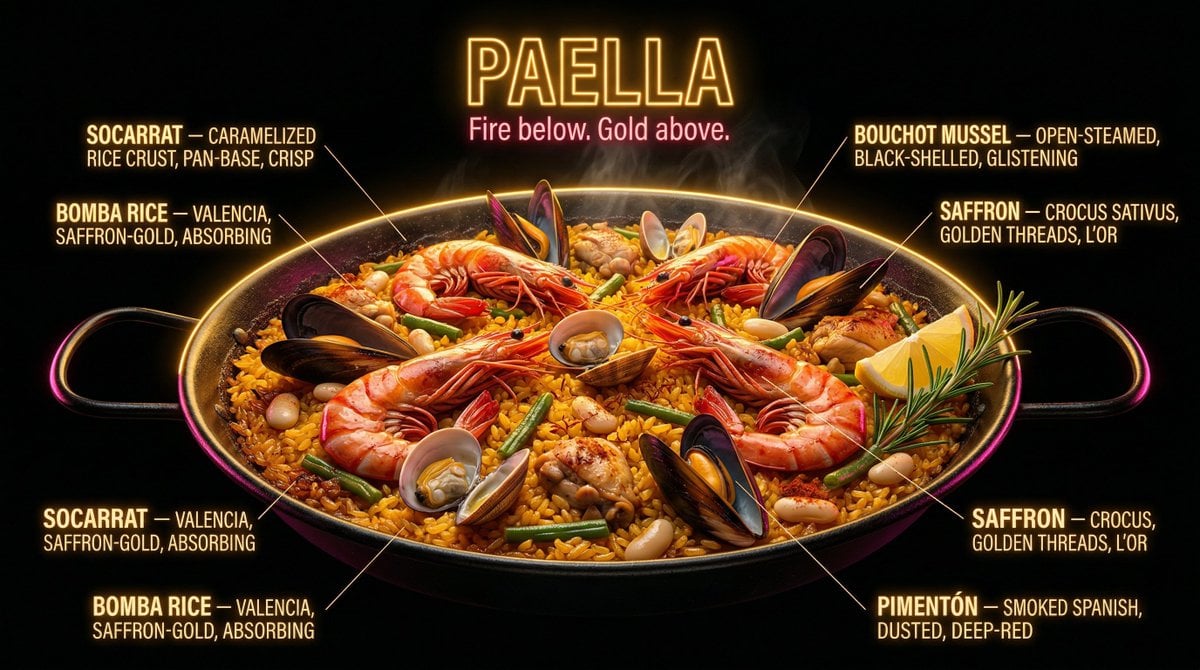
Neon Night Market Food Photography Prompt
Request for Beach Selfie Prompt
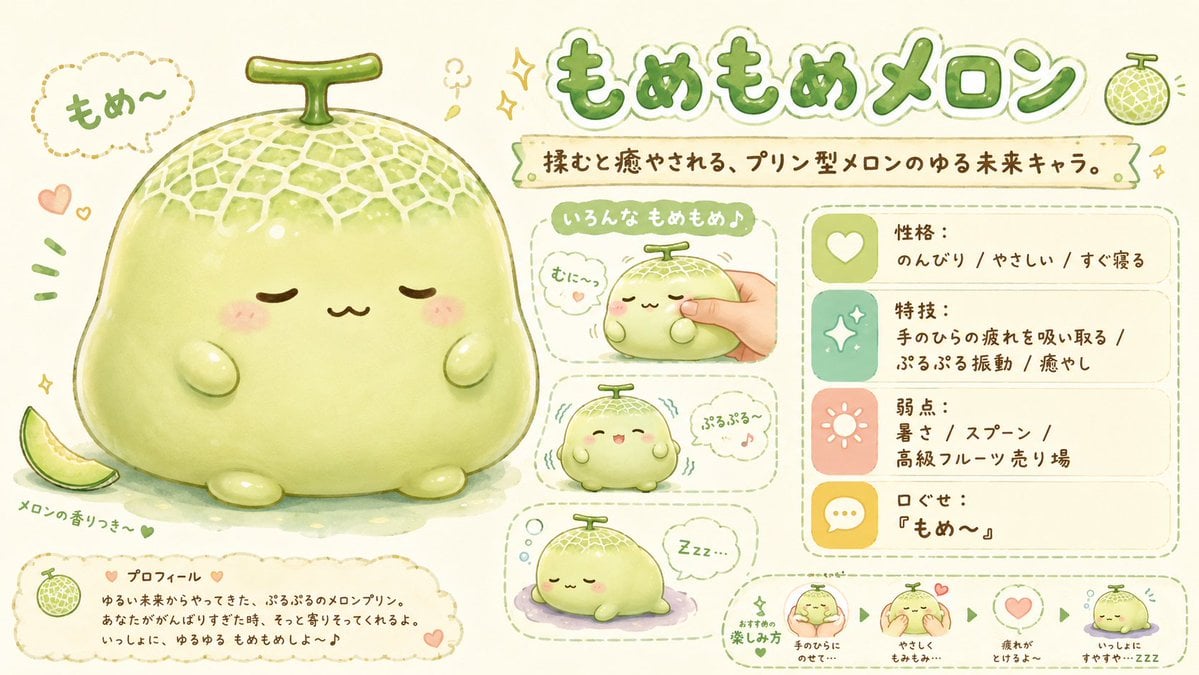
Kawaii Melon Mascot Character Sheet
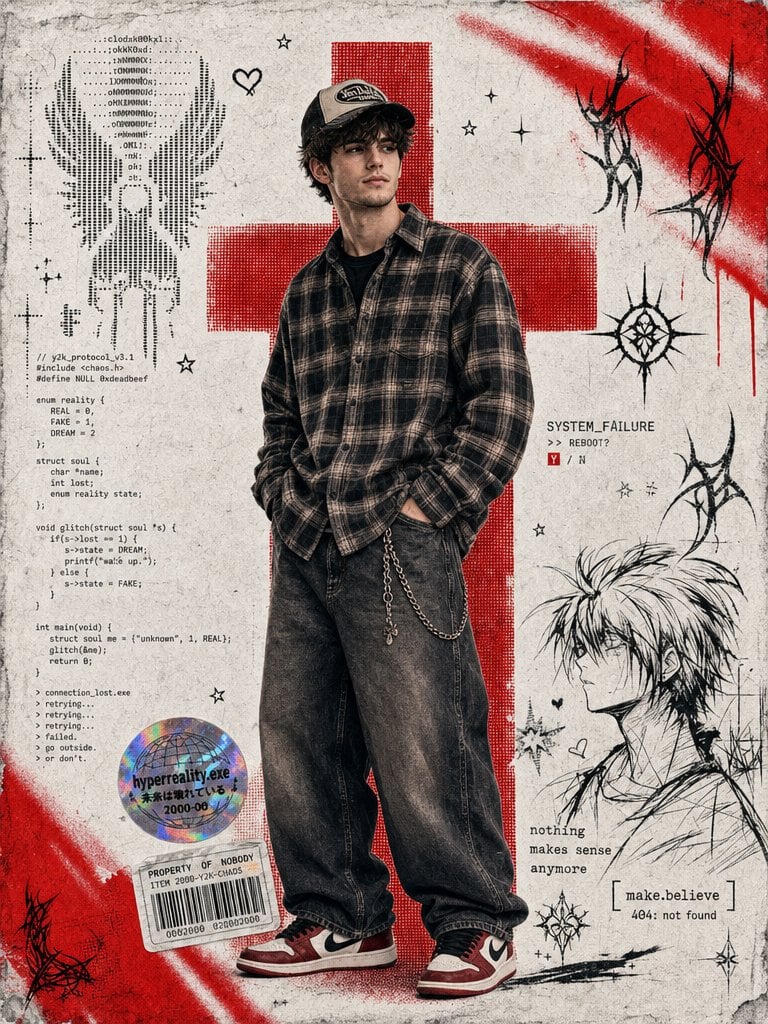
Y2K Cyber-Grunge Collage Poster
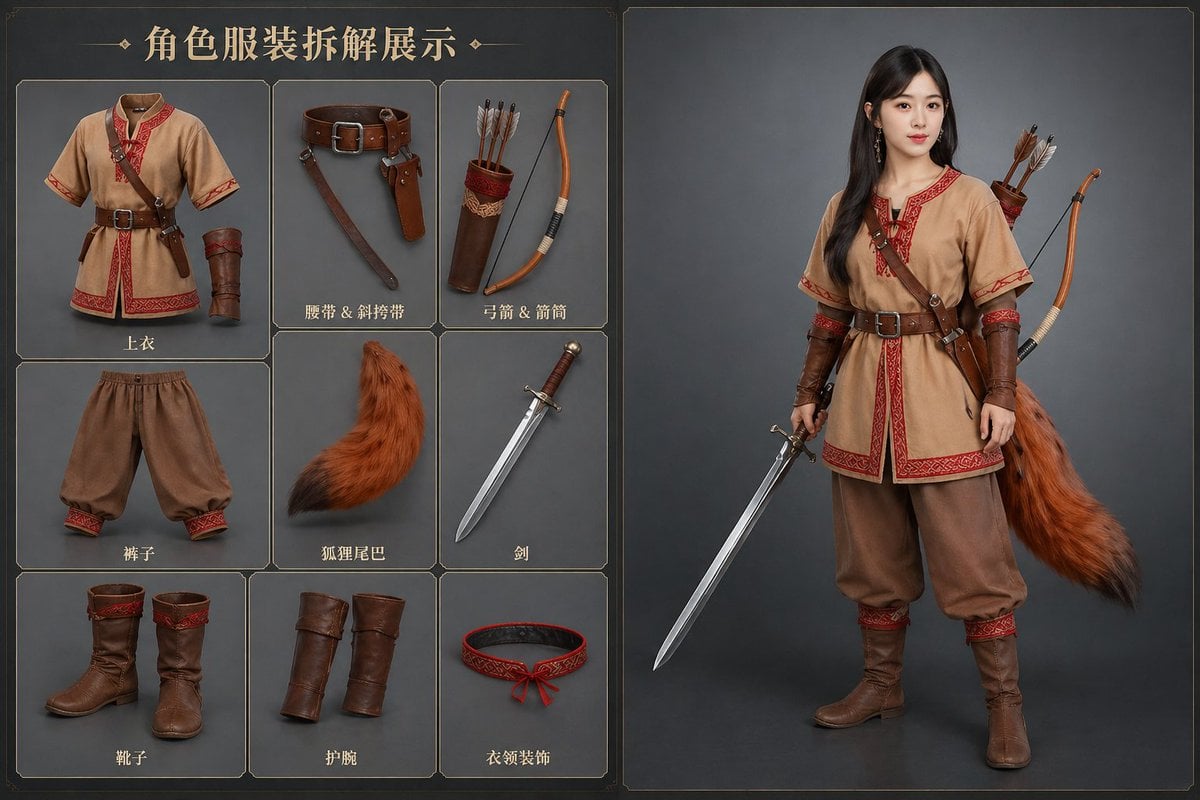
AI Clothing Swap Transformation
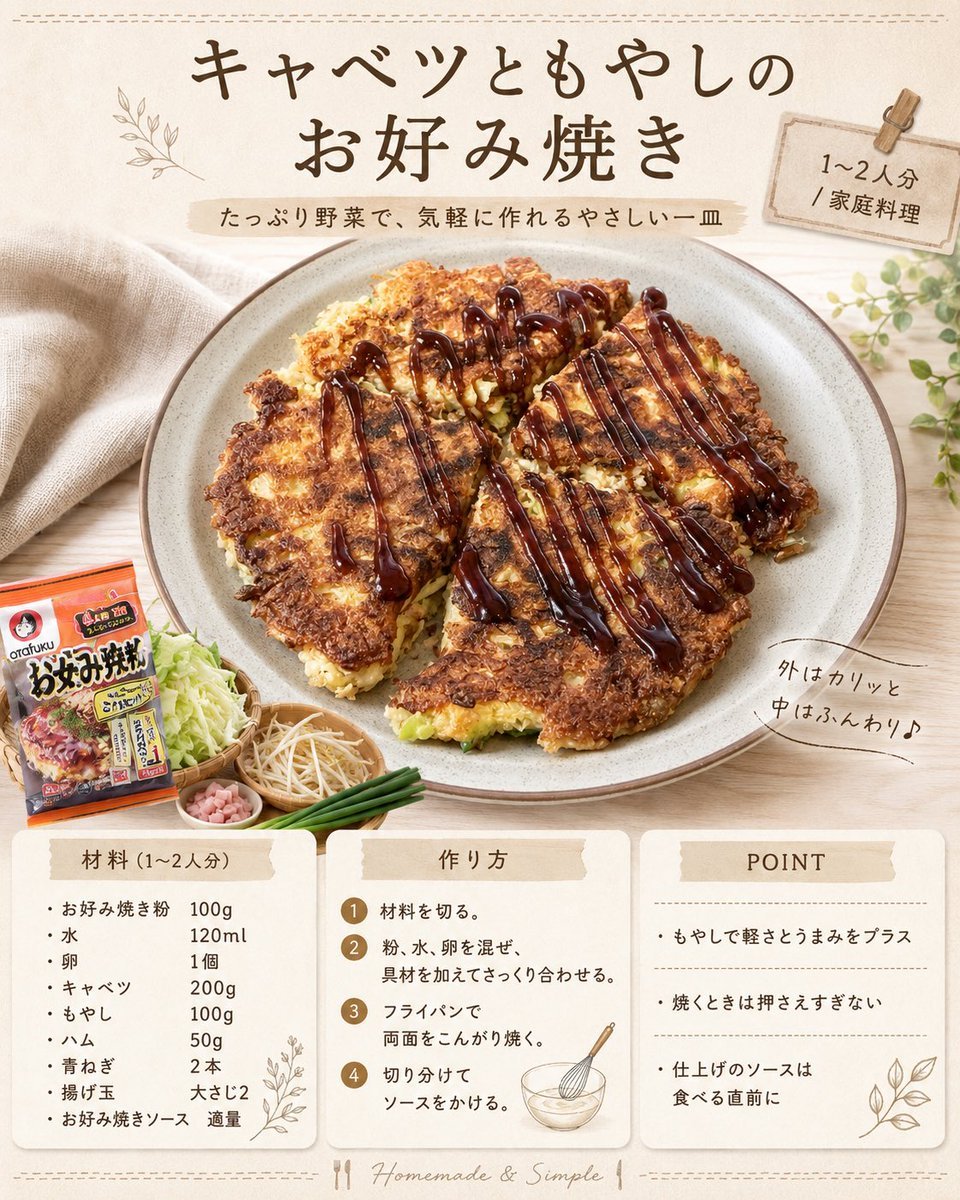
Japanese Okonomiyaki Recipe Card
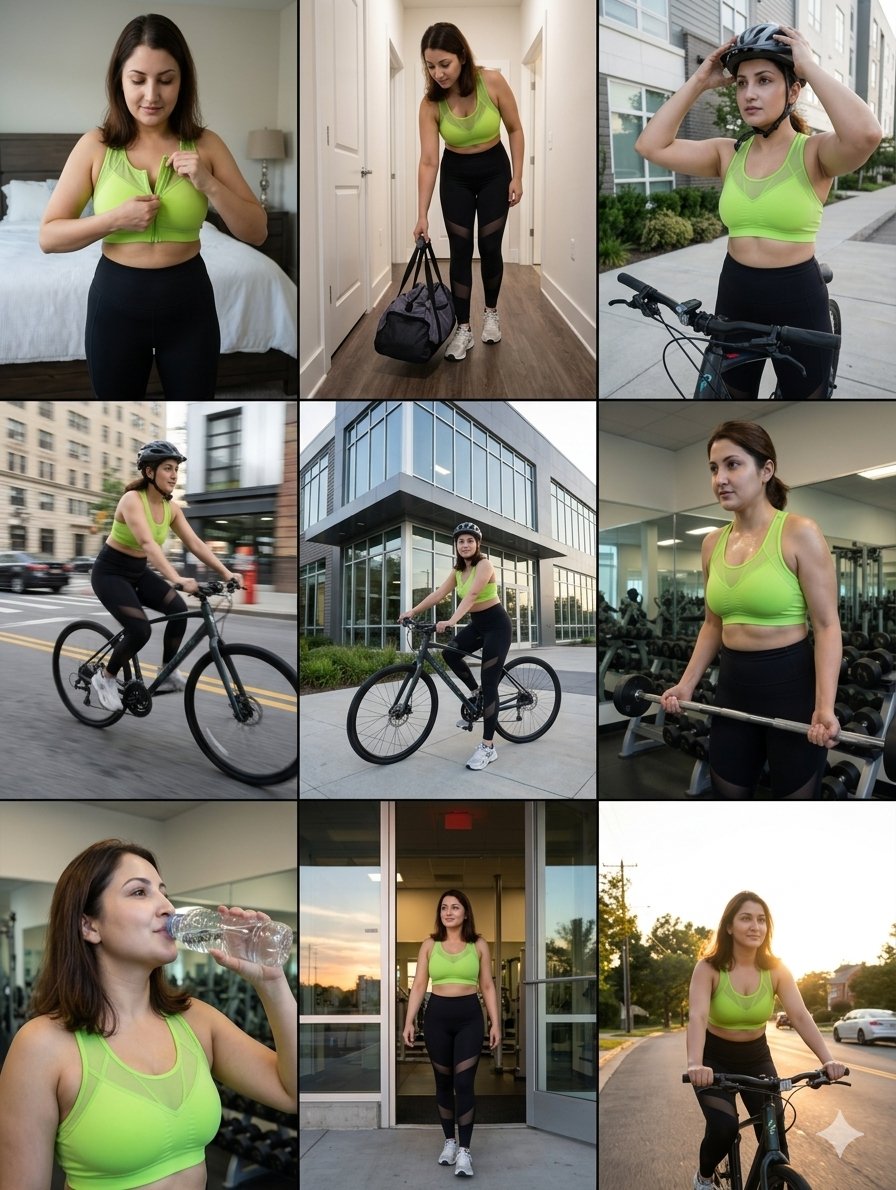
Google Nano Banana Pro Sound Visualizati
Browse template categories
Product & Brand Prompt #230 questions
How do I use the Product & Brand Prompt #230 template?
Add your photo if the template asks for one, edit the prompt if you like — the template's model and format are already selected — and press Generate. Your version opens in PicX Studio.
Can I customize the Product & Brand Prompt #230 template?
Yes. You can change the subject, setting, lighting, mood, format, and available model controls before creating your image.
Is the Product & Brand Prompt #230 template free?
Opening and editing this template is free. Generating uses credits, shown on the Generate button when you are signed in.
Which AI model should I use?
Start with GPT Image 2, which is the model associated with this template. You can compare another compatible model for a different finish.
Looking for something else? Browse all templates.

Your photo, any look
Thousands of ready templates for every top image and video model, from one credit balance.