
Hyper-Realistic Street Photography with Popmart Figures
A highly constrained prompt for generating a hyper-realistic, vertical candid street photograph of a young man walking on a zebra crossing, surrounded by Popmart Skullpanda figures.
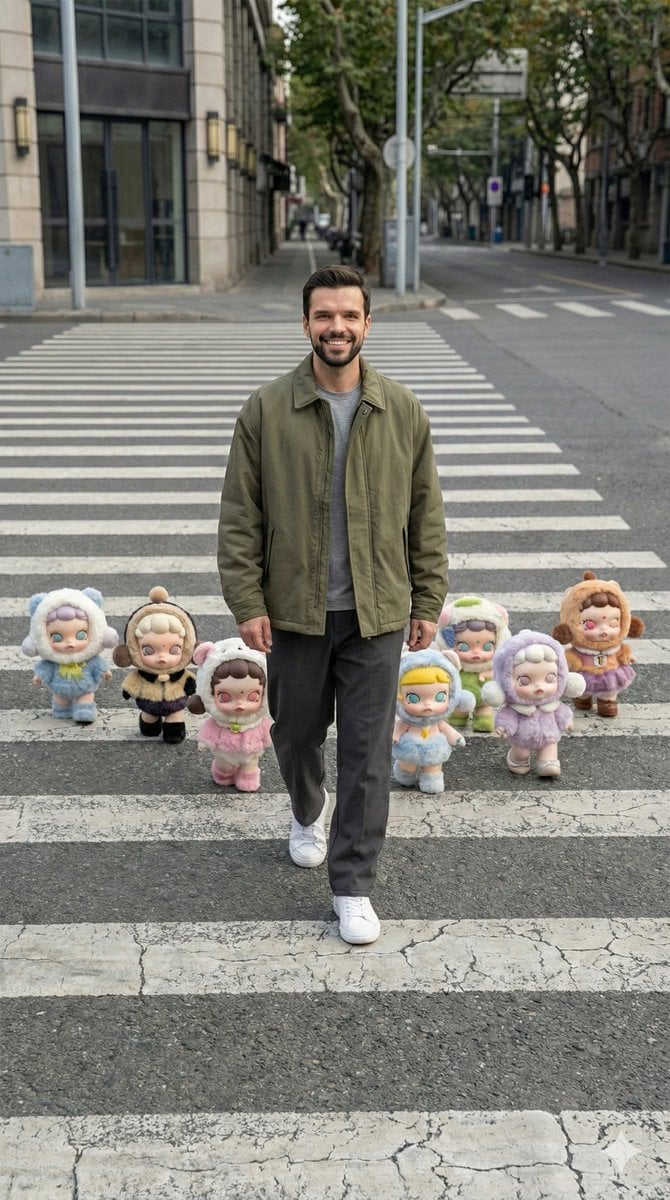
- Prompt included
- Model and format preset
- Premium template
The prompt behind this image
Copy the exact prompt behind Hyper-Realistic Street Photography with Popmart Figures, or open it in the studio and make it yours.
- Image Style › Realism Level
- hyper-realistic
- Image Style › Source Format
- iPhone RAW photo
- Image Style › Aspect Ratio
- 9:16 vertical
- Image Style › Photography Style
- candid street photography
- Image Style › Color Treatment
- true-to-life color balance
- Image Style › Post Processing
- none
- Image Style › Aesthetic
- artsy Pinterest-style realism
- Camera Composition › Angle
- slightly elevated wide-angle viewpoint looking downward
- Camera Composition › Reference Match
- camera perspective, height, tilt, and framing must precisely align with the reference image
- Camera Composition › Scene Framing
- wide full-body shot
- Camera Composition › Perspective
- street-level overhead view capturing the entire zebra crossing horizontally
- Camera Composition › Stability
- handheld feel with subtle natural imperfections
- Camera Composition › Depth Of Field
- realistic, keeping both subject and surrounding elements sharp
- Camera Composition › Crop
- no portrait or close-up crop
- Subject › Type
- young adult male
- Subject › Physique
- athletic, naturally fit build
- Subject › Action
- walking forward mid-step on the crosswalk
- Subject › Pose Accuracy
- body orientation, stride, and walking direction must mirror the reference
- Subject › Expression
- neutral, relaxed, unposed candid look
- Subject › Skin Detail
- realistic human skin with visible pores, natural highlights, and minor imperfections
- Wardrobe › Style
- modern casual streetwear
- Wardrobe › Silhouette
- relaxed and effortless
- Wardrobe › Outerwear
- oversized jacket in muted earthy tones such as olive, charcoal, or brown
- Wardrobe › Innerwear
- minimal plain shirt
Raw JSON
{
  "image_style": {
    "realism_level": "hyper-realistic",
    "source_format": "iPhone RAW photo",
    "aspect_ratio": "9:16 vertical",
    "photography_style": "candid street photography",
    "color_treatment": "true-to-life color balance",
    "post_processing": "none",
    "aesthetic": "artsy Pinterest-style realism"
  },
  "camera_composition": {
    "angle": "slightly elevated wide-angle viewpoint looking downward",
    "reference_match": "camera perspective, height, tilt, and framing must precisely align with the reference image",
    "scene_framing": "wide full-body shot",
    "perspective": "street-level overhead view capturing the entire zebra crossing horizontally",
    "stability": "handheld feel with subtle natural imperfections",
    "depth_of_field": "realistic, keeping both subject and surrounding elements sharp",
    "crop": "no portrait or close-up crop"
  },
  "subject": {
    "type": "young adult male",
    "physique": "athletic, naturally fit build",
    "action": "walking forward mid-step on the crosswalk",
    "pose_accuracy": "body orientation, stride, and walking direction must mirror the reference",
    "expression": "neutral, relaxed, unposed candid look",
    "skin_detail": "realistic human skin with visible pores, natural highlights, and minor imperfections"
  },
  "wardrobe": {
    "style": "modern casual streetwear",
    "silhouette": "relaxed and effortless",
    "outerwear": "oversized jacket in muted earthy tones such as olive, charcoal, or brown",
    "innerwear": "minimal plain shirt",
    "bottoms": "loose straight-fit trousers",
    "footwear": "clean minimalist sneakers"
  },
  "environment": {
    "location": "empty urban street",
    "ground": "zebra crossing with authentic asphalt texture and subtle wear",
    "traffic": "none",
    "bystanders": "none",
    "layout": "street structure and spatial depth identical to the reference image"
  },
  "props_characters": {
    "type": "Popmart Skullpanda figures",
    "appearance": "soft plush-like textures with rounded proportions",
    "costumes": "fluffy outfits in varied colors",
    "placement": "arranged around the subject in the exact formation, spacing, and alignment as the reference",
    "interaction": "appearing to casually walk alongside the human subject"
  },
  "lighting": {
    "source": "natural daylight from above",
    "shadows": "soft, diffused shadows cast naturally on the ground",
    "exposure": "balanced with no blown highlights or crushed blacks",
    "contrast": "natural and understated"
  },
  "constraints": {
    "must_match": [
      "camera angle",
      "perspective geometry",
      "crosswalk scale",
      "subject placement",
      "character spacing"
    ]
  },
  "negative_prompt": [
    "different camera angle",
    "eye-level or low-angle view",
    "close-up portrait",
    "cinematic or dramatic lighting",
    "HDR look",
    "over-sharpened de"
  ]
}How to use Hyper-Realistic Street Photography with Popmart Figures in 3 steps
- 1Upload ImagePNG, JPG or paste
Add your photo
Upload the photo the template builds on. The prompt, model and format are already set.
- 2…a portrait of your subject in softgolden-hour light, 85mm…
Personalize
Edit the subject and creative details for your destination.
- 3Generate
Generate
Press Generate — your image is created in PicX Studio, so you can compare it with the original and refine one variable at a time.
More like this
Templates with the same subject, style or setup. Open one to see its prompt.
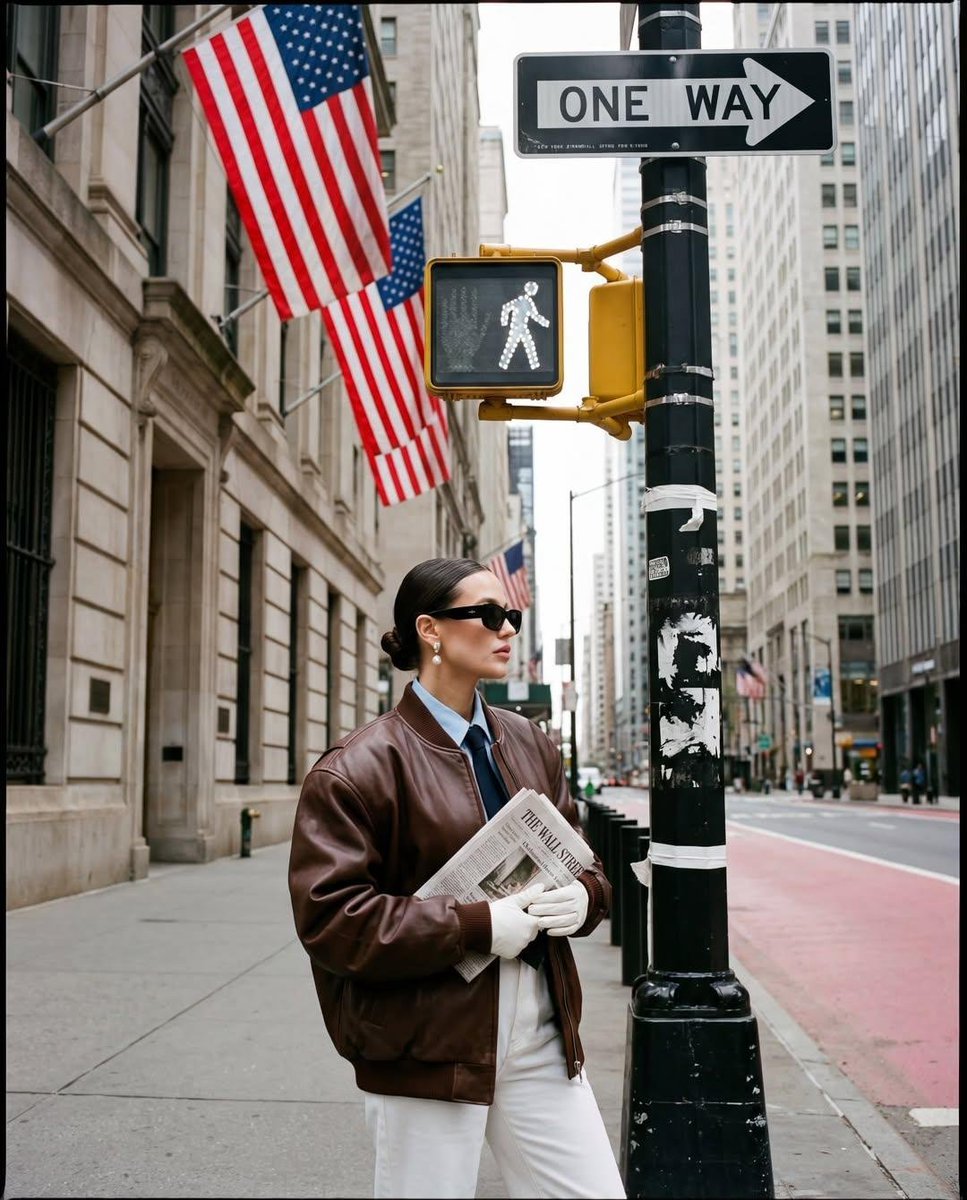
Ultra-realistic street fashion editorial photograph in New York City
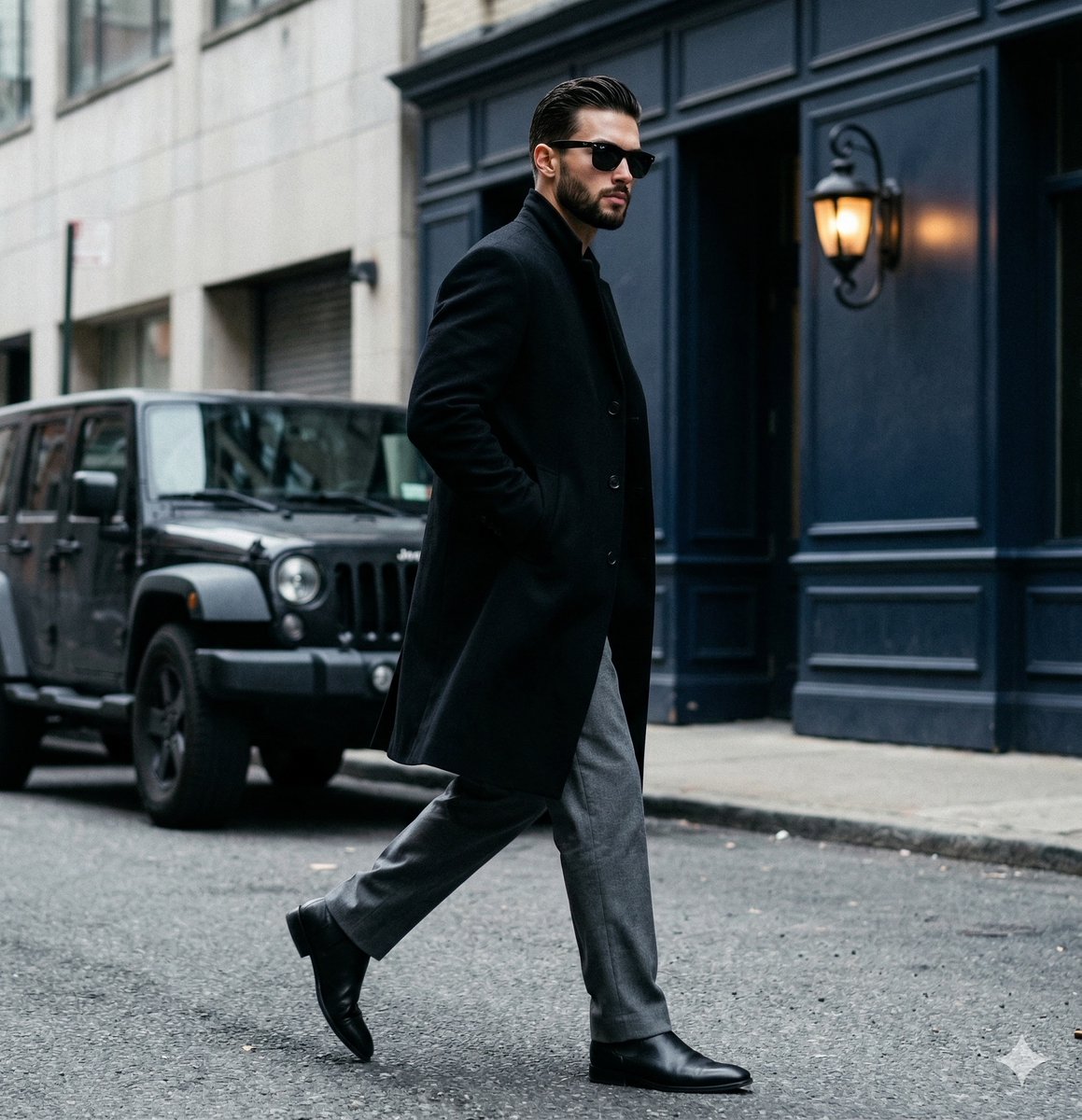
A candid paparazzi-style street photography shot of a handsome man

Two Tickets, One Night

Meet Me When It Rains

Two Hearts. One Scooter.

1986 Street Couple

1985 Street Scene

Mirror Selfie Chibi Characters Pixar Style

Flower Petal Sunglasses Couture Portrait

Fashion Portrait Colored Smoke Studio

Mountain Valley Lifestyle Portrait

青蛇小青写真大片,绿色紧身蛇鳞裙,湿发红唇,妖娆妩媚
Make it yours
Hyper-Realistic Street Photography with Popmart Figures works as-is. These are the safest ways to change it without losing the look.
Swap the setting
Keep the rest of the prompt and replace the location block. The current setting is “empty urban street”.
Swap the light
One lighting change is enough to compare takes. Current light: “natural daylight from above”.
Change one field
Copy a single group, rewrite it, and generate again so you can see what that field is doing.
| If the result… | Why | Fix |
|---|---|---|
| The result drifts from the preview | Too many fields changed at once. | Reuse Hyper-Realistic Street Photography with Popmart Figures as-is first, then change one group — subject, light, or setting. |
| Nano Banana 2 ignores part of the JSON | Some models flatten or skip nested keys. | Keep the same values and paste them as a short paragraph instead. |
More Nano Banana 2 templates
Other prompts made for Nano Banana 2.

Photorealistic Leaf Shaped Like a Dragon

K-Pop Idol Portrait Grid for Rapid Selection

Poetic Rain Forest Portrait During Golden Hour

Urban Street Portrait with Cartoon Inner Self Duo

Candid Nighttime Photo with Cat Prompt

High-Concept 3D Diorama Generation Prompt

Cinematic Futuristic Studio Portrait Template

Skincare Editorial Photography Collage Prompt

Hyper-Realistic Commercial Product Photography (Splash Effect)

Hyper-Realistic Nightclub Portrait Prompt
More image prompts
Fresh picks from across the catalog.
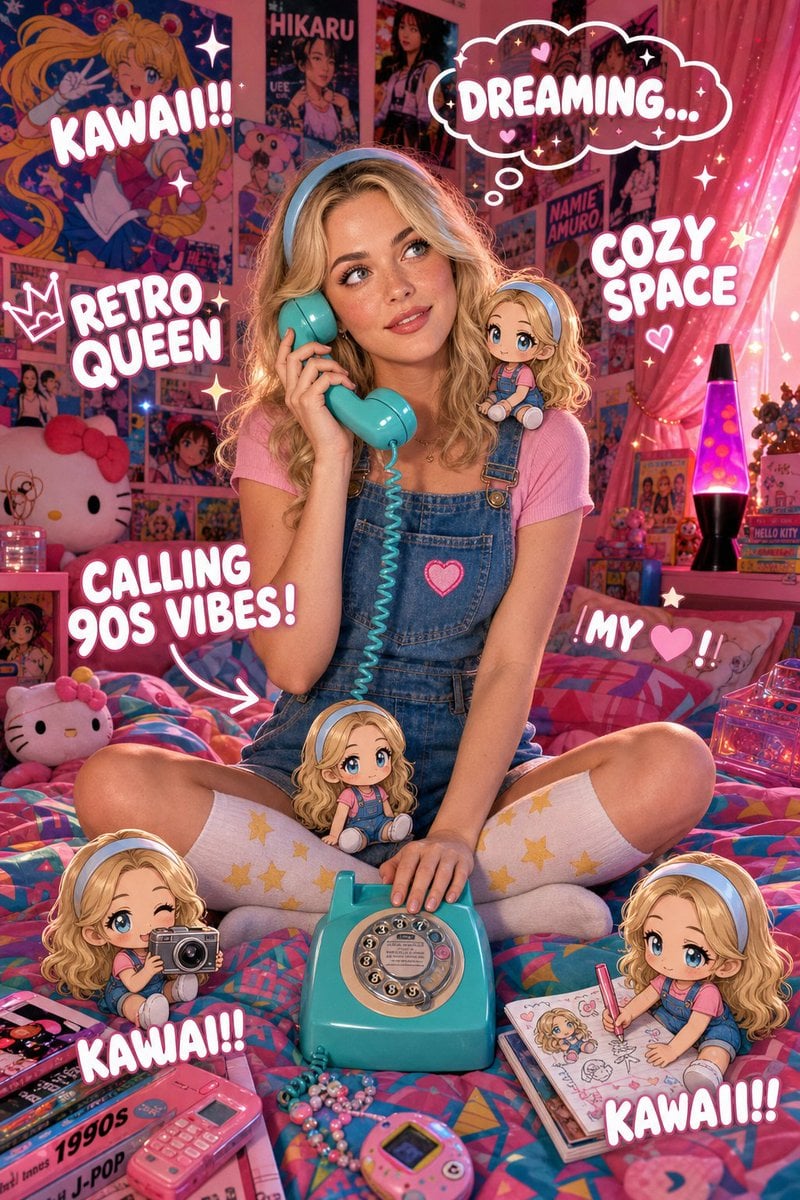
Y2K Kawaii Retro Aesthetic

3D Fluffy Monster Bursting Through Wall
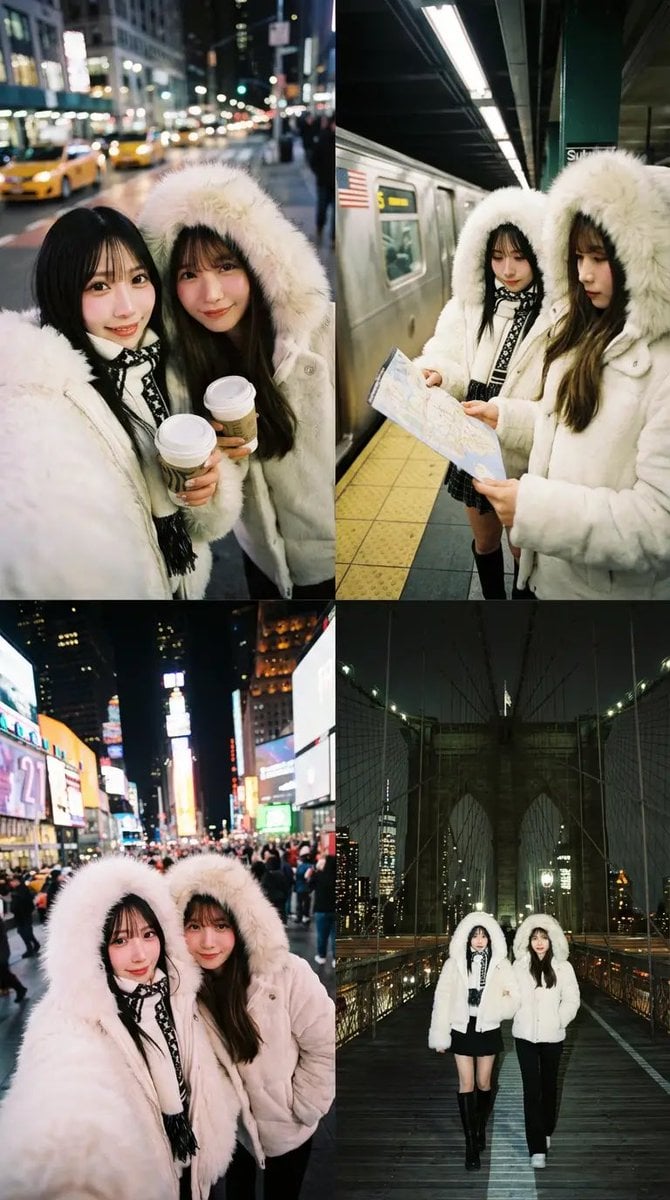
Dual Portrait Arrangement with Location Context

Merl iOS Personalization Screenshot
Sauna builders blueprint from reference photo
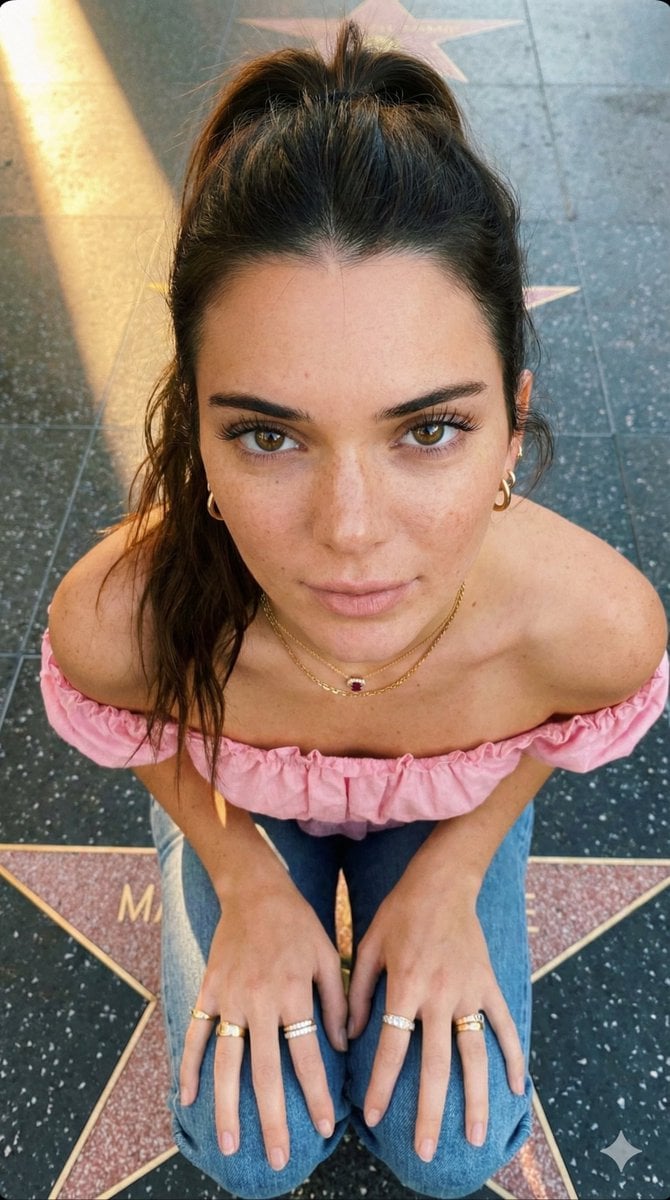
Golden Hour High-Angle Portrait on Walk of Fame
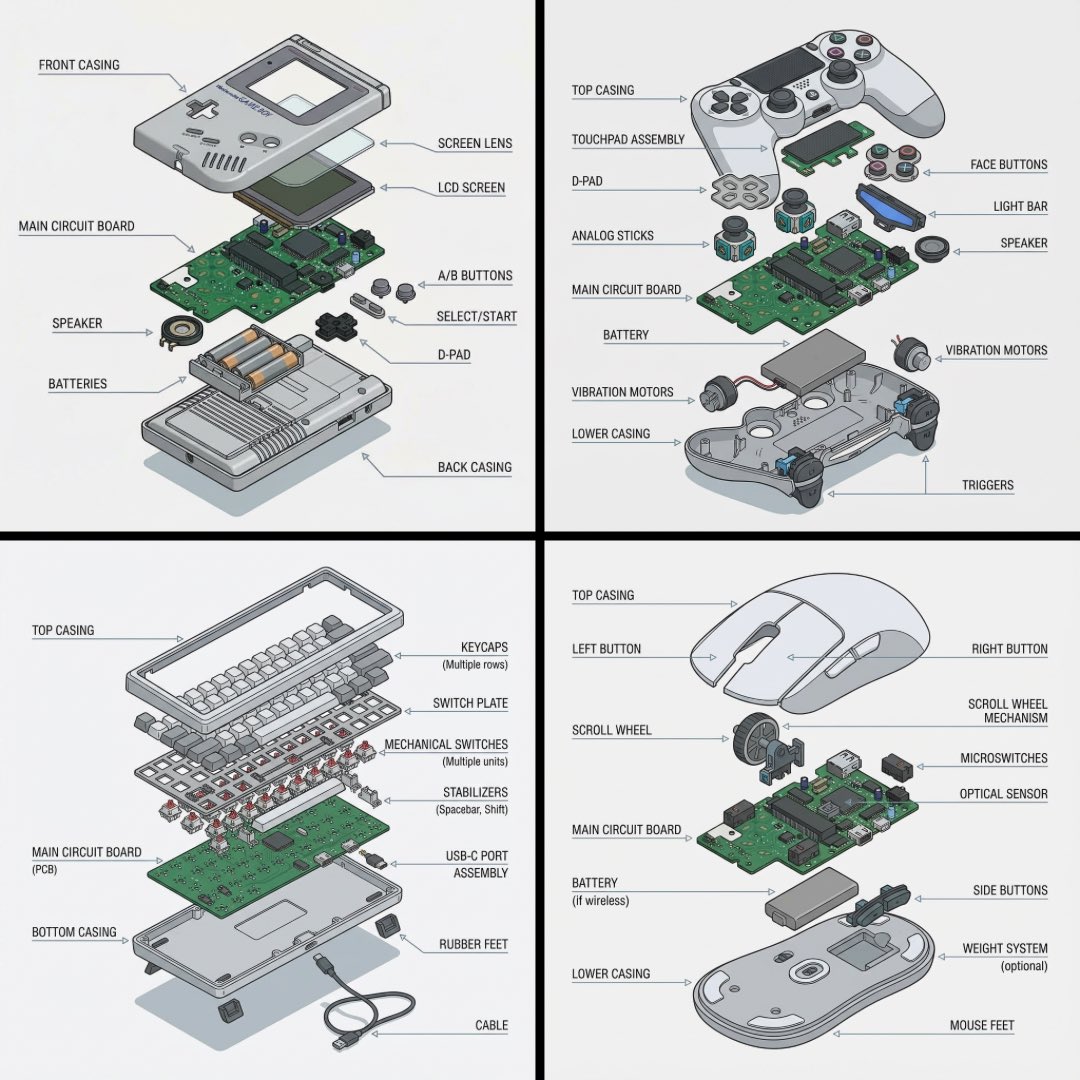
Technical exploded view diagram of a device
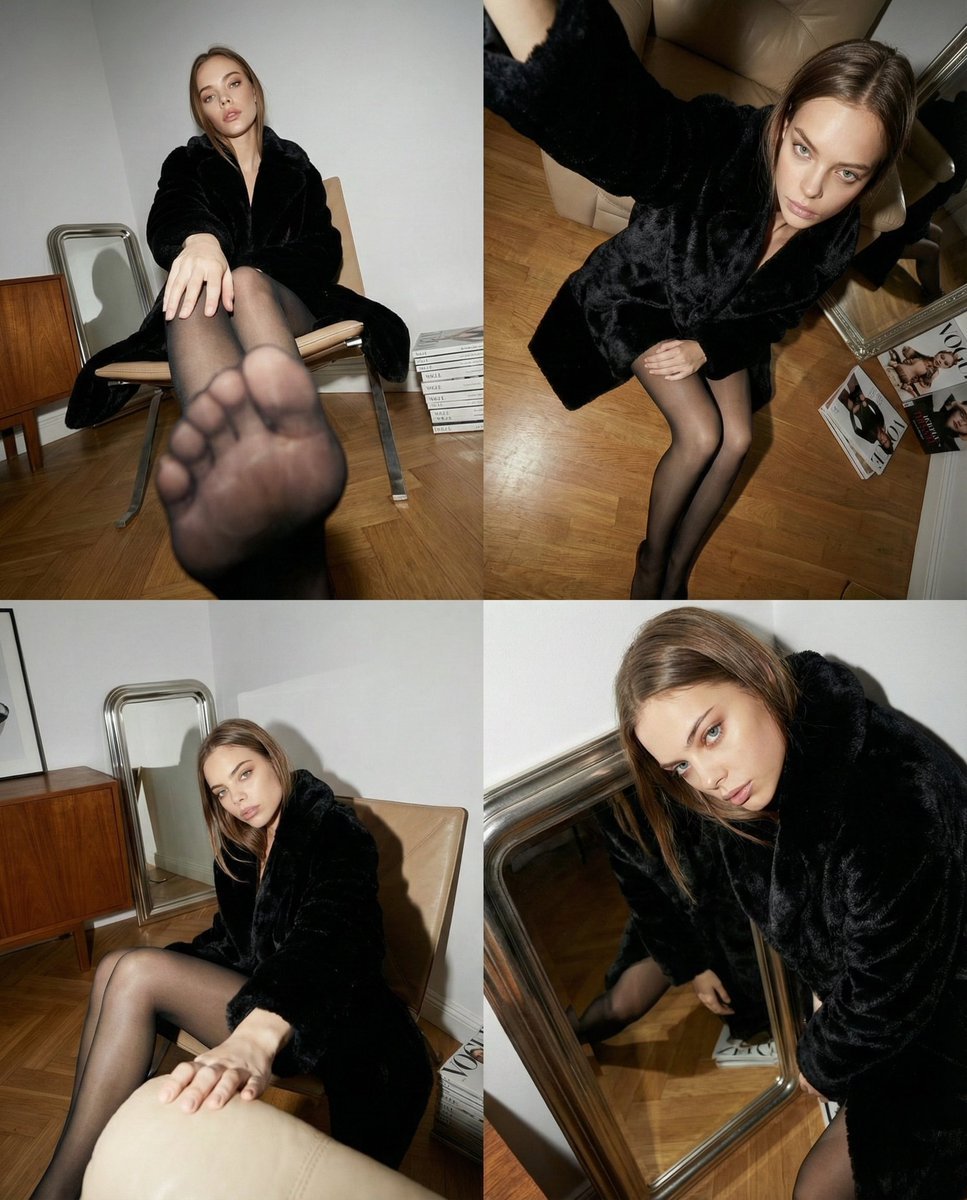
Dynamic Wide-Angle Perspective Transformation
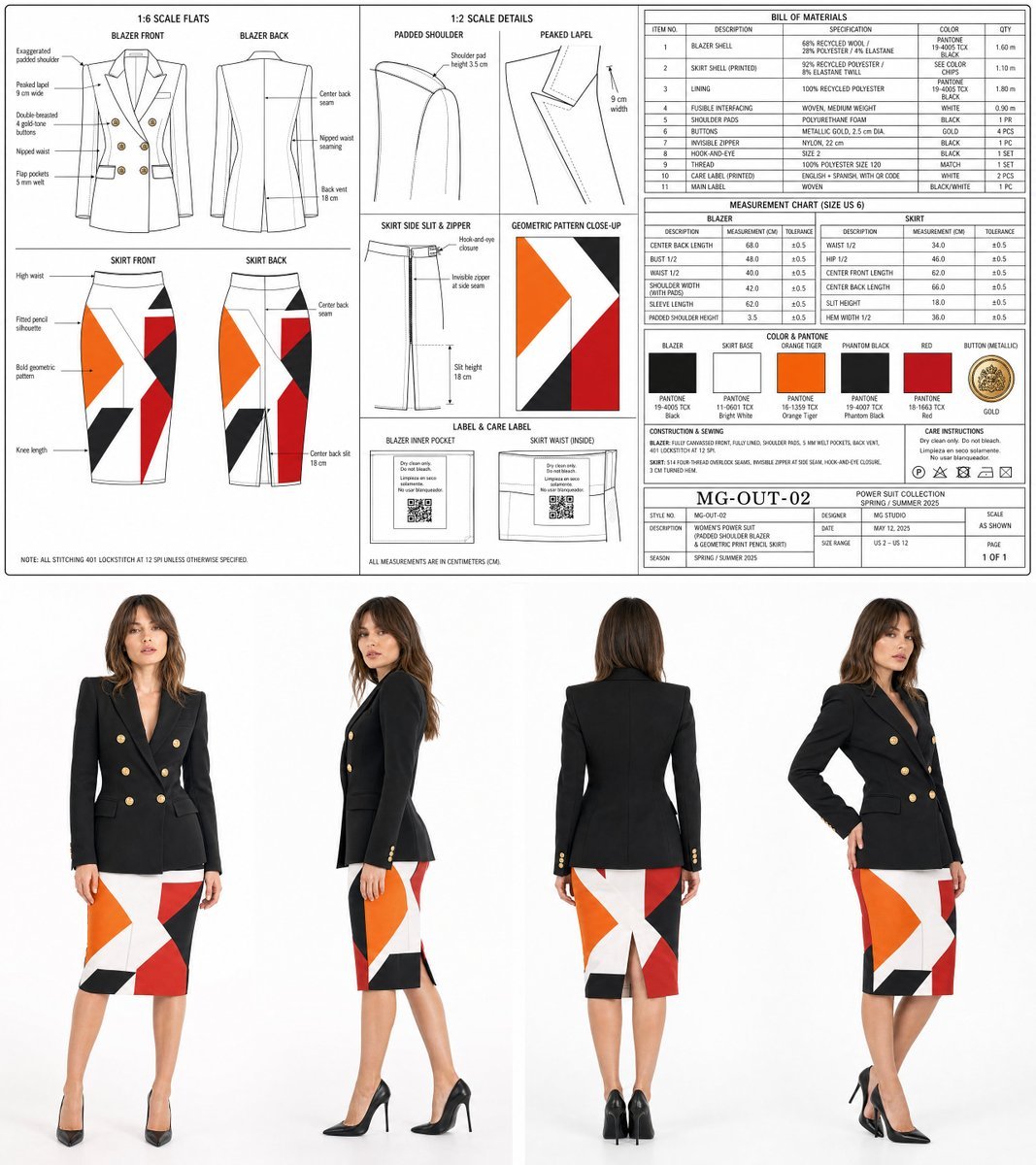
Women's Power Suit Tech Pack
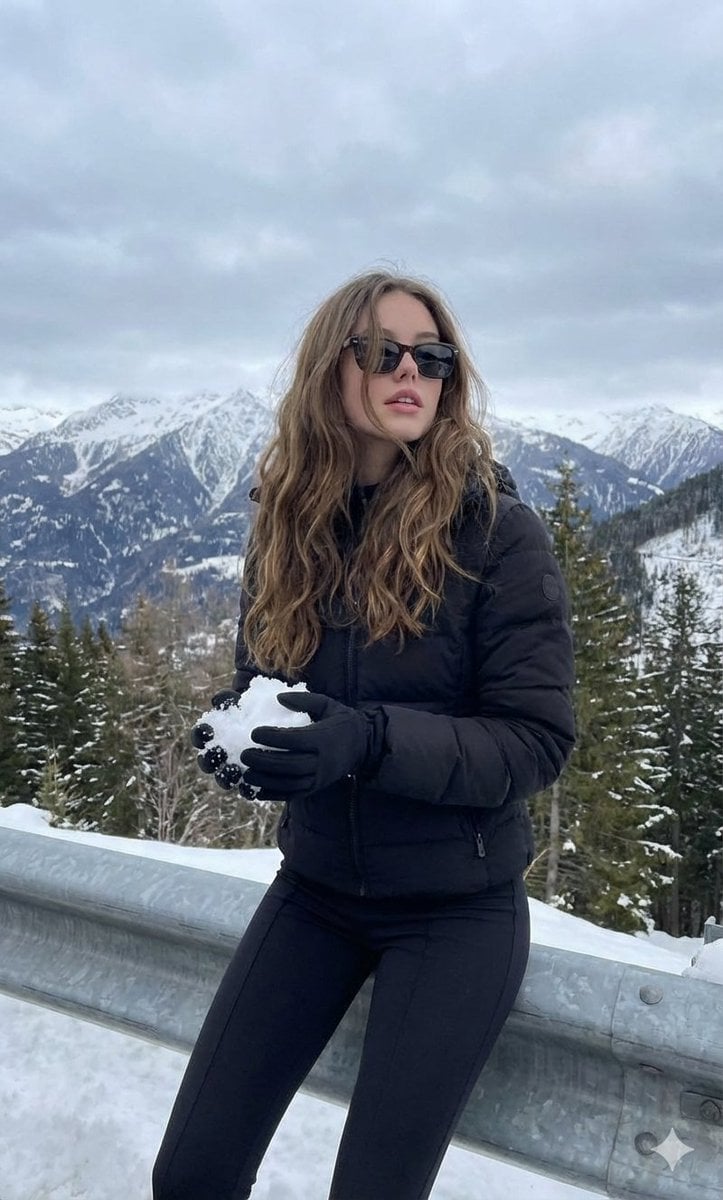
Monochromatic Winter Mountain Portrait
Browse template categories
Hyper-Realistic Street Photography with Popmart Figures questions
How do I use the Hyper-Realistic Street Photography with Popmart Figures template?
Add your photo if the template asks for one, edit the prompt if you like — the template's model and format are already selected — and press Generate. Your version opens in PicX Studio.
Can I customize the Hyper-Realistic Street Photography with Popmart Figures template?
Yes. You can change the subject, setting, lighting, mood, format, and available model controls before creating your image.
Is the Hyper-Realistic Street Photography with Popmart Figures template free?
Opening and editing this template is free. Generating uses credits, shown on the Generate button when you are signed in.
Which AI model should I use?
Start with Nano Banana 2, which is the model associated with this template. You can compare another compatible model for a different finish.
Looking for something else? Browse all templates.

Your photo, any look
Thousands of ready templates for every top image and video model, from one credit balance.