
Y2K Kawaii Retro Aesthetic
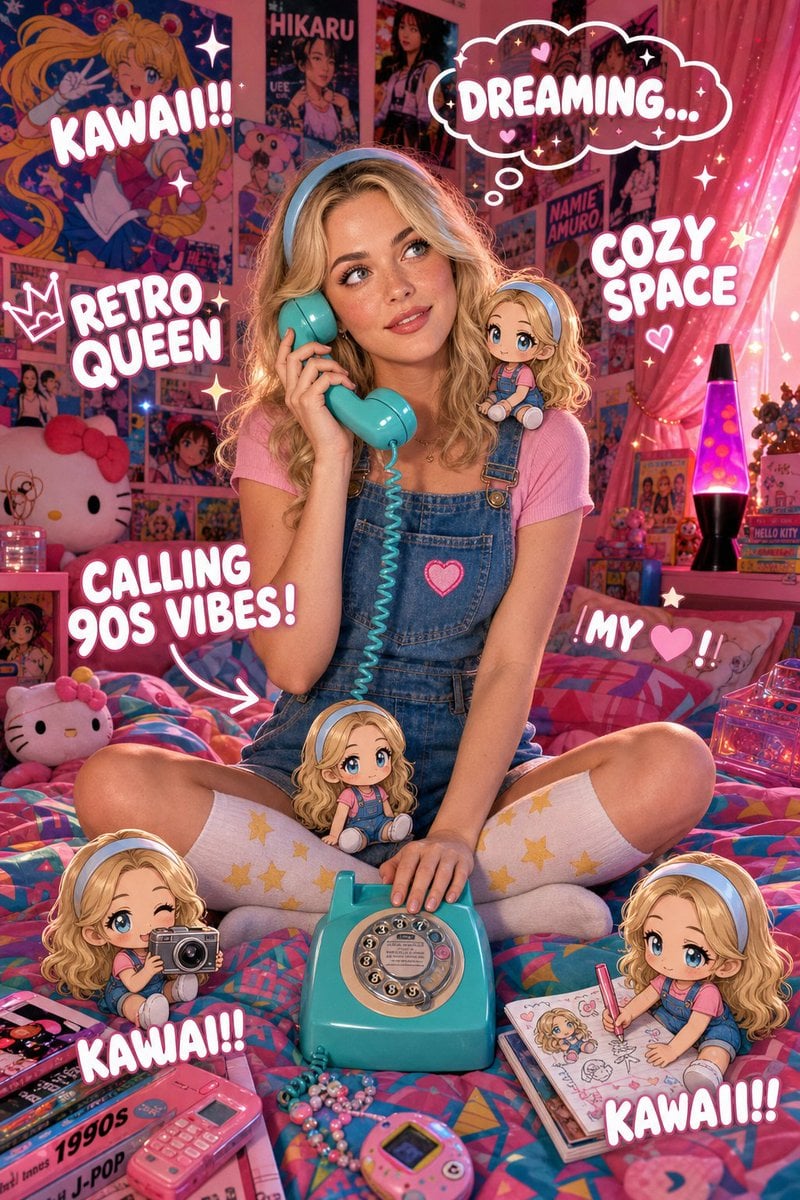
A detailed prompt for a vibrant Y2K-themed digital illustration featuring a woman in a nostalgic bedroom filled with anime posters and chibi dolls.
- Prompt included
- Model and format preset
- Free template
The prompt behind this image
Copy the exact prompt behind Y2K Kawaii Retro Aesthetic, or open it in the studio and make it yours.
A highly detailed, vibrant digital illustration in a dreamy Y2K kawaii-retro aesthetic, featuring a beautiful woman with fair skin, subtle rosy undertone, refined facial features, light blue eyes, and natural blonde hair styled in soft loose waves falling just past her shoulders. She is wearing a light blue headband, pink short-sleeve top, blue denim overalls with a small pink heart patch, and white knee-high socks with yellow stars. She is sitting cross-legged on a colorful retro bedspread, holding a bright turquoise vintage rotary telephone receiver to her ear with her right hand while her left hand rests on the phone base in front of her. The cozy bedroom background has walls completely covered with colorful 90s anime and J-pop posters, pink sheer curtains, a lava lamp, Hello Kitty plushies, books, and cute figurines on shelves. Multiple adorable chibi-style anime girl dolls (depicting the same character with blonde wavy hair, light blue eyes, light blue headband, pink top and blue overalls) are placed around her: one on her shoulder, one on her lap, one on the bed holding a camera, one drawing in a notebook, and one on the shelf. Text overlays in playful bubbly white font with sparkles: 'DREAMING...' in a thought bubble above her head, 'CALLING 90S VIBES!' with an arrow pointing to the phone, 'MY ❤️!' near one chibi, 'KAWAII!!' in multiple places, 'RETRO QUEEN' and 'COZY SPACE'. Decorative elements include floating stars, hearts, sparkles, and soft pink-cyan lighting with a warm nostalgic glow. Ultra-detailed, glossy aesthetic, perfect composition, cinematic lighting, 90s nostalgia mixed with modern kawaii style.
How to use Y2K Kawaii Retro Aesthetic in 3 steps
- 1
Open
The prompt is already in the box next to the preview, with the template's model and format selected.
- 2…a portrait of your subject in softgolden-hour light, 85mm…
Personalize
Edit the subject and creative details for your destination.
- 3Generate
Generate
Press Generate — your image is created in PicX Studio, so you can compare it with the original and refine one variable at a time.
More like this
Templates with the same subject, style or setup. Open one to see its prompt.












Make it yours
Y2K Kawaii Retro Aesthetic works as-is. These are the safest ways to change it without losing the look.
Change one field
Copy a single group, rewrite it, and generate again so you can see what that field is doing.
Keep the frame, change the subject
Hold the composition and light of Y2K Kawaii Retro Aesthetic, then swap wardrobe, props or the person for a new take.
| If the result… | Why | Fix |
|---|---|---|
| The result drifts from the preview | Too many fields changed at once. | Reuse Y2K Kawaii Retro Aesthetic as-is first, then change one group — subject, light, or setting. |
| The model over-stylizes the scene | The prose prompt leaves finish and camera underspecified. | Add one camera or lighting sentence and stay on GPT Image 2. |
More GPT Image 2 templates
Other prompts made for GPT Image 2.

Six VTuber Japanese Logo Sheet

Realistic Portrait of Woman and Deer

The Vista Modular Condo Poster

AI Model Routing Comparison Infographic

2.5D Anime Art Board

Isometric Productivity Desk Scene

New York Double Exposure Poster

Four-Panel AI Landscape Comparison

Japanese Tatami Lifestyle Magazine Cover

NESCAFÉ Coffee Map Poster
More image prompts
Fresh picks from across the catalog.
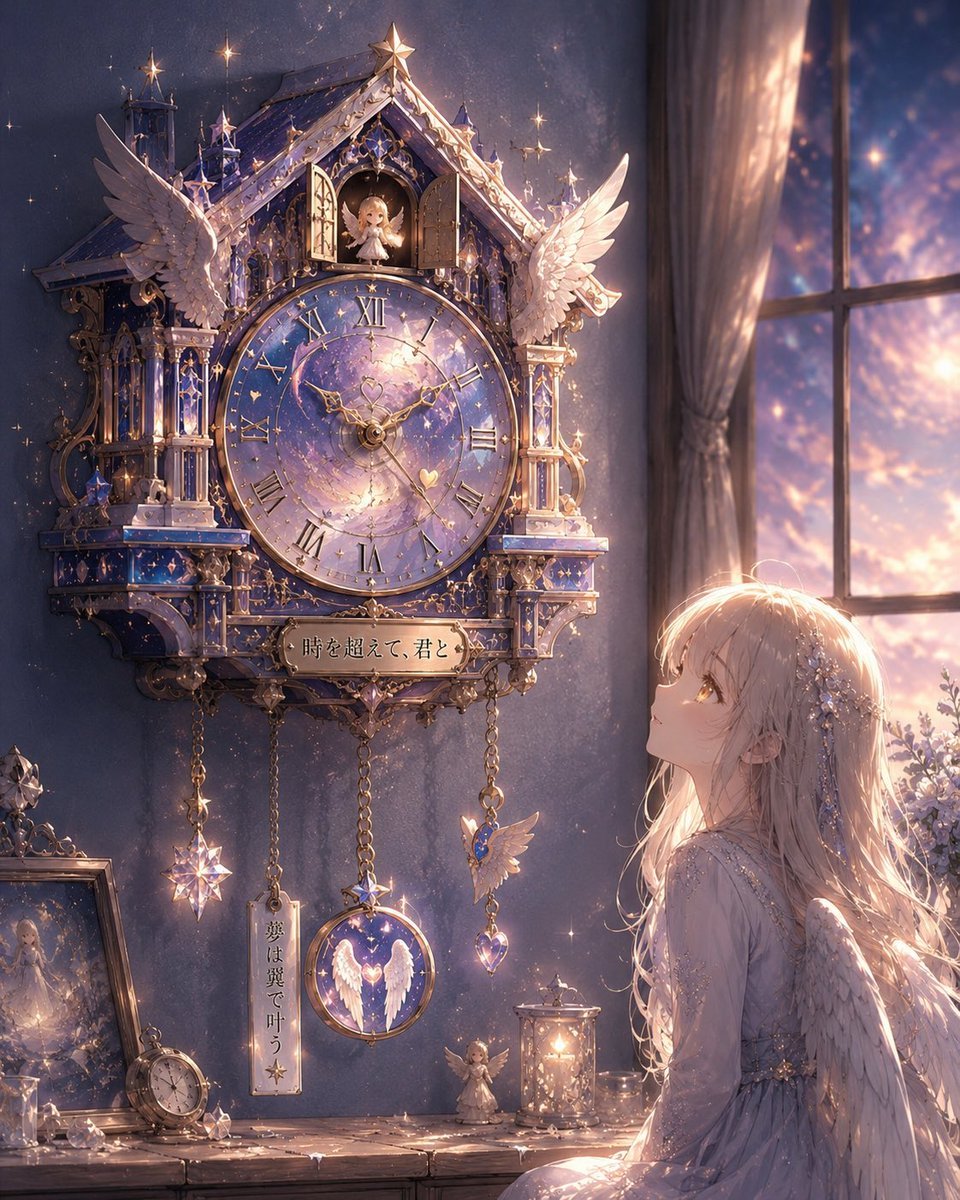
Illustration-to-Clock Transformation Prompt
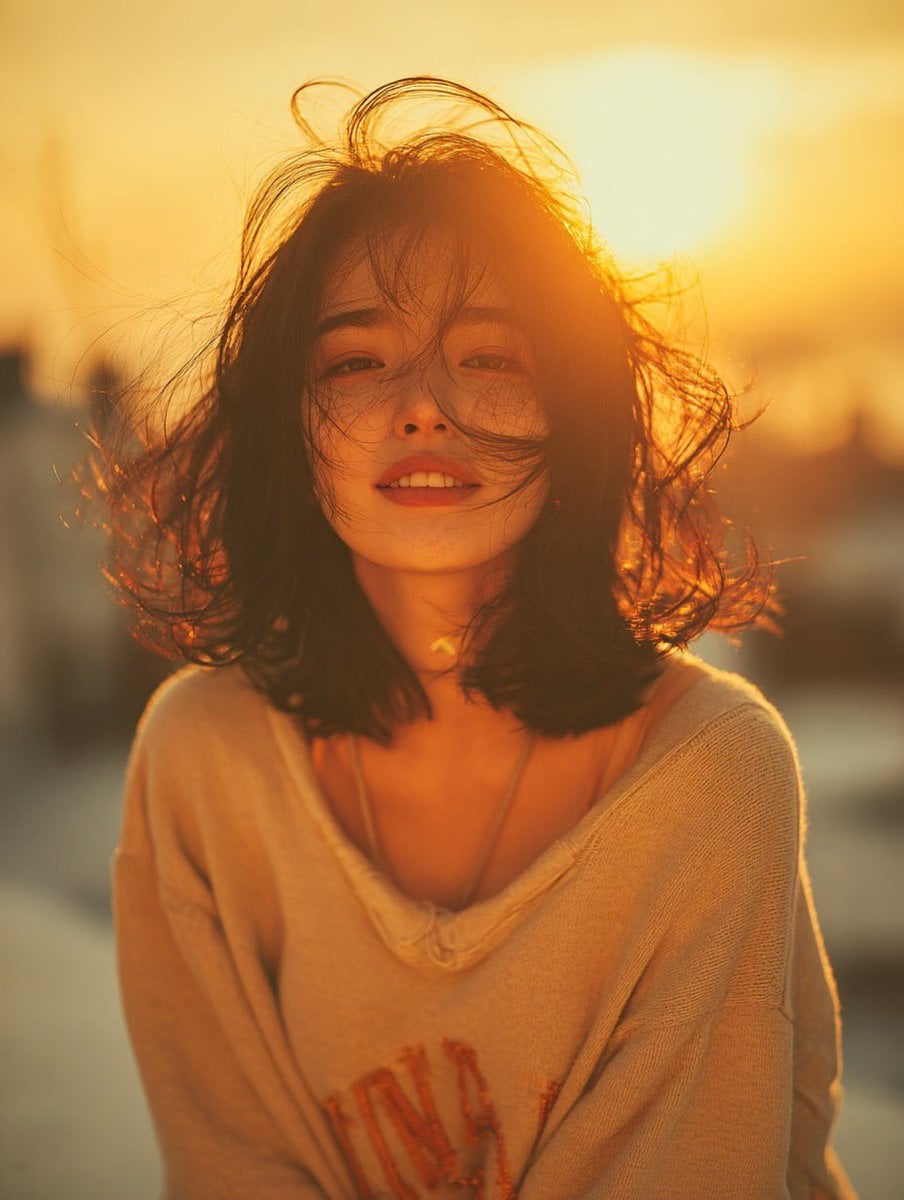
Golden Hour Rooftop Portrait
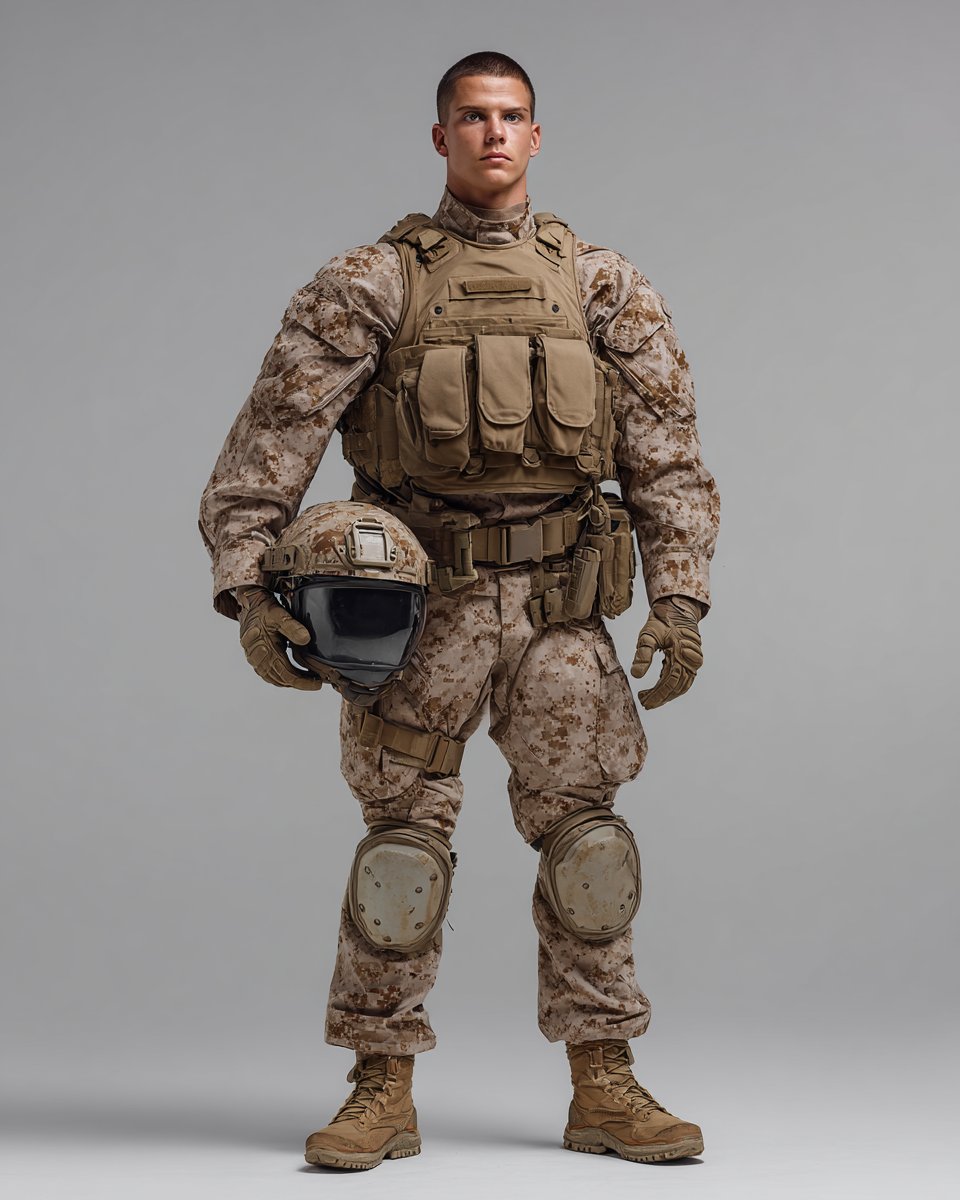
Knolling Style Flat-Lay Prompt with Labeled Disassembled Parts
Annotated Manga App Screenshot
Psychedelic Cosmic Drift Concert Poster
High-Energy Character Transformation with Extreme Perspective
Playful Duck-Face Selfie on Marble Stairs
Consistent Character Illustration with Stylish Pose
Japanese Salmon Kimchi Recipe Poster

Fanta Orange Beverage Ad
Browse template categories
Y2K Kawaii Retro Aesthetic questions
How do I use the Y2K Kawaii Retro Aesthetic template?
Add your photo if the template asks for one, edit the prompt if you like — the template's model and format are already selected — and press Generate. Your version opens in PicX Studio.
Can I customize the Y2K Kawaii Retro Aesthetic template?
Yes. You can change the subject, setting, lighting, mood, format, and available model controls before creating your image.
Is the Y2K Kawaii Retro Aesthetic template free?
Opening and editing this template is free. Generating uses credits, shown on the Generate button when you are signed in.
Which AI model should I use?
Start with GPT Image 2, which is the model associated with this template. You can compare another compatible model for a different finish.
Looking for something else? Browse all templates.

Your photo, any look
Thousands of ready templates for every top image and video model, from one credit balance.