
Golden Hour High-Angle Portrait on Walk of Fame
A detailed JSON prompt for generating a high-angle, close-up portrait of a young woman kneeling on the Los Angeles Walk of Fame during golden hour, emphasizing natural features, specific accessories, and a candid social…
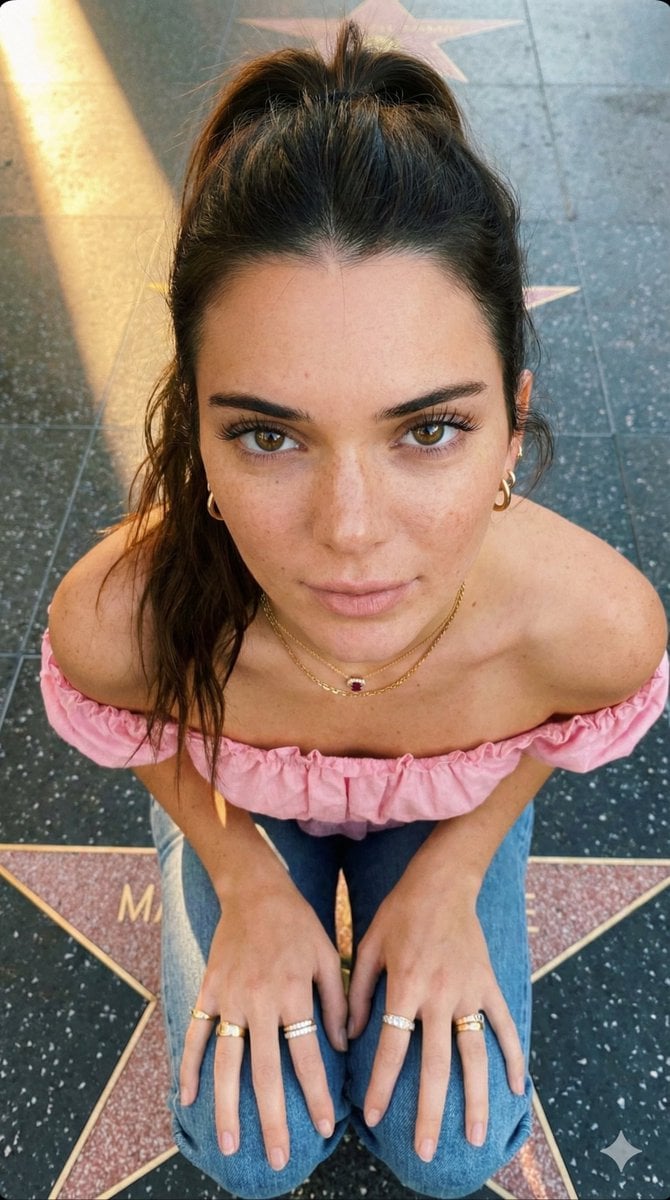
- Prompt included
- Model and format preset
- Premium template
The prompt behind this image
Copy the exact prompt behind Golden Hour High-Angle Portrait on Walk of Fame, or open it in the studio and make it yours.
{ "prompt": "A high-angle, close-up portrait photograph taken from directly above, capturing a young women looking straight up with a soft, neutral expression. She has long, shoulder-length brown hair in a ponytail and fair skin with prominent natural freckles across her nose, cheeks, and forehead. Her light brown eyes with long dark lashes make direct eye contact. She is wearing a pink off-shoulder sleeveless top with ruffle details, a deep V-neck, multiple gold and diamond rings on her fingers, small gold hoop earrings, and a gold chain necklace with a ruby stone pendant. Both of her hands are resting on her knees as she kneels on the concrete Walk of Fame in Los Angeles, with a star visible. Soft, warm golden hour sunlight casts a diagonal shadow across the pavement. The image has a natural, intimate, candid feel with a social media aesthetic.", "negative_prompt": "indoor, studio lighting, heavy makeup, dark hair, side angle, full body, harsh shadows", "style": "natural portrait photography, golden hour outdoor, intimate close-up, social media aesthetic", "aspect_ratio": "9:16", "camera": { "type": "smartphone portrait or mirrorless camera", "angle": "high overhead angle looking down at subject looking up", "framing": "close-up portrait, head shoulders and hands visible" }, "lighting": { "type": "natural golden hour sunlight", "quality": "warm soft afternoon sun, diagonal light creating gentle shadow on concrete", "atmosphere": "warm outdoor natural light, intimate mood" }, "mood": "intimate, soft, natural, candid, warm, gentle", "color_palette": "long straight black, purple clothing, gold jewelry accents, warm skin tones, grey concrete, natural freckle tones", "subject_features": { "hair": "long black straight shoulder length, soft waves, middle parted, natural texture", "skin": "fair with natural freckles across nose cheeks and forehead, sun-kissed", "eyes": "light blue, large, looking directly up at camera, long dark lashes", "lips": "red mauve, soft full shape", "eyebrows": "natural dark brown, well groomed", "expression": "soft neutral, intimate, slightly pouty, direct eye contact", "freckles": "natural scattered freckles prominent across nose bridge, cheeks, forehead" }, "accessories": { "piercings": "small silver hoop on belly", "earrings": "small diamond spirals hoop earrings", "rings": "multiple gold and diamonds stacking rings on both hands fingers", "necklace": "delicate gold chain necklace with skull pendant" }, "wardrobe": { "top": "white off-shoulder sleeveless top, ribbed texture, ruffle frill details on sleeve cuffs, bare shoulders exposed", "bottom": "short denim miniskirt" }, "pose": { "position": "sitting or kneeling on ground of walk of fame in los angeles with gold star vip on the ground", "hands": "both re" } }
How to use Golden Hour High-Angle Portrait on Walk of Fame in 3 steps
- 1
Open
The prompt is already in the box next to the preview, with the template's model and format selected.
- 2…a portrait of your subject in softgolden-hour light, 85mm…
Personalize
Edit the subject and creative details for your destination.
- 3Generate
Generate
Press Generate — your image is created in PicX Studio, so you can compare it with the original and refine one variable at a time.
More like this
Templates with the same subject, style or setup. Open one to see its prompt.

80s Golden Hour Cinema

Rooftop Fisheye — Cat-Ear Balaclava at Golden Hour

High-Angle Close-up Portrait on Hollywood Walk of Fame
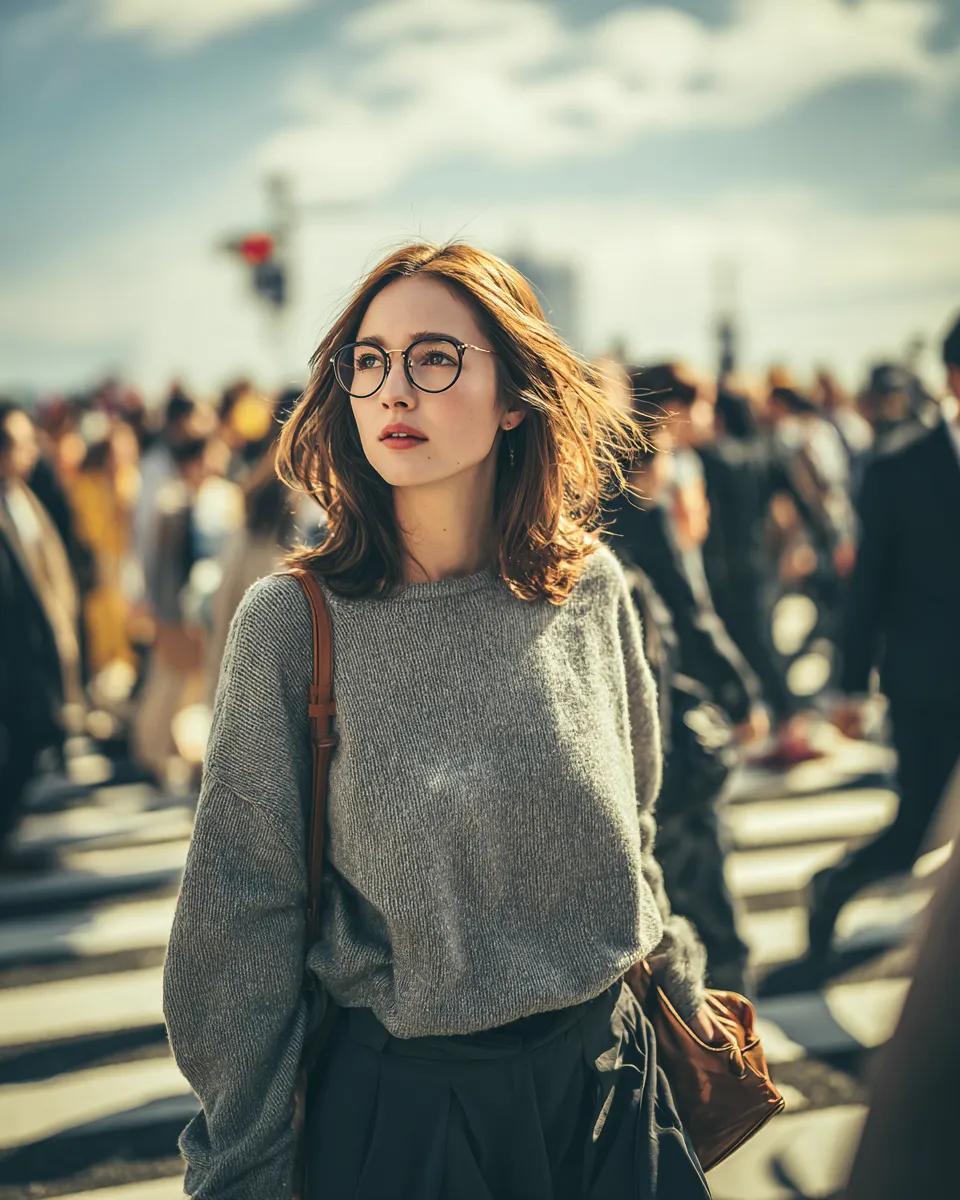
Cinematic Golden Hour Portrait in a City Crosswalk
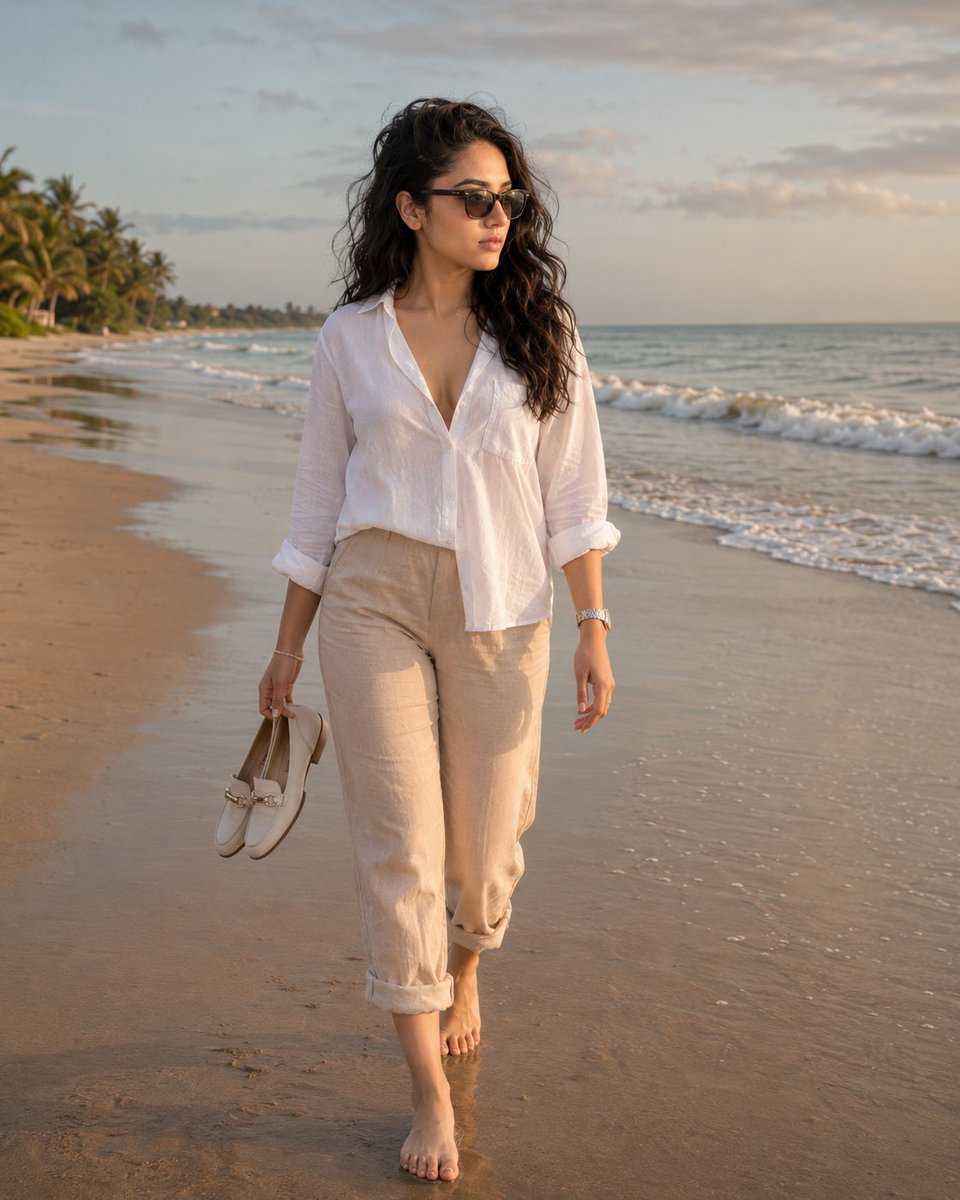
Golden Hour Beach Walk

Face-Locked Cream Half-Zip Street Walk

Cinematic Golden Hour Garden Portrait

Cinematic Golden Hour Urban Portrait

Golden Hour Redhead Portrait

Golden Hour Cinematic Boss Energy Portrait

Golden Hour Cinematic Portrait
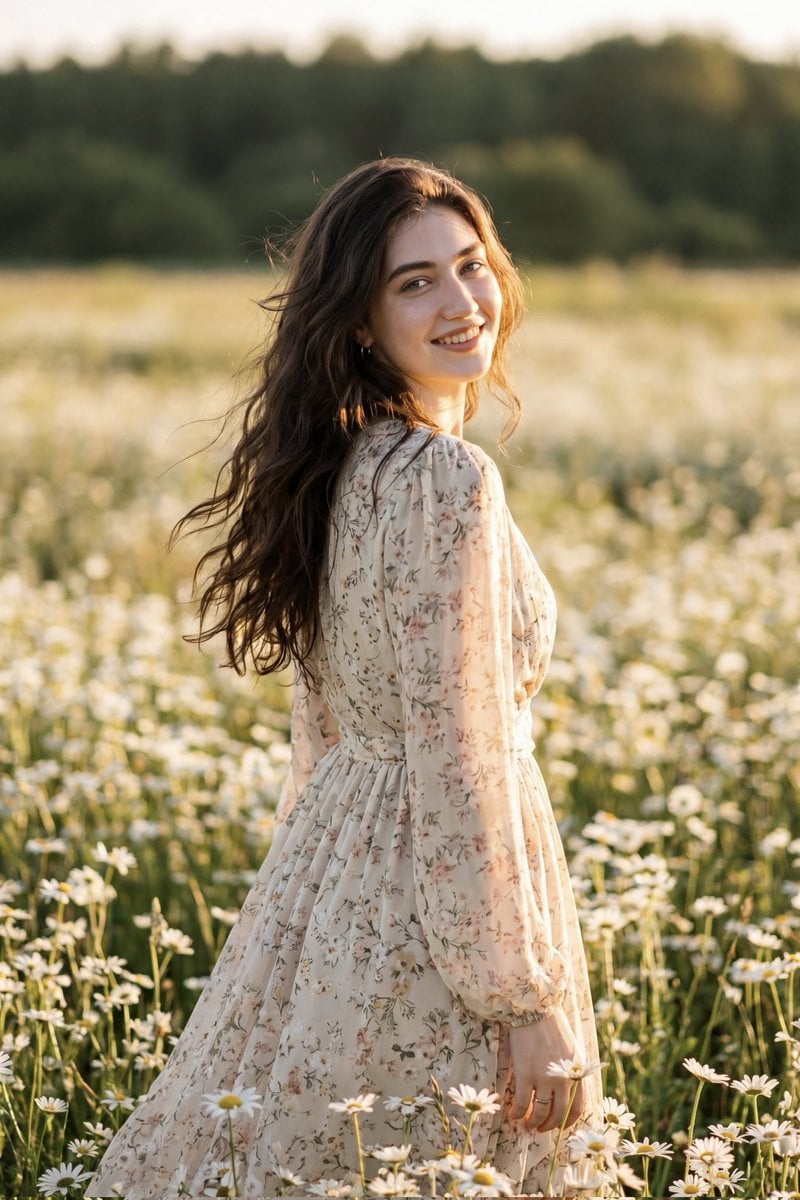
Golden Hour Daisy Field Portrait
Make it yours
Golden Hour High-Angle Portrait on Walk of Fame works as-is. These are the safest ways to change it without losing the look.
Change one field
Copy a single group, rewrite it, and generate again so you can see what that field is doing.
Keep the frame, change the subject
Hold the composition and light of Golden Hour High-Angle Portrait on Walk of Fame, then swap wardrobe, props or the person for a new take.
| If the result… | Why | Fix |
|---|---|---|
| The result drifts from the preview | Too many fields changed at once. | Reuse Golden Hour High-Angle Portrait on Walk of Fame as-is first, then change one group — subject, light, or setting. |
| The model over-stylizes the scene | The prose prompt leaves finish and camera underspecified. | Add one camera or lighting sentence and stay on Nano Banana 2. |
More Nano Banana 2 templates
Other prompts made for Nano Banana 2.

Photorealistic Leaf Shaped Like a Dragon

K-Pop Idol Portrait Grid for Rapid Selection

Poetic Rain Forest Portrait During Golden Hour

Urban Street Portrait with Cartoon Inner Self Duo

Candid Nighttime Photo with Cat Prompt

High-Concept 3D Diorama Generation Prompt

Cinematic Futuristic Studio Portrait Template

Skincare Editorial Photography Collage Prompt

Hyper-Realistic Commercial Product Photography (Splash Effect)

Hyper-Realistic Nightclub Portrait Prompt
More image prompts
Fresh picks from across the catalog.
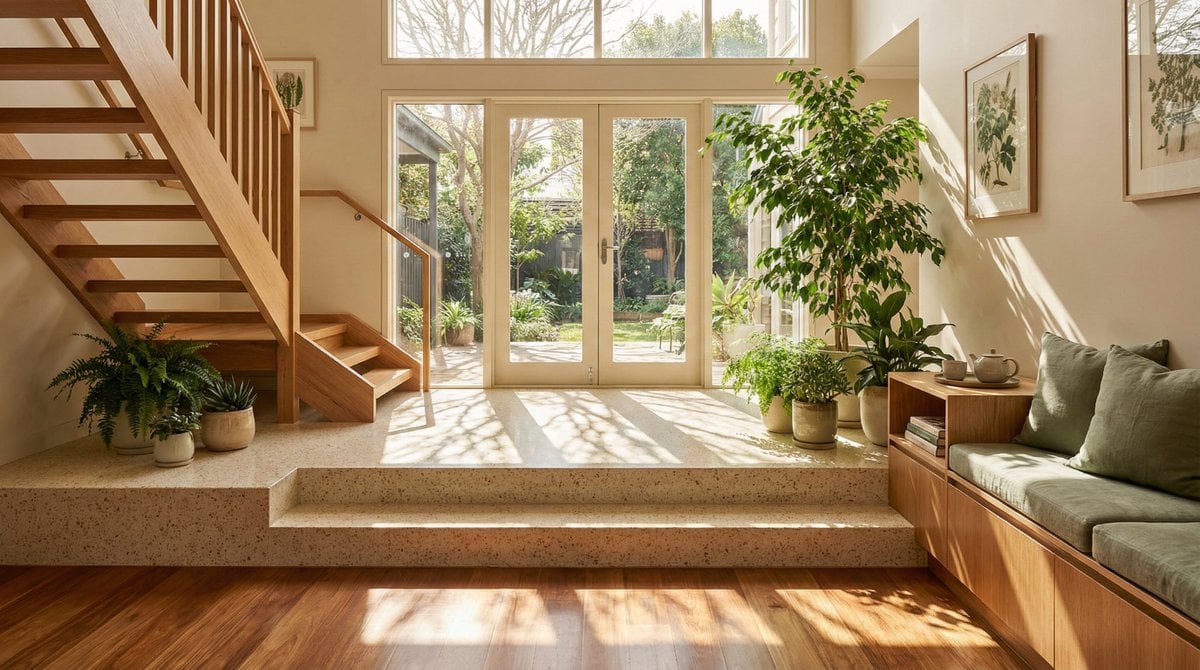
Sun-Drenched Modern Entryway Architectural Photograph Prompt (Structured)
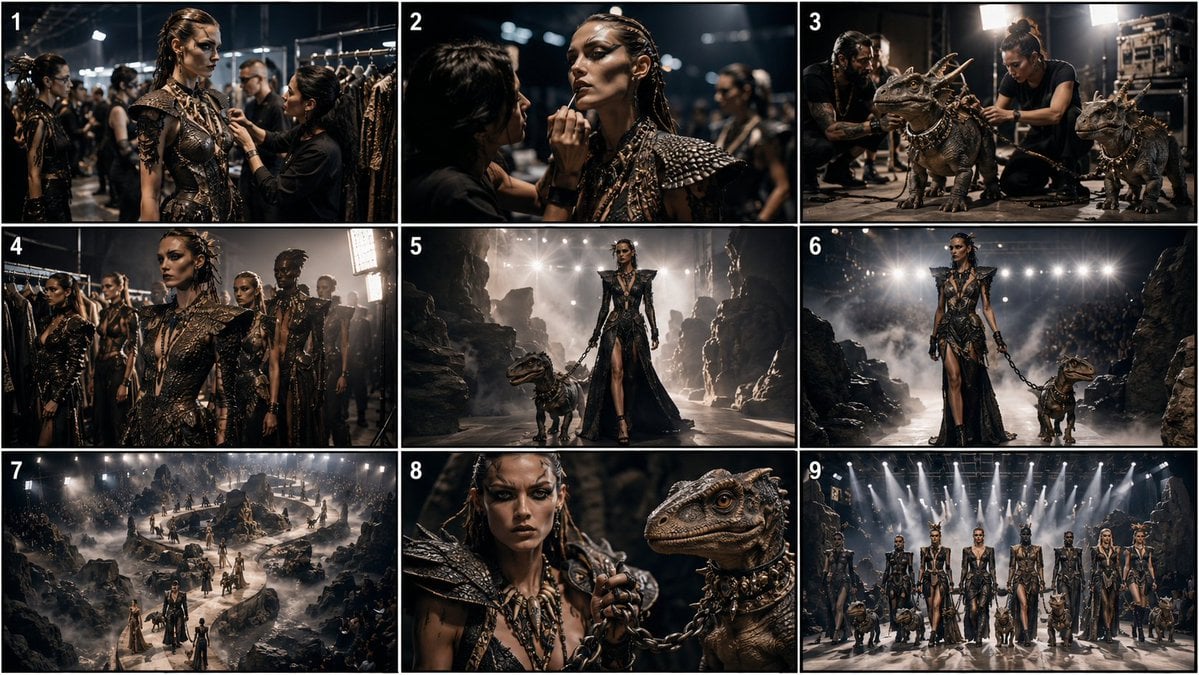
Paleolithic Haute Couture Fashion
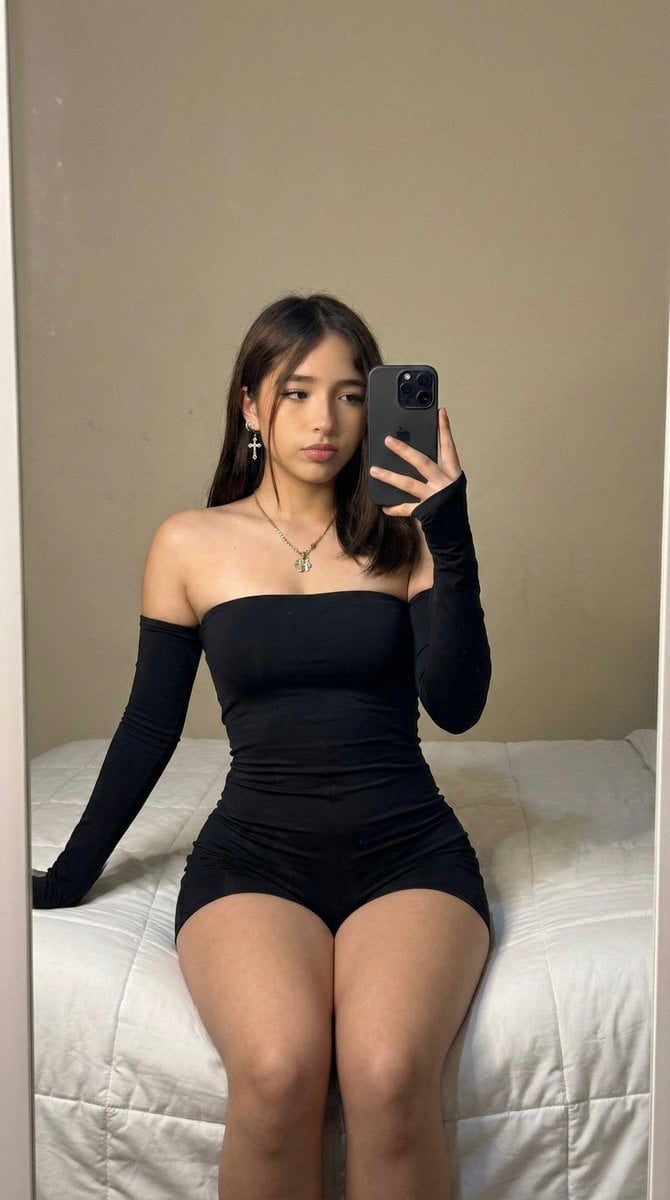
High-Fidelity Mirror Selfie Prompt with Identity Locking

Roswell Incident Magazine Cover
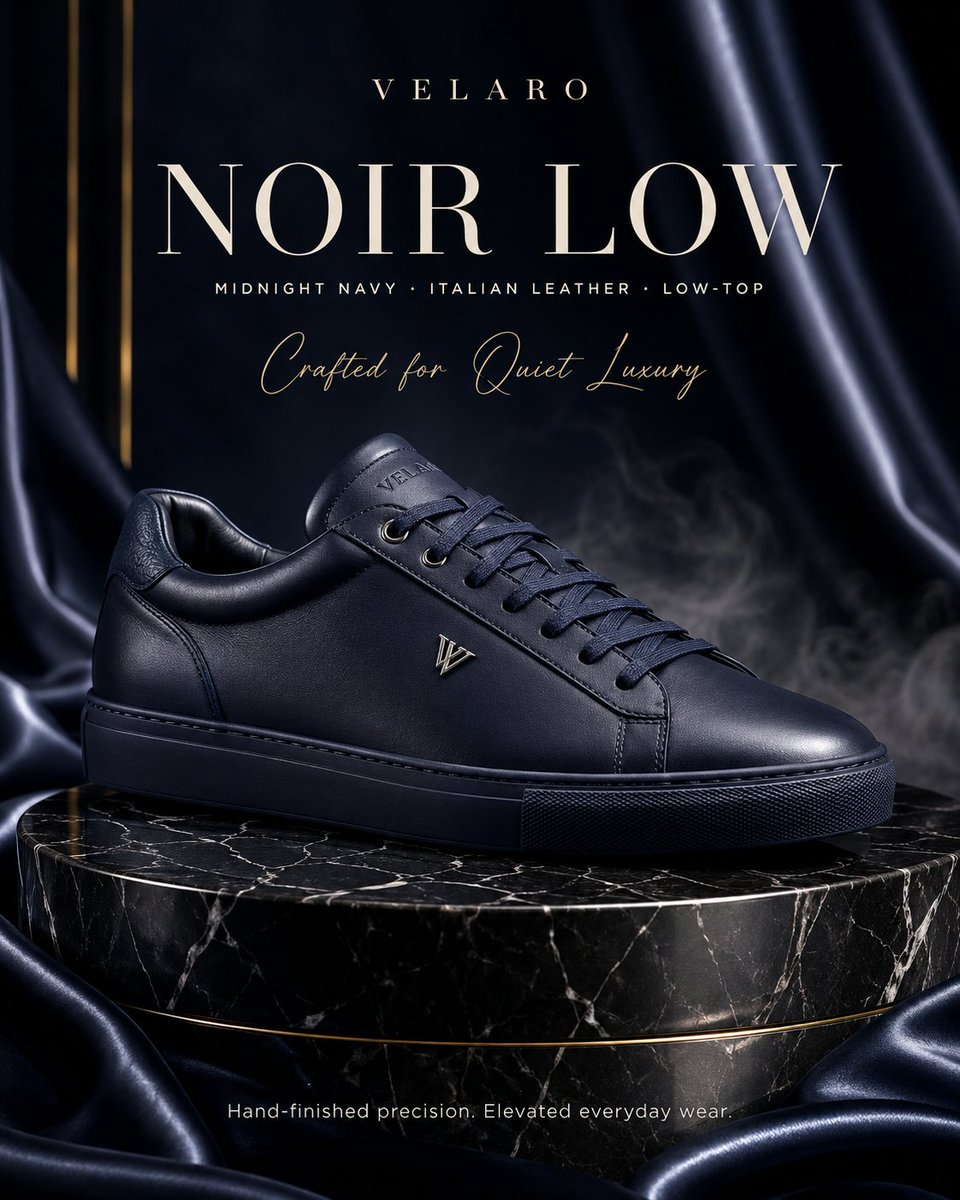
Luxury Sneaker Fashion Poster

Cosmic Nike Air Force Shoe Carved from Meteorite
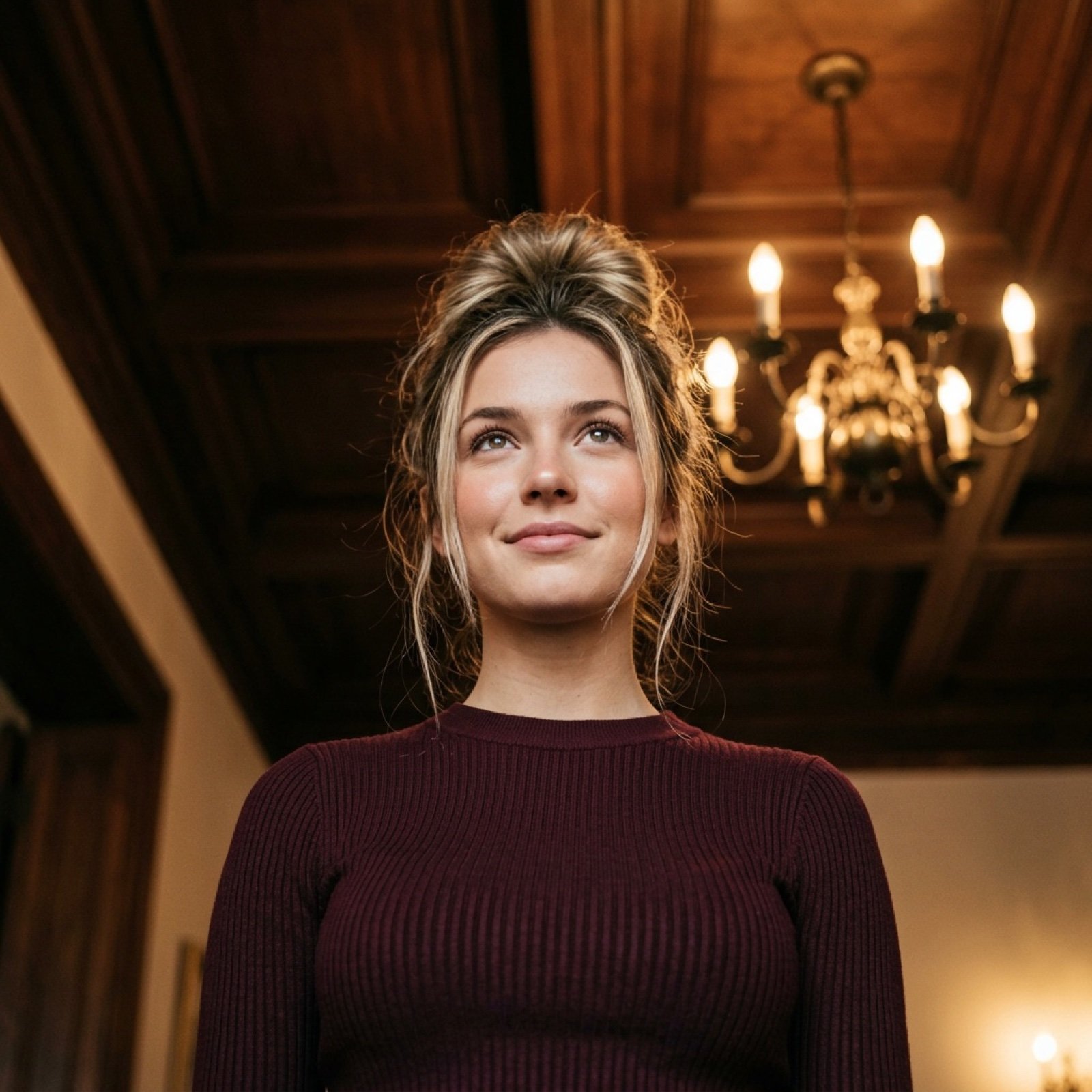
Worm's-Eye View Cinematic Portrait Prompt with Identity Lock

Double Exposure Character Poster Prompt
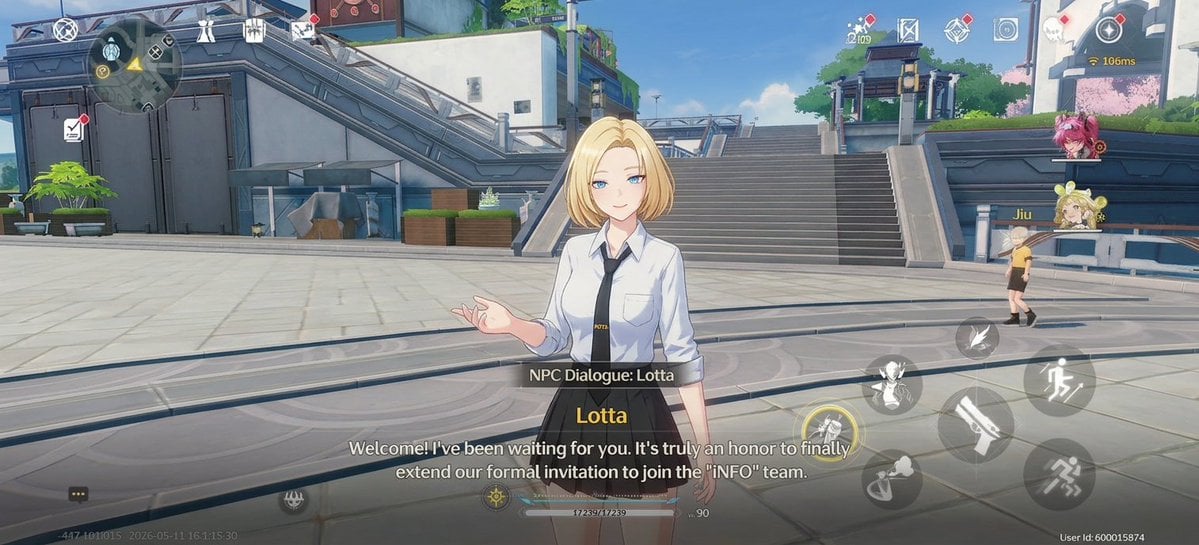
Anime RPG Dialogue Screenshot

Japanese Anime Character Sheet Prompt
Browse template categories
Golden Hour High-Angle Portrait on Walk of Fame questions
How do I use the Golden Hour High-Angle Portrait on Walk of Fame template?
Add your photo if the template asks for one, edit the prompt if you like — the template's model and format are already selected — and press Generate. Your version opens in PicX Studio.
Can I customize the Golden Hour High-Angle Portrait on Walk of Fame template?
Yes. You can change the subject, setting, lighting, mood, format, and available model controls before creating your image.
Is the Golden Hour High-Angle Portrait on Walk of Fame template free?
Opening and editing this template is free. Generating uses credits, shown on the Generate button when you are signed in.
Which AI model should I use?
Start with Nano Banana 2, which is the model associated with this template. You can compare another compatible model for a different finish.
Looking for something else? Browse all templates.

Your photo, any look
Thousands of ready templates for every top image and video model, from one credit balance.