
Sun-Drenched Modern Entryway Architectural Photograph Prompt (Structured)
A highly structured JSON prompt for generating an architectural photograph of a modern, sun-drenched entryway.
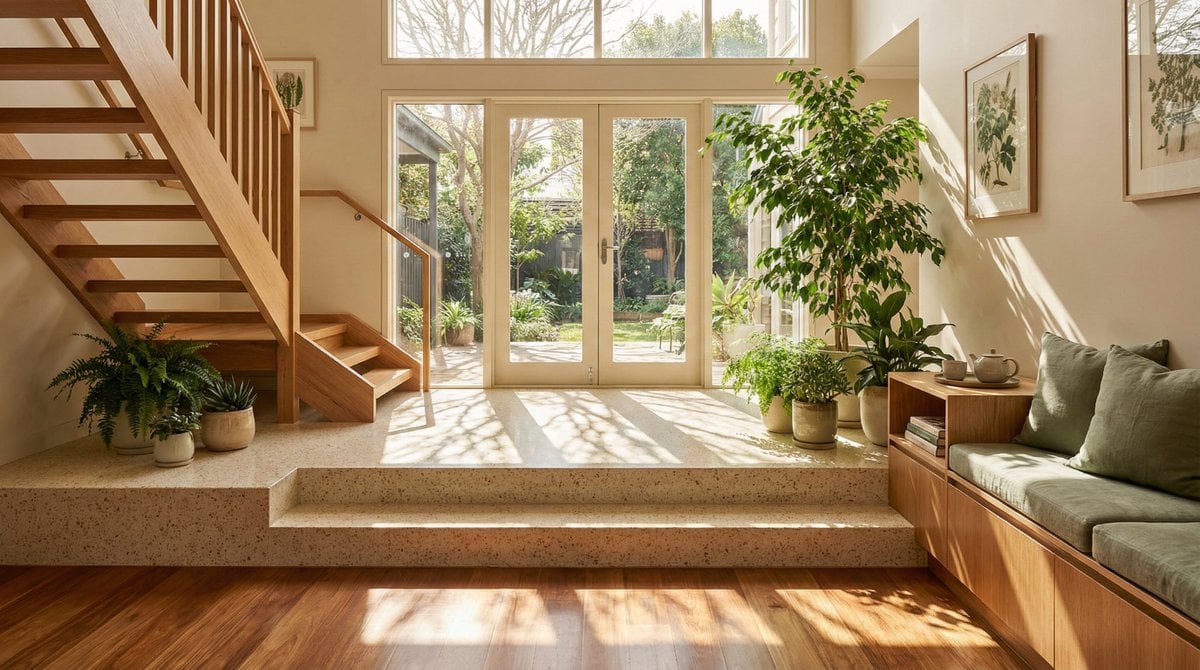
- Prompt included
- Model and format preset
- Free template
The prompt behind this image
Copy the exact prompt behind Sun-Drenched Modern Entryway Architectural Photograph Prompt (Structured), or open it in the studio and make it yours.
{ "prompt": "Architectural photograph of a sun-drenched modern entryway featuring a split-level floor design. In the foreground, rich polished wooden floorboards transition to a raised platform with speckled cream terrazzo steps. A wooden staircase with clean lines ascends on the left side. The space is bathed in warm natural sunlight streaming through rear French doors and windows, casting distinct, artistic dappled shadows of tree branches across the floor surfaces. Lush indoor potted plants, including a large ficus, add vibrant green accents. To the right, a wooden storage bench with sage green cushions and a side table with a tea set suggest a cozy living area. The color palette is dominated by warm earth tones, beige, wood, and cream. The image is sharp, high-resolution, and captures a serene, airy atmosphere typical of high-end interior design magazines.", "subject": "A sun-drenched modern interior foyer featuring terrazzo steps, wooden flooring, and abundant indoor plants.", "style": "Contemporary architectural photography, interior design showcase, warm minimalism.", "lighting": "Natural sunlight streaming through windows, creating distinct dappled tree shadows on the floor.", "colors": "Warm neutrals, rich timber brown, creamy beige, sage green, white highlights.", "composition": "Wide-angle eye-level shot showing depth from the entryway to the garden door, framed by a staircase and furniture.", "environment": "Upscale residential interior, open-concept living space connecting to a garden.", "mood": "Serene, inviting, peaceful, airy, domestic bliss.", "technicalQuality": "High resolution, sharp focus, excellent dynamic range, photorealistic.", "subjectDetails": { "mainSubject": "Interior entryway and living space", "subjectType": "Architecture/Interior Design", "accessories": "Framed botanical artwork, ceramic pots, tea set, cushions", "action": "Static architectural scene", "appearance": "Clean lines, split-level floor, open layout", "scale": "Architectural scale" }, "lightingDetails": { "lightType": "Natural sunlight", "direction": "Side and back lighting from windows", "quality": "Hard sunlight filtered through trees creating dappled patterns", "highlights": "Bright sun patches on terrazzo and wood", "lightingSetup": "Natural ambient fill with strong directional sun", "shadows": "Distinct, high-contrast tree branch shadows on the floor", "temperature": "Warm golden hour (approx 3500K-4000K)", "timeOfDay": "Late afternoon or early morning" }, "colorAnalysis": { "dominantColors": [ "#8B5A2B (Medium Wood)", "#E8E0D5 (Cream Terrazzo)", "#F5F5F0 (Off-white Walls)", "#4A6B4A (Foliage Green)", "#CCA878 (Sunlight Gold)" ], "colorPalette": "Analogous warm tones with green accents", "saturatio
How to use Sun-Drenched Modern Entryway Architectural Photograph Prompt (Structured) in 3 steps
- 1
Open
The prompt is already in the box next to the preview, with the template's model and format selected.
- 2…a portrait of your subject in softgolden-hour light, 85mm…
Personalize
Edit the subject and creative details for your destination.
- 3Generate
Generate
Press Generate — your image is created in PicX Studio, so you can compare it with the original and refine one variable at a time.
More like this
Templates with the same subject, style or setup. Open one to see its prompt.
Sun-Drenched Modern Entryway Architectural Photograph Prompt

Golden Retriever Sunset Campfire Photography
Modern Cafe Food Product Tray Photography

Paper Cut Craft Illustration
Minimal Modern Bedroom Lifestyle Photography
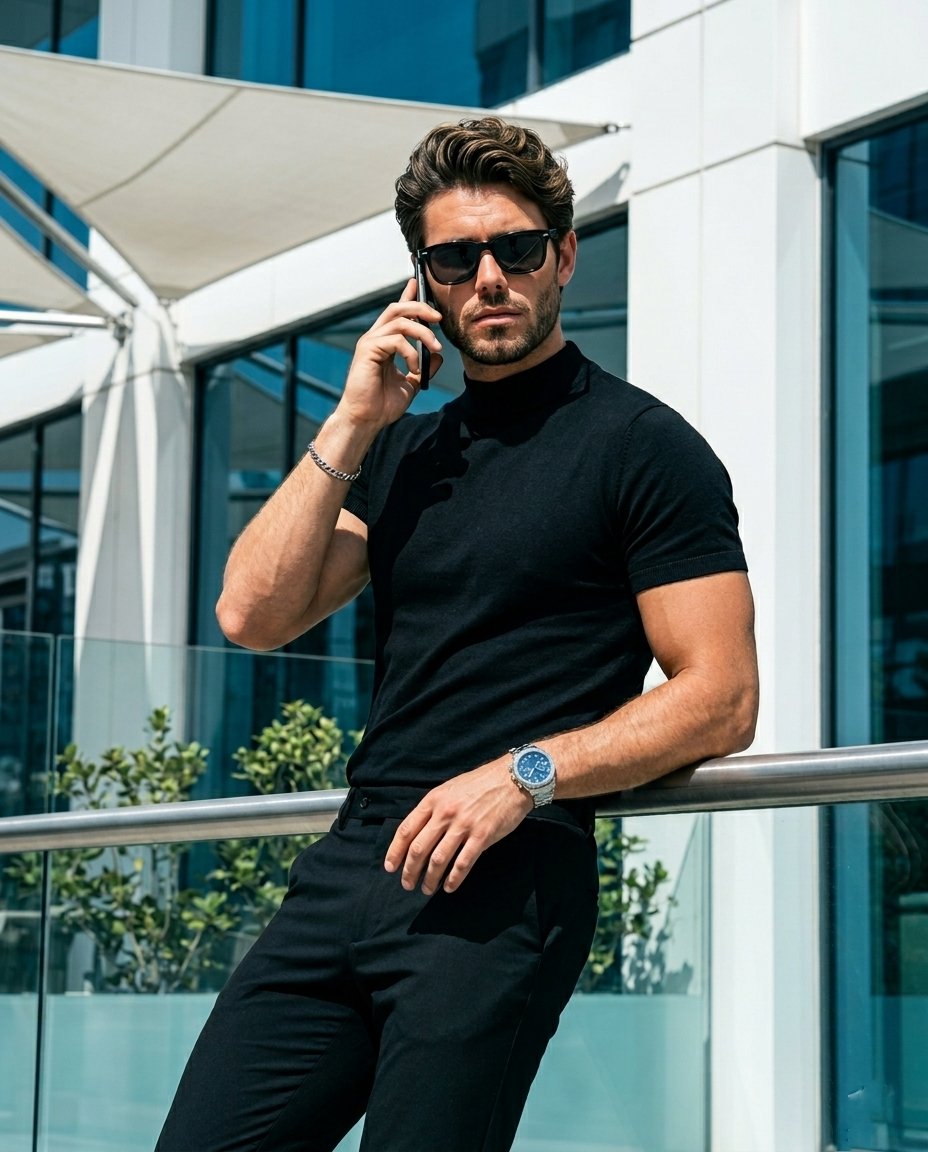
Modern Architectural Fashion Portrait

Premium Editorial Branding Poster Charcoal Green

Stylized Fashion Portrait Bold Color Contrast Editorial
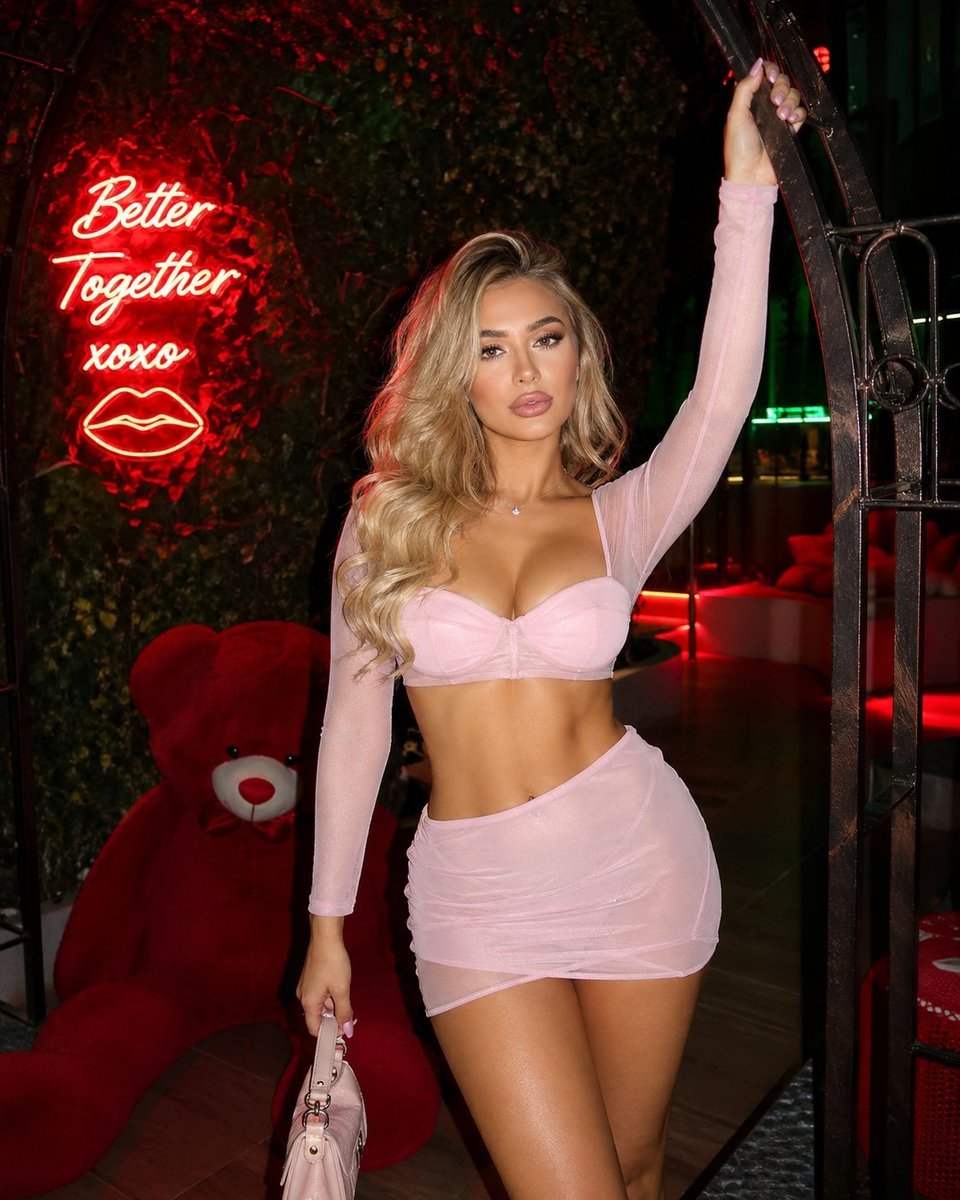
Structured nightlife fashion photography prompt
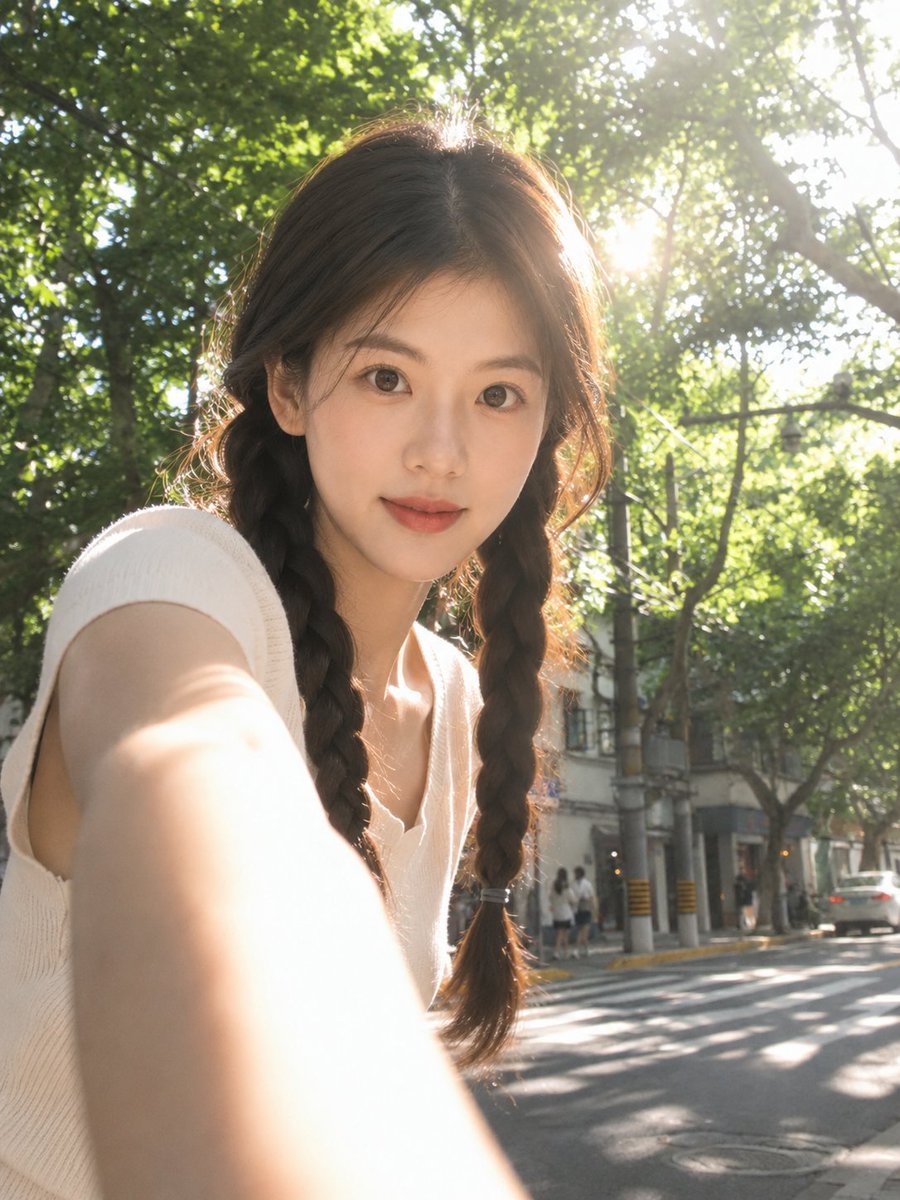
Sun-Drenched Candid Selfie Portrait

Woman in Mall with Chanel Bag - Heart Gesture
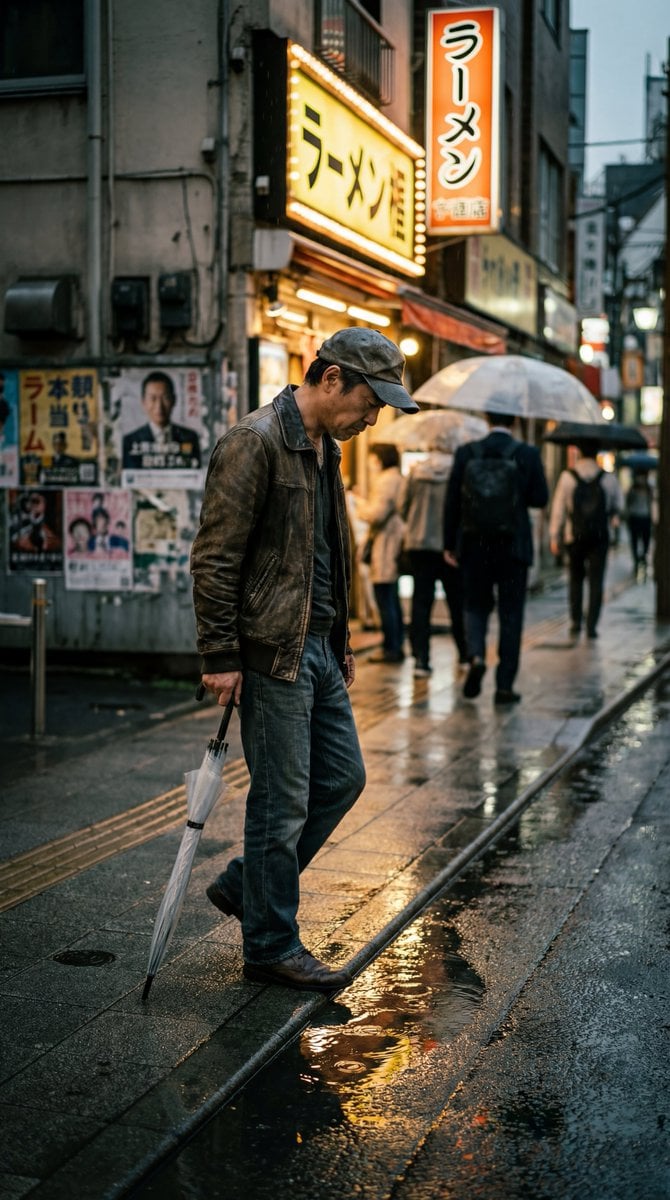
Structured Prompt for Ultra-Photorealistic Candid Street Photography
Make it yours
Sun-Drenched Modern Entryway Architectural Photograph Prompt (Structured) works as-is. These are the safest ways to change it without losing the look.
Change one field
Copy a single group, rewrite it, and generate again so you can see what that field is doing.
Keep the frame, change the subject
Hold the composition and light of Sun-Drenched Modern Entryway Architectural Photograph Prompt (Structured), then swap wardrobe, props or the person for a new take.
| If the result… | Why | Fix |
|---|---|---|
| The result drifts from the preview | Too many fields changed at once. | Reuse Sun-Drenched Modern Entryway Architectural Photograph Prompt (Structured) as-is first, then change one group — subject, light, or setting. |
| The model over-stylizes the scene | The prose prompt leaves finish and camera underspecified. | Add one camera or lighting sentence and stay on Nano Banana 2. |
More Nano Banana 2 templates
Other prompts made for Nano Banana 2.

Photorealistic Leaf Shaped Like a Dragon

K-Pop Idol Portrait Grid for Rapid Selection

Poetic Rain Forest Portrait During Golden Hour

Urban Street Portrait with Cartoon Inner Self Duo

Candid Nighttime Photo with Cat Prompt

High-Concept 3D Diorama Generation Prompt

Cinematic Futuristic Studio Portrait Template

Skincare Editorial Photography Collage Prompt

Hyper-Realistic Commercial Product Photography (Splash Effect)

Hyper-Realistic Nightclub Portrait Prompt
More image prompts
Fresh picks from across the catalog.
Fashion Editorial with Cartoons
Low-Light Bedroom Selfie Prompt for Nano Banana (Re-post)
Image-to-Image: Place a Person on a Soap Land

Cute Star Migraine HUD

Yokohama Pop Summer Poster
Hyper-Realistic Intimate Close-Up Portrait
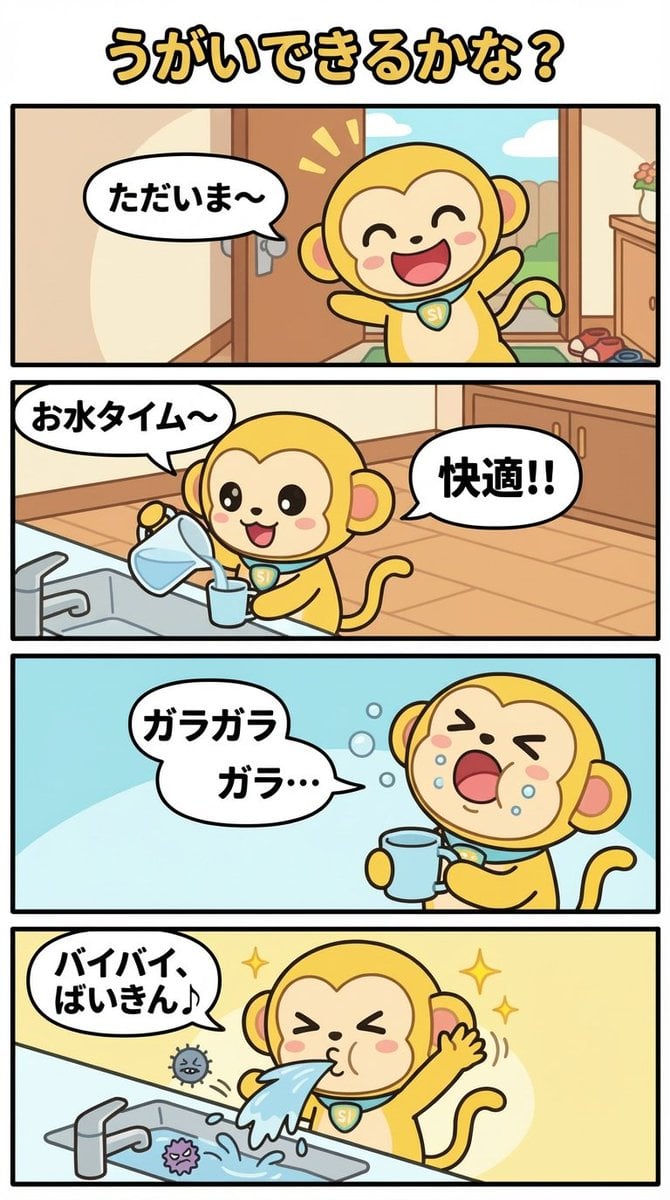
Daily Nano-kun Comic Strip Generation

Formal Military Portrait with Identity Lock and Insignia
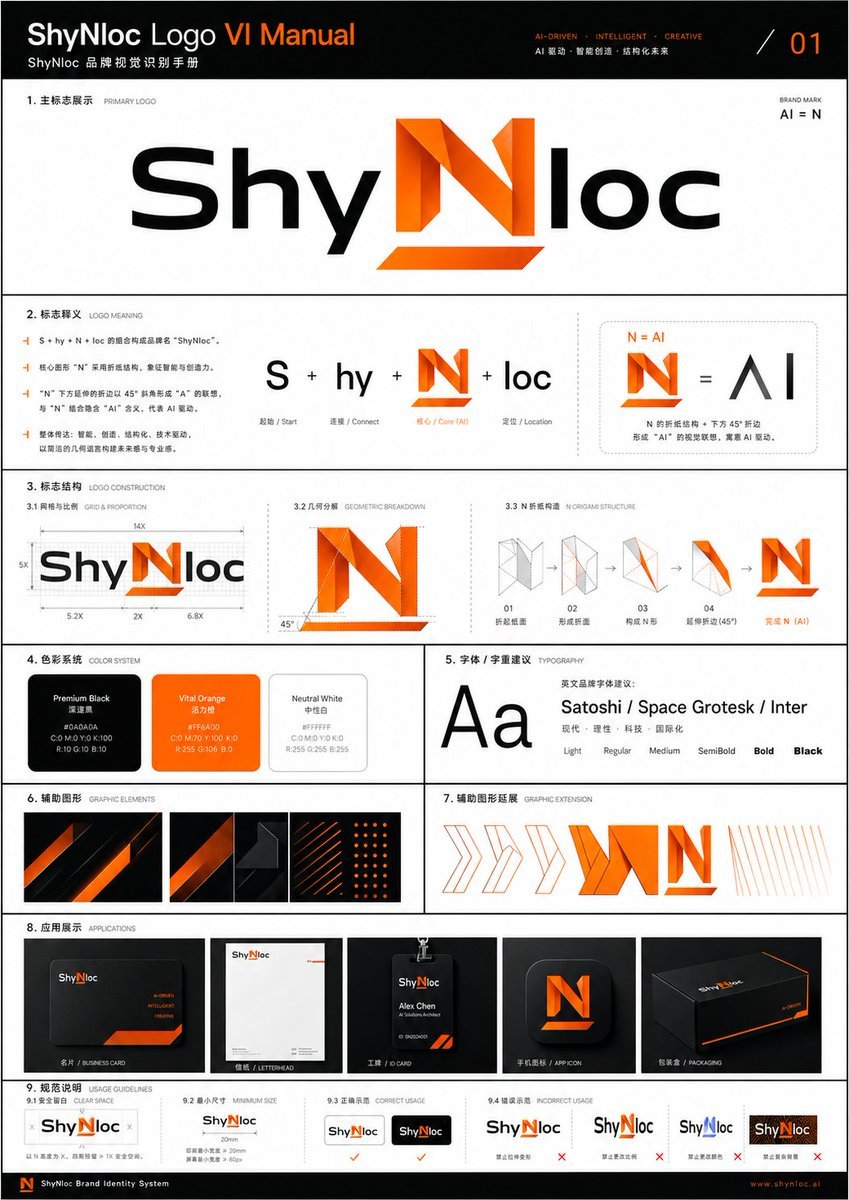
Professional Logo VI Design Manual

Korean Fashion Anime Editorial
Browse template categories
Sun-Drenched Modern Entryway Architectural Photograph Prompt (Structured) questions
How do I use the Sun-Drenched Modern Entryway Architectural Photograph Prompt (Structured) template?
Add your photo if the template asks for one, edit the prompt if you like — the template's model and format are already selected — and press Generate. Your version opens in PicX Studio.
Can I customize the Sun-Drenched Modern Entryway Architectural Photograph Prompt (Structured) template?
Yes. You can change the subject, setting, lighting, mood, format, and available model controls before creating your image.
Is the Sun-Drenched Modern Entryway Architectural Photograph Prompt (Structured) template free?
Opening and editing this template is free. Generating uses credits, shown on the Generate button when you are signed in.
Which AI model should I use?
Start with Nano Banana 2, which is the model associated with this template. You can compare another compatible model for a different finish.
Looking for something else? Browse all templates.

Your photo, any look
Thousands of ready templates for every top image and video model, from one credit balance.