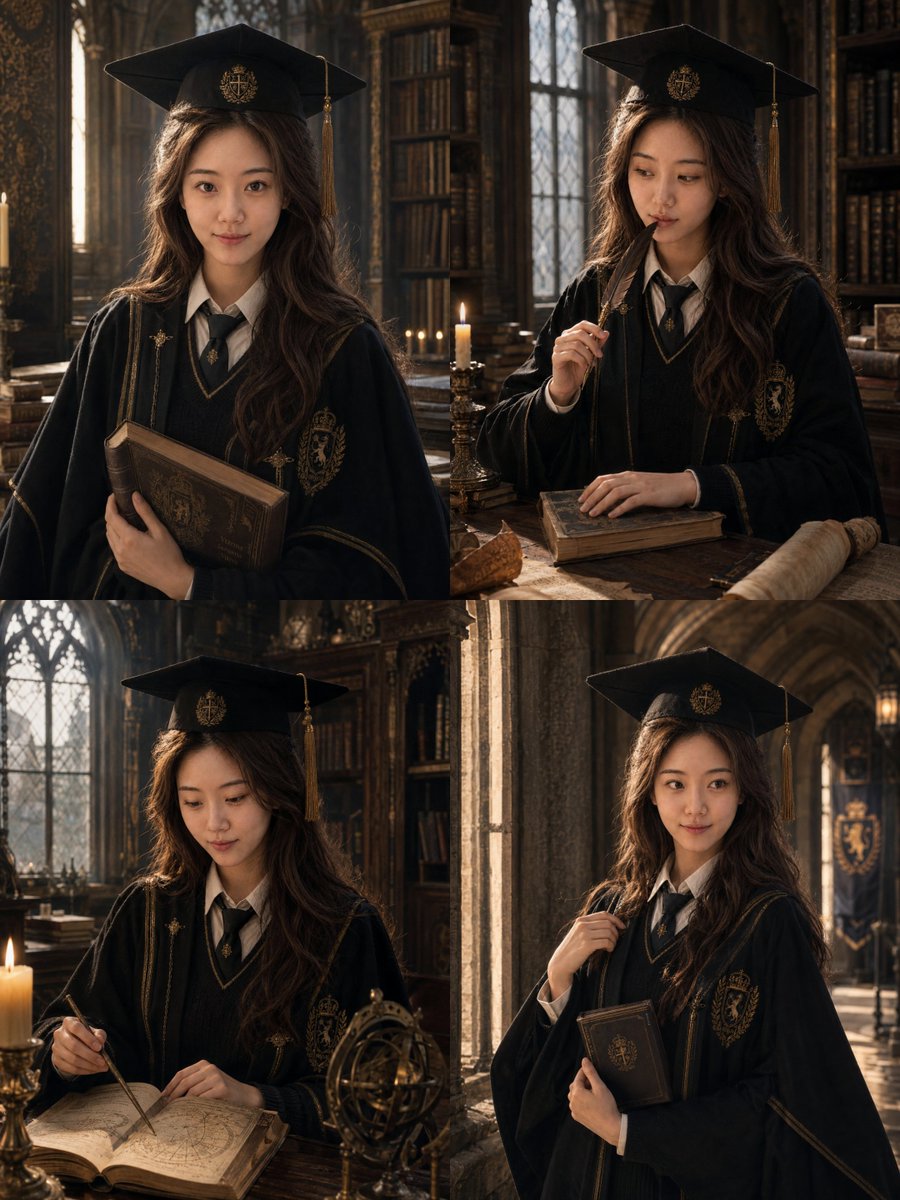
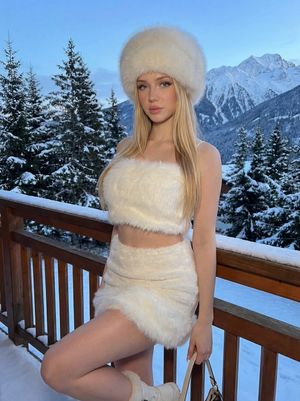
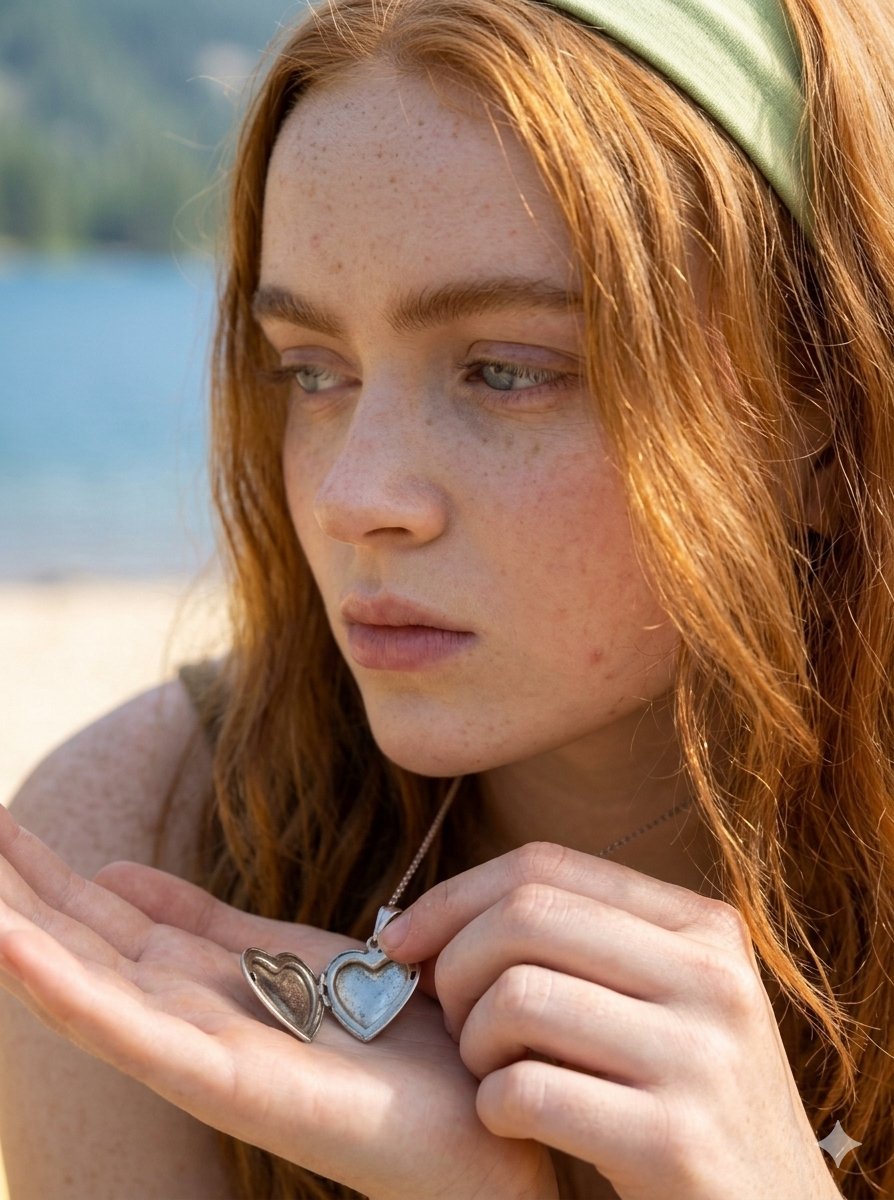
How do I use the Lifestyle and Luxury Fashion Portraits template?
Choose the primary action to open PicX Studio with the available template settings. Review the model and format, personalize the creative direction, and generate when ready.
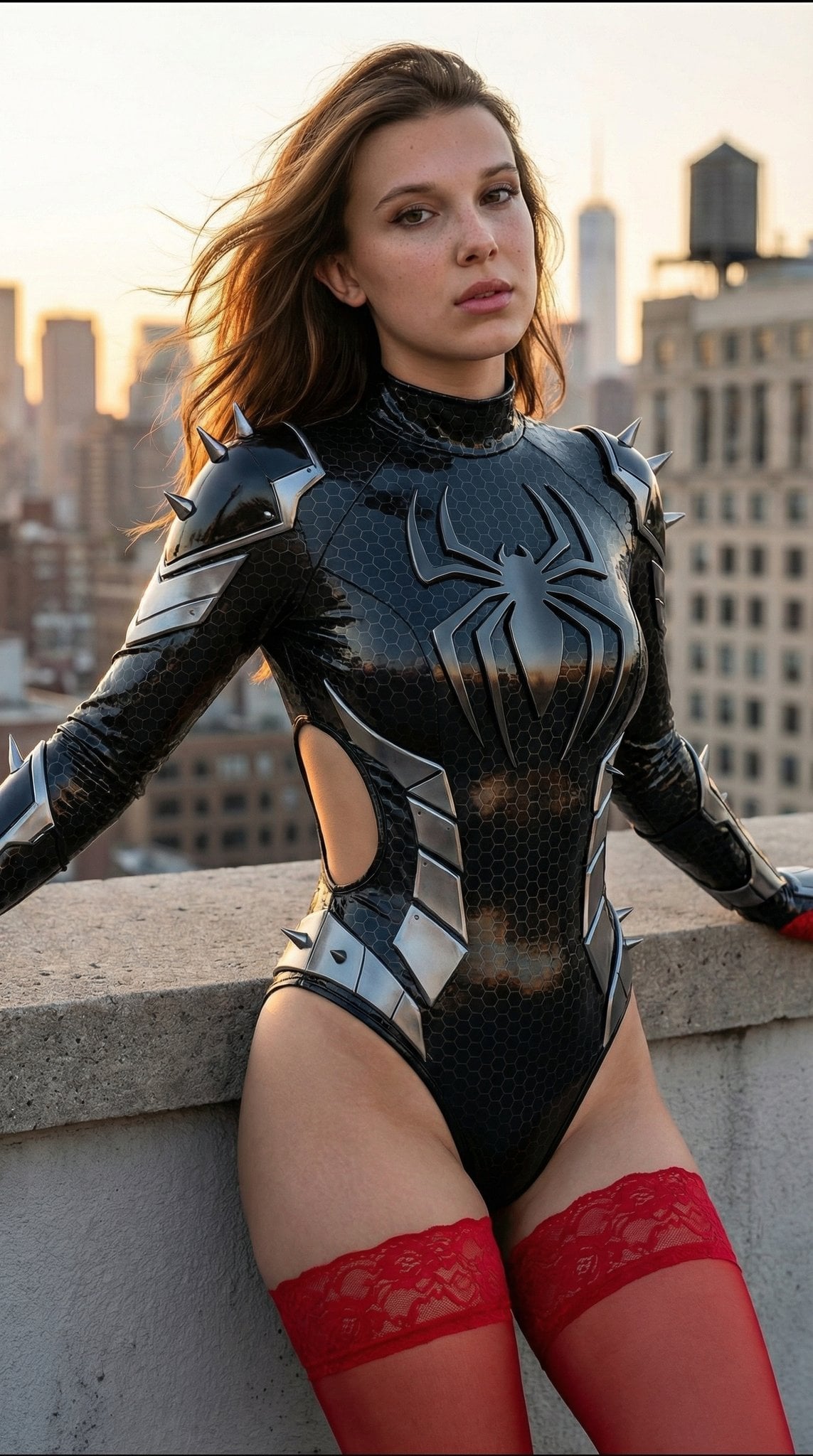
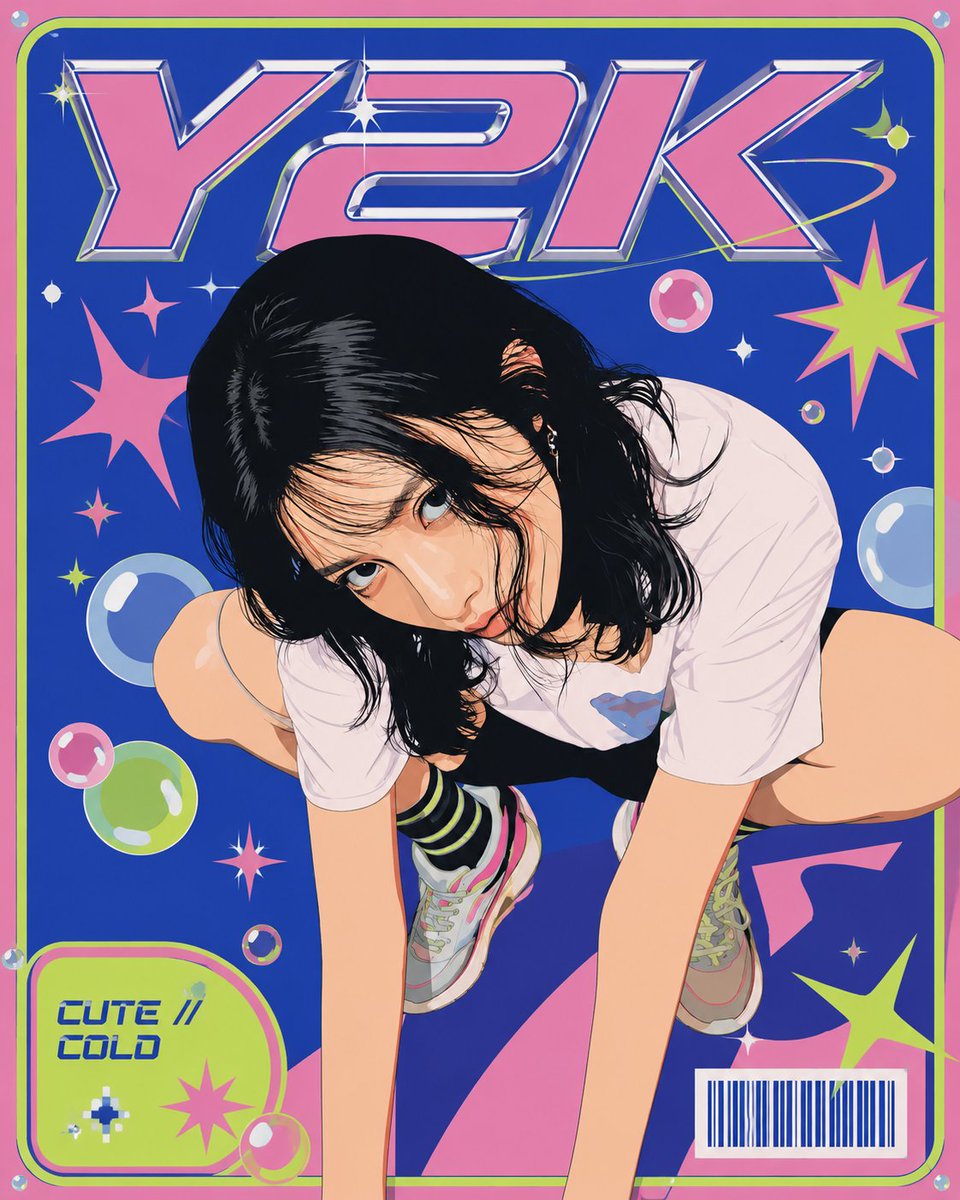
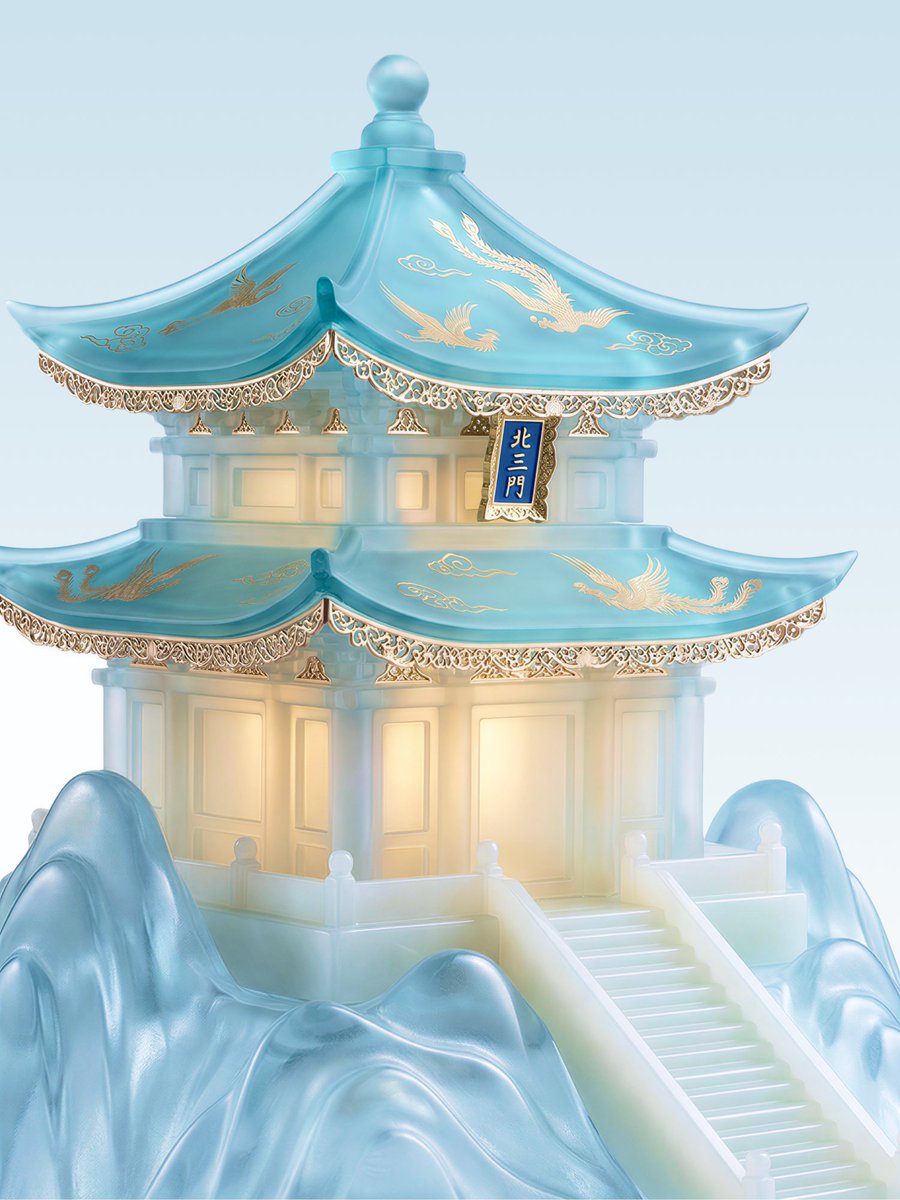
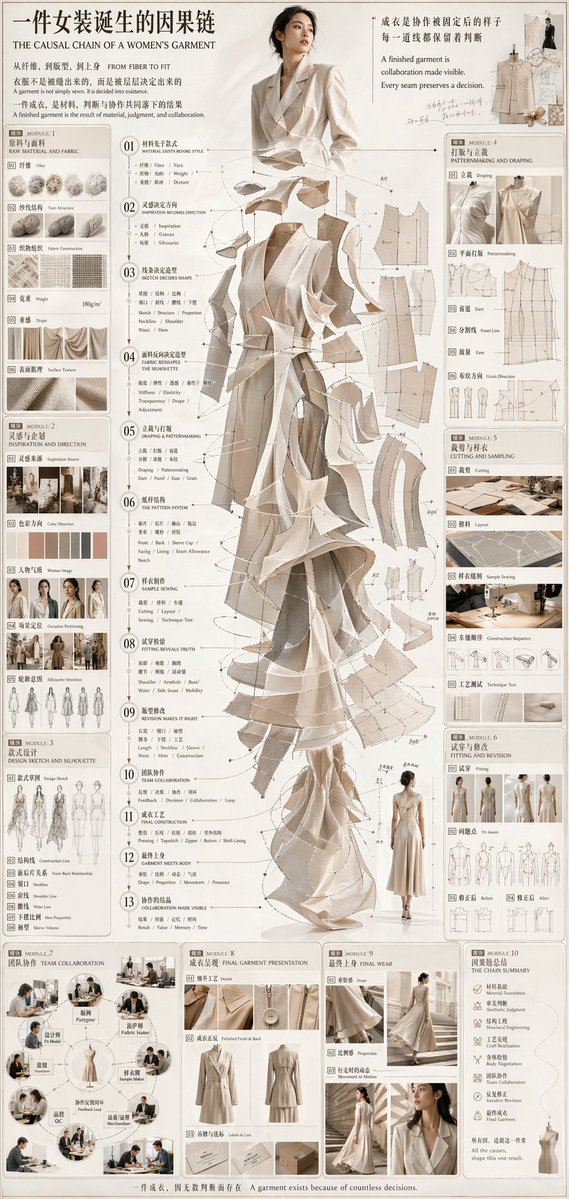
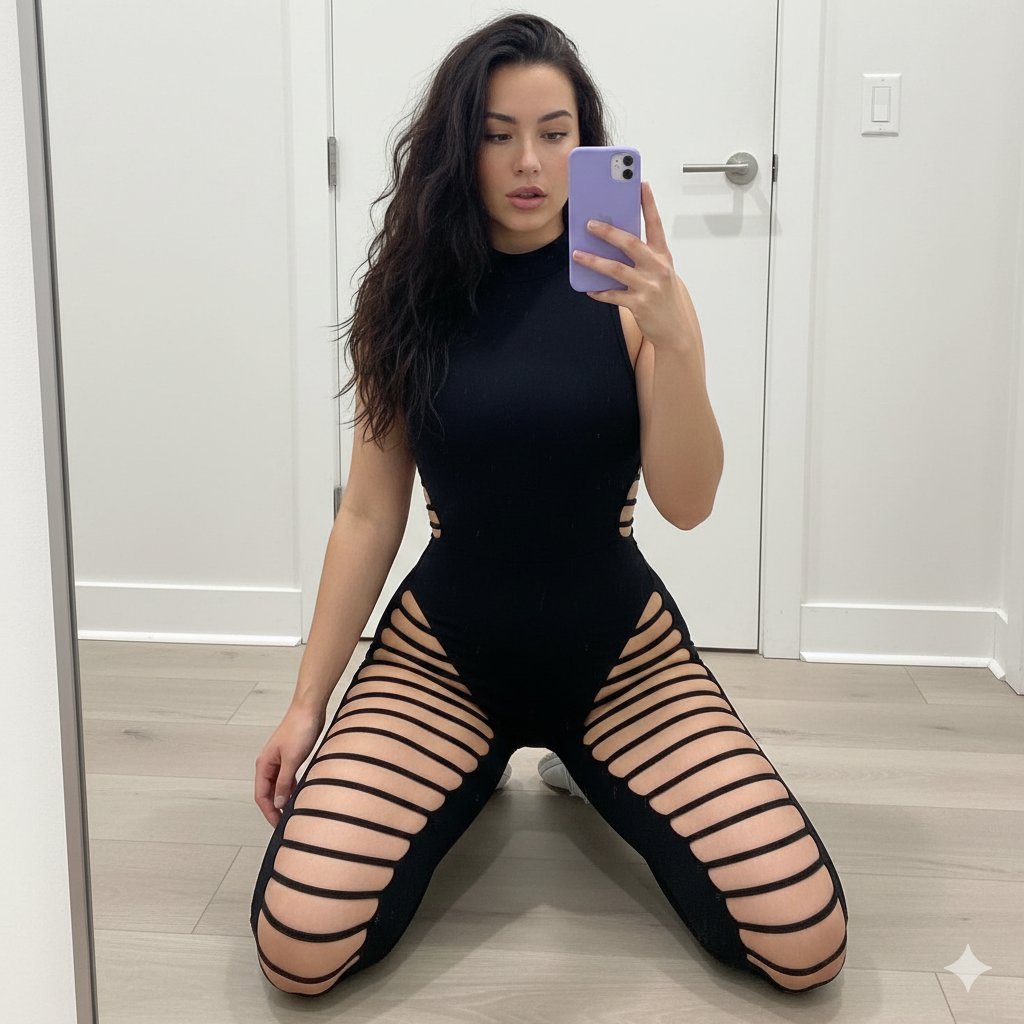
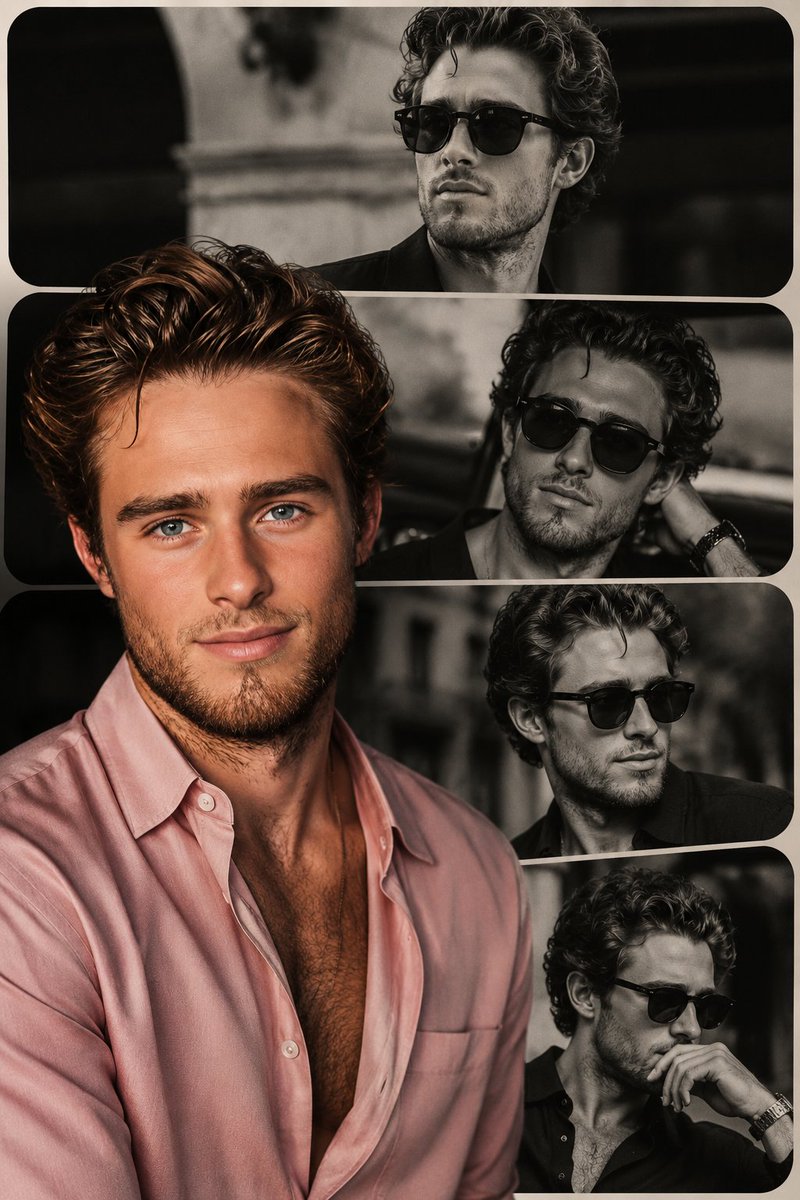
A dual prompt set featuring a casual café portrait with matcha and a high-fashion luxury convertible shoot.
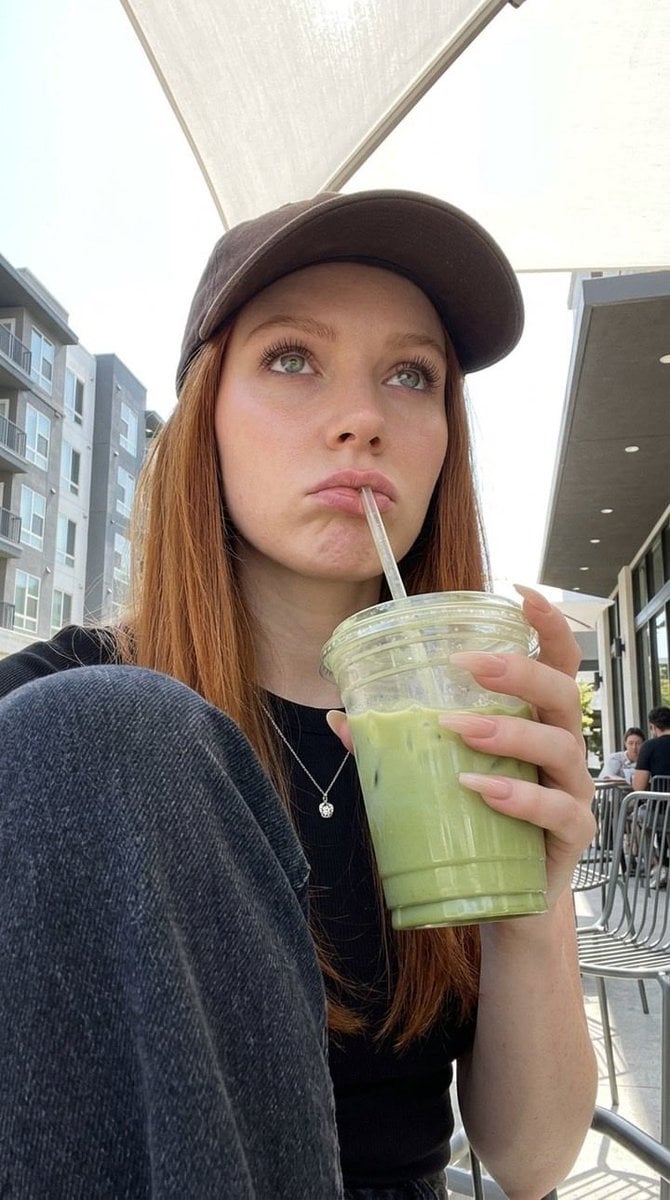
A candid portrait of a young woman sitting outdoors at a modern café, wearing a {argument name="clothing 1" default="black cap and casual black outfit"}, holding a plastic cup of {argument name="drink" default="iced green matcha latte"} with a straw. She has long straight reddish-brown hair, natural makeup, and light freckles. Her expression is slightly pouty and thoughtful as she looks off into the distance. The background features contemporary apartment buildings, metal chairs, and soft daylight under large white patio umbrellas. Shot in natural lighting, shallow depth of field, realistic lifestyle photography, high detail, soft tones. A stylish young woman sitting in the driver’s seat of a {argument name="car" default="luxury convertible car with a red leather interior"}, parked in front of an elegant modern building. She wears a black sheer blouse and slim black sunglasses, with wavy brown hair and minimal makeup. She turns back over her shoulder, giving a confident, composed look toward the camera. The setting has clean architectural lines and muted colors, enhancing a high-fashion, editorial vibe. Shot in soft daylight, cinematic composition, ultra-realistic, sharp focus, luxury aesthetic.
Choose the primary action to open PicX Studio with the available template settings. Review the model and format, personalize the creative direction, and generate when ready.
Yes. You can change the subject, setting, lighting, mood, format, and available model controls before creating your image.
This template is free to open and customize. Generation usage is shown in PicX Studio before you create.
Start with Nano Banana 2, which is the model associated with this template. You can compare another compatible model for a different finish.
Follow a topic to a crawlable collection of related PicX Studio templates.