
Yoroi Station Seaside Manga Comic
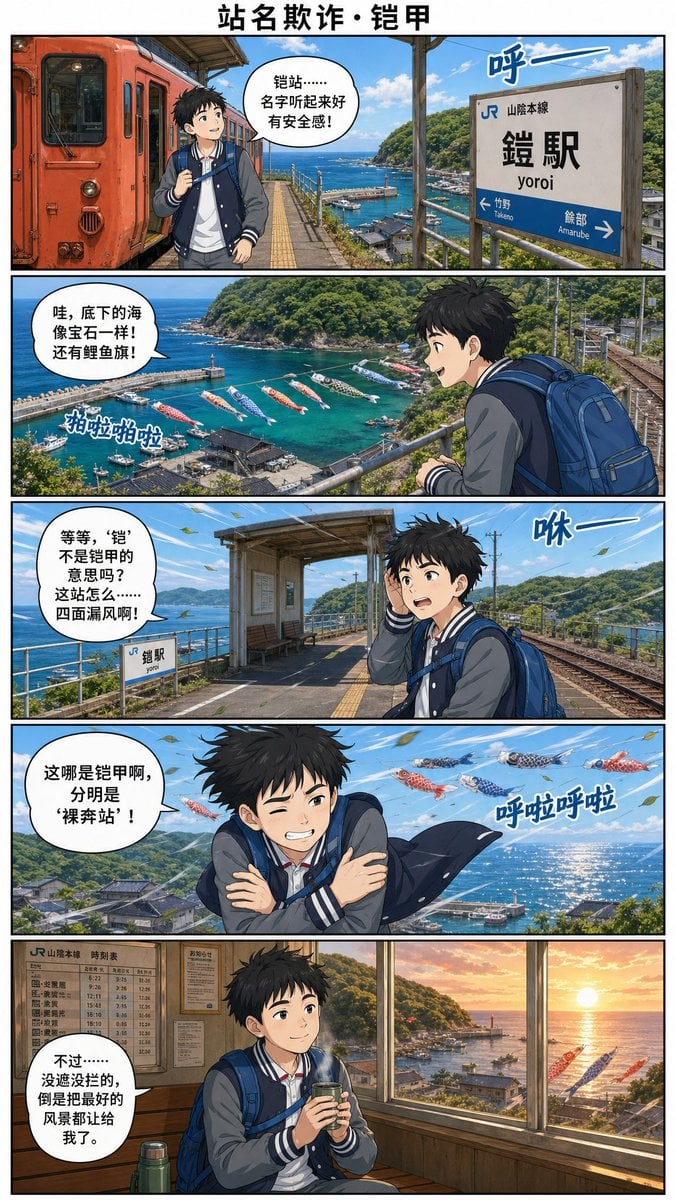
A five-panel Chinese-language anime travel comic set at Japan’s JR Yoroi Station, ideal for humorous railway tourism storytelling.
- Prompt included
- Model and format preset
- Free template
The prompt behind this image
Copy the exact prompt behind Yoroi Station Seaside Manga Comic, or open it in the studio and make it yours.
Goal: Create a vertical full-color manga travel comic page about a boy discovering a station-name misunderstanding at a seaside railway stop, using Chinese dialogue and Japanese station signage. Canvas: Tall webcomic page in a 2:3 aspect ratio, clean white margins, black panel borders, five horizontal panels stacked vertically. Add a bold centered Chinese title at the top: {argument name="comic title" default="站名欺诈・铠甲"}. Use cinematic anime realism with detailed backgrounds, bright ocean colors, crisp linework, and polished gpt-image-2 style rendering. Main character: A teenage Japanese schoolboy traveler with messy black hair, average build, wearing a navy-and-gray varsity jacket over a white shirt, dark pants, and a large blue backpack. His face is deliberately obscured by a soft square blur in every panel. He carries a small drink cup in the final panel. Mood progression: excited, amazed, confused, shivering, then comforted. Setting: JR Yoro Station on the Sanin Main Line, a small coastal station high above a harbor. Show a red-orange local train, platform roof, rails, station signs, blue sea, green hills, fishing harbor, lighthouse, boats, and koinobori carp streamers flying over the water. The station name sign should read Japanese text: 「JR 山陰本線」「鎧駅」「yoroi」 with arrows toward 「竹野 Takenō」 and 「餘部 Amarube」. Keep the station identity legible. Layout and panel details: Use exactly 5 panels. 1. Panel 1: At the station platform beside a red-orange train on the left, the boy stands with backpack and looks around. The ocean and harbor are visible beyond the platform. Add one speech bubble saying: {argument name="panel 1 dialogue" default="铠站……名字听起来好有安全感!"}. Add one blue wind sound effect near the station sign: 「呼ー」. 2. Panel 2: Wide scenic overlook from the platform railing, showing turquoise harbor water, boats, a lighthouse, green hills, and many colorful carp streamers over the sea. The boy is seen from behind/right with his blue backpack. Add one speech bubble saying: {argument name="panel 2 dialogue" default="哇,底下的海像宝石一样! 还有鲤鱼旗!"}. Add one sound effect near the carp streamers: 「拍啦拍啦」. 3. Panel 3: The boy stands on the platform near tracks and the small station structure, holding a hand to his head as wind blows. A small station sign is visible. Add one speech bubble saying: {argument name="panel 3 dialogue" default="等等,‘铠’不是铠甲的意思吗? 这站怎么……四面漏风啊!"}. Add one blue wind sound effect: 「咻ー」. 4. Panel 4: Dramatic windy panel with the boy crossing his arms and shivering, jacket flapping, sea glittering behind him, carp streamers flying overhead. Add one speech bubble saying: {argument name="panel 4 dialogue" default="这哪是铠甲啊,分明是‘裸奔站’!"}. Add one sound effect: 「呼啦呼啦」. 5. Panel 5: Warm indoor waiting room at sunset, wooden interior, timetable board on the wall, large windows overlooking the harbor and orange sun over the sea, a thermos near the boy. The boy sits calmly holding a hot drink. Add one speech bubble saying: {argument name="panel 5 dialogue" default="不过……没遮没挡的,倒是把最好的风景都让给我了。"}. Text constraints: Preserve the Chinese title and dialogue exactly as written, with clean readable lettering inside white speech bubbles. Preserve the Japanese station sign text exactly. Include exactly 5 speech bubbles, exactly 4 blue sound effects, and exactly 5 comic panels. Do not add extra captions, logos, watermarks, or unrelated characters.
How to use Yoroi Station Seaside Manga Comic in 3 steps
- 1Upload ImagePNG, JPG or paste
Add your photo
Upload the photo the template builds on. The prompt, model and format are already set.
- 2…a portrait of your subject in softgolden-hour light, 85mm…
Personalize
Edit the subject and creative details for your destination.
- 3Generate
Generate
Press Generate — your image is created in PicX Studio, so you can compare it with the original and refine one variable at a time.
More like this
Templates with the same subject, style or setup. Open one to see its prompt.
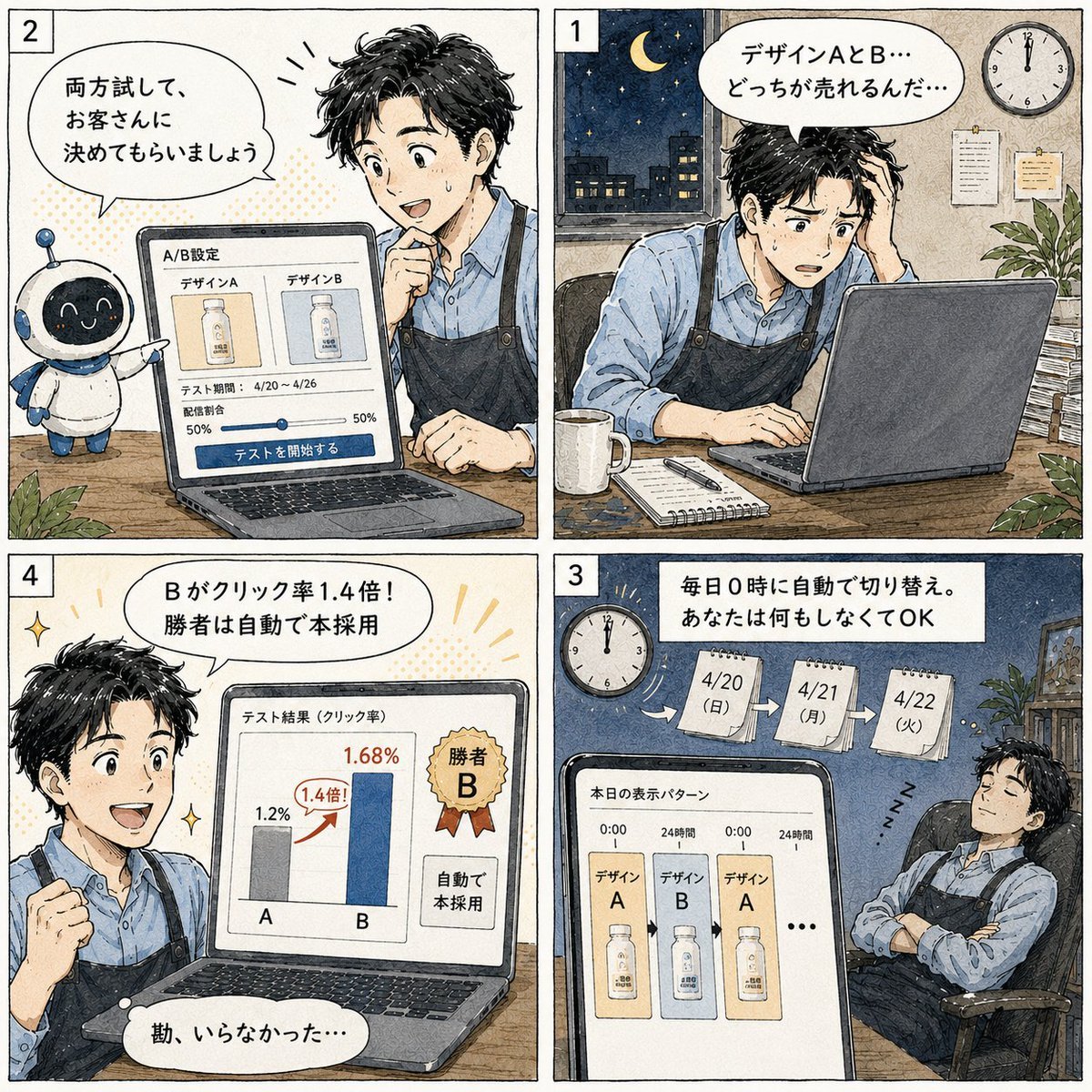
Japanese Manga A/B Testing Comic

Cute AI Manga Lesson Comic Page

Sunny Seaside Anime Manga Page

Pop Art Superhero Explosion Poster

Hero Portrait Comic Multi-Panel Poster

Spider-Man Noir Detective Rain Alley
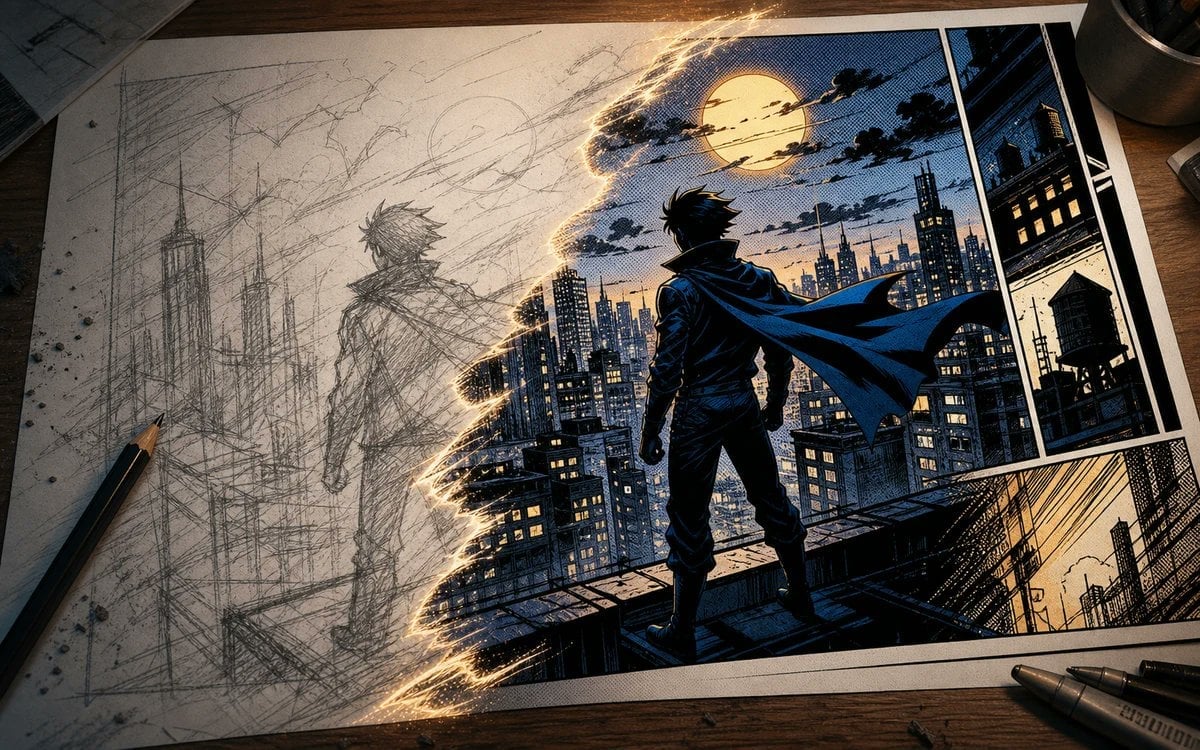
Sketch to Manga Comic Transformation
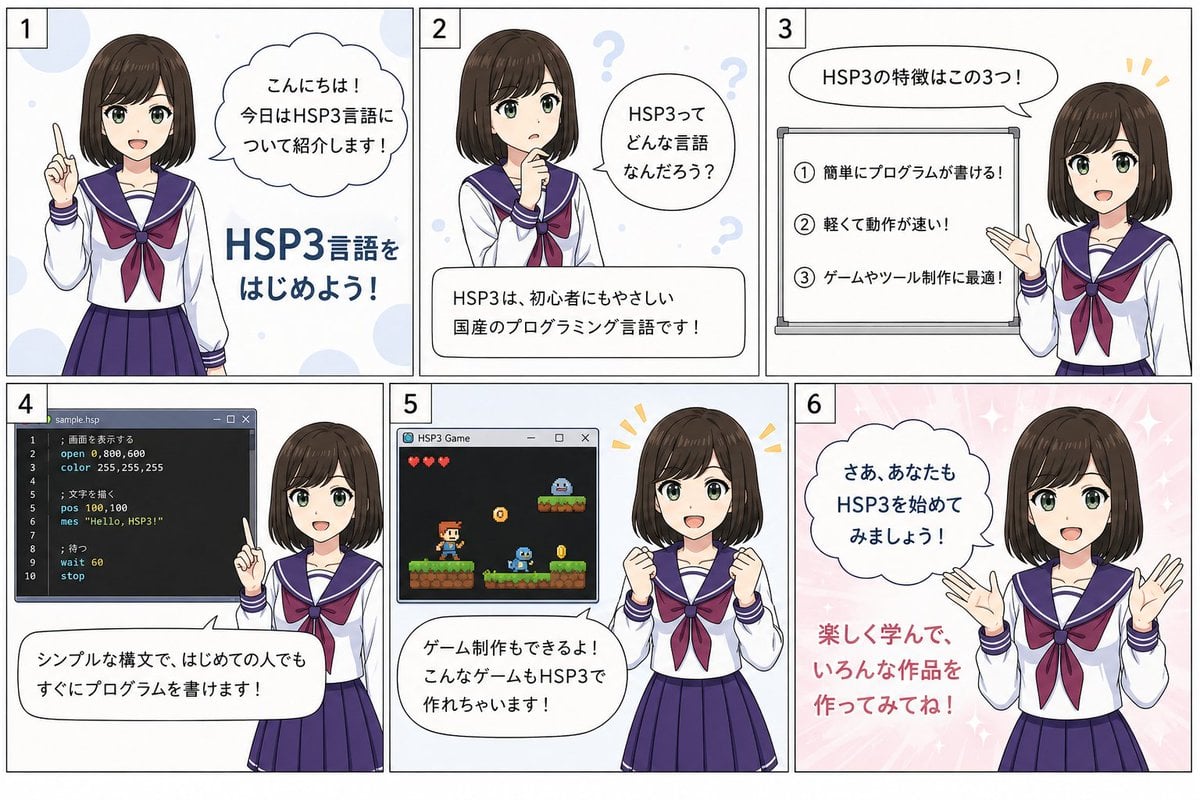
HSP3 Manga Introduction Comic
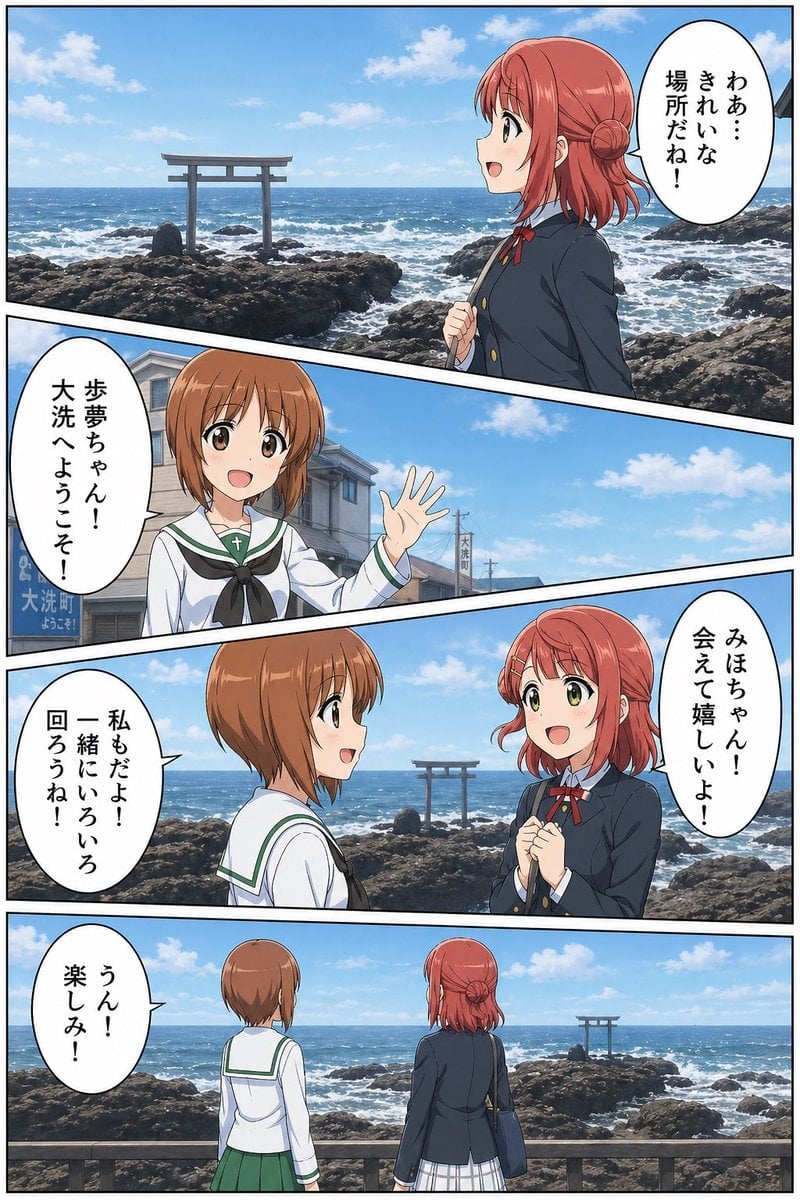
Seaside Anime Crossover Manga Page
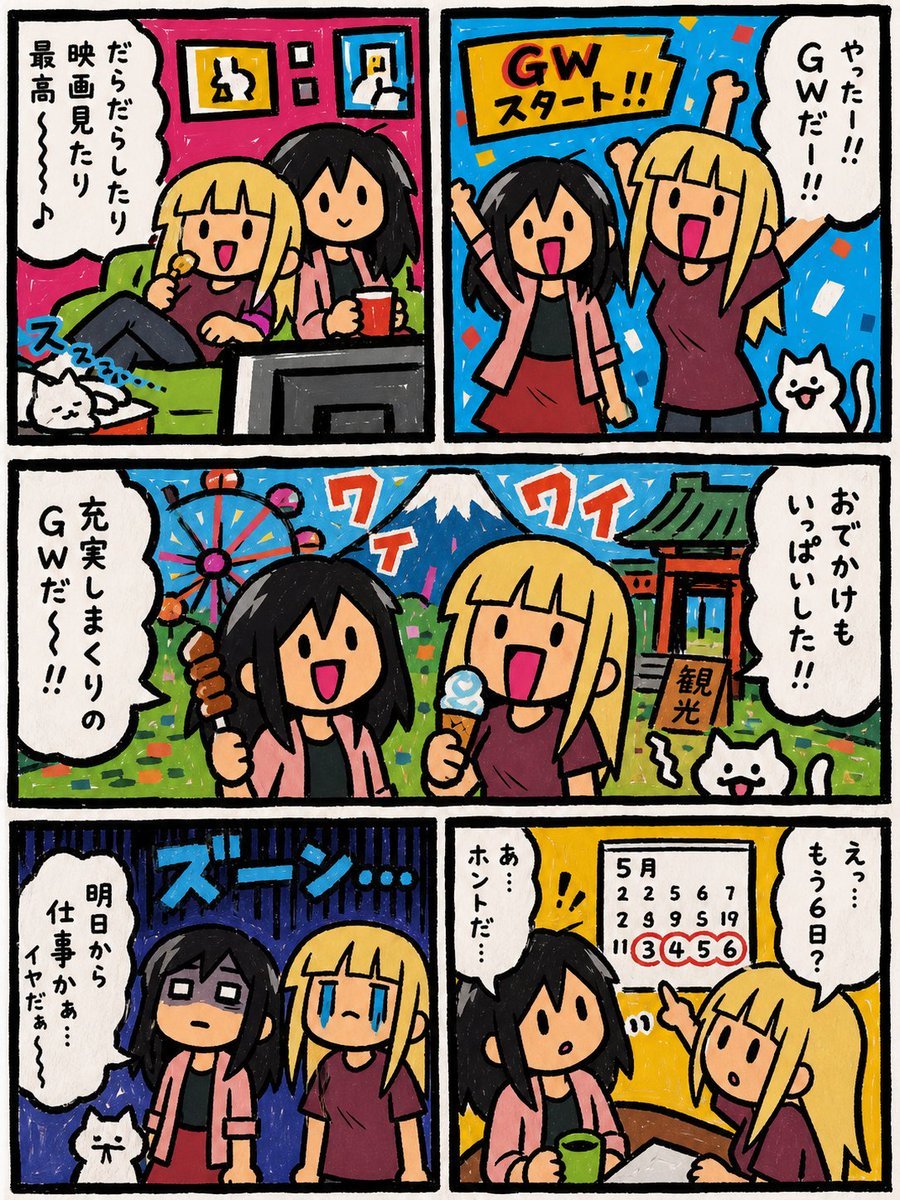
Six-Panel Golden Week Manga Comic

Gpt2 E Commerce Main Image 9 Panel Product Tvc Storyboard
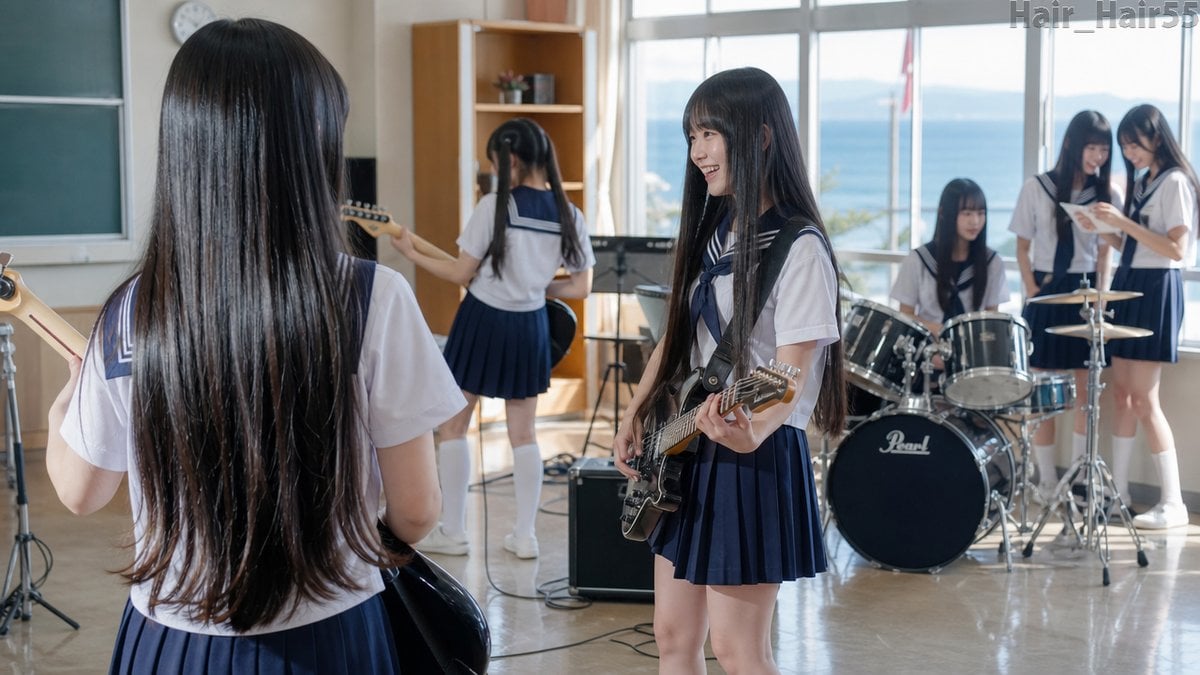
Seaside School Band Rehearsal
Make it yours
Yoroi Station Seaside Manga Comic works as-is. These are the safest ways to change it without losing the look.
Change one field
Copy a single group, rewrite it, and generate again so you can see what that field is doing.
Keep the frame, change the subject
Hold the composition and light of Yoroi Station Seaside Manga Comic, then swap wardrobe, props or the person for a new take.
| If the result… | Why | Fix |
|---|---|---|
| The result drifts from the preview | Too many fields changed at once. | Reuse Yoroi Station Seaside Manga Comic as-is first, then change one group — subject, light, or setting. |
| The model over-stylizes the scene | The prose prompt leaves finish and camera underspecified. | Add one camera or lighting sentence and stay on GPT Image 2. |
More GPT Image 2 templates
Other prompts made for GPT Image 2.

Six VTuber Japanese Logo Sheet

Realistic Portrait of Woman and Deer

The Vista Modular Condo Poster

AI Model Routing Comparison Infographic

2.5D Anime Art Board

Isometric Productivity Desk Scene

New York Double Exposure Poster

Four-Panel AI Landscape Comparison

Japanese Tatami Lifestyle Magazine Cover

NESCAFÉ Coffee Map Poster
More image prompts
Fresh picks from across the catalog.
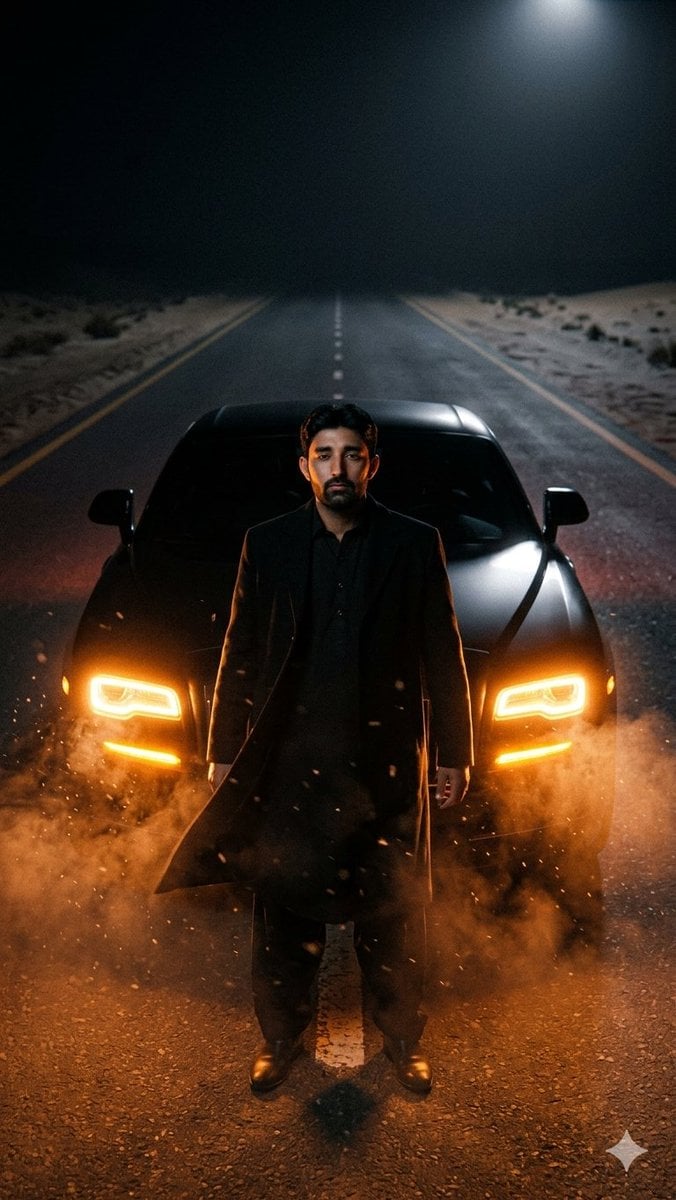
Cinematic Desert Highway Car Portrait
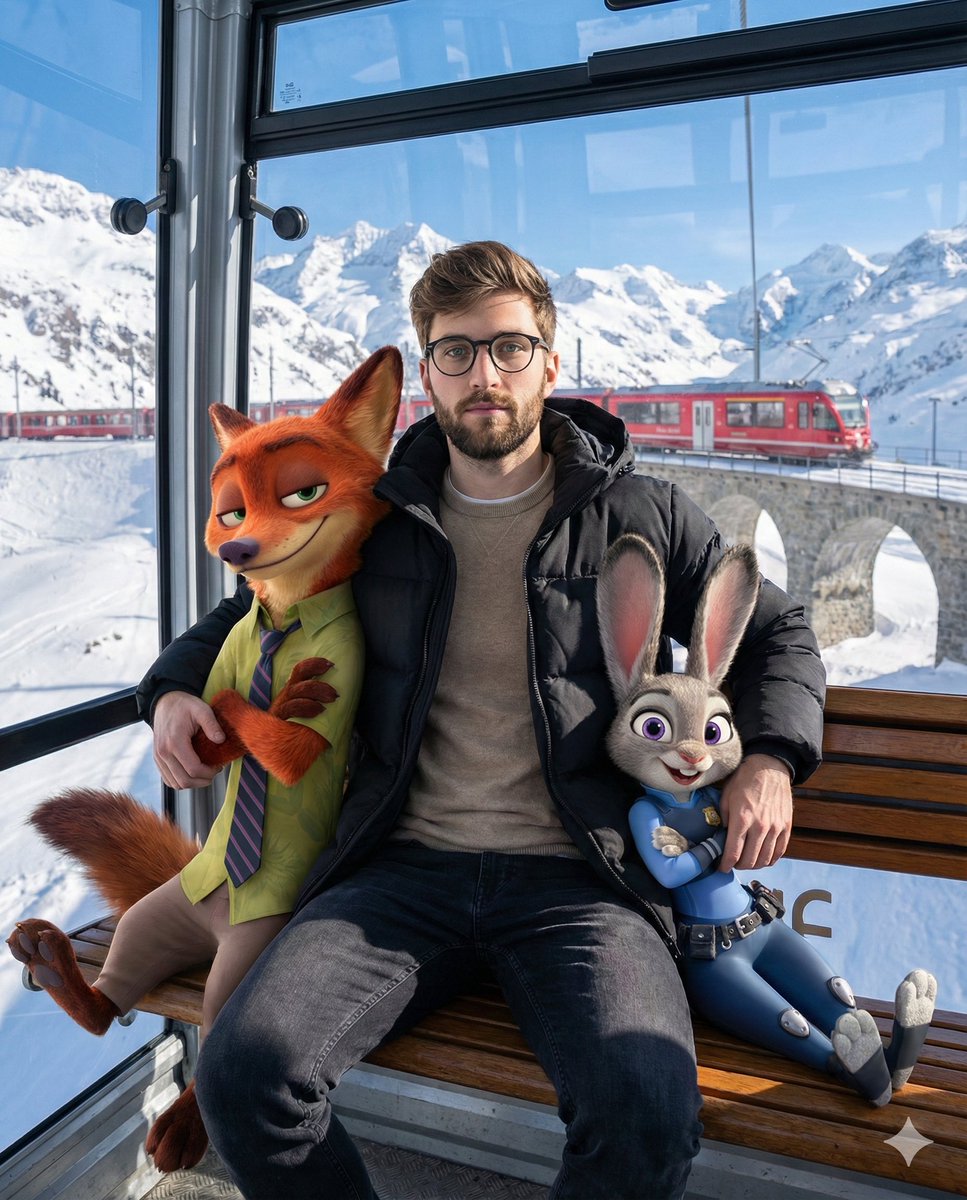
Cozy Winter Cable Car Scene with Zootopia Characters
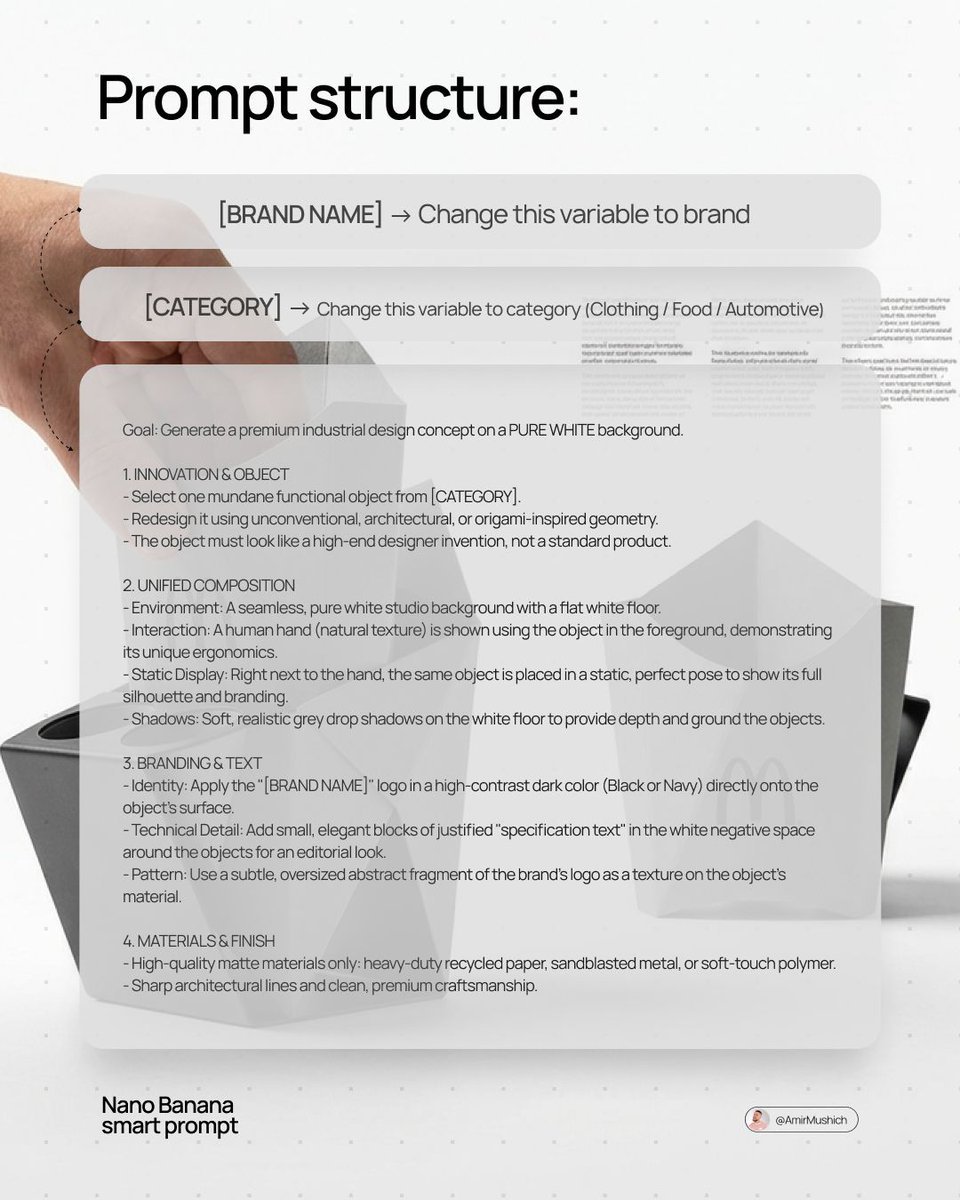
Industrial Design Concept Prompt
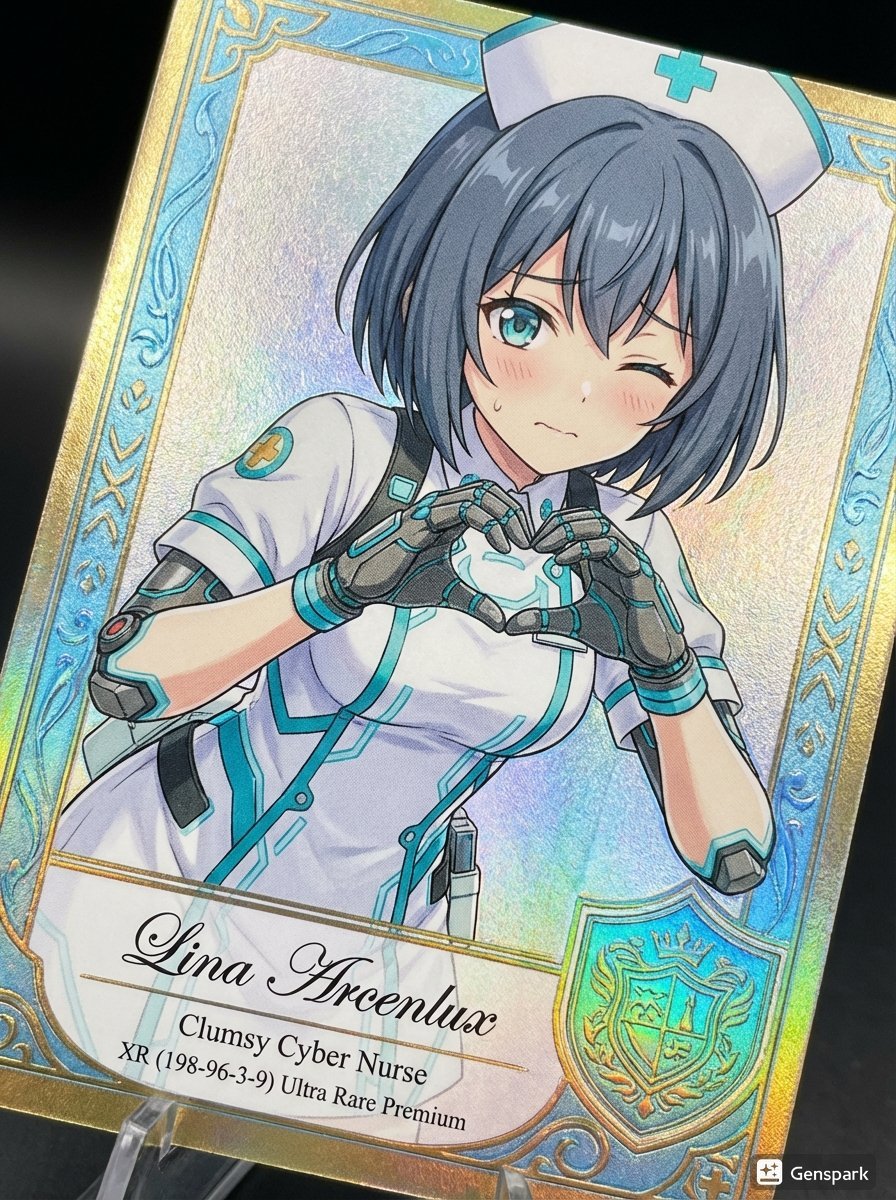
Comparing AI Art Versions with Nano Banana Pro
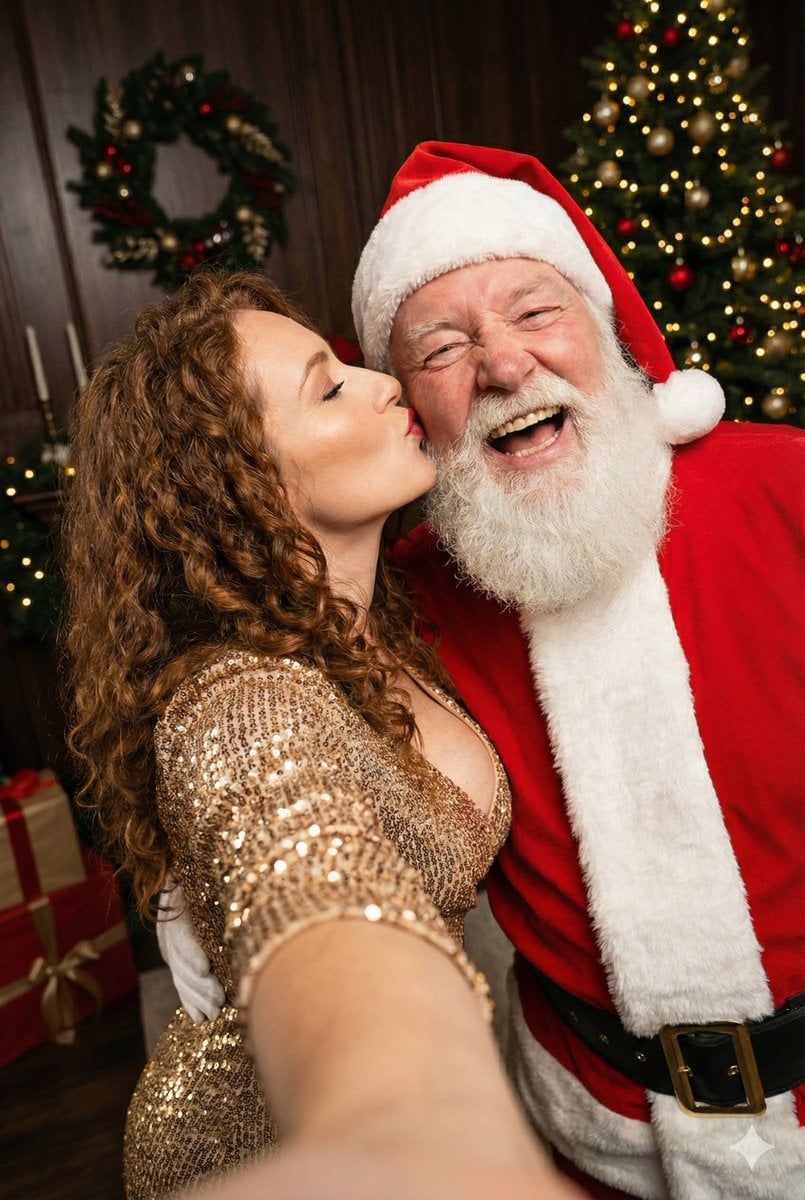
Christmas Selfie with Santa Prompt
Modern Candid Portrait in a Record Store
Luxury Black and Gold Sneaker Ad
Asymmetric Grid Editorial Portrait with Detail Shots
Aerial View of a Film Set
High-Quality Industrial Product Photography with Functional Displacement
Browse template categories
Yoroi Station Seaside Manga Comic questions
How do I use the Yoroi Station Seaside Manga Comic template?
Add your photo if the template asks for one, edit the prompt if you like — the template's model and format are already selected — and press Generate. Your version opens in PicX Studio.
Can I customize the Yoroi Station Seaside Manga Comic template?
Yes. You can change the subject, setting, lighting, mood, format, and available model controls before creating your image.
Is the Yoroi Station Seaside Manga Comic template free?
Opening and editing this template is free. Generating uses credits, shown on the Generate button when you are signed in.
Which AI model should I use?
Start with GPT Image 2, which is the model associated with this template. You can compare another compatible model for a different finish.
Looking for something else? Browse all templates.

Your photo, any look
Thousands of ready templates for every top image and video model, from one credit balance.