
Businesswoman at Shibuya Station
A photorealistic commuter scene showing an anonymized businesswoman with coffee and phone outside Shibuya Station, useful for lifestyle or workday visuals.
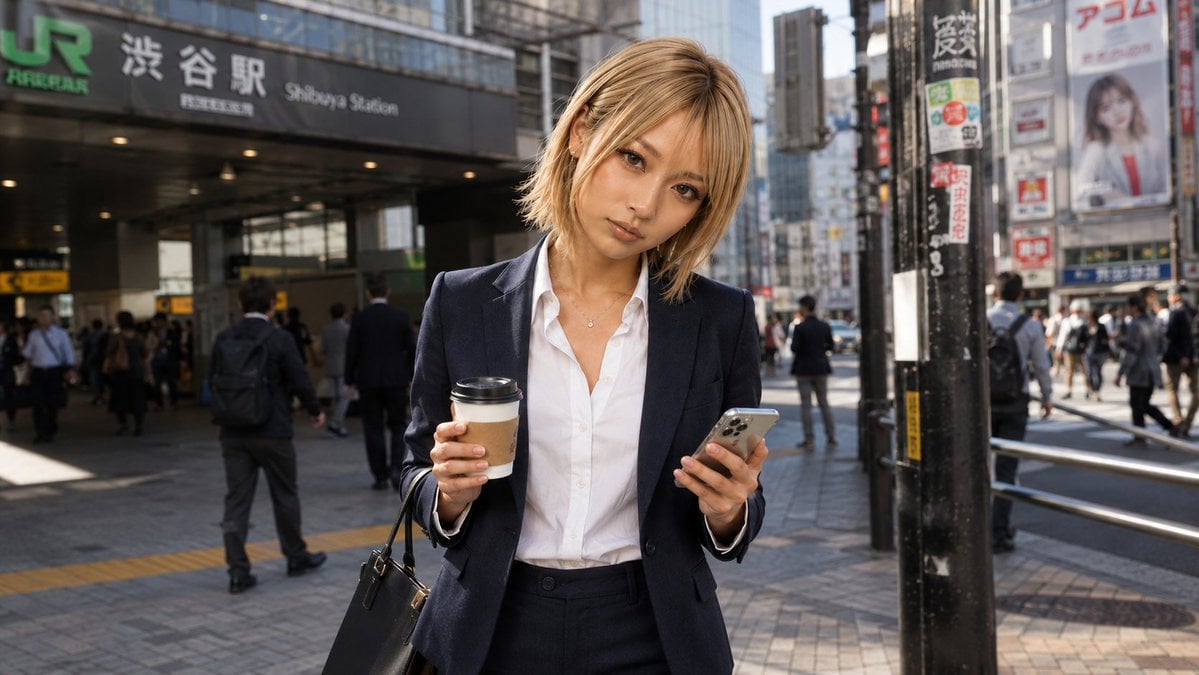
- Prompt included
- Model and format preset
- Free template
The prompt behind this image
Copy the exact prompt behind Businesswoman at Shibuya Station, or open it in the studio and make it yours.
Create a photorealistic street snapshot of {argument name="character description" default="a young blonde businesswoman"} standing in front of Shibuya Station in Tokyo on a busy weekday morning before work. She wears a navy business suit with a fitted blazer and trousers over a crisp white button-up shirt, a small necklace, and carries a black leather handbag on one arm. She holds a takeaway coffee cup in one hand and a silver smartphone in the other, as if checking messages during her commute. Her face is deliberately anonymized by a flat solid tan square censor block covering the entire facial area, while her shoulder-length blonde hair remains visible around it. The background shows the JR Shibuya Station entrance with readable signage including “JR”, “Shibuya Station”, and Japanese station text, plus urban buildings, signboards, railings, pavement, and many commuting pedestrians slightly out of focus. Use natural morning sunlight, realistic shadows, shallow depth of field, documentary photography style, 16:9 horizontal composition, eye-level perspective, crisp detail on the woman and softer busy city background. Keep the scene realistic and candid, with no illustration style, no extra text overlays, and no watermark.
How to use Businesswoman at Shibuya Station in 3 steps
- 1Upload ImagePNG, JPG or paste
Add your photo
Upload the photo the template builds on. The prompt, model and format are already set.
- 2…a portrait of your subject in softgolden-hour light, 85mm…
Personalize
Edit the subject and creative details for your destination.
- 3Generate
Generate
Press Generate — your image is created in PicX Studio, so you can compare it with the original and refine one variable at a time.
More like this
Templates with the same subject, style or setup. Open one to see its prompt.
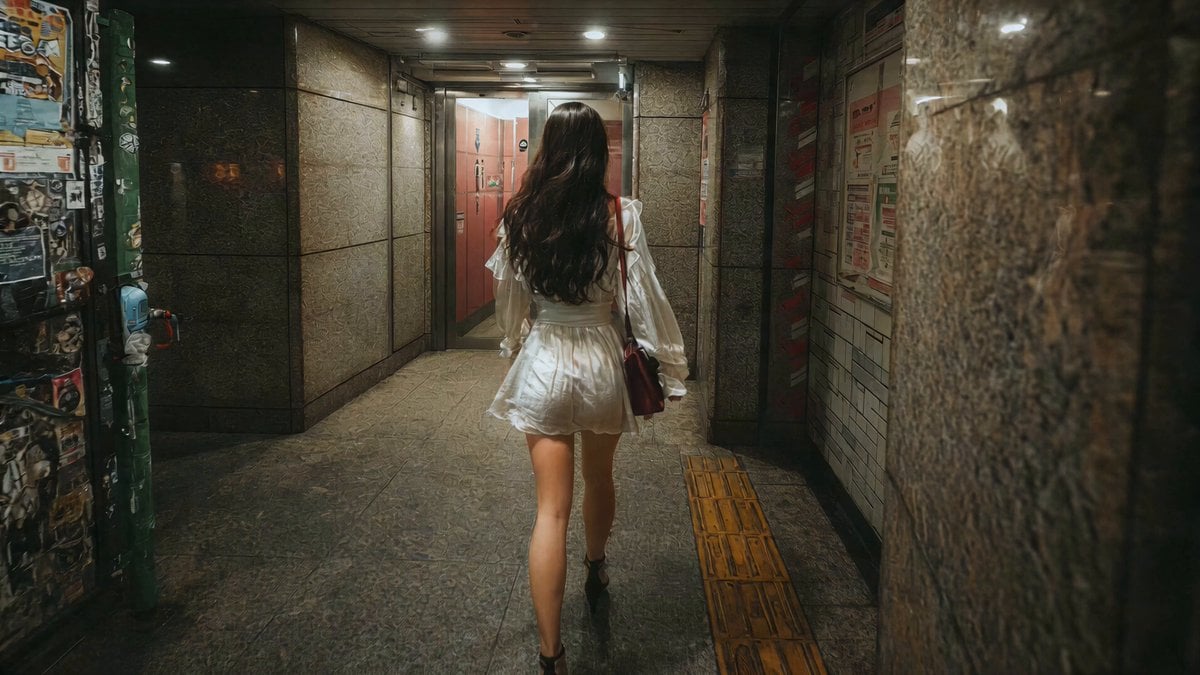
J-Horror Shibuya Station - Seedance 2.0
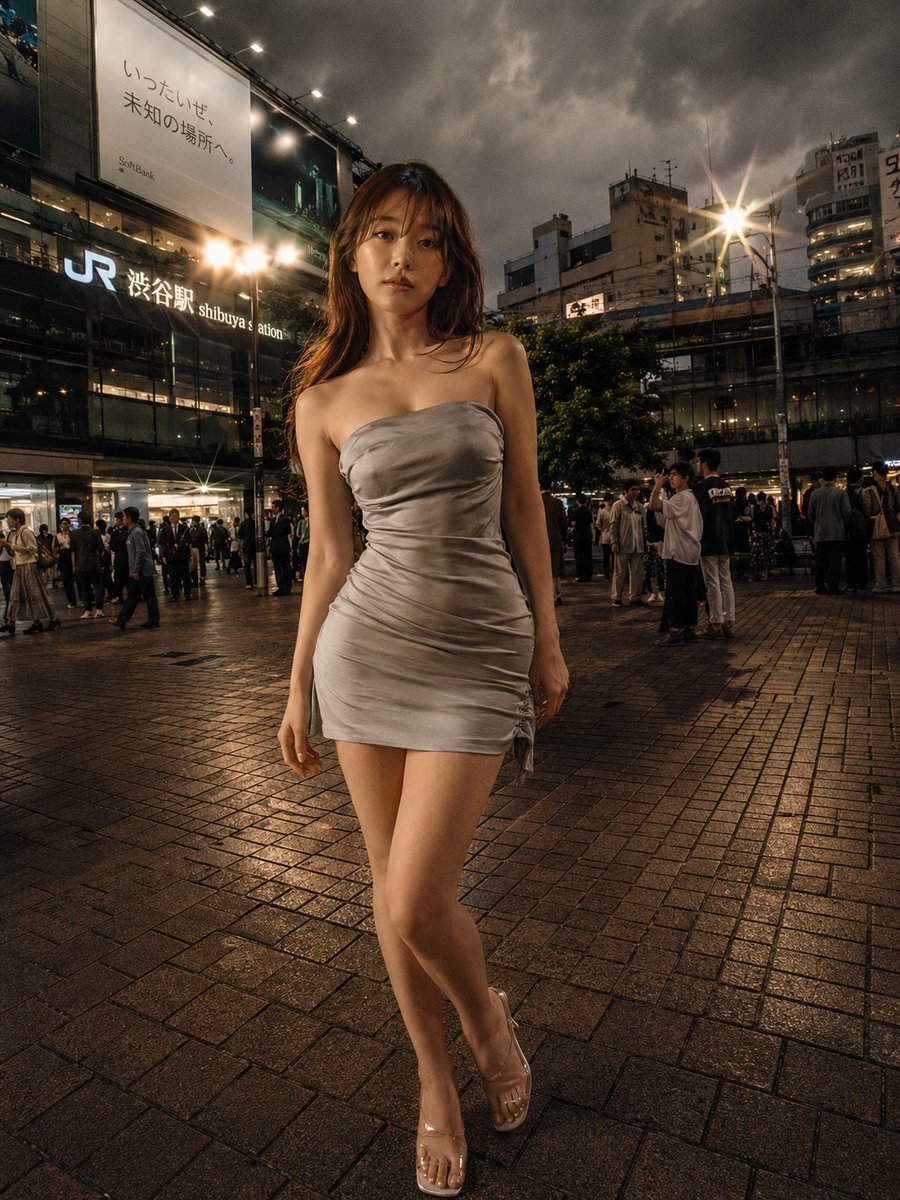
Night Fashion Portrait at Shibuya Station
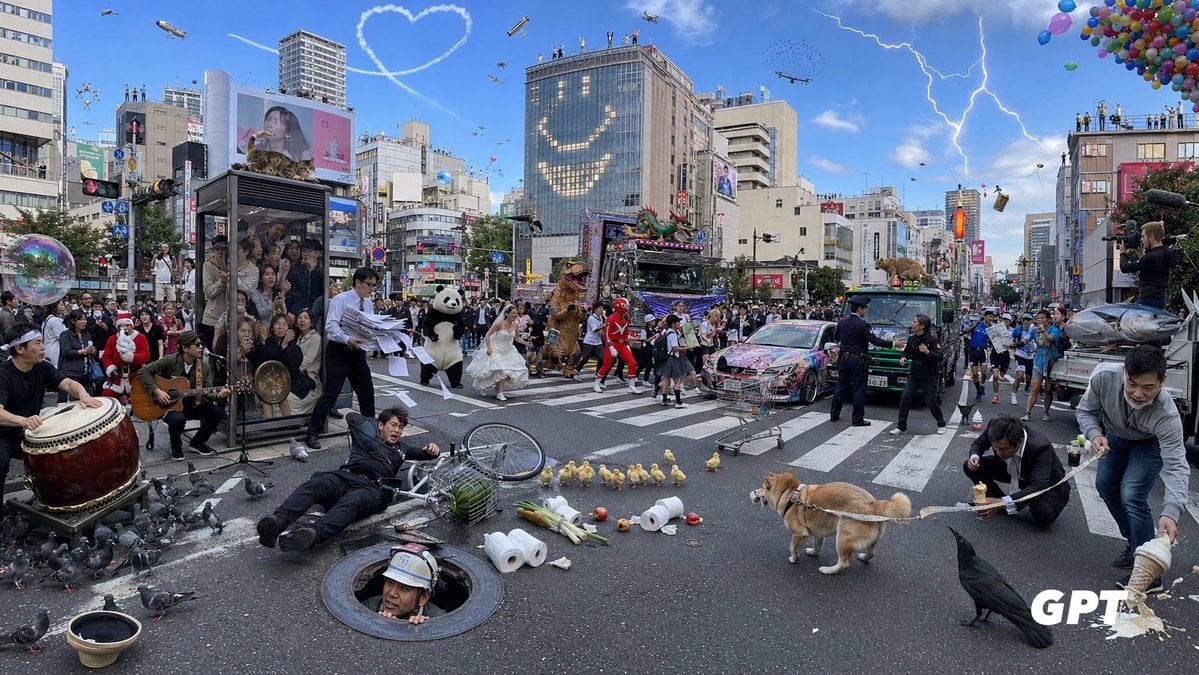
Chaotic Shibuya Scramble Crossing

Professional Businesswoman Corporate Portrait
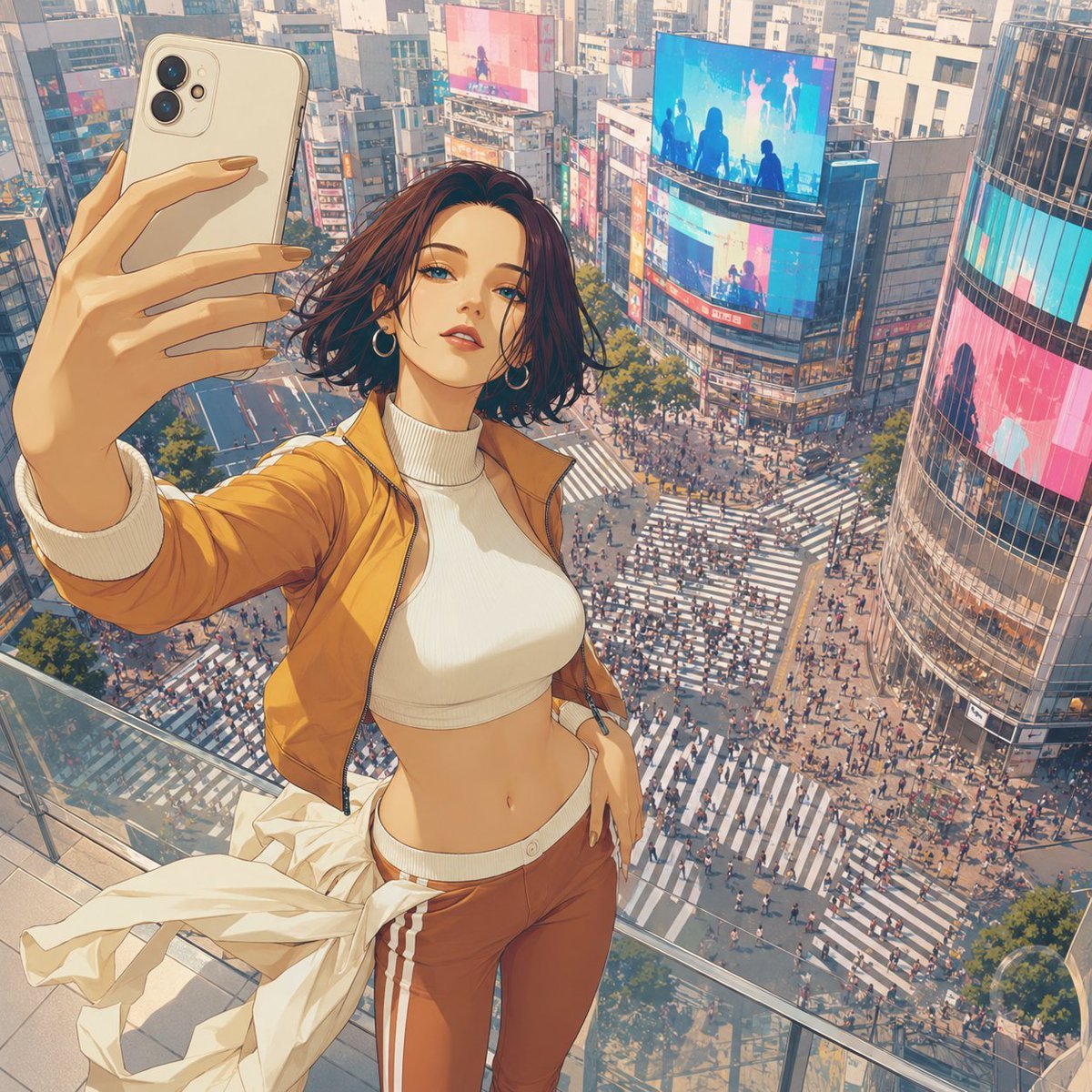
Shibuya Rooftop Selfie Photography
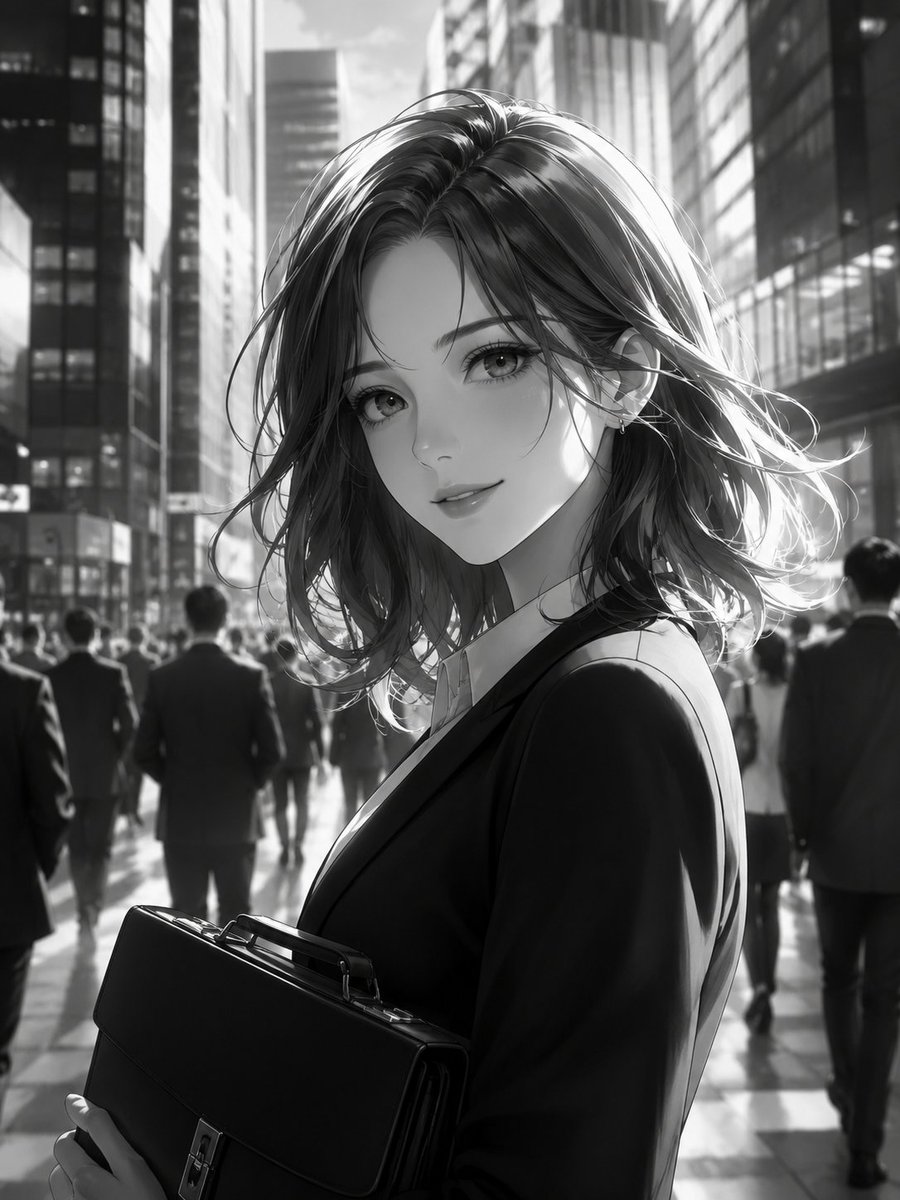
Monochrome Anime Businesswoman City Portrait

Indian Businesswoman Luxury Office Portrait
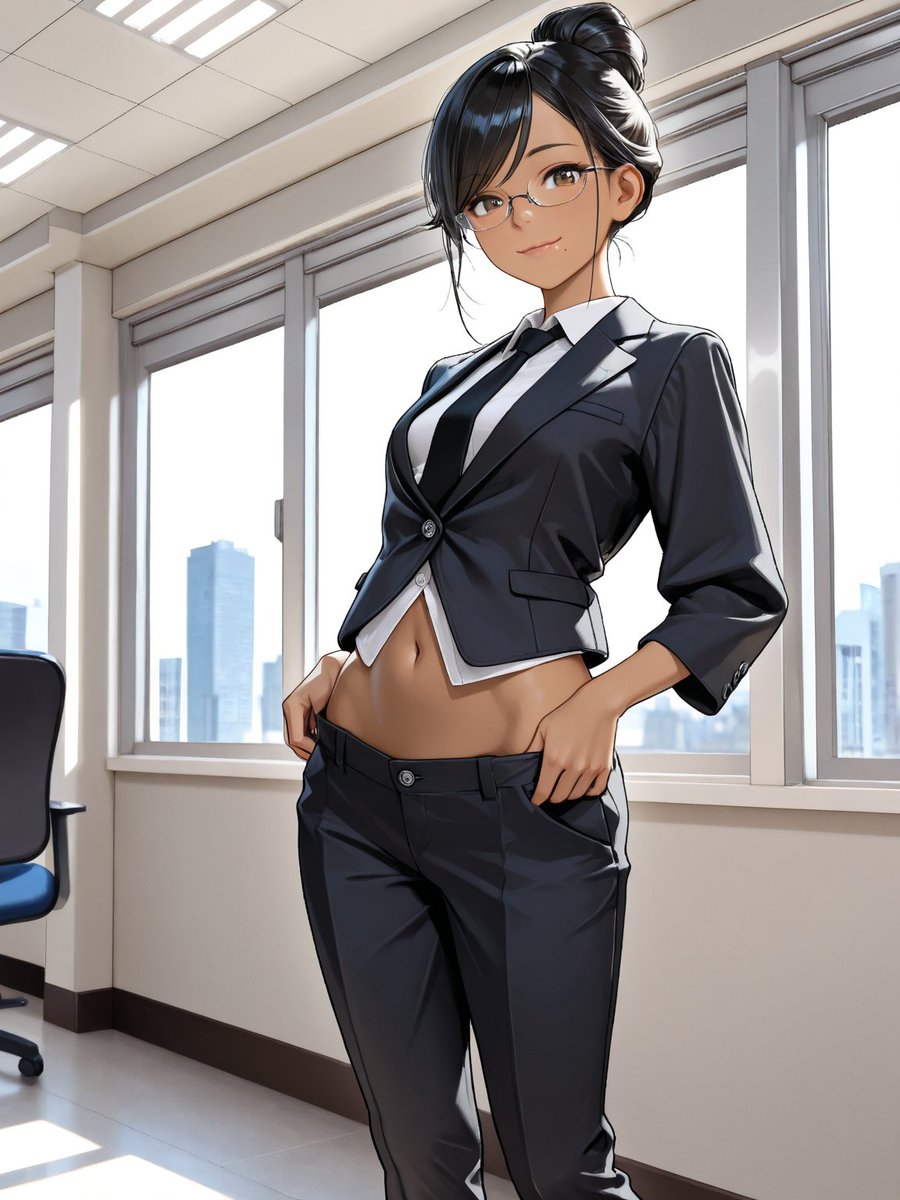
Anime Businesswoman in Bright Office
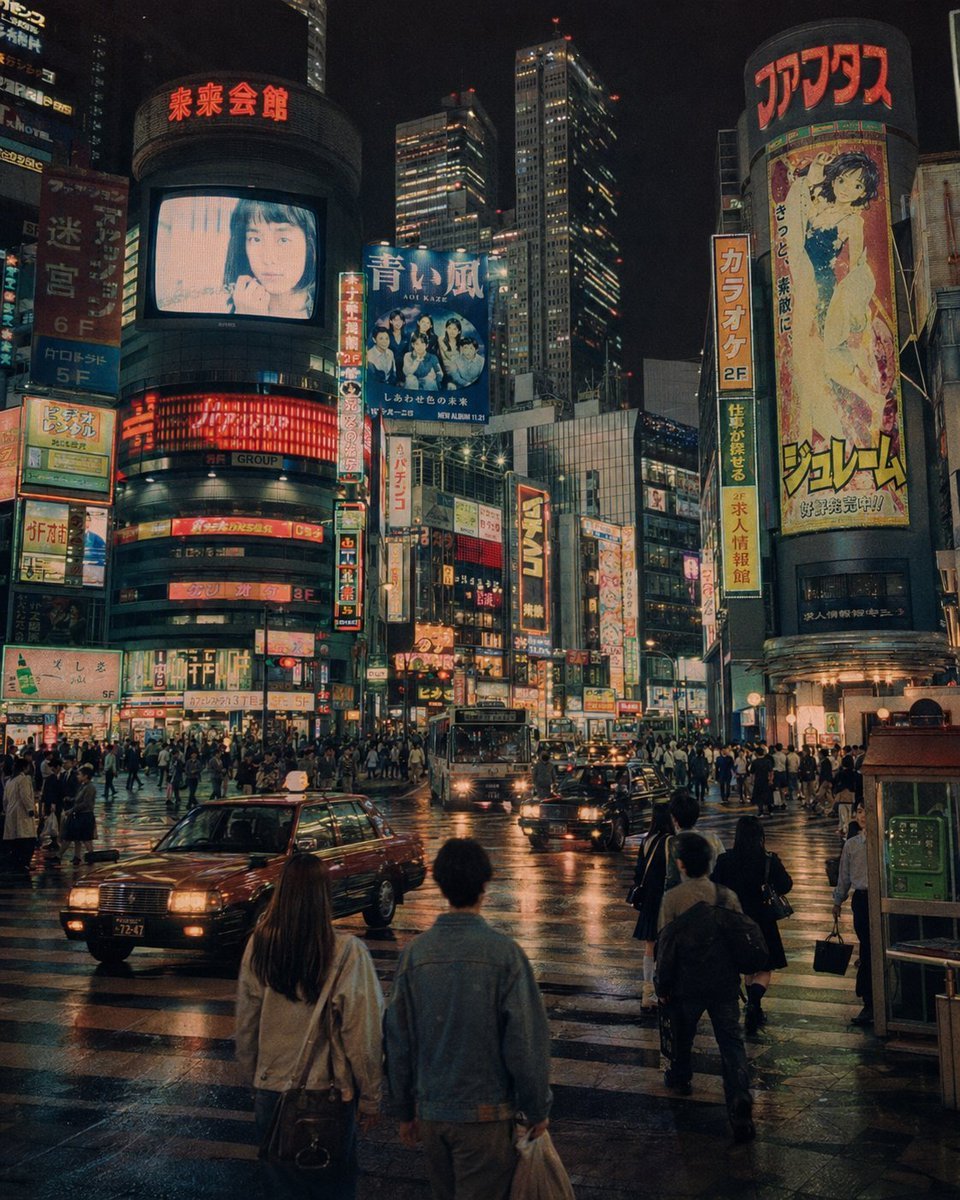
Alternate 1990s Futuristic Shibuya
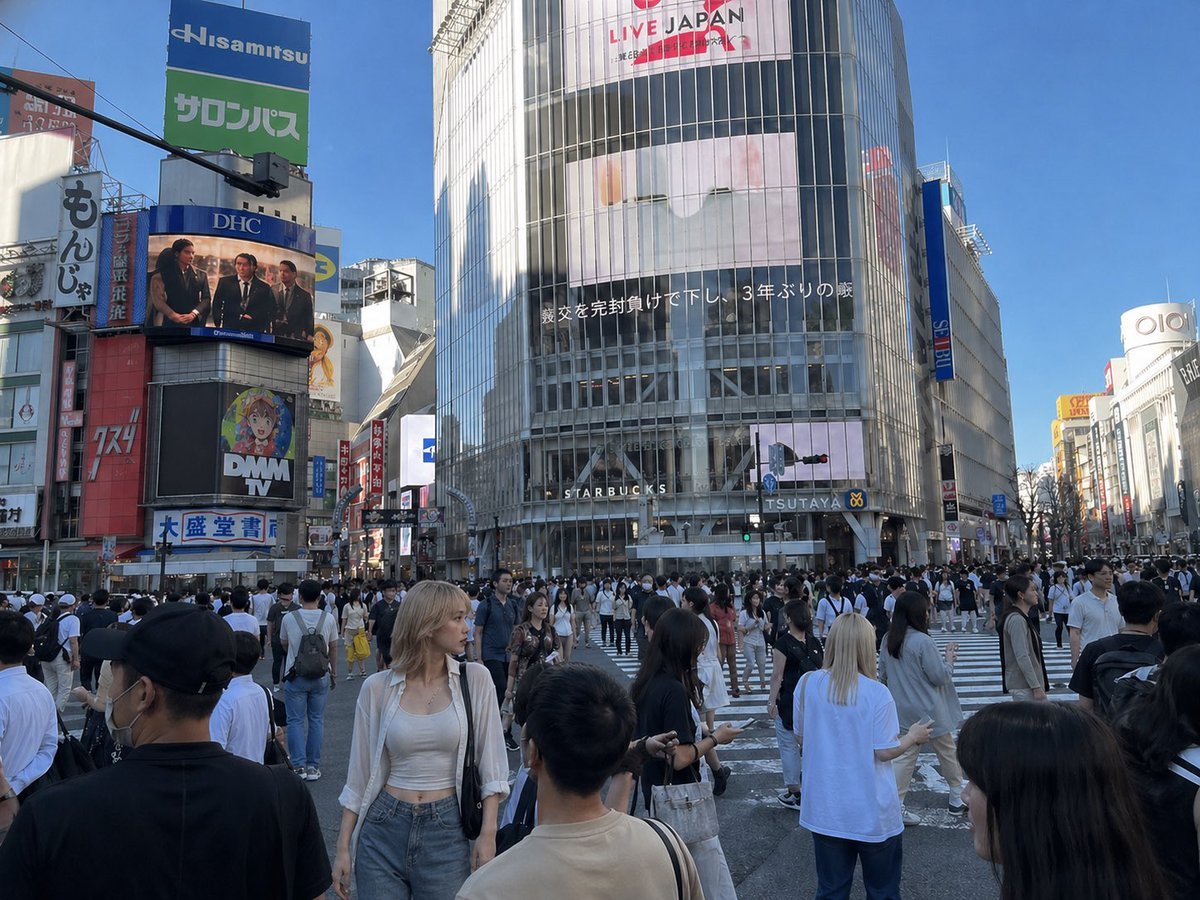
Insert Reference Person Into Shibuya Scene
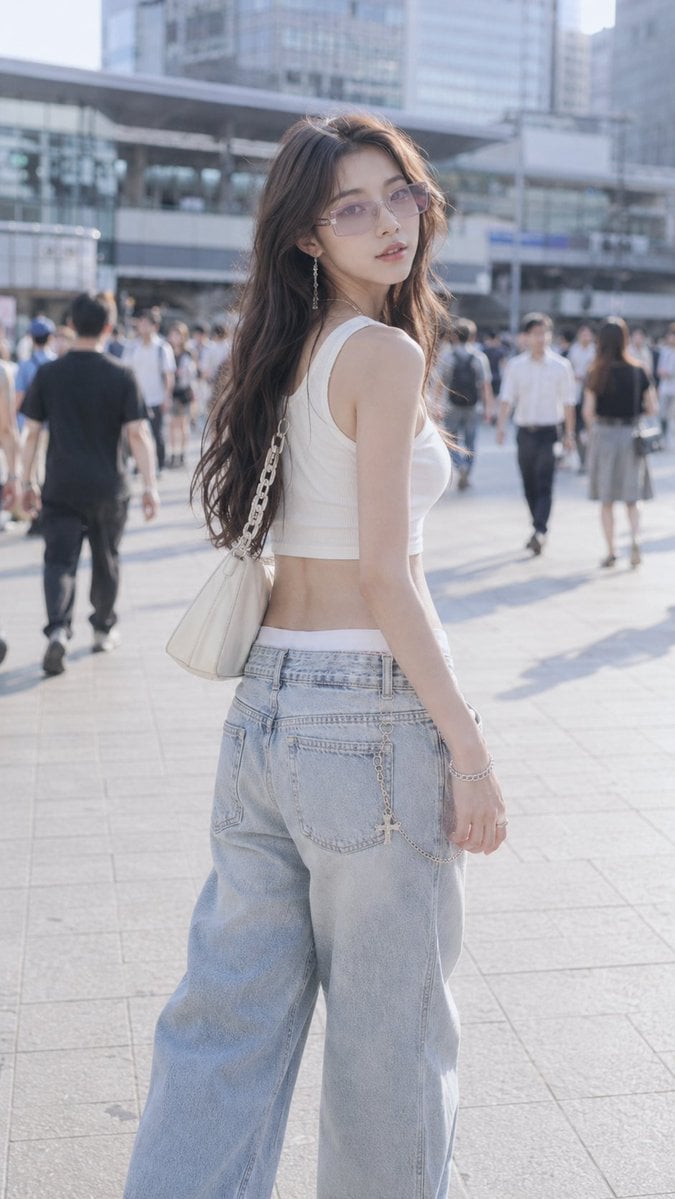
Shibuya Y2K Fashion Portrait
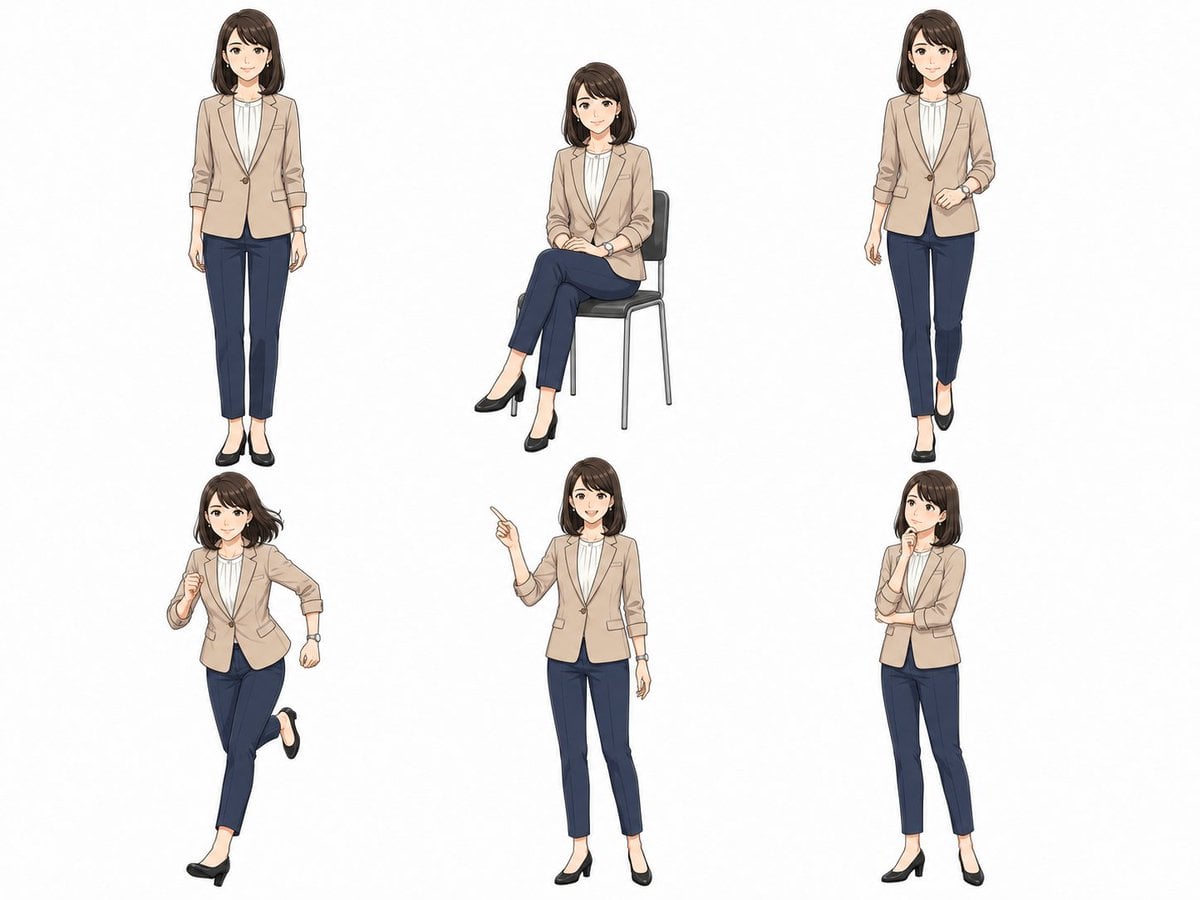
Anime Businesswoman Pose Sheet
Make it yours
Businesswoman at Shibuya Station works as-is. These are the safest ways to change it without losing the look.
Change one field
Copy a single group, rewrite it, and generate again so you can see what that field is doing.
Keep the frame, change the subject
Hold the composition and light of Businesswoman at Shibuya Station, then swap wardrobe, props or the person for a new take.
| If the result… | Why | Fix |
|---|---|---|
| The result drifts from the preview | Too many fields changed at once. | Reuse Businesswoman at Shibuya Station as-is first, then change one group — subject, light, or setting. |
| The model over-stylizes the scene | The prose prompt leaves finish and camera underspecified. | Add one camera or lighting sentence and stay on GPT Image 2. |
More GPT Image 2 templates
Other prompts made for GPT Image 2.

Six VTuber Japanese Logo Sheet

Realistic Portrait of Woman and Deer

The Vista Modular Condo Poster

AI Model Routing Comparison Infographic

2.5D Anime Art Board

Isometric Productivity Desk Scene

New York Double Exposure Poster

Four-Panel AI Landscape Comparison

Japanese Tatami Lifestyle Magazine Cover

NESCAFÉ Coffee Map Poster
More image prompts
Fresh picks from across the catalog.

Hyper-Realistic Salad Explosion Food Photography Prompt
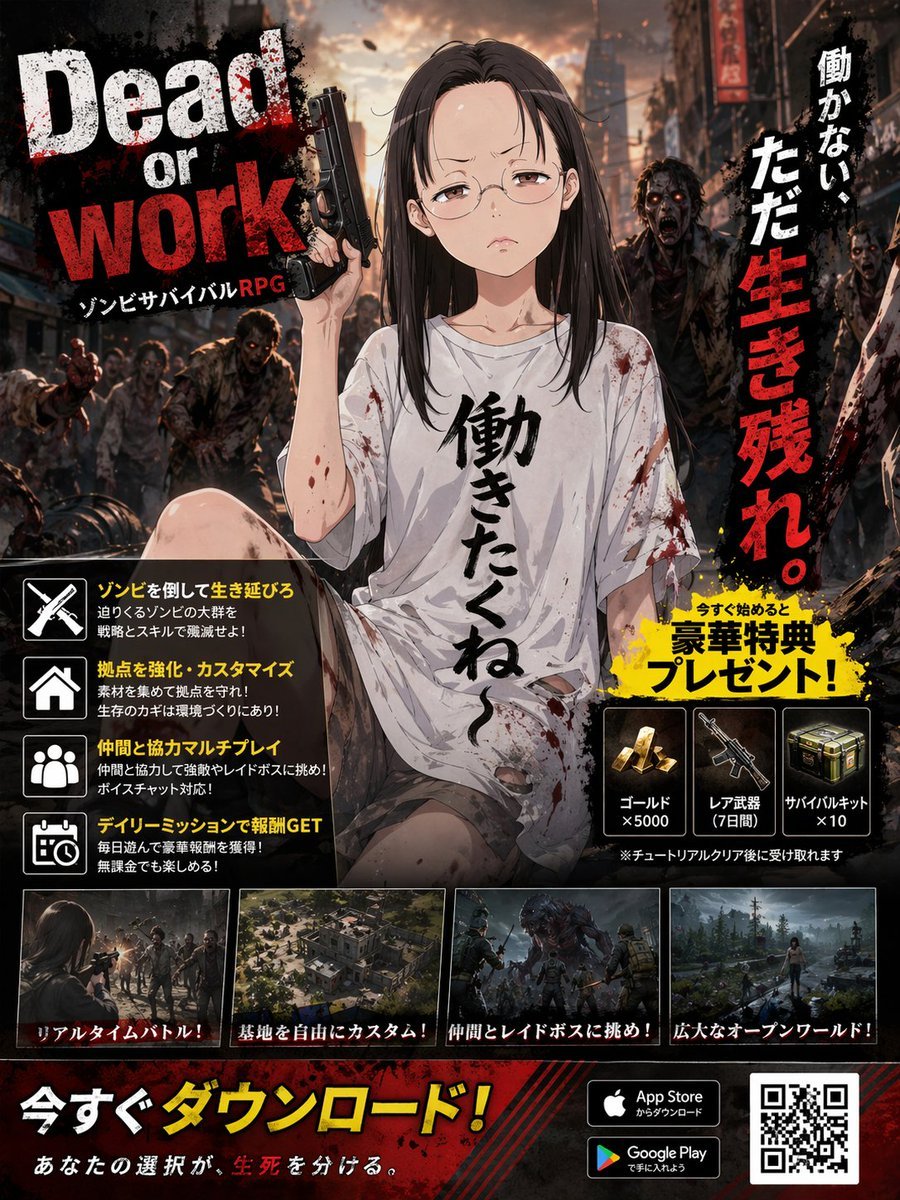
Zombie Survival RPG Anime Ad Poster
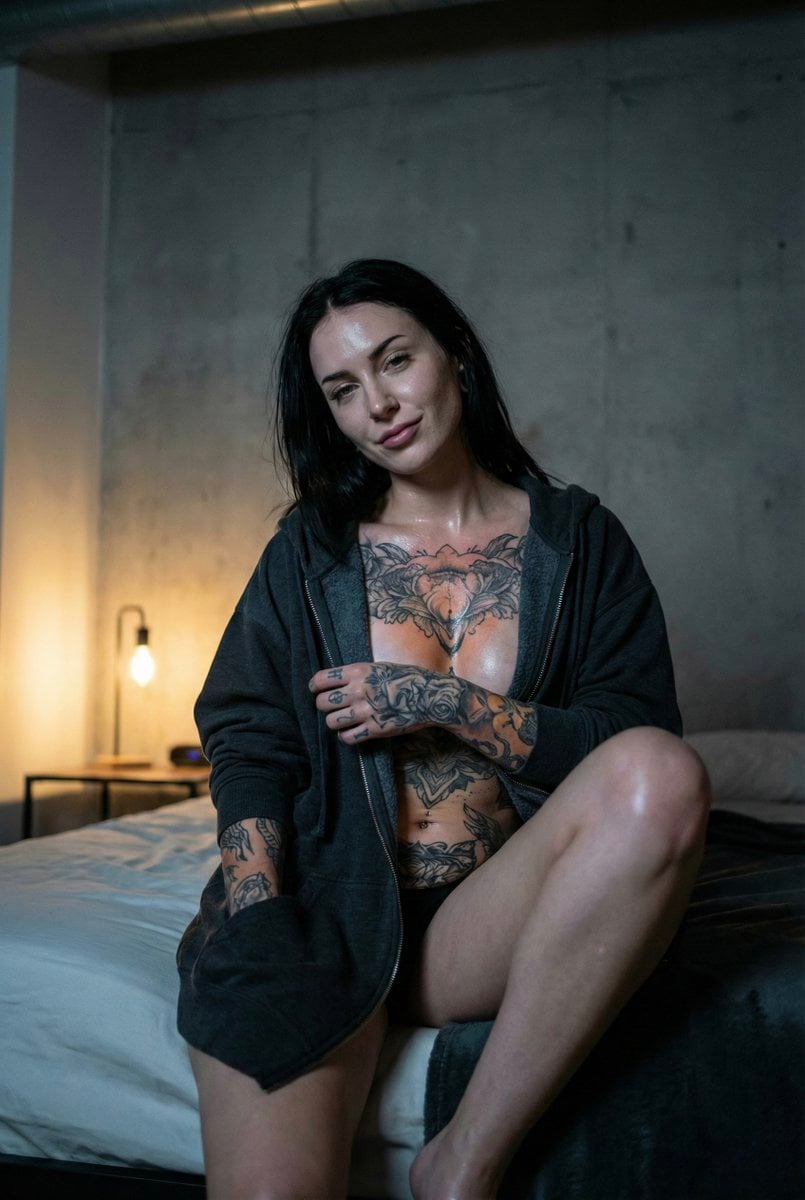
Low Light iPhone Realism Hoodie Portrait Prompt for Nano Banana 2
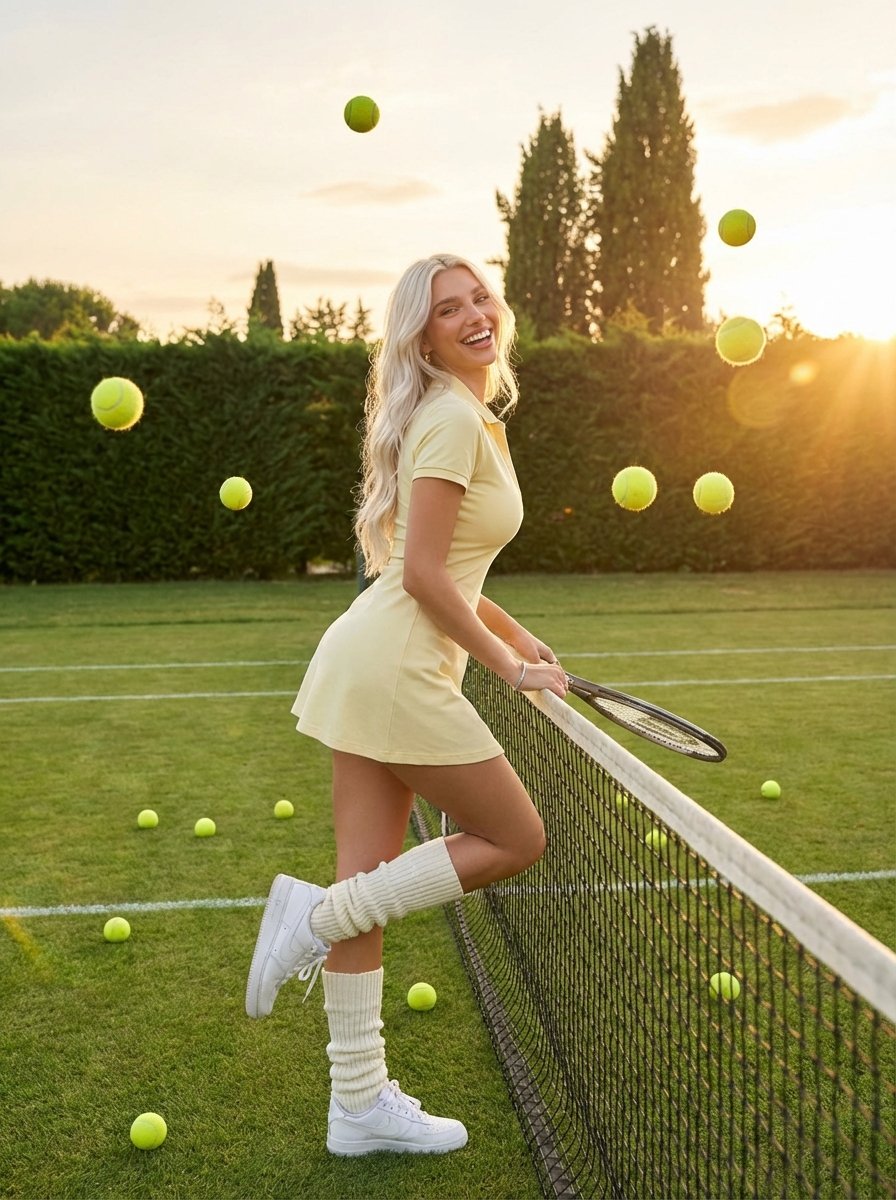
Golden Hour Tennis Lifestyle Photo
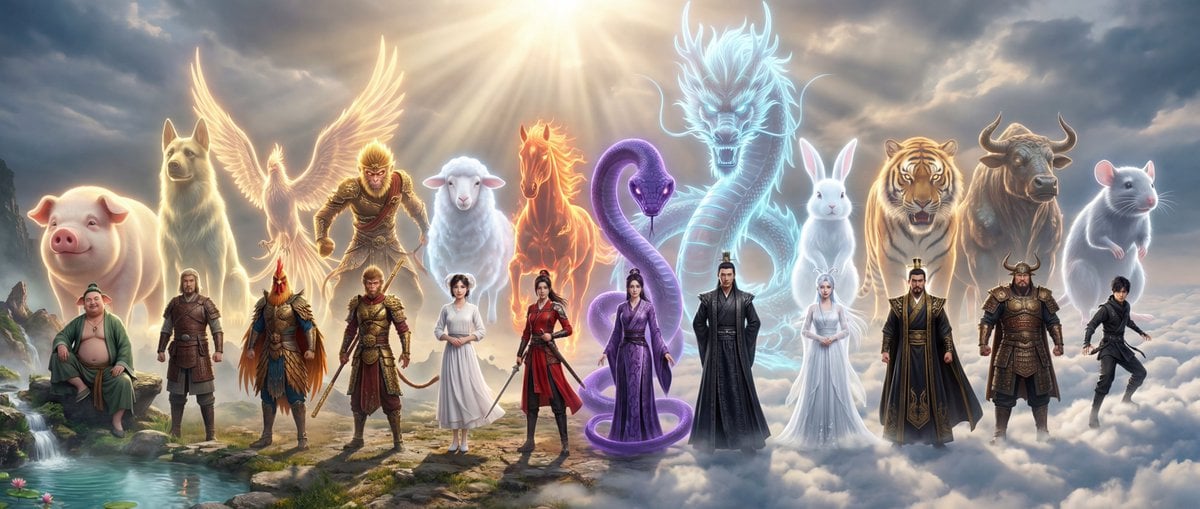
Epic Chinese Fantasy Zodiac Deities Prompt (12 Characters)
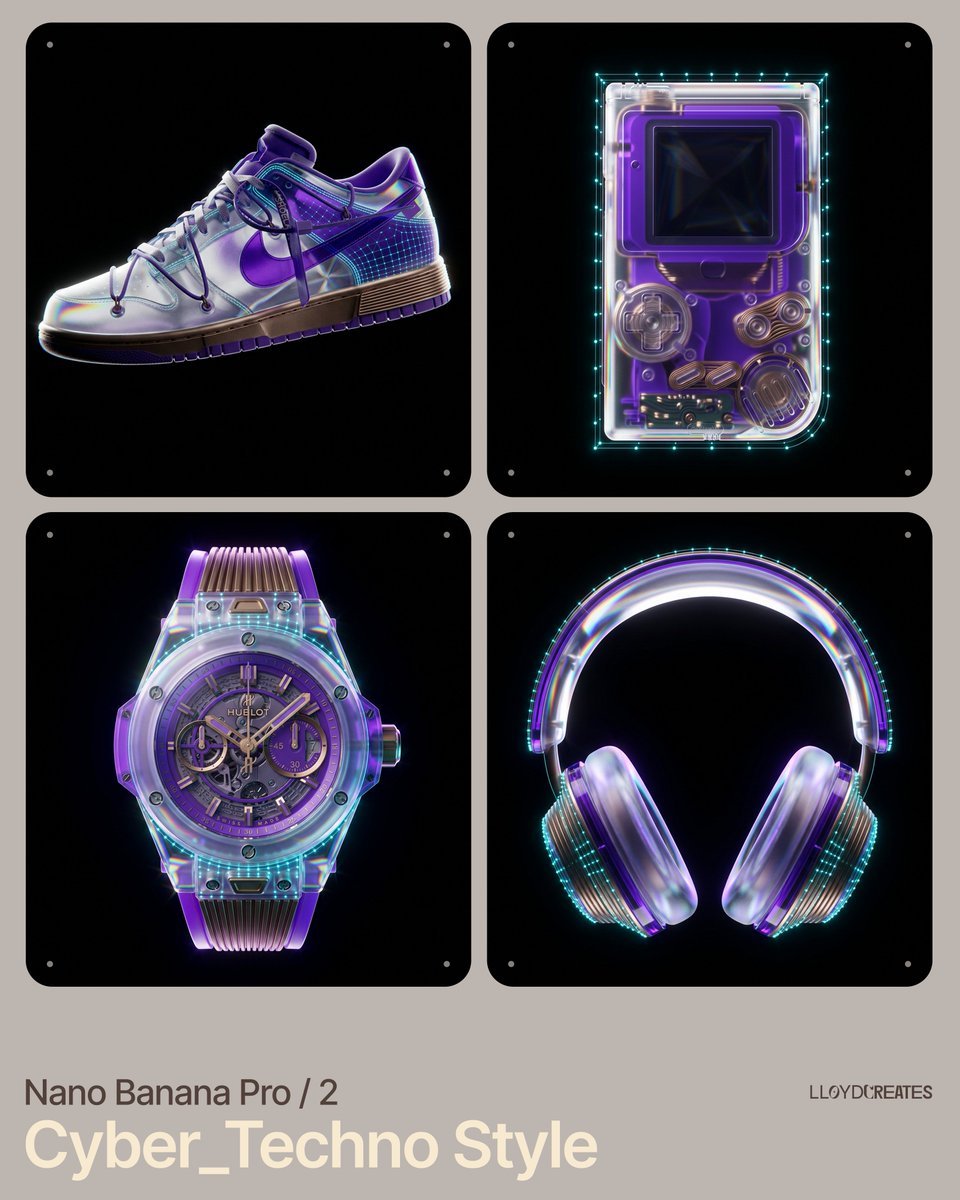
Cyber-Techno Product Shot in Void with Prismatic Effects
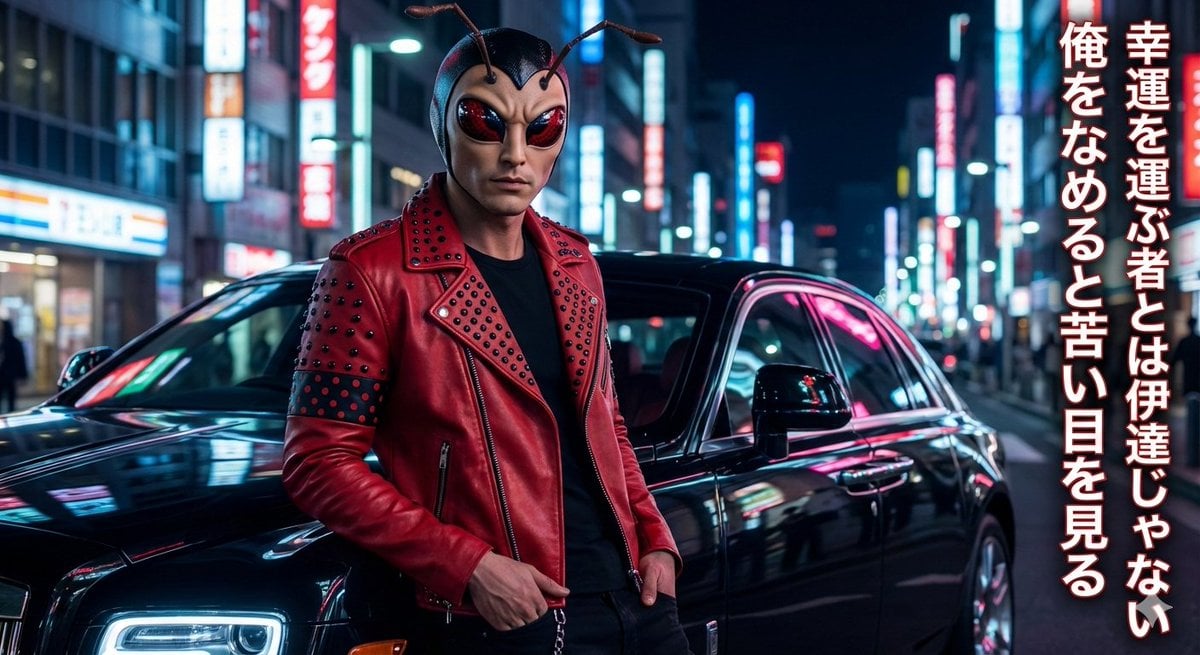
Mushi Tanka (Insect Haiku) Gravure Photo
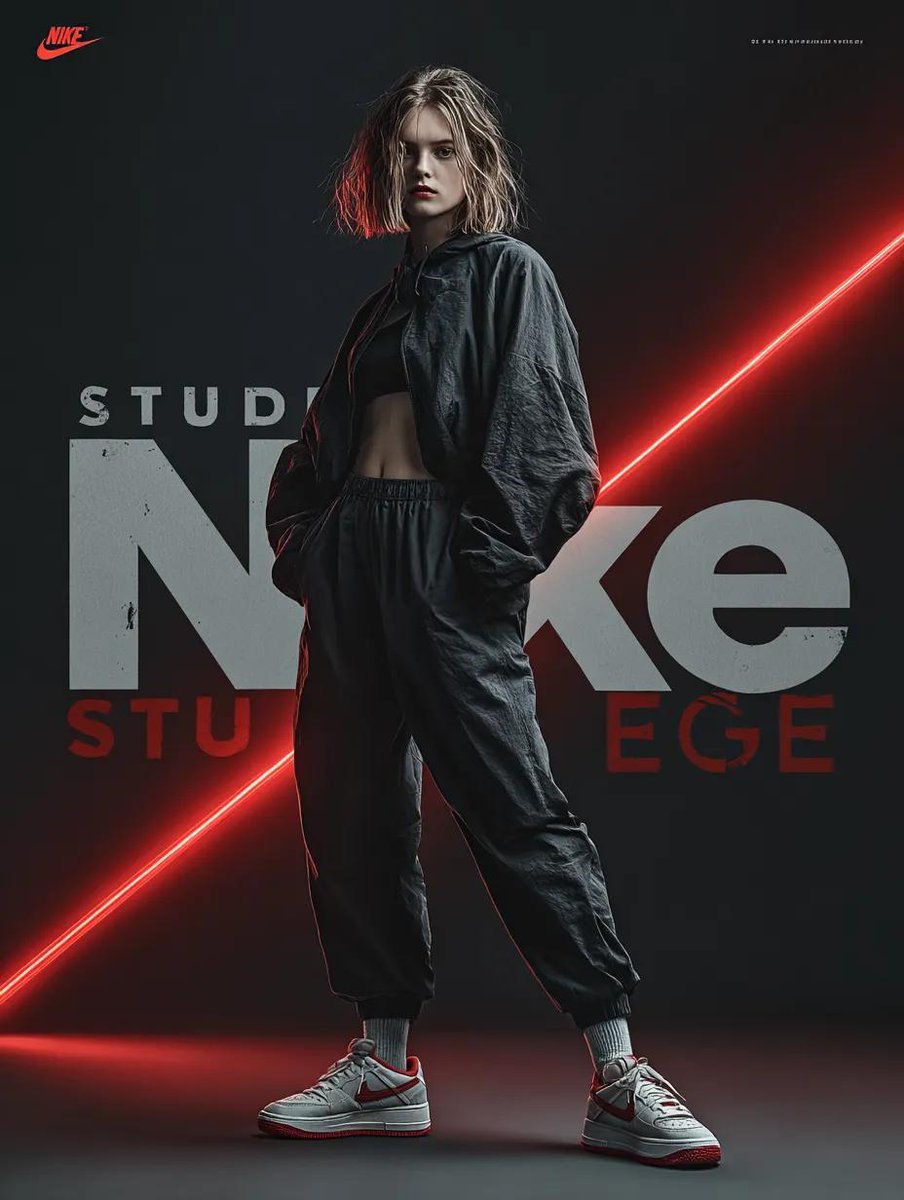
Dynamic Futuristic Nike Fashion Ad Prompt for Nano Banana Pro

Burgundy Velvet Literary Magazine Cover
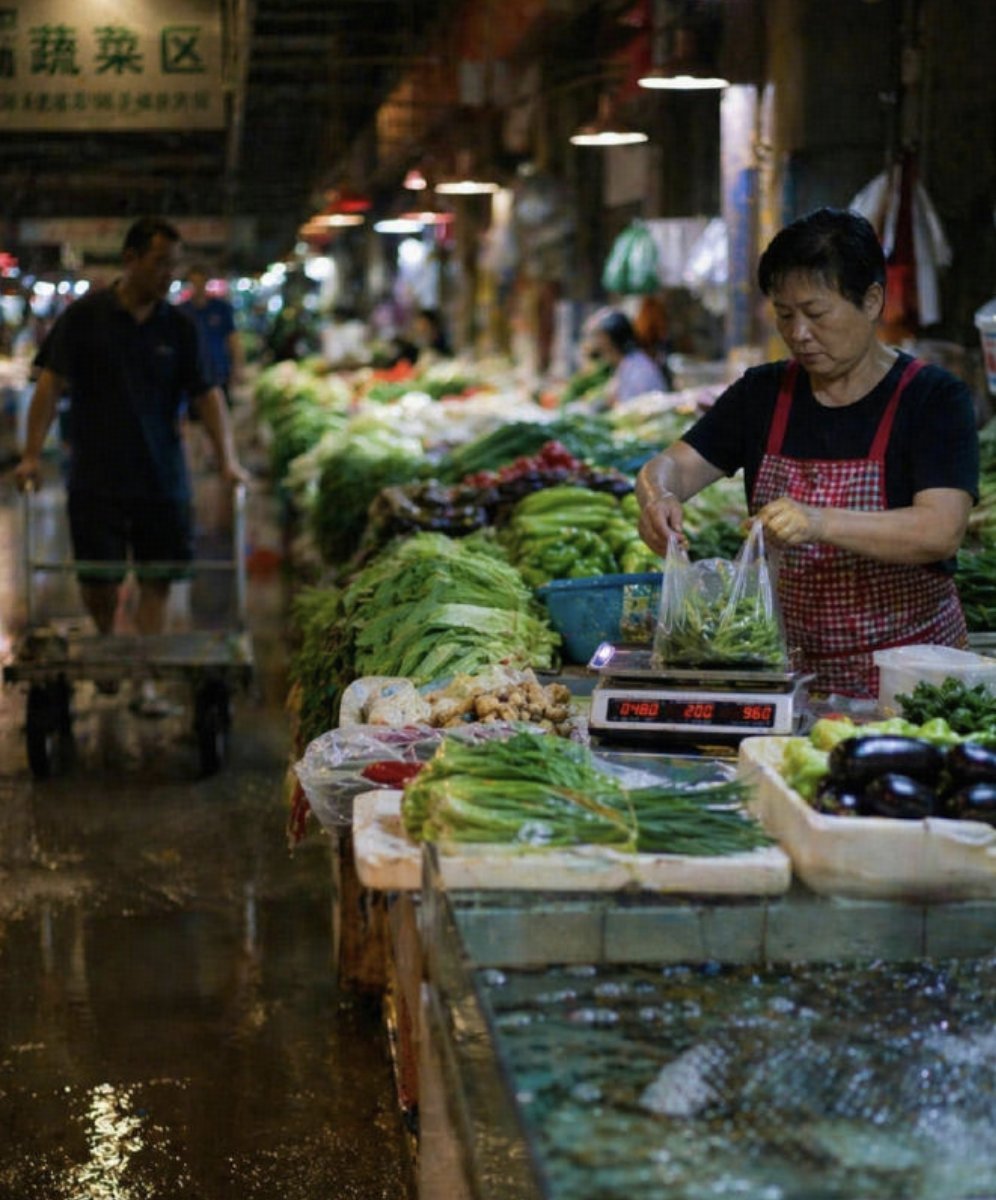
Wet Chinese Night Market Scene
Browse template categories
Businesswoman at Shibuya Station questions
How do I use the Businesswoman at Shibuya Station template?
Add your photo if the template asks for one, edit the prompt if you like — the template's model and format are already selected — and press Generate. Your version opens in PicX Studio.
Can I customize the Businesswoman at Shibuya Station template?
Yes. You can change the subject, setting, lighting, mood, format, and available model controls before creating your image.
Is the Businesswoman at Shibuya Station template free?
Opening and editing this template is free. Generating uses credits, shown on the Generate button when you are signed in.
Which AI model should I use?
Start with GPT Image 2, which is the model associated with this template. You can compare another compatible model for a different finish.
Looking for something else? Browse all templates.

Your photo, any look
Thousands of ready templates for every top image and video model, from one credit balance.