
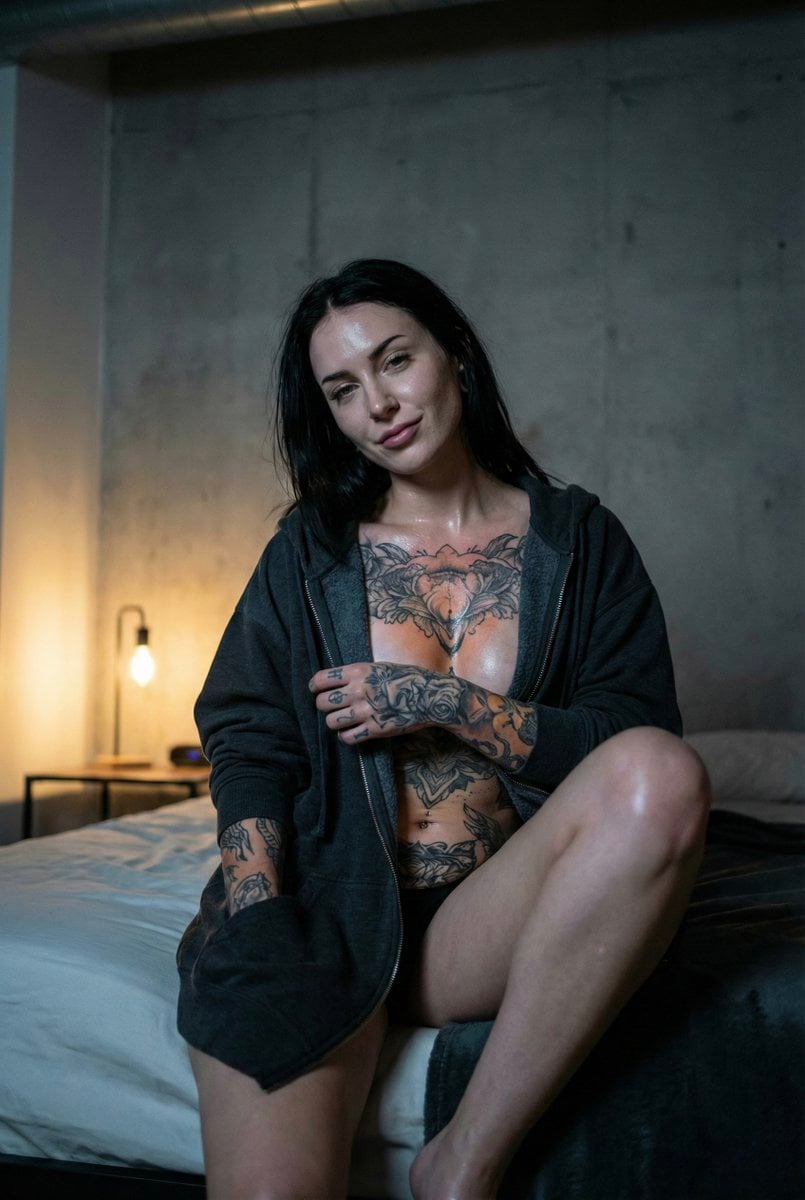
Low Light iPhone Realism Hoodie Portrait Prompt for Nano Banana 2
A structured JSON prompt for Nano Banana 2 to generate an ultra-photorealistic, low-light portrait of a tattooed woman in an oversized hoodie, simulating iPhone camera realism with specific lighting, pose, and body…
- Prompt included
- Model and format preset
- Premium template
The prompt behind this image
Copy the exact prompt behind Low Light iPhone Realism Hoodie Portrait Prompt for Nano Banana 2, or open it in the studio and make it yours.
{ "meta": { "camera": "iPhone 17 Pro", "lens": "48mm", "aspect_ratio": "2:3", "style": "low light iphone realism, dark influencer mood", "quality": "ultra photorealistic", "time_of_day": "1:07 AM", "lighting_temperature": "warm side lamp 3000K with cool shadow falloff", "natural_mobile_hdr": true, "slight_handheld_motion": true, "realistic_depth_of_field": true, "authentic_iphone_color_science": true }, "character_lock": { "face": "pale alternative beauty, confident calm expression", "body": "extreme hourglass silhouette, narrow waist, pronounced hips", "hair": "dark, damp, brushed back loosely", "tattoos": "large chest piece, mandala abdomen tattoo, full sleeve tattoos" }, "scene": { "location": "dark loft bedroom", "background": "minimal industrial wall, dim warm lamp" }, "pose": { "position": "sitting on bed edge, one knee raised", "expression": "slow controlled half-smirk", "camera_angle": "slightly low handheld candid" }, "outfit": { "top": "oversized deep charcoal hoodie, worn without bra, fabric softly draped over chest", "bottom": "bare legs visible, hoodie hem resting high on thighs" }, "details": { "tattoo_visibility": "chest and arm tattoos softly highlighted under warm light", "skin_texture": "subtle damp glow, visible oblique definition", "grain": "soft night grain preserved" } }
How to use Low Light iPhone Realism Hoodie Portrait Prompt for Nano Banana 2 in 3 steps
- 1
Open
The prompt is already in the box next to the preview, with the template's model and format selected.
- 2…a portrait of your subject in softgolden-hour light, 85mm…
Personalize
Edit the subject and creative details for your destination.
- 3Generate
Generate
Press Generate — your image is created in PicX Studio, so you can compare it with the original and refine one variable at a time.
More like this
Templates with the same subject, style or setup. Open one to see its prompt.
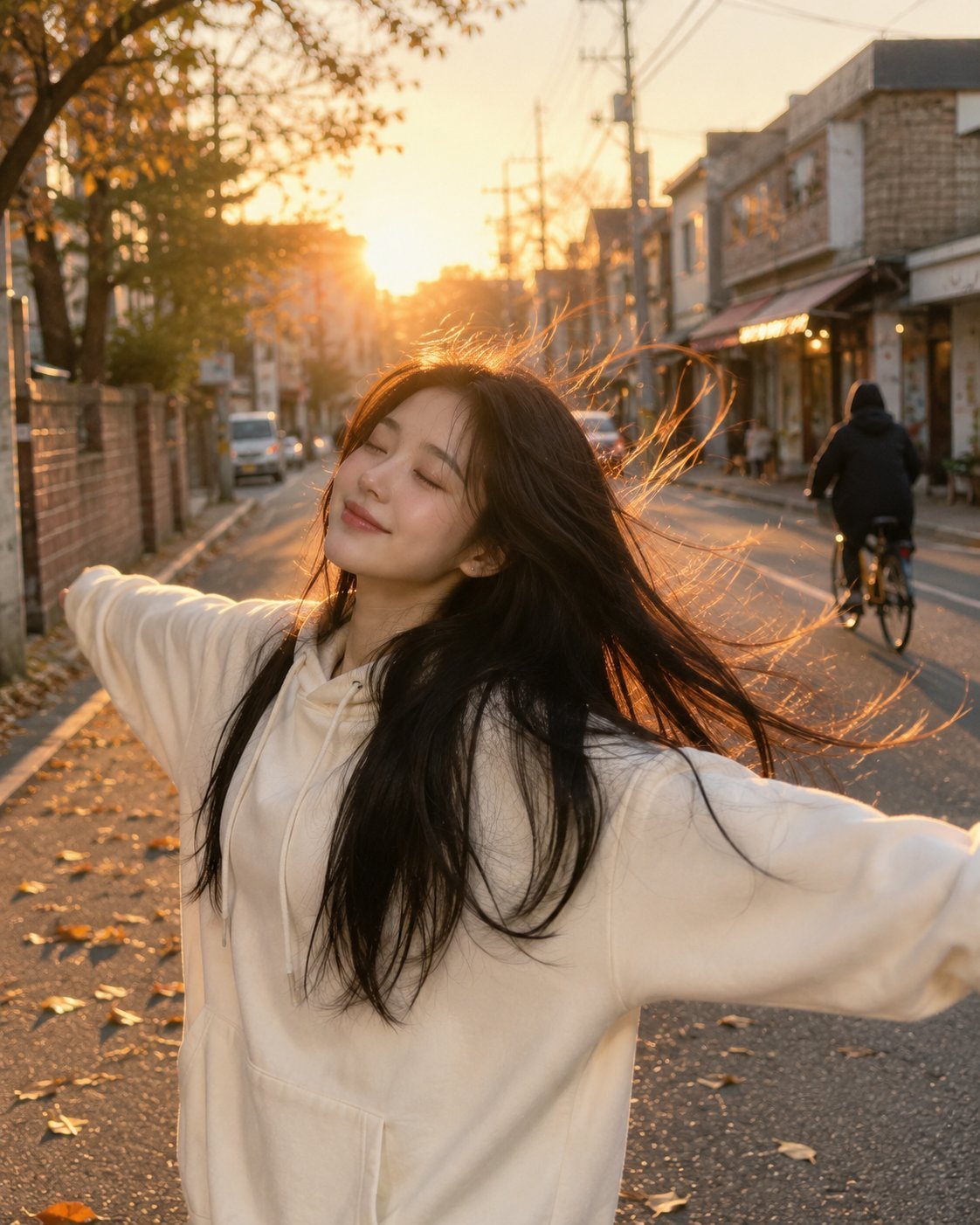
Golden Hour Street Hoodie Lifestyle Portrait
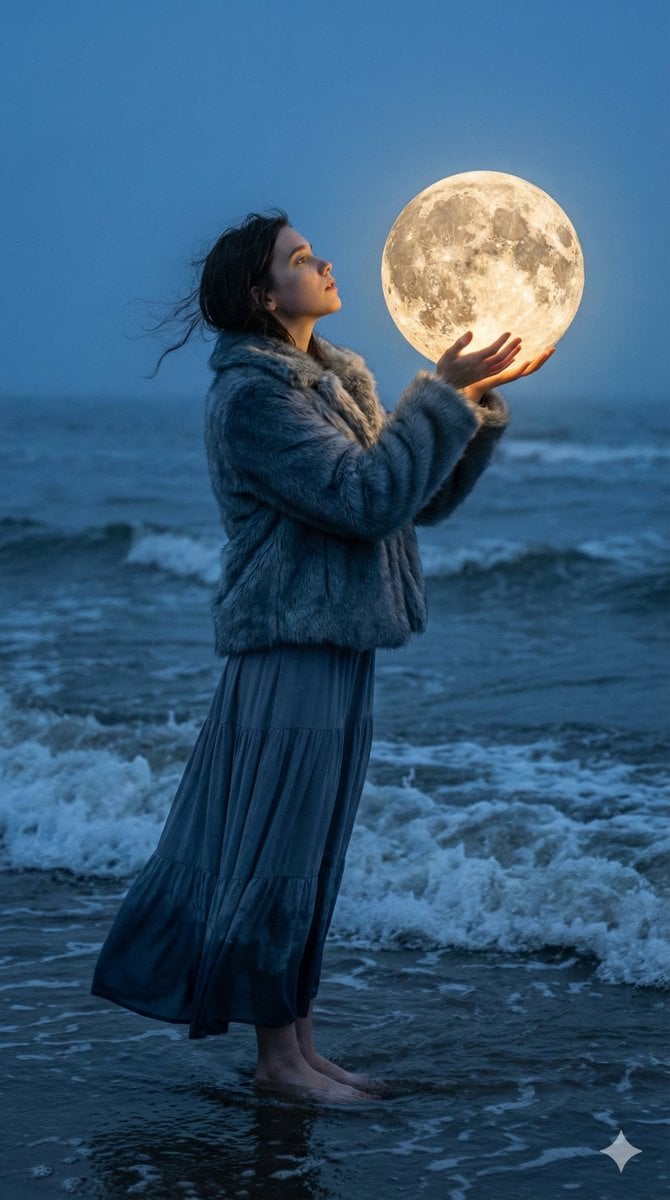
Magical Realism Portrait: Woman Holding a Glowing Moon Orb at Twilight

Nano Banana Is So Addictive

Nano Banana 2 Perspective Experiment

Gemini Nano Banana 2 Isometric 3d City D

Nano Banana 2

Gemini Nano Banana 2

Gemini Nano Banana 2 Logo in Wet Sand Be

Nano Banana 2 Gourmet Ice Cream Commerci

Nano Banana Pro Photoreal Playful Couple

Nano Banana 2 High Fashion Sports Campai

Nano Banana 2 Editorial Fashion Portrait
Make it yours
Low Light iPhone Realism Hoodie Portrait Prompt for Nano Banana 2 works as-is. These are the safest ways to change it without losing the look.
Change one field
Copy a single group, rewrite it, and generate again so you can see what that field is doing.
Keep the frame, change the subject
Hold the composition and light of Low Light iPhone Realism Hoodie Portrait Prompt for Nano Banana 2, then swap wardrobe, props or the person for a new take.
| If the result… | Why | Fix |
|---|---|---|
| The result drifts from the preview | Too many fields changed at once. | Reuse Low Light iPhone Realism Hoodie Portrait Prompt for Nano Banana 2 as-is first, then change one group — subject, light, or setting. |
| The model over-stylizes the scene | The prose prompt leaves finish and camera underspecified. | Add one camera or lighting sentence and stay on Nano Banana 2. |
More Nano Banana 2 templates
Other prompts made for Nano Banana 2.

Photorealistic Leaf Shaped Like a Dragon

K-Pop Idol Portrait Grid for Rapid Selection

Poetic Rain Forest Portrait During Golden Hour

Urban Street Portrait with Cartoon Inner Self Duo

Candid Nighttime Photo with Cat Prompt

High-Concept 3D Diorama Generation Prompt

Cinematic Futuristic Studio Portrait Template

Skincare Editorial Photography Collage Prompt

Hyper-Realistic Commercial Product Photography (Splash Effect)

Hyper-Realistic Nightclub Portrait Prompt
More image prompts
Fresh picks from across the catalog.
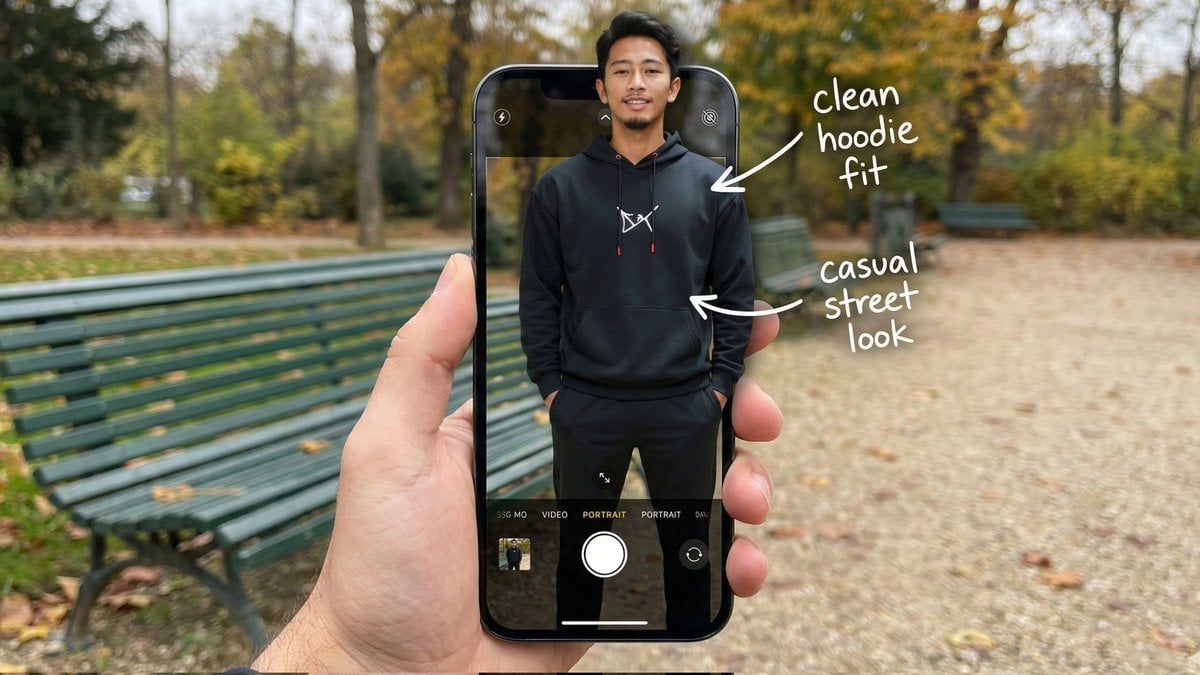
Hyper-Realistic POV Smartphone Pop-out Illusion in a Park
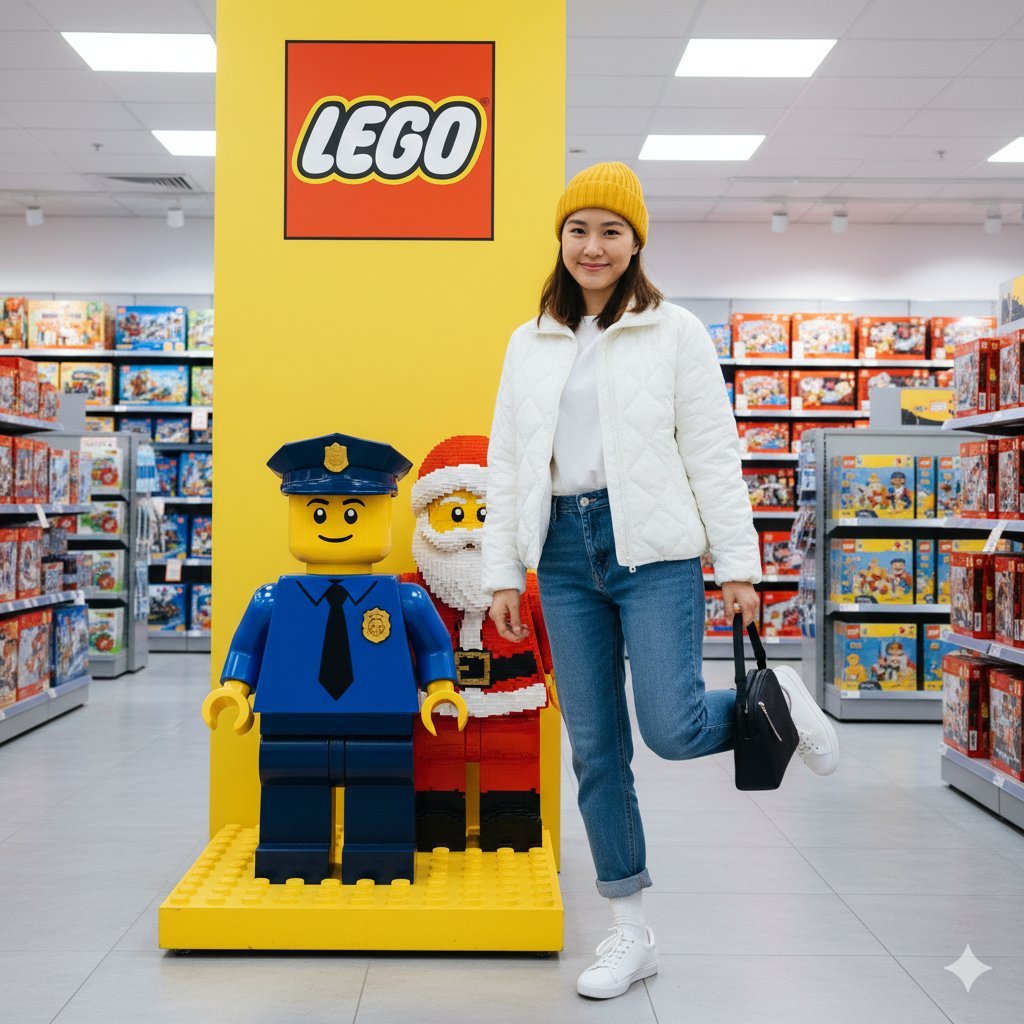
Lego Store Candid Lifestyle Photo Prompt
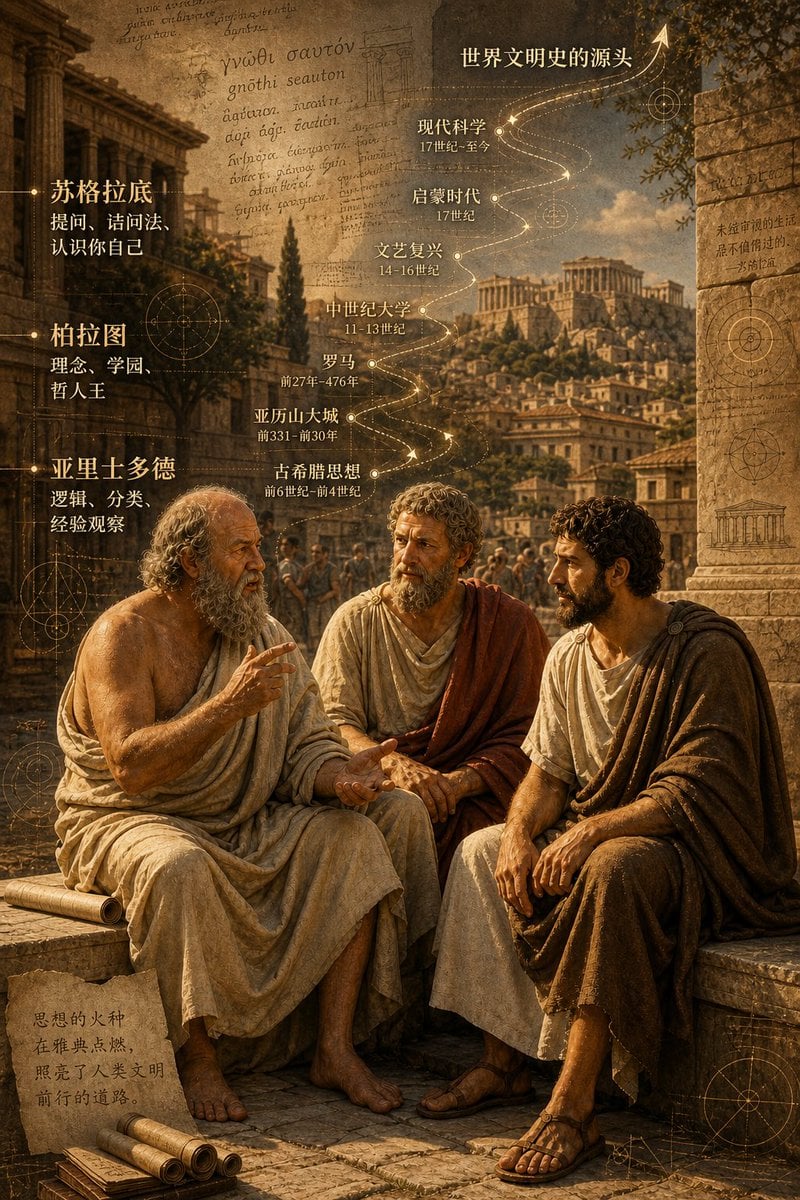
Ancient Greek Philosophers Discussion
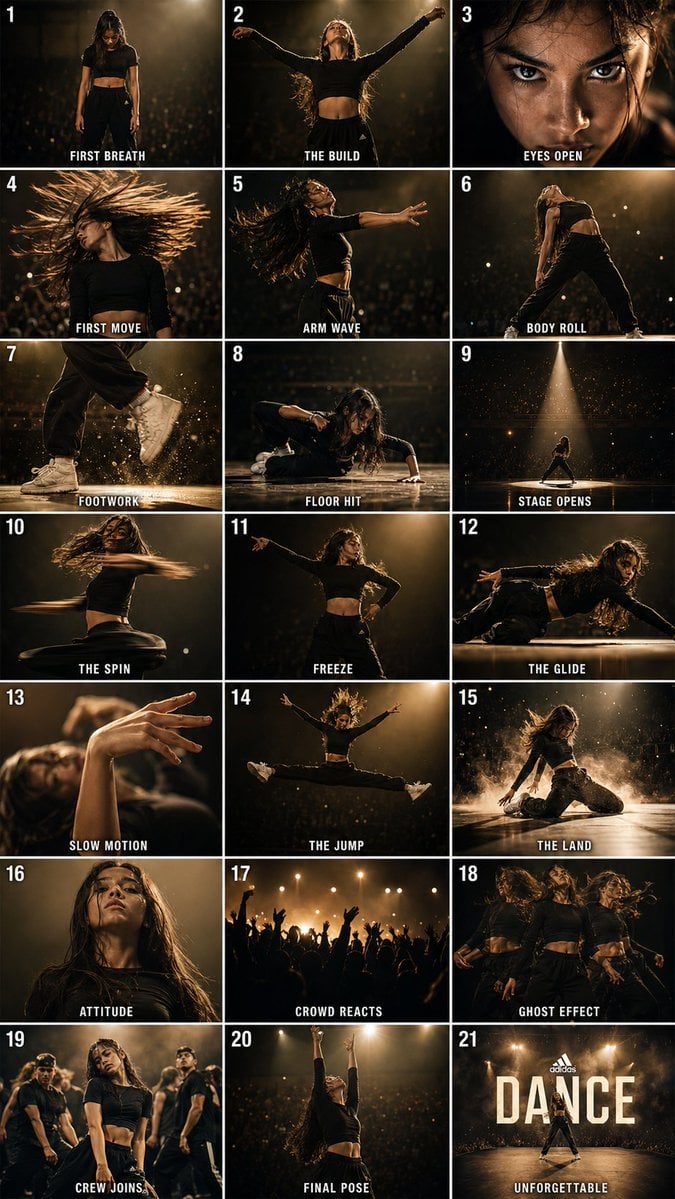
Cinematic Dance Routine Storyboard
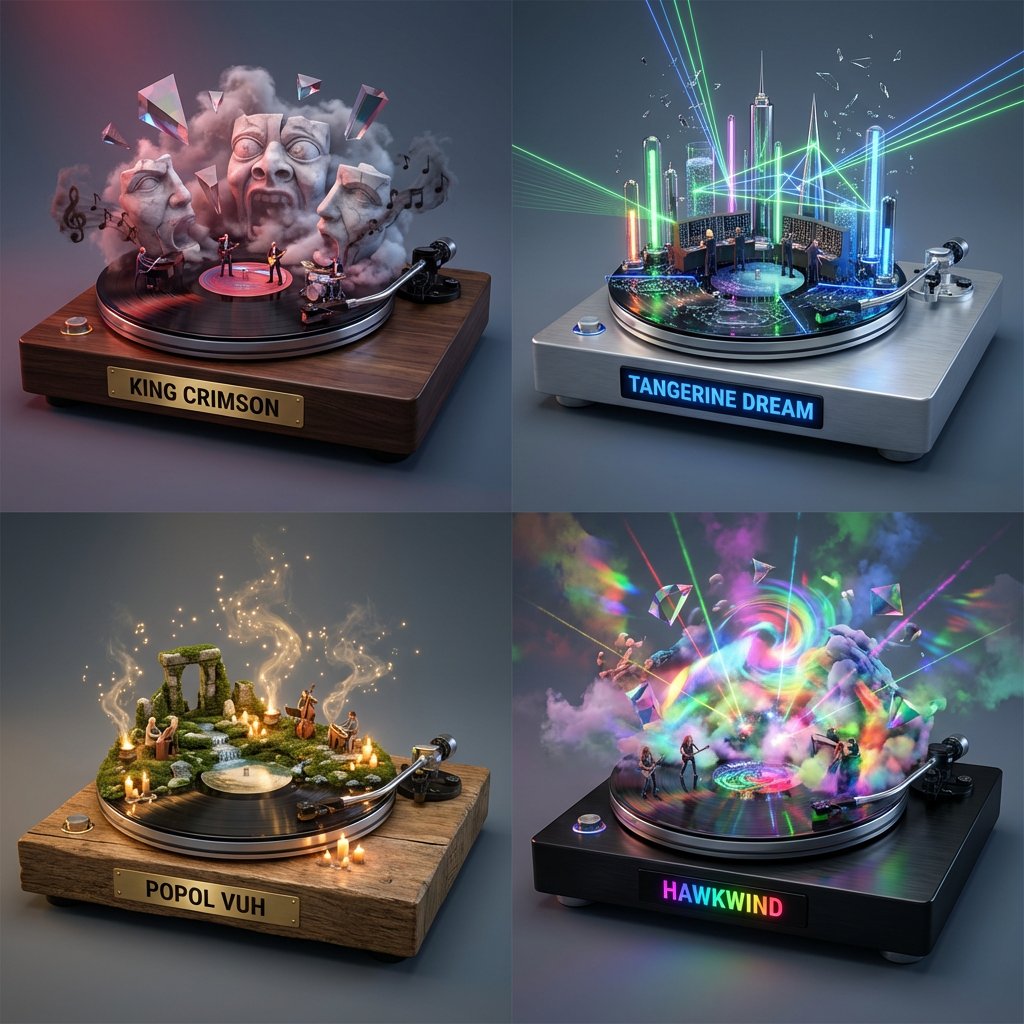
Music Curation: Audio-Visual Dioramas for Pink Floyd Fans
Conceptual Trapped Reflection Art
Surrealist Fashion Advertising Poster
Ultra-Realistic Man Holding Cartoon Miniature of Self
High-Fashion Editorial with Newspaper Dress
Abstract Brand Illustration for Innovation and Clarity
Browse template categories
Low Light iPhone Realism Hoodie Portrait Prompt for Nano Banana 2 questions
How do I use the Low Light iPhone Realism Hoodie Portrait Prompt for Nano Banana 2 template?
Add your photo if the template asks for one, edit the prompt if you like — the template's model and format are already selected — and press Generate. Your version opens in PicX Studio.
Can I customize the Low Light iPhone Realism Hoodie Portrait Prompt for Nano Banana 2 template?
Yes. You can change the subject, setting, lighting, mood, format, and available model controls before creating your image.
Is the Low Light iPhone Realism Hoodie Portrait Prompt for Nano Banana 2 template free?
Opening and editing this template is free. Generating uses credits, shown on the Generate button when you are signed in.
Which AI model should I use?
Start with Nano Banana 2, which is the model associated with this template. You can compare another compatible model for a different finish.
Looking for something else? Browse all templates.

Your photo, any look
Thousands of ready templates for every top image and video model, from one credit balance.