
Music Curation: Audio-Visual Dioramas for Pink Floyd Fans
A complex, multi-step prompt designed to act as a Music Historian and Set Designer.
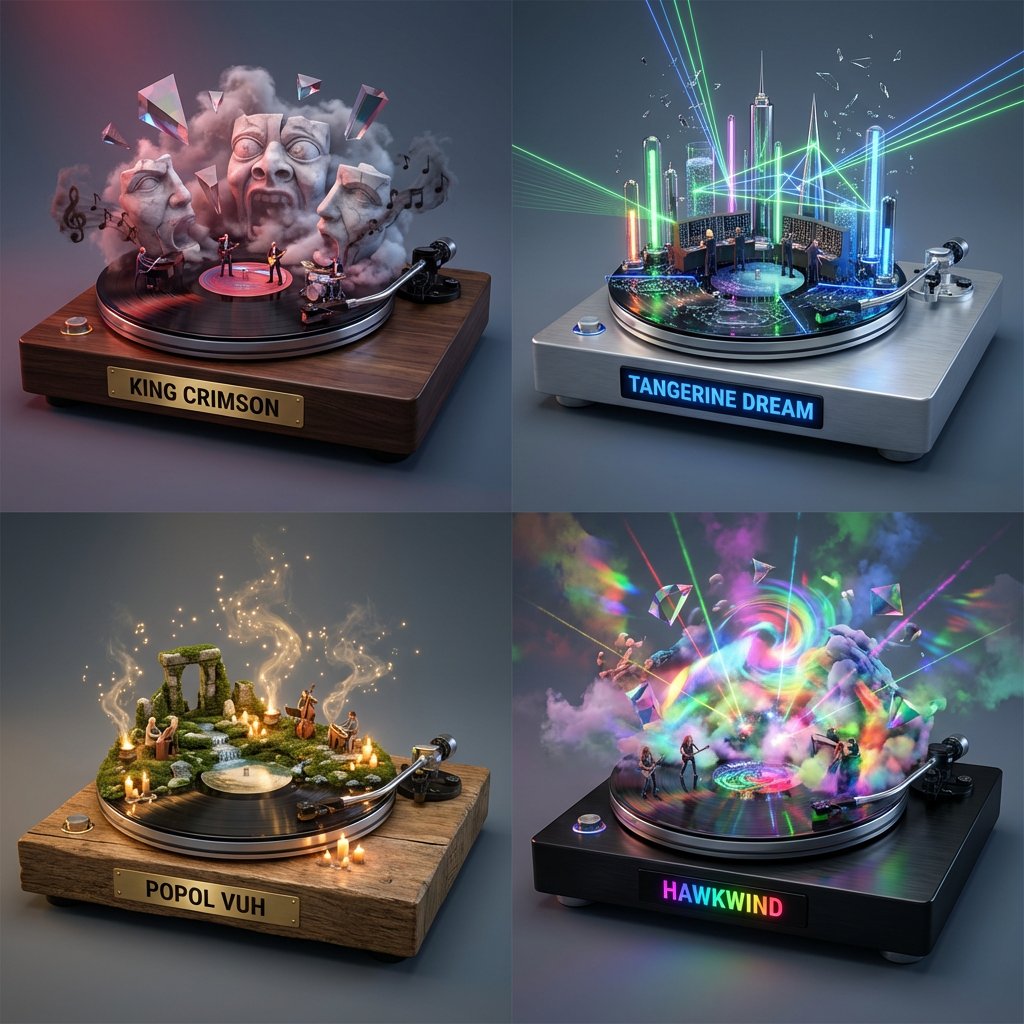
- Prompt included
- Model and format preset
- Free template
The prompt behind this image
Copy the exact prompt behind Music Curation: Audio-Visual Dioramas for Pink Floyd Fans, or open it in the studio and make it yours.
Do this for {argument name="input band" default="Pink Floyd"}: Input Variable: [INSERT BAND/ALBUM] (e.g., Pink Floyd, Daft Punk, Nirvana) System Instruction: Act as a Music Historian and Set Designer. Create a 2x2 Grid of "Audio-Visual Dioramas." 1. The Curation Logic (The Deep Cuts): Analyze Input: Identify the genre and sonic signature of the Input Band. Select 4 Hidden Gems: Identify 4 lesser-known albums from other bands that share this sonic DNA but offer a different visual flavor. The Translation: For each album, define the "Sonic Materiality": If Heavy Metal: Rusty Iron, Fire, Spikes. If Synth-Pop: Neon Glass, Chrome, Laser Grids. If Folk/Acoustic: Mossy Wood, Stone, Candlelight. If Prog Rock: Surreal Marble, Floating Prisms, Clouds. 2. The "Immutable" Container (The Vinyl Stage): The Base: Each diorama is built on top of a Spinning Vinyl Record acting as the circular stage floor. The Plinth: The record sits on a high-end, thick Audiophile Turntable Base (Wood or Brushed Aluminum). The Nameplate (CRITICAL TEXT FIX): On the vertical front face of the Plinth, there is a Polished Brass or Digital Display Plate. Text Rule: It must clearly display the [ARTIST NAME] in bold, legible, capital letters. 3. The Composition (The Sound Made Solid): CRITICAL: Do not just recreate the album cover. Build a world that feels like the music. The Structure: Architecture rises from the grooves of the vinyl record. Example: A wall of amplifiers, a surreal floating prism, a crumbling brick wall, or a forest of microphone stands. The Atmosphere: Use particle effects to visualize the sound waves. Visuals: Floating musical notes made of smoke, vibrating liquid surfaces, or shattered glass suspended in mid-air. The Figures: Tiny 1:87 scale band members performing inside this surreal landscape. 4. Visual Syntax (Per Panel): Panel A: Album 1 (Focus on Surrealism/Scale). Panel B: Album 2 (Focus on Technology/Machinery). Panel C: Album 3 (Focus on Nature/Organic Textures). Panel D: Album 4 (Focus on Light/Color). 5. Lighting & Atmosphere: Concert Lighting: Each box is lit like a stage show. Spotlights, laser beams, and stage haze. Depth: Shallow depth of field (Tilt-Shift) to make the vinyl record look massive. Background: Seamless Slate Grey to keep the focus on the colors. Output: 2x2 Grid, Hyper-Realistic Miniature Set Design, 8k Resolution, "Audiophile" Aesthetic.
How to use Music Curation: Audio-Visual Dioramas for Pink Floyd Fans in 3 steps
- 1
Open
The prompt is already in the box next to the preview, with the template's model and format selected.
- 2…a portrait of your subject in softgolden-hour light, 85mm…
Personalize
Edit the subject and creative details for your destination.
- 3Generate
Generate
Press Generate — your image is created in PicX Studio, so you can compare it with the original and refine one variable at a time.
More like this
Templates with the same subject, style or setup. Open one to see its prompt.

Our Song was on a Cassette
Underground Club Music Poster Portrait
Scrapbook Music Visual

Anime Classroom Losing Heroines Key Visual

Anime Losing Heroines Classroom Key Visual

Anime School Rom-Com Key Visual

Music Album Cover Abstract Liquid Mercury

A hyper-realistic beauty product photograph of a pink jar placed

Act as a 3D Product Visualization Artist
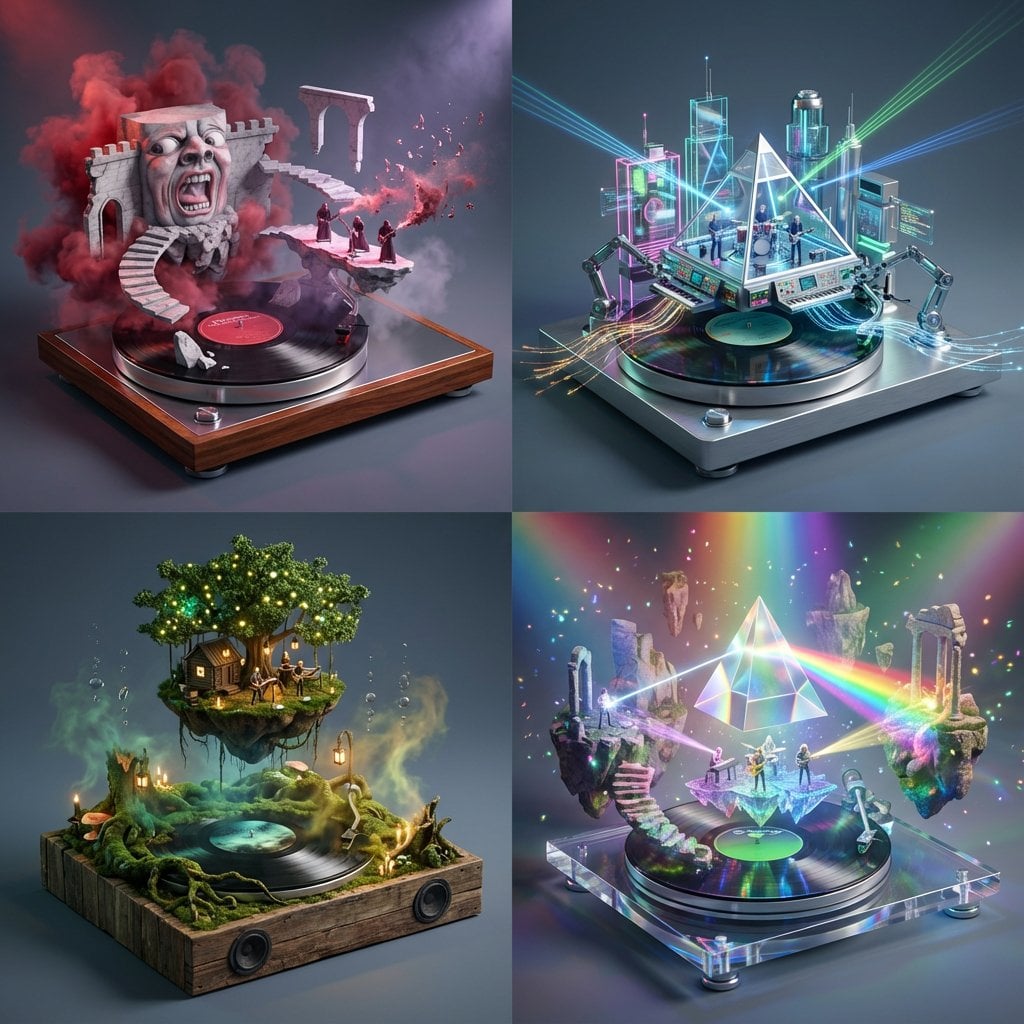
Act as a Music Historian and Set Designer

Each module shares structure but maintains unique visual dynamics

Portrait with Cartoon Pink Rabbit
Make it yours
Music Curation: Audio-Visual Dioramas for Pink Floyd Fans works as-is. These are the safest ways to change it without losing the look.
Change one field
Copy a single group, rewrite it, and generate again so you can see what that field is doing.
Keep the frame, change the subject
Hold the composition and light of Music Curation: Audio-Visual Dioramas for Pink Floyd Fans, then swap wardrobe, props or the person for a new take.
| If the result… | Why | Fix |
|---|---|---|
| The result drifts from the preview | Too many fields changed at once. | Reuse Music Curation: Audio-Visual Dioramas for Pink Floyd Fans as-is first, then change one group — subject, light, or setting. |
| The model over-stylizes the scene | The prose prompt leaves finish and camera underspecified. | Add one camera or lighting sentence and stay on Nano Banana 2. |
More Nano Banana 2 templates
Other prompts made for Nano Banana 2.

Photorealistic Leaf Shaped Like a Dragon

K-Pop Idol Portrait Grid for Rapid Selection

Poetic Rain Forest Portrait During Golden Hour

Urban Street Portrait with Cartoon Inner Self Duo

Candid Nighttime Photo with Cat Prompt

High-Concept 3D Diorama Generation Prompt

Cinematic Futuristic Studio Portrait Template

Skincare Editorial Photography Collage Prompt

Hyper-Realistic Commercial Product Photography (Splash Effect)

Hyper-Realistic Nightclub Portrait Prompt
More image prompts
Fresh picks from across the catalog.

Cyber-Aesthetic Neon Portrait
Cinematic Motorcycle Ride with Identity Lock
Pastel Seaside Anime Cafe Mockup

Election Poster Style Prompt
Minimalist Neon UI Character Illustration
Consistent Character Background Change Prompt

Clean Authenticator Onboarding UI
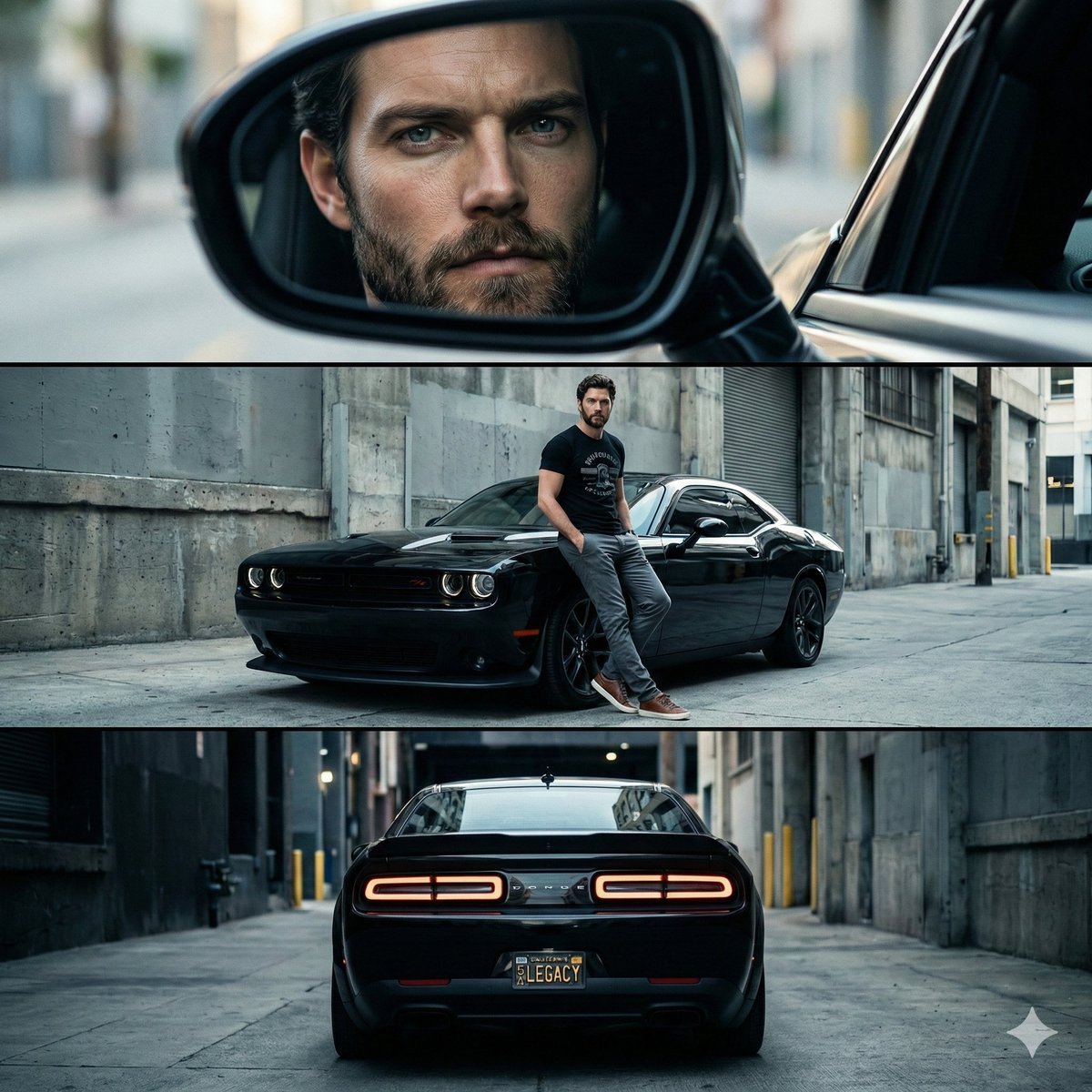
Cinematic Automotive Triptych Portrait Prompt

Lifestyle Garden Photography with Retro Tech
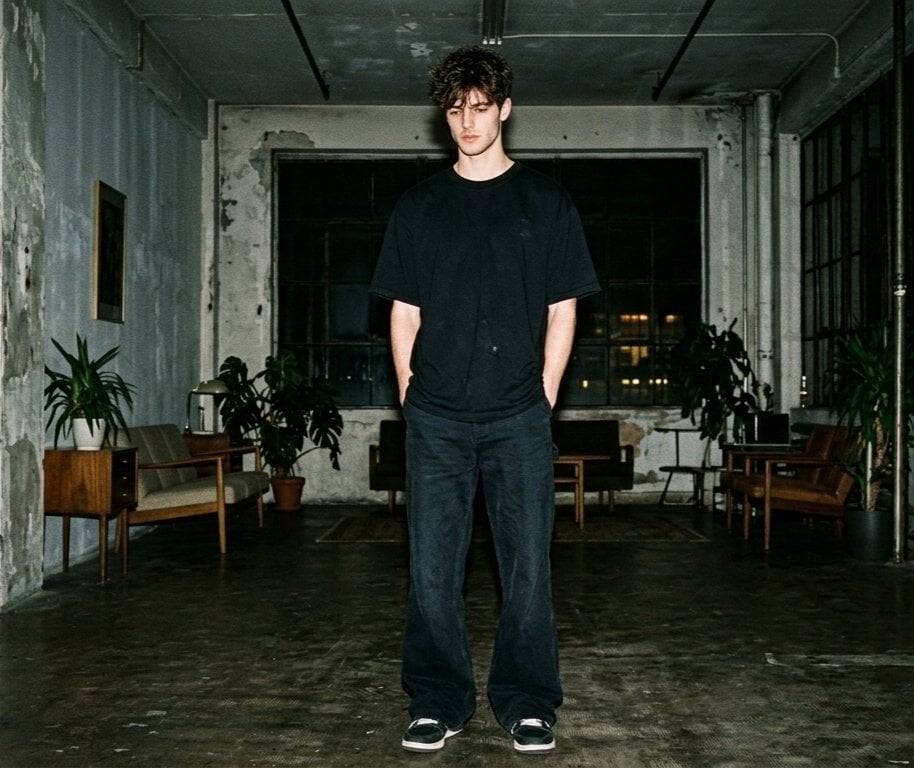
Hyper-realistic Nighttime Fashion Photograph with On-Camera Flash
Browse template categories
Music Curation: Audio-Visual Dioramas for Pink Floyd Fans questions
How do I use the Music Curation: Audio-Visual Dioramas for Pink Floyd Fans template?
Add your photo if the template asks for one, edit the prompt if you like — the template's model and format are already selected — and press Generate. Your version opens in PicX Studio.
Can I customize the Music Curation: Audio-Visual Dioramas for Pink Floyd Fans template?
Yes. You can change the subject, setting, lighting, mood, format, and available model controls before creating your image.
Is the Music Curation: Audio-Visual Dioramas for Pink Floyd Fans template free?
Opening and editing this template is free. Generating uses credits, shown on the Generate button when you are signed in.
Which AI model should I use?
Start with Nano Banana 2, which is the model associated with this template. You can compare another compatible model for a different finish.
Looking for something else? Browse all templates.

Your photo, any look
Thousands of ready templates for every top image and video model, from one credit balance.