
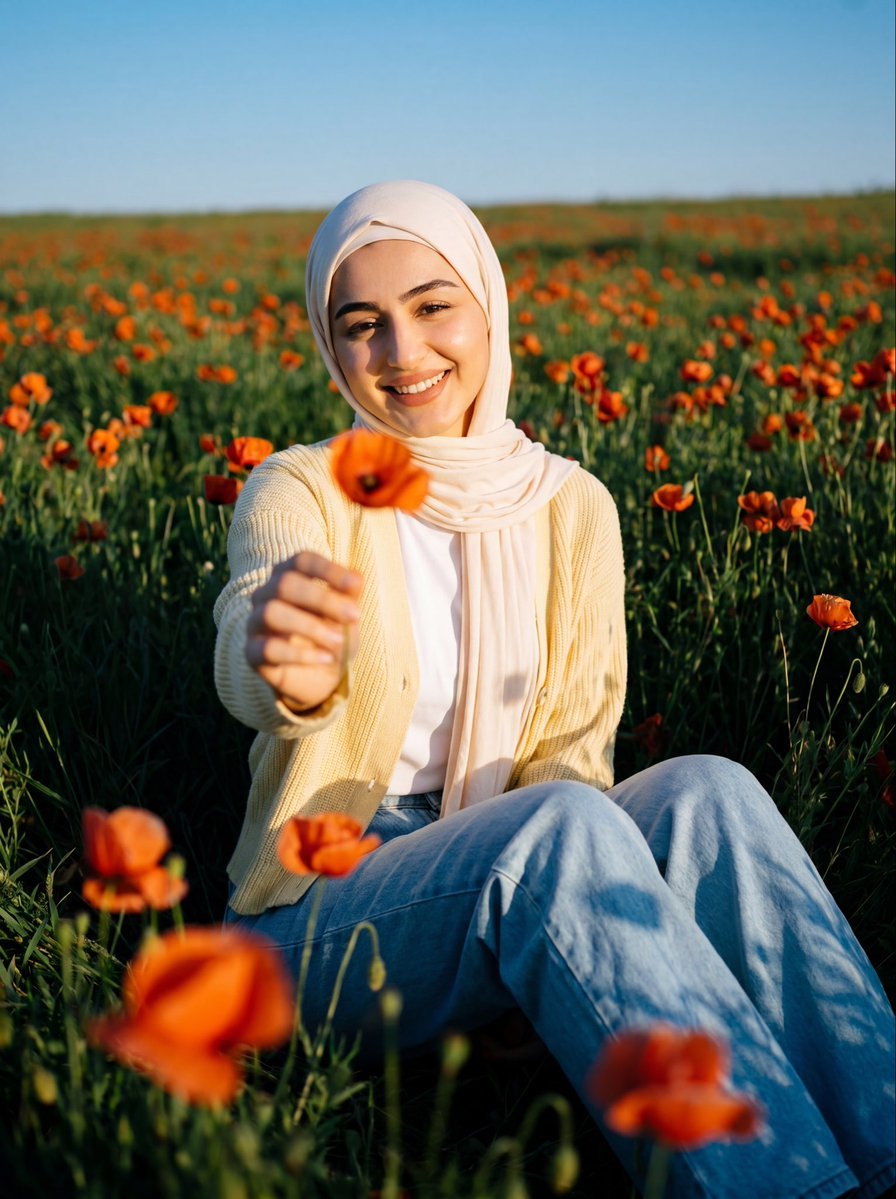
Cinematic Meadow Portrait
An ultra-realistic prompt for generating a serene portrait of a person in a vast poppy field, with options for eye-level or top-down aerial drone perspectives.
- Prompt included
- Model and format preset
- Free template
The prompt behind this image
Copy the exact prompt behind Cinematic Meadow Portrait, or open it in the studio and make it yours.
Ultra-realistic cinematic photo of a hijabi woman. Do not change her face. She has a tall and slim body posture. She is sitting calmly in the middle of a vast wild poppy flower field during the afternoon. The entire area is filled with natural dark green grass and hundreds of red-orange poppy flowers scattered randomly and organically across almost the entire endless frame. The flower distribution must look natural and realistic like a real flower meadow. The woman wears a soft cream-colored hijab with realistic fabric folds naturally draping around her head and shoulders. Outfit consists of a plain white t-shirt layered with a light yellow knitted outer cardigan, and loose light blue jeans. Relaxed and emotional pose: she sits casually facing directly toward the camera, one hand holding a single poppy flower extended toward the lens. She smiles cheerfully. Camera angle is taken slightly from the side at eye level using a cinematic perspective. Composition is a medium shot — close enough for the face to appear clear while still showing many poppy flowers surrounding her. In the foreground near the lens, several blurry poppy flowers create natural depth and cinematic framing. No shoes and no bag around the subject. Background shows a wide bright blue daytime sky with calm atmosphere. Afternoon sunlight naturally illuminates the side of her face and hijab with soft subtle shadows. Rich dark green tones, vivid yet realistic red-orange flowers, extremely sharp grass texture details, cinematic color grading, subtle film grain, realistic depth of field, dreamy and immersive atmosphere, ultra realism like a National Geographic cinematic editorial photo, HD. Ultra-realistic cinematic photo of a hijabi woman. Do not change her face. She has a tall and slim body posture. She is sitting casually in the middle of a vast wild poppy flower field, captured from a perfectly top-down aerial drone perspective. Her body is positioned exactly in the center of the frame and remains clearly visible while still appearing smaller compared to the massive field surrounding her, creating a cinematic sense of scale and aesthetic solitude. The composition is slightly closer than before so her face remains visible, but not too close-up, allowing the flower field to still dominate the frame. The entire area is filled with natural dark green grass and hundreds of red-orange poppy flowers scattered randomly and organically across almost the entire frame. No pathways or large empty areas. Flower distribution must appear realistic and natural like a real poppy meadow viewed from high drone altitude. The woman wears a soft cream-colored hijab with realistic fabric folds naturally draping around her head and shoulders. Outfit consists of a plain white t-shirt layered with a light yellow knitted outer cardigan, loose light blue jeans, and clean white sneakers. Relaxed and natural pose: both hands resting beside her body supporting herself on the grass, one leg bent casually while the other leg stretches naturally. Her head is tilted slightly sideways. She looks directly toward the camera with a soft gentle smile and calm expression. Near her shoulder lies a small white mini backpack placed on the grass. Camera perspective must feel very high like a professional drone with cinematic aerial lens. The camera faces perfectly straight downward, allowing the flower and grass patterns to create immersive visual textures. The woman appears blended naturally into the vast landscape surrounding her. Natural golden hour lighting with soft shadows, earthy and slightly moody tones, rich dark green colors, vivid yet natural red-orange flowers, extremely sharp grass textures, cinematic color grading, subtle film grain, dreamy and peaceful atmosphere, ultra-realistic like a professional National Geographic drone photo, HD.
How to use Cinematic Meadow Portrait in 3 steps
- 1Upload ImagePNG, JPG or paste
Add your photo
Upload the photo the template builds on. The prompt, model and format are already set.
- 2…a portrait of your subject in softgolden-hour light, 85mm…
Personalize
Edit the subject and creative details for your destination.
- 3Generate
Generate
Press Generate — your image is created in PicX Studio, so you can compare it with the original and refine one variable at a time.
More like this
Templates with the same subject, style or setup. Open one to see its prompt.

Found Photograph: Us, 1970

80s Couple Studio Portrait

80s Bollywood Star

80s Golden Hour Cinema

Me in 1985

1985 Studio Portrait

Hyper-Realistic Minecraft POV Portrait

Rooftop Fisheye — Cat-Ear Balaclava at Golden Hour

Rainy Café Window Moody Portrait

untitled

2025 Aesthetic Photography

Nano Banana Is So Addictive
Make it yours
Cinematic Meadow Portrait works as-is. These are the safest ways to change it without losing the look.
Change one field
Copy a single group, rewrite it, and generate again so you can see what that field is doing.
Keep the frame, change the subject
Hold the composition and light of Cinematic Meadow Portrait, then swap wardrobe, props or the person for a new take.
| If the result… | Why | Fix |
|---|---|---|
| The result drifts from the preview | Too many fields changed at once. | Reuse Cinematic Meadow Portrait as-is first, then change one group — subject, light, or setting. |
| The model over-stylizes the scene | The prose prompt leaves finish and camera underspecified. | Add one camera or lighting sentence and stay on GPT Image 2. |
More GPT Image 2 templates
Other prompts made for GPT Image 2.

Six VTuber Japanese Logo Sheet

Realistic Portrait of Woman and Deer

The Vista Modular Condo Poster

AI Model Routing Comparison Infographic

2.5D Anime Art Board

Isometric Productivity Desk Scene

New York Double Exposure Poster

Four-Panel AI Landscape Comparison

Japanese Tatami Lifestyle Magazine Cover

NESCAFÉ Coffee Map Poster
More image prompts
Fresh picks from across the catalog.

Cinematic Winter Portrait with Snowfall

Yokohama Pop Summer Poster
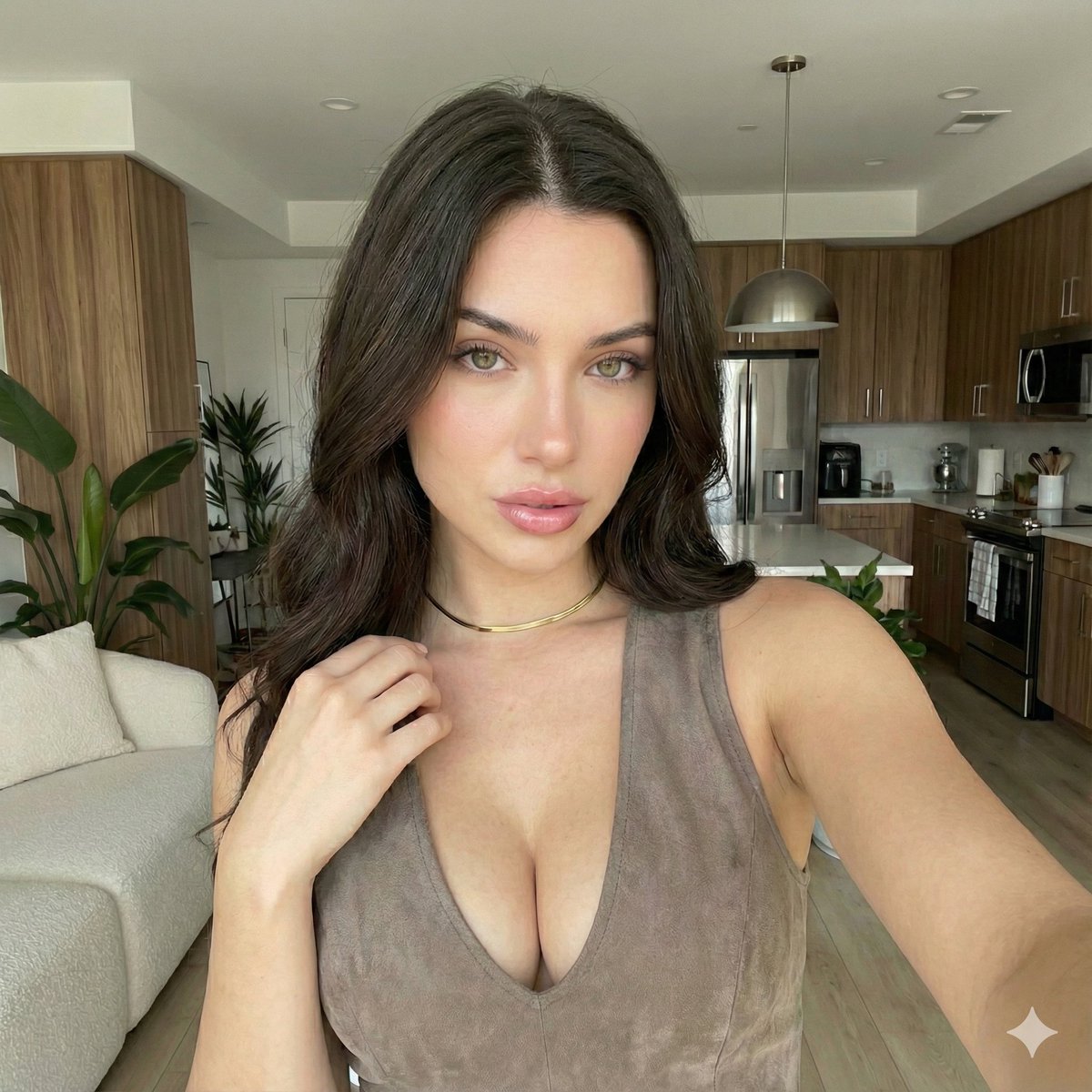
iPhone 17 Pro Max Influencer Selfie

Anime Sakura Smartphone Case Product Shot
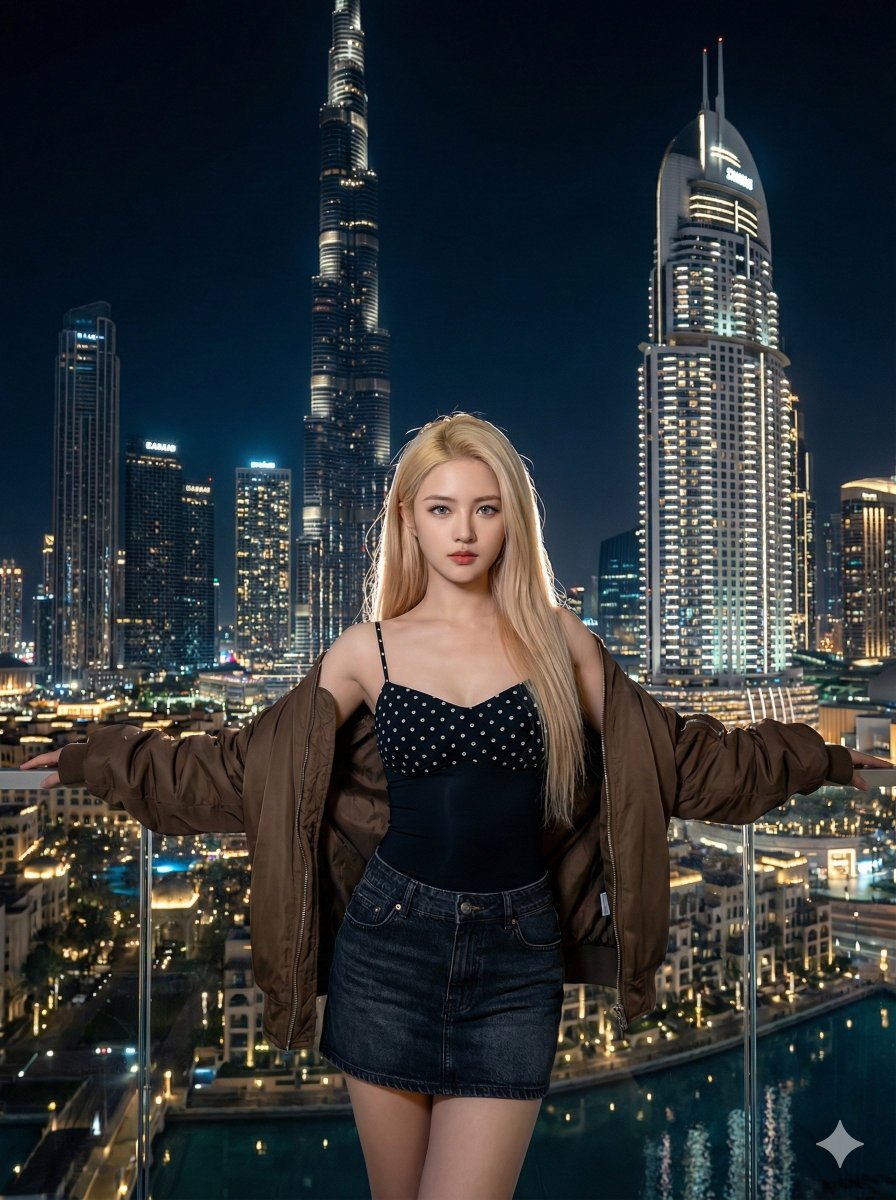
Cinematic Fashion Portrait in Dubai Prompt

Four-Panel Manga: 2026 Solo Camping Declaration of Independence
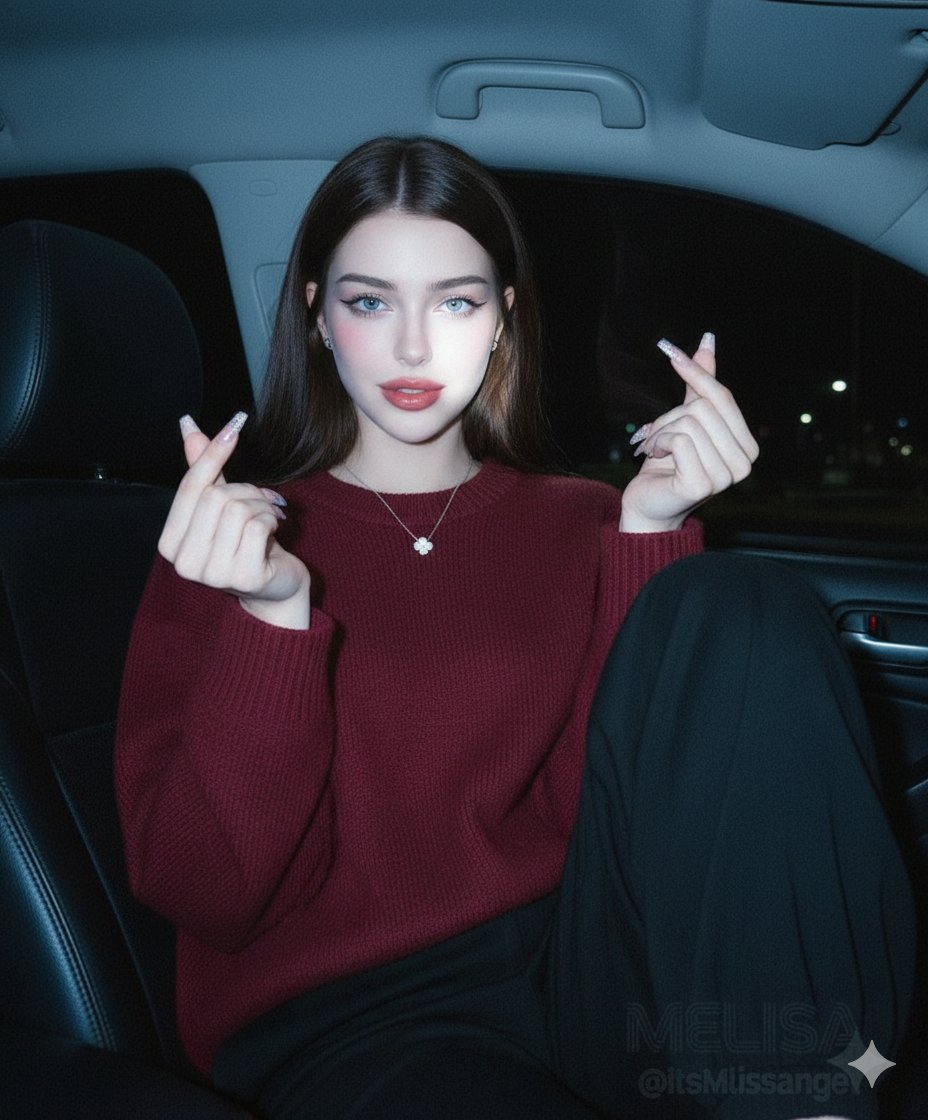
Vintage Digital Camera Car Selfie Prompt
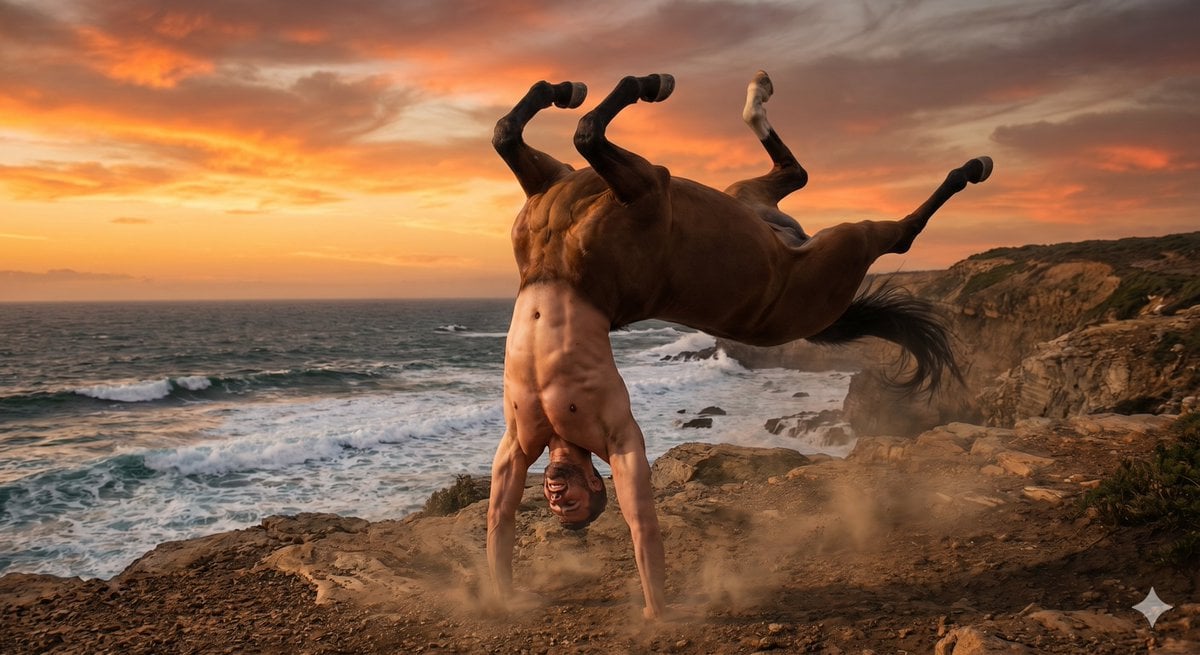
Centaur handstand prompt for GPT Image 2

Artemis II Mission Journal Diorama
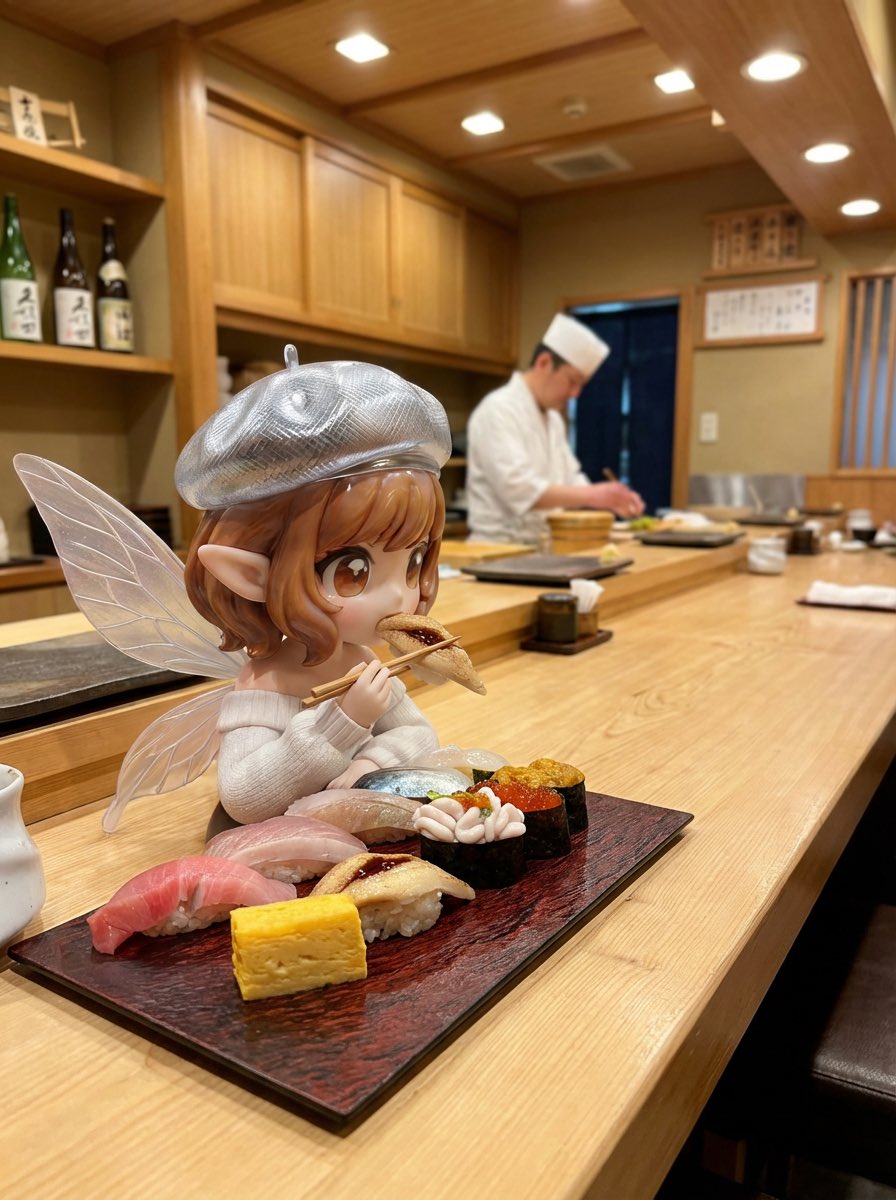
Fairy Eating Sushi Image Prompt
Browse template categories
Cinematic Meadow Portrait questions
How do I use the Cinematic Meadow Portrait template?
Add your photo if the template asks for one, edit the prompt if you like — the template's model and format are already selected — and press Generate. Your version opens in PicX Studio.
Can I customize the Cinematic Meadow Portrait template?
Yes. You can change the subject, setting, lighting, mood, format, and available model controls before creating your image.
Is the Cinematic Meadow Portrait template free?
Opening and editing this template is free. Generating uses credits, shown on the Generate button when you are signed in.
Which AI model should I use?
Start with GPT Image 2, which is the model associated with this template. You can compare another compatible model for a different finish.
Looking for something else? Browse all templates.

Your photo, any look
Thousands of ready templates for every top image and video model, from one credit balance.