
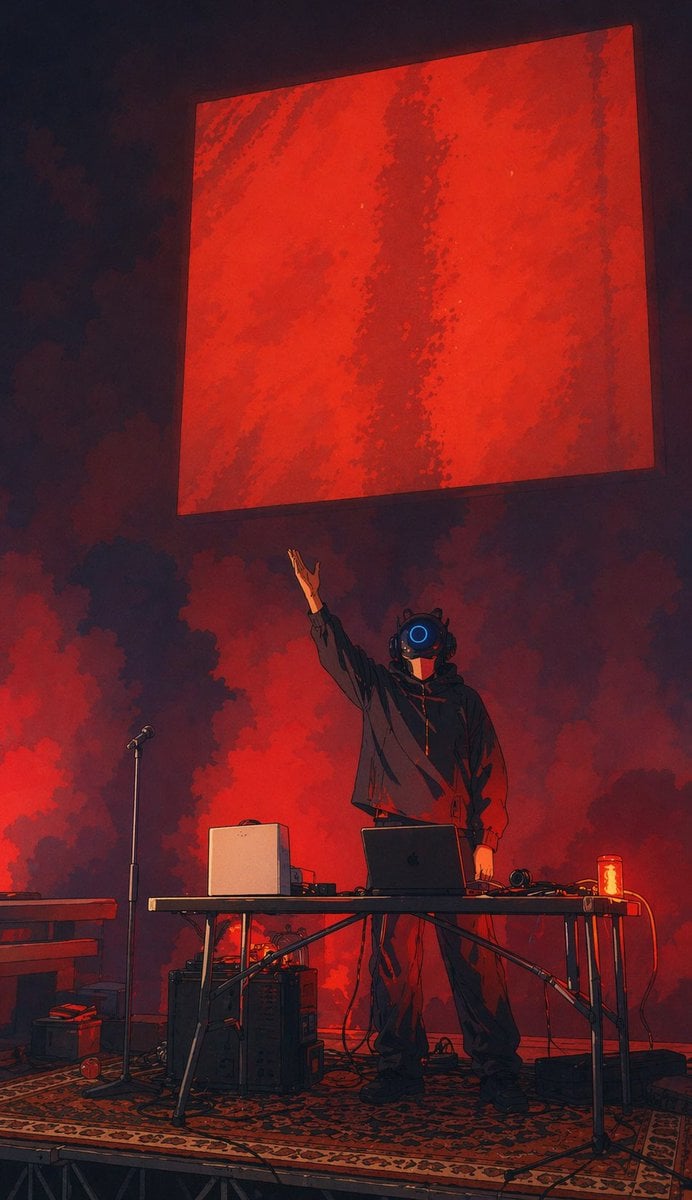
Cyber DJ Beneath a Red Monolith
This prompt generates a dramatic cyberpunk concert illustration of a helmeted electronic performer on a smoky stage, useful for music posters, album art, or futuristic event visuals.
- Prompt included
- Model and format preset
- Free template
The prompt behind this image
Copy the exact prompt behind Cyber DJ Beneath a Red Monolith, or open it in the studio and make it yours.
A moody vertical concert-stage illustration in a dark futuristic painterly anime style, showing a lone electronic musician or DJ performing on a small platform. The performer stands centered behind a folding table, wearing an oversized black hoodie, loose dark pants, and heavy dark shoes, with a glossy black robotic helmet featuring one bright circular blue lens in the middle of the face. One arm is raised dramatically upward toward a massive floating red square panel hanging above the stage, while the other arm rests near the table. The background is filled with thick red and black smoke clouds, creating a dramatic backlit atmosphere with deep crimson glow and heavy shadows. On the table are 5 visible gear elements: an open dark laptop in the center, a white boxy speaker or computer unit on the left, a pair of headphones on the right, a small audio device near the white unit, and a glowing red drink can at the far right edge. Around the stage are 6 additional visible elements: a microphone stand to the left of the performer, a keyboard or piano edge entering from the far left, 2 stacked equipment boxes or amps under and beside the table, a patterned oriental-style rug covering the platform floor, and multiple loose black cables snaking across the stage. Above everything, a huge suspended red square dominates the upper half of the image, slightly tilted in perspective, textured with darker vertical streaks and rough painterly variations. Cinematic low-angle composition, centered subject, dramatic negative space, intense red-and-black palette with one blue accent, soft smoky lighting, high contrast, live experimental music performance energy, mysterious cyberpunk atmosphere.
How to use Cyber DJ Beneath a Red Monolith in 3 steps
- 1Upload ImagePNG, JPG or paste
Add your photo
Upload the photo the template builds on. The prompt, model and format are already set.
- 2…a portrait of your subject in softgolden-hour light, 85mm…
Personalize
Edit the subject and creative details for your destination.
- 3Generate
Generate
Press Generate — your image is created in PicX Studio, so you can compare it with the original and refine one variable at a time.
More like this
Templates with the same subject, style or setup. Open one to see its prompt.

Bold Red Contrast Fashion Editorial Newspaper Room

Panning Motion Soccer Kick Poster
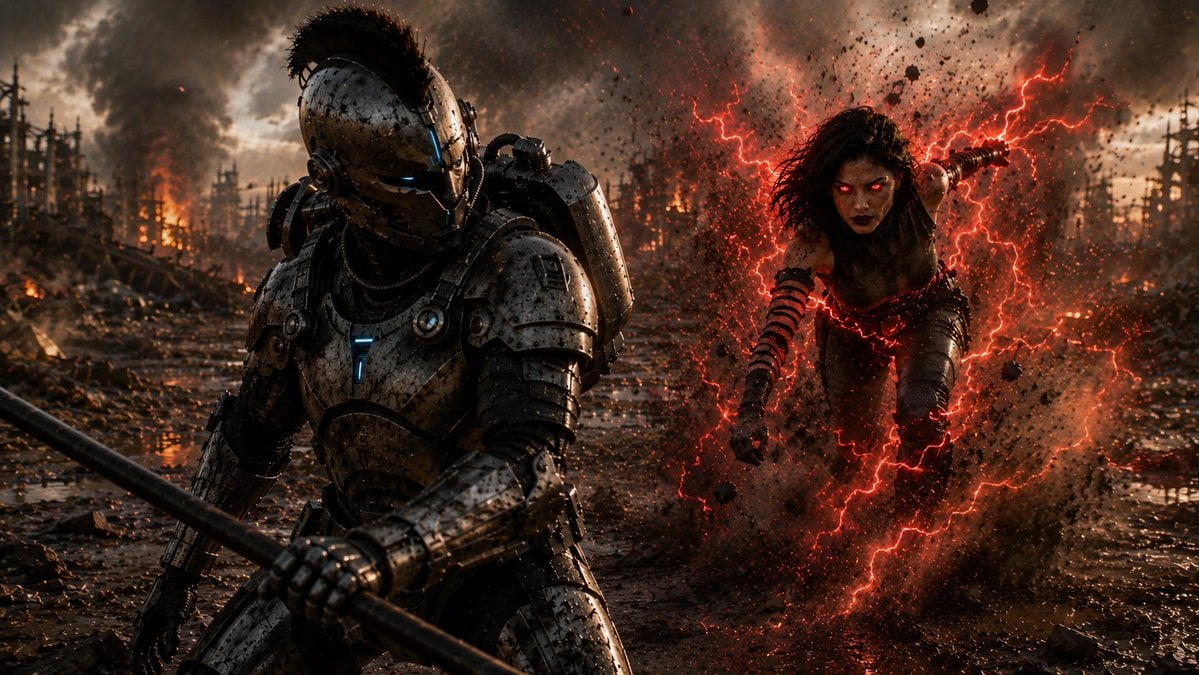
Cyber Knight vs Red Lightning Attacker
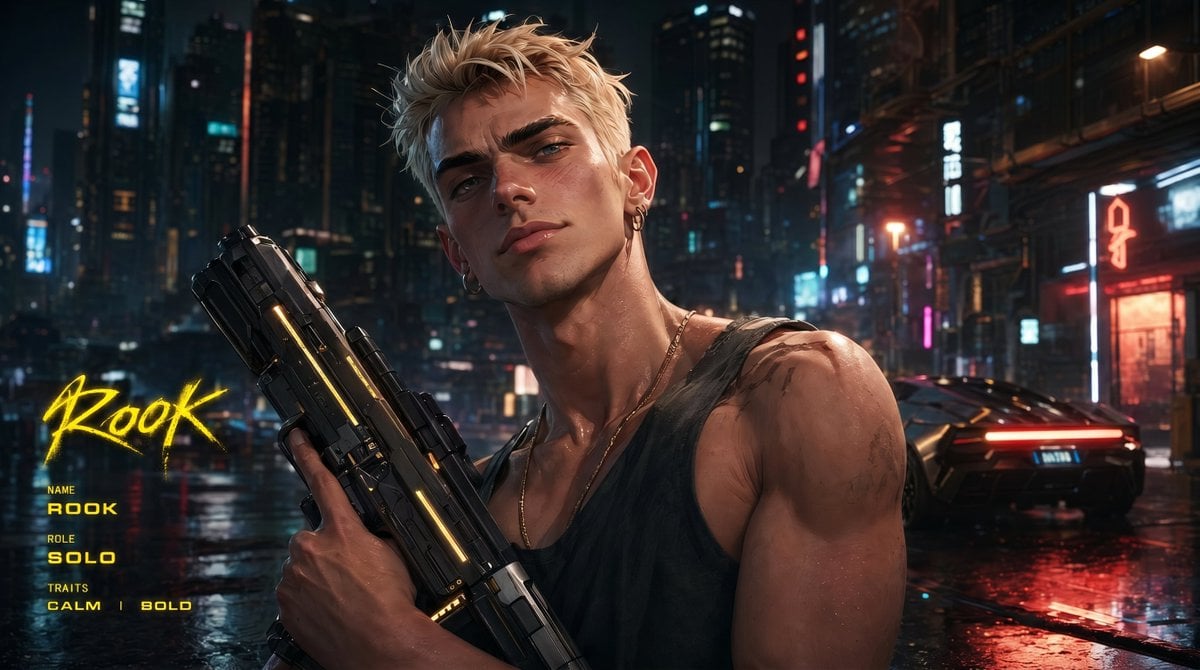
Cyberpunk Character Redesign

Dancer Character - Four View Reference Sheet
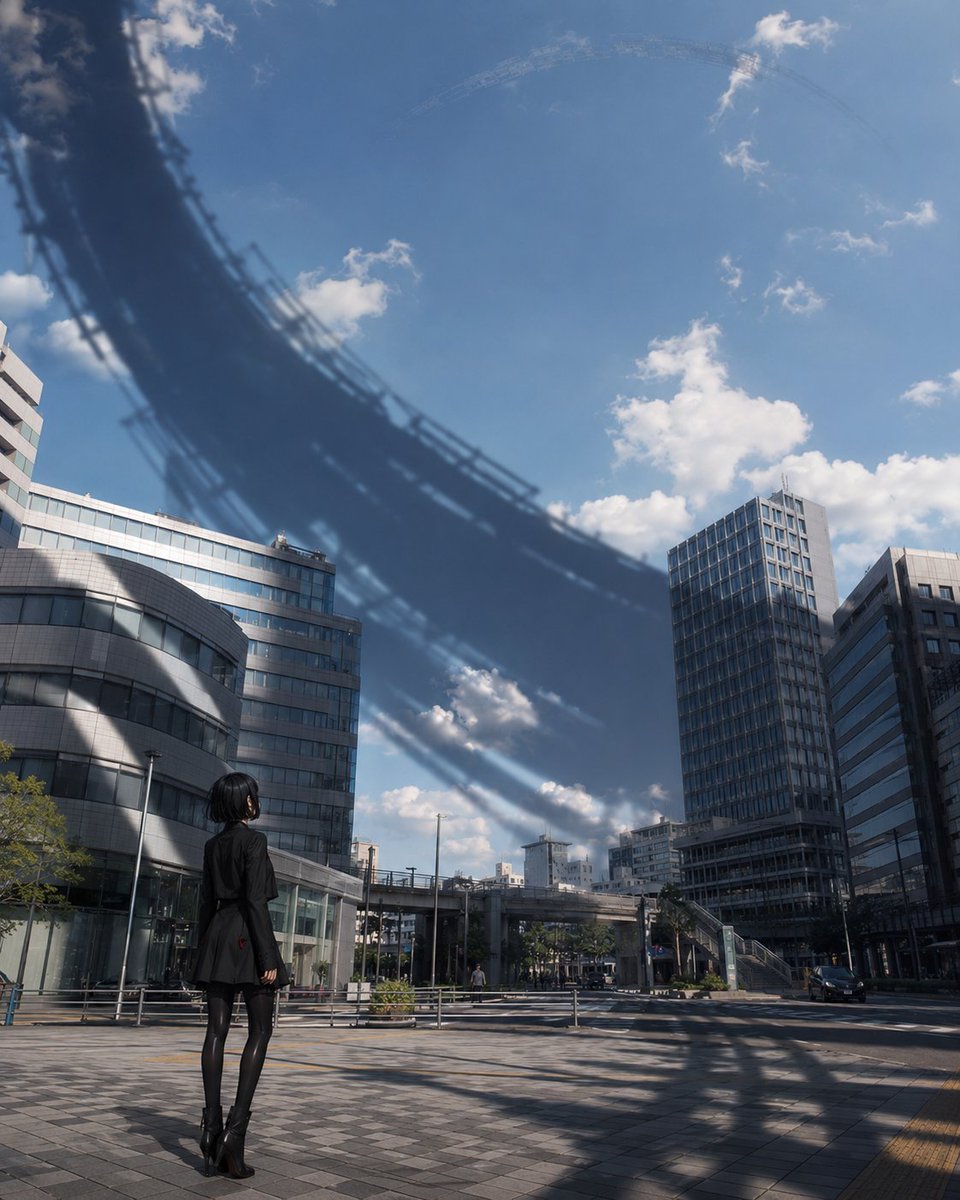
Girl Beneath Giant Sky Ring

Monolithic Dictionary Page Throne Art Photography
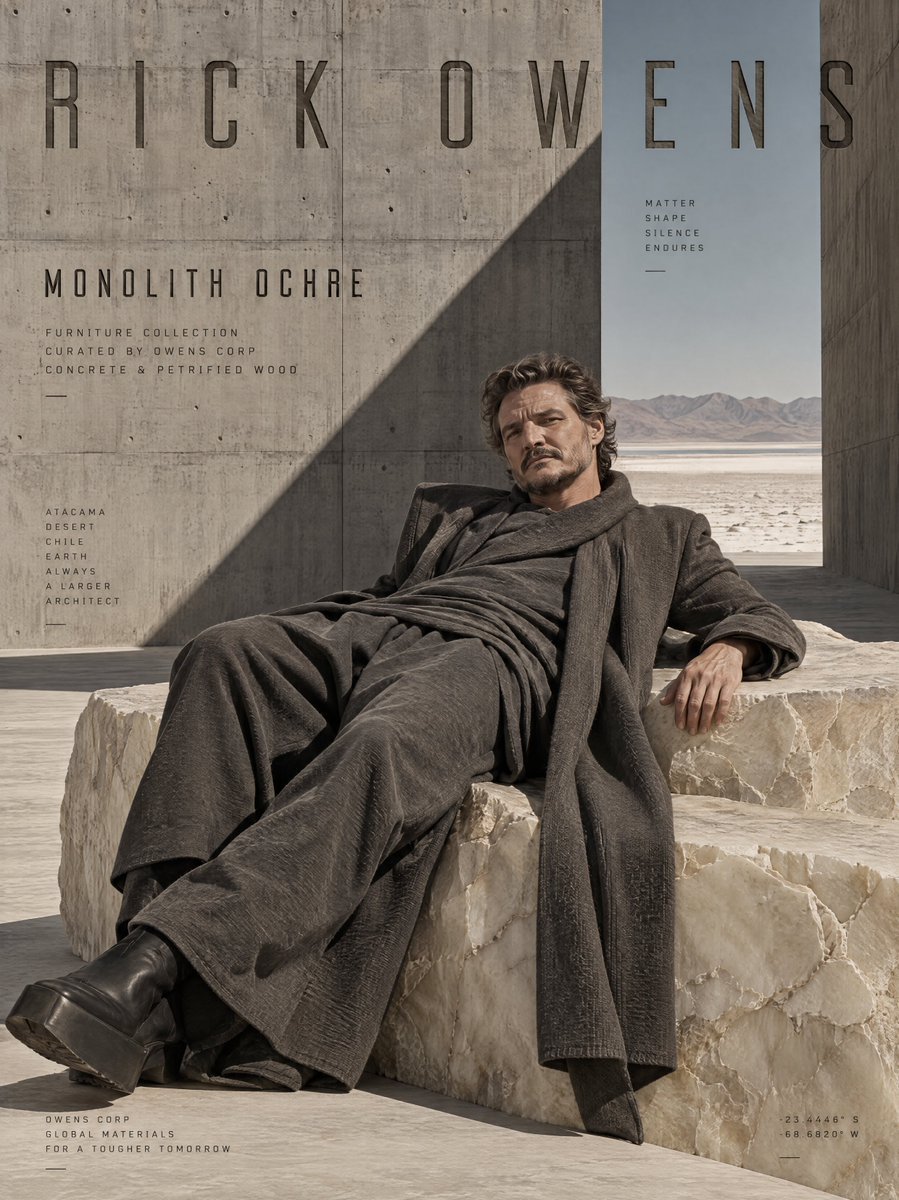
Brutalist Monolithic Architecture Portraits
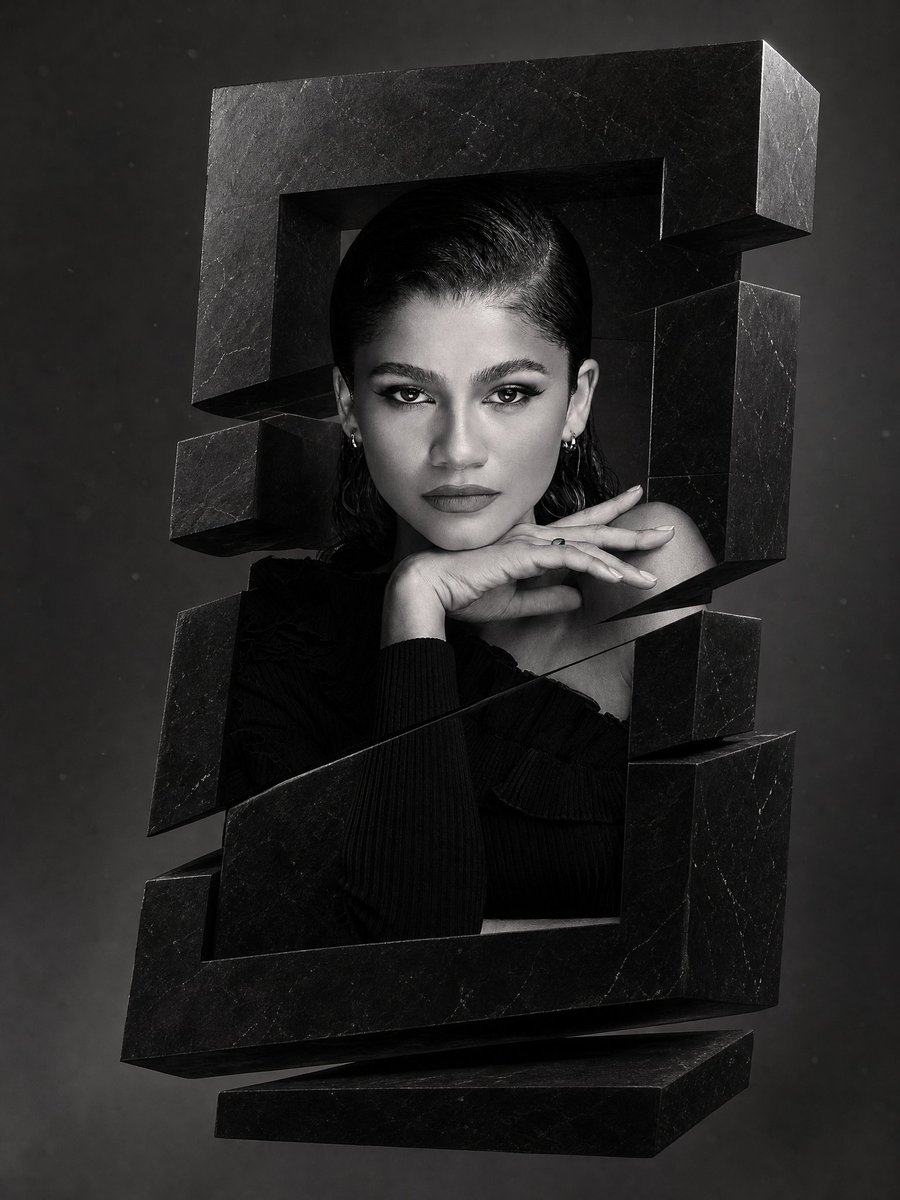
Monochrome Surreal Obsidian Monolith
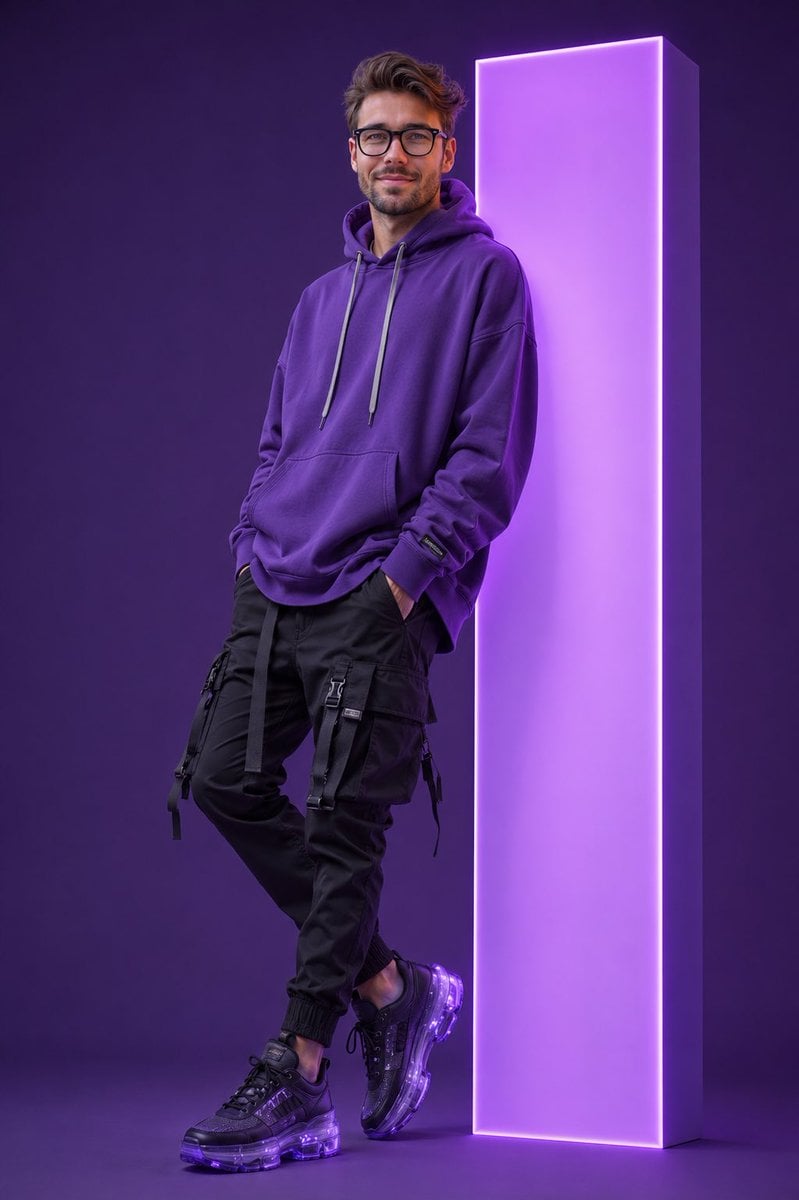
Neon Monolith Streetwear Portrait

Cyber Samurai Empress Portrait
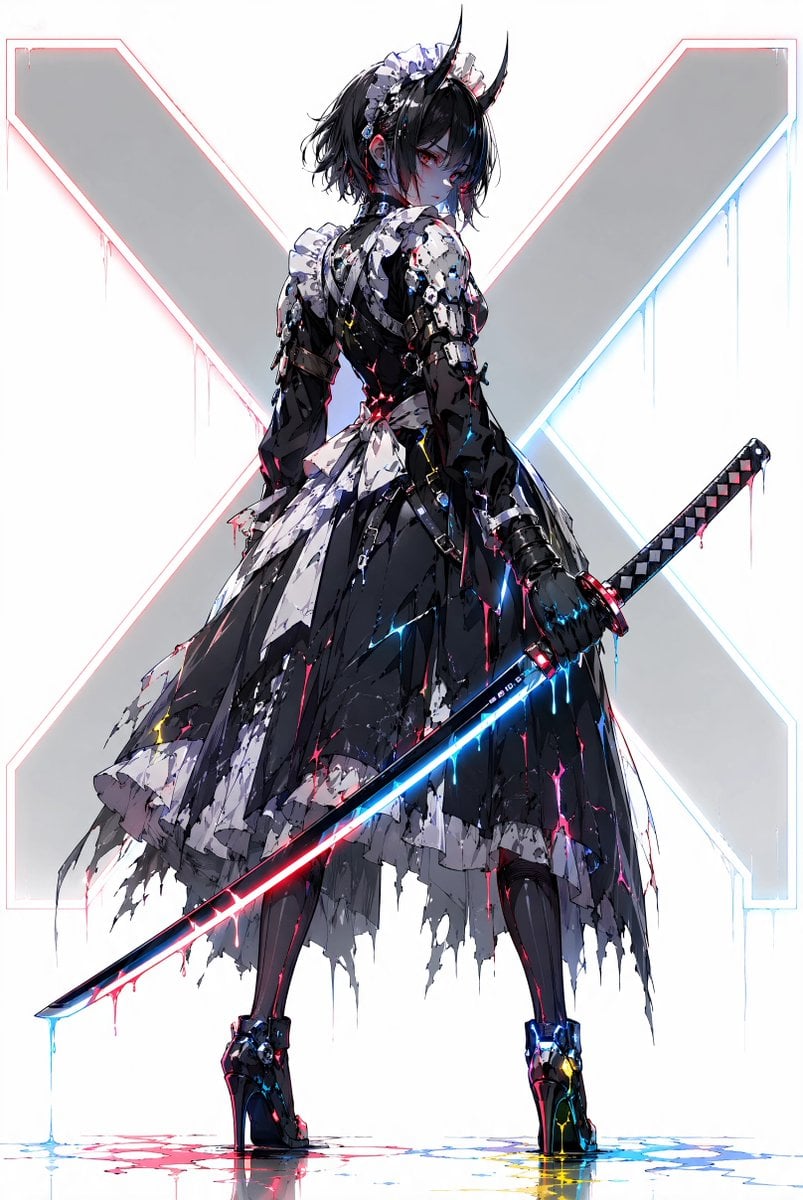
Cyber Demon Maid Katana
Make it yours
Cyber DJ Beneath a Red Monolith works as-is. These are the safest ways to change it without losing the look.
Change one field
Copy a single group, rewrite it, and generate again so you can see what that field is doing.
Keep the frame, change the subject
Hold the composition and light of Cyber DJ Beneath a Red Monolith, then swap wardrobe, props or the person for a new take.
| If the result… | Why | Fix |
|---|---|---|
| The result drifts from the preview | Too many fields changed at once. | Reuse Cyber DJ Beneath a Red Monolith as-is first, then change one group — subject, light, or setting. |
| The model over-stylizes the scene | The prose prompt leaves finish and camera underspecified. | Add one camera or lighting sentence and stay on GPT Image 2. |
More GPT Image 2 templates
Other prompts made for GPT Image 2.

Six VTuber Japanese Logo Sheet

Realistic Portrait of Woman and Deer

The Vista Modular Condo Poster

AI Model Routing Comparison Infographic

2.5D Anime Art Board

Isometric Productivity Desk Scene

New York Double Exposure Poster

Four-Panel AI Landscape Comparison

Japanese Tatami Lifestyle Magazine Cover

NESCAFÉ Coffee Map Poster
More image prompts
Fresh picks from across the catalog.
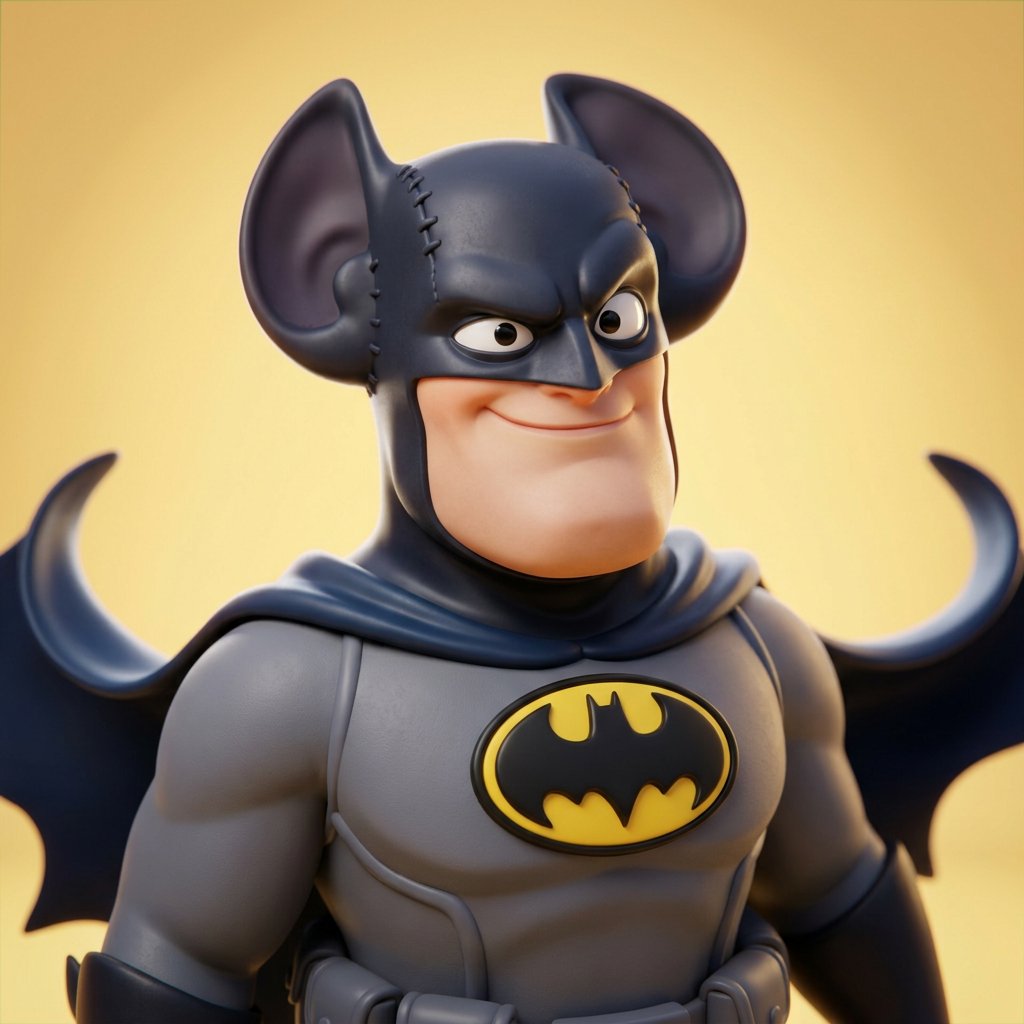
3D CGI Big-Head Cartoon of Harry Potter

Realistic Cafe Portrait of Young Japanese Woman
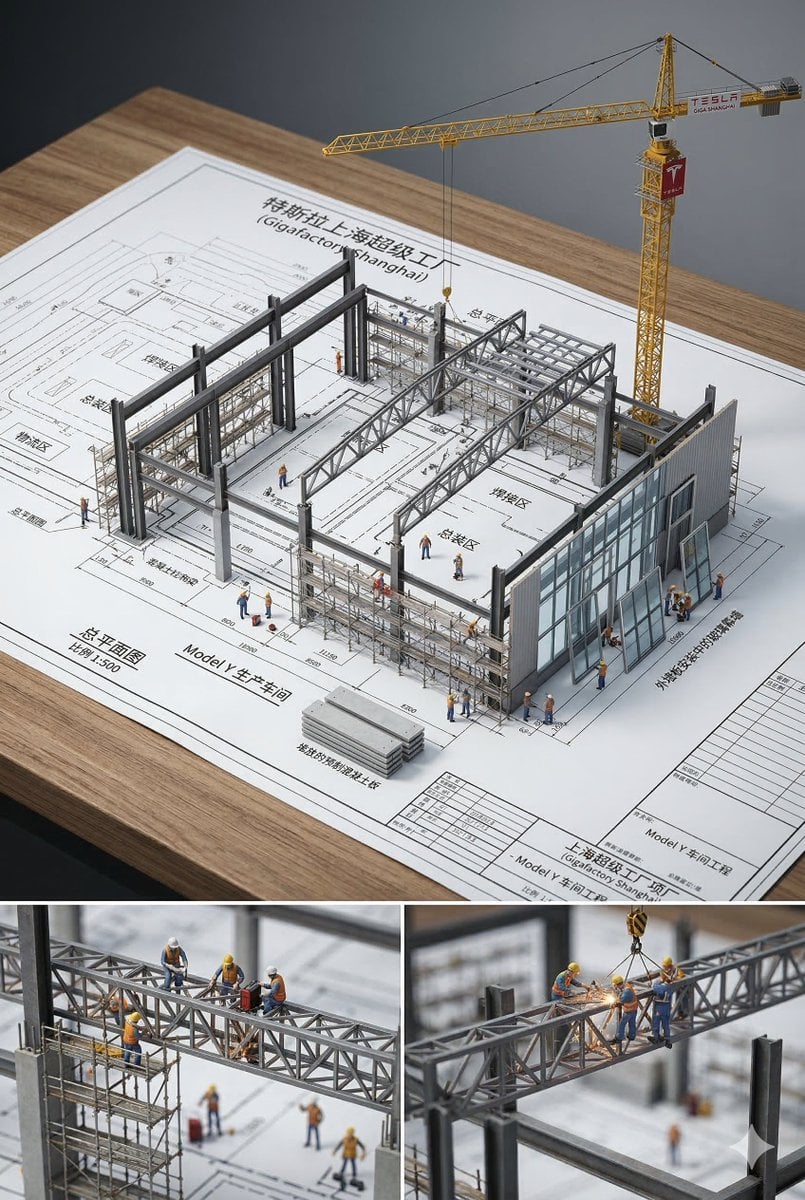
3D Architectural Diorama Blueprint

Welcome Home Scenario Prompt
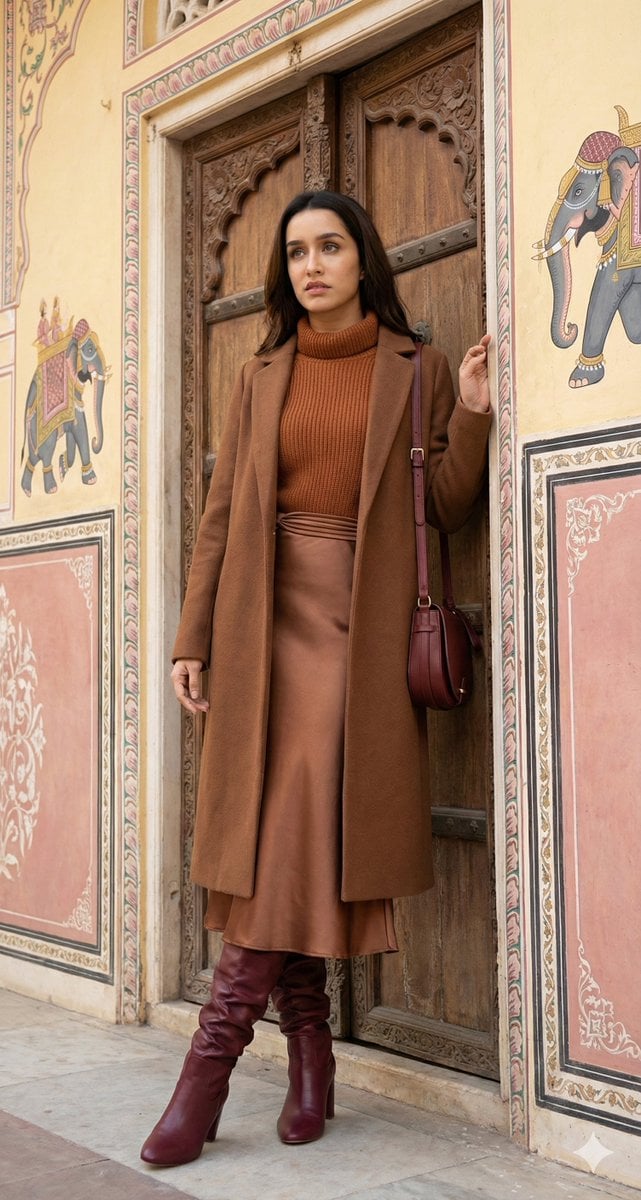
Editorial Fashion Photo Recreation with Identity Lock

Urban Portrait of Young Man by Brick Wall

Billboard Food Commercial Flat Lay
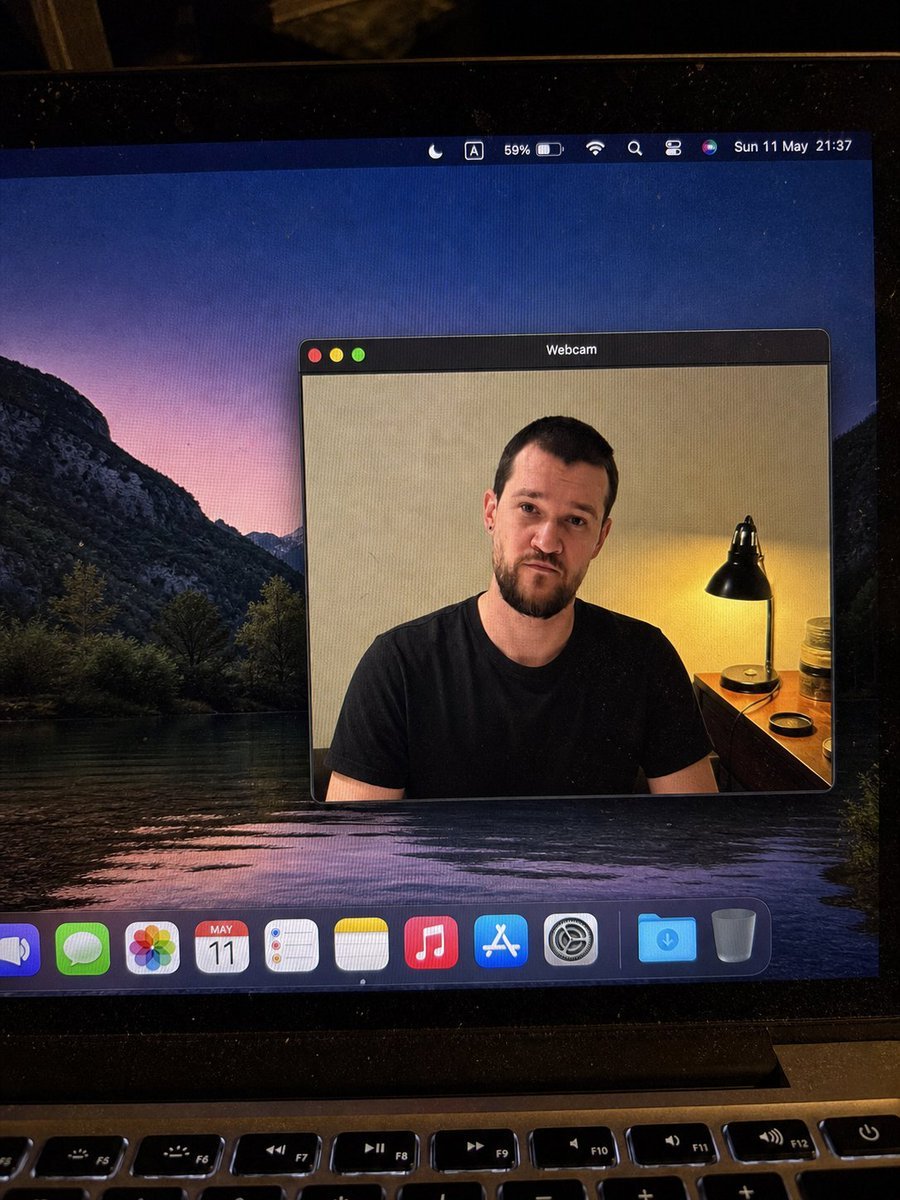
MacBook Webcam Window Photo
Stormy Rooftop Zombie Siege

Cinematic Fashion on Black Sand Beach Prompt
Browse template categories
Cyber DJ Beneath a Red Monolith questions
How do I use the Cyber DJ Beneath a Red Monolith template?
Add your photo if the template asks for one, edit the prompt if you like — the template's model and format are already selected — and press Generate. Your version opens in PicX Studio.
Can I customize the Cyber DJ Beneath a Red Monolith template?
Yes. You can change the subject, setting, lighting, mood, format, and available model controls before creating your image.
Is the Cyber DJ Beneath a Red Monolith template free?
Opening and editing this template is free. Generating uses credits, shown on the Generate button when you are signed in.
Which AI model should I use?
Start with GPT Image 2, which is the model associated with this template. You can compare another compatible model for a different finish.
Looking for something else? Browse all templates.

Your photo, any look
Thousands of ready templates for every top image and video model, from one credit balance.