
Stormy Rooftop Zombie Siege
A cinematic photorealistic prompt for generating a rain-soaked Manhattan rooftop survival scene with zombies, a tactical survivor, and a burning helicopter.
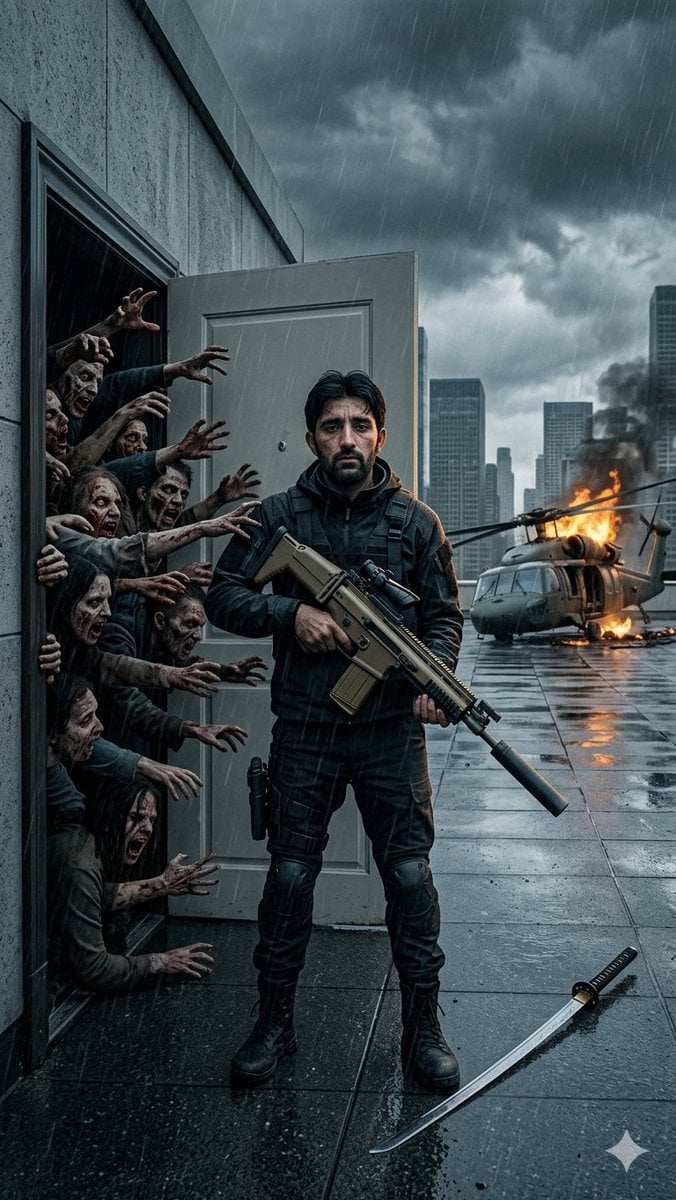
- Prompt included
- Model and format preset
- Free template
The prompt behind this image
Copy the exact prompt behind Stormy Rooftop Zombie Siege, or open it in the studio and make it yours.
Create a dramatic vertical cinematic action-horror scene on a rain-slick luxury hotel rooftop in Manhattan during a violent storm. Use a wide-angle 24mm lens perspective, photorealistic movie still quality, cold blue-grey color grading, high contrast, wet reflections, wind-driven diagonal rain, and heavy storm clouds over a dark city skyline. In the center foreground, place {argument name="main character" default="a faceless tactical survivor"} standing full body, facing camera, wearing black tactical clothing, body armor, straps, gloves, knee pads, and combat boots, holding {argument name="primary weapon" default="a tan suppressed assault rifle with scope"} across their torso. On the left, show an open rooftop service door set into a concrete wall; from inside the dark doorway, exactly 10 zombie attackers crowd outward, visible as decayed faces, torsos, and grasping arms reaching toward the survivor. The 10 visible zombie elements are: 1 upper snarling face and hand at the top of the doorway, 2 a side face and arm beneath it, 3 a reaching upper arm cluster near the survivor’s shoulder, 4 a central torso with obscured face, 5 a lower central figure pressing forward, 6 a left-hand figure gripping the doorframe, 7 a mid-lower figure with both arms reaching, 8 a crouched lower-left zombie body, 9 a bottom-left crawling hand, and 10 a bottom doorway hand reaching from shadow. Behind the survivor on the right, show {argument name="background disaster" default="a destroyed smoking military helicopter burning on the rooftop"}, with orange flames, black smoke, broken rotor blades, debris, and fire reflected on wet rooftop tiles. In the lower right foreground, place exactly 1 curved katana lying on the wet floor with a black handle and pale blade. The rooftop should have large dark square tiles, puddles, raindrops, and reflective surfaces; the city beyond should include multiple high-rise buildings fading into storm haze. Keep the scene tense, realistic, gritty, and cinematic, with no text, no watermark, no gore closeups, and the main character’s face left featureless or obscured.
How to use Stormy Rooftop Zombie Siege in 3 steps
- 1Upload ImagePNG, JPG or paste
Add your photo
Upload the photo the template builds on. The prompt, model and format are already set.
- 2…a portrait of your subject in softgolden-hour light, 85mm…
Personalize
Edit the subject and creative details for your destination.
- 3Generate
Generate
Press Generate — your image is created in PicX Studio, so you can compare it with the original and refine one variable at a time.
More like this
Templates with the same subject, style or setup. Open one to see its prompt.

If We Met in 1985

Rooftop Fisheye — Cat-Ear Balaclava at Golden Hour

Spider-Man Rooftop Golden Hour Cinematic Photo

Japanese Negative Film Rooftop Summer Portrait
Seedance 2.0 - Zombie Girl Escapes
Seedance 2.0 - Zombie Girl Escapes
Nano Banana - Rooftop Dinner Night
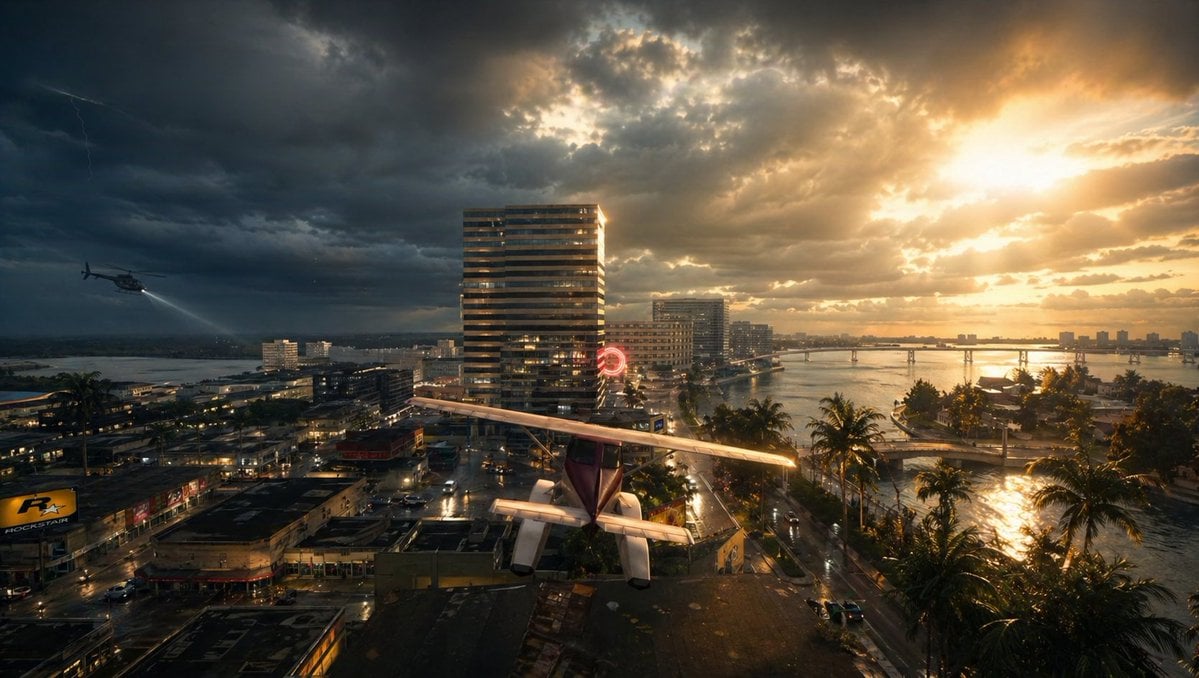
Stormy Tropical City With Rooftop Plane
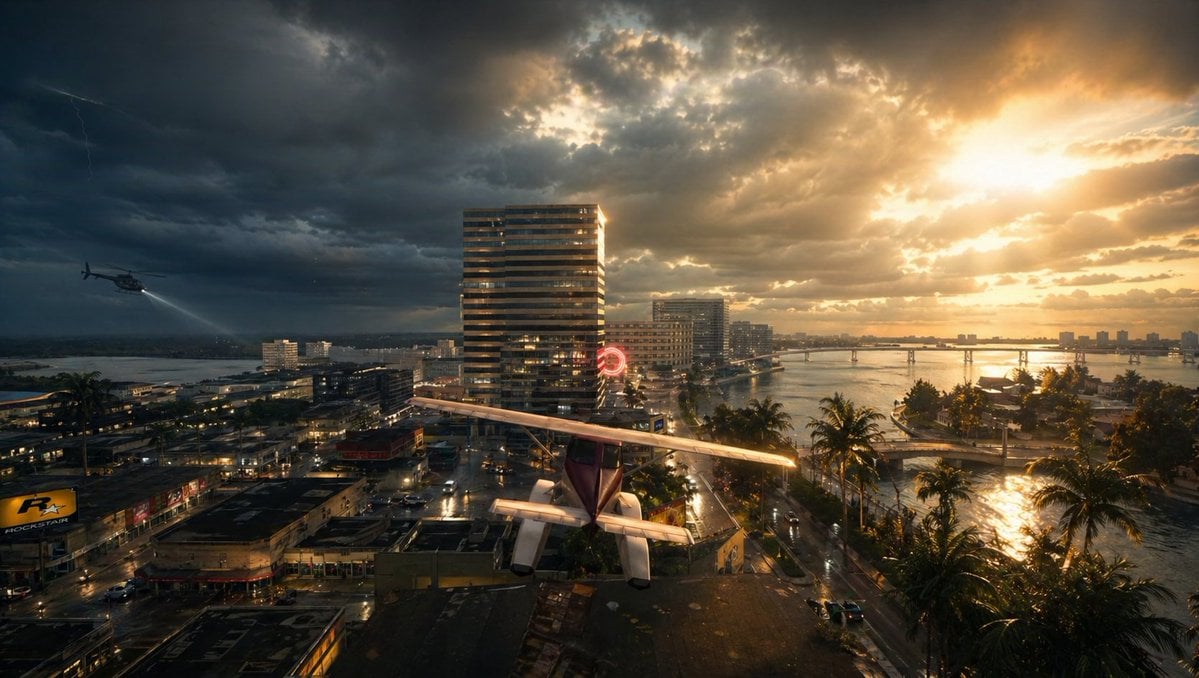
Gpt2 Comic Storyboard Stormy Tropical City with Rooftop Plane
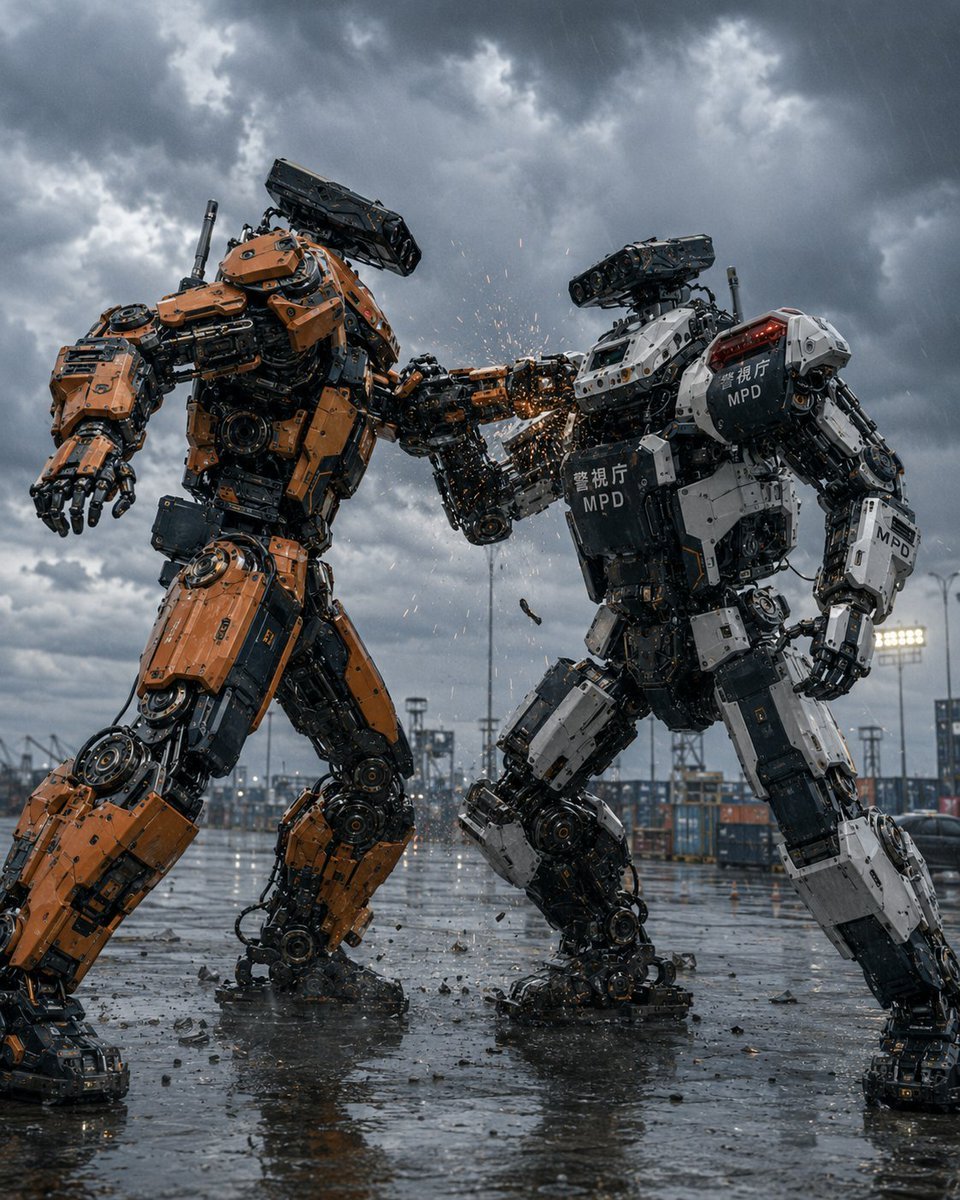
Stormy Police Mech Duel
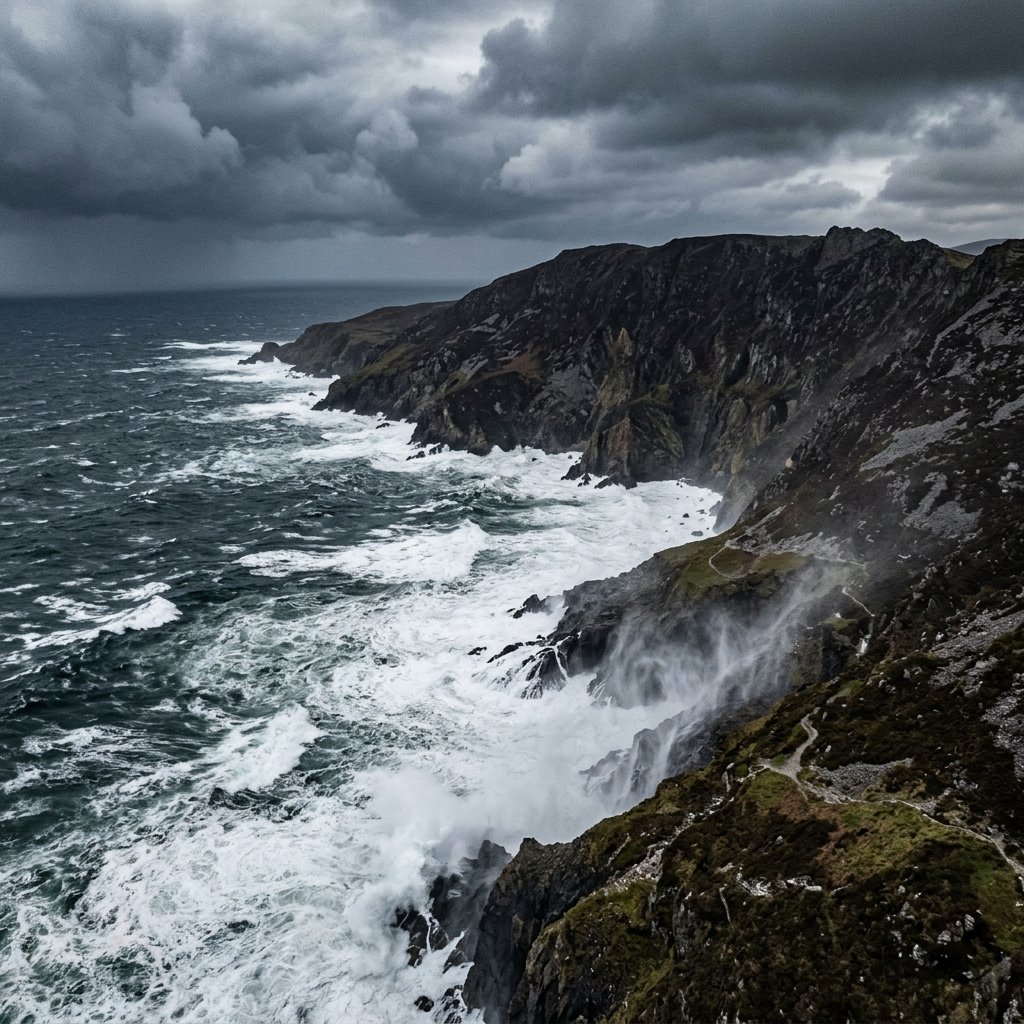
Stormy Coastal Cliff Landscape
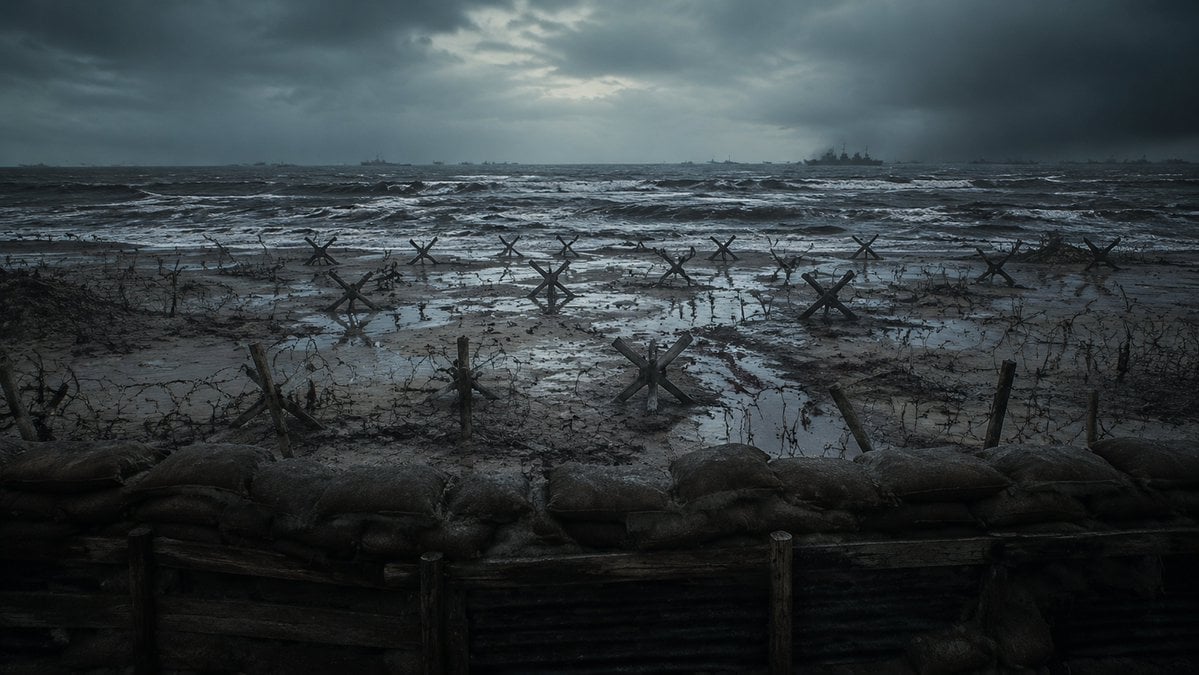
Stormy WWII Beach Defenses
Make it yours
Stormy Rooftop Zombie Siege works as-is. These are the safest ways to change it without losing the look.
Change one field
Copy a single group, rewrite it, and generate again so you can see what that field is doing.
Keep the frame, change the subject
Hold the composition and light of Stormy Rooftop Zombie Siege, then swap wardrobe, props or the person for a new take.
| If the result… | Why | Fix |
|---|---|---|
| The result drifts from the preview | Too many fields changed at once. | Reuse Stormy Rooftop Zombie Siege as-is first, then change one group — subject, light, or setting. |
| The model over-stylizes the scene | The prose prompt leaves finish and camera underspecified. | Add one camera or lighting sentence and stay on GPT Image 2. |
More GPT Image 2 templates
Other prompts made for GPT Image 2.

Six VTuber Japanese Logo Sheet

Realistic Portrait of Woman and Deer

The Vista Modular Condo Poster

AI Model Routing Comparison Infographic

2.5D Anime Art Board

Isometric Productivity Desk Scene

New York Double Exposure Poster

Four-Panel AI Landscape Comparison

Japanese Tatami Lifestyle Magazine Cover

NESCAFÉ Coffee Map Poster
More image prompts
Fresh picks from across the catalog.
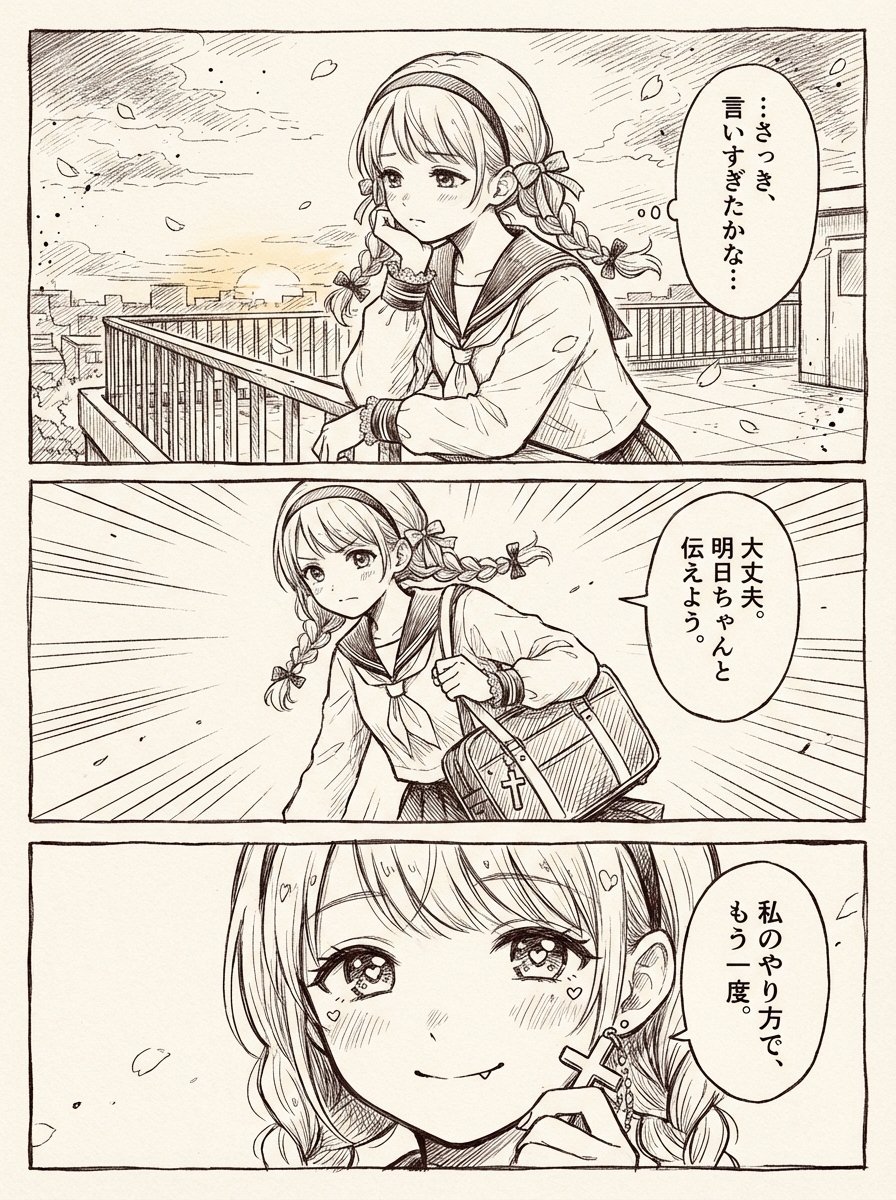
Three-Panel Shoujo Rooftop Manga
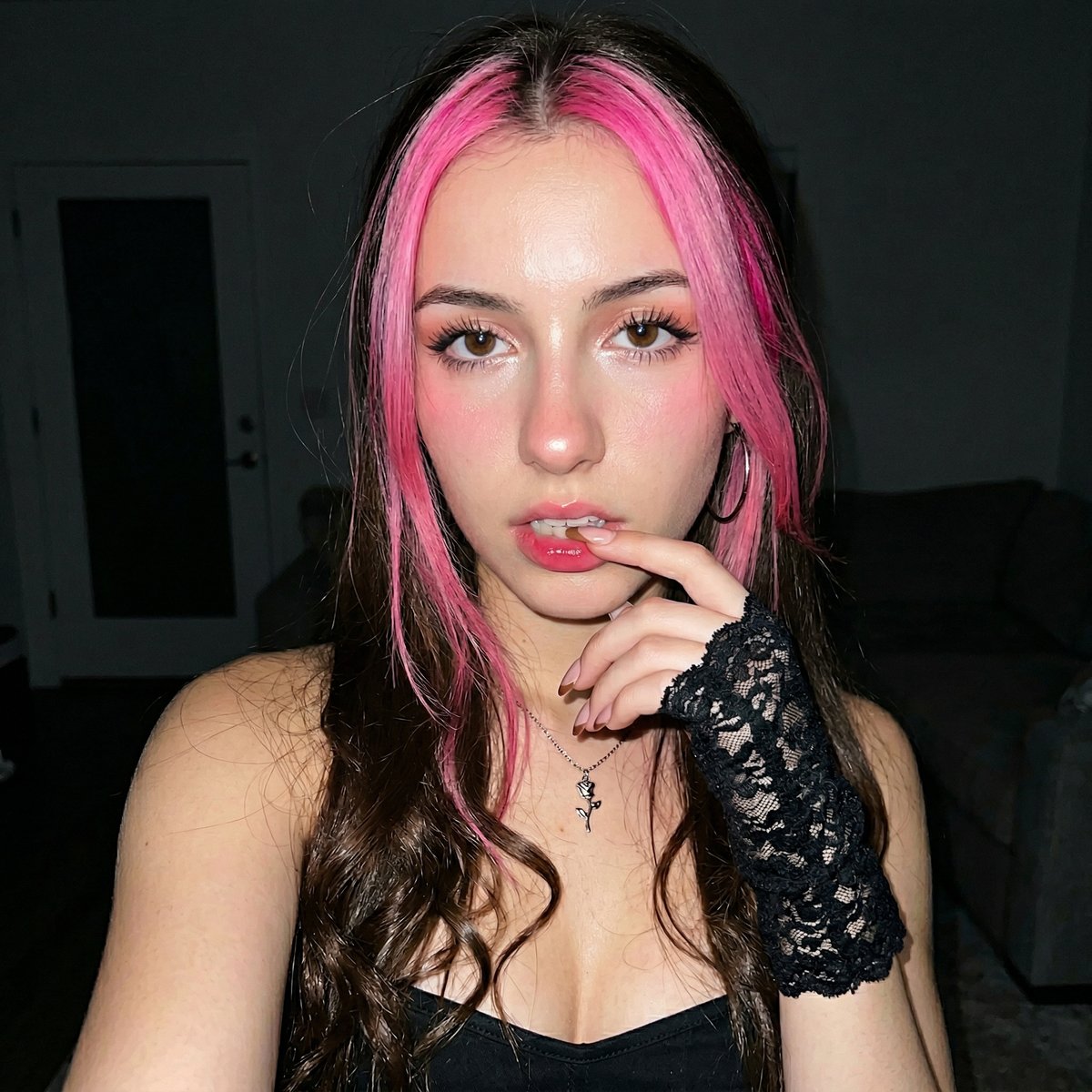
Korean Ulzzang Style Selfie Prompt

Celestial Gothic Witch Portrait

untitled
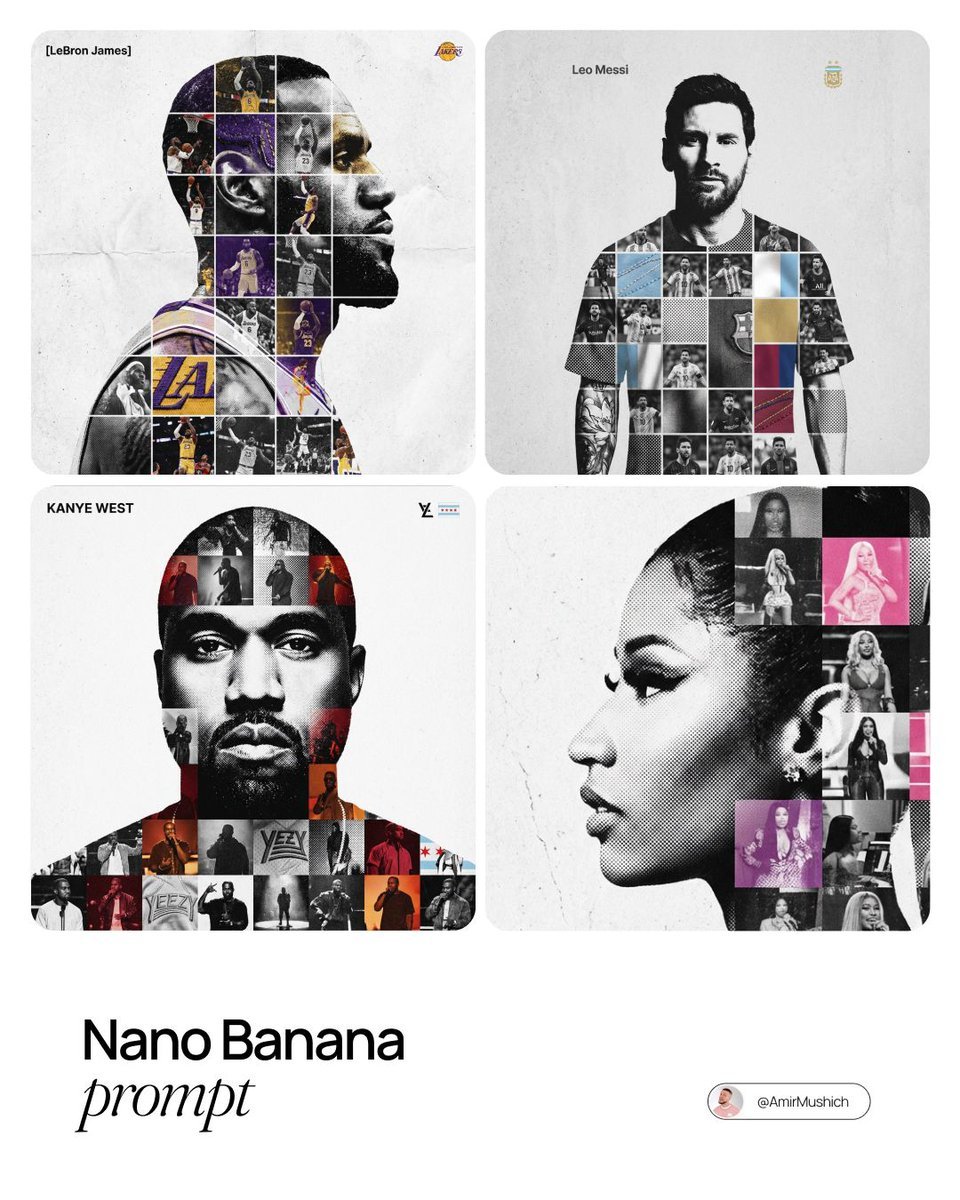
Photo-Grid Tribute Poster Design Prompt
Indian Auto Rickshaw Street Photo

Sketchbook Drawing Coming to Life
Surreal Product Shot Prompt: Purple Beverage Can with Organic Tendrils
SZA SOS Album Cover Recreation

Cozy Children's Birthday Portrait
Browse template categories
Stormy Rooftop Zombie Siege questions
How do I use the Stormy Rooftop Zombie Siege template?
Add your photo if the template asks for one, edit the prompt if you like — the template's model and format are already selected — and press Generate. Your version opens in PicX Studio.
Can I customize the Stormy Rooftop Zombie Siege template?
Yes. You can change the subject, setting, lighting, mood, format, and available model controls before creating your image.
Is the Stormy Rooftop Zombie Siege template free?
Opening and editing this template is free. Generating uses credits, shown on the Generate button when you are signed in.
Which AI model should I use?
Start with GPT Image 2, which is the model associated with this template. You can compare another compatible model for a different finish.
Looking for something else? Browse all templates.

Your photo, any look
Thousands of ready templates for every top image and video model, from one credit balance.