
Stormy Tropical City With Rooftop Plane
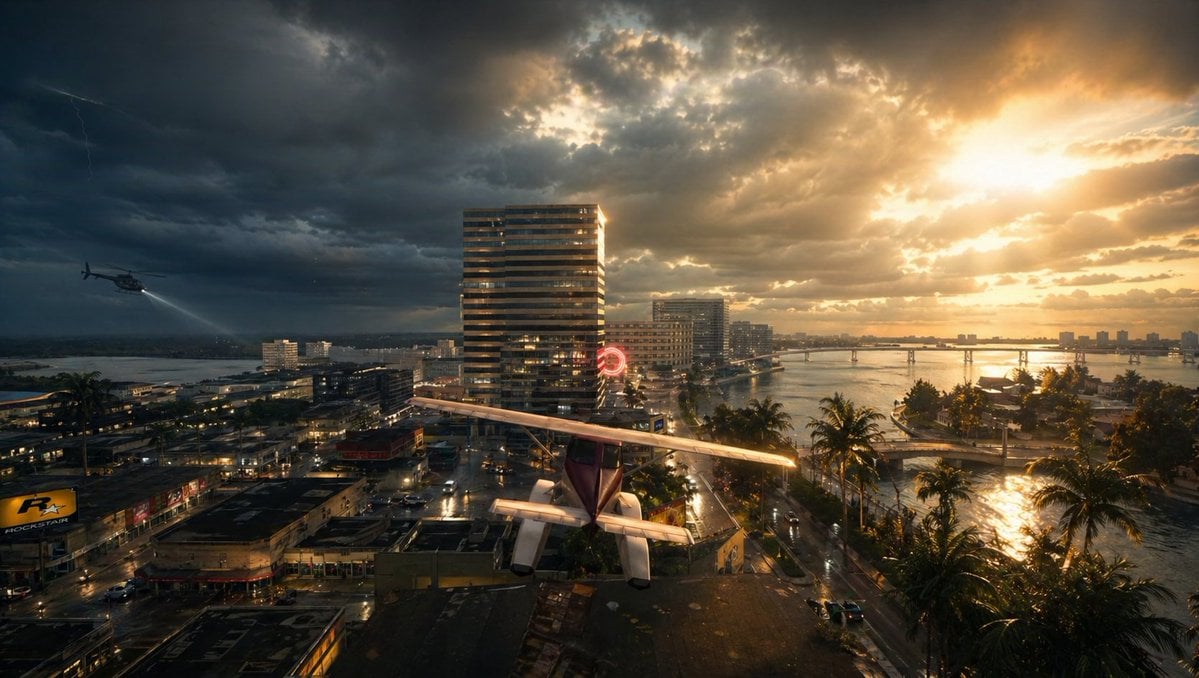
This prompt generates a cinematic photoreal cityscape with a rooftop airplane, storm clouds, helicopter, and sunset, ideal for dramatic movie-poster or concept-art scenes.
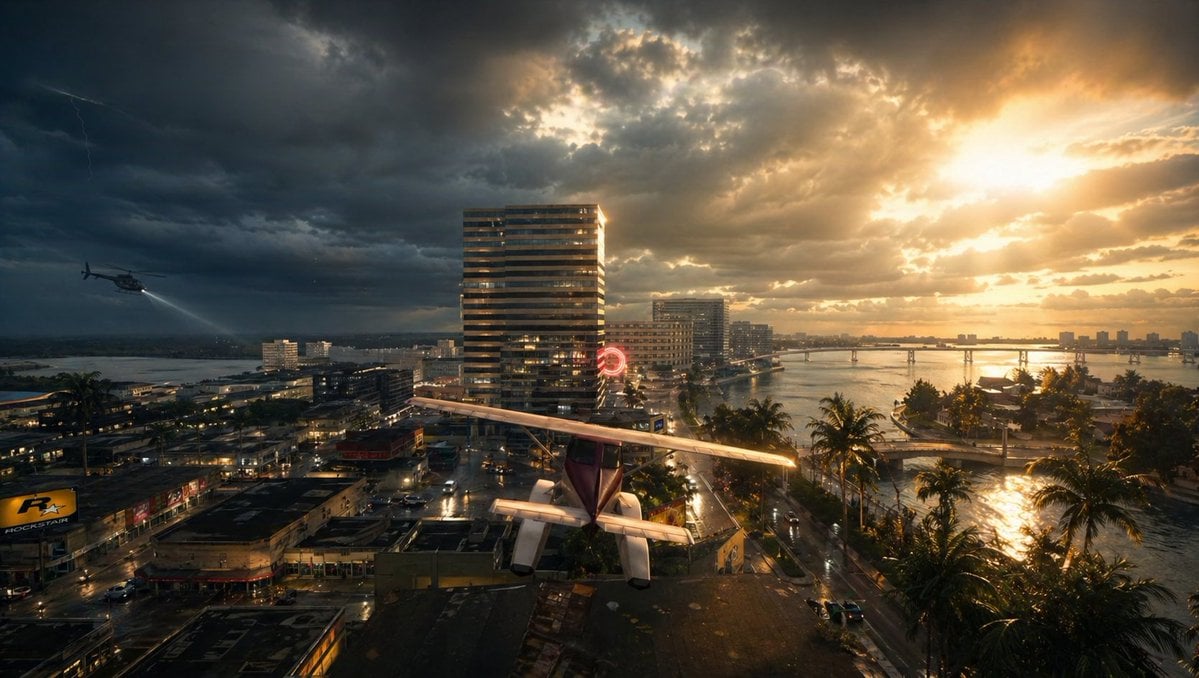
- Prompt included
- Model and format preset
- Free template
The prompt behind this image
Copy the exact prompt behind Stormy Tropical City With Rooftop Plane, or open it in the studio and make it yours.
A cinematic wide aerial view of a tropical coastal city at sunset during a violent storm, split dramatically between dark storm clouds on the left and blazing golden sunlight on the right. In the foreground, a small single-engine light airplane with a high wing and visible tail is parked or perched precariously on a flat rooftop, seen from behind and slightly above, centered near the bottom of the frame. To the left midair, 1 helicopter flies low over the city with its searchlight cast downward. In the sky, include 1 faint lightning bolt on the far left. The city below is dense with wet streets, reflective pavement, low-rise commercial buildings, and a few taller modern towers, including 1 prominent striped high-rise near the center. A glowing red circular neon sign is visible near the middle distance. On the right side, a calm bay or inlet curves through the city, lined with 1 row of tall palm trees along the waterfront road, and crossed by 1 long low bridge in the distance. The water and streets glisten from recent rain, reflecting the orange sunlight breaking through the clouds. Mood is tense, dramatic, and slightly surreal, like a movie still from an urban disaster thriller. Photorealistic, ultra-detailed, high dynamic range lighting, volumetric sun rays, storm atmosphere, wet surfaces, rich contrast, deep shadows, golden highlights, wide-angle lens, epic composition.
How to use Stormy Tropical City With Rooftop Plane in 3 steps
- 1Upload ImagePNG, JPG or paste
Add your photo
Upload the photo the template builds on. The prompt, model and format are already set.
- 2…a portrait of your subject in softgolden-hour light, 85mm…
Personalize
Edit the subject and creative details for your destination.
- 3Generate
Generate
Press Generate — your image is created in PicX Studio, so you can compare it with the original and refine one variable at a time.
More like this
Templates with the same subject, style or setup. Open one to see its prompt.
Gpt2 Comic Storyboard Stormy Tropical City with Rooftop Plane

If We Met in 1985

Cozy Knit Sweater Window Portrait

Minimalist Hand-Drawn Doodle Portrait

Rooftop Fisheye — Cat-Ear Balaclava at Golden Hour

Melancholic Rooftop City Sunset

Spider-Man Rooftop Golden Hour Cinematic Photo

Japanese Negative Film Rooftop Summer Portrait
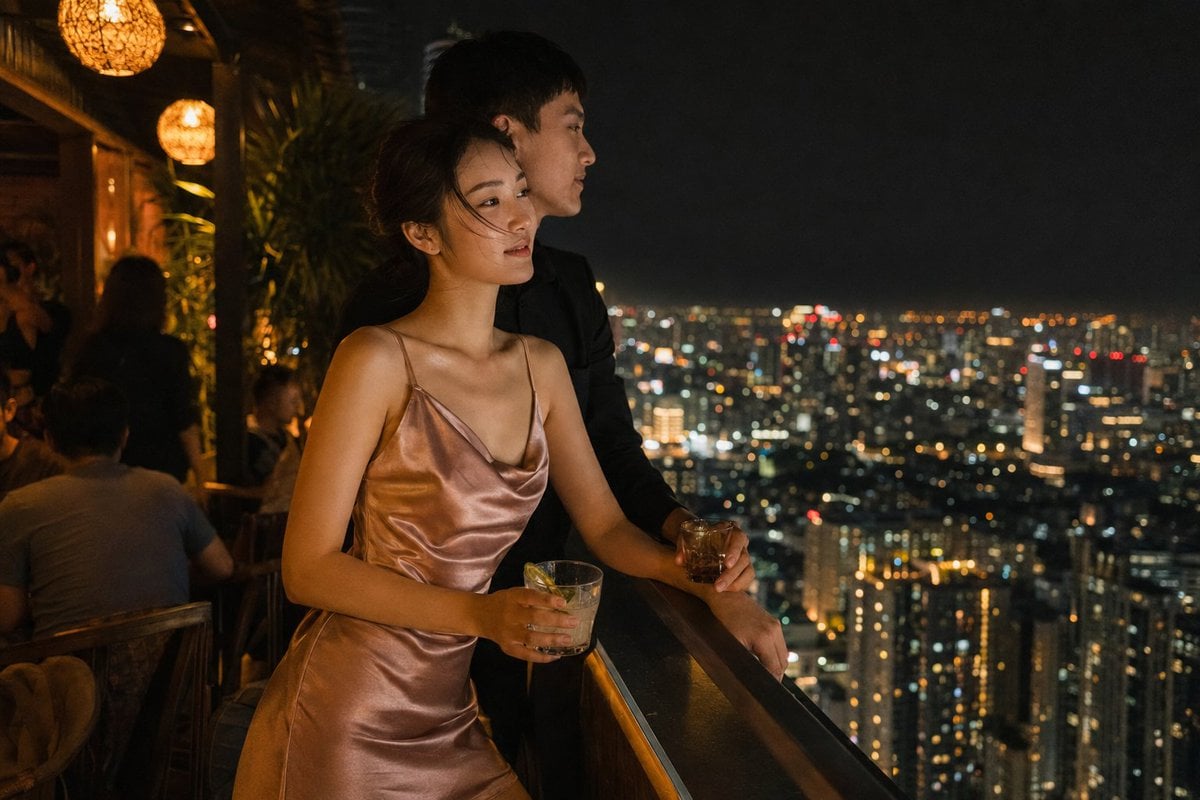
Rooftop Bar Night Cityscape Couple
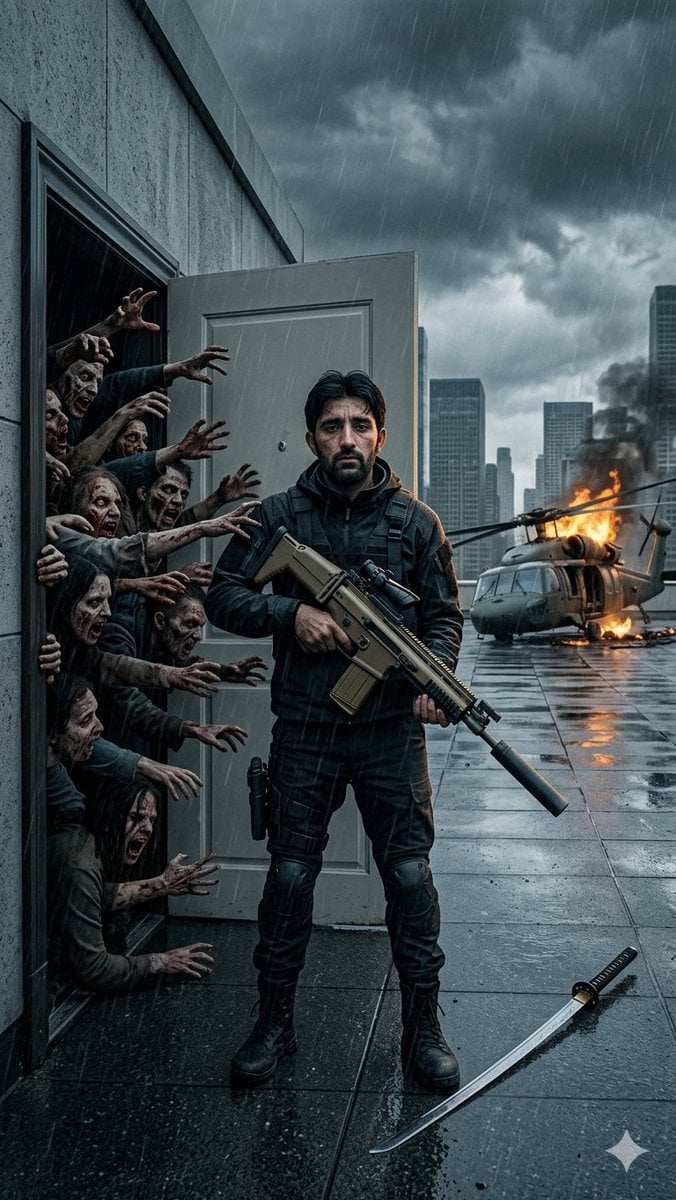
Stormy Rooftop Zombie Siege

Nano Banana Pro 2.0 — 3x3 Travel Profile Grid

Tropical Vacation Selfie — Nano Banana (Chryzleen)
Make it yours
Stormy Tropical City With Rooftop Plane works as-is. These are the safest ways to change it without losing the look.
Change one field
Copy a single group, rewrite it, and generate again so you can see what that field is doing.
Keep the frame, change the subject
Hold the composition and light of Stormy Tropical City With Rooftop Plane, then swap wardrobe, props or the person for a new take.
| If the result… | Why | Fix |
|---|---|---|
| The result drifts from the preview | Too many fields changed at once. | Reuse Stormy Tropical City With Rooftop Plane as-is first, then change one group — subject, light, or setting. |
| The model over-stylizes the scene | The prose prompt leaves finish and camera underspecified. | Add one camera or lighting sentence and stay on GPT Image 2. |
More GPT Image 2 templates
Other prompts made for GPT Image 2.

Six VTuber Japanese Logo Sheet

Realistic Portrait of Woman and Deer

The Vista Modular Condo Poster

AI Model Routing Comparison Infographic

2.5D Anime Art Board

Isometric Productivity Desk Scene

New York Double Exposure Poster

Four-Panel AI Landscape Comparison

Japanese Tatami Lifestyle Magazine Cover

NESCAFÉ Coffee Map Poster
More image prompts
Fresh picks from across the catalog.

Children's Book Illustration Prompt

Editorial Studio Portrait in Olive Tee

Refining Image Generation for Natural Expression

Extreme Wet Close-up Portrait with Reference Image
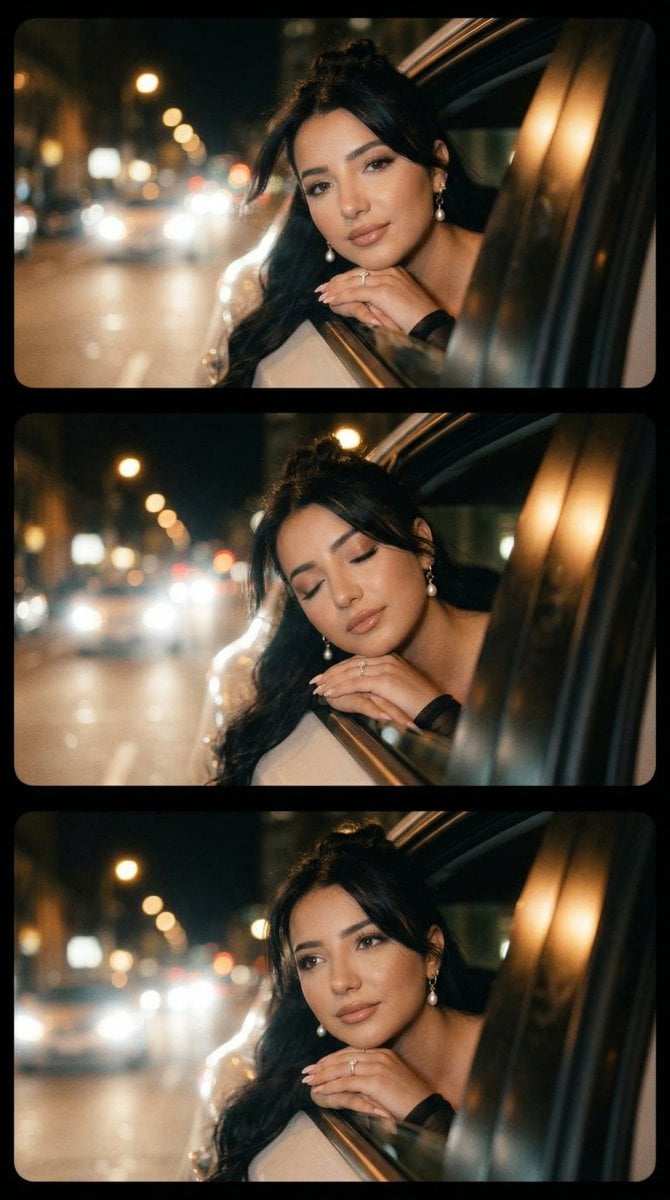
Cinematic Night Drive Filmstrip Prompt

Vibrant Watercolor Portrait with Dynamic Paint Splashes

Four Japanese Ad Banner Concepts

Woman Riding Motorcycle on Cliff Road
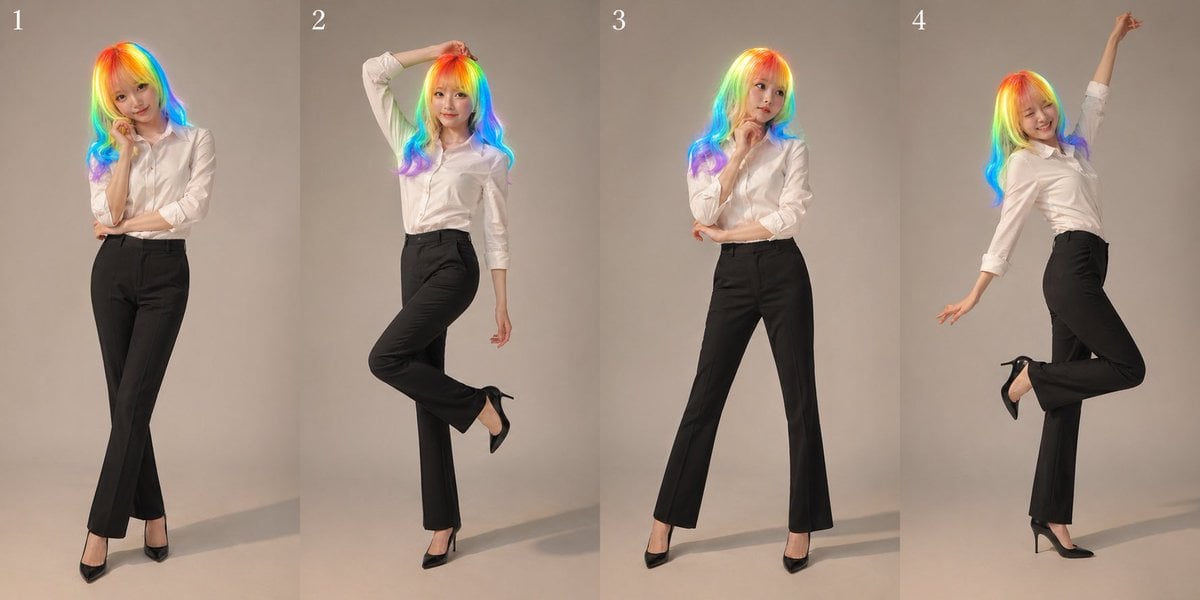
Studio Promo Portrait Panel Sheet
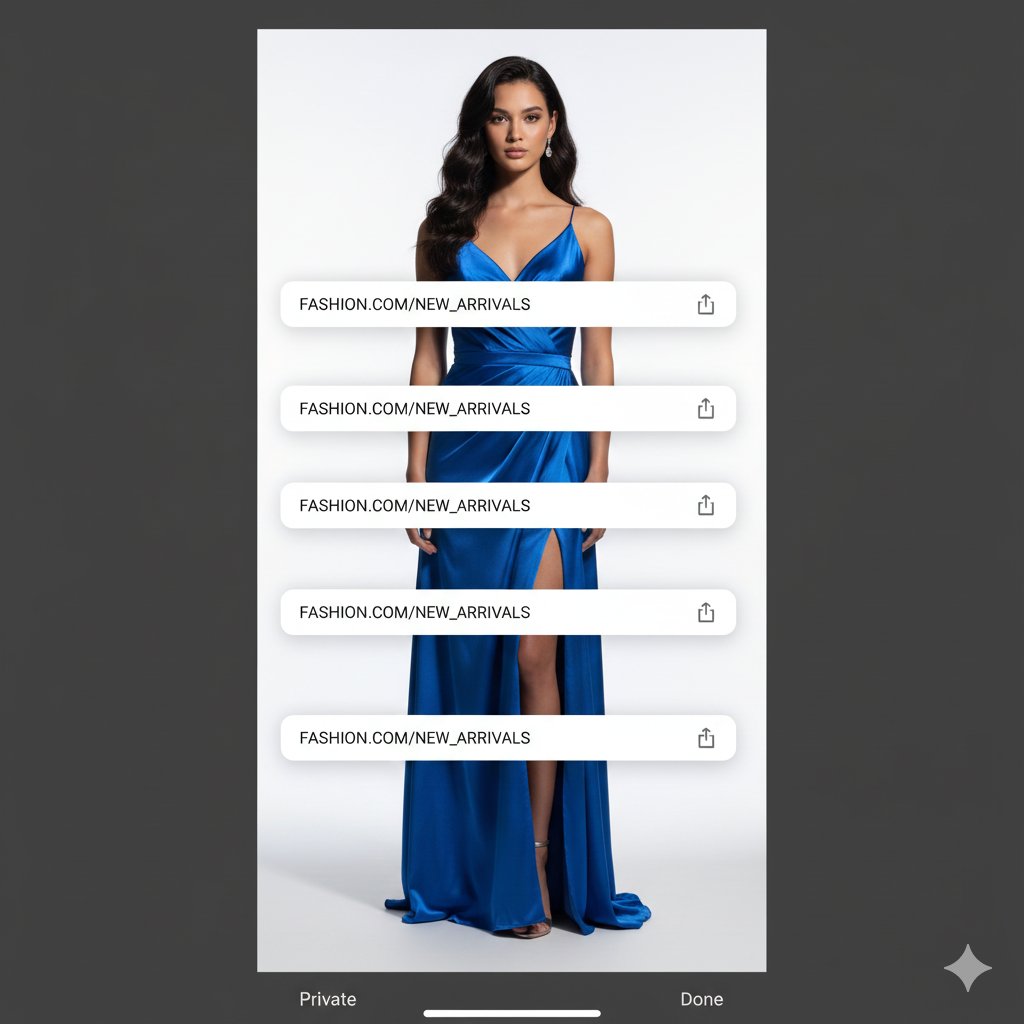
Studio Portrait with Digital UI Overlay
Browse template categories
Stormy Tropical City With Rooftop Plane questions
How do I use the Stormy Tropical City With Rooftop Plane template?
Add your photo if the template asks for one, edit the prompt if you like — the template's model and format are already selected — and press Generate. Your version opens in PicX Studio.
Can I customize the Stormy Tropical City With Rooftop Plane template?
Yes. You can change the subject, setting, lighting, mood, format, and available model controls before creating your image.
Is the Stormy Tropical City With Rooftop Plane template free?
Opening and editing this template is free. Generating uses credits, shown on the Generate button when you are signed in.
Which AI model should I use?
Start with GPT Image 2, which is the model associated with this template. You can compare another compatible model for a different finish.
Looking for something else? Browse all templates.

Your photo, any look
Thousands of ready templates for every top image and video model, from one credit balance.