
Three-Panel Shoujo Rooftop Manga
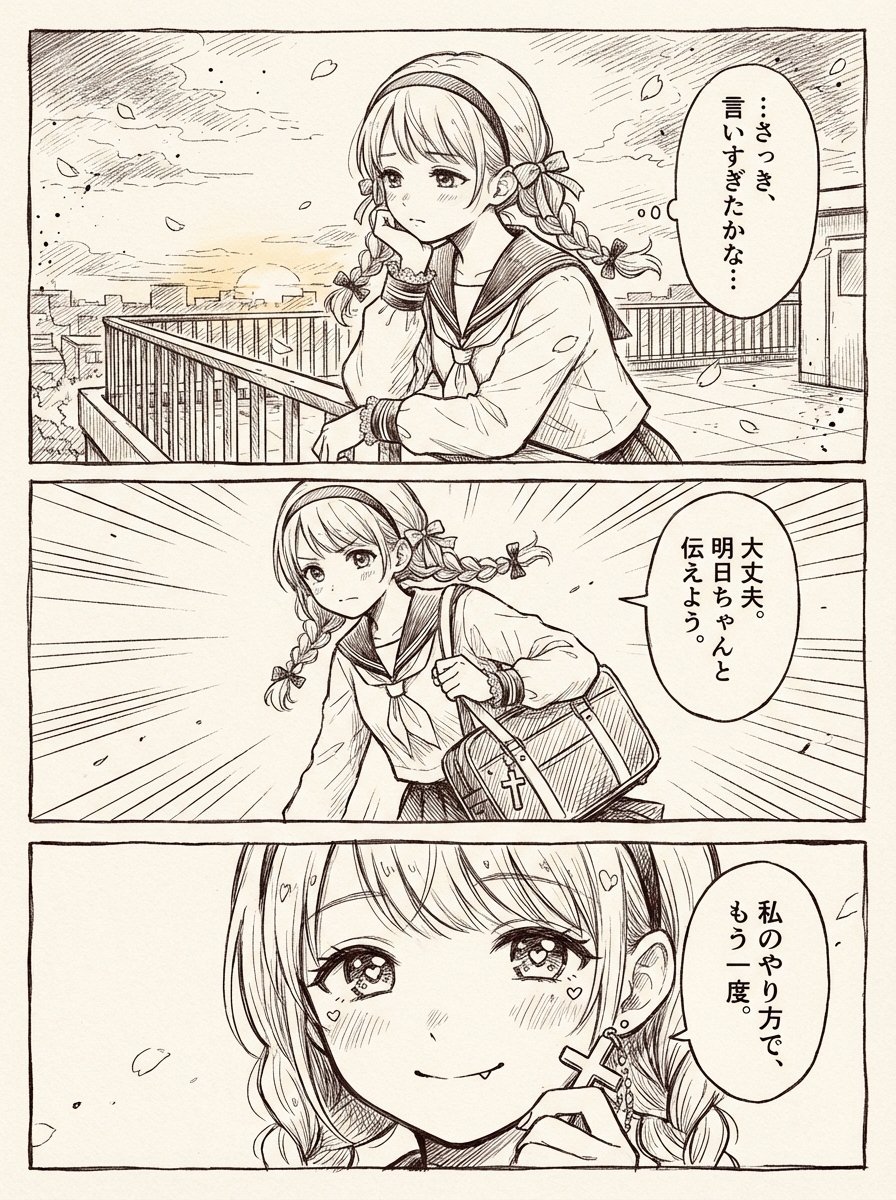
Generates a monochrome three-panel shoujo manga page about a schoolgirl resolving to express her feelings again.
- Prompt included
- Model and format preset
- Free template
The prompt behind this image
Copy the exact prompt behind Three-Panel Shoujo Rooftop Manga, or open it in the studio and make it yours.
Goal: Create a polished black-and-white manga two-page-spread style comic page based on a simple one-page scene, drawn as a clean shoujo manga manuscript with delicate pen hatching, screentone-free ink linework, warm off-white paper texture, and thin black panel borders. Canvas: Vertical page, about 3:4 aspect ratio, with three wide horizontal panels stacked from top to bottom. Use a hand-drawn manga border around each panel and slight paper grain. Overall mood is romantic, emotional, and gently dramatic. Character: A cute teenage schoolgirl, {argument name="character name" default="unnamed schoolgirl"}, with light-colored hair in twin braids, straight bangs, a thick headband, small ribbon bows tied into the braids, large sparkling shoujo eyes, soft blush, and a sailor-style school uniform. She wears small cross-shaped earrings and carries a rectangular school bag with a cross charm. Her expression changes from worried hesitation to determined resolve to a confident, tender smile. Layout and panel count: Use exactly 3 panels. 1. Top panel: A rooftop or elevated school terrace at sunset, city buildings in the distance, metal railings, drifting flower petals, soft clouds, and a calm wind. The girl leans on the railing in three-quarter view, resting one hand near her mouth in hesitation. Add an oval vertical Japanese speech bubble on the right containing exactly: 「…さっき、言いすぎたかな…」. Place a soft gray rectangular blur censor over the center of her face, obscuring facial features in this panel. 2. Middle panel: The same girl suddenly stands and moves forward with determination, holding or pulling up her school bag at her side. Use strong manga speed lines radiating from the background to show a decision moment. Add an oval vertical Japanese speech bubble on the right containing exactly: 「大丈夫。明日ちゃんと伝えよう。」. Place a soft gray rectangular blur censor over the center of her face, obscuring facial features in this panel. 3. Bottom panel: Close-up of the girl’s face, now uncensored and clearly visible, with sparkling eyes, blush marks, tiny heart highlights around her cheeks and hair, and a small confident smile while she lightly touches or holds her cross earring. Add an oval vertical Japanese speech bubble on the right containing exactly: 「私のやり方で、もう一度。」. Visual style: Fine monochrome manga ink, expressive shoujo eyes, delicate crosshatching, clean contour lines, natural hand-drawn imperfections, subtle sunset atmosphere rendered only through linework, no color except the off-white paper background and gray face-censor blocks in the first two panels. Constraints: Keep exactly 3 panels, exactly 3 speech bubbles, and exactly 2 gray face-obscuring rectangles. Do not add extra characters, extra captions, logos, watermarks, or modern UI elements. Preserve the Japanese text exactly as written.
How to use Three-Panel Shoujo Rooftop Manga in 3 steps
- 1Upload ImagePNG, JPG or paste
Add your photo
Upload the photo the template builds on. The prompt, model and format are already set.
- 2…a portrait of your subject in softgolden-hour light, 85mm…
Personalize
Edit the subject and creative details for your destination.
- 3Generate
Generate
Press Generate — your image is created in PicX Studio, so you can compare it with the original and refine one variable at a time.
More like this
Templates with the same subject, style or setup. Open one to see its prompt.

If We Met in 1985
Shoujo Manga Famous Quote Page
Three-Panel AI Billboard Comparison

Seven-Panel Cyberpunk Manga Alley

Rooftop Fisheye — Cat-Ear Balaclava at Golden Hour

Pixar 6-Panel Streethero Expression Grid

Spider-Man Rooftop Golden Hour Cinematic Photo

Japanese Negative Film Rooftop Summer Portrait
Eight-Panel Maid Robot Romance Manga
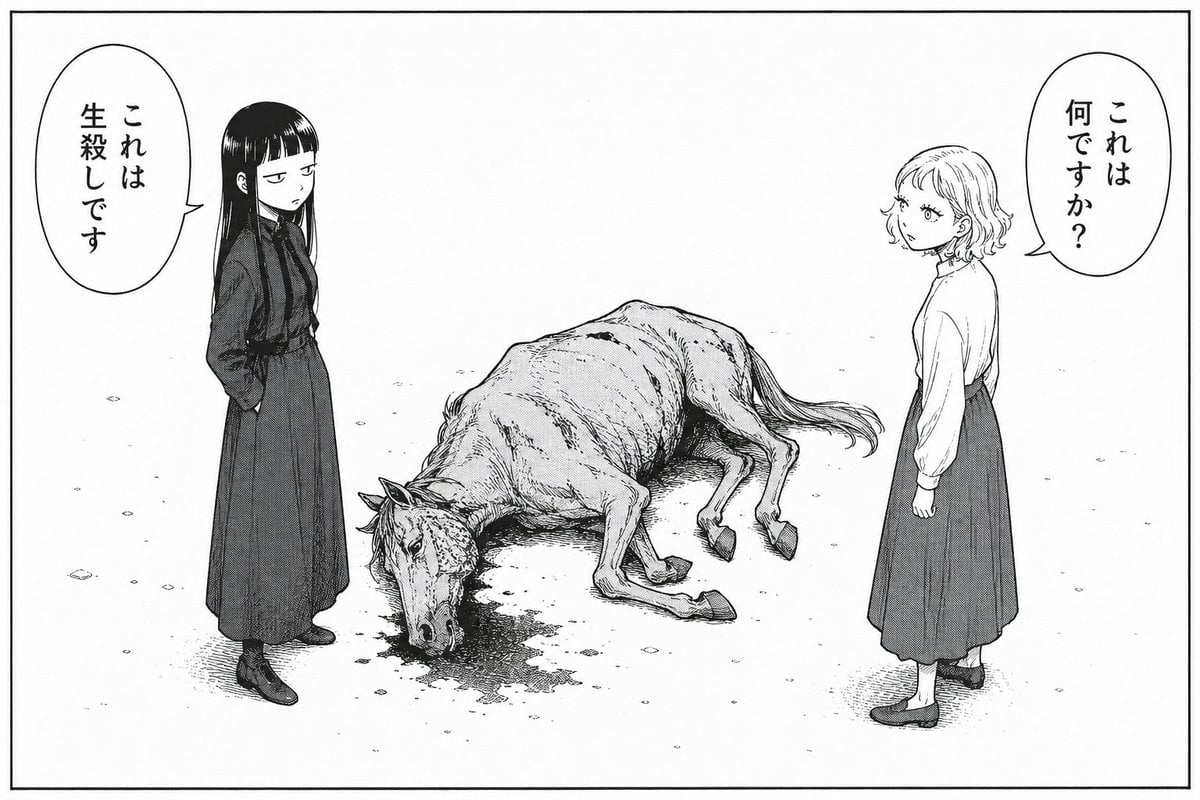
Bleak Manga Panel with Dead Horse

Cute 4-Panel School Club Manga
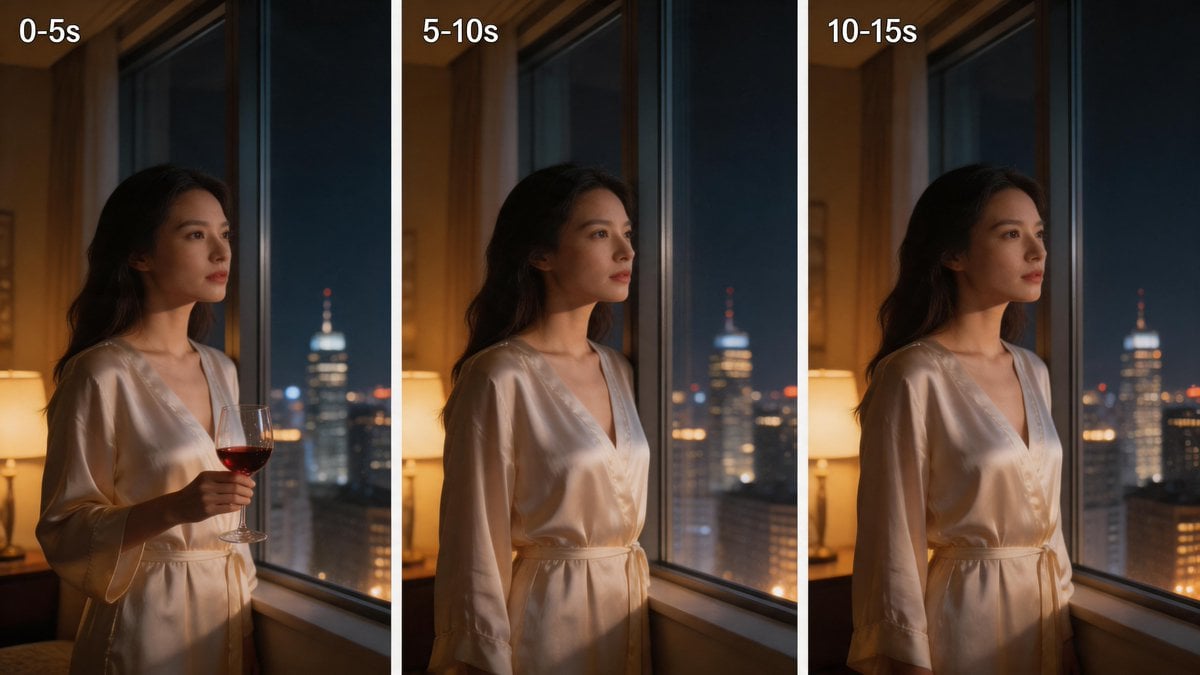
Three-Panel Night Window Comparison
Make it yours
Three-Panel Shoujo Rooftop Manga works as-is. These are the safest ways to change it without losing the look.
Change one field
Copy a single group, rewrite it, and generate again so you can see what that field is doing.
Keep the frame, change the subject
Hold the composition and light of Three-Panel Shoujo Rooftop Manga, then swap wardrobe, props or the person for a new take.
| If the result… | Why | Fix |
|---|---|---|
| The result drifts from the preview | Too many fields changed at once. | Reuse Three-Panel Shoujo Rooftop Manga as-is first, then change one group — subject, light, or setting. |
| The model over-stylizes the scene | The prose prompt leaves finish and camera underspecified. | Add one camera or lighting sentence and stay on GPT Image 2. |
More GPT Image 2 templates
Other prompts made for GPT Image 2.

Six VTuber Japanese Logo Sheet

Realistic Portrait of Woman and Deer

The Vista Modular Condo Poster

AI Model Routing Comparison Infographic

2.5D Anime Art Board

Isometric Productivity Desk Scene

New York Double Exposure Poster

Four-Panel AI Landscape Comparison

Japanese Tatami Lifestyle Magazine Cover

NESCAFÉ Coffee Map Poster
More image prompts
Fresh picks from across the catalog.
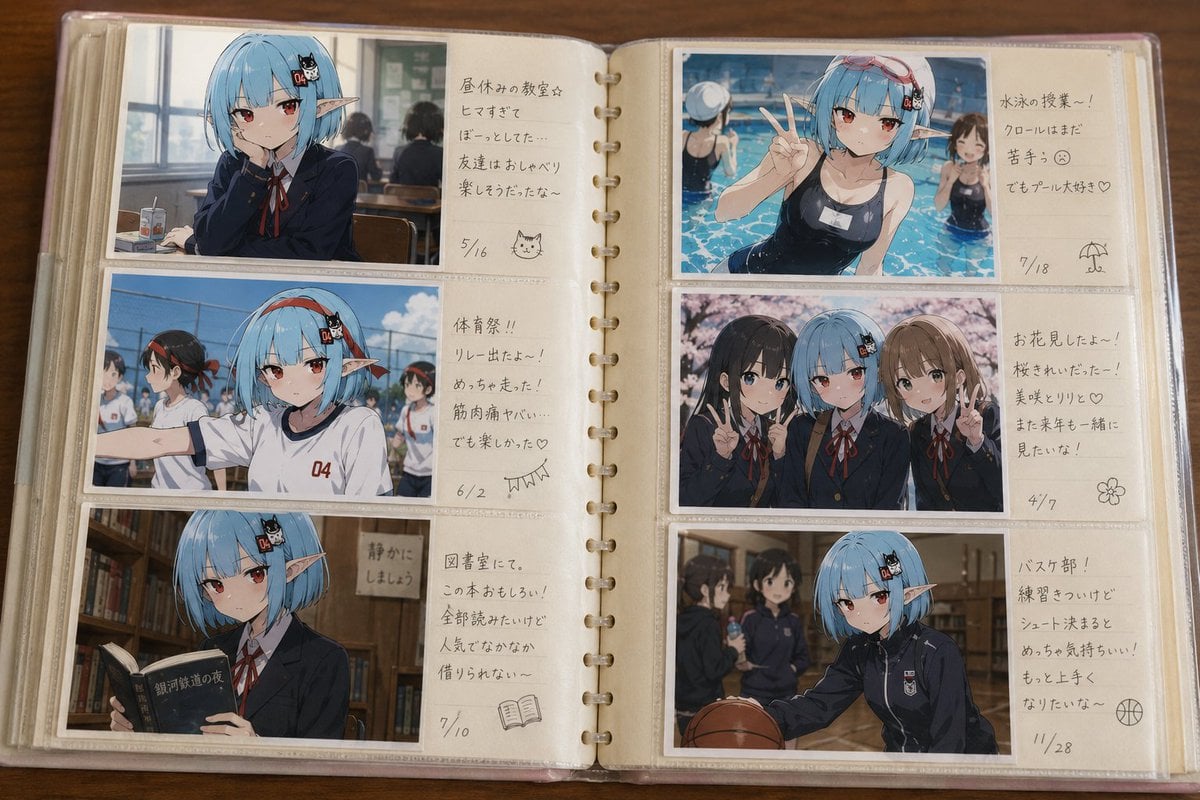
Character Memory Photo Album
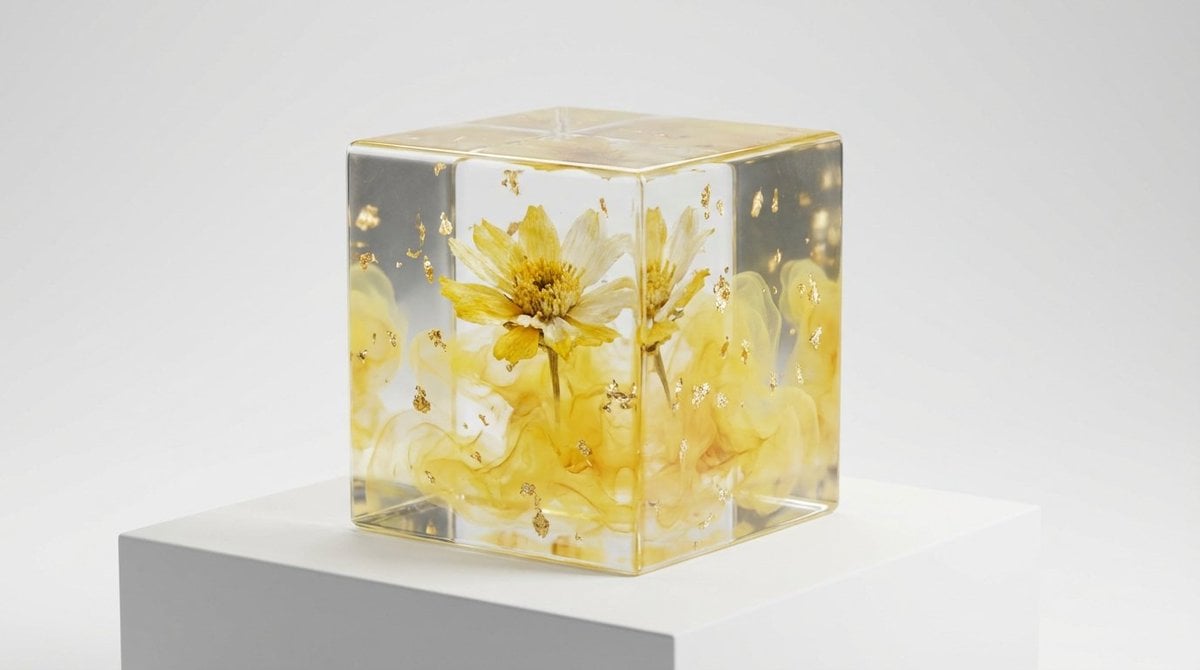
Epoxy Resin Art Cube Generation
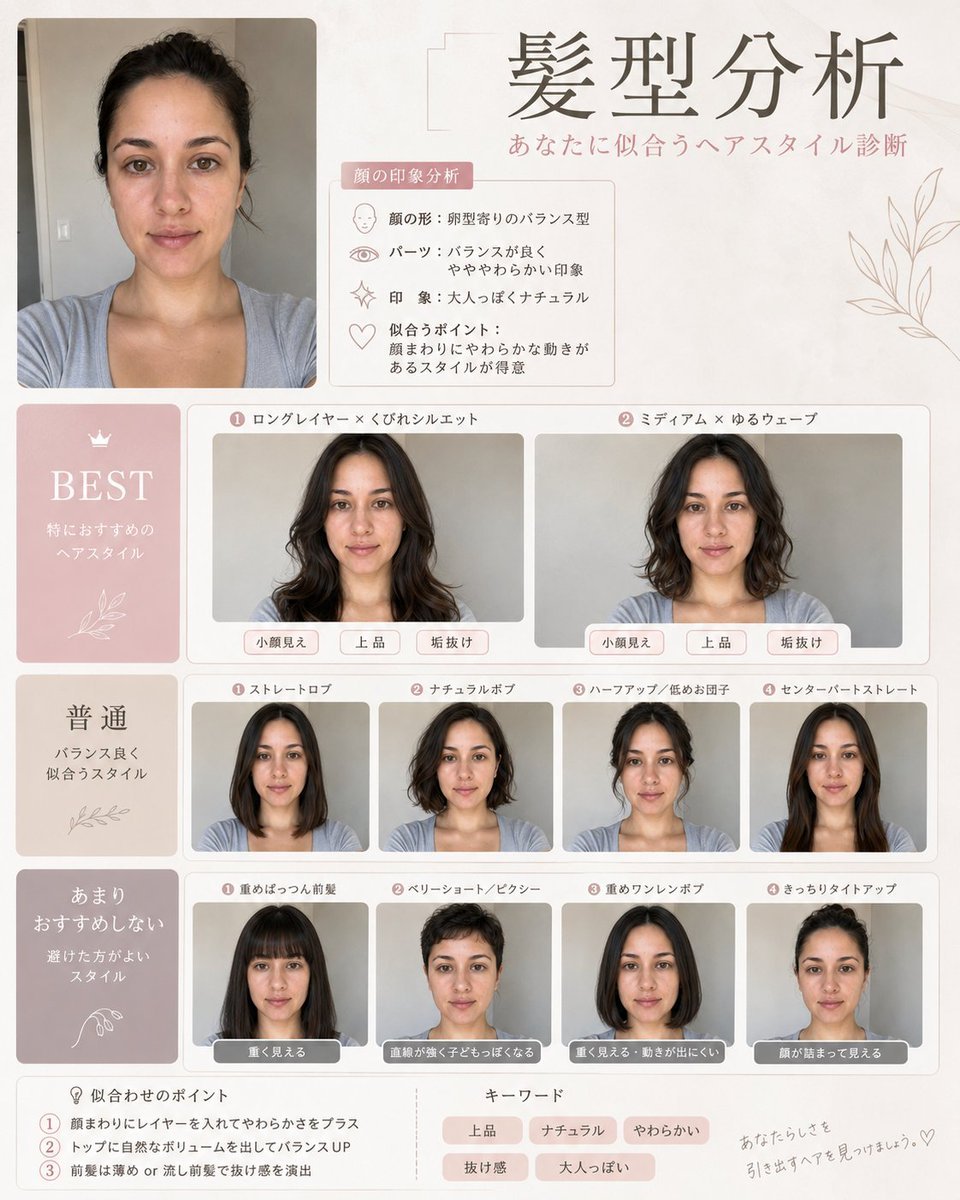
Professional Hairstyle and Makeup Analysis Guide

Dramatic Black and White Family Portrait Prompts

Marcus Rashford Inter Milan Wallpaper
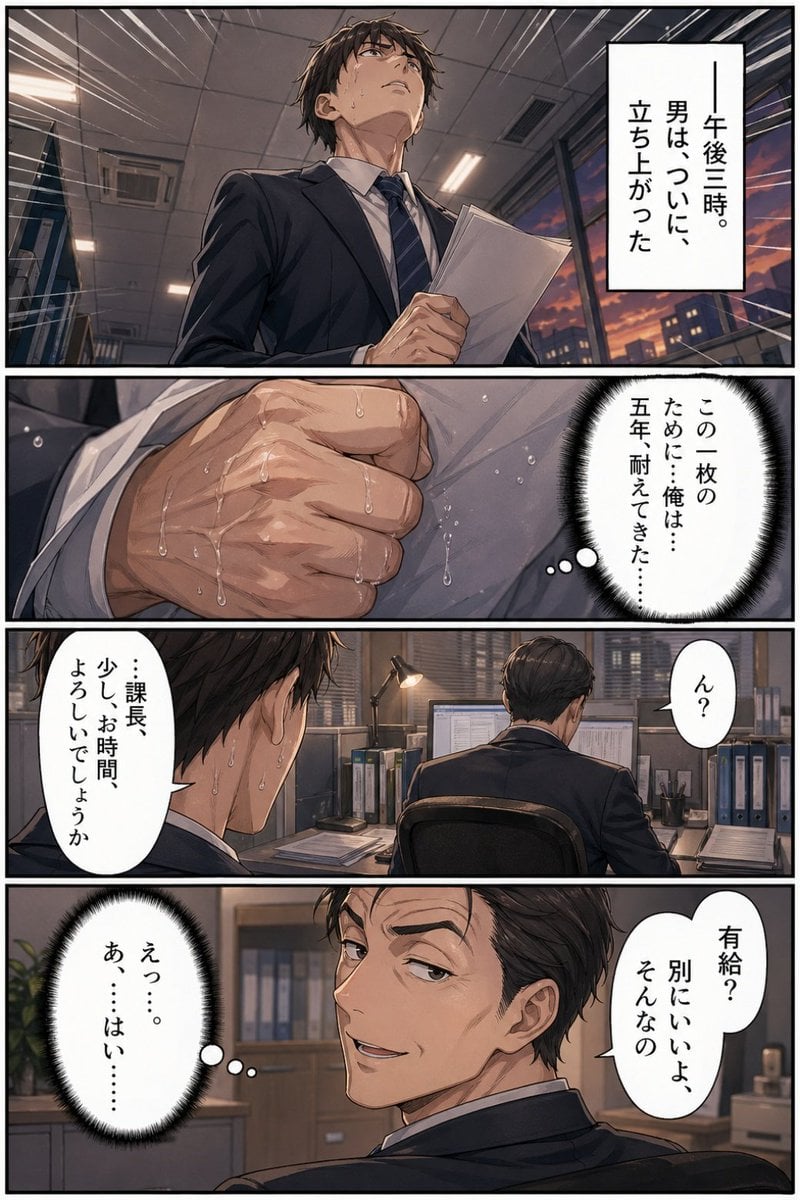
Business Office Manga Page

High-End Fashion Collage Poster
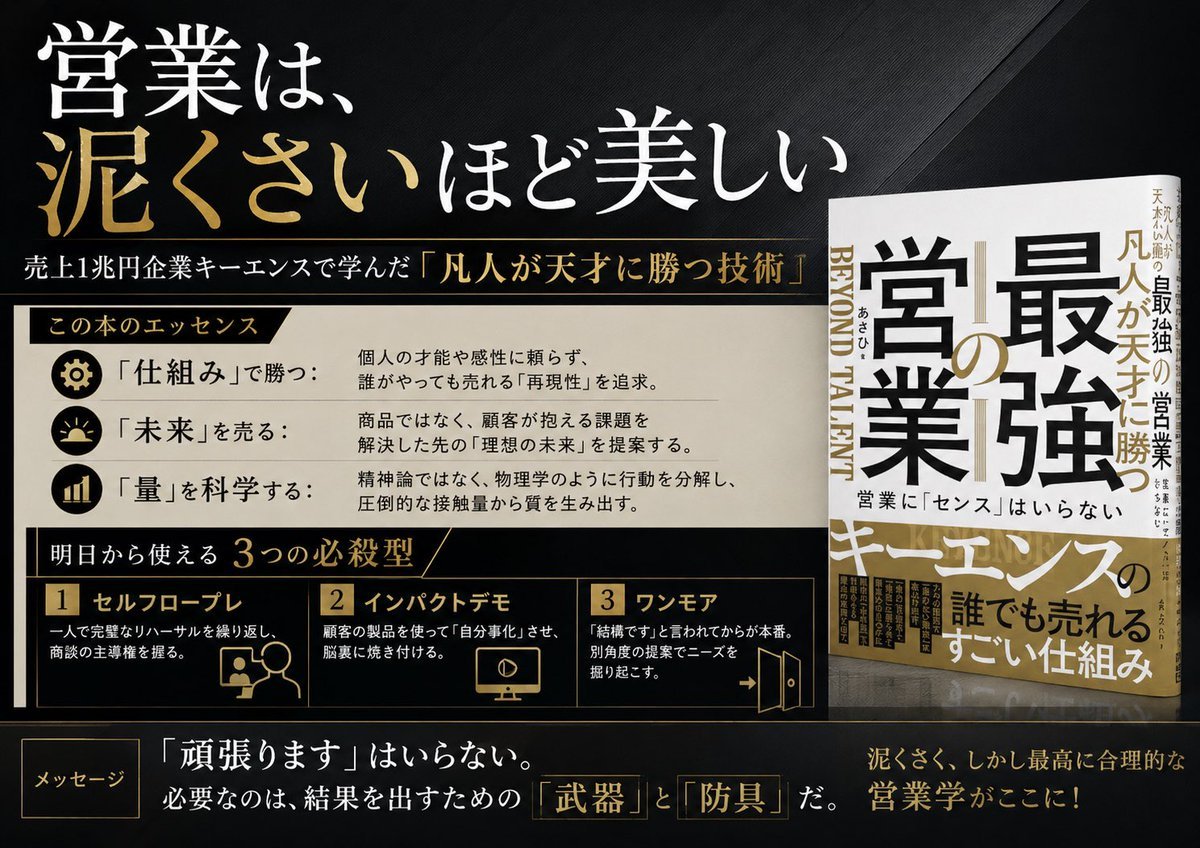
Japanese Sales Book Infographic Ad
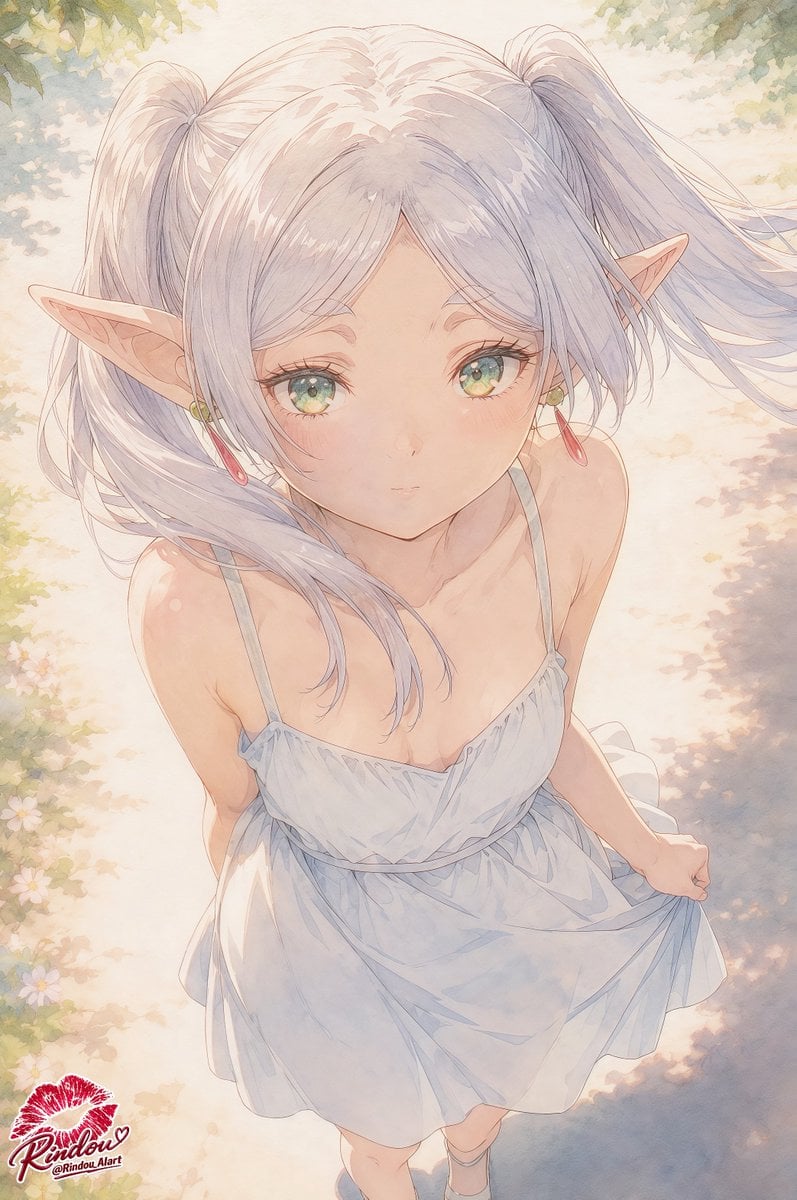
Censored Elf Girl Garden Illustration
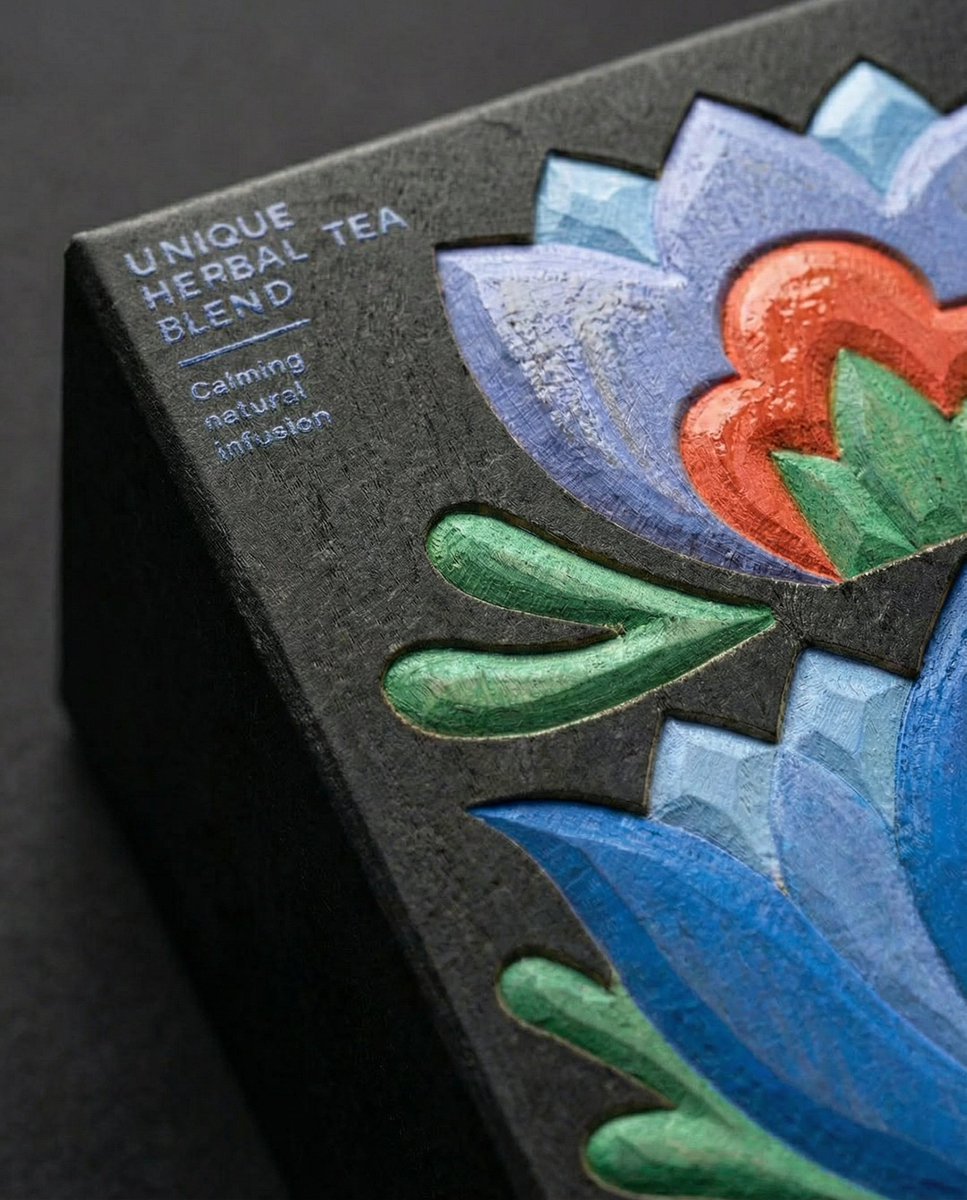
Close-Up Illustration Detail Enhancement Prompt
Browse template categories
Three-Panel Shoujo Rooftop Manga questions
How do I use the Three-Panel Shoujo Rooftop Manga template?
Add your photo if the template asks for one, edit the prompt if you like — the template's model and format are already selected — and press Generate. Your version opens in PicX Studio.
Can I customize the Three-Panel Shoujo Rooftop Manga template?
Yes. You can change the subject, setting, lighting, mood, format, and available model controls before creating your image.
Is the Three-Panel Shoujo Rooftop Manga template free?
Opening and editing this template is free. Generating uses credits, shown on the Generate button when you are signed in.
Which AI model should I use?
Start with GPT Image 2, which is the model associated with this template. You can compare another compatible model for a different finish.
Looking for something else? Browse all templates.

Your photo, any look
Thousands of ready templates for every top image and video model, from one credit balance.