
Character Memory Photo Album
Creates a nostalgic physical photo album layout showing a character's middle school memories through multiple L-size prints and handwritten notes.
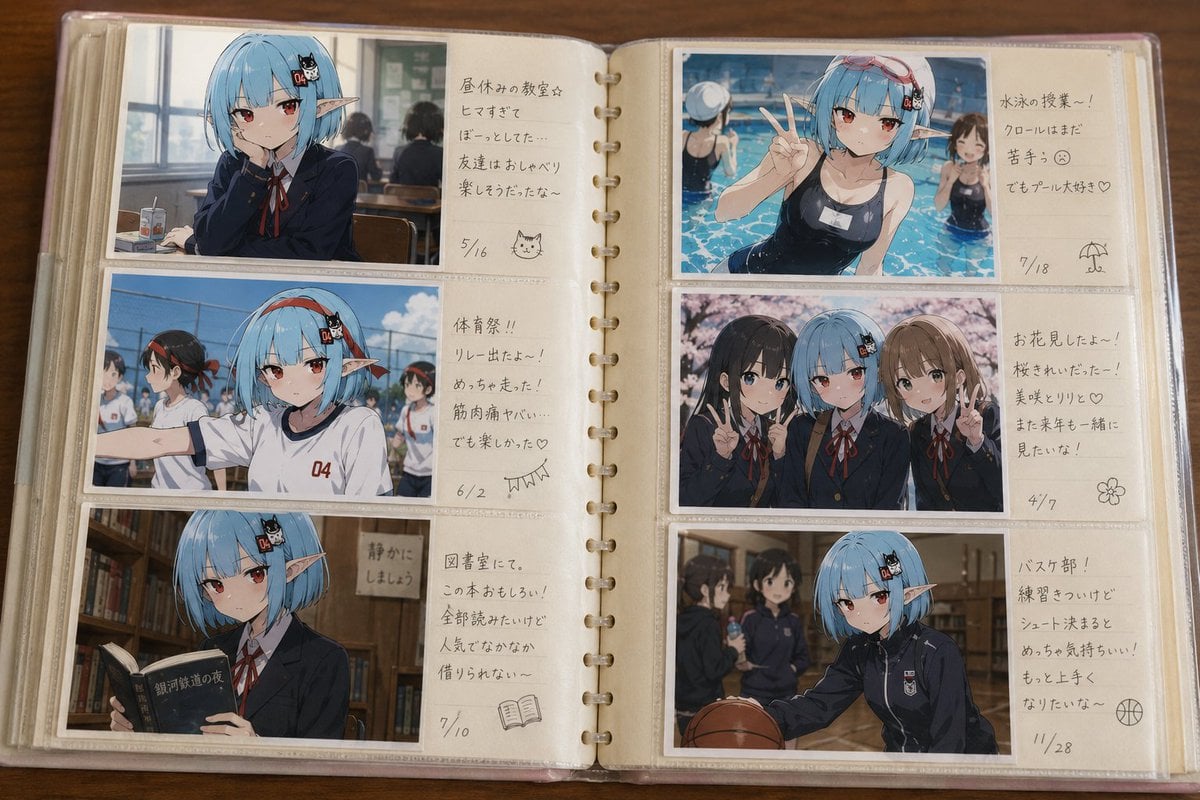
- Prompt included
- Model and format preset
- Free template
The prompt behind this image
Copy the exact prompt behind Character Memory Photo Album, or open it in the studio and make it yours.
Use the provided image as the original character's reference standard. Create a "memory album from middle school days" for the character in the reference image. This is not a reference/settei material collection. This is not an official profile. This is a personal photo album that the character herself/himself kept from their middle school days. [Concept] The viewer should naturally feel, "Oh, so this character had a middle-school life like this too." This is an album looking back on the character's past, and it should treasure friendship, youth, ordinary everyday moments, and slightly embarrassing memories. [Album Format] A real household pocket-style photo album. The album shown open as a two-page spread. 3 photos on the left page, 3 photos on the right page. Compose it with a total of 6 landscape-oriented photos. Depict the photos as actual L-size prints stored in the album's pockets. Include a comment-writing area along the gutter in the center of the album. Add a short handwritten comment to each photo, as if written by the character themselves at the time. The comments should read naturally, like something a middle schooler would write. [Photo Content] Make every photo a different memory. The content may vary each time. For example: {argument name="memory scene" default="the pool with friends, sports day, the school trip, the culture festival, graduation, club activities"}, etc. Actively include not only commemorative posed shots but also candid everyday snapshots. Different photos may depict different seasons or school events. [Character Depiction] Depict the character from the reference image as the same person during their middle-school years. Keep the facial features, hairstyle, hair color, eye shape, expression habits, atmosphere, and character personality intact. Give the impression of someone slightly younger and slightly less mature-looking than their current appearance. Depict it as a natural growth stage appropriate to middle school. Naturally choose the school uniform, gym clothes, tracksuit, or casual clothes according to what fits each photo's content. [Friend Characters] Naturally include classmate characters. Depict the friends as figures who color in the memories of youth. [Atmosphere] Nostalgic. Warm. A little embarrassing. Fun. Ordinary everyday life. A record of youth. The feeling of looking through a photo album that turned up on a bookshelf back at your parents' house. The photo album itself is the main subject, and the character's past memories should come through naturally.
How to use Character Memory Photo Album in 3 steps
- 1Upload ImagePNG, JPG or paste
Add your photo
Upload the photo the template builds on. The prompt, model and format are already set.
- 2…a portrait of your subject in softgolden-hour light, 85mm…
Personalize
Edit the subject and creative details for your destination.
- 3Generate
Generate
Press Generate — your image is created in PicX Studio, so you can compare it with the original and refine one variable at a time.
More like this
Templates with the same subject, style or setup. Open one to see its prompt.
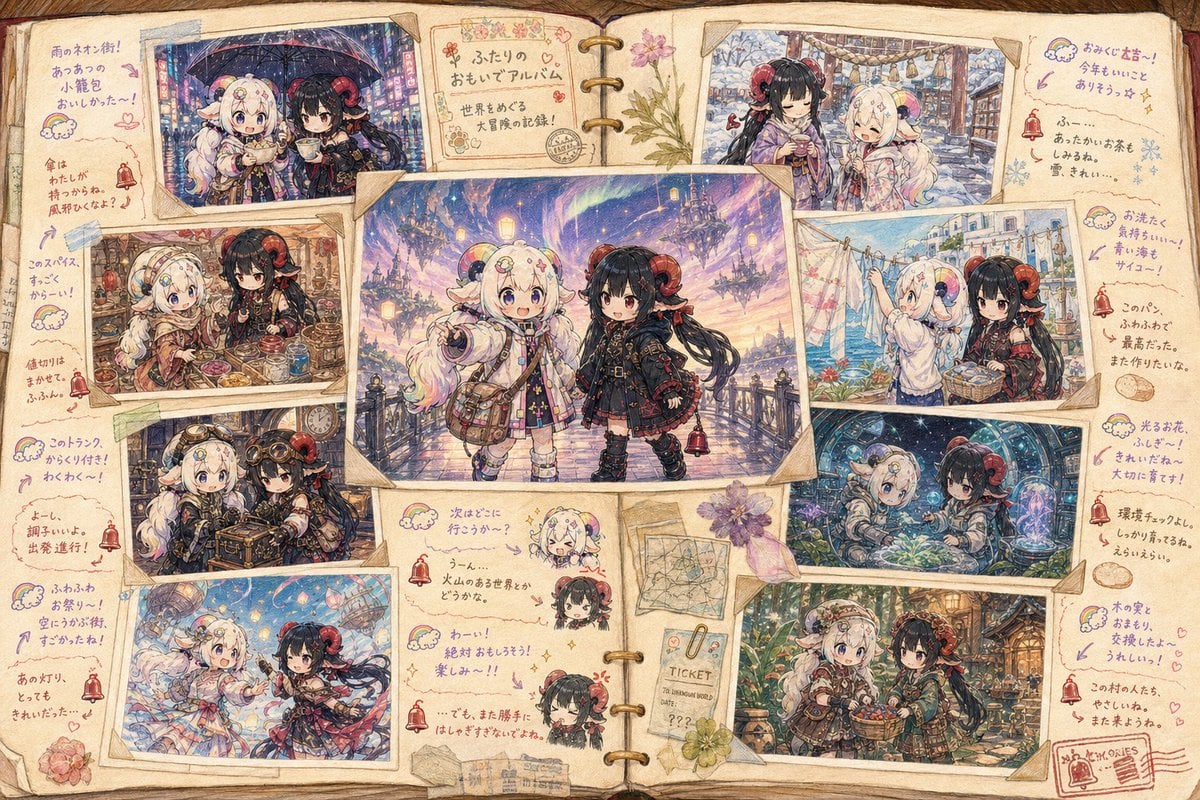
Character Memory Album Illustration
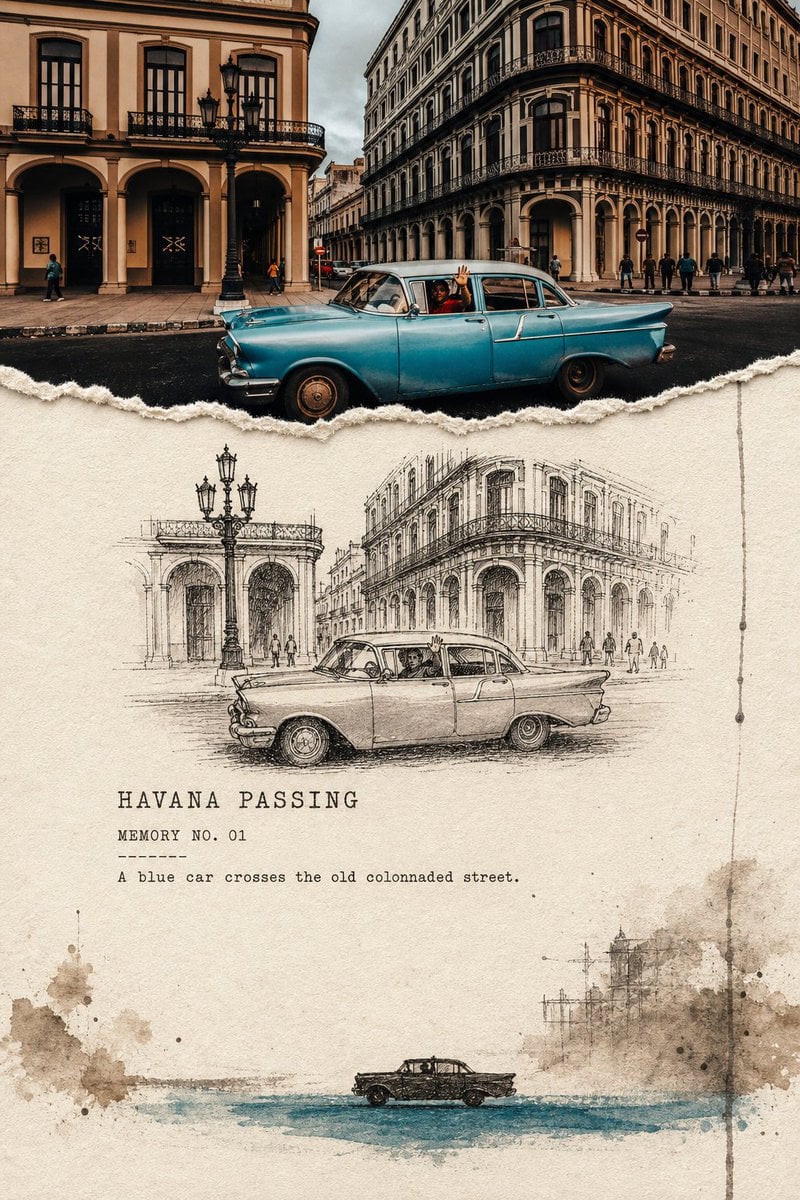
Torn Edge Ink Memory Poster
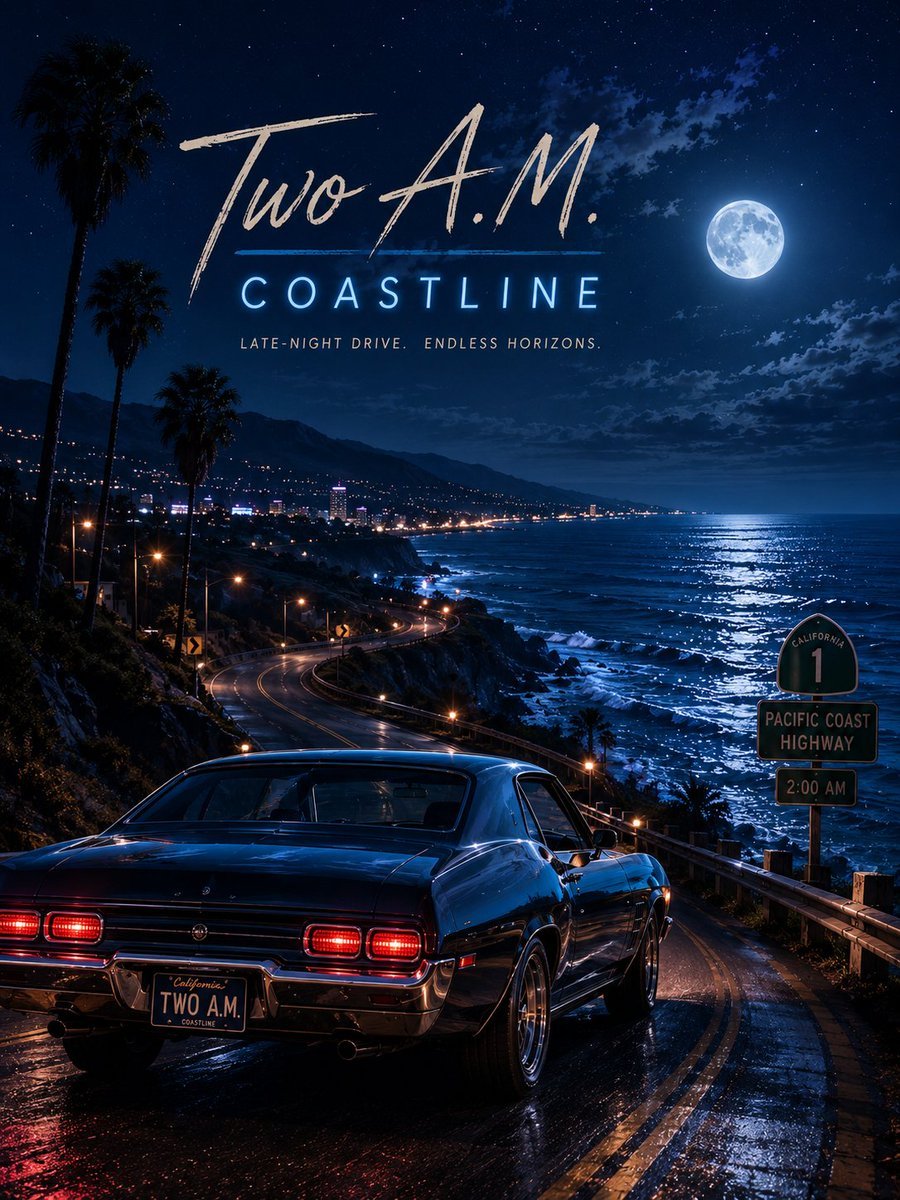
Two A.M. Coastline Album Cover
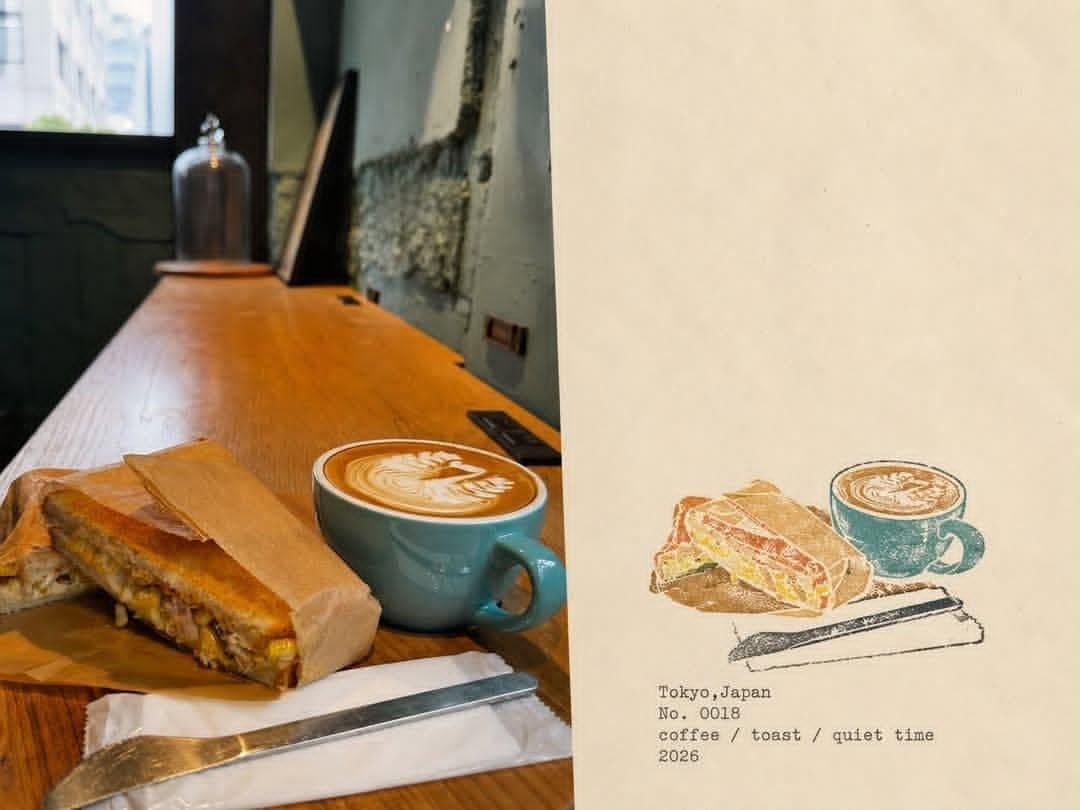
Japanese Cafe Memory Journal Design
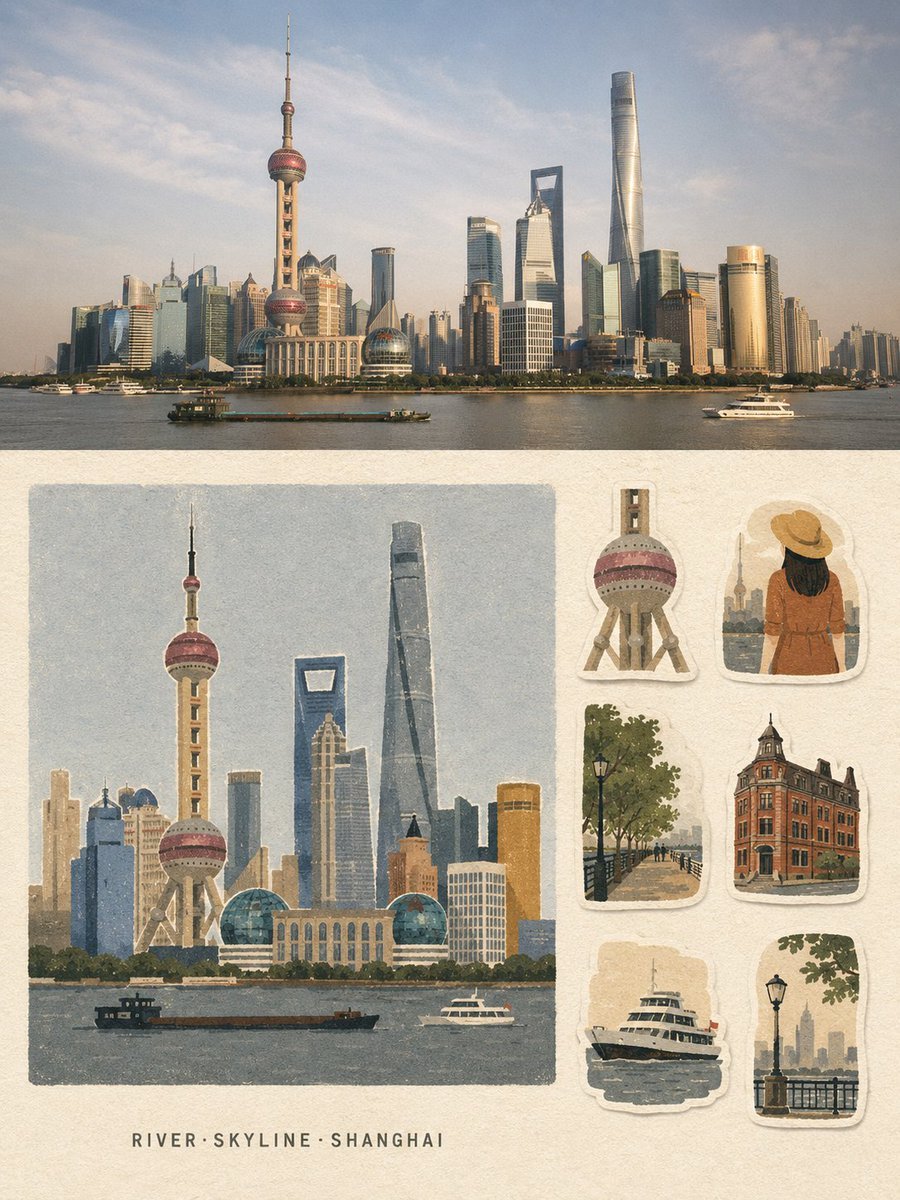
Vintage Travel Memory Poster
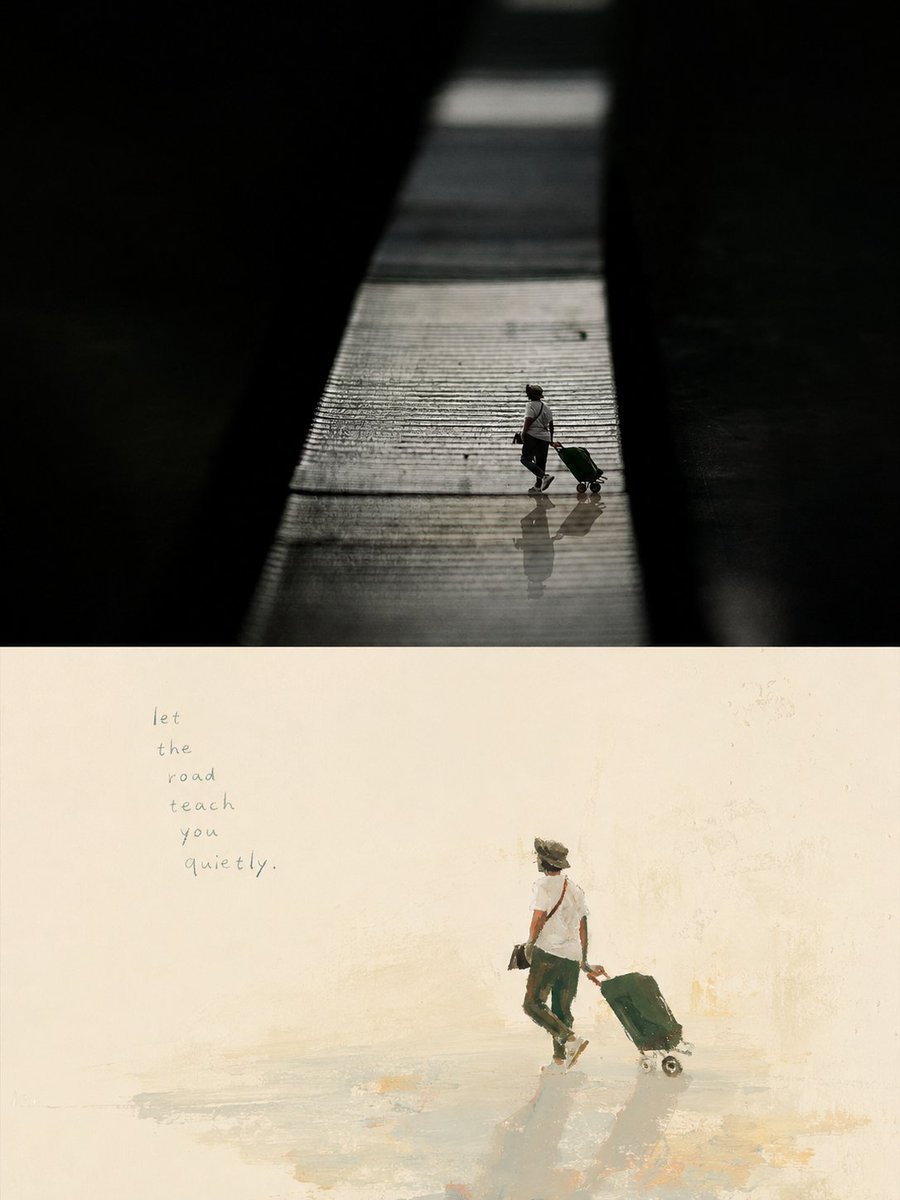
Artistic Memory Collage Poster

Music Album Cover Abstract Liquid Mercury

Sparkling Seaside Anime Album Cover
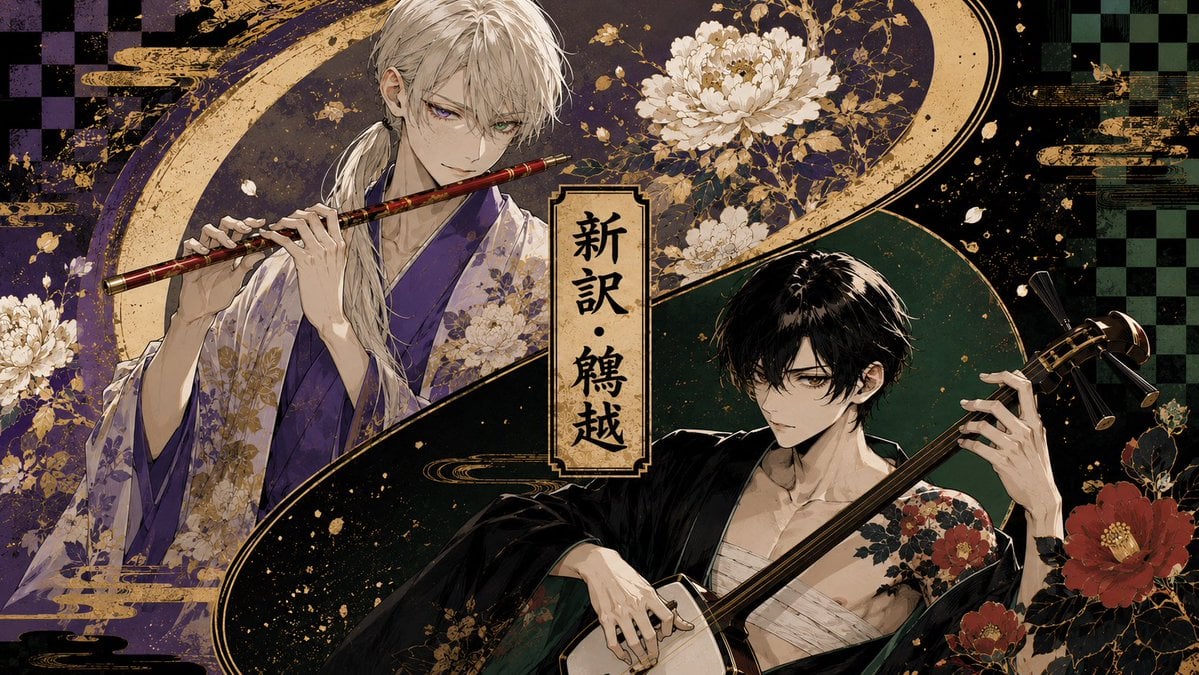
Japanese Musician Album Cover
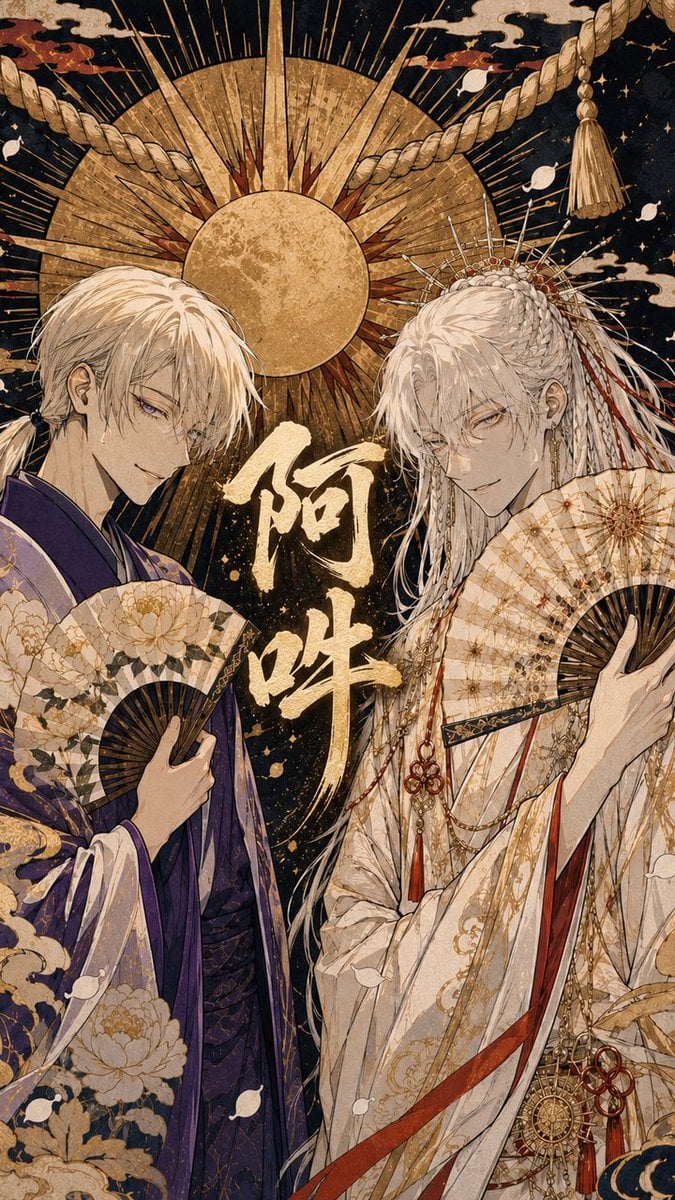
Ornate A-Un Kimono Album Cover
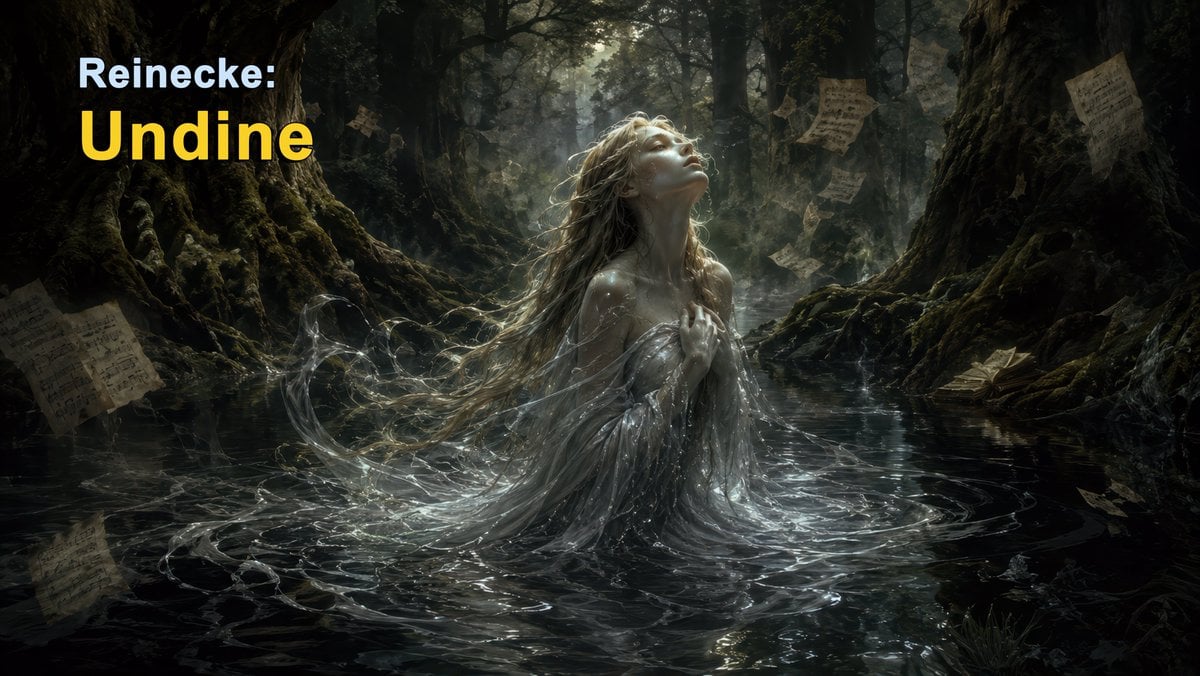
Dark Forest Undine Album Cover
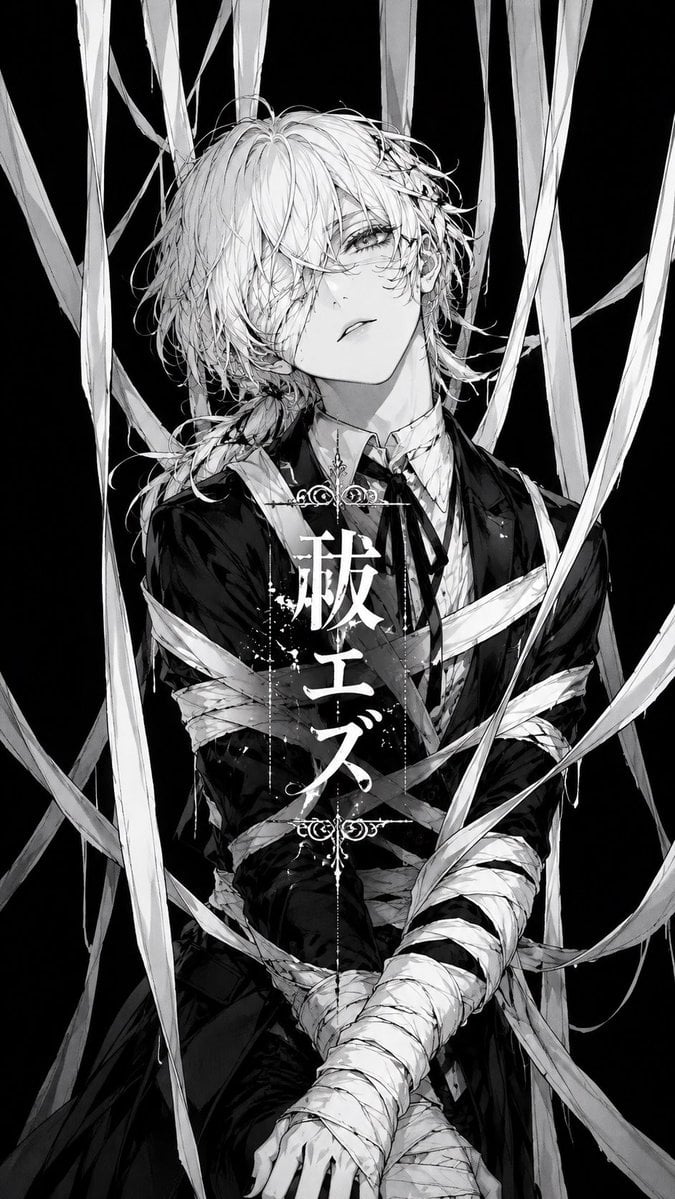
Monochrome Visual-Kei Album Cover
Make it yours
Character Memory Photo Album works as-is. These are the safest ways to change it without losing the look.
Change one field
Copy a single group, rewrite it, and generate again so you can see what that field is doing.
Keep the frame, change the subject
Hold the composition and light of Character Memory Photo Album, then swap wardrobe, props or the person for a new take.
| If the result… | Why | Fix |
|---|---|---|
| The result drifts from the preview | Too many fields changed at once. | Reuse Character Memory Photo Album as-is first, then change one group — subject, light, or setting. |
| The model over-stylizes the scene | The prose prompt leaves finish and camera underspecified. | Add one camera or lighting sentence and stay on GPT Image 2. |
More GPT Image 2 templates
Other prompts made for GPT Image 2.

Six VTuber Japanese Logo Sheet

Realistic Portrait of Woman and Deer

The Vista Modular Condo Poster

AI Model Routing Comparison Infographic

2.5D Anime Art Board

Isometric Productivity Desk Scene

New York Double Exposure Poster

Four-Panel AI Landscape Comparison

Japanese Tatami Lifestyle Magazine Cover

NESCAFÉ Coffee Map Poster
More image prompts
Fresh picks from across the catalog.

Gpt2 Social Media Post Cinematic Chicken Momos Ad Poster
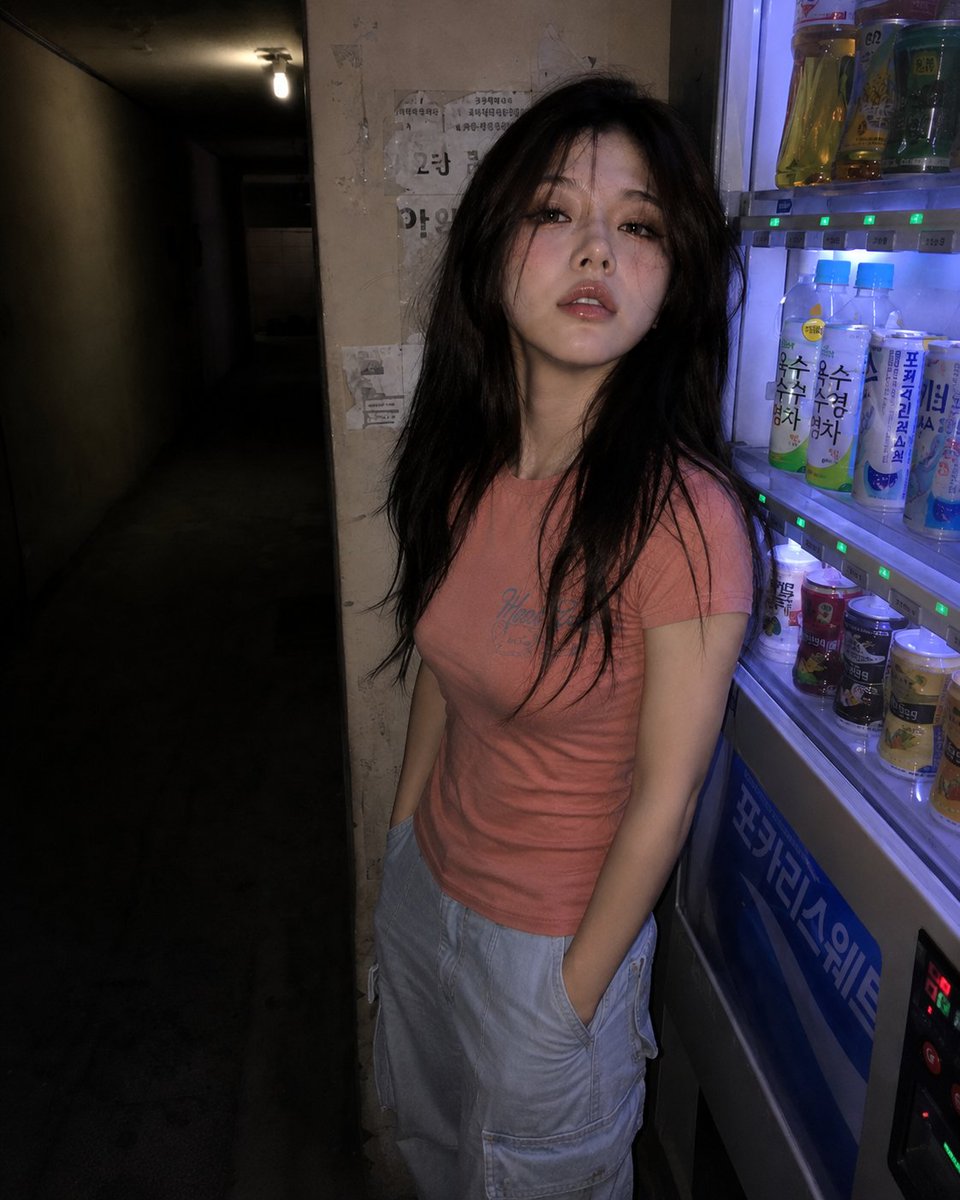
Nighttime Hallway Vending Machine Portrait
Candid iPhone Photo of Ice Sculpture Installation
Style Transfer Prompt for Scientist Poster
Film Noir Cinematic Portrait Prompt
Anime Pokémon Shop Outfit Teaser Poster
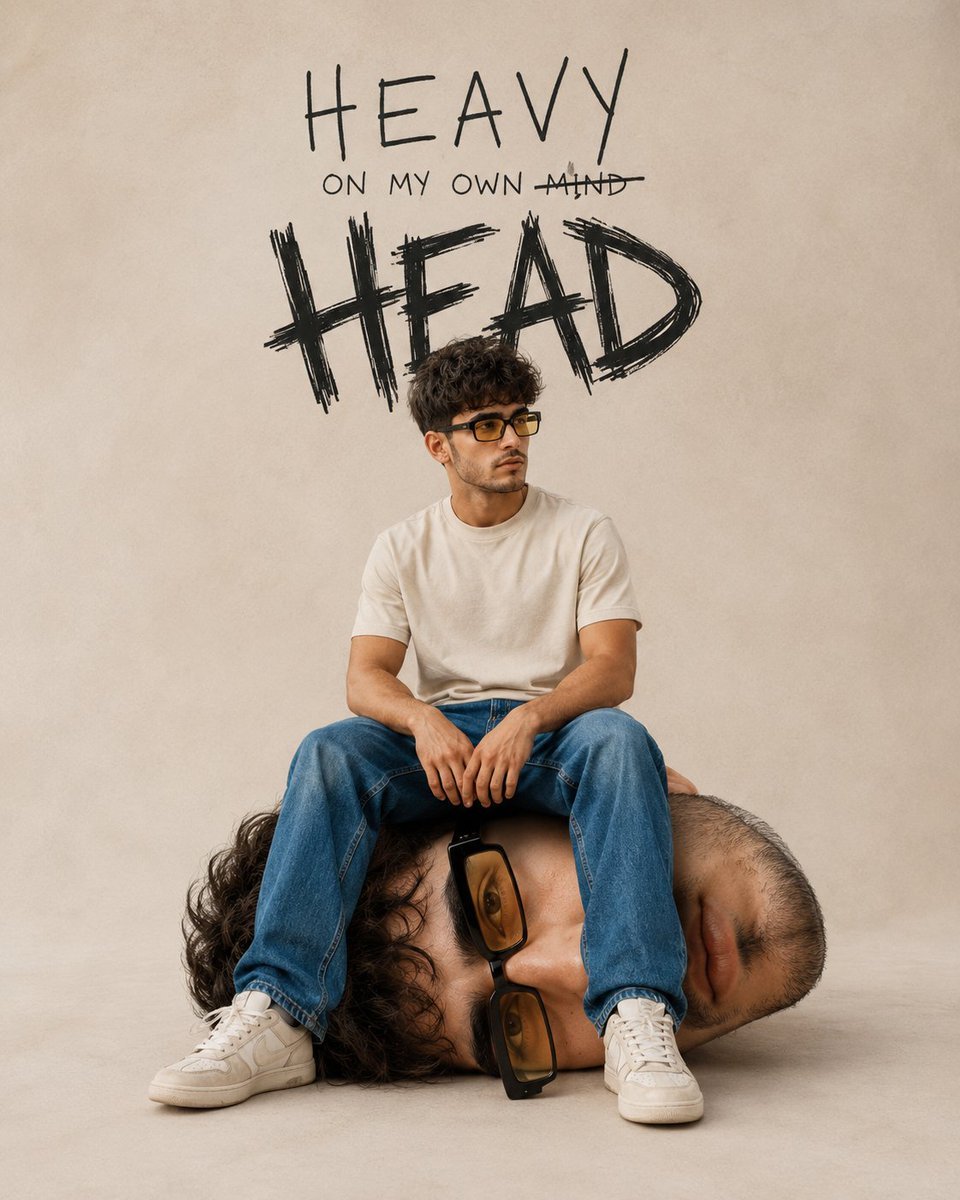
Surreal Conceptual Mind Portrait
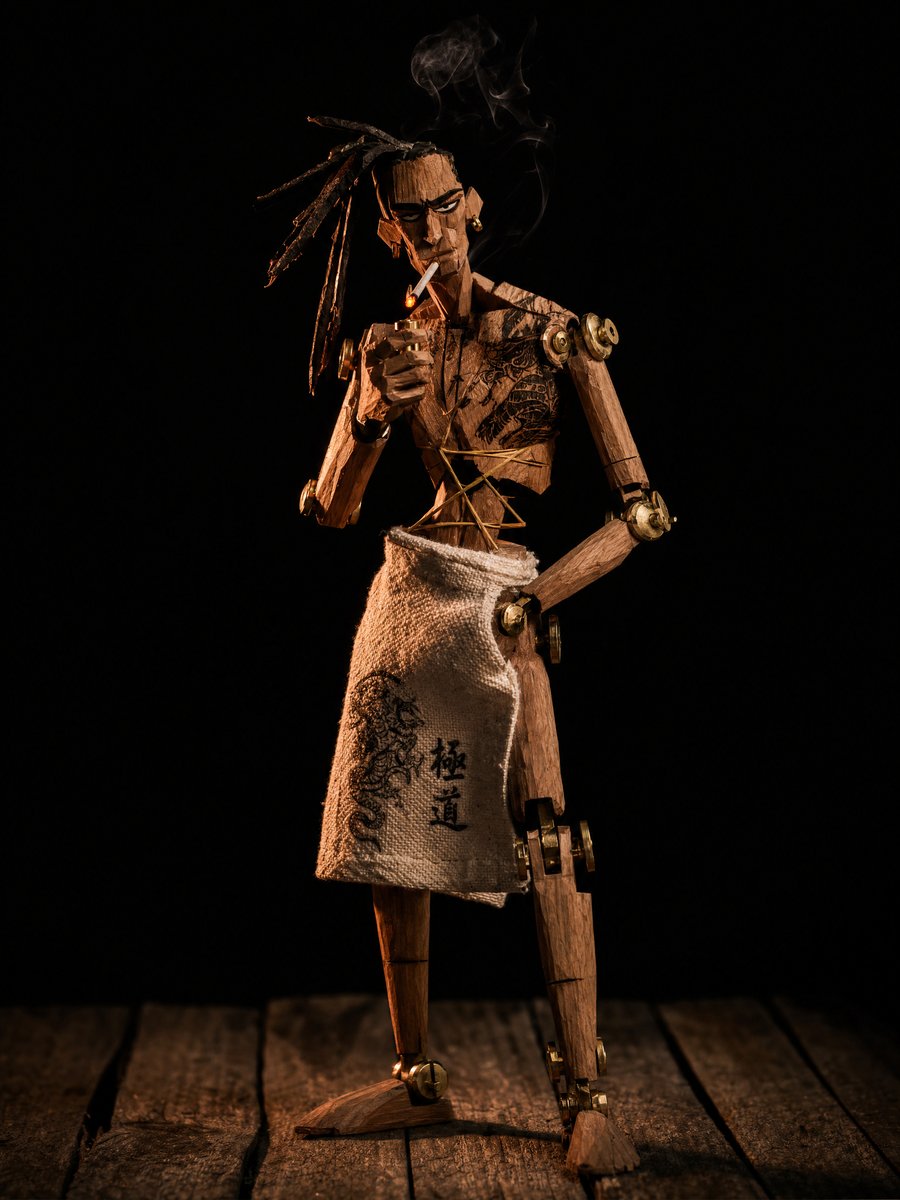
Concept to Stop-Motion Puppet
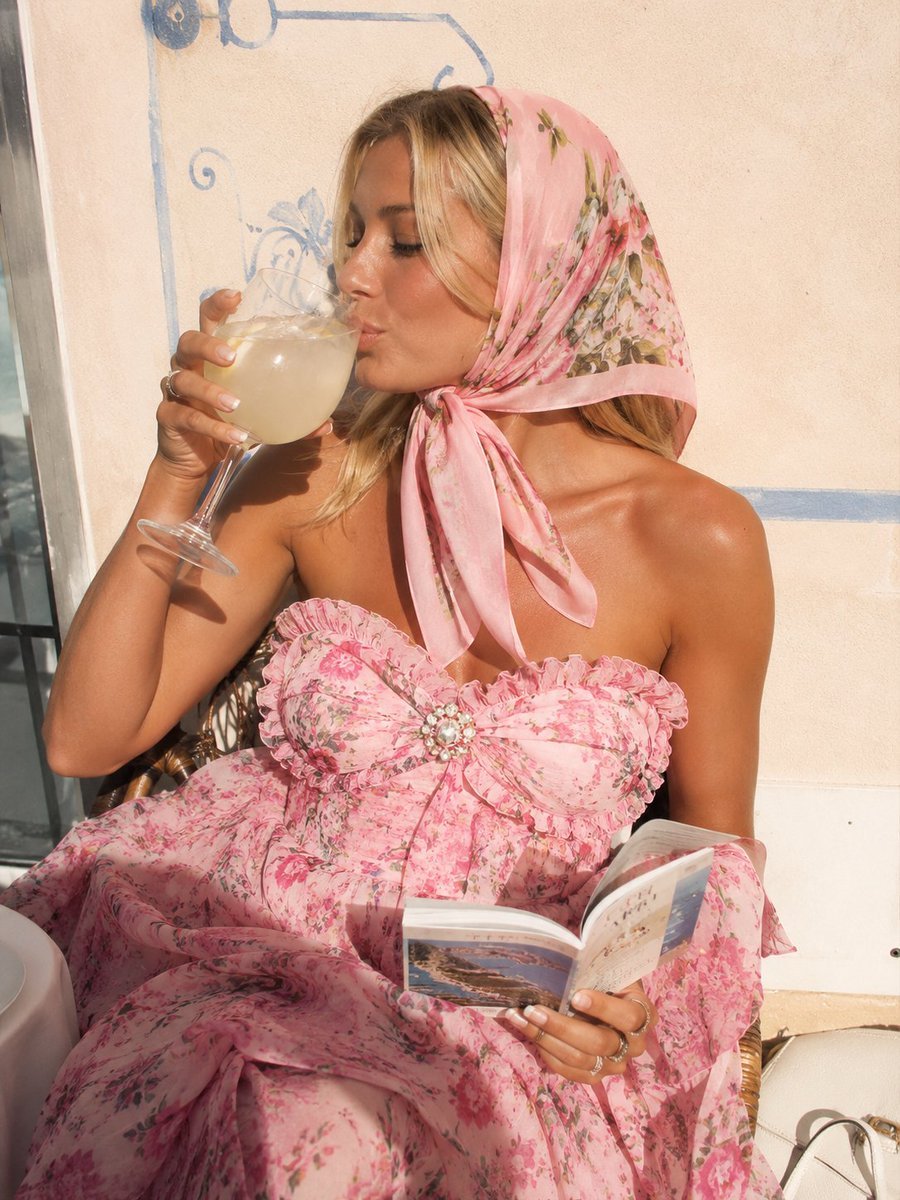
Pink Floral Vacation Café Portrait

Kawaii coffee dog vector illustration
Browse template categories
Character Memory Photo Album questions
How do I use the Character Memory Photo Album template?
Add your photo if the template asks for one, edit the prompt if you like — the template's model and format are already selected — and press Generate. Your version opens in PicX Studio.
Can I customize the Character Memory Photo Album template?
Yes. You can change the subject, setting, lighting, mood, format, and available model controls before creating your image.
Is the Character Memory Photo Album template free?
Opening and editing this template is free. Generating uses credits, shown on the Generate button when you are signed in.
Which AI model should I use?
Start with GPT Image 2, which is the model associated with this template. You can compare another compatible model for a different finish.
Looking for something else? Browse all templates.

Your photo, any look
Thousands of ready templates for every top image and video model, from one credit balance.