
Vintage Travel Memory Poster
Generates a dual-layout travel poster combining a cinematic photograph with a handmade journal-style sticker sheet illustration.
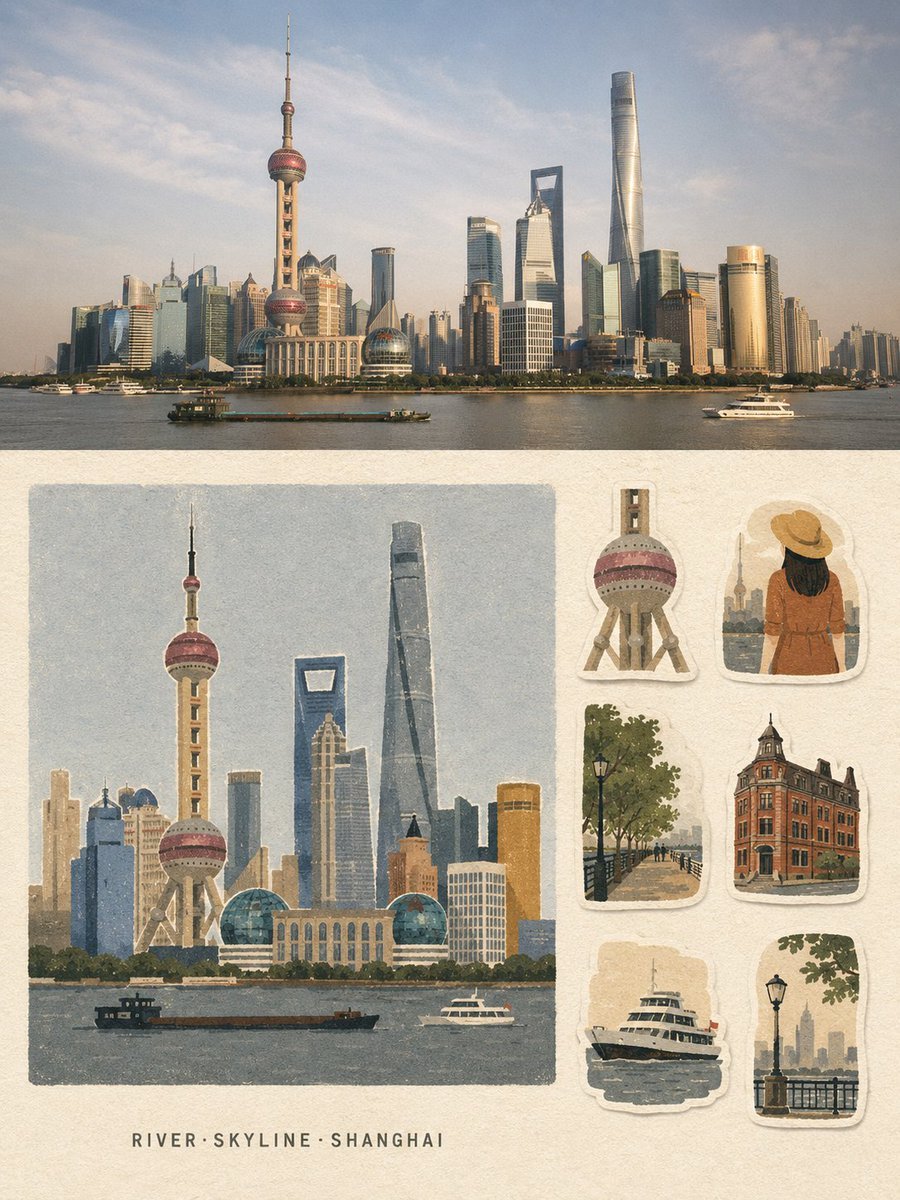
- Prompt included
- Model and format preset
- Free template
The prompt behind this image
Copy the exact prompt behind Vintage Travel Memory Poster, or open it in the studio and make it yours.
Create a strict 3:4 vertical travel-memory collage poster based entirely on the written description of {argument name="location" default="[LOCATION]"}. Divide the poster into two horizontal halves. TOP HALF - ~50%: Create a premium travel photograph-style scene of {argument name="location" default="[LOCATION]"}, showing its most recognizable landmark, environment, atmosphere, architecture, and local character. Make the scene realistic, cinematic, naturally composed, and geographically recognizable. BOTTOM HALF — ~50%: Create a handmade travel-memory illustration of the same location on warm off-white uncoated paper, with a continuous 4–5% blank margin. On the left 66–68%, place one large, near-square, borderless illustration featuring the main recognizable landmark or subject. Below it, leave a pale paper strip and center exactly 3 short English keywords in the format “Keyword1·Keyword2·Keyword3”. On the right 30–32%, arrange exactly 6 separate travel-journal stickers inspired by authentic visual elements of {argument name="location" default="[LOCATION]"}: landmark detail, person/animal variation, environment, architecture/structure, functional object, and atmosphere/scale element. Give each sticker a slightly irregular warm-white hand-cut border and subtle paper shadow. Use a unified {argument name="aesthetic style" default="matte gouache + cut-paper + risograph/screen-print"} aesthetic with coarse grain, slightly rough edges, subtle print-registration shifts, generous negative space, and only 5–8 low-saturation colors. Reduce the scene into large clean shapes, calm color fields, grouped vegetation, flat architectural forms, and simple faceless silhouettes. Keep the most recognizable landmark of {argument name="location" default="[LOCATION]"} as the Identification Anchor, preserving its distinctive silhouette, proportions, and signature colors. Fully redraw everything in the same flat, grainy medium. Include only the 3 keywords and, if essential, one landmark word. No other readable text, titles, dates, captions, addresses, prices, watermarks, or signatures. Avoid gradients, 3D effects, anime, polished vector art, clip-art, watercolor bloom, wet-marker texture, photographic rendering in the illustration half, or unrelated elements. The final design should feel quiet, restrained, vintage, handmade, tactile, and premium - a travel postcard combined with a collectible sticker sheet.
How to use Vintage Travel Memory Poster in 3 steps
- 1
Open
The prompt is already in the box next to the preview, with the template's model and format selected.
- 2…a portrait of your subject in softgolden-hour light, 85mm…
Personalize
Edit the subject and creative details for your destination.
- 3Generate
Generate
Press Generate — your image is created in PicX Studio, so you can compare it with the original and refine one variable at a time.
More like this
Templates with the same subject, style or setup. Open one to see its prompt.

Japan Travel Brochure Poster

Premium Vintage Travel Poster Landscape
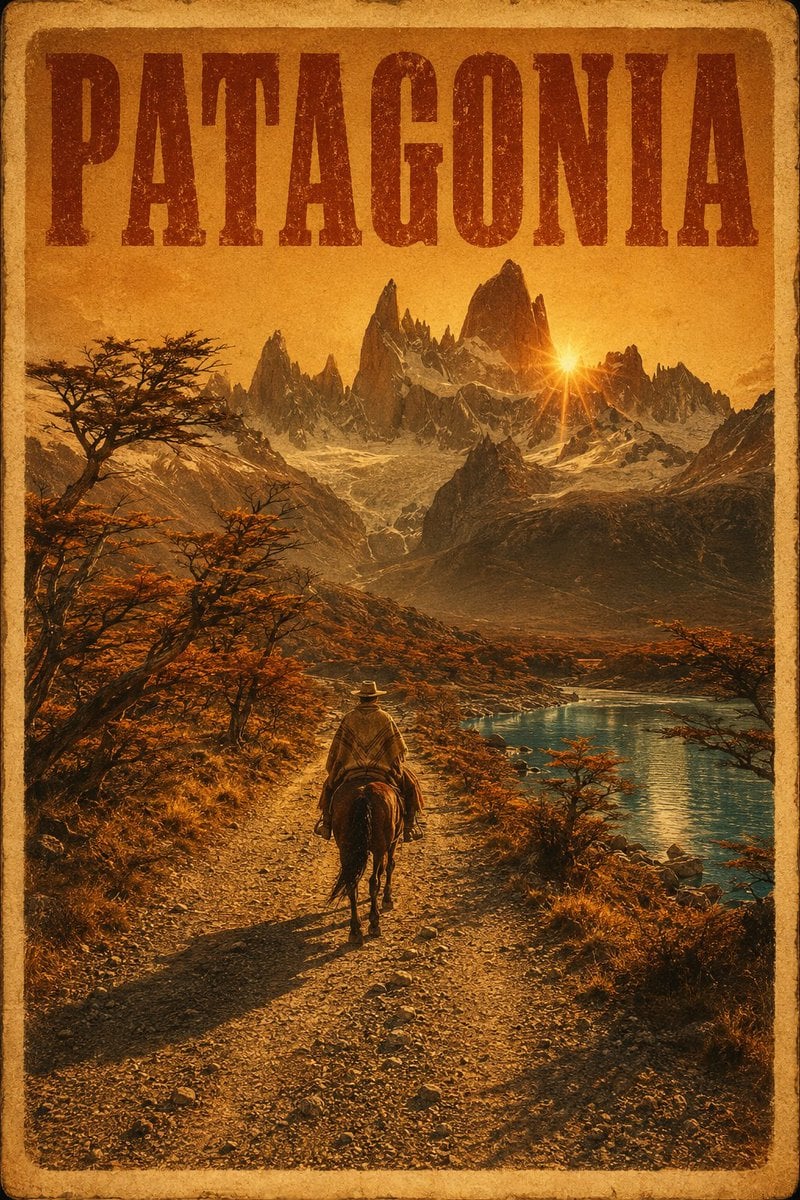
Vintage Patagonia Travel Poster

Paper Cut Vintage Travel Poster
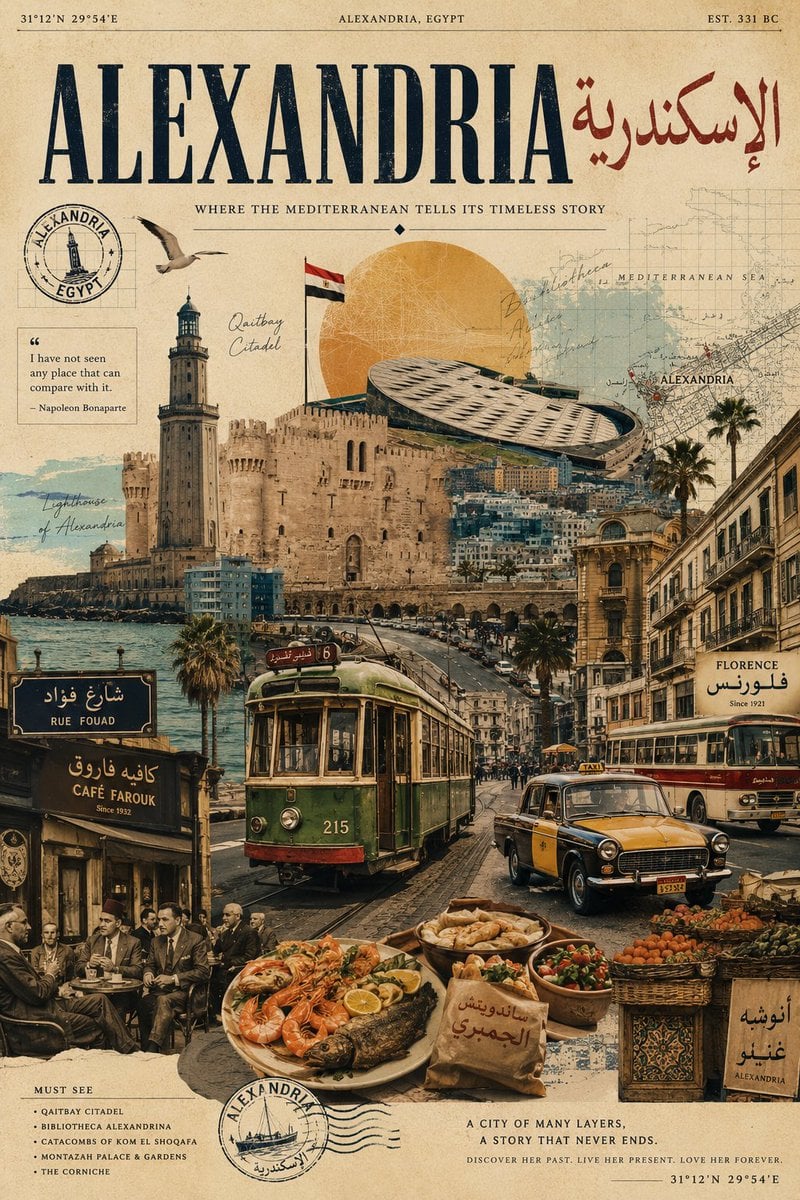
Vintage Alexandria Travel Poster
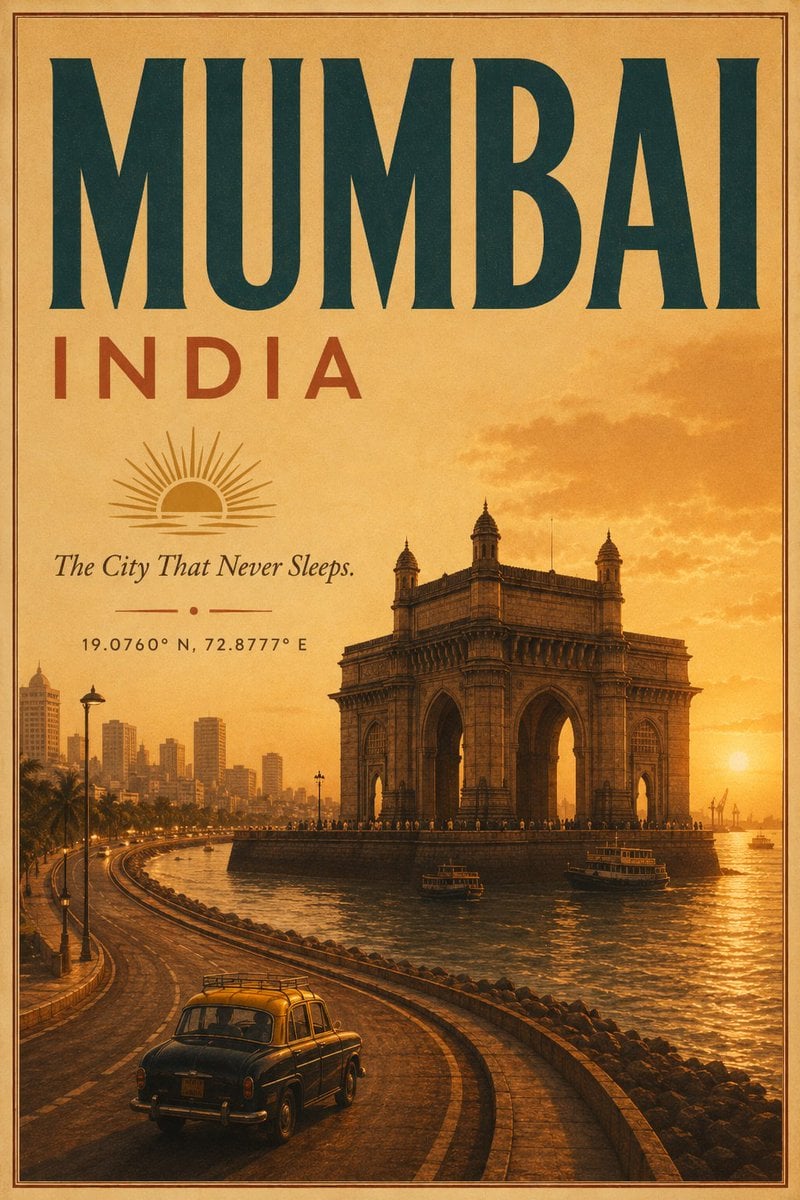
Vintage Mumbai Travel Poster
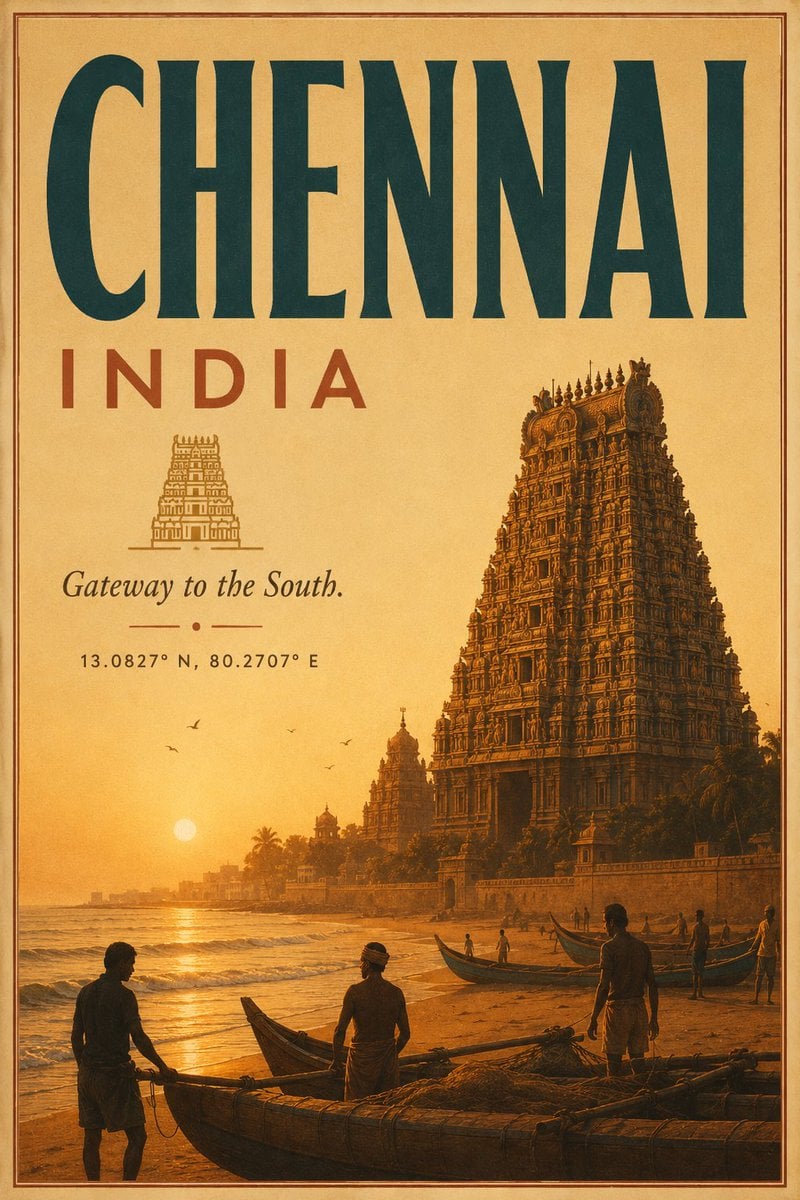
Vintage Chennai Travel Poster
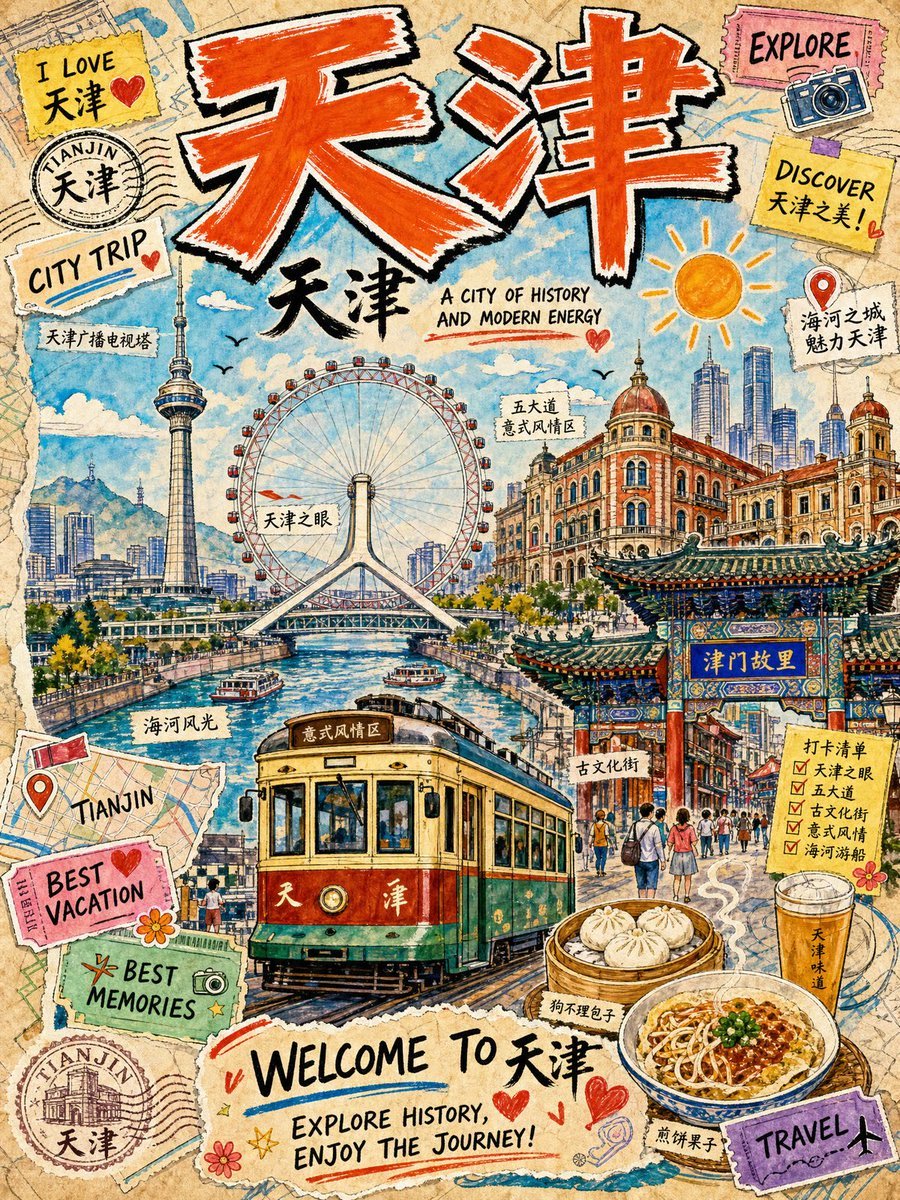
Vintage Tianjin Travel Poster

City Posters by Nano Banana Pro

Sunday Afternoon, 1988

Two Tickets, One Night

If We Met in 1985
Make it yours
Vintage Travel Memory Poster works as-is. These are the safest ways to change it without losing the look.
Change one field
Copy a single group, rewrite it, and generate again so you can see what that field is doing.
Keep the frame, change the subject
Hold the composition and light of Vintage Travel Memory Poster, then swap wardrobe, props or the person for a new take.
| If the result… | Why | Fix |
|---|---|---|
| The result drifts from the preview | Too many fields changed at once. | Reuse Vintage Travel Memory Poster as-is first, then change one group — subject, light, or setting. |
| The model over-stylizes the scene | The prose prompt leaves finish and camera underspecified. | Add one camera or lighting sentence and stay on GPT Image 2. |
More GPT Image 2 templates
Other prompts made for GPT Image 2.

Six VTuber Japanese Logo Sheet

Realistic Portrait of Woman and Deer

The Vista Modular Condo Poster

AI Model Routing Comparison Infographic

2.5D Anime Art Board

Isometric Productivity Desk Scene

New York Double Exposure Poster

Four-Panel AI Landscape Comparison

Japanese Tatami Lifestyle Magazine Cover

NESCAFÉ Coffee Map Poster
More image prompts
Fresh picks from across the catalog.
Reentry Shuttle Above Earth
Pixar-Style Earbuds Miniature Scene
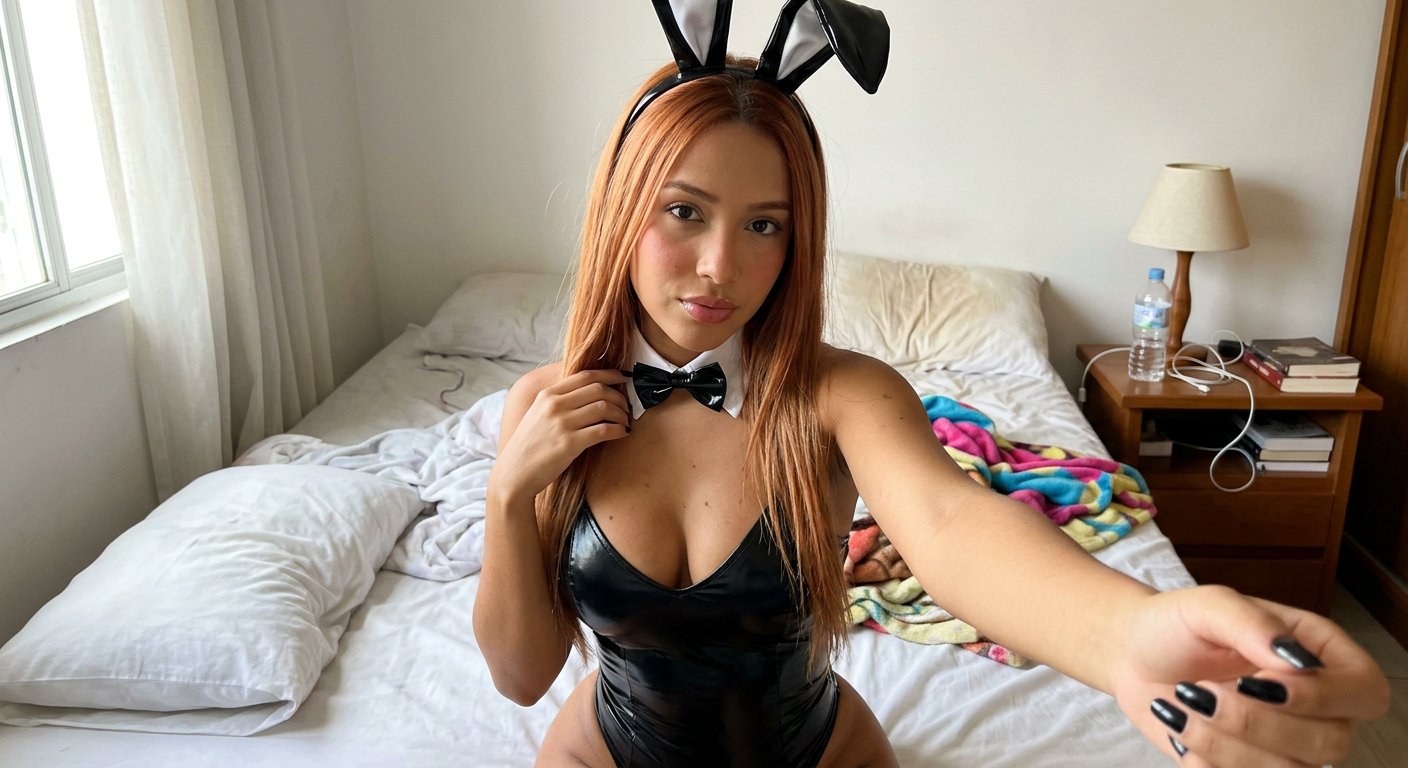
Casual Bunny Influencer Selfie
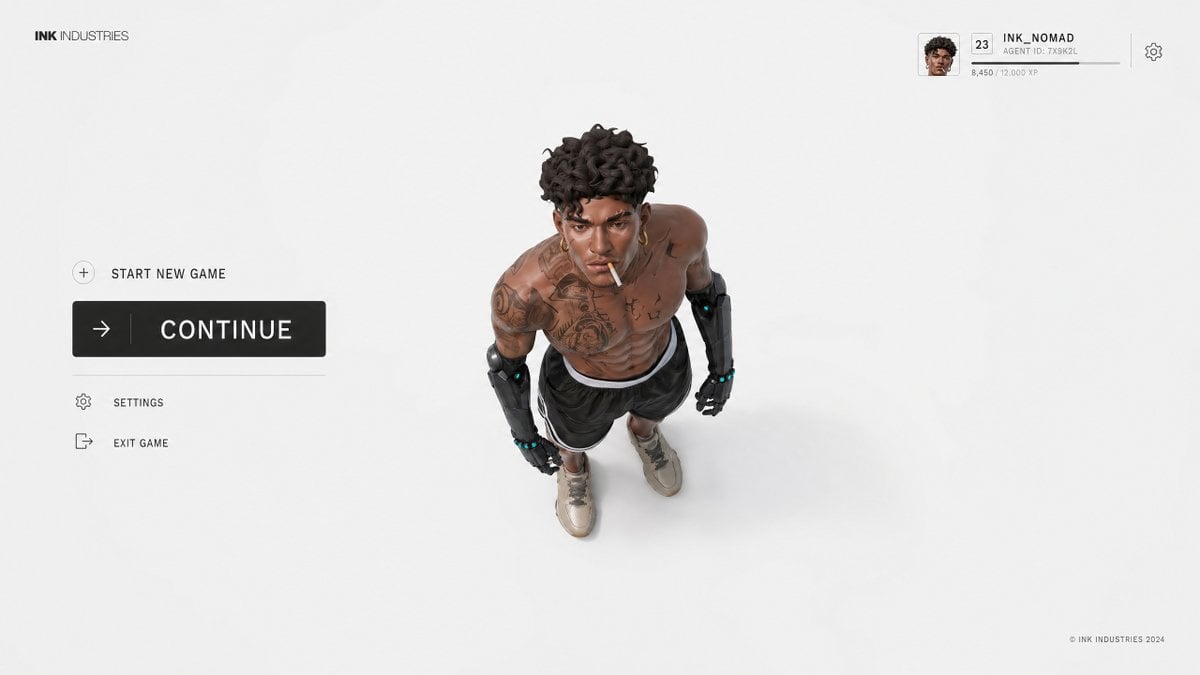
Video Game Lobby Interface Prompt
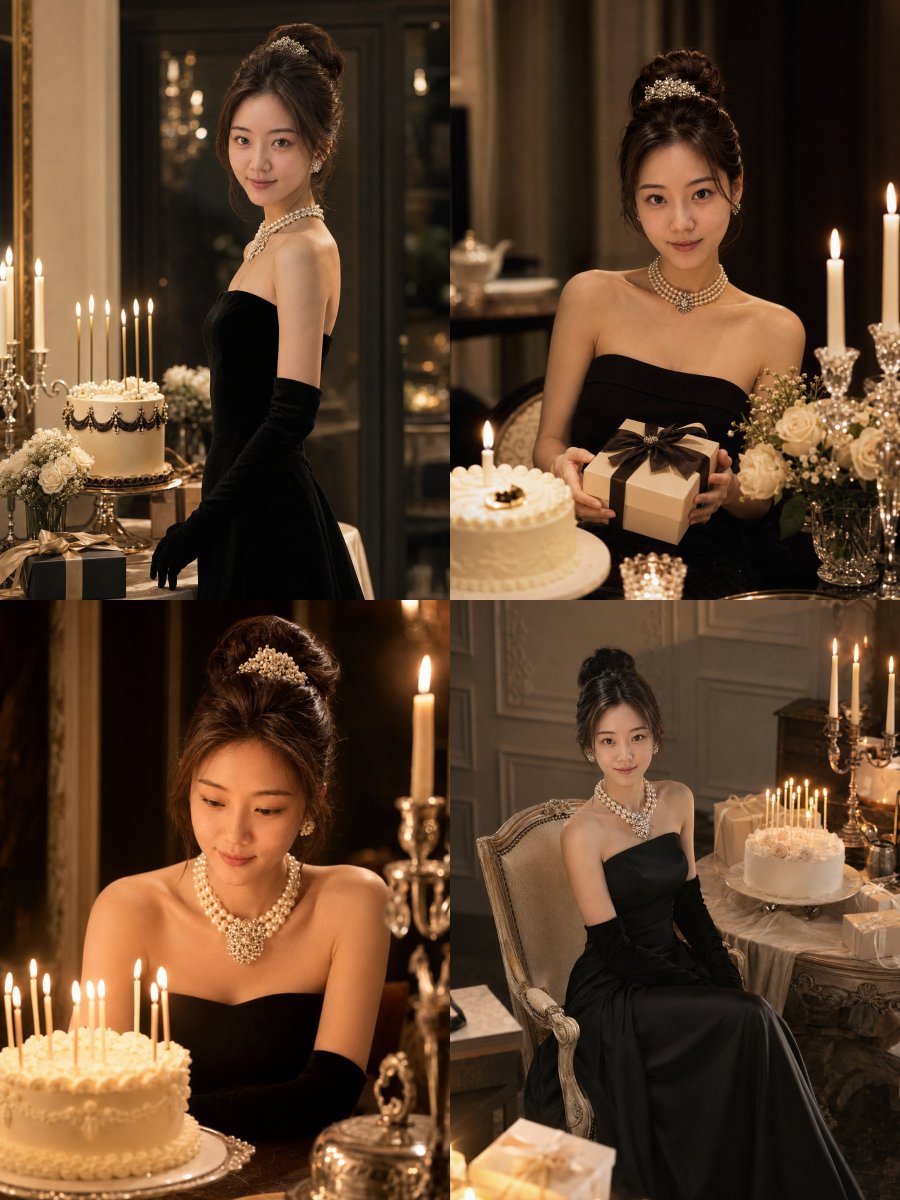
Audrey Hepburn Style Birthday Photoshoot

Elegant Cosmetic Poster Prompt

Candid Flash Photography of a Chaotic Holiday Party
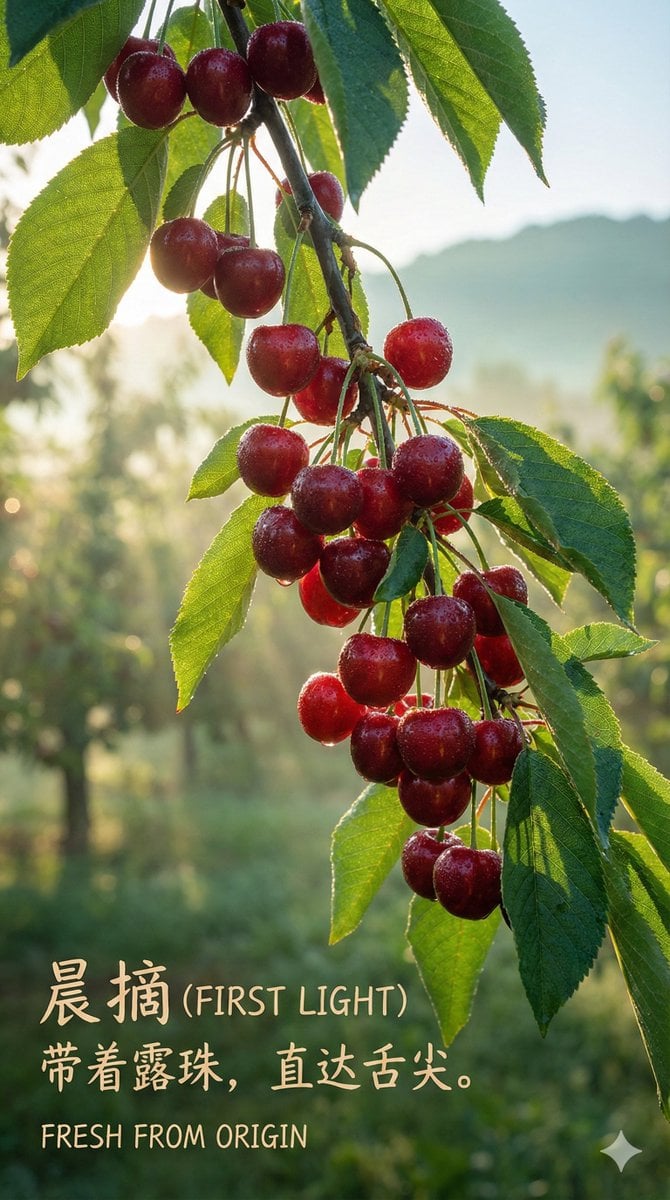
Luxury Cherry Product Photography Prompt (Black Diamond)
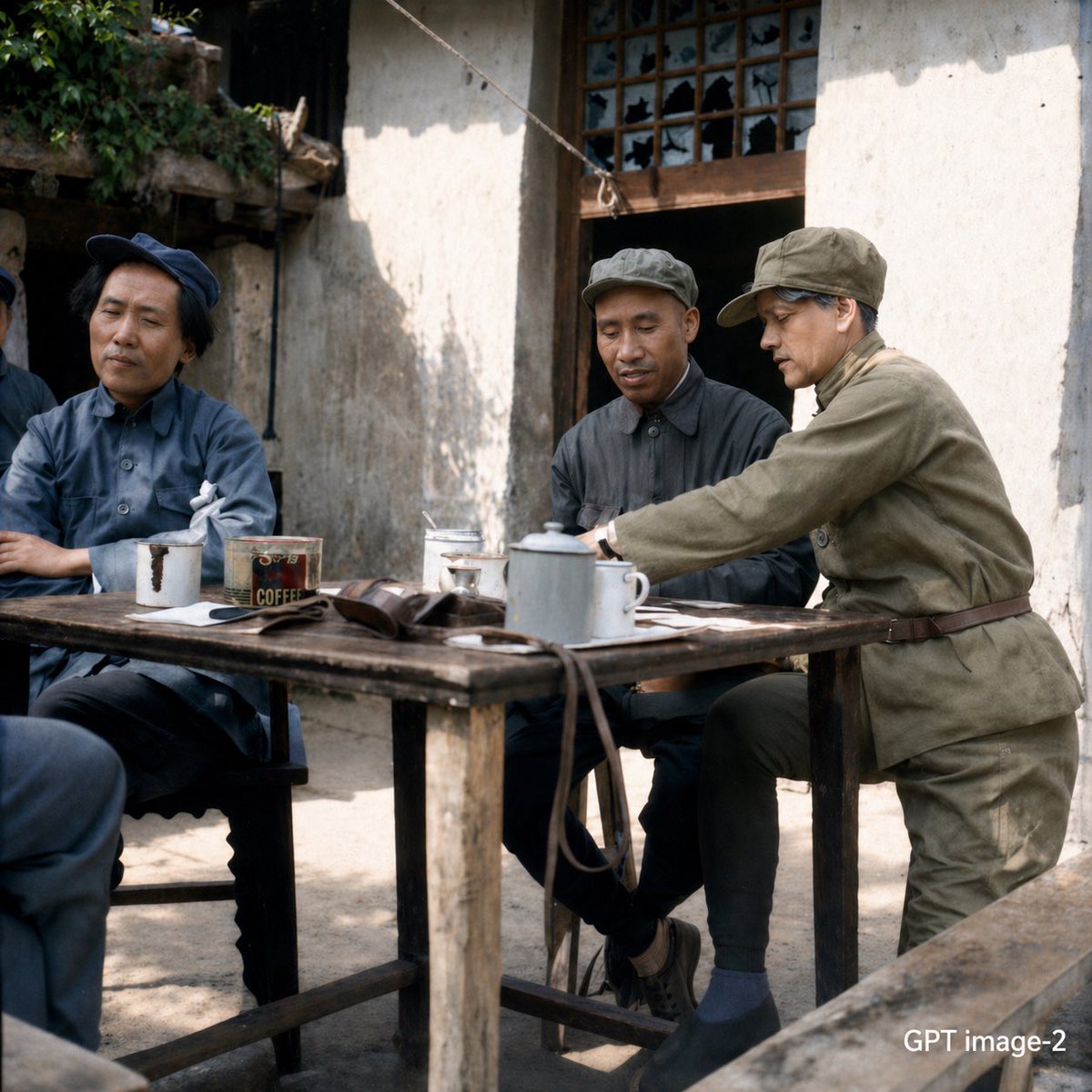
Mao-Era Courtyard Meeting Photo
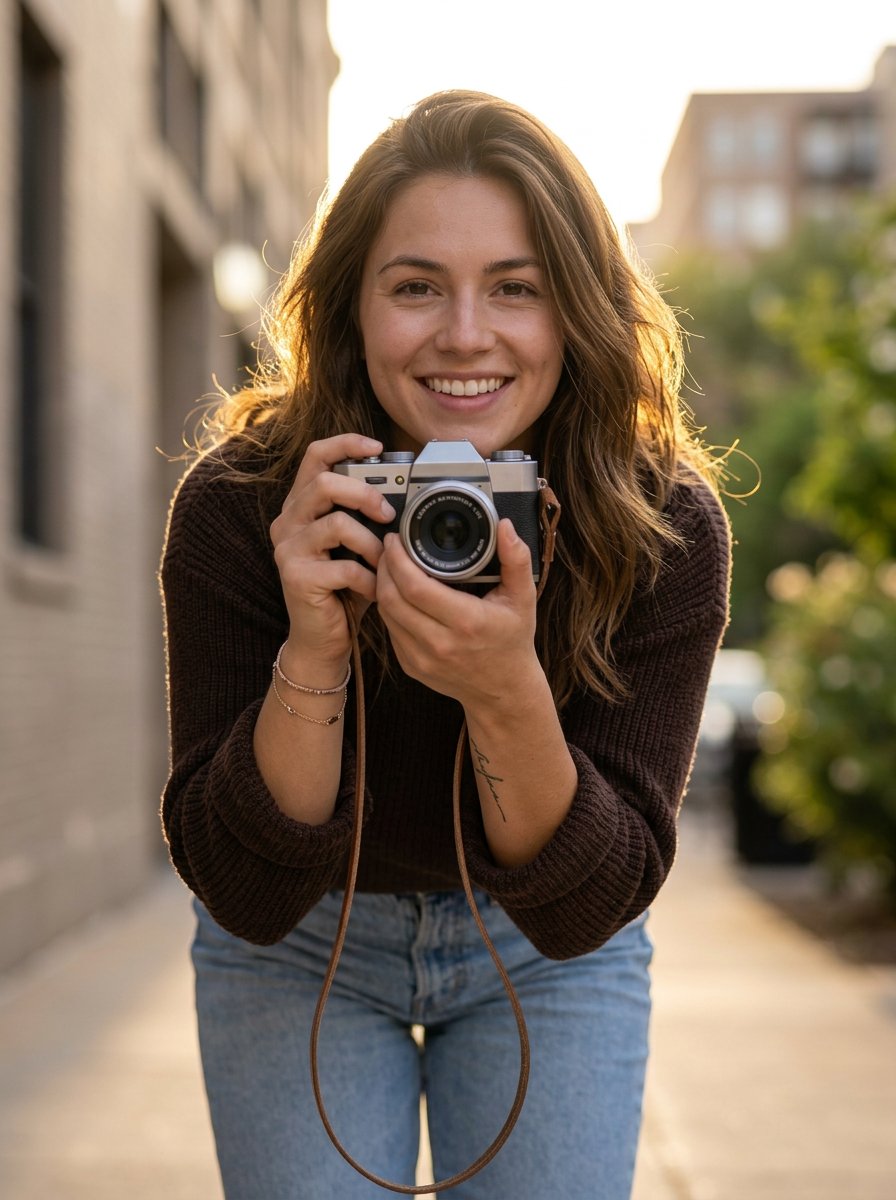
photoshoot
Browse template categories
Vintage Travel Memory Poster questions
How do I use the Vintage Travel Memory Poster template?
Add your photo if the template asks for one, edit the prompt if you like — the template's model and format are already selected — and press Generate. Your version opens in PicX Studio.
Can I customize the Vintage Travel Memory Poster template?
Yes. You can change the subject, setting, lighting, mood, format, and available model controls before creating your image.
Is the Vintage Travel Memory Poster template free?
Opening and editing this template is free. Generating uses credits, shown on the Generate button when you are signed in.
Which AI model should I use?
Start with GPT Image 2, which is the model associated with this template. You can compare another compatible model for a different finish.
Looking for something else? Browse all templates.

Your photo, any look
Thousands of ready templates for every top image and video model, from one credit balance.