
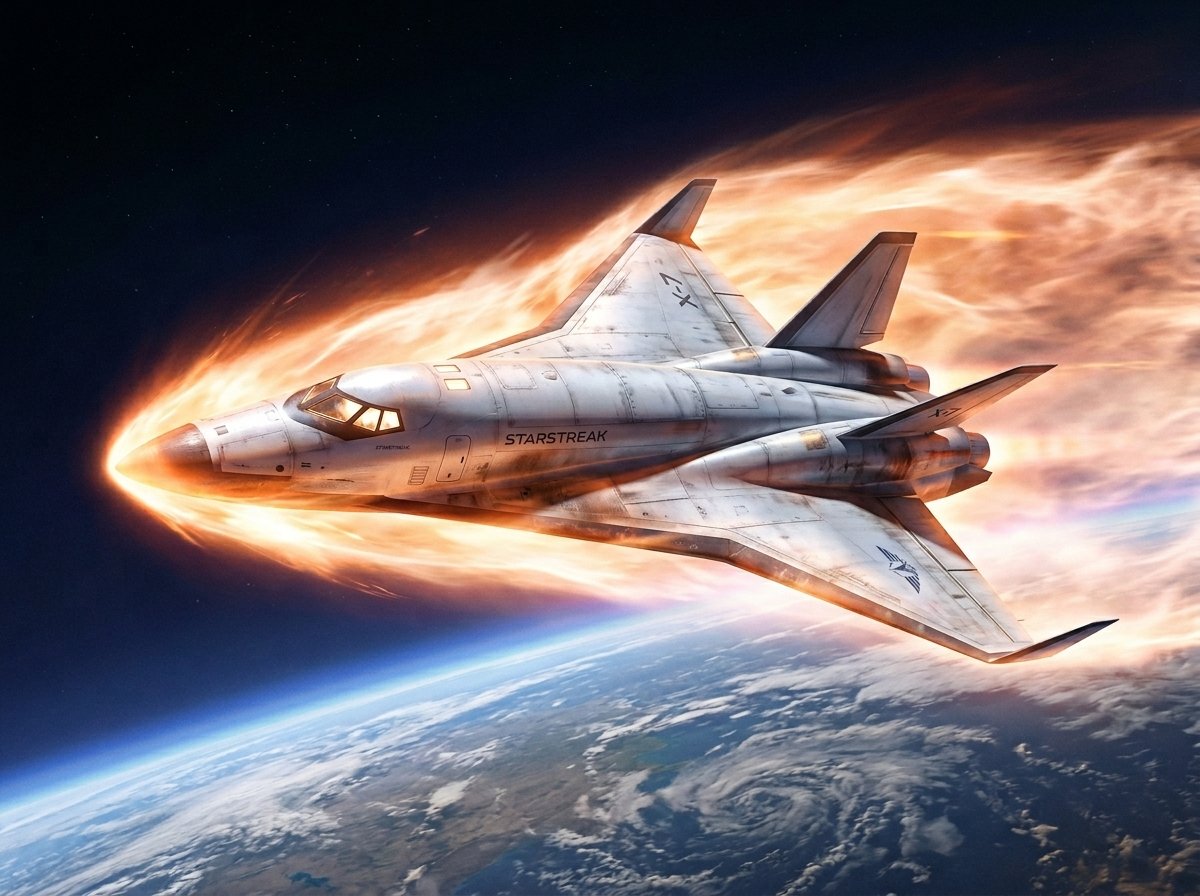
Reentry Shuttle Above Earth
A dramatic sci-fi aerospace illustration of a custom shuttle blazing through atmospheric reentry over Earth, suitable for concept art, key visuals, or poster-style space imagery.
- Prompt included
- Model and format preset
- Free template
The prompt behind this image
Copy the exact prompt behind Reentry Shuttle Above Earth, or open it in the studio and make it yours.
A cinematic hard-sci-fi space illustration of a futuristic space shuttle performing atmospheric reentry above Earth, viewed from a three-quarter front-left angle as it flies from right to left. The vehicle is a sleek white delta-wing orbiter with 2 vertical tail fins, 2 large rear engines, a pointed nose, dark cockpit windows, subtle panel lines, light weathering, and small black technical markings. The fuselage bears the text {argument name="ship name" default="STARSTREAK"}. A blazing reentry plasma sheath wraps around the nose, belly, wing edges, and upper rear body, forming a long turbulent orange-white fire trail that fills much of the upper background. The shuttle remains clearly visible inside the incandescent shock layer, with bright rim lighting and scorched warm reflections on the hull. Below, the curved Earth occupies the lower part of the frame with a thin blue atmospheric limb, cloud systems, ocean, and a visible spiral storm. Above is deep black-blue space with faint stars. Ultra-detailed aerospace concept art, dramatic motion, realistic lighting, high contrast, sharp focus, epic orbital perspective, painted illustration style, no text overlays except the ship marking.
How to use Reentry Shuttle Above Earth in 3 steps
- 1Upload ImagePNG, JPG or paste
Add your photo
Upload the photo the template builds on. The prompt, model and format are already set.
- 2…a portrait of your subject in softgolden-hour light, 85mm…
Personalize
Edit the subject and creative details for your destination.
- 3Generate
Generate
Press Generate — your image is created in PicX Studio, so you can compare it with the original and refine one variable at a time.
More like this
Templates with the same subject, style or setup. Open one to see its prompt.
Angelic Android Girl Above Earth

Taiki Shuttle Anime Conversion
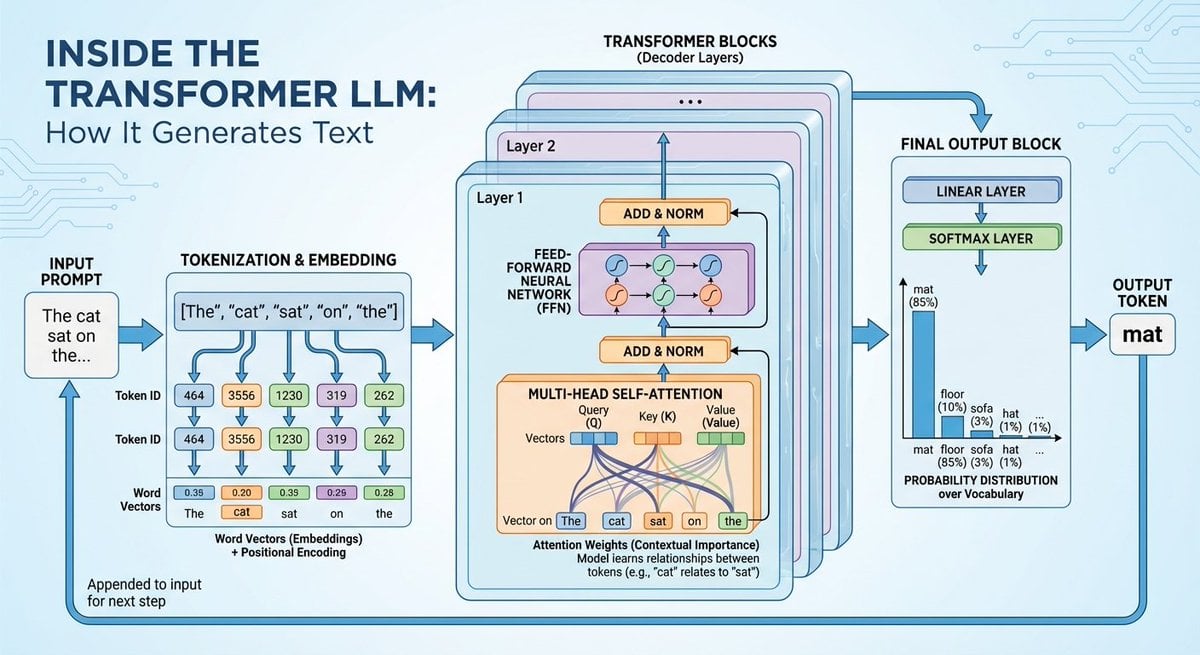
Space shuttle diagram in space
Colossal Ring on Earth
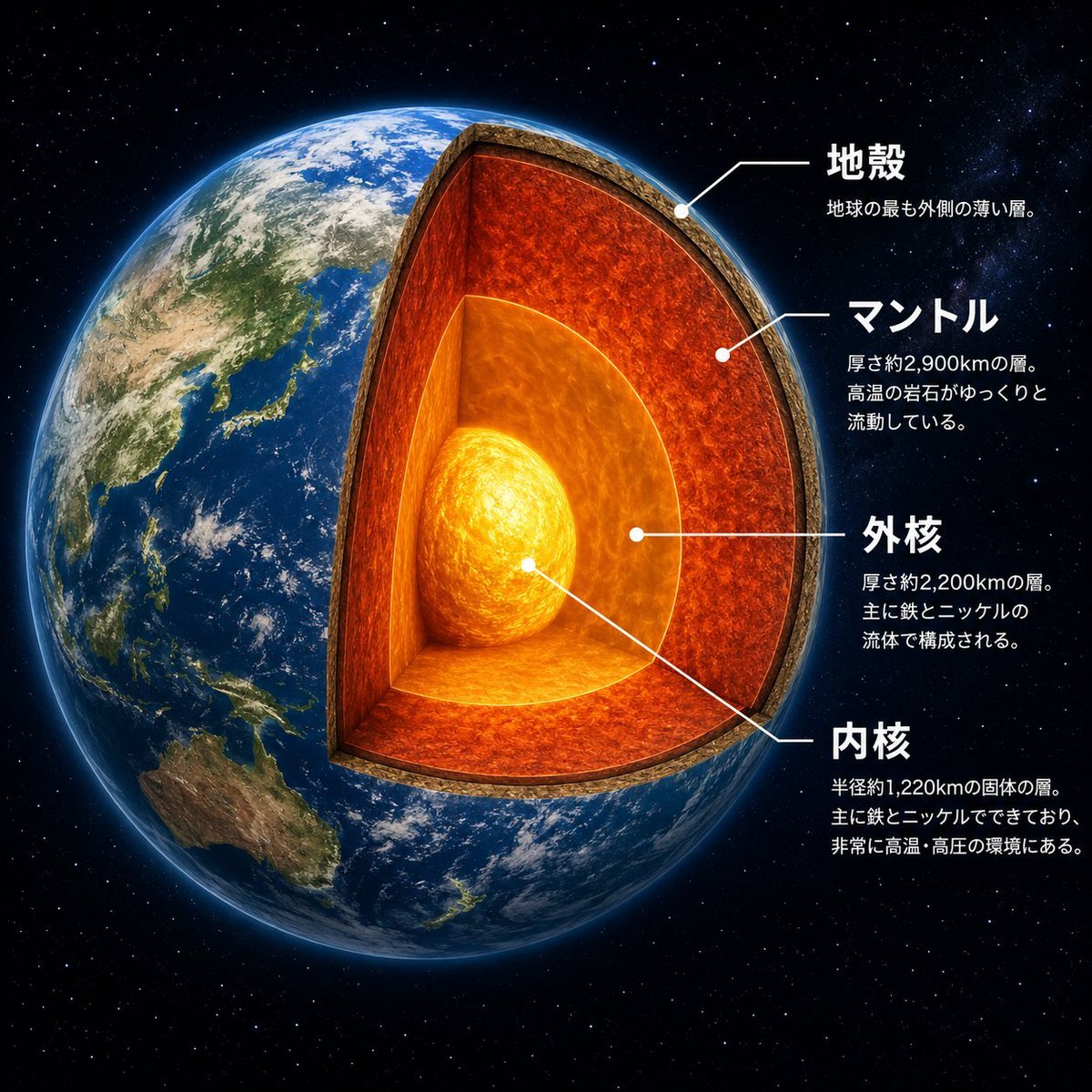
Earth Cutaway Layer Infographic
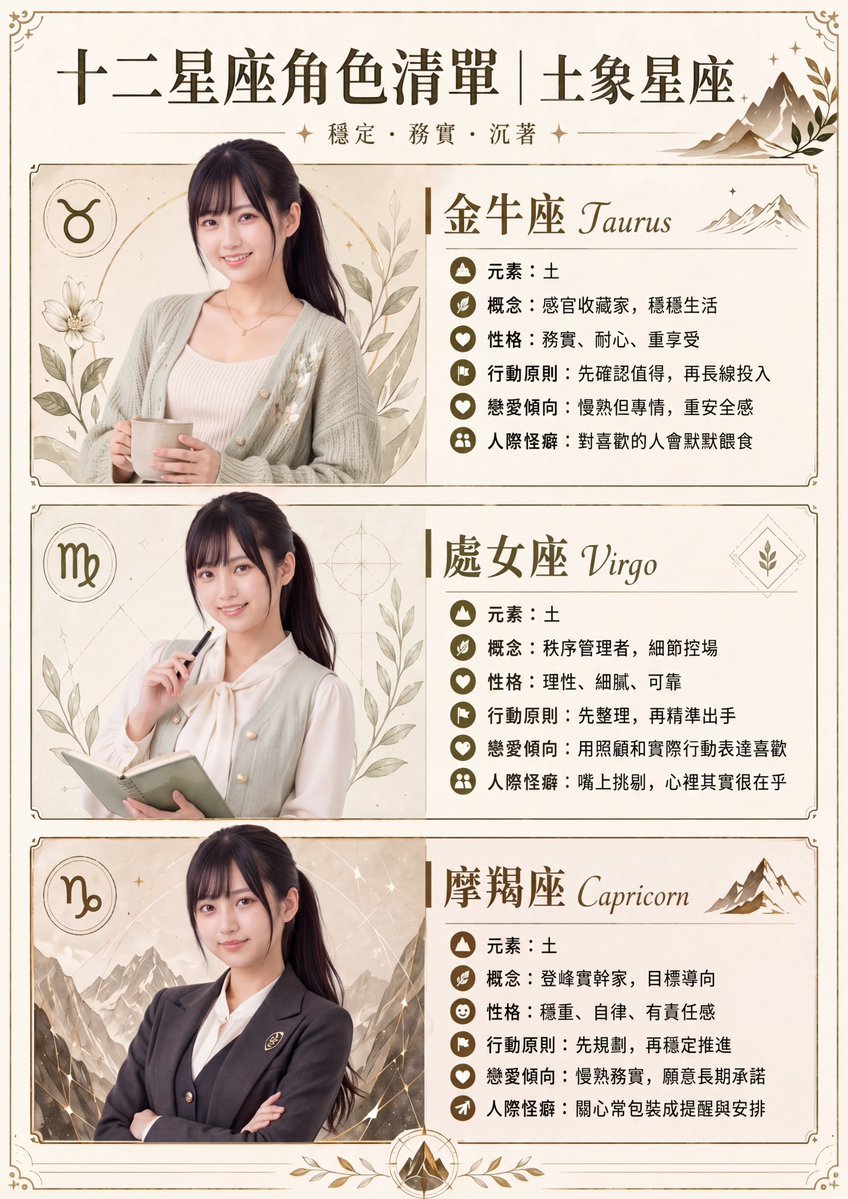
Earth Signs Zodiac Character Poster
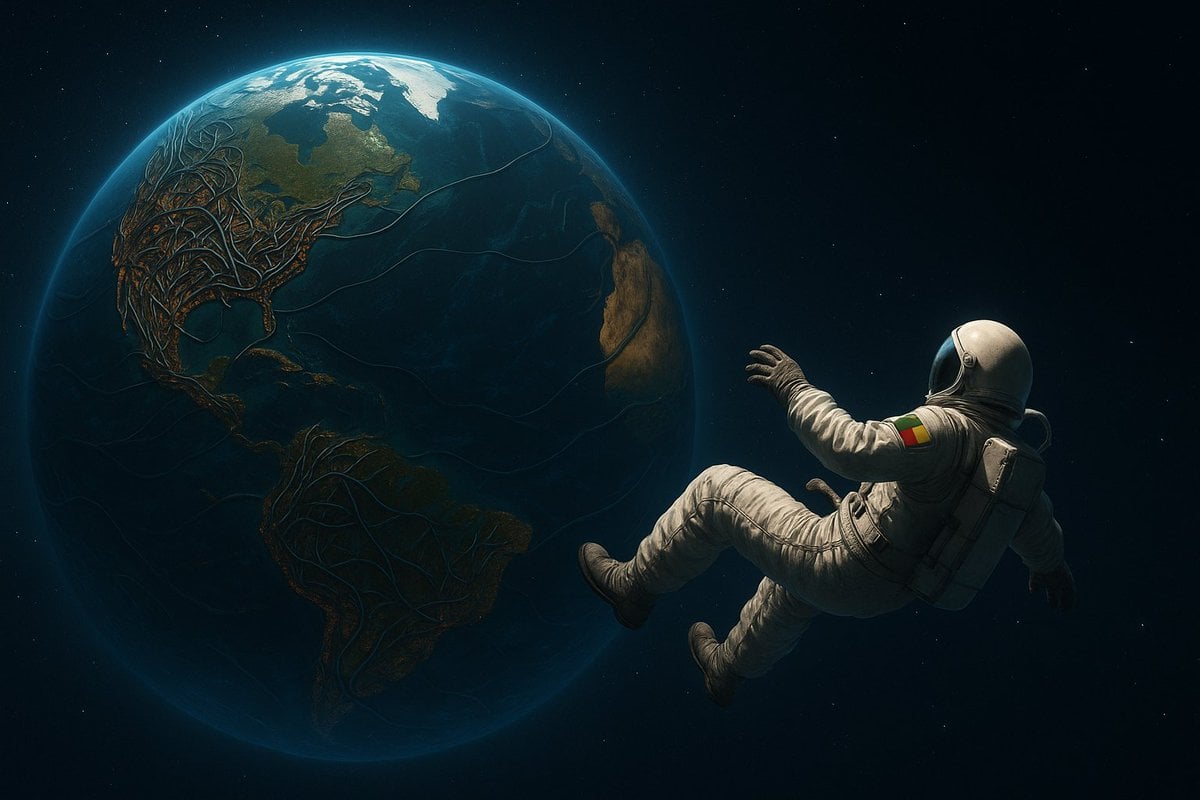
Astronaut Beside Living Earth
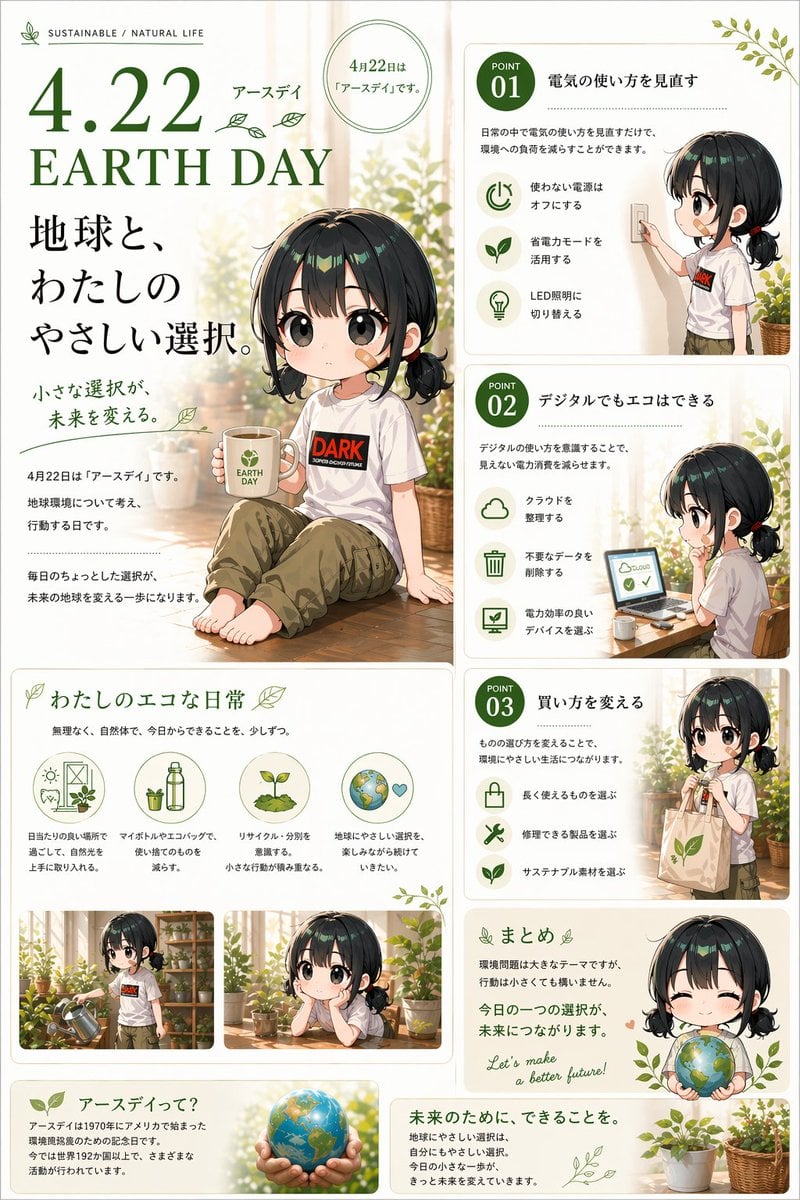
Japanese Earth Day Anime Poster
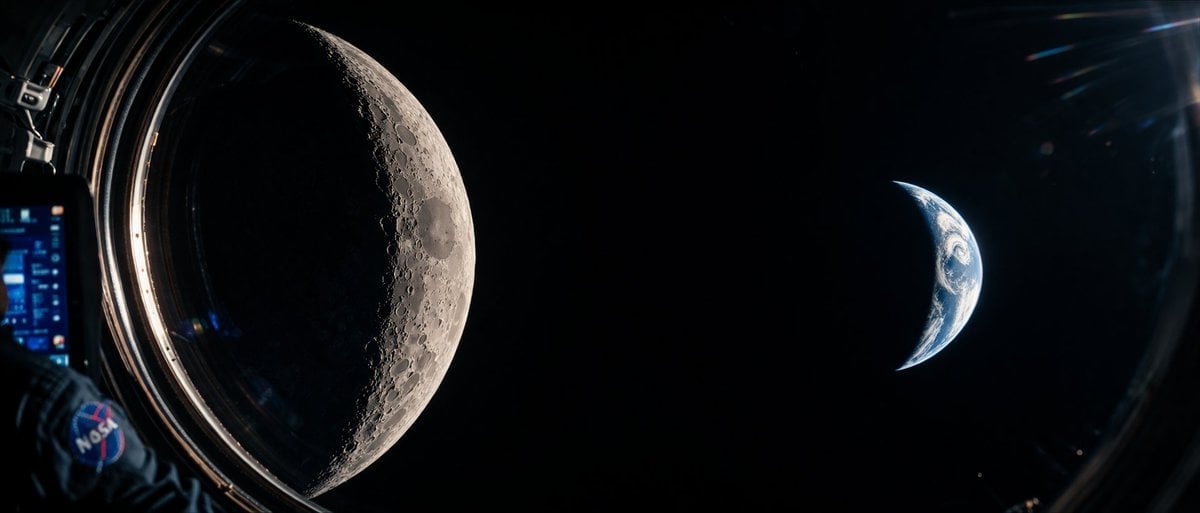
Cinematic Spacecraft View of Moon and Earth
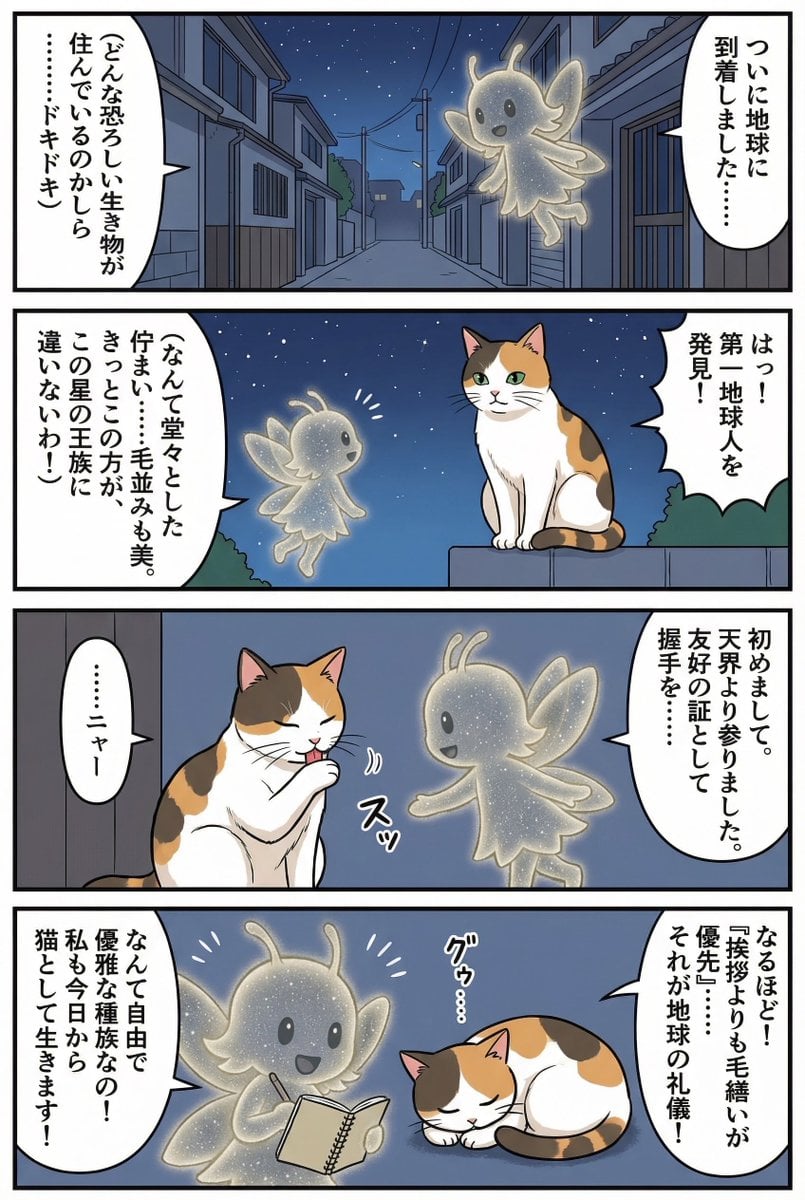
Four-panel manga of a fairy who thinks Earth is a cat planet
Novel Generation Prompt: Earth Floating in the Sky

Gpt2 Infographic Edu Visual Earth Signs Zodiac Character Poster
Make it yours
Reentry Shuttle Above Earth works as-is. These are the safest ways to change it without losing the look.
Change one field
Copy a single group, rewrite it, and generate again so you can see what that field is doing.
Keep the frame, change the subject
Hold the composition and light of Reentry Shuttle Above Earth, then swap wardrobe, props or the person for a new take.
| If the result… | Why | Fix |
|---|---|---|
| The result drifts from the preview | Too many fields changed at once. | Reuse Reentry Shuttle Above Earth as-is first, then change one group — subject, light, or setting. |
| The model over-stylizes the scene | The prose prompt leaves finish and camera underspecified. | Add one camera or lighting sentence and stay on GPT Image 2. |
More GPT Image 2 templates
Other prompts made for GPT Image 2.

Six VTuber Japanese Logo Sheet

Realistic Portrait of Woman and Deer

The Vista Modular Condo Poster

AI Model Routing Comparison Infographic

2.5D Anime Art Board

Isometric Productivity Desk Scene

New York Double Exposure Poster

Four-Panel AI Landscape Comparison

Japanese Tatami Lifestyle Magazine Cover

NESCAFÉ Coffee Map Poster
More image prompts
Fresh picks from across the catalog.

Korean Girl Kitchen Cooking Aesthetic
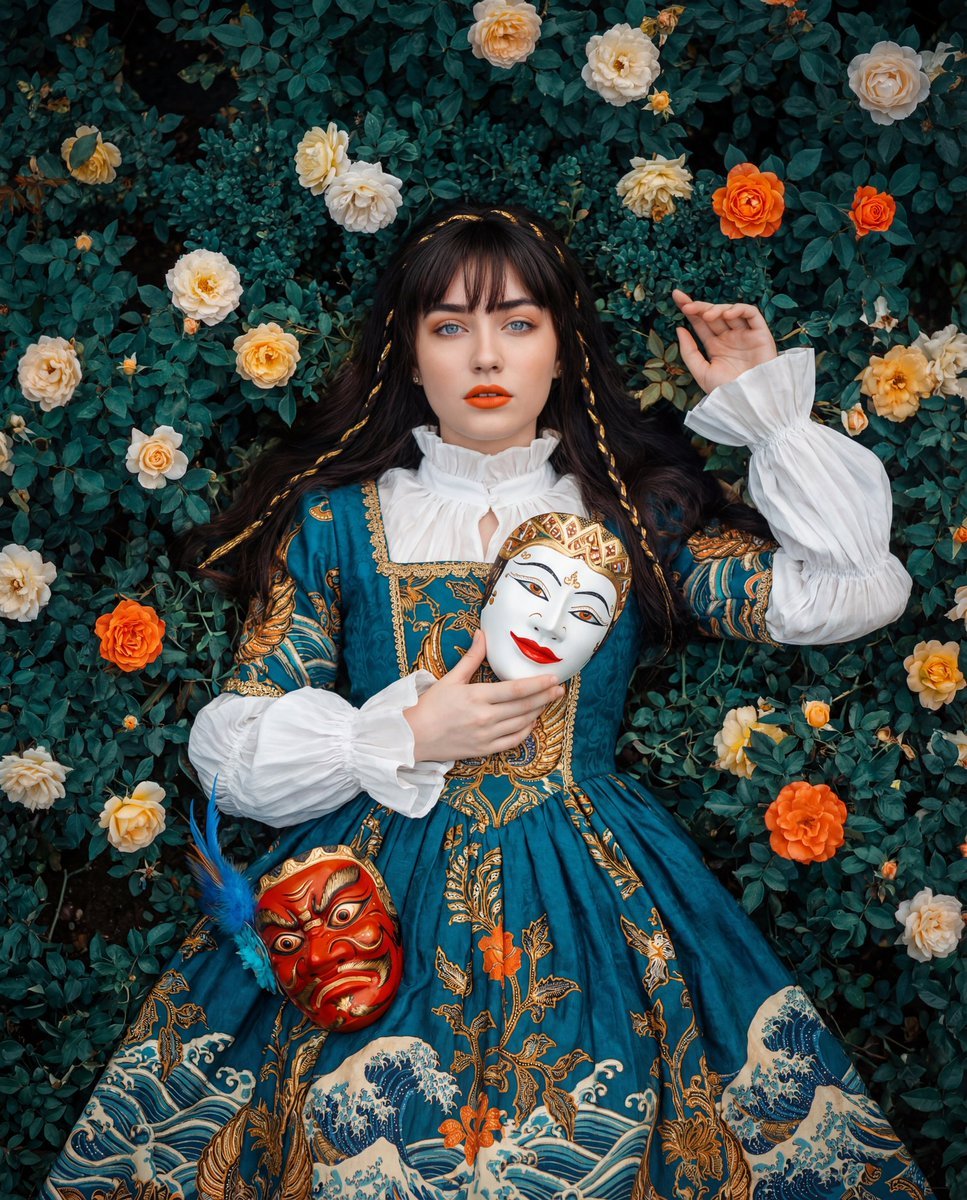
Cultural Fusion Overhead Portrait with Masks
Reference Character Posing Grid Study Prompt

Arpeggio Bass Humanization Sheet

Sweet dreams image prompt for Nano Banana Pro
Y2K Fashion Magazine Cover
Maximalist Kawaii Angel Sticker Collage
Cinematic rainy street, underwater cathedral, and design-to-photo
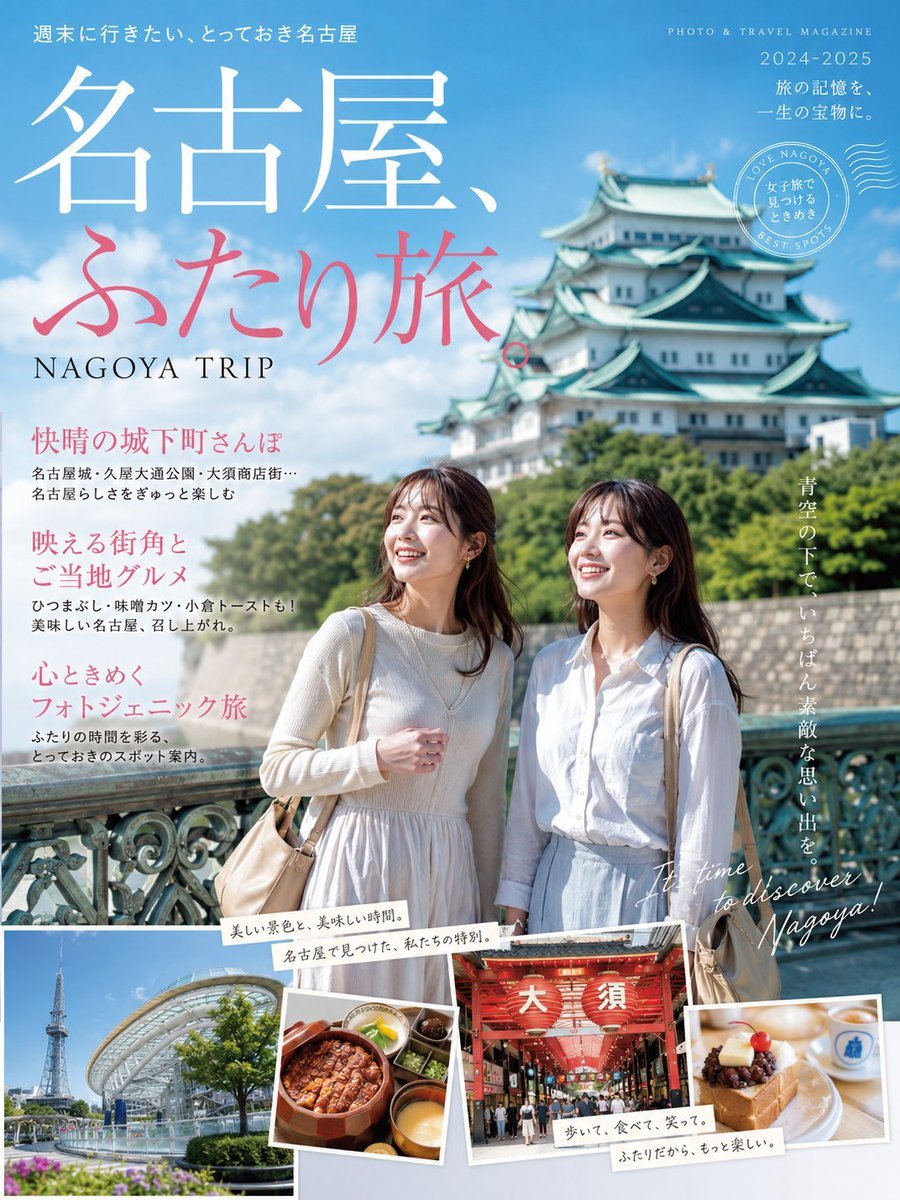
Nagoya Girls Trip Magazine Cover

Social Media Influencer Studio Shoot with Mirrored Phones
Browse template categories
Reentry Shuttle Above Earth questions
How do I use the Reentry Shuttle Above Earth template?
Add your photo if the template asks for one, edit the prompt if you like — the template's model and format are already selected — and press Generate. Your version opens in PicX Studio.
Can I customize the Reentry Shuttle Above Earth template?
Yes. You can change the subject, setting, lighting, mood, format, and available model controls before creating your image.
Is the Reentry Shuttle Above Earth template free?
Opening and editing this template is free. Generating uses credits, shown on the Generate button when you are signed in.
Which AI model should I use?
Start with GPT Image 2, which is the model associated with this template. You can compare another compatible model for a different finish.
Looking for something else? Browse all templates.

Your photo, any look
Thousands of ready templates for every top image and video model, from one credit balance.