
Astronaut Beside Living Earth
This prompt generates a moody cinematic sci-fi image of a lone astronaut floating next to a root-covered Earth, ideal for surreal space art or AI-themed editorial visuals.
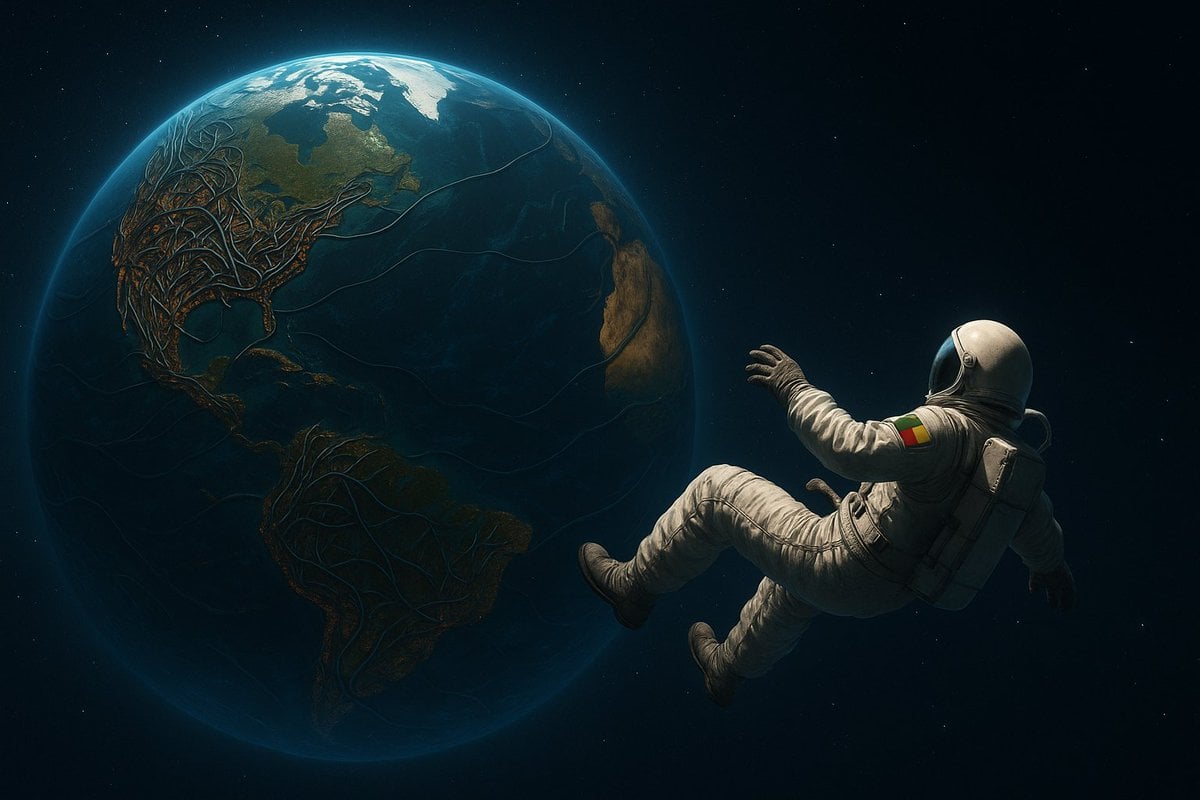
- Prompt included
- Model and format preset
- Free template
The prompt behind this image
Copy the exact prompt behind Astronaut Beside Living Earth, or open it in the studio and make it yours.
A cinematic surreal space scene showing 1 astronaut floating in open space beside Earth, with the planet dominating the left side of the frame and the astronaut on the right, drifting backward with bent legs and one arm reaching toward the planet. The astronaut wears a realistic white EVA-style spacesuit with a dark reflective visor, a backpack unit, and a shoulder patch in red, yellow, and green. Earth is shown from the Atlantic side with North and South America clearly visible, lit by a cool blue rim glow against a deep black star field with sparse tiny stars. Across the continents and faintly across the oceans, organic branching root-like or neural vein structures spread over the surface, especially dense across North America and extending into South America, creating a dark biomechanical or living-planet effect. Use dramatic low-key lighting, strong contrast, moody shadows, photorealistic textures, ultra-detailed cinematic realism, a quiet ominous atmosphere, and a wide composition with large negative space.
How to use Astronaut Beside Living Earth in 3 steps
- 1Upload ImagePNG, JPG or paste
Add your photo
Upload the photo the template builds on. The prompt, model and format are already set.
- 2…a portrait of your subject in softgolden-hour light, 85mm…
Personalize
Edit the subject and creative details for your destination.
- 3Generate
Generate
Press Generate — your image is created in PicX Studio, so you can compare it with the original and refine one variable at a time.
More like this
Templates with the same subject, style or setup. Open one to see its prompt.

Surreal Cat Astronaut — Humanoid Face Freefall

Astronaut Zero-Gravity Coffee Splash
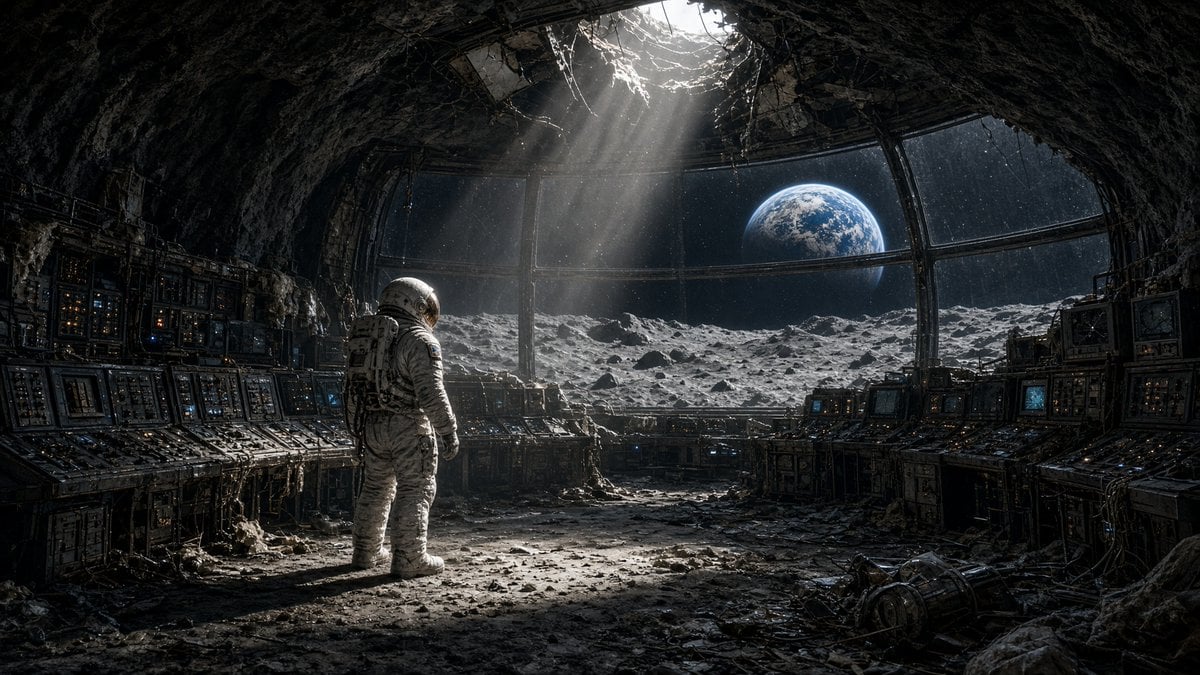
Astronaut in Abandoned Lunar Base
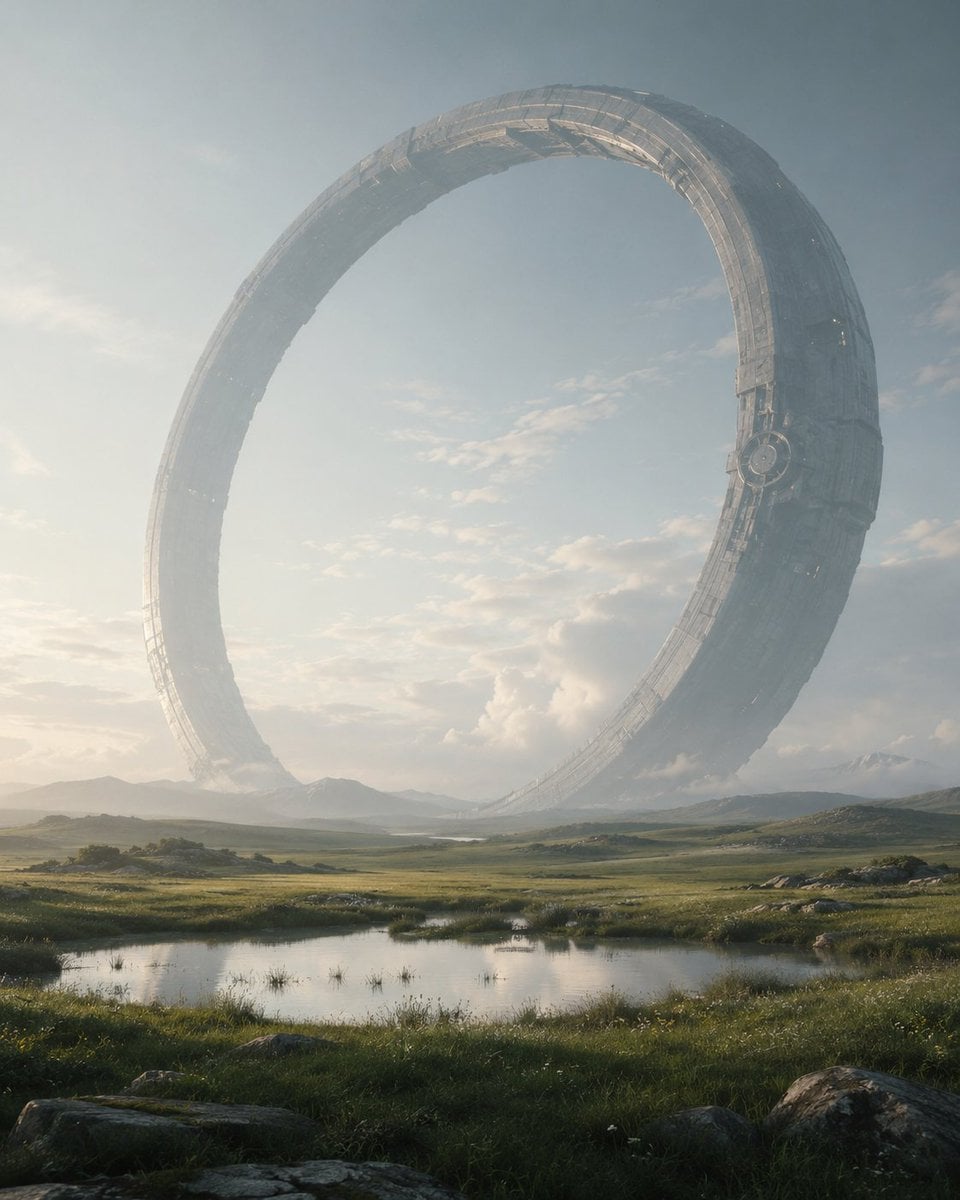
Colossal Ring on Earth
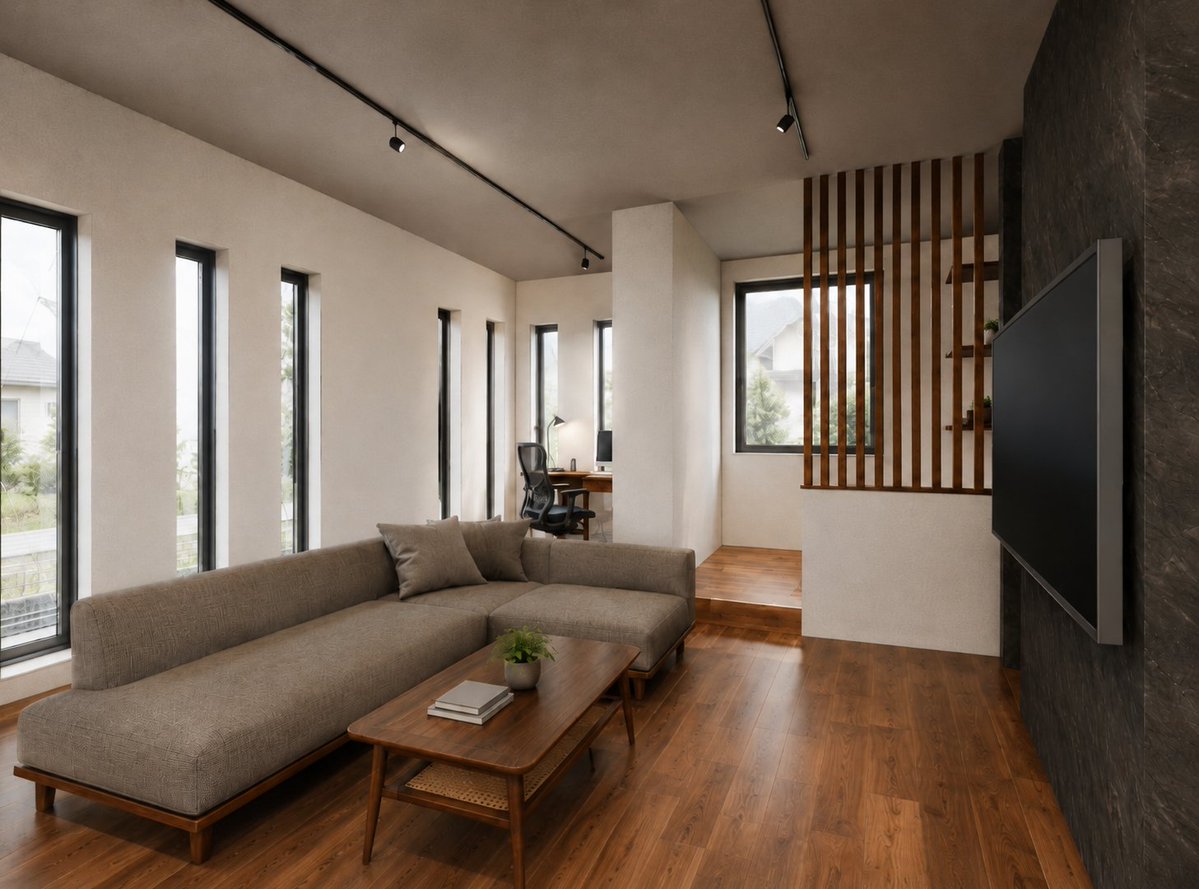
Warm Modern Japanese Living Room Render
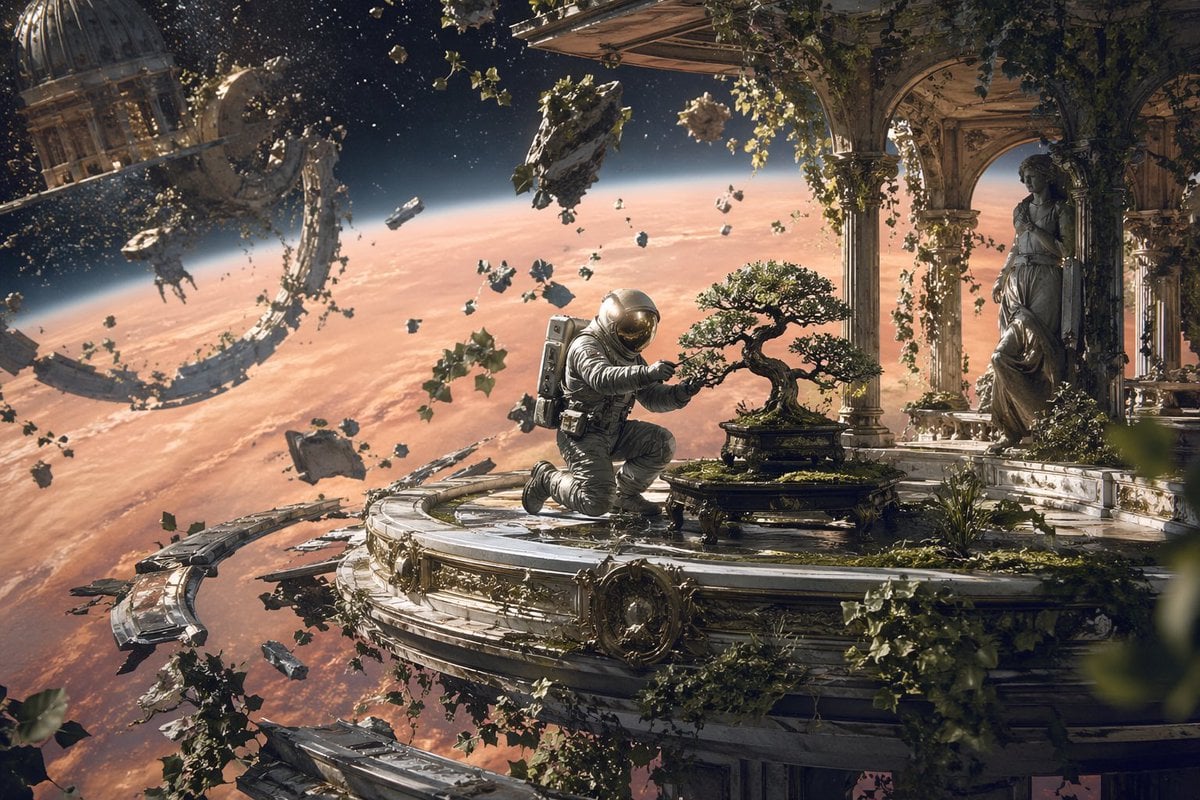
Astronaut Tending Bonsai in Space Ruins
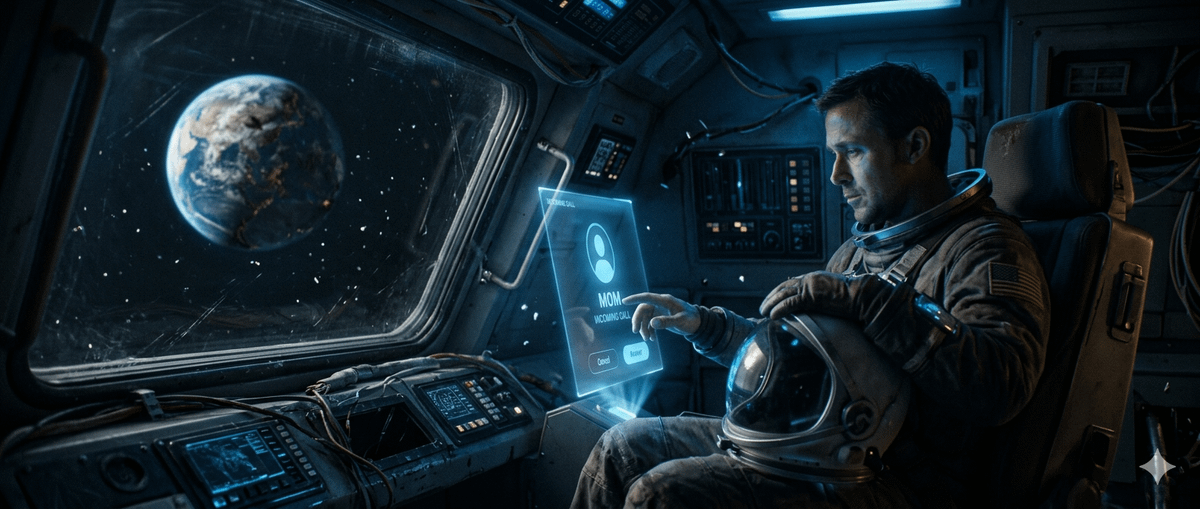
Cinematic Astronaut on Damaged Spacecraft
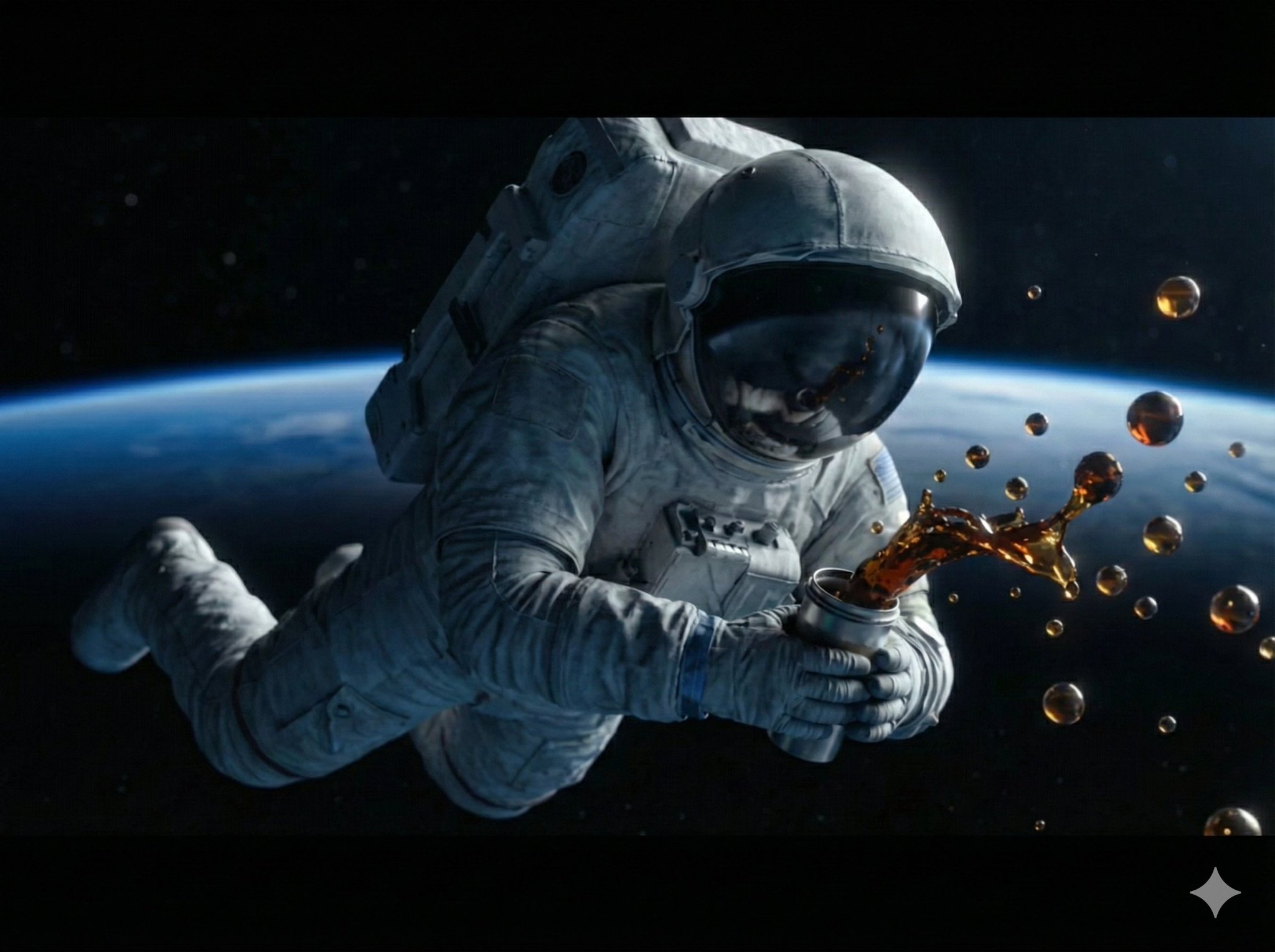
A high-detail, cinematic shot of an astronaut floating in outer space
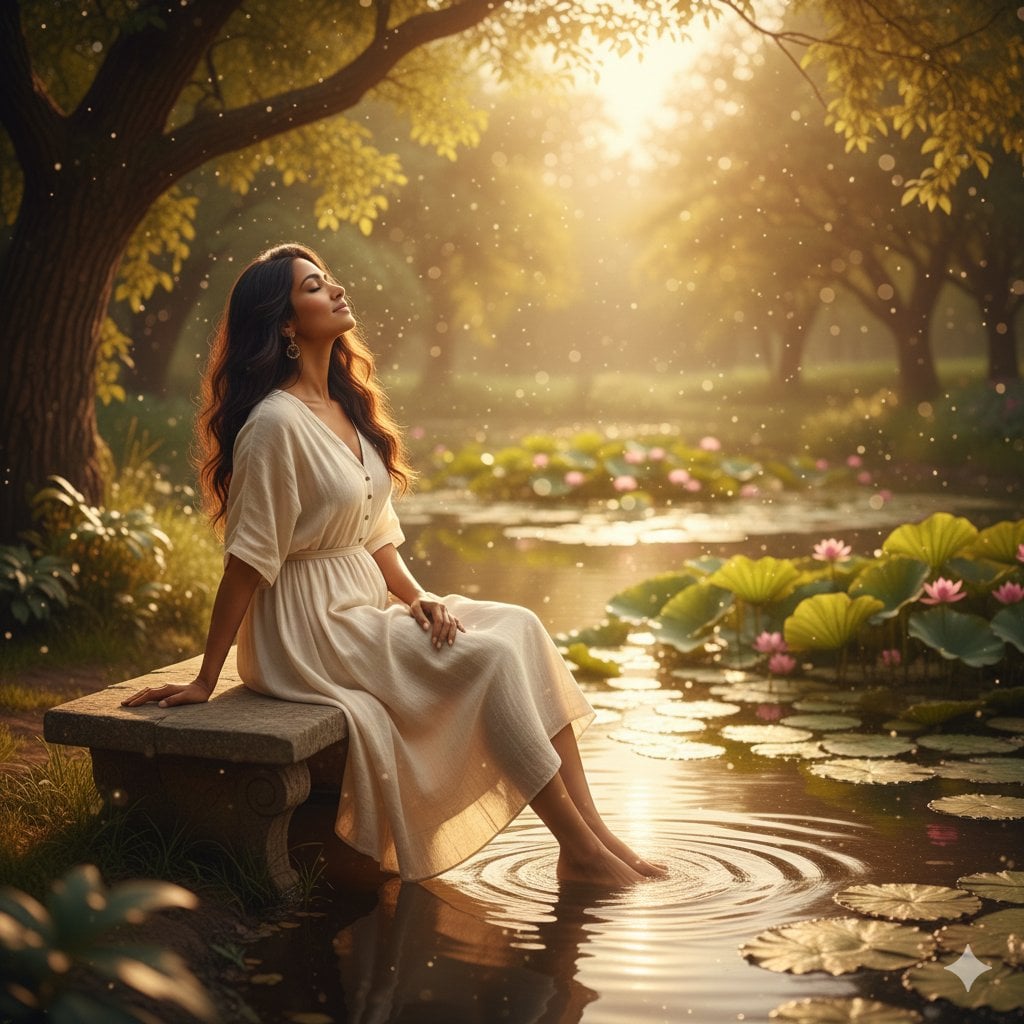
Unfolds beside a tranquil pond, where gentle ripples catch the warm
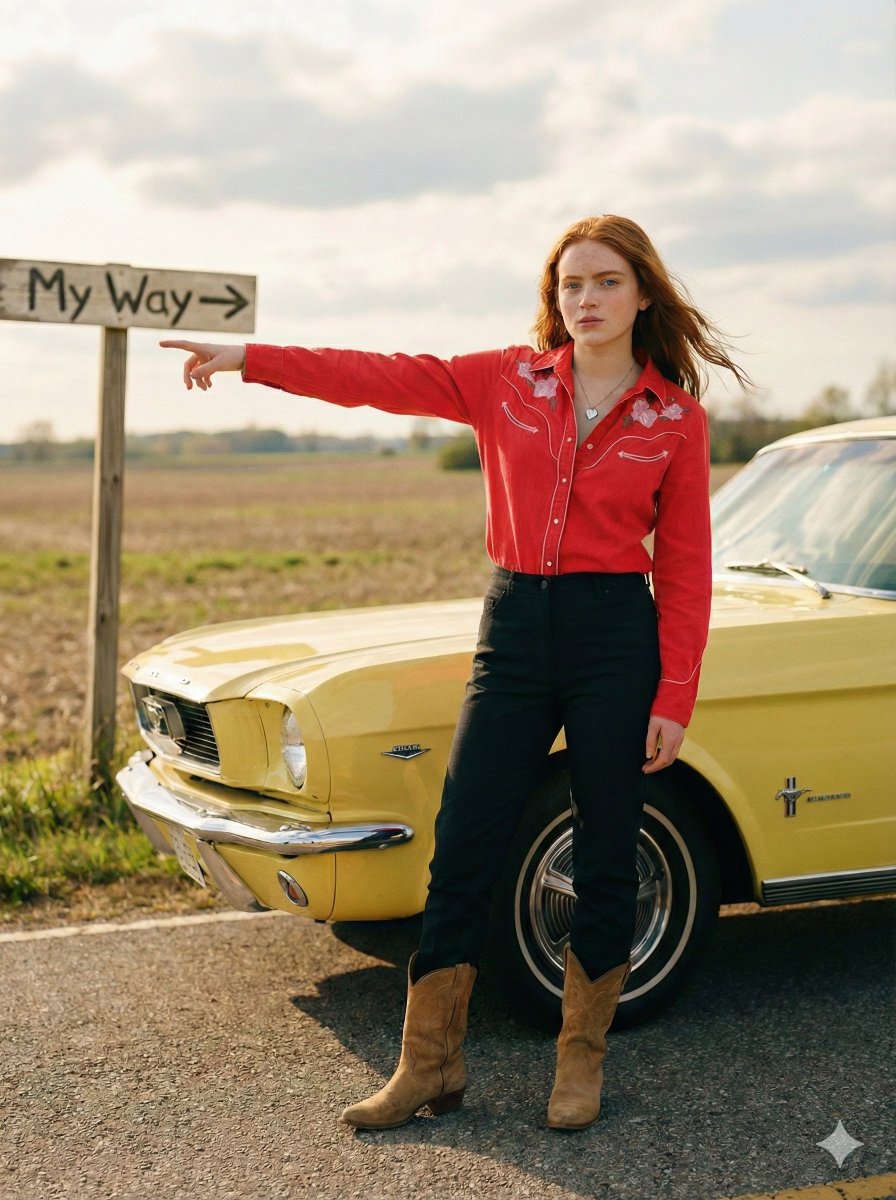
Standing beside the car, torso slightly angled, arm extended
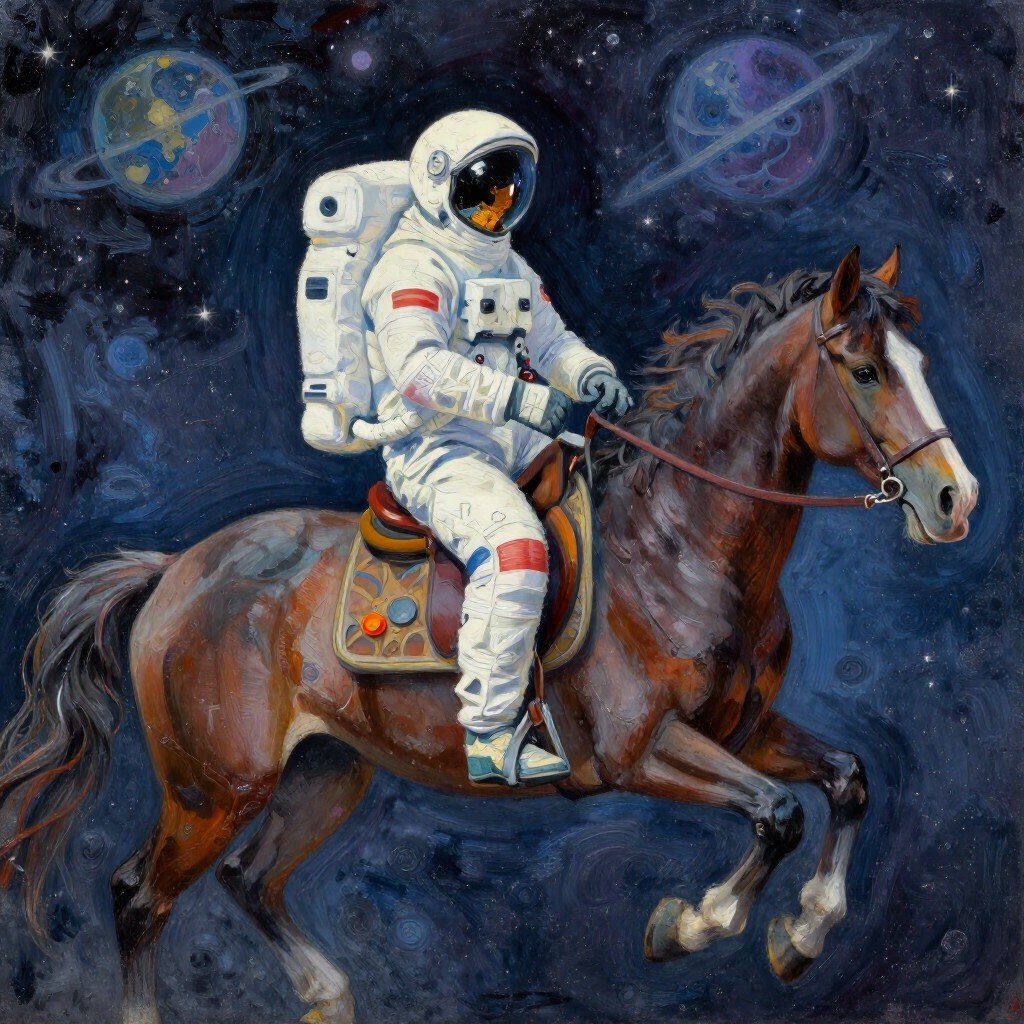
Astronaut Riding Horse in Space
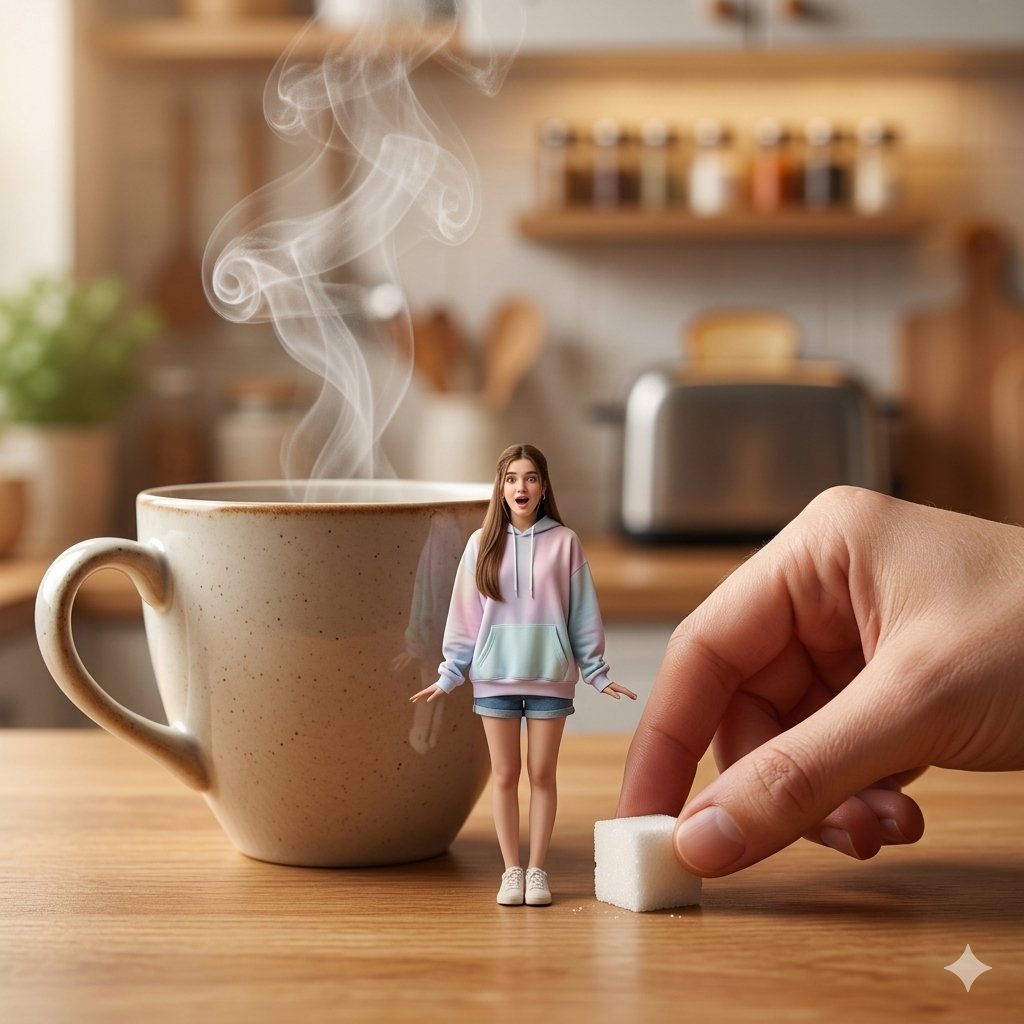
Tiny Woman Beside Giant Coffee Cup
Make it yours
Astronaut Beside Living Earth works as-is. These are the safest ways to change it without losing the look.
Change one field
Copy a single group, rewrite it, and generate again so you can see what that field is doing.
Keep the frame, change the subject
Hold the composition and light of Astronaut Beside Living Earth, then swap wardrobe, props or the person for a new take.
| If the result… | Why | Fix |
|---|---|---|
| The result drifts from the preview | Too many fields changed at once. | Reuse Astronaut Beside Living Earth as-is first, then change one group — subject, light, or setting. |
| The model over-stylizes the scene | The prose prompt leaves finish and camera underspecified. | Add one camera or lighting sentence and stay on GPT Image 2. |
More GPT Image 2 templates
Other prompts made for GPT Image 2.

Six VTuber Japanese Logo Sheet

Realistic Portrait of Woman and Deer

The Vista Modular Condo Poster

AI Model Routing Comparison Infographic

2.5D Anime Art Board

Isometric Productivity Desk Scene

New York Double Exposure Poster

Four-Panel AI Landscape Comparison

Japanese Tatami Lifestyle Magazine Cover

NESCAFÉ Coffee Map Poster
More image prompts
Fresh picks from across the catalog.

Origami Style Conversion Prompt for Nano Banana Pro

Skincare Landing Page Hero Section
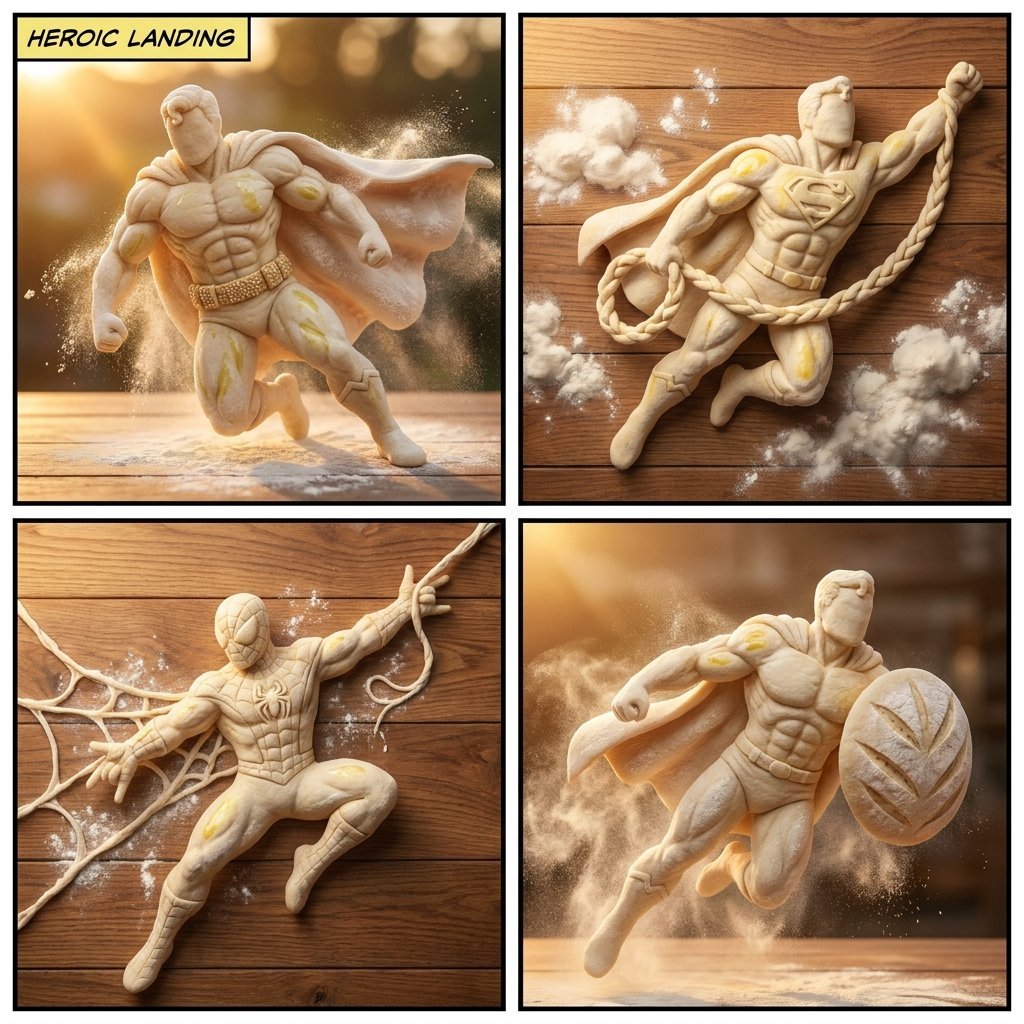
Bread Dough Superheroes
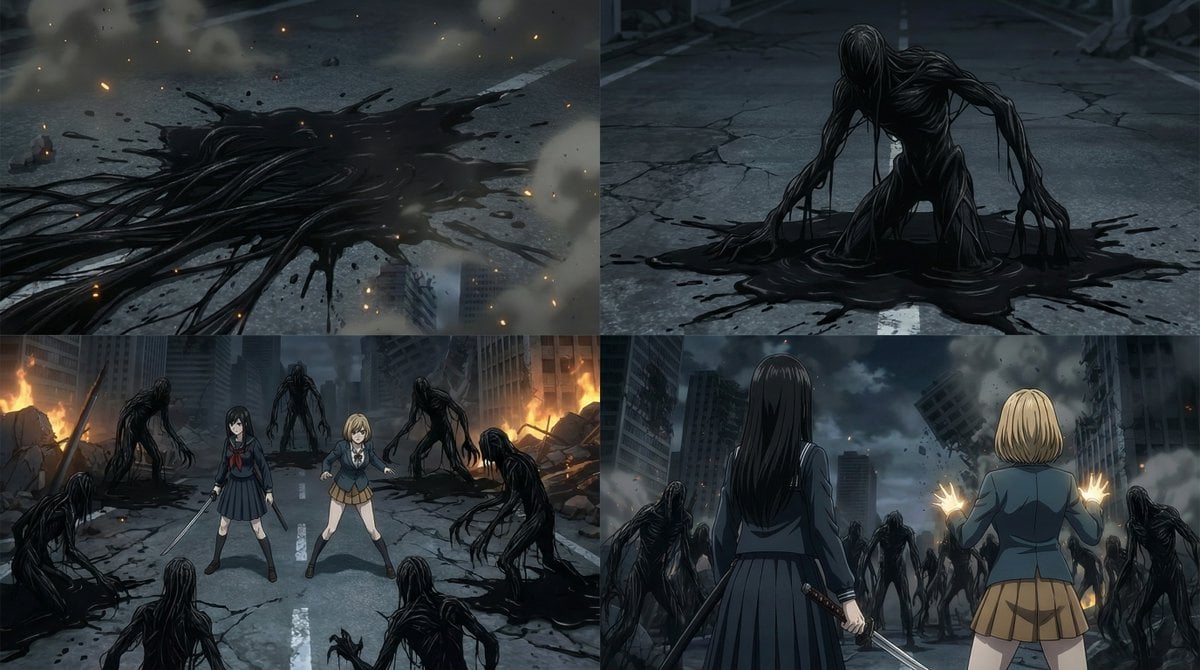
2000s OVA Style High School Girl Monster Hunt

3D Diorama Poster for 'Lord of the Mysteries'
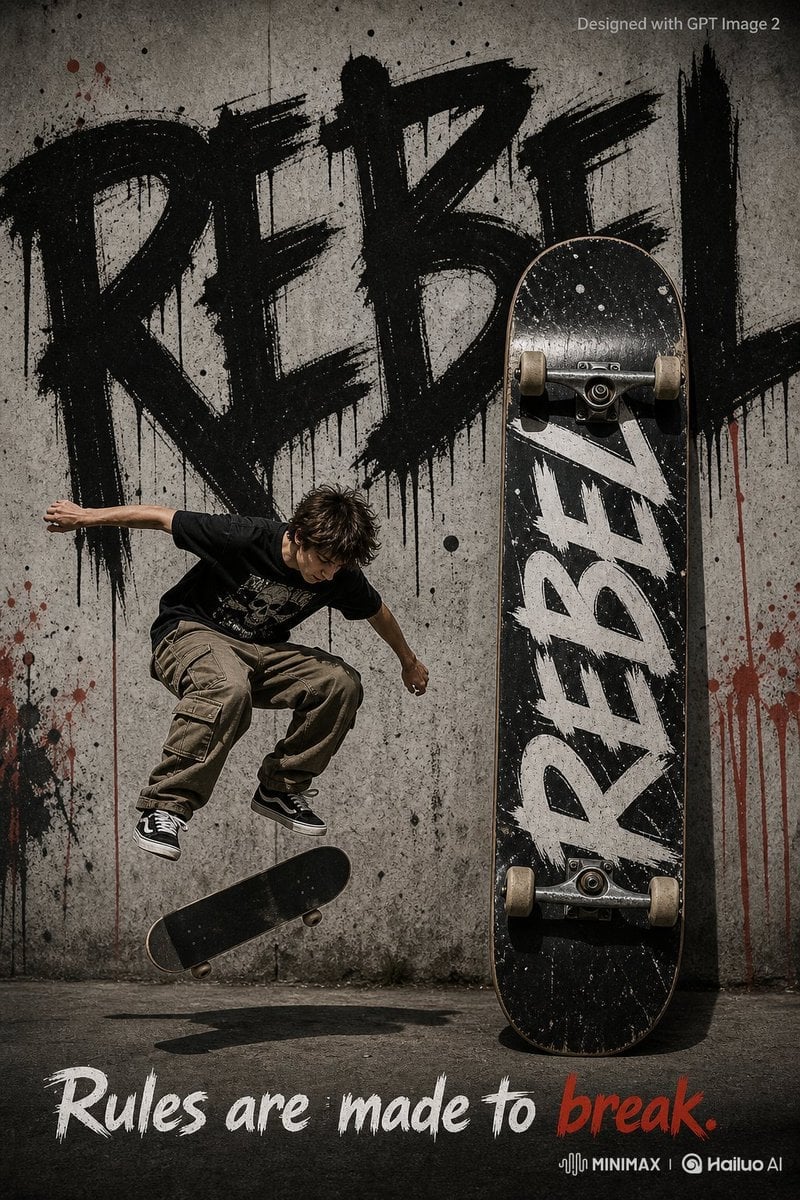
Rebel Urban Skateboard Advertisement Poster
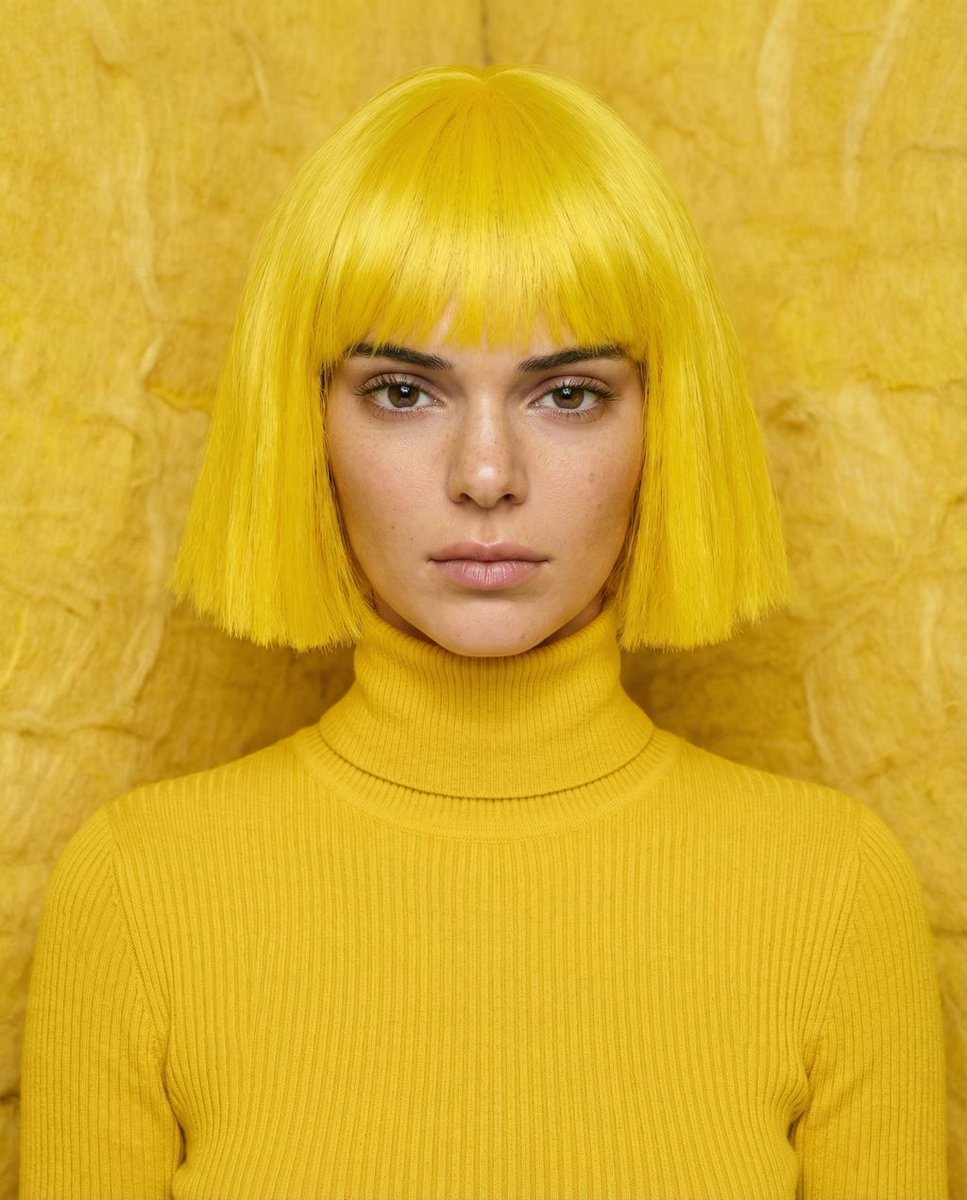
Monochromatic canary yellow portrait of Kendall Jenner in an isolation booth
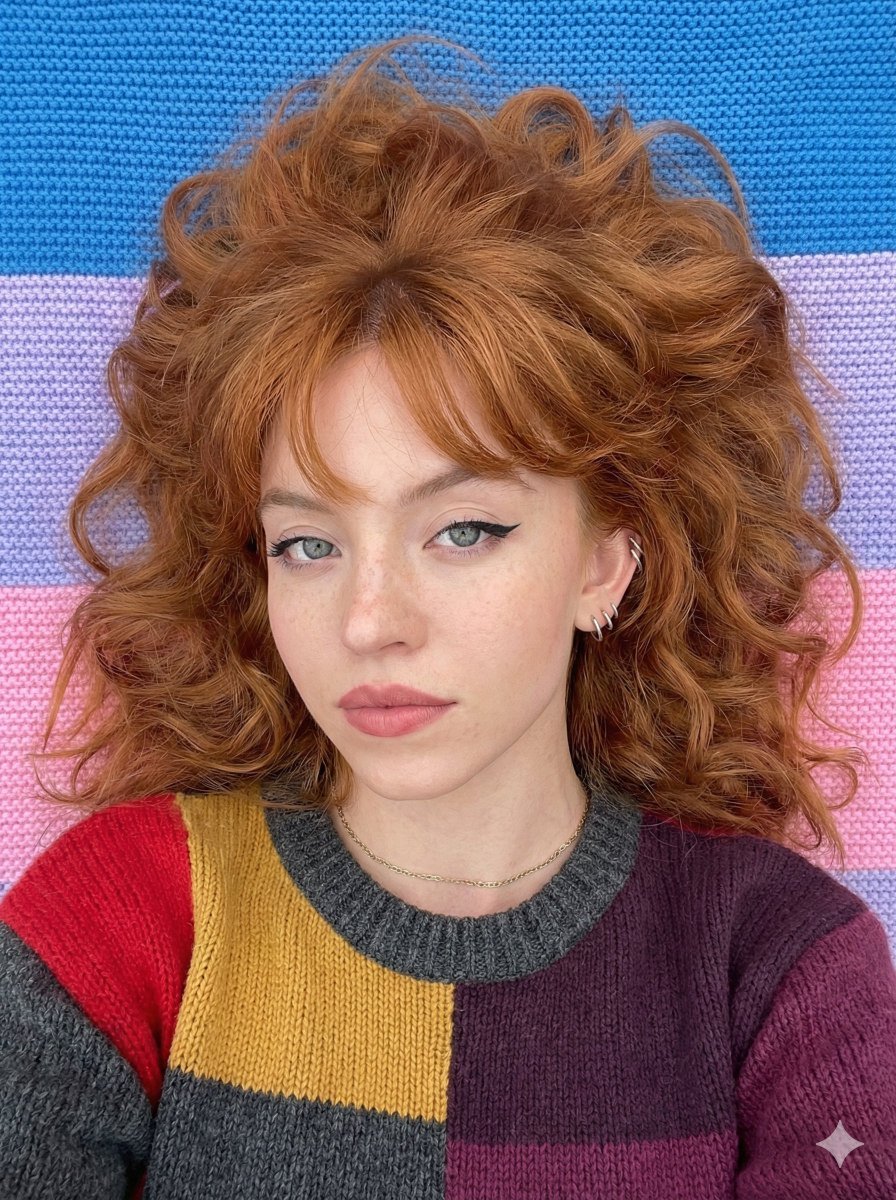
Top-Down Cozy Patchwork Portrait
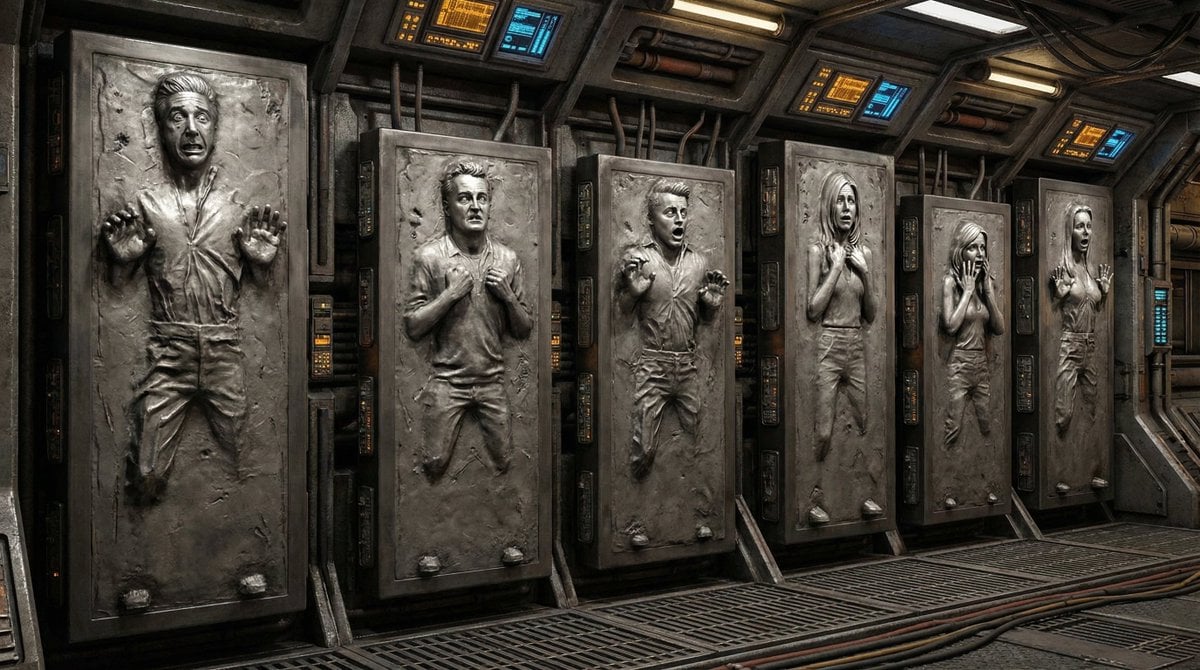
Image-to-Image 'Carbonite' Effect Prompt
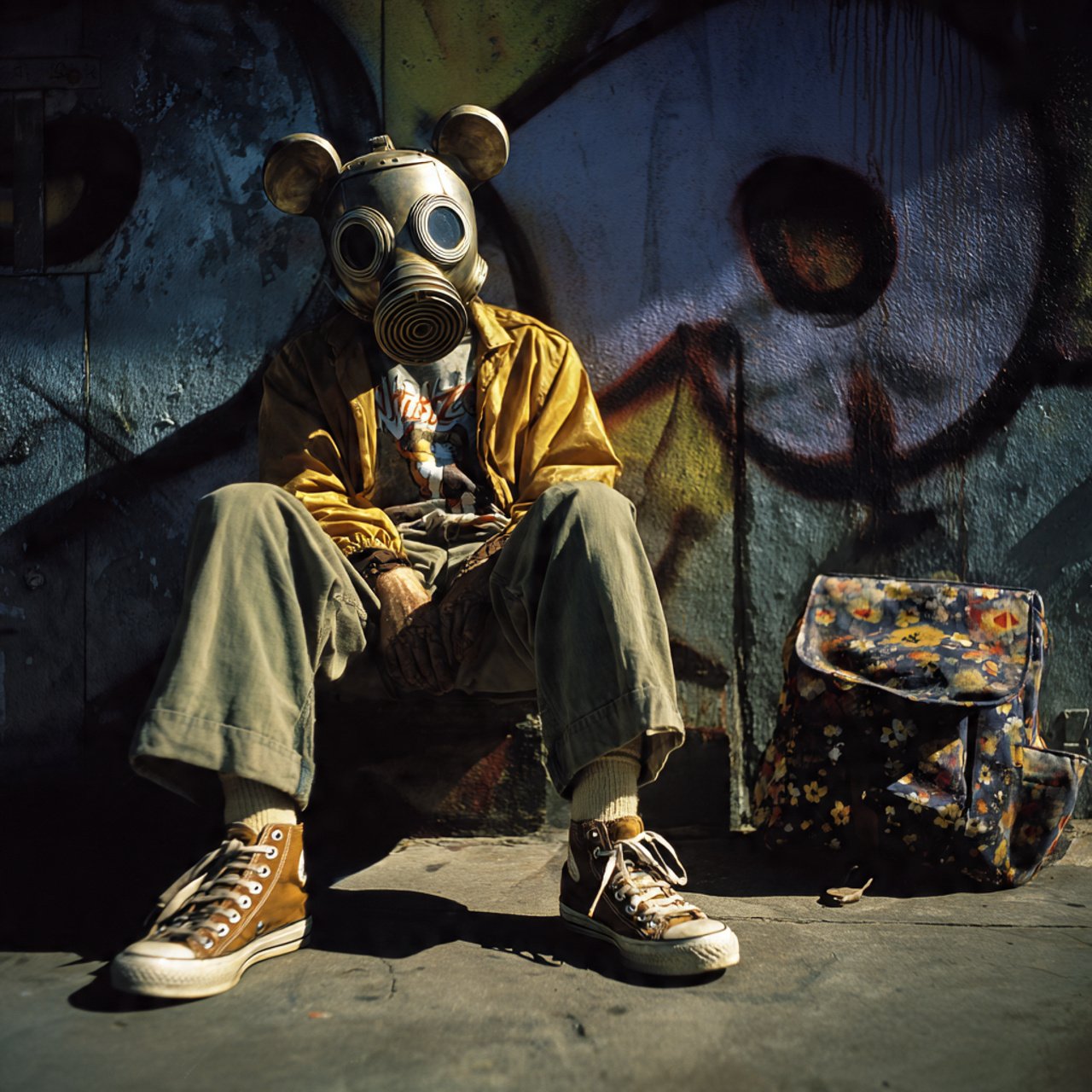
mickey toxico
Browse template categories
Astronaut Beside Living Earth questions
How do I use the Astronaut Beside Living Earth template?
Add your photo if the template asks for one, edit the prompt if you like — the template's model and format are already selected — and press Generate. Your version opens in PicX Studio.
Can I customize the Astronaut Beside Living Earth template?
Yes. You can change the subject, setting, lighting, mood, format, and available model controls before creating your image.
Is the Astronaut Beside Living Earth template free?
Opening and editing this template is free. Generating uses credits, shown on the Generate button when you are signed in.
Which AI model should I use?
Start with GPT Image 2, which is the model associated with this template. You can compare another compatible model for a different finish.
Looking for something else? Browse all templates.

Your photo, any look
Thousands of ready templates for every top image and video model, from one credit balance.