
Tiny Woman Beside Giant Coffee Cup
A photorealistic macro kitchen scene showing a miniature woman next to a steaming coffee mug while a hand places a sugar cube nearby.

- Prompt included
- Model and format preset
- Free template
The prompt behind this image
Copy the exact prompt behind Tiny Woman Beside Giant Coffee Cup, or open it in the studio and make it yours.
Create a warm cozy macro-photography scene on a kitchen counter: a tiny miniature young woman, about the height of a sugar cube, stands upright beside a giant steaming ceramic coffee mug. She wears a pastel oversized hoodie in soft pink, lavender, and mint with a front pouch, light denim shorts, and white sneakers; long straight brown hair falls over her shoulders, and her face is softly simplified like a tiny figurine. She looks amazed and slightly cautious, arms relaxed outward at her sides, facing the towering mug and the rising steam. A realistic adult human hand enters from the right, carefully placing exactly 1 white sugar cube on the wooden countertop beside her. Include exactly 3 main foreground subjects: the giant speckled beige coffee mug on the left with visible handle, the miniature woman in the center, and the hand with sugar cube on the right. Use shallow depth of field, realistic macro scale, creamy bokeh, warm morning kitchen lighting, natural wood countertop, and a softly blurred background with shelves, spice jars, kitchen utensils, a toaster, and a small plant. Emphasize scale contrast, delicate steam curls rising high from the coffee, cozy domestic atmosphere, photorealistic textures, and cinematic soft focus. No text, no watermark, no extra characters.
How to use Tiny Woman Beside Giant Coffee Cup in 3 steps
- 1Upload ImagePNG, JPG or paste
Add your photo
Upload the photo the template builds on. The prompt, model and format are already set.
- 2…a portrait of your subject in softgolden-hour light, 85mm…
Personalize
Edit the subject and creative details for your destination.
- 3Generate
Generate
Press Generate — your image is created in PicX Studio, so you can compare it with the original and refine one variable at a time.
More like this
Templates with the same subject, style or setup. Open one to see its prompt.

Surreal Aerial View of Giant Coffee Cup on Palm Jumeirah

Cinematic Giant Cat Chasing Tiny Woman

Giant Woman Forced Perspective Street Photo

Tiny Toddler Hugging Giant Chocolate Bar

Astronaut Zero-Gravity Coffee Splash

Cappuccino Bottle Splash Product Ad

Tiny Woman Miniature Fantasy Macro Scene

Woman with Coffee Portrait

TinyToes Giant Baby Shoes Ad

Tiny Man Lounging in Giant Rose

Woman in Mall with Chanel Bag - Heart Gesture

Floating Woman Above Cityscape with Notifications
Make it yours
Tiny Woman Beside Giant Coffee Cup works as-is. These are the safest ways to change it without losing the look.
Change one field
Copy a single group, rewrite it, and generate again so you can see what that field is doing.
Keep the frame, change the subject
Hold the composition and light of Tiny Woman Beside Giant Coffee Cup, then swap wardrobe, props or the person for a new take.
| If the result… | Why | Fix |
|---|---|---|
| The result drifts from the preview | Too many fields changed at once. | Reuse Tiny Woman Beside Giant Coffee Cup as-is first, then change one group — subject, light, or setting. |
| The model over-stylizes the scene | The prose prompt leaves finish and camera underspecified. | Add one camera or lighting sentence and stay on GPT Image 2. |
More GPT Image 2 templates
Other prompts made for GPT Image 2.

Six VTuber Japanese Logo Sheet

Realistic Portrait of Woman and Deer

The Vista Modular Condo Poster

AI Model Routing Comparison Infographic

2.5D Anime Art Board

Isometric Productivity Desk Scene

New York Double Exposure Poster

Four-Panel AI Landscape Comparison

Japanese Tatami Lifestyle Magazine Cover

NESCAFÉ Coffee Map Poster
More image prompts
Fresh picks from across the catalog.

Gurren Lagann Style 'Gaina-Dachi' Anime Stance Prompt

Linguistic Evolution Tree Infographic Generation

Cinematic Gym Portrait Prompt

Hyper-Realistic Mirror Selfie Prompt for Gemini Nano Banana 2

Product Photography Poster with Liquid Splash and Text Overlays
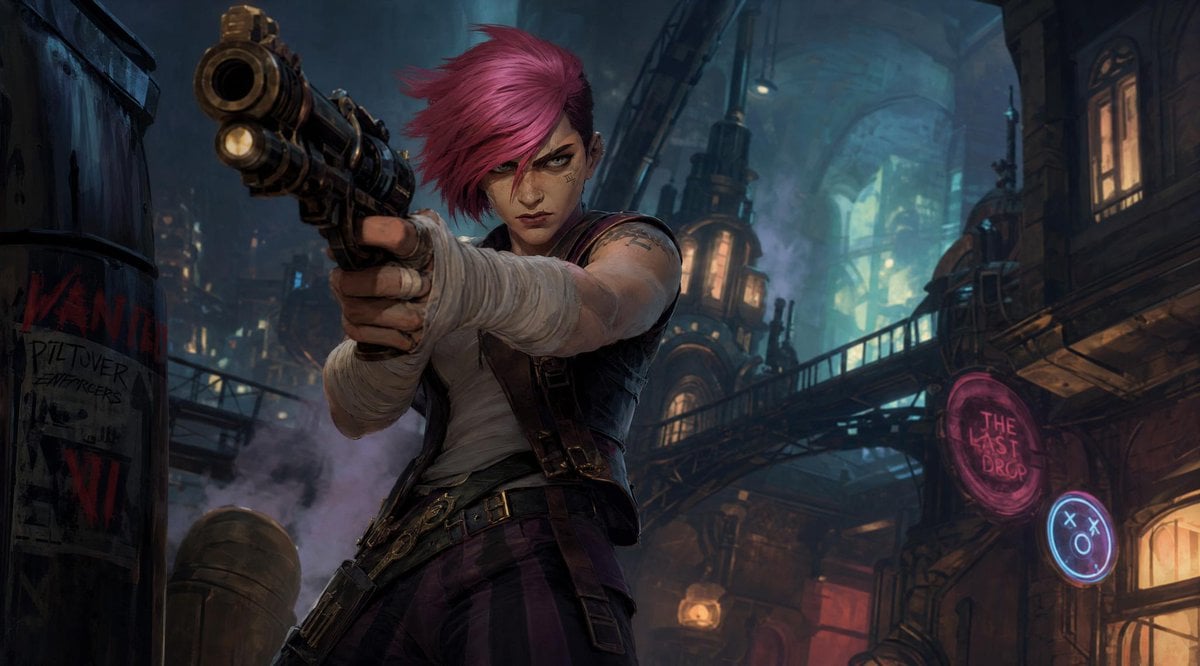
Prompt: Create a cinematic stylized character ill
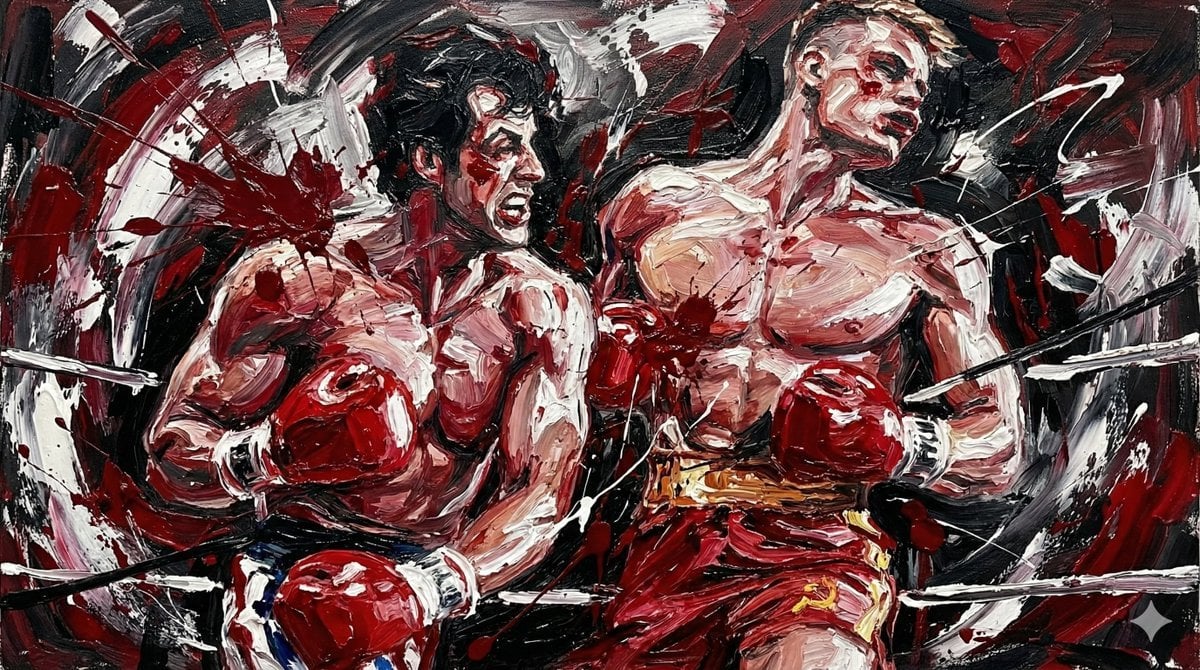
Abstract Expressionist Boxing Match

Travel Itinerary Illustration Generation Prompt
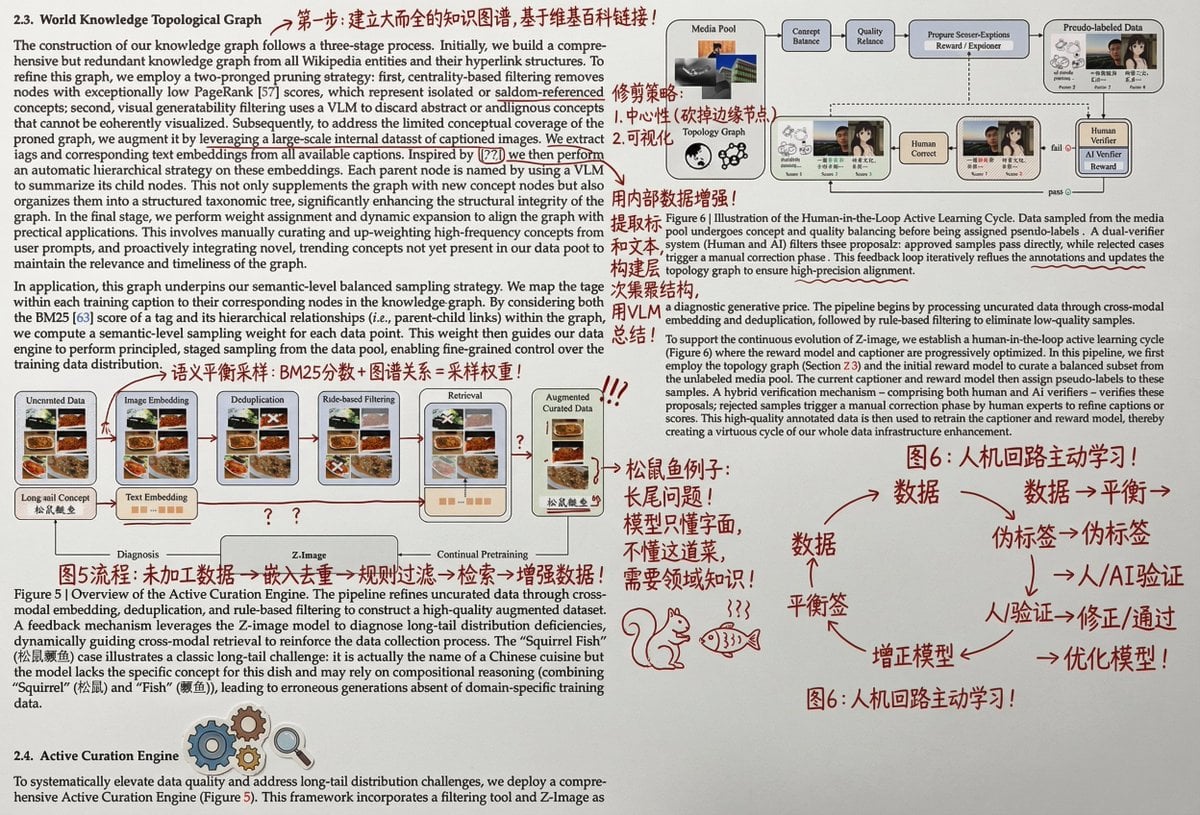
Paper Annotation and Review Prompt

Blonde Maid in Warm Cafe
Browse template categories
Tiny Woman Beside Giant Coffee Cup questions
How do I use the Tiny Woman Beside Giant Coffee Cup template?
Add your photo if the template asks for one, edit the prompt if you like — the template's model and format are already selected — and press Generate. Your version opens in PicX Studio.
Can I customize the Tiny Woman Beside Giant Coffee Cup template?
Yes. You can change the subject, setting, lighting, mood, format, and available model controls before creating your image.
Is the Tiny Woman Beside Giant Coffee Cup template free?
Opening and editing this template is free. Generating uses credits, shown on the Generate button when you are signed in.
Which AI model should I use?
Start with GPT Image 2, which is the model associated with this template. You can compare another compatible model for a different finish.
Looking for something else? Browse all templates.

Your photo, any look
Thousands of ready templates for every top image and video model, from one credit balance.