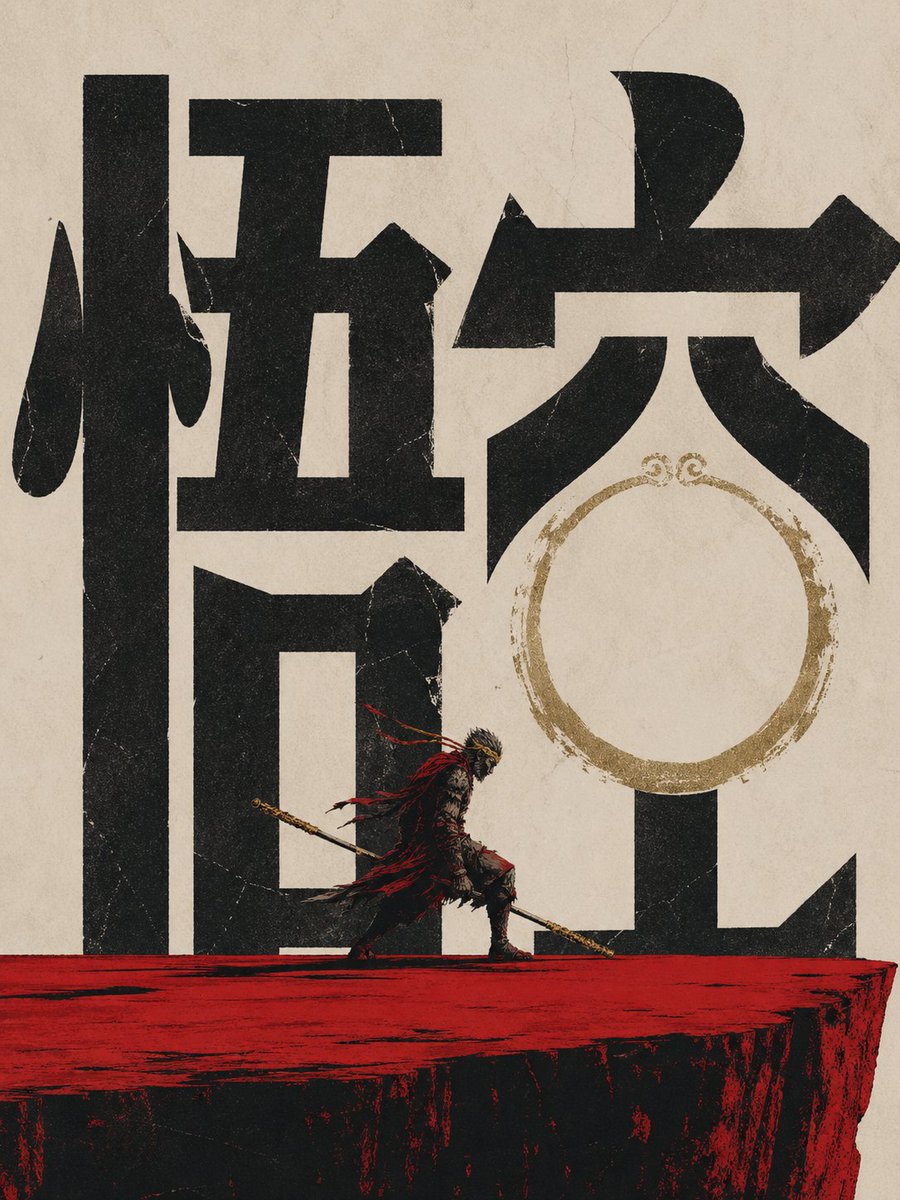
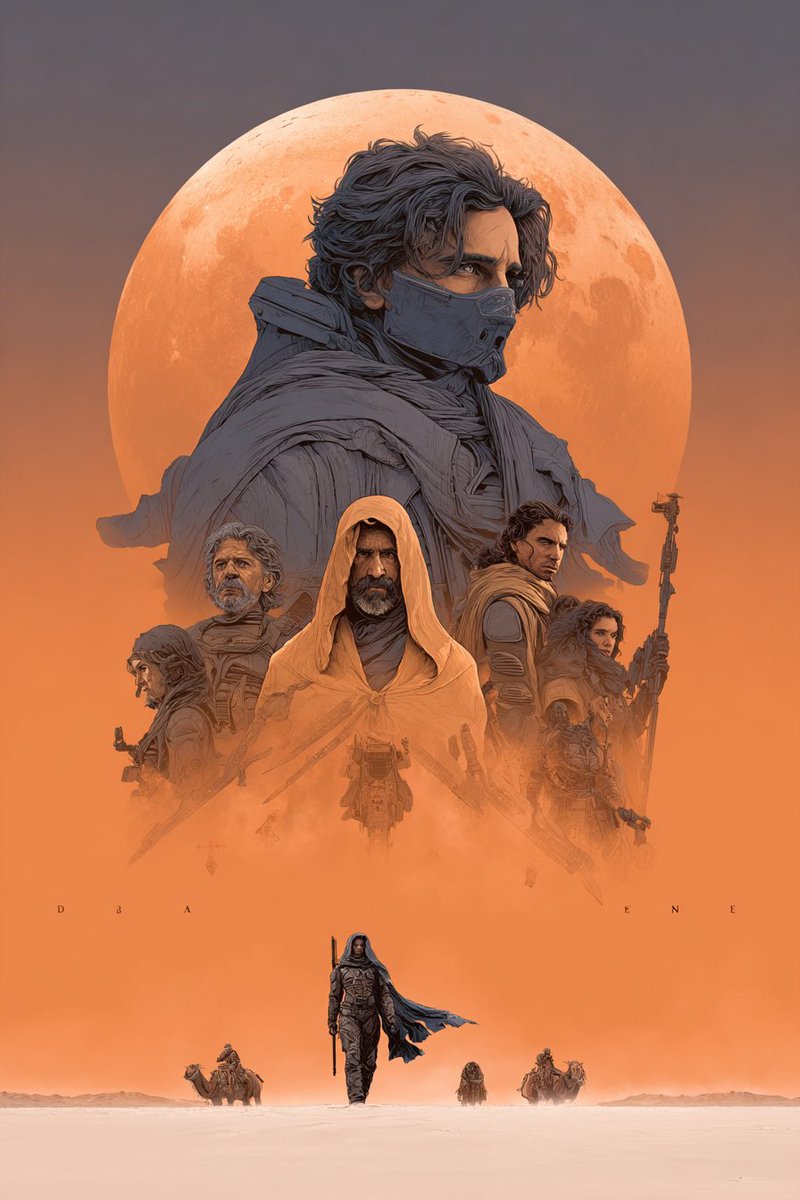
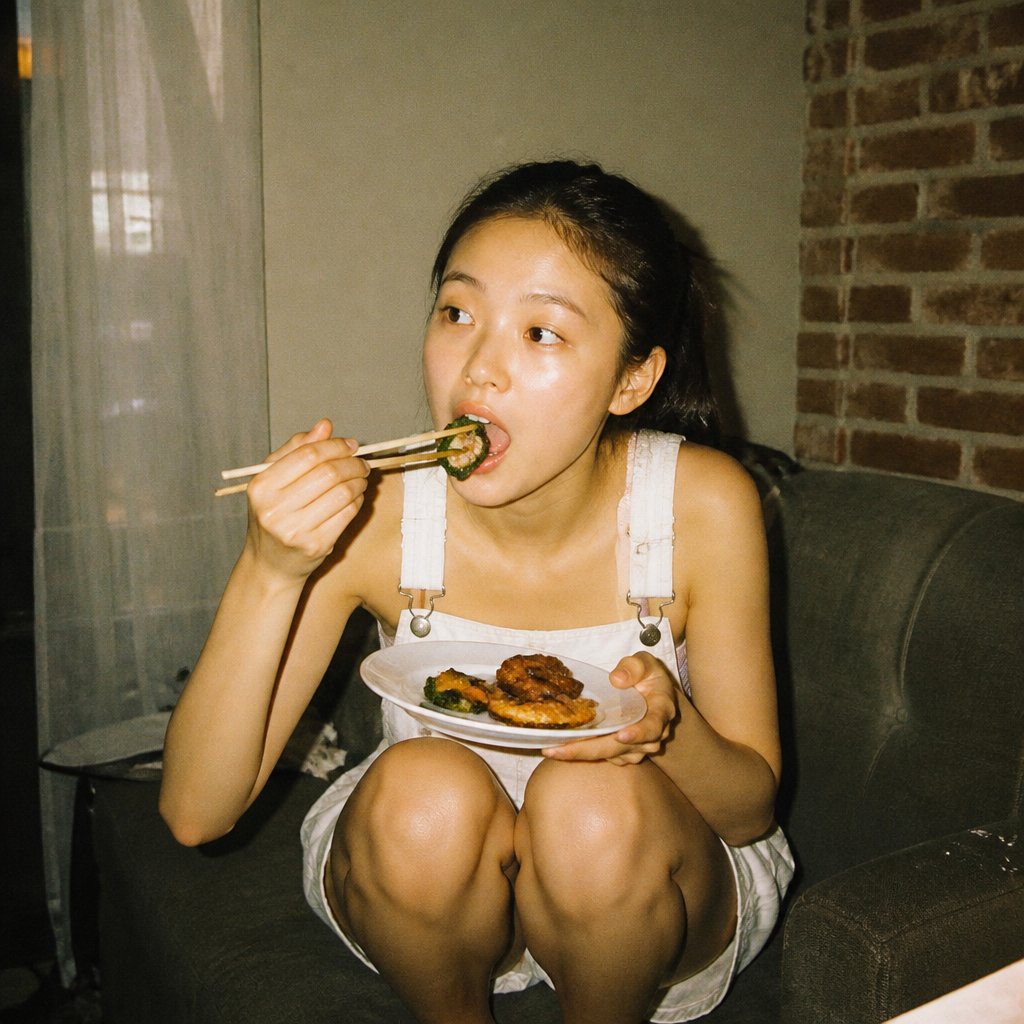
How do I use the Character Memory Album Illustration template?
Choose the primary action to open PicX Studio with the available template settings. Review the model and format, personalize the creative direction, and generate when ready.
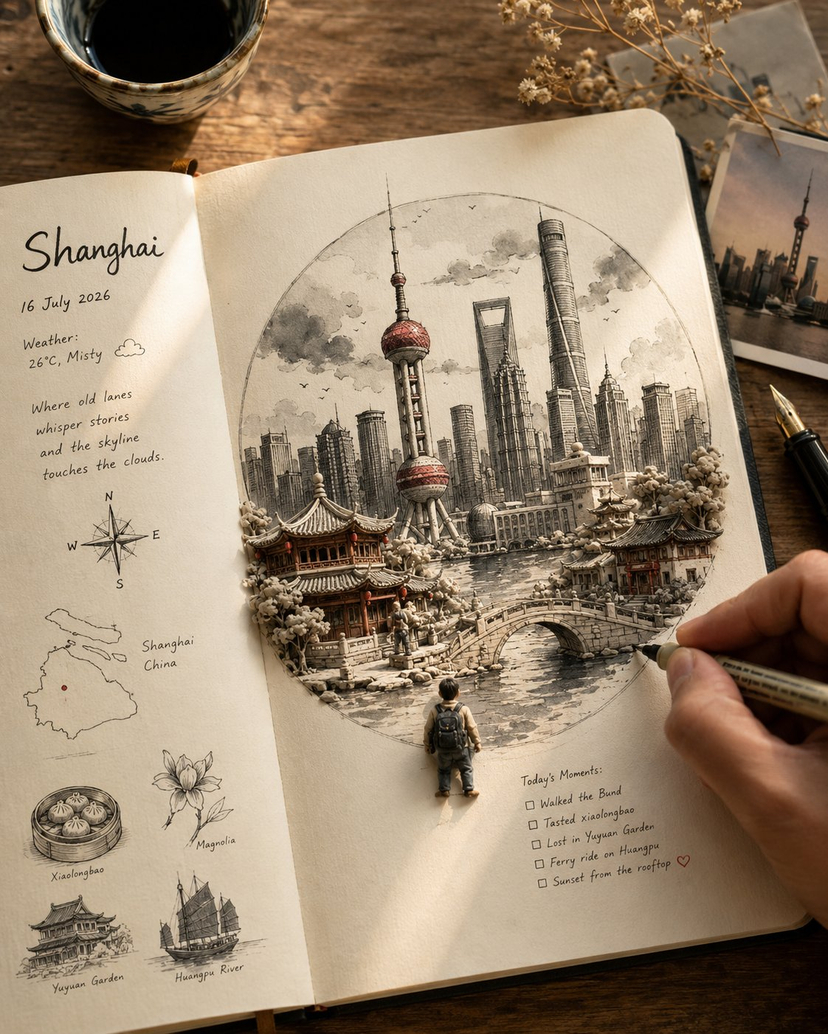
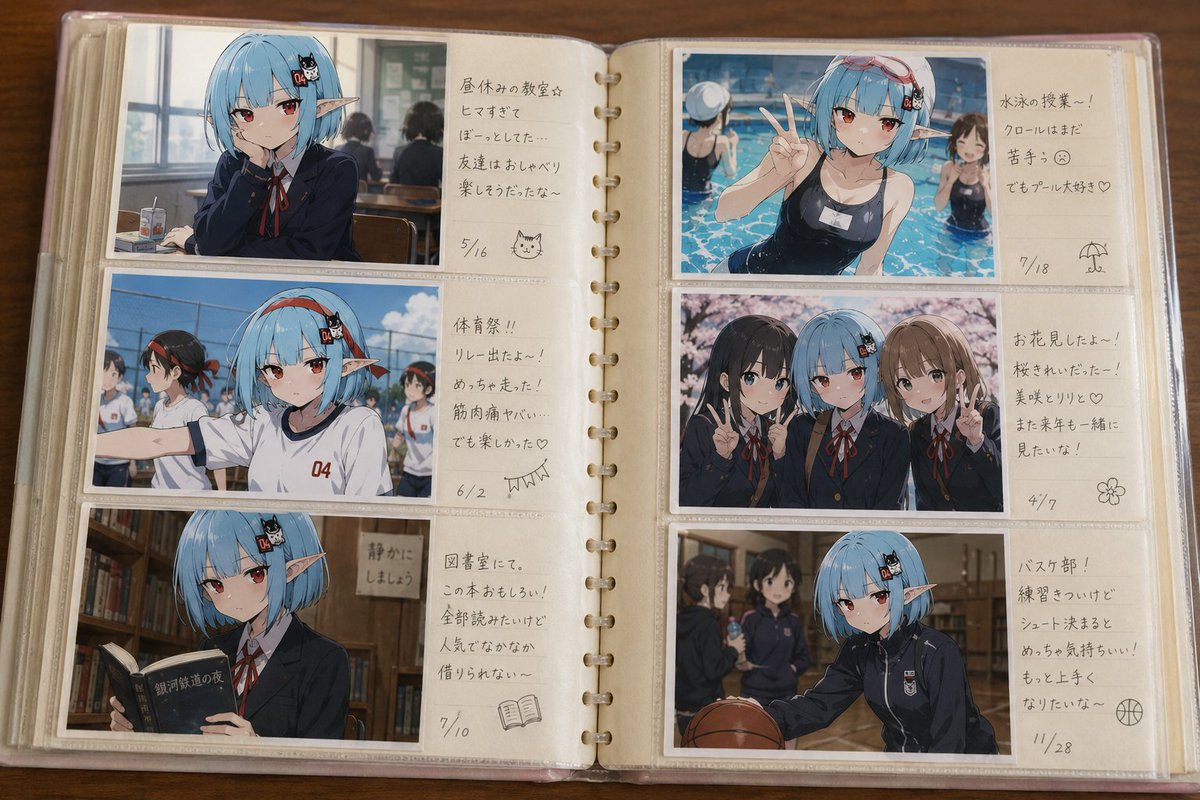
A creative prompt for gpt-image-2 that generates a nostalgic colored pencil style illustration of a photo album containing pictures of two characters traveling
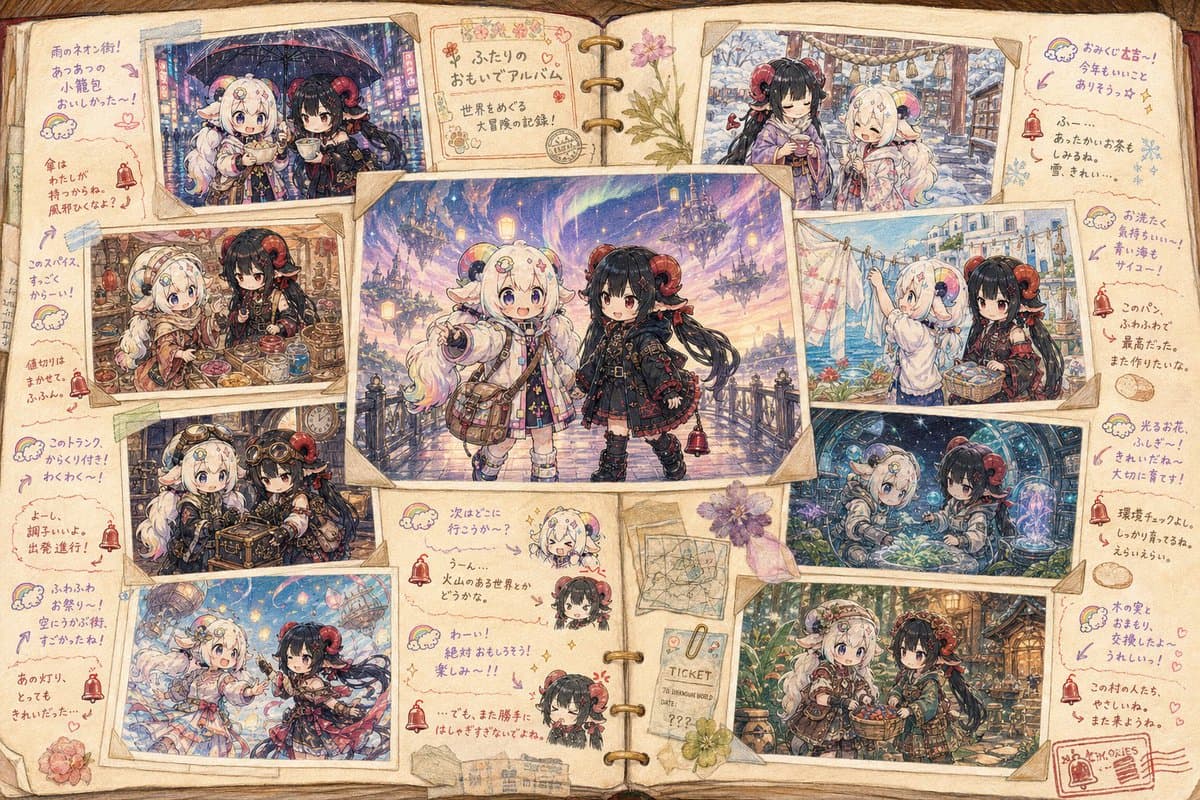
二人のキャラクターの参照画像 + 「この二人のキャラクターの写真のセットを綴じたアルバム」のという形式の、{argument name="描画スタイル" default="色鉛筆で書いた淡い色のタッチ"}のイラストを作成してください。 中心に一枚の印象的な写真を配置して、それを他の写真が取り囲む構図。 様々な国や世界線を渡り歩いて、そこに適した服を着て、様々な生活・文化に根ざした行動をしている生き生きとした写真の数々。 それぞれが書いたと思われるラクガキや思い出のメモから見られる喜怒哀楽の感情。どちらが書いているのかわかりやすいシンボル付き。 ラクガキやメモ同士のやり取り。 髪型・装飾品は服装に合わせて自由に変更してください。
Choose the primary action to open PicX Studio with the available template settings. Review the model and format, personalize the creative direction, and generate when ready.
Yes. You can change the subject, setting, lighting, mood, format, and available model controls before creating your image.
This template is free to open and customize. Generation usage is shown in PicX Studio before you create.
Start with GPT Image 2, which is the model associated with this template. You can compare another compatible model for a different finish.
© 2026 PicX Studio. All rights reserved.

Follow a topic to a crawlable collection of related PicX Studio templates.