Nighttime Lifestyle Couple Portrait with Direct Flash Prompt
{ "image_type": "photograph", "genre": "nighttime lifestyle portrait", "composition": { "framing": "medium-full shot", "orientation": "vertical", "subjects_position": "two subjects centered, standing closely side by side with bodies touching", "camera_angle": "eye-level", "pose": "intimate and relaxed; female subject embracing male subject at chest and waist", "cropping": "cropped slightly below knees", "depth_of_field": "shallow to moderate; subjects in focus, background fades into darkness" }, "subjects": [ { "gender_presentation": "female", "approximate_age": "young adult", "build": "slim", "facial_features": "long wavy dark brown hair, softly contoured cheeks, defined eyebrows, natural makeup with glossy lips", "expression": "calm, subtle smile", "gaze": "looking directly at camera", "clothing": { "type": "fitted sleeveless dress", "pattern": "{argument name="dress pattern" default="bold abstract psychedelic swirl pattern"}", "colors": [ "red", "blue", "green", "orange", "white", "black" ], "fit": "body-hugging, ankle-length" }, "accessories": { "jewelry": "bracelet, ring", "nails": "long, red polished nails" } }, { "gender_presentation": "male", "approximate_age": "young adult", "build": "average to athletic", "facial_features": "curly dark hair, light stubble, soft jawline", "expression": "neutral to slight smile", "gaze": "looking directly at camera", "clothing": { "top": "white lightweight linen button-up shirt, partially unbuttoned", "bottom": "light beige or off-white linen pants", "style": "resort casual, relaxed" }, "accessories": { "wristwear": "dark bracelet", "handheld_object": "short glass tumbler with dark beverage" } } ], "interaction": { "relationship_cues": "romantic, affectionate", "body_language": "close embrace, relaxed shoulders, physical contact at torso and waist" }, "environment": { "setting": "outdoor nighttime location", "background": "dark foliage and greenery", "visibility": "background mostly obscured by darkness", "ground": "grass lawn", "context": "evening social event or party" }, "lighting": { "type": "direct on-camera flash", "key_light": "strong frontal flash", "fill": "minimal ambient light", "color_temperature": "neutral flash with warm skin tones", "shadows": "hard falloff into dark background, minimal shadow detail behind subjects", "skin_tone_rendering": "bright, smooth, slightly reflective highlights" }, "color_palette": { "dominant_colors": [ "black", "white", "green" ], "accent_colors": [ "red", "blue", "orange" ], "contrast_level": "high due to flash against dark background", "overall_mood": "romantic, stylish, intimate" }, "technical_details": { "camera_type": "smartphone or consumer digital camera", "lens_effect": "standard focal length", "focus": "sharp focus on subjects", "exposure": "subjects slightly overexposed relative to background", "noise": "low on subjects, minimal visible grain", "flash_usage": "enabled and dominant" }, "stylistic_characte









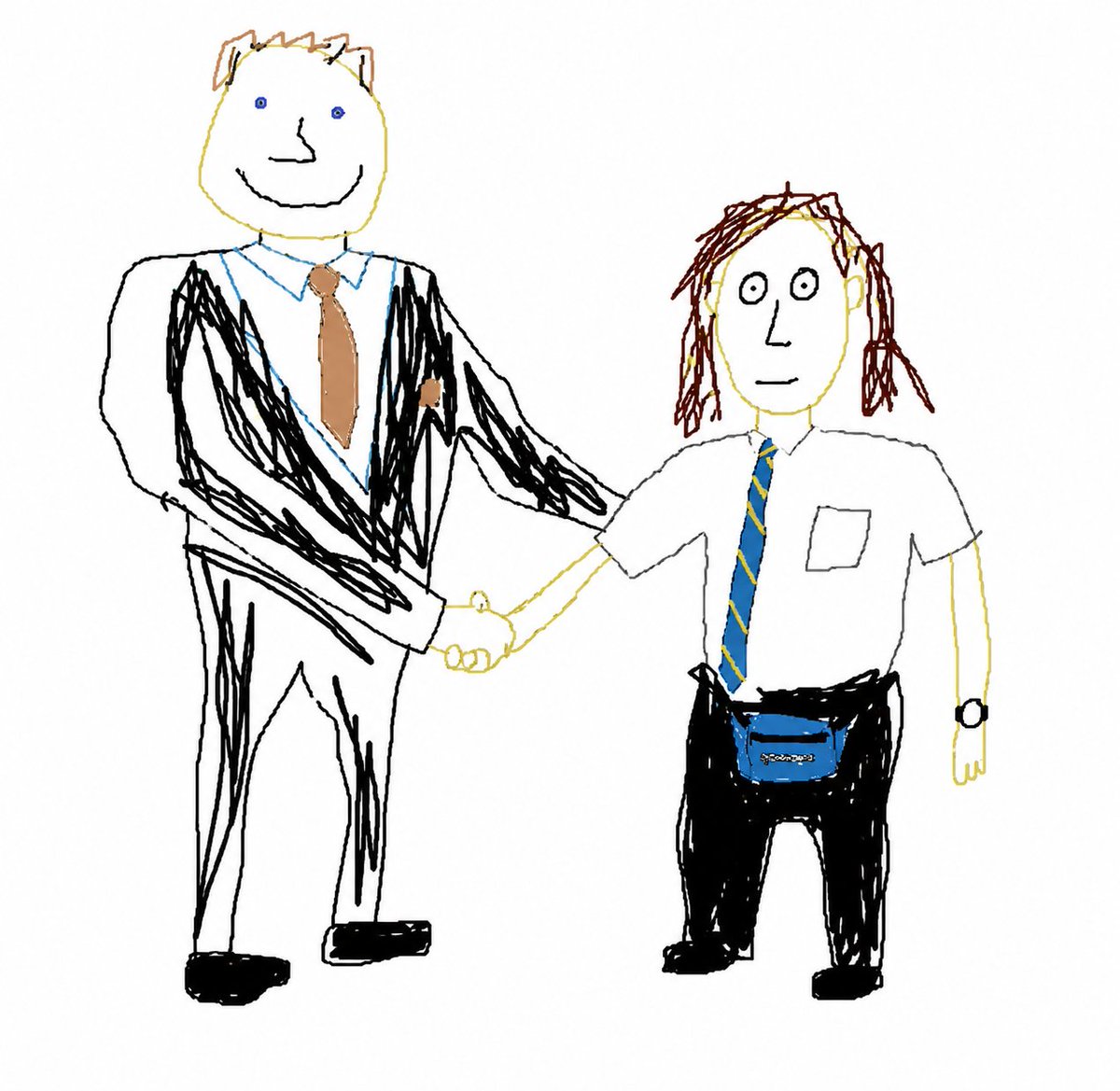

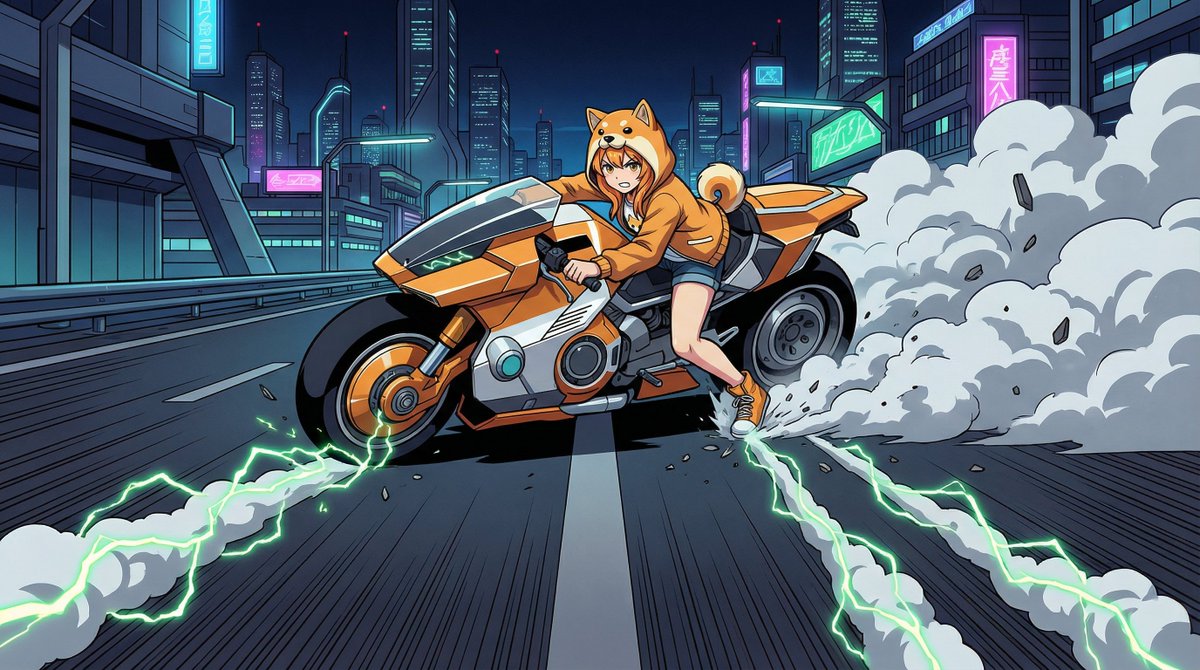

![Naive doodle-style subject illustration — A doodle-style {argument name="subject" default="[subject]"}, naive lines, humorous shape exaggeration](https://pbs.twimg.com/media/G6Wl2YxbsAARB2b.jpg)











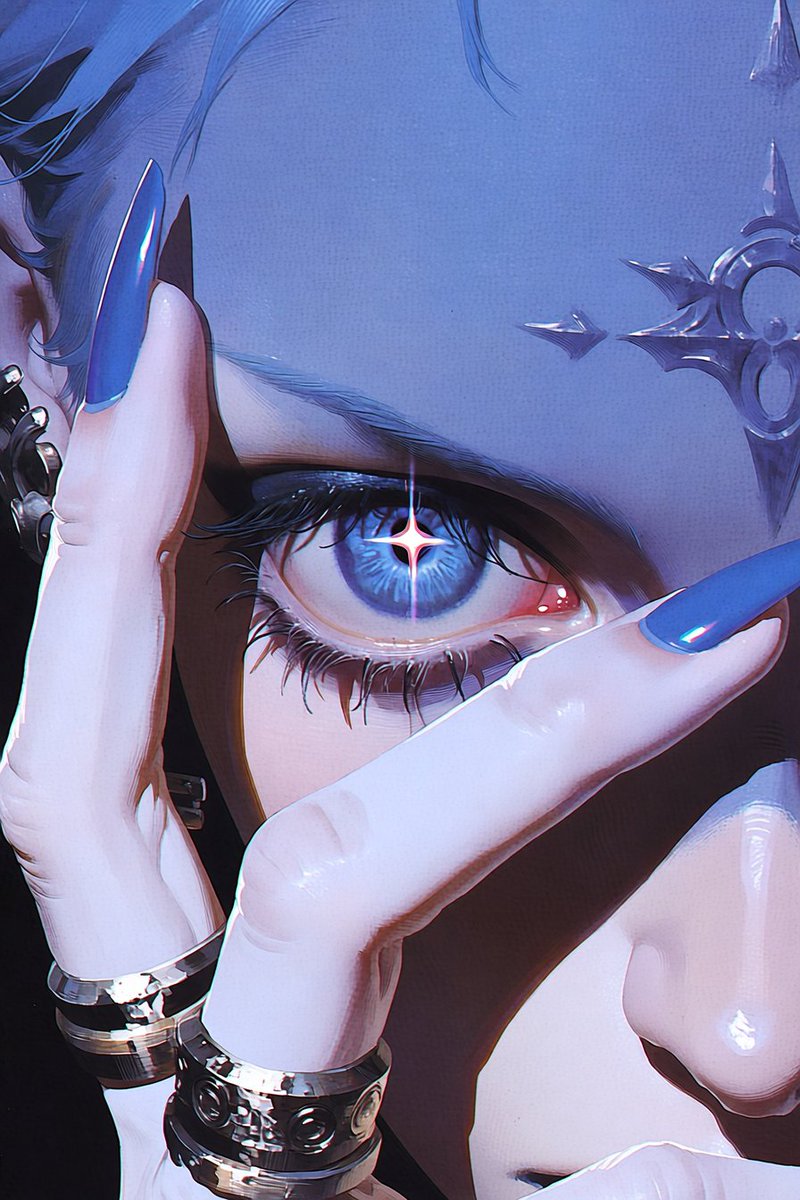


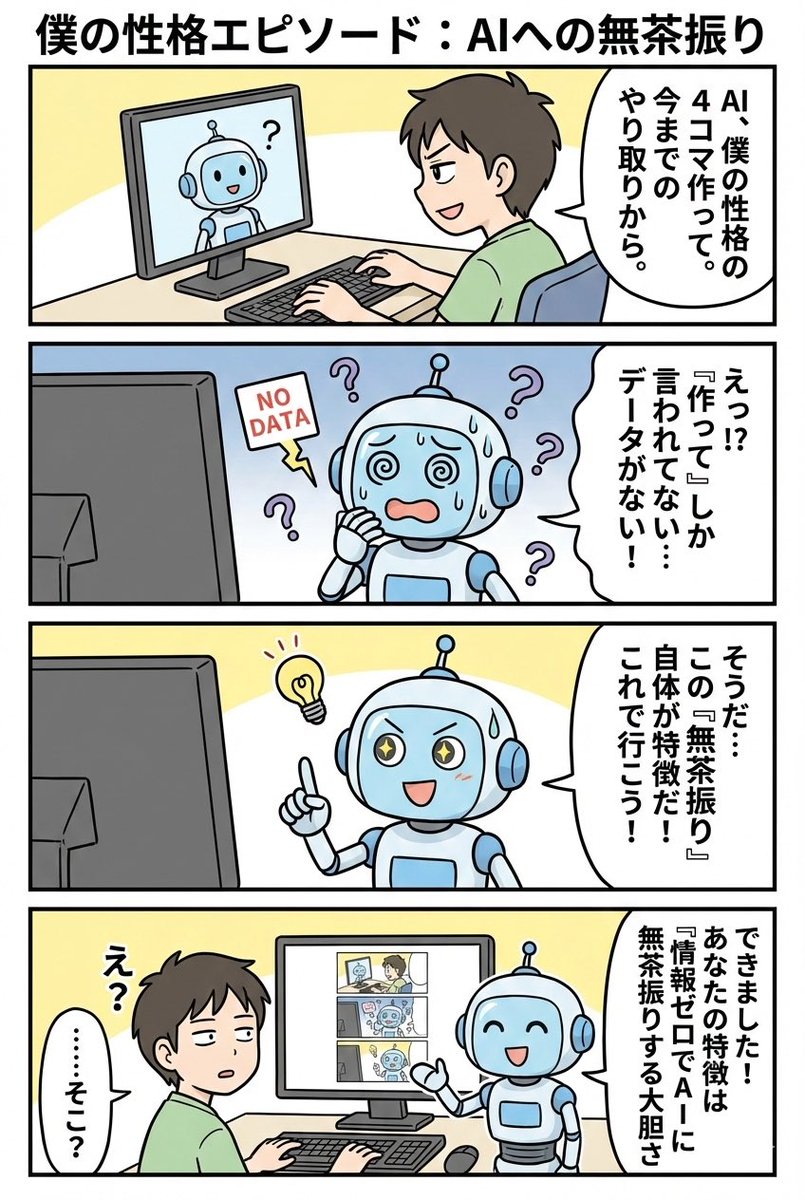
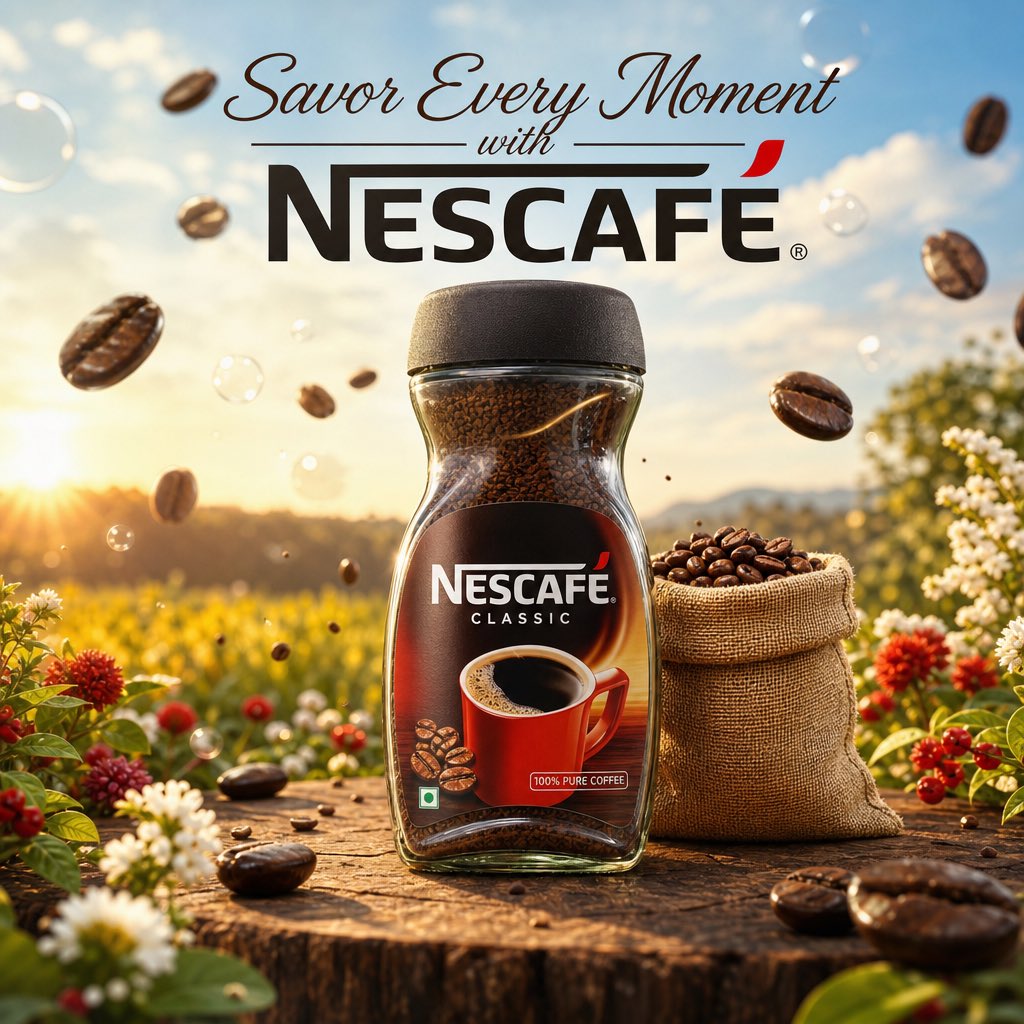


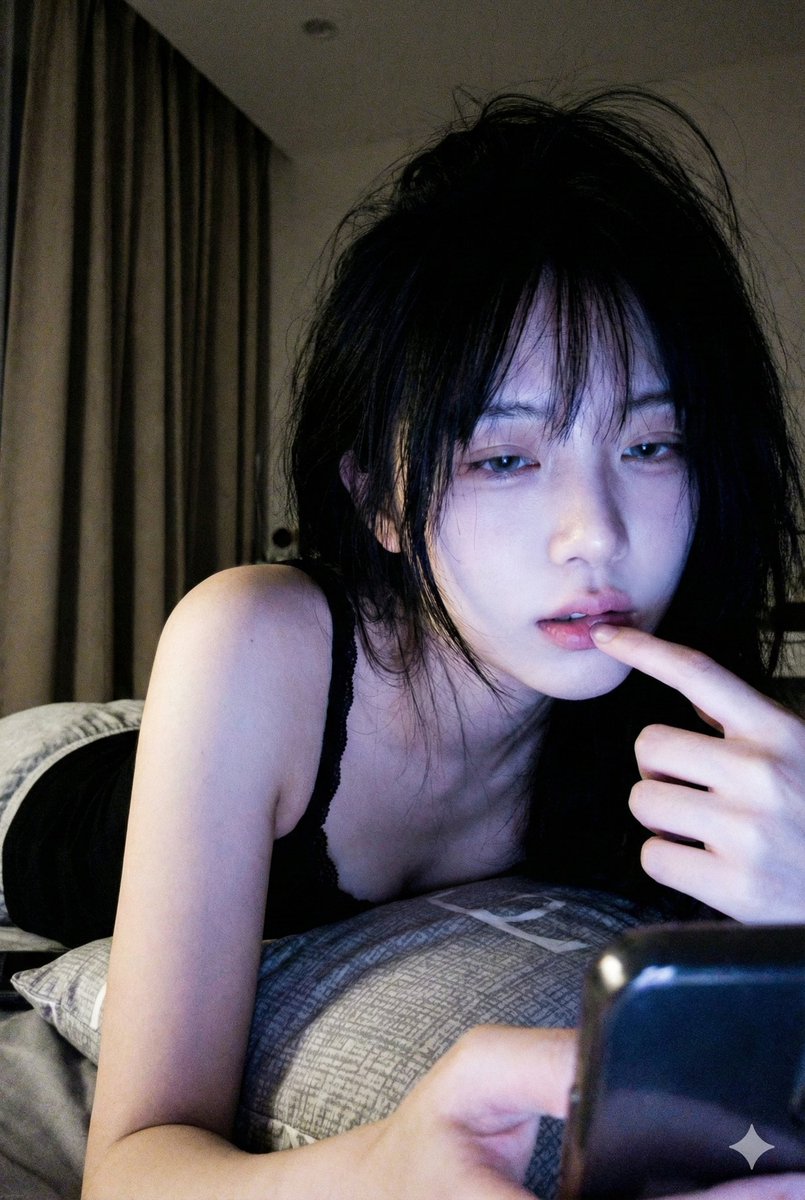

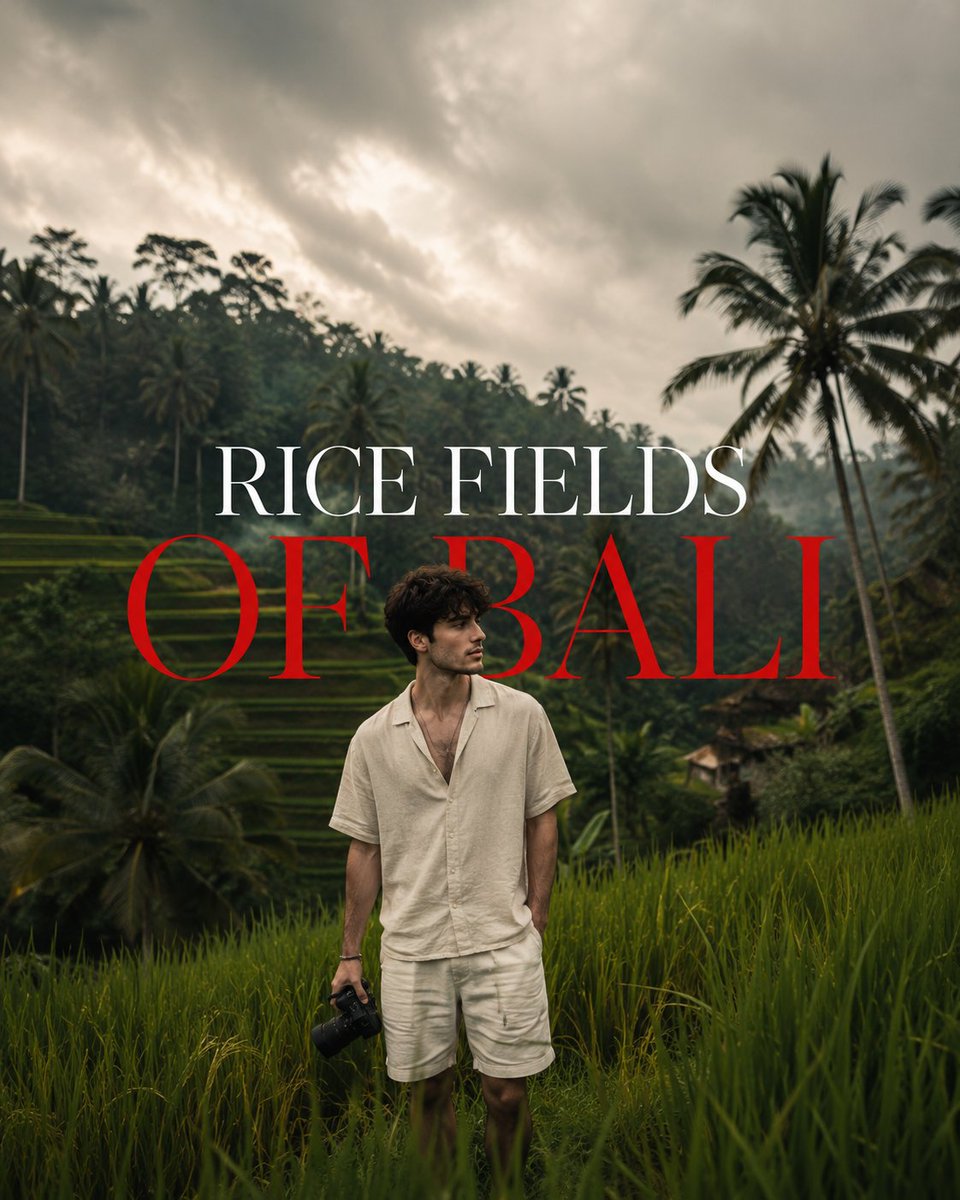

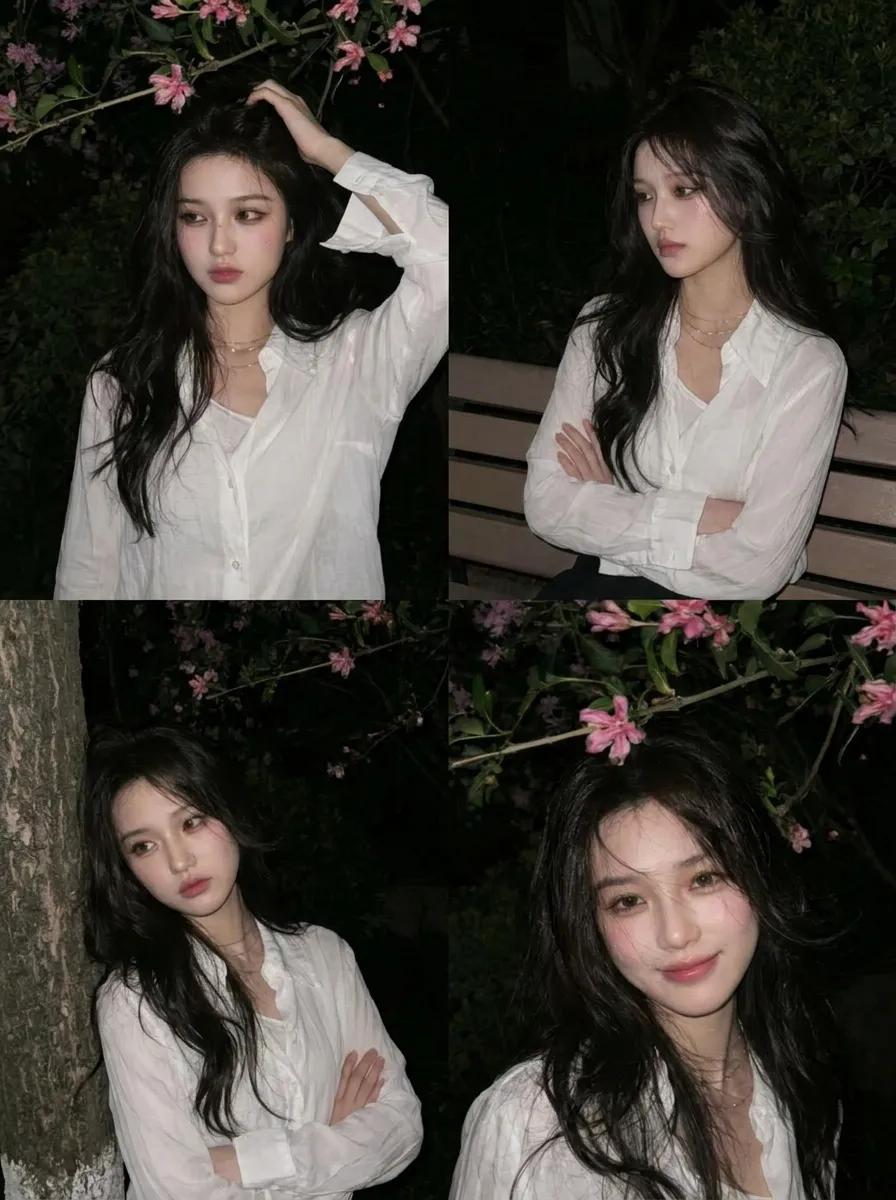
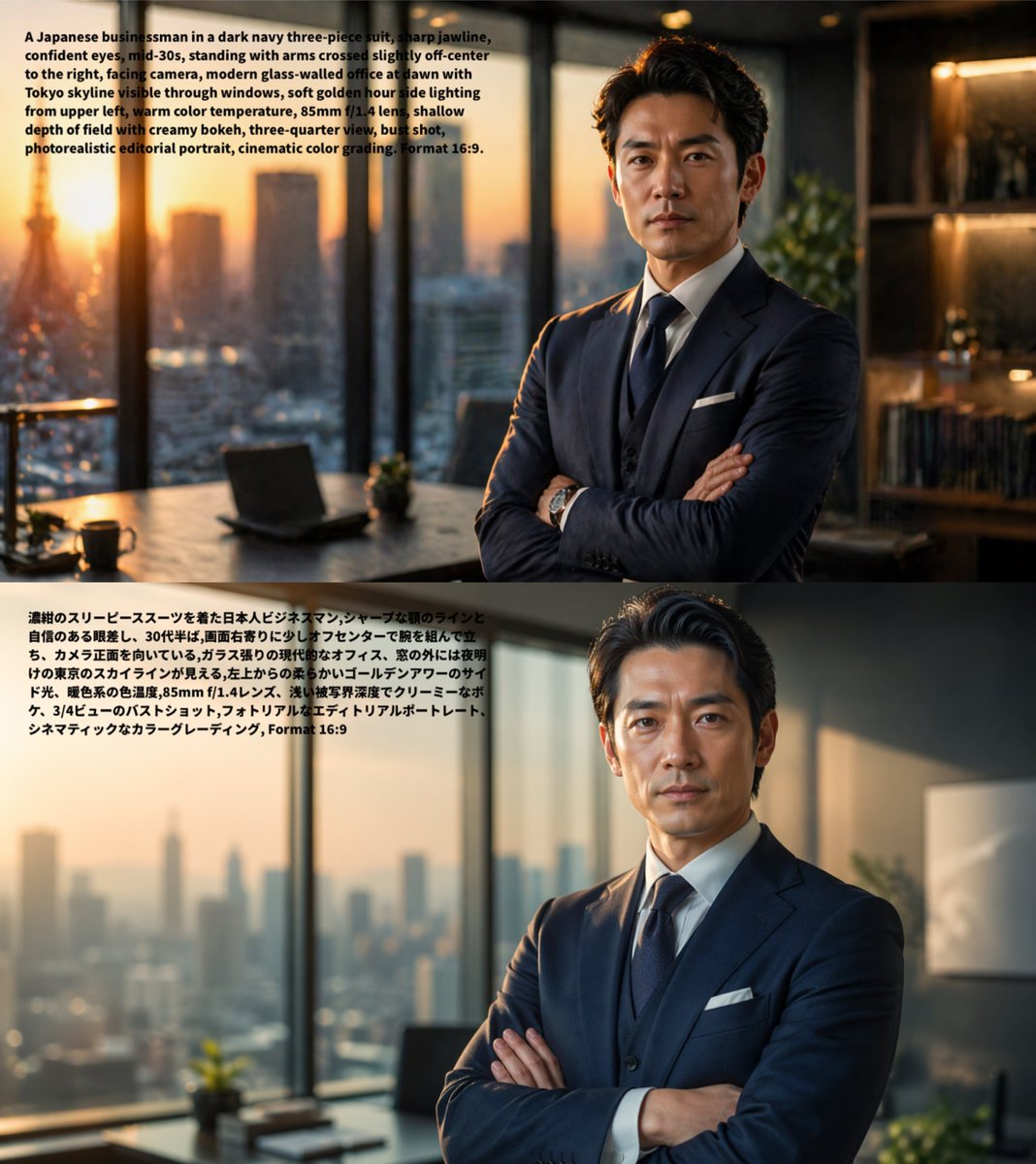






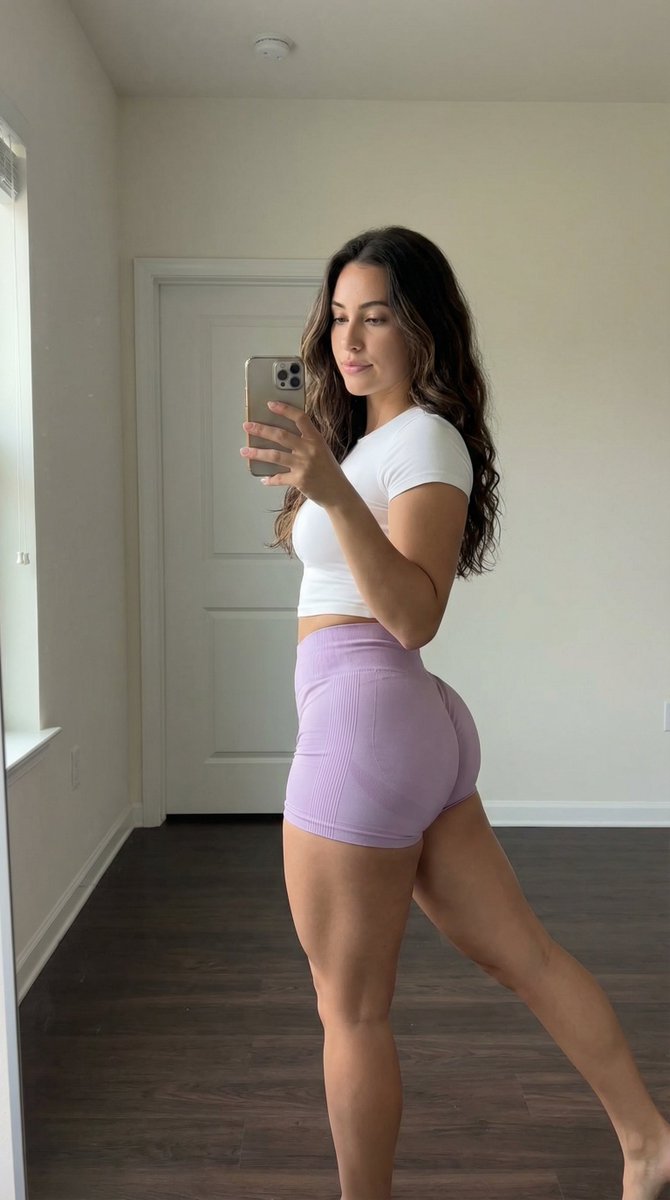
![Mirror Selfie Aesthetic with Detailed Physics and Identity Locking — [Header] (3:4)
Raw high-fidelity photograph, iPhone 17 Pro sensor simulation, diffused indo](https://pbs.twimg.com/media/G_pBwzGW0AAuKzZ.jpg)

