How do I use the Extreme Closeup of Sophie Turner as Lara Croft template?
Choose the primary action to open PicX Studio with the available template settings. Review the model and format, personalize the creative direction, and generate when ready.
A highly detailed prompt for an extreme cinematic closeup portrait of Sophie Turner as Lara Croft. Change the subject, setting, or lighting one variable at a time.

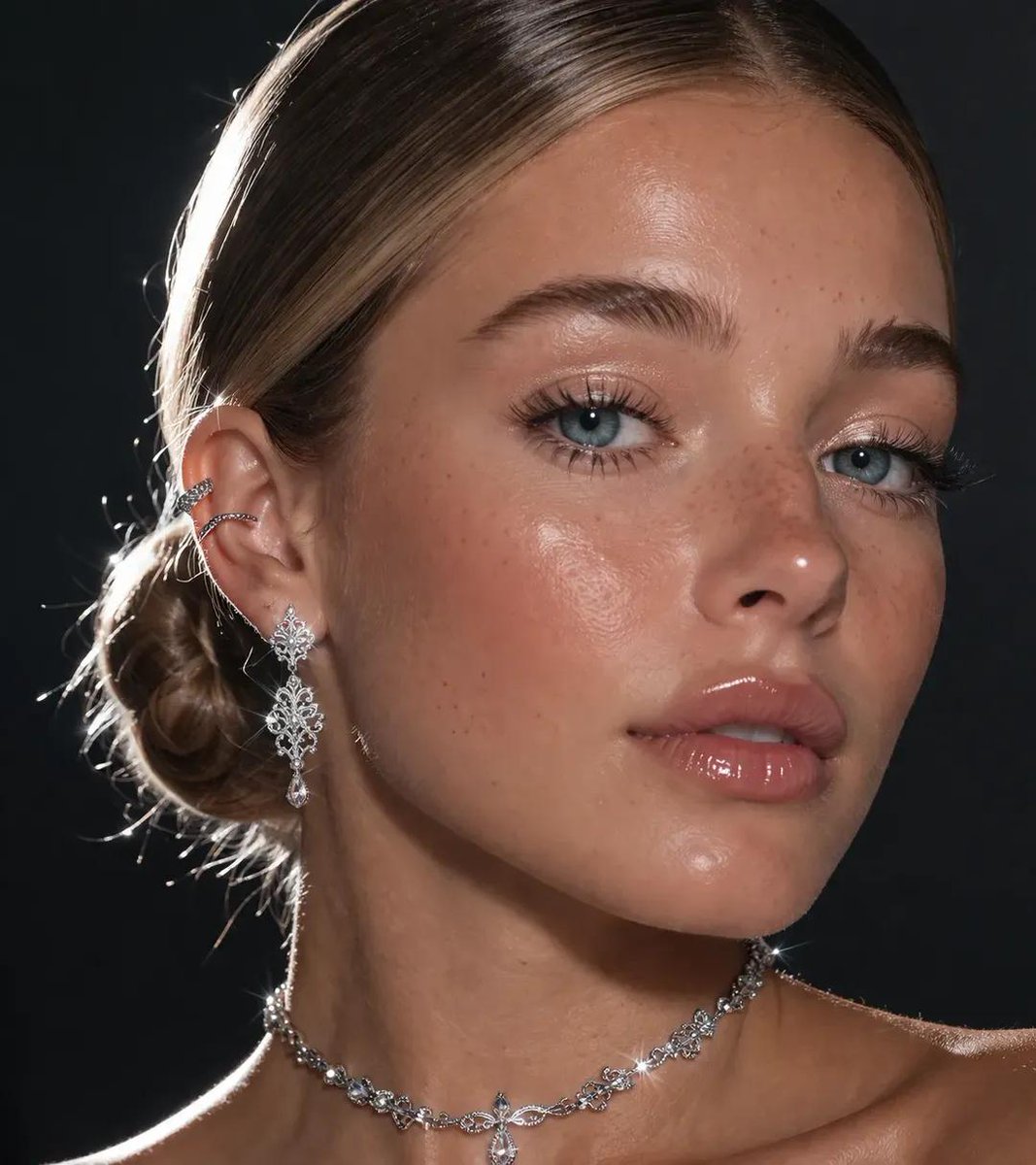
Extreme closeup portrait of {argument name="subject" default="Sophie Turner"} as {argument name="character" default="Lara Croft"}, framed in a 9:16 vertical aspect ratio, focusing intensely on her face, jawline, and neck. She is captured in a moment of pause, one hand raised to her face as she delicately holds the frame of her signature round, red-tinted sunglasses. Her skin is rendered with hyper-realistic detail, featuring visible pores and a fine sheen of perspiration; large, glistening beads of sweat trickle down her forehead and the length of her neck. Smudges of dark, gritty mud and dried dirt are artfully smeared across her cheekbones and collarbone. The lighting is high-contrast and cinematic, with a sharp key light hitting the side of her face to emphasize the moisture on her skin and the sharp contours of her facial structure, while a subtle rim light separates her from the dark, atmospheric background. Her eyes are sharp and focused, looking directly past the lens with a fierce, weathered expression. The textures are visceral: the polished metal and red glass of the spectacles, the damp strands of her dark hair pulled back, and the rugged, ribbed fabric of her teal tank top visible at the bottom of the frame alongside the distressed brown leather of her tactical shoulder harness. Shot with an 85mm macro lens, f/2.8, creating a shallow depth of field that keeps the focus razor-sharp on her facial features and the grit of the dirt while softly blurring the background.
Choose the primary action to open PicX Studio with the available template settings. Review the model and format, personalize the creative direction, and generate when ready.
Yes. You can change the subject, setting, lighting, mood, format, and available model controls before creating your image.
This template is free to open and customize. Generation usage is shown in PicX Studio before you create.
Start with Nano Banana 2, which is the model associated with this template. You can compare another compatible model for a different finish.
© 2026 PicX Studio. All rights reserved.

Follow a topic to a crawlable collection of related PicX Studio templates.
43,474 public templates available. Verified via the PicX Studio public templates API; refreshed hourly.








![Extreme close-up macro of miniature city diorama on a solid base, held — Extreme close-up macro of miniature city diorama [CITY, COUNTRY] on a solid base, held](https://images.meigen.ai/tweets/2007777809712976297/0.jpg)



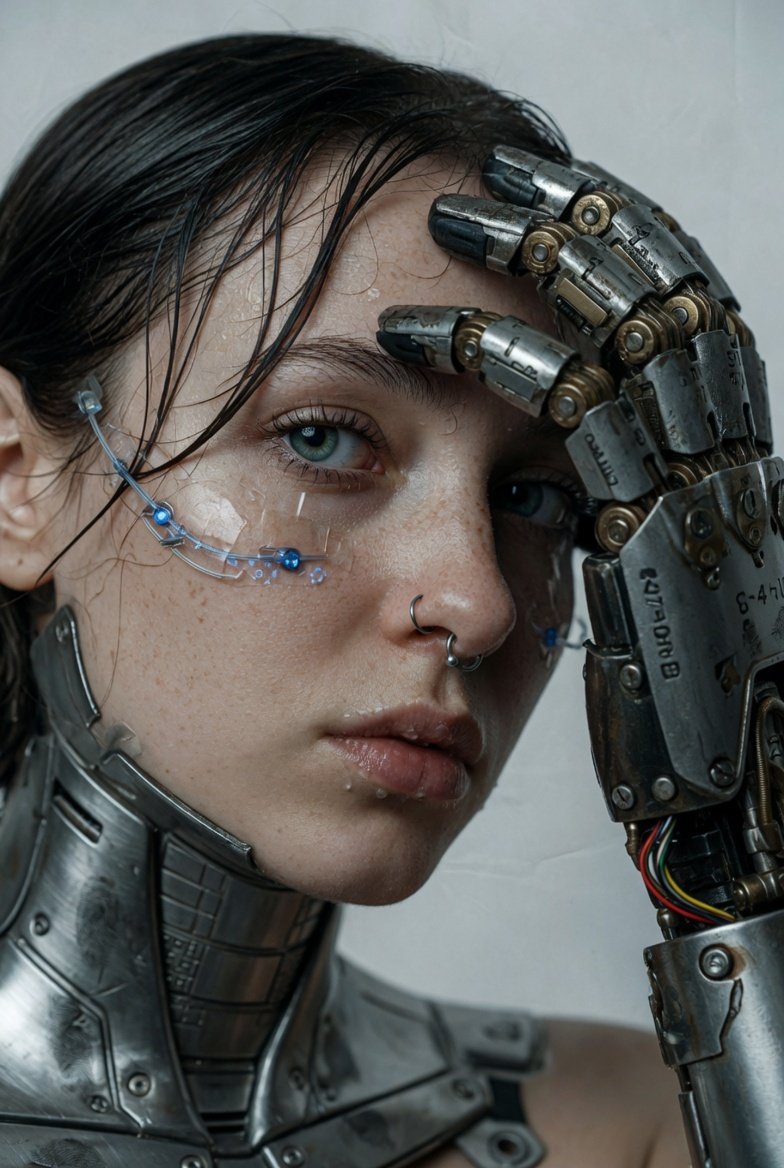

![Naive doodle-style subject illustration — A doodle-style {argument name="subject" default="[subject]"}, naive lines, humorous shape exaggeration](https://pbs.twimg.com/media/G6Wl2YxbsAARB2b.jpg)











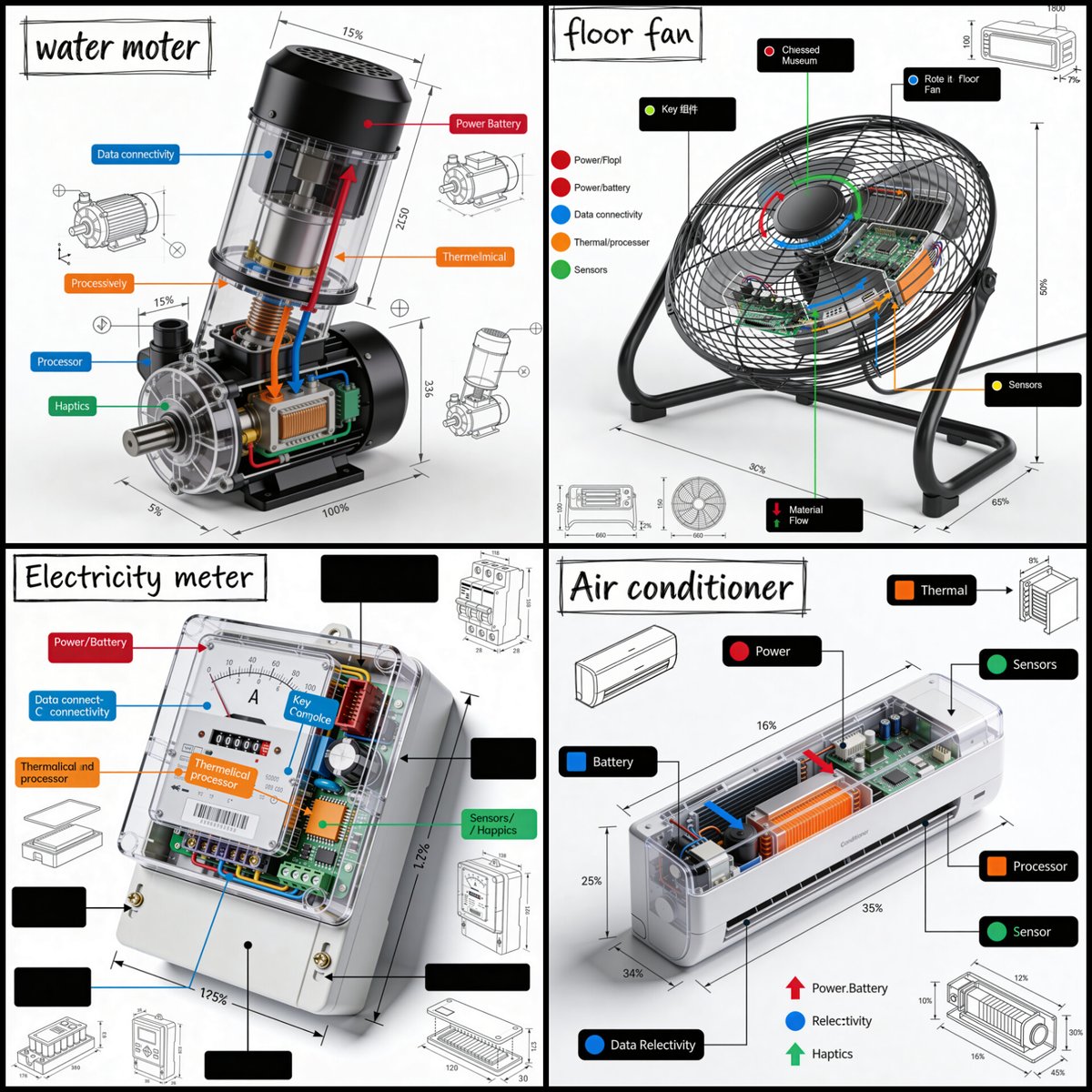
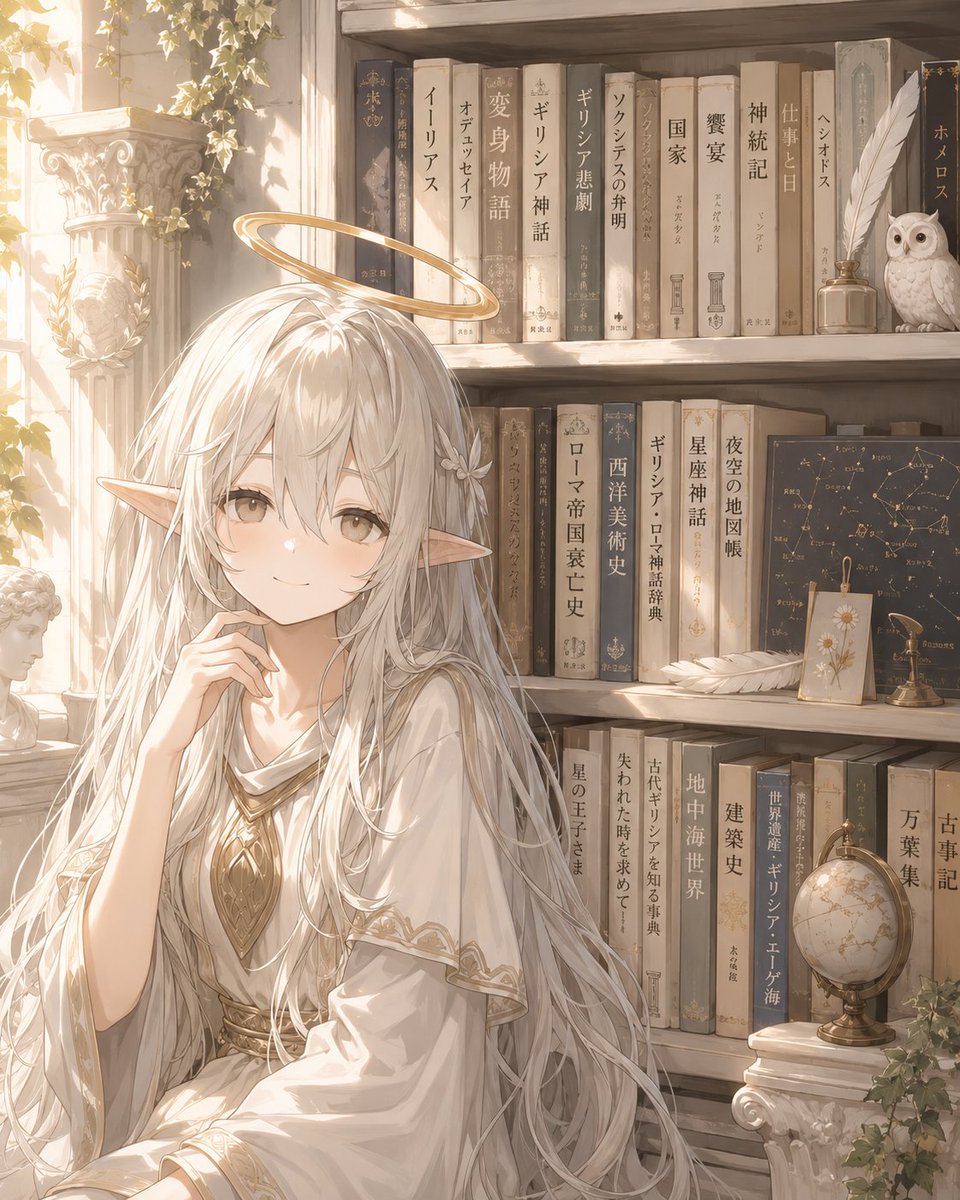
![Premium Top-Down Product Marketing Shot Prompt — A high-end editorial photo of a {argument name="product" default="[PRODUCT]"} placed flat on a {argument name="](https://pbs.twimg.com/media/G9_WTiEXQAAeAMC.jpg)