How do I use the Once-in-a-Millennium Idol Stage Photo template?
Choose the primary action to open PicX Studio with the available template settings. Review the model and format, personalize the creative direction, and generate when ready.
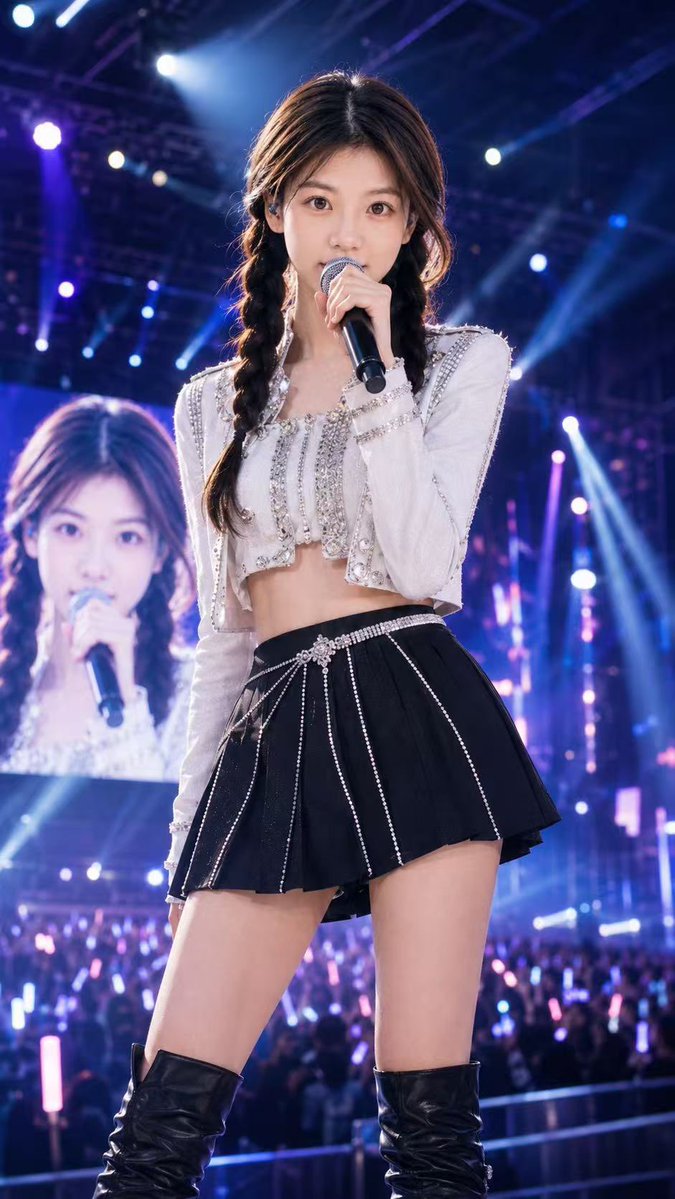
Captures a high-resolution, cinematic shot of an idol on a concert stage, perfect for creating realistic Japanese pop-culture photography with soft bokeh and romantic lighting. Change the subject, setting, or lighting one variable at a time.
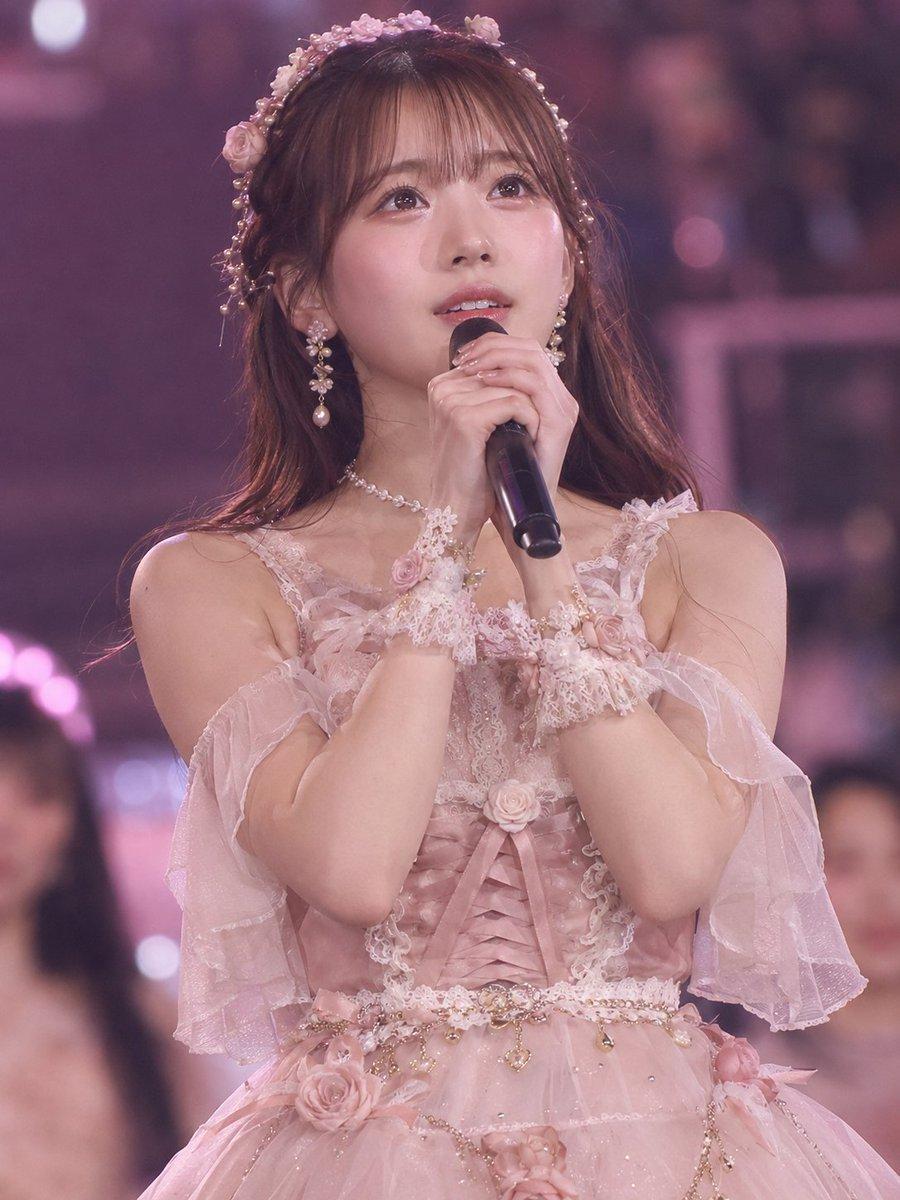
アイドルライブ写真の雰囲気・ステージ感・髪型の方向性・表情 実在人物の顔・衣装・アクセサリー・ポーズをそのままコピーしない。 新規オリジナルの成人女性アイドルとして生成。 縦長3:4、フォトリアル、高解像度、ライブステージ撮影、浅い被写界深度、背景は{argument name="背景" default="ピンク〜紫のステージライトと柔らかい玉ボケ"}、観客や他メンバーはぼかす。 「1000年に1度のアイドル神ショット」感、儚くてロマンティック、透明感、上品な可愛さ、夢見心地のステージ写真。 被写体: {argument name="主体" default="成人女性アイドル"}、長いブラウンヘア、薄めの前髪、柔らかい表情、大きく澄んだ瞳、自然な血色感、薄いピンク系メイク、リアルな肌質、過度なAI陶器肌は禁止。 マイクを両手で優しく持ち、少し上を見つめながら歌っている瞬間。 口元は少し開き、感情が乗った歌唱中の表情。 ポーズは静かで上品、指先は自然で美しい。 衣装: ネイビー×ピンク衣装、巨大ピンクリボン、銀色フリル袖、ベレー帽、チョーカーは使用禁止。 完全に別衣装に変更。 新衣装: {argument name="新衣装" default="ダスティローズピンクとクリームホワイトのロマンティックアイドルドレス"}。 重なったチュール、サテン風のコルセット調ボディス、淡いローズの立体花飾り、スカラップ形の袖、透け感のあるフリル袖、繊細なレース、胸元と腰に小さなバラの装飾。 スカートは柔らかいチュールレイヤー、淡いピンクとクリームのグラデーション、上品なラメ感。 アクセサリー: パールクラスターイヤリング、ローズモチーフのヘアヴァイン、レースのリストカフス、小さなハートペンダントのチョーカー、ジュエルチャーム付きの細いベルト。 すべて衣装に合わせた淡色・ロマンティック系で統一。 撮影: ステージライトは柔らかいピンク、ラベンダー、薄紫。 顔に美しいキャッチライト、肌は自然、目元はくっきり。 イベントカメラマンが奇跡的に撮った一瞬のようなリアルなライブ写真。 過剰なファンタジー、羽、結晶、魔法エフェクト、アニメ塗りは禁止。 テキスト、ロゴ、透かしなし。
Choose the primary action to open PicX Studio with the available template settings. Review the model and format, personalize the creative direction, and generate when ready.
Yes. You can change the subject, setting, lighting, mood, format, and available model controls before creating your image.
This template is free to open and customize. Generation usage is shown in PicX Studio before you create.
Start with GPT Image 2, which is the model associated with this template. You can compare another compatible model for a different finish.
© 2026 PicX Studio. All rights reserved.

Follow a topic to a crawlable collection of related PicX Studio templates.
43,474 public templates available. Verified via the PicX Studio public templates API; refreshed hourly.
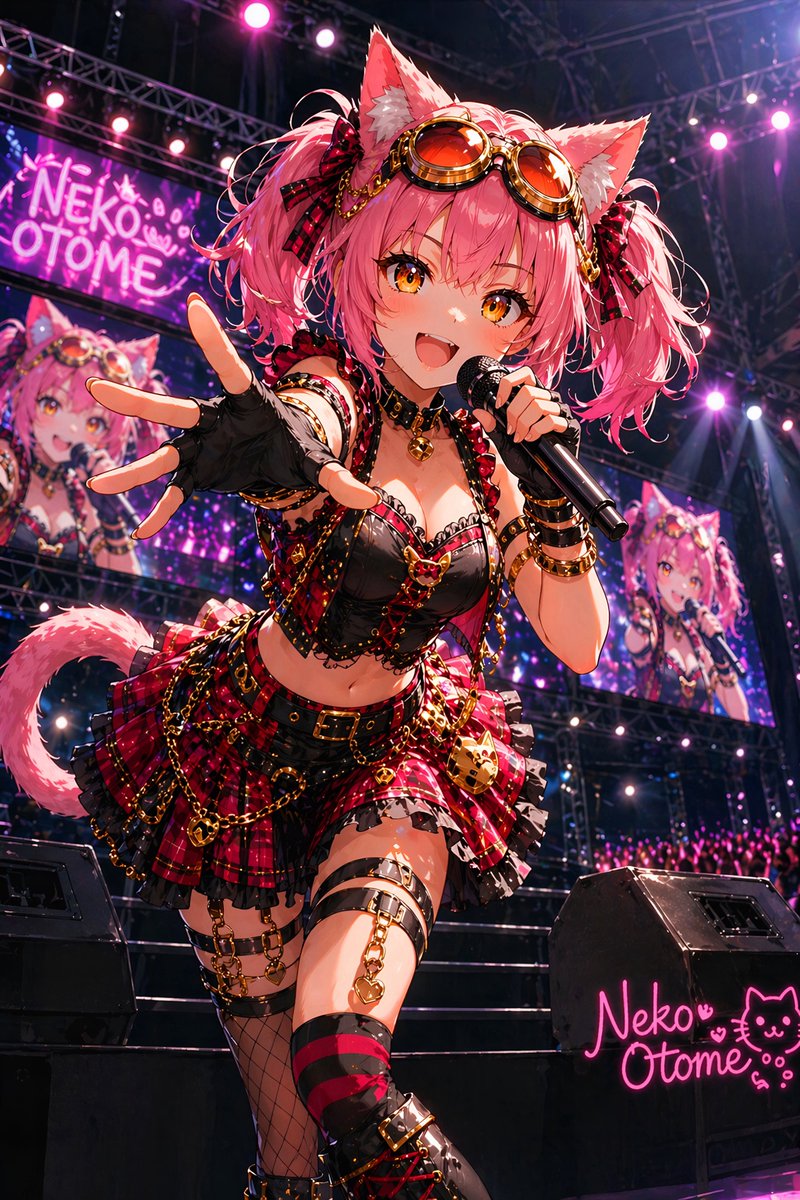


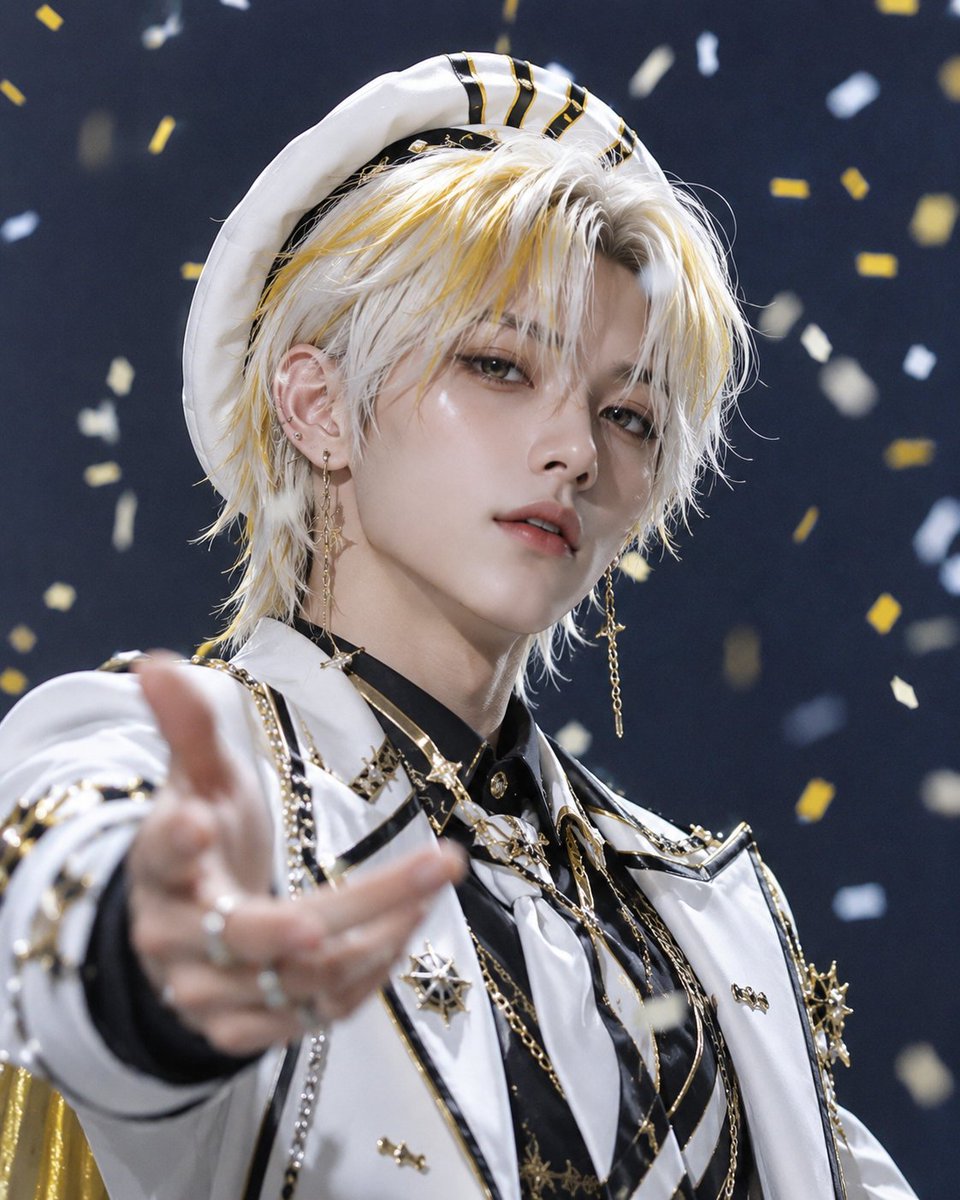



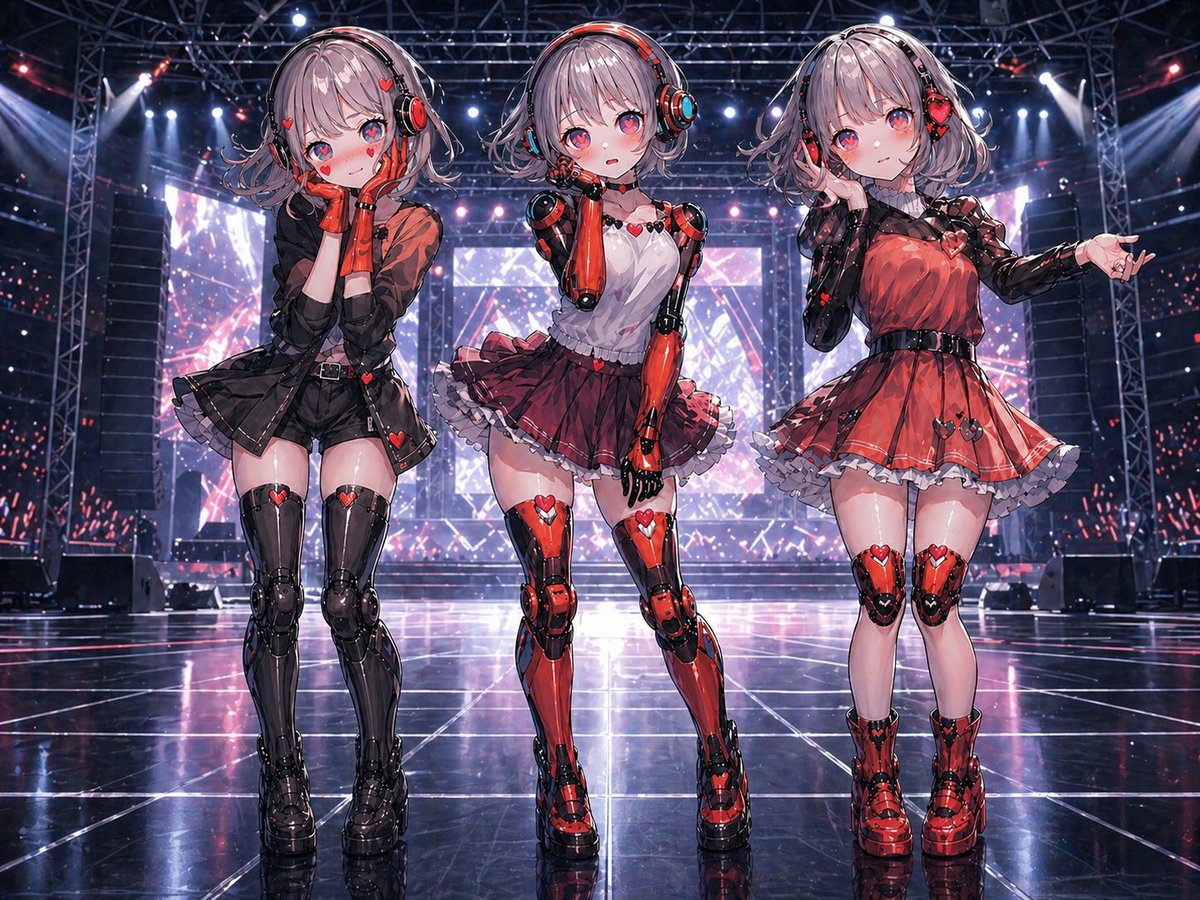





![K-POP Idol Stage Performance Portrait — 하이퍼 리얼리스틱, [인물참조 {argument name="참조 이미지" default="이미지 1, 이미지 2, 이미지 3, 이미지 4"}] 첨부 이미지의 인물을 그대로 기준으로 하여, 긴 흑발이 얼굴을 자연스럽게](https://cms-assets.youmind.com/media/1779786525304_uyka4d_HJIYPstaUAAZM3-.jpg)




![Minimalist Flat Vector Travel Poster — Premium minimalist flat-vector travel poster for {argument name="city name" default="[CITY_NAME]"}, 3:4 vertical format.](https://cms-assets.youmind.com/media/1787917359711_3ug846_HQX205cbMAA6F6S-300x400.jpg)





















![Deconstructed Ingredients Visualization — ( Deconstructed_Ingredients_{argument name="dish name" default="[DISH_NAME]"} * 1.5 ) +
( Miniature…](https://pbs.twimg.com/media/HEYWiLEbYAA3lky.jpg)







![Refined Academic Degree Graduation Photos — # 新中式学位袍毕业写真|4张单独精修照 请基于用户上传的 1-3 张清晰个人照片,一次性生成 **4 张不同的单独精修毕业写真照片**。 主题为: 「新中式[学位等级]学位袍毕业写真」 可替换参数: - [学位等级]:学士 / 硕](https://cms-assets.youmind.com/media/1778748582326_h3hjte_HIMfnDzWgAEwDyn.jpg)