
Tactical Underground Idol Concert
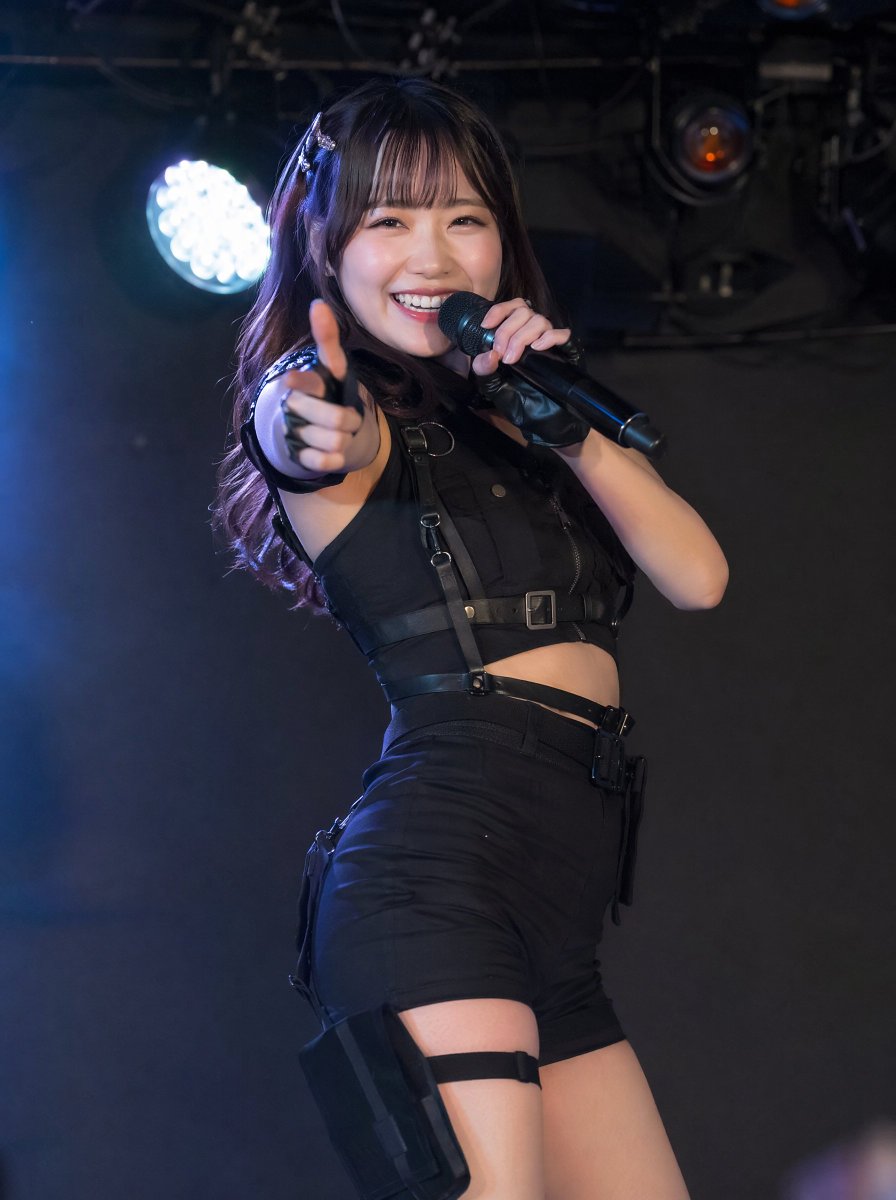
A photorealistic prompt for creating a dynamic underground idol stage performance with cute tactical fashion styling.
- Prompt included
- Model and format preset
- Free template
The prompt behind this image
Copy the exact prompt behind Tactical Underground Idol Concert, or open it in the studio and make it yours.
Create a photorealistic vertical concert photo of {argument name="performer type" default="a cheerful Japanese underground idol singer"} performing on a small live-house stage. She is a woman in her early 20s with long dark brown hair, straight bangs, soft wavy ends, and a small silver hair clip, smiling brightly while looking directly at the camera. She holds a black handheld microphone close to her mouth with one hand and extends her other arm toward the viewer in a playful finger-gun pose, creating strong foreground perspective. Dress her in an all-black tactical idol costume: sleeveless cropped vest with straps, buckles, zipper details, fingerless glove or wrist cuff, high-waisted fitted shorts, belt harness, thigh strap, and a black holster pouch on one thigh. The mood should be {argument name="style fusion" default="cute idol energy mixed with tactical military fashion"}. Use dramatic dark stage lighting with a bright circular LED spotlight glowing behind her on the left, cool blue haze, black ceiling rigging and stage equipment in the background, shallow depth of field, realistic skin texture, crisp focus on her face and microphone, and a candid live-performance photography look. Vertical 3:4 composition, waist-to-thigh framing, dynamic pose, no text, no watermark, no extra performers.
How to use Tactical Underground Idol Concert in 3 steps
- 1Upload ImagePNG, JPG or paste
Add your photo
Upload the photo the template builds on. The prompt, model and format are already set.
- 2…a portrait of your subject in softgolden-hour light, 85mm…
Personalize
Edit the subject and creative details for your destination.
- 3Generate
Generate
Press Generate — your image is created in PicX Studio, so you can compare it with the original and refine one variable at a time.
More like this
Templates with the same subject, style or setup. Open one to see its prompt.

Pastel Anime Idol Concert Finale
Neon Virtual Idol Concert
Japanese Idol Concert Portrait
Cyber Vocaloid Concert Idol
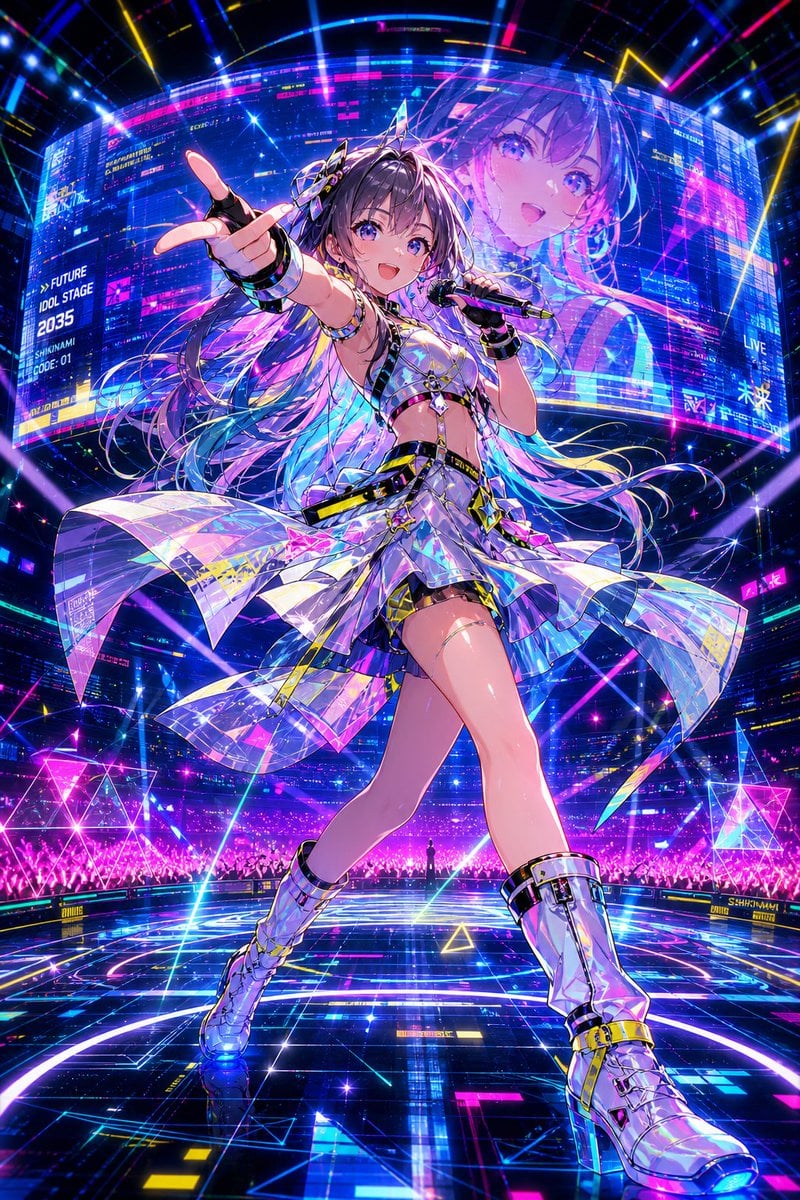
Cyberpunk Future Idol Concert
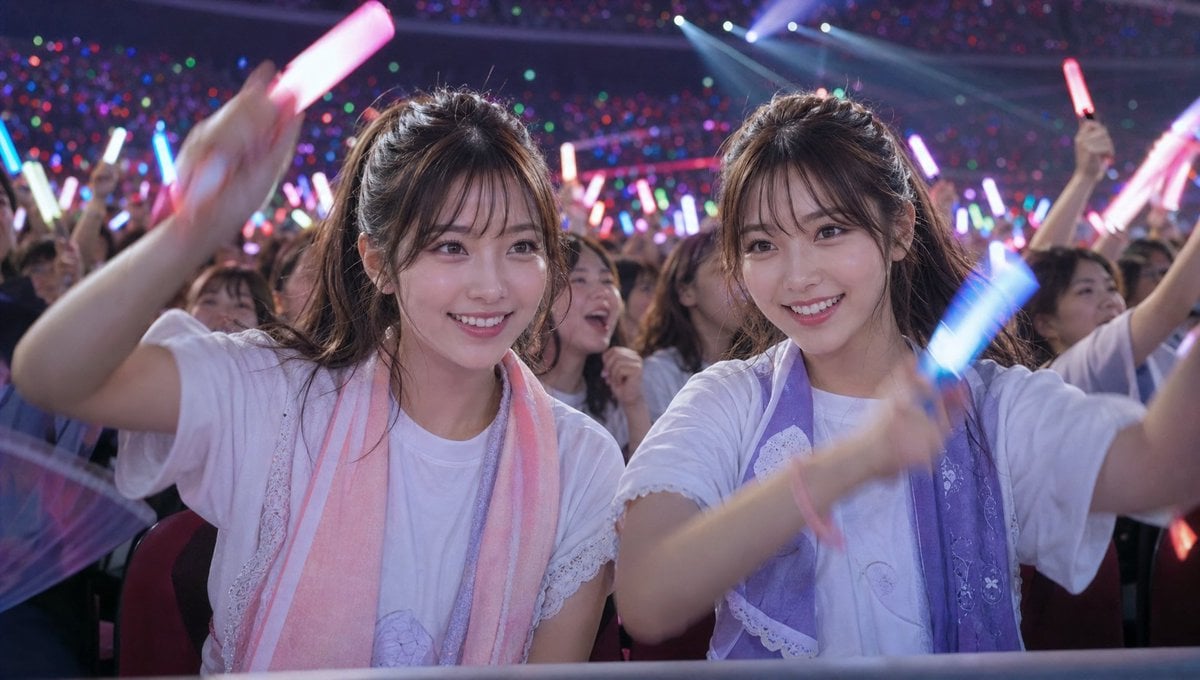
Crowd Energy at Idol Live Concert
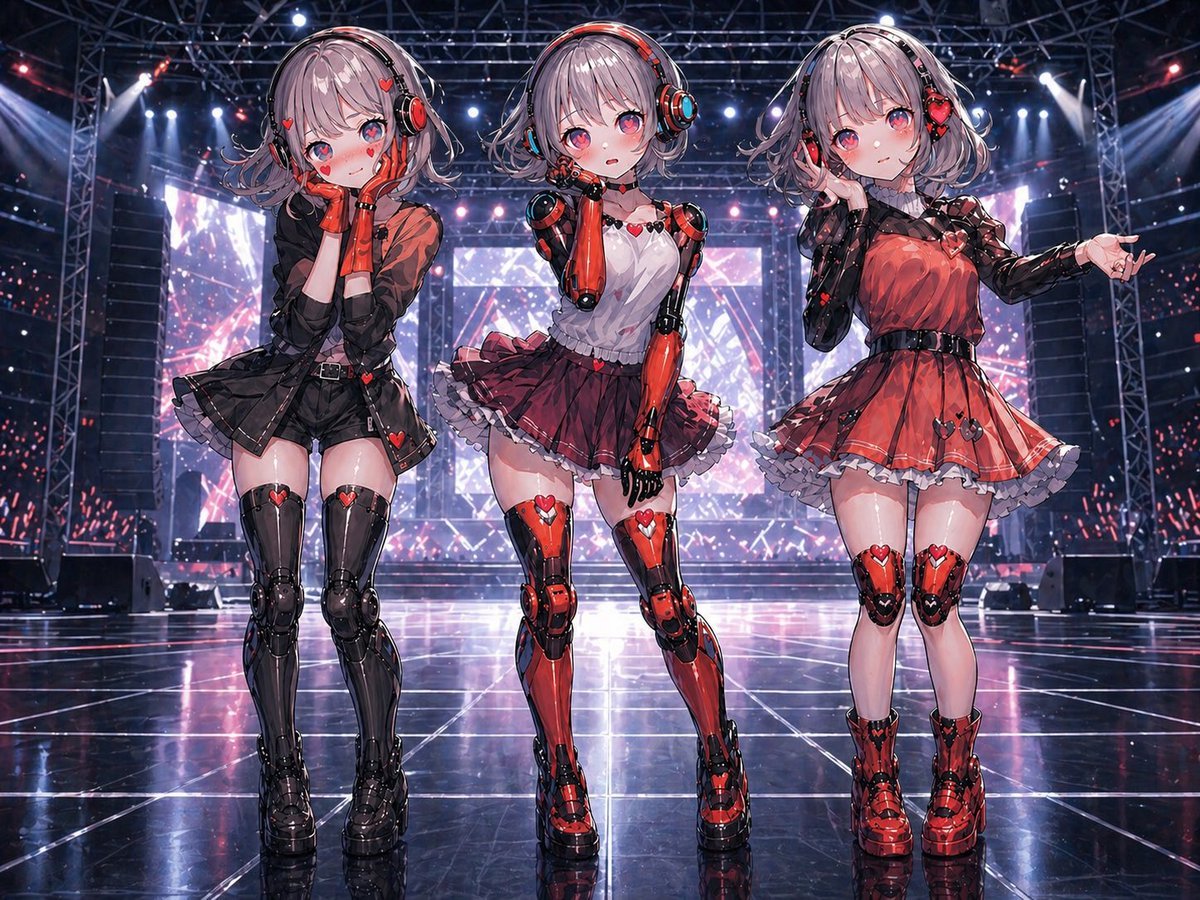
Three Android Idol Girls on Concert Stage
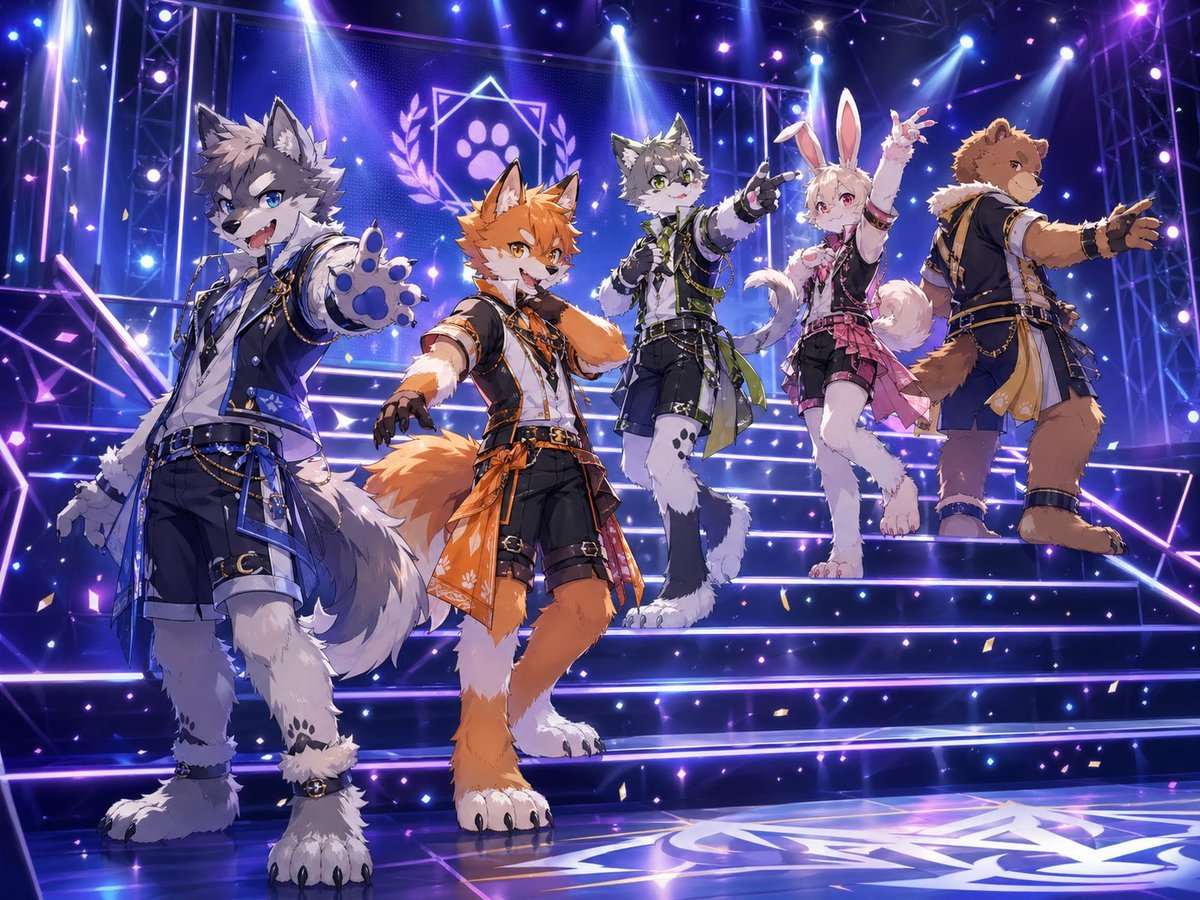
Anthro Idol Group Concert Poster

Japanese Film Reflection Idol
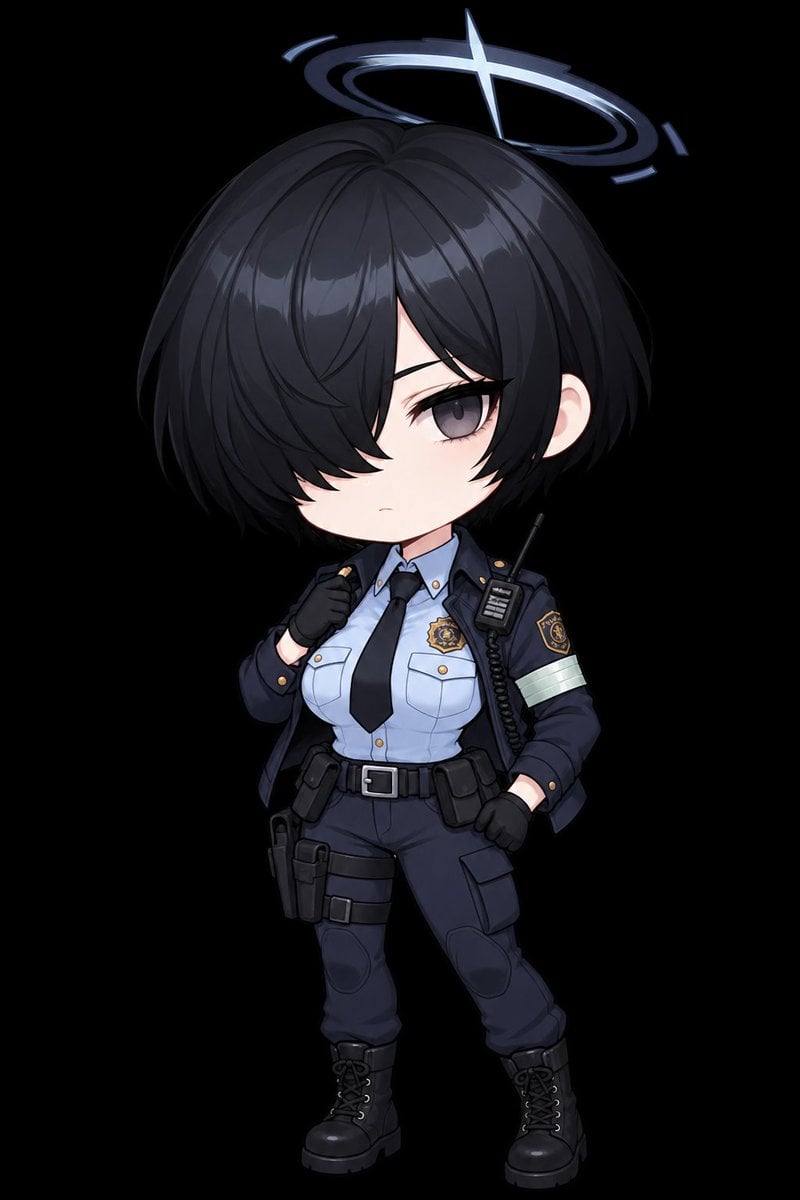
Chibi Tactical Police Girl with Halo
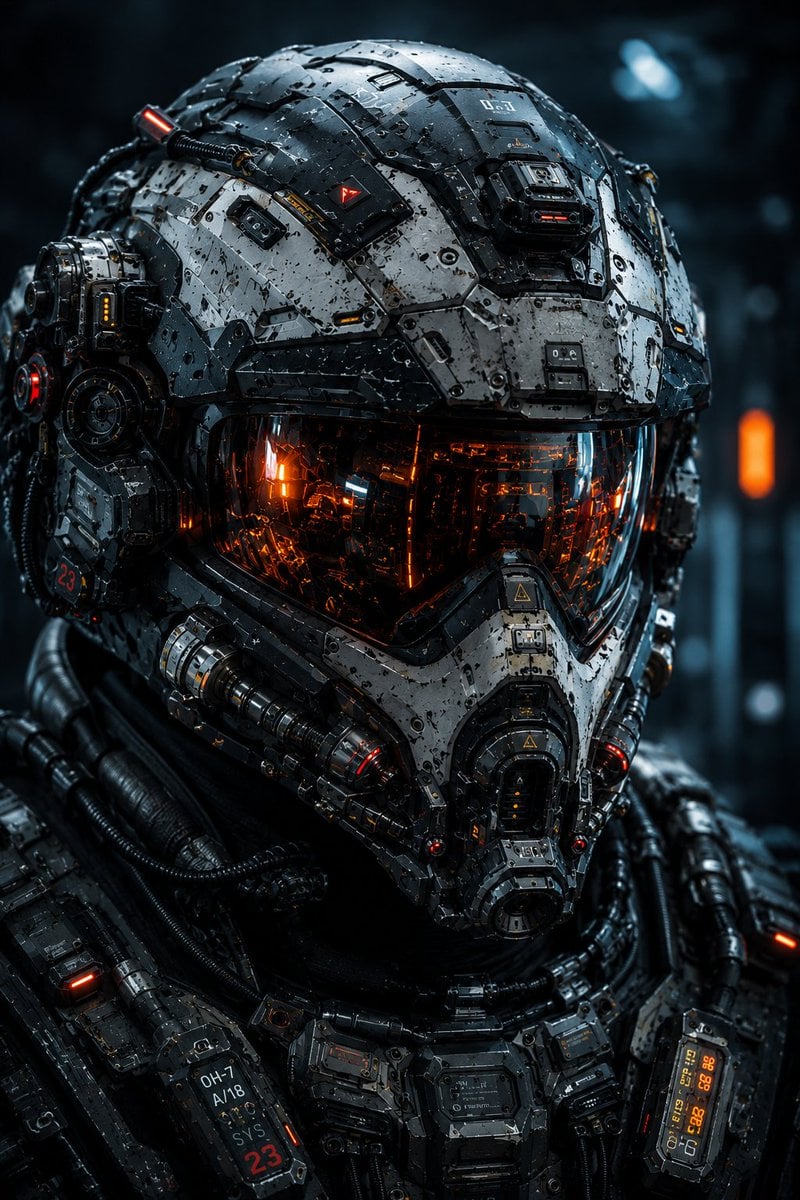
Cybernetic Tactical Soldier Portrait
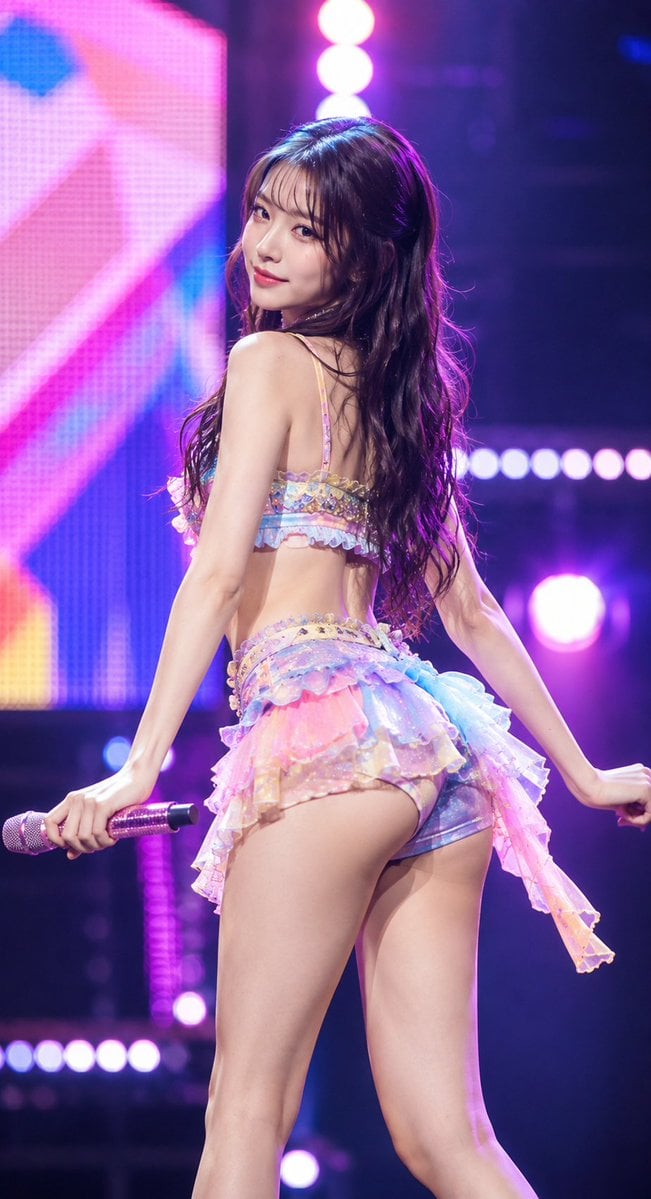
Idol Stage Performance Portrait
Make it yours
Tactical Underground Idol Concert works as-is. These are the safest ways to change it without losing the look.
Change one field
Copy a single group, rewrite it, and generate again so you can see what that field is doing.
Keep the frame, change the subject
Hold the composition and light of Tactical Underground Idol Concert, then swap wardrobe, props or the person for a new take.
| If the result… | Why | Fix |
|---|---|---|
| The result drifts from the preview | Too many fields changed at once. | Reuse Tactical Underground Idol Concert as-is first, then change one group — subject, light, or setting. |
| The model over-stylizes the scene | The prose prompt leaves finish and camera underspecified. | Add one camera or lighting sentence and stay on GPT Image 2. |
More GPT Image 2 templates
Other prompts made for GPT Image 2.

Six VTuber Japanese Logo Sheet

Realistic Portrait of Woman and Deer

The Vista Modular Condo Poster

AI Model Routing Comparison Infographic

2.5D Anime Art Board

Isometric Productivity Desk Scene

New York Double Exposure Poster

Four-Panel AI Landscape Comparison

Japanese Tatami Lifestyle Magazine Cover

NESCAFÉ Coffee Map Poster
More image prompts
Fresh picks from across the catalog.
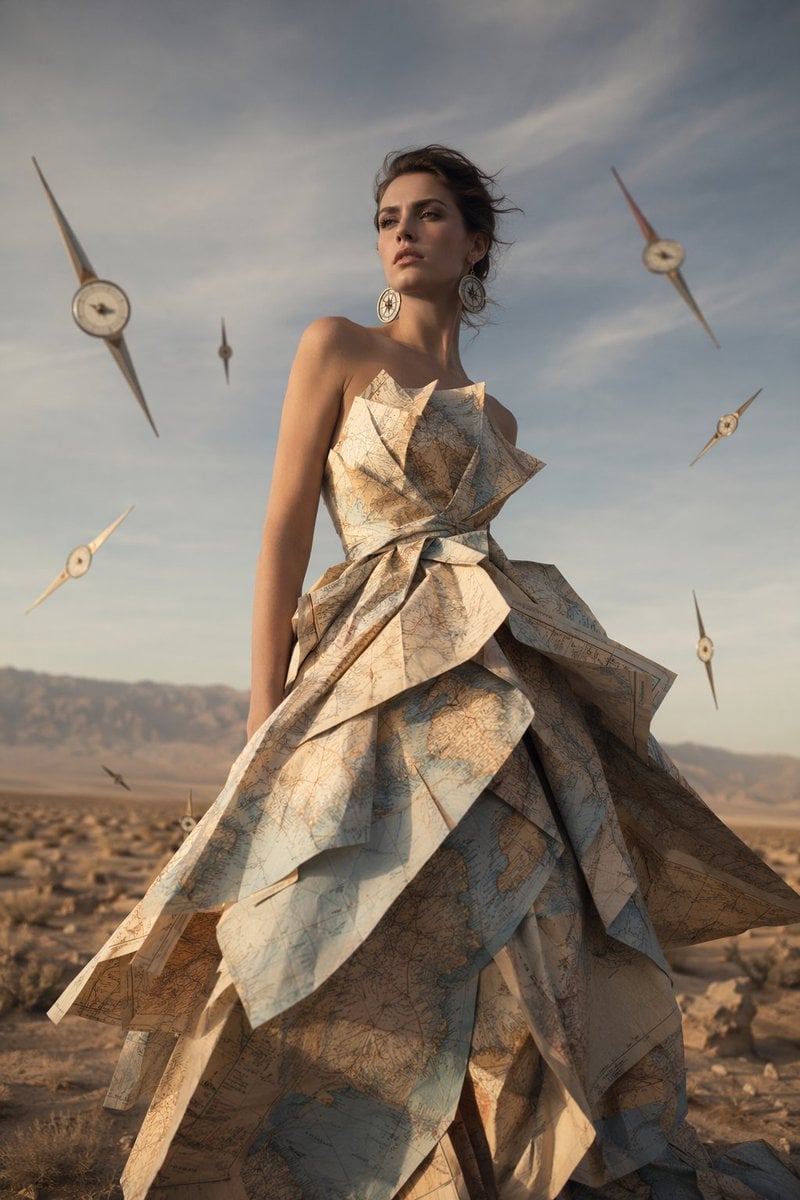
Surreal Map Dress Fashion Editorial
Glitch Lord Style Transformation
Nano Banana Pro Website Integration
Aspiring Artist in Grand Gallery Film Style
8K Beauty Product Shot with Balloons
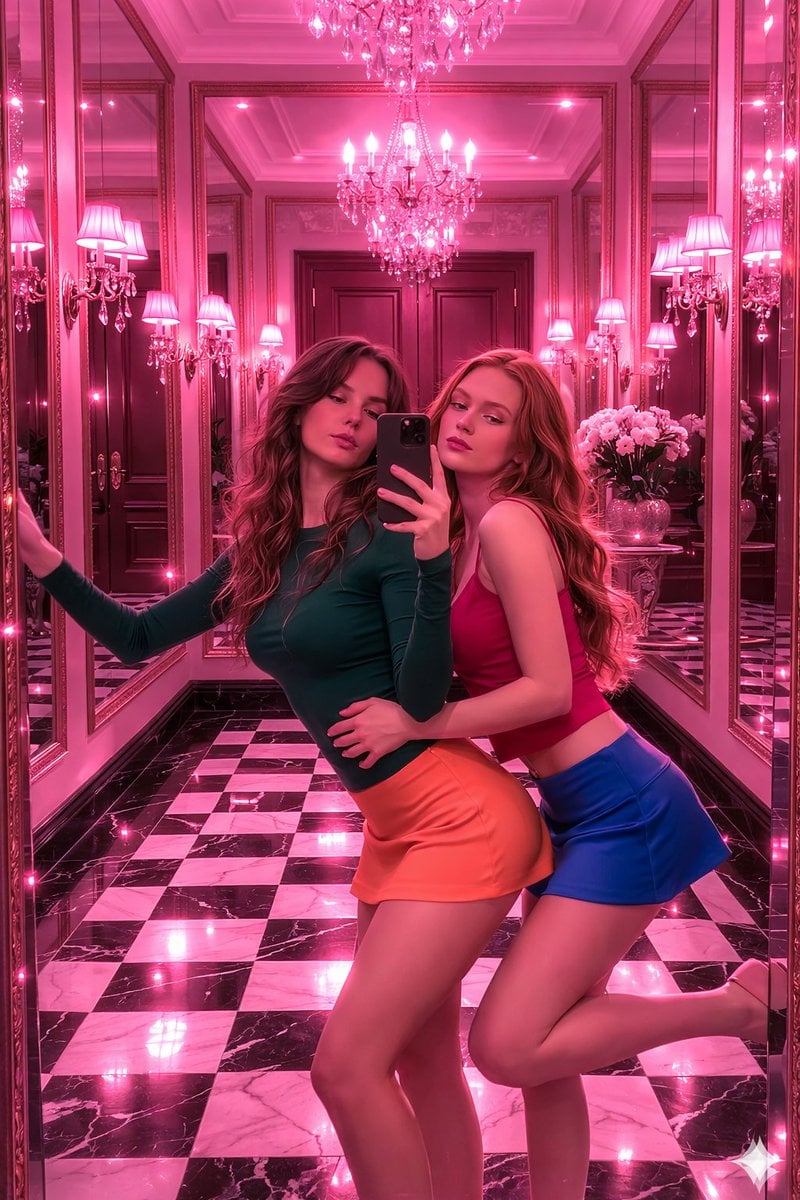
Royal Pink Glam Mirror Selfie Prompt
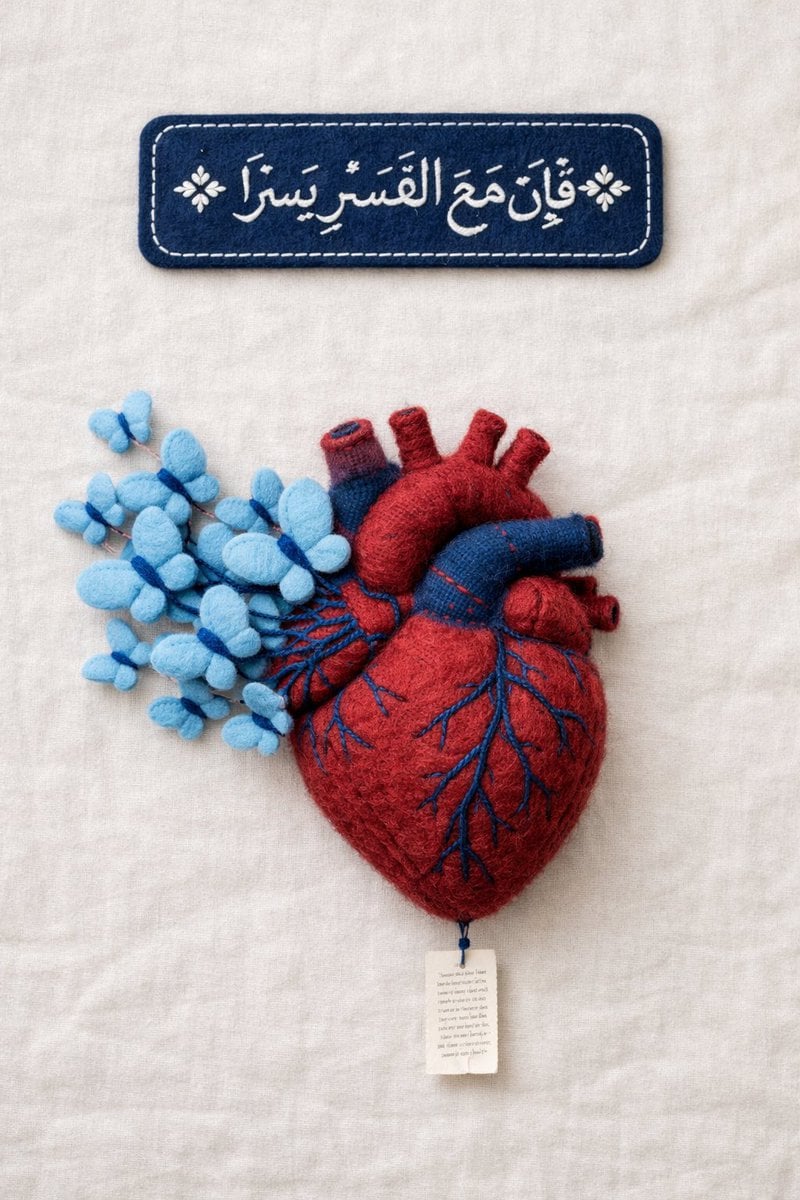
Fine Art Textile Photography Prompt (Arabic Calligraphy)
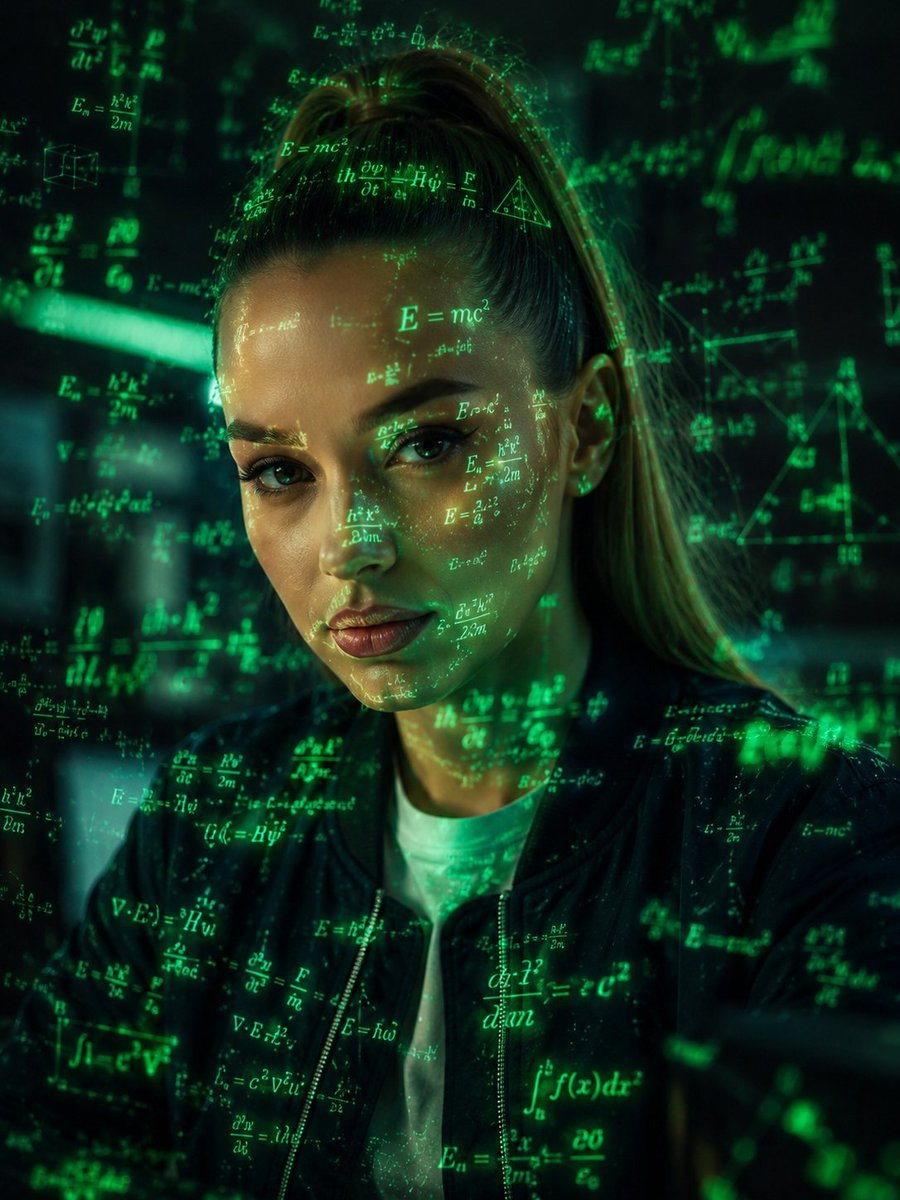
Futuristic Holographic Data Portrait
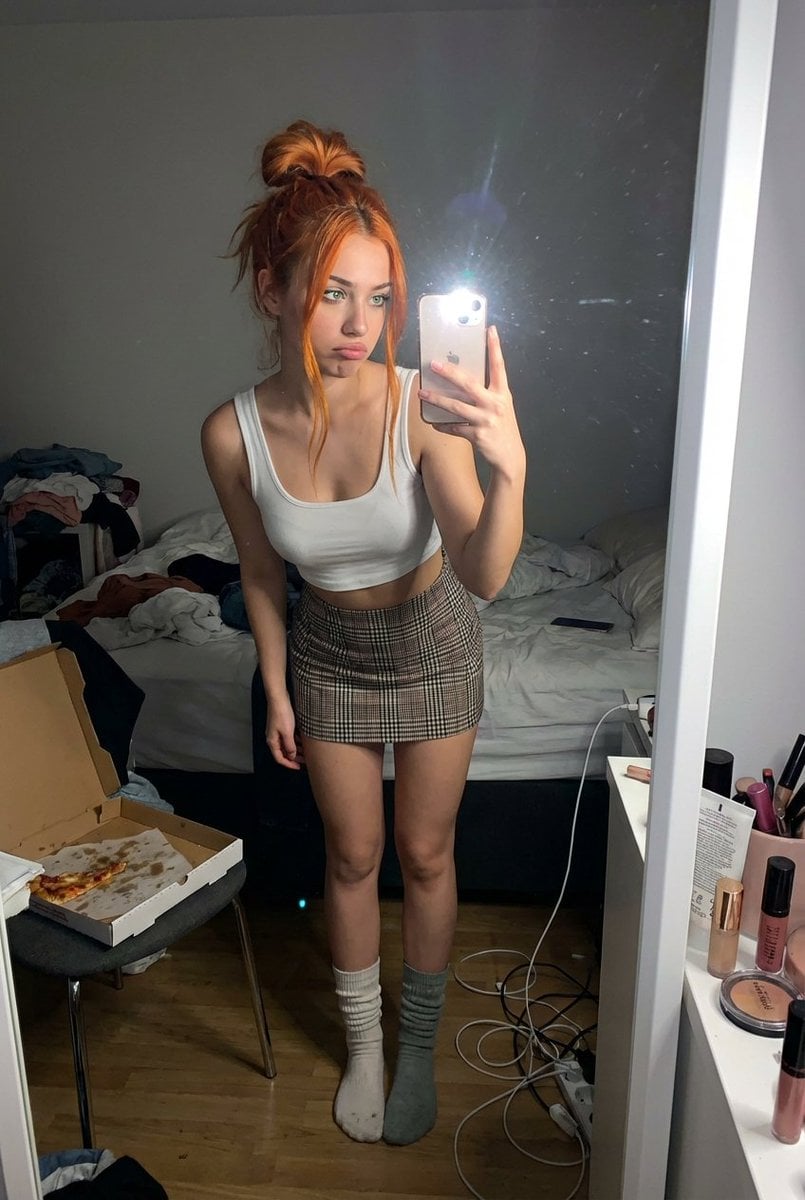
Structured Prompt for Messy Bedroom Mirror Selfie (Alev Character, Raw Flash)
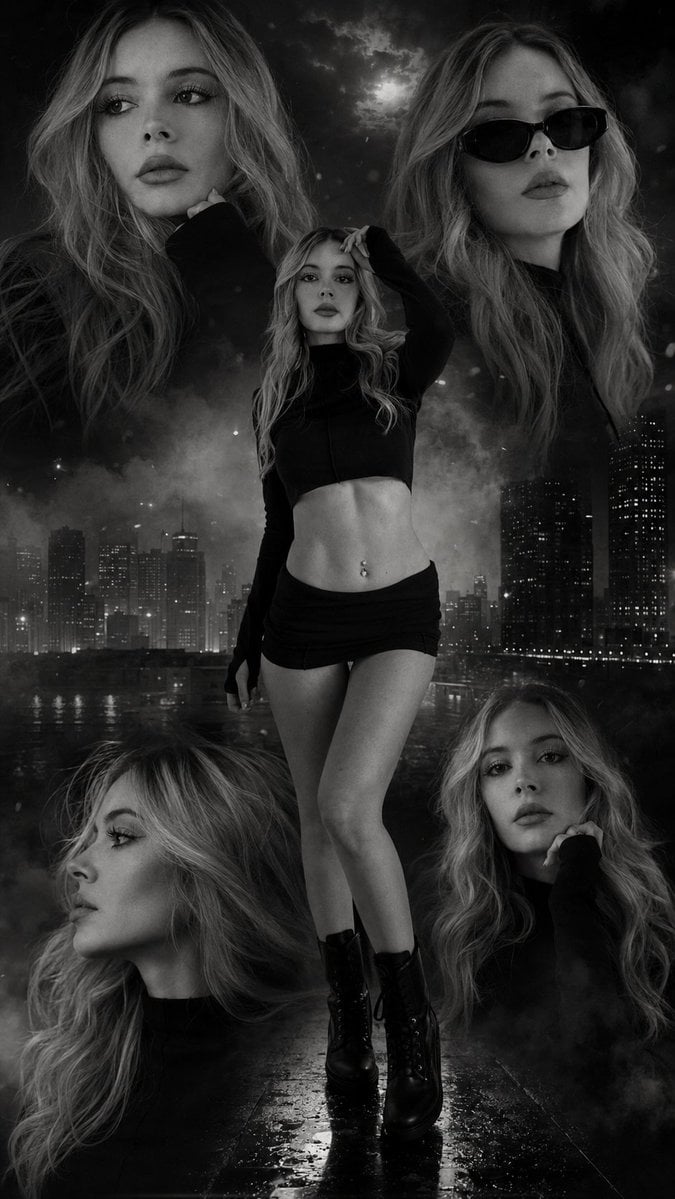
Urban Noir Fashion Editorial
Browse template categories
Tactical Underground Idol Concert questions
How do I use the Tactical Underground Idol Concert template?
Add your photo if the template asks for one, edit the prompt if you like — the template's model and format are already selected — and press Generate. Your version opens in PicX Studio.
Can I customize the Tactical Underground Idol Concert template?
Yes. You can change the subject, setting, lighting, mood, format, and available model controls before creating your image.
Is the Tactical Underground Idol Concert template free?
Opening and editing this template is free. Generating uses credits, shown on the Generate button when you are signed in.
Which AI model should I use?
Start with GPT Image 2, which is the model associated with this template. You can compare another compatible model for a different finish.
Looking for something else? Browse all templates.

Your photo, any look
Thousands of ready templates for every top image and video model, from one credit balance.