How do I use the Aqua Green Elegance Fashion Image Prompt template?
Choose the primary action to open PicX Studio with the available template settings. Review the model and format, personalize the creative direction, and generate when ready.
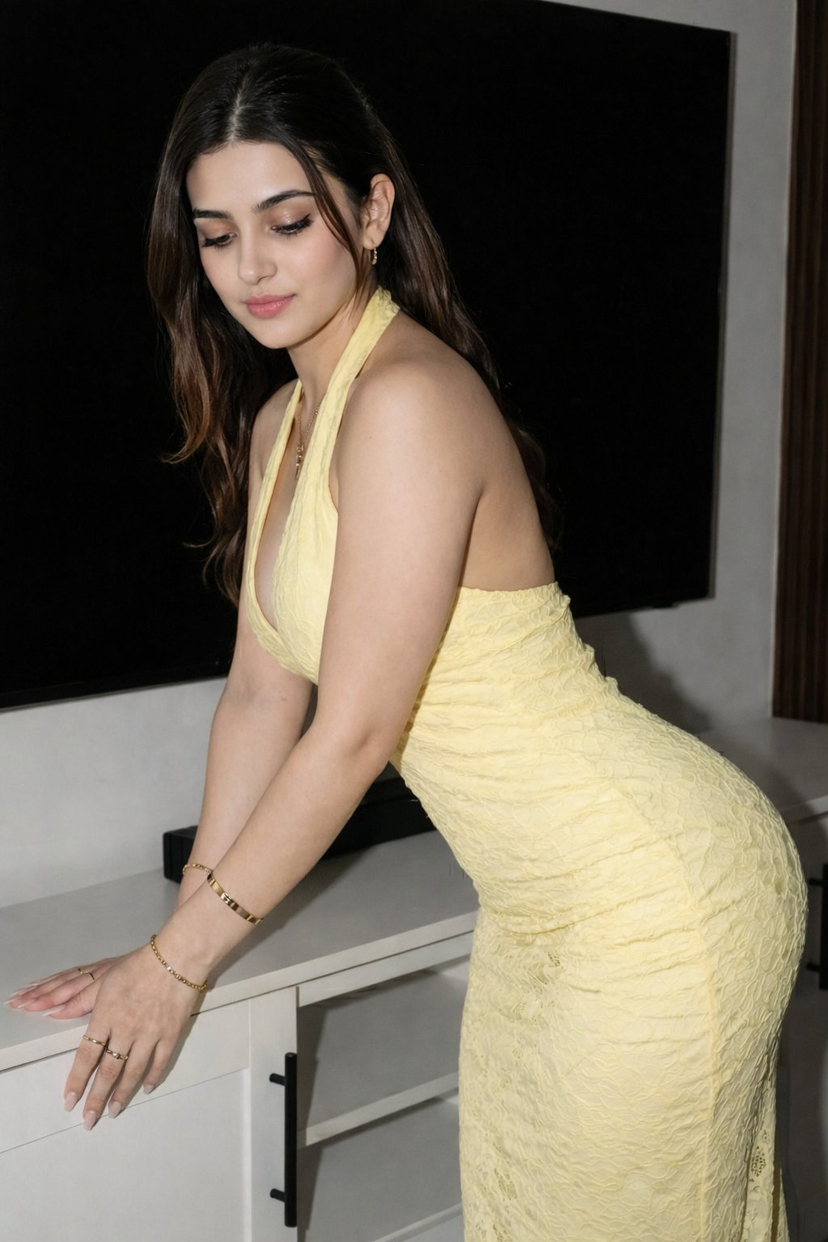
A detailed image generation prompt for creating a chic, modern, and sophisticated fashion portrait featuring a curvy female model in a mint green blazer and sage green corset, set against a blurred urban night background. Change the subject, setting, or lighting one variable at a time.

{ "image_description": { "subject": { "gender": "female", "ethnicity": "caucasian", "hair": { "style": "long, voluminous, wavy, center-parted", "texture": "silky with soft curls at the ends" }, "face": { "eyes": "hazel / light brown", "eyebrows": "well-defined, arched", "lips": "full, soft coral-pink matte lipstick", "cheeks": "subtle peach blush", "skin": "fair, smooth texture" }, "pose": "standing, front-facing, direct eye contact, neutral-to-soft expression", "body_type": "curvy, hourglass figure" }, "apparel": { "outerwear": { "item": "oversized blazer", "color": "{argument name="blazer color" default="mint green / pastel pistachio"}", "style": "draped over shoulders (caped), notch lapel" }, "top": { "item": "corset bustier", "color": "{argument name="corset color" default="sage green"}", "pattern": "delicate white floral embroidery", "features": "structured boning, sweetheart neckline, pointed hem" }, "bottom": { "item": "high-waisted jeans", "color": "light wash denim", "details": "slight distressing on the thigh, classic five-pocket styling" } }, "setting": { "location": "modern urban interior/exterior transition", "background": { "elements": [ "large glass windows", "city lights at night blurred in bokeh", "sleek architectural lines", "reflection on glass surfaces" ], "lighting": "soft indoor ambient light mixed with cool night-time outdoor lighting" } }, "compositional_details": { "camera_angle": "eye-level, medium shot (waist-up)", "lighting_style": "glamour lighting, soft shadows, highlights on hair and shoulders", "color_palette": { "dominant_colors": ["pistachio green", "sage green", "denim blue"], "accent_colors": ["strawberry blonde", "warm peach", "cool city lights"] }, "overall_vibe": "chic, modern, fashionable, sophisticated" } } }
Choose the primary action to open PicX Studio with the available template settings. Review the model and format, personalize the creative direction, and generate when ready.
Yes. You can change the subject, setting, lighting, mood, format, and available model controls before creating your image.
This template is free to open and customize. Generation usage is shown in PicX Studio before you create.
Start with Nano Banana 2, which is the model associated with this template. You can compare another compatible model for a different finish.
© 2026 PicX Studio. All rights reserved.

Follow a topic to a crawlable collection of related PicX Studio templates.
43,474 public templates available. Verified via the PicX Studio public templates API; refreshed hourly.

















![Naive doodle-style subject illustration — A doodle-style {argument name="subject" default="[subject]"}, naive lines, humorous shape exaggeration](https://pbs.twimg.com/media/G6Wl2YxbsAARB2b.jpg)