How do I use the Ultra-Realistic Cinematic Fashion Portrait template?
Choose the primary action to open PicX Studio with the available template settings. Review the model and format, personalize the creative direction, and generate when ready.
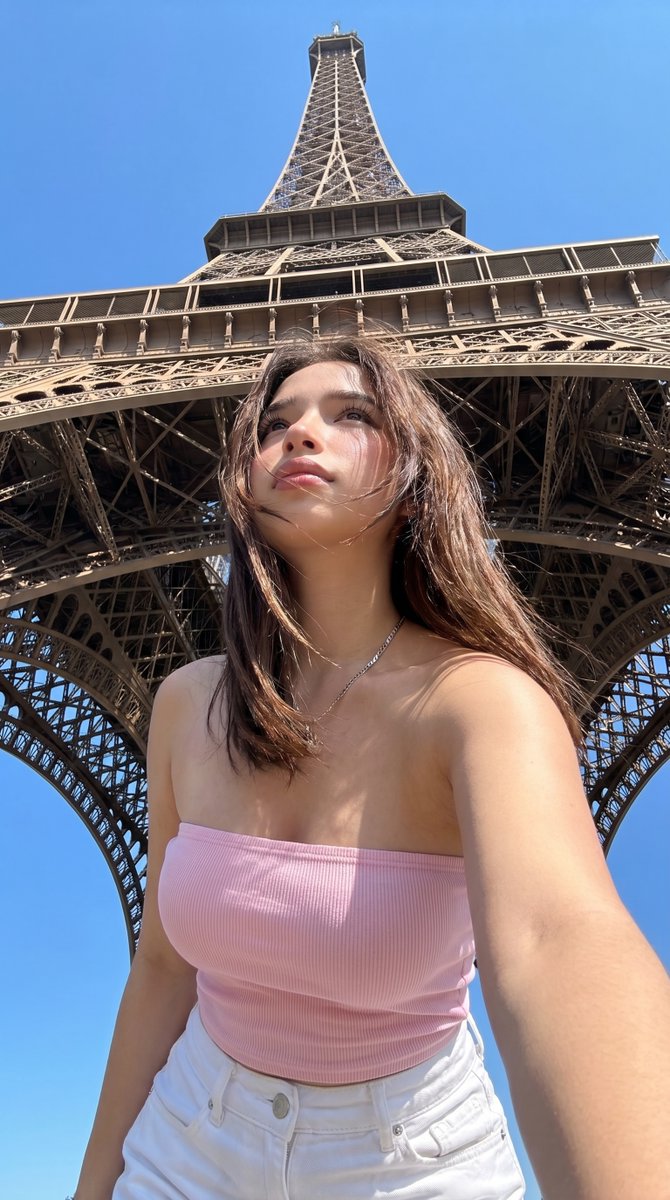
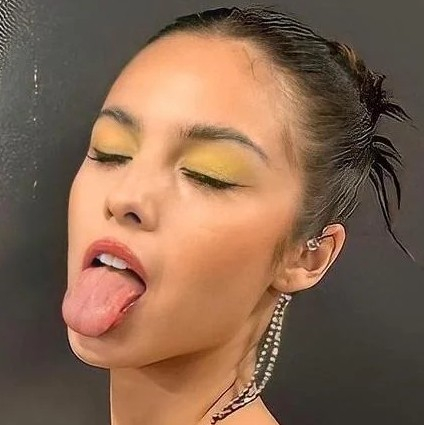
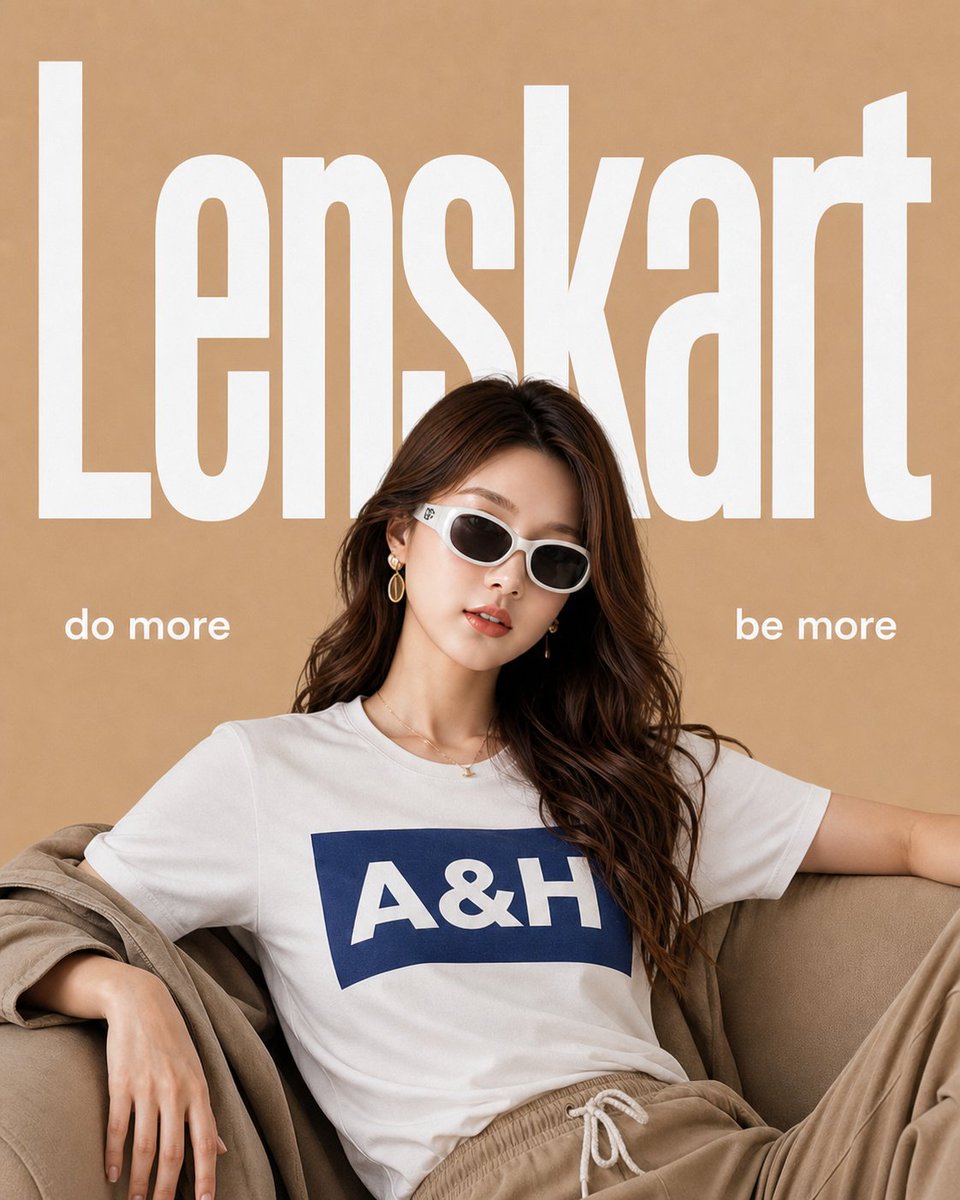
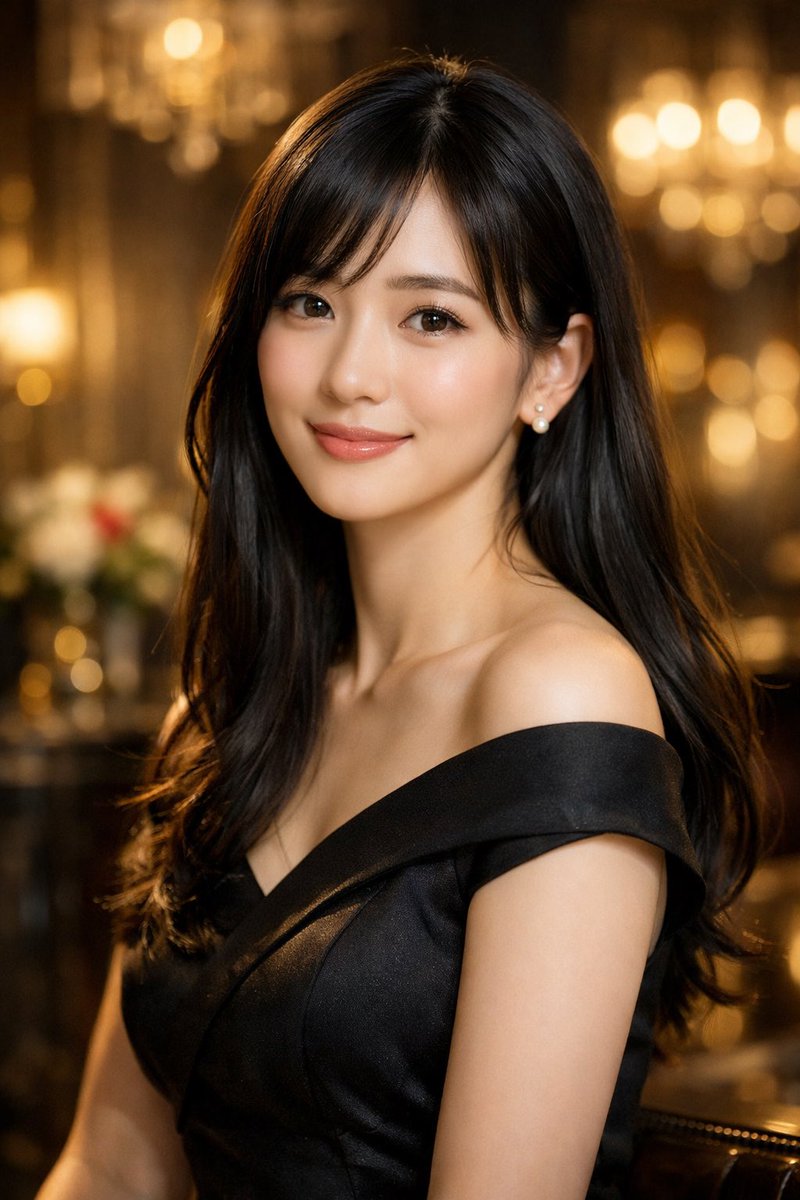
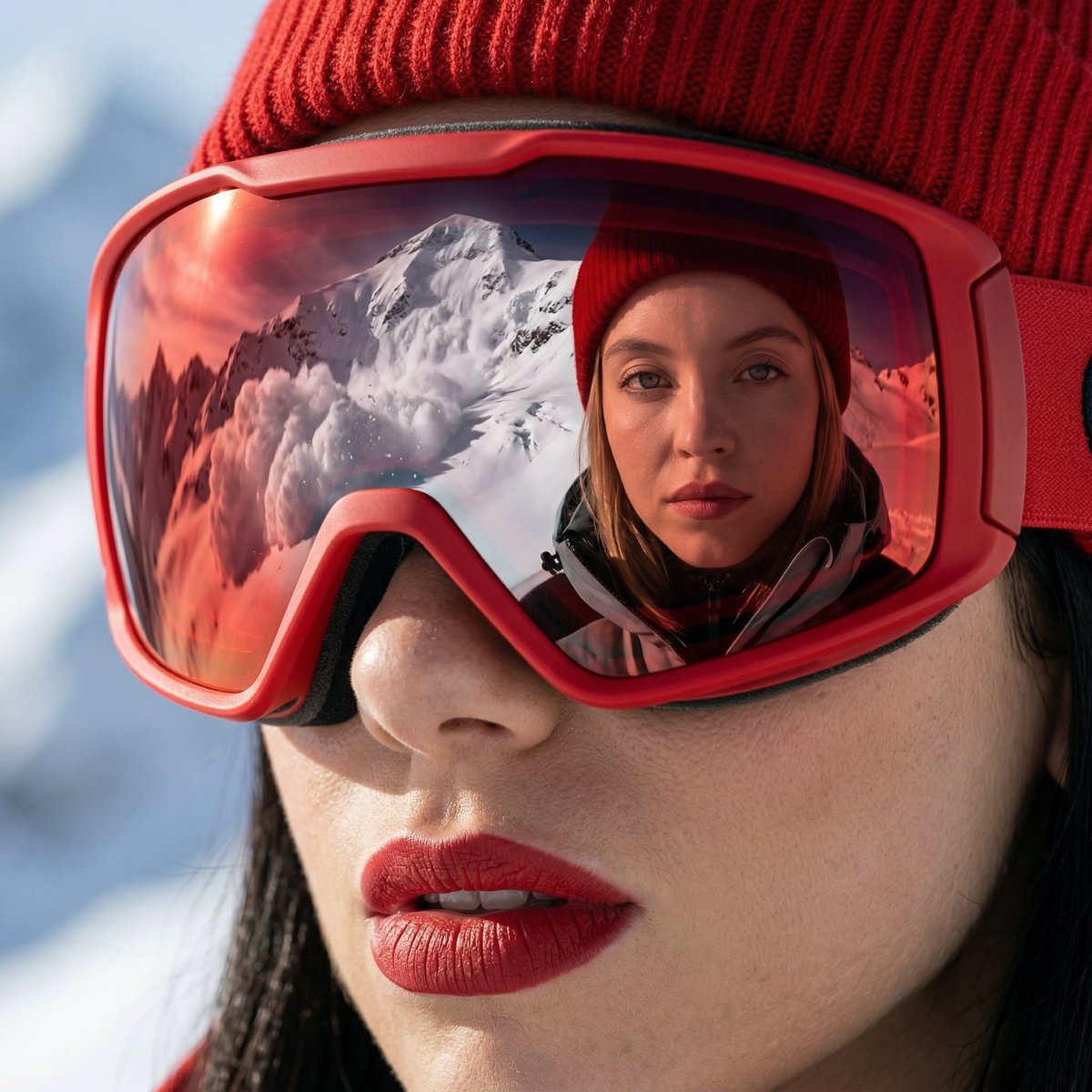
Two detailed prompts for generating ultra-realistic, cinematic fashion portraits of a stylish woman, focusing on specific lighting, camera settings (85mm lens, shallow depth of field), and a luxury editorial aesthetic, suitable for high-end fashion campaigns. (free to use) — Free AI image template on PicX Studio.
Ultra-realistic cinematic fashion portrait of a stylish woman wearing oversized black cat-eye sunglasses, soft warm golden sunlight, hazy foreground blur creating dreamy depth, shallow depth of field, glowing skin, natural makeup, glossy nude lips, loose messy updo hairstyle with soft strands falling, black high-neck outfit, luxury editorial vibe, shot through translucent fabric for soft diffusion, 85mm lens, f/1.8, creamy bokeh, golden hour lighting, warm beige color grading, high detail, photorealistic, Vogue style photography, soft focus edges, elegant and minimal background ⸻ Cinematic fashion portrait of a modern woman wearing black cat-eye sunglasses, wind gently blowing short dark hair, warm golden hour sunlight illuminating face from side, soft glowing highlights, black high-neck top, minimal aesthetic, editorial magazine style, shallow depth of field, soft haze overlay, warm amber color grading, 85mm portrait lens, f/2.0, natural skin texture, luxury fashion campaign look, dramatic yet soft lighting, blurred neutral background, high resolution, ultra-realistic, artistic fashion photography
Use Ultra-Realistic Cinematic Fashion Portrait to plan an AI image around nano-banana-2 generation. Match the preview's composition first, then personalize the subject, setting, and mood for your own project.
Use the primary action to load the template settings in PicX Studio.
Adjust the subject and creative details for your destination.
Create the image, compare the result with the preview, and refine one variable at a time.
A continuous mix — similar concepts first, woven with same-model prompts and fresh picks from the catalog.
Choose the primary action to open PicX Studio with the available template settings. Review the model and format, personalize the creative direction, and generate when ready.
Yes. You can change the subject, setting, lighting, mood, format, and available model controls before creating your image.
This template is free to open and customize. Generation usage is shown in PicX Studio before you create.
Start with nano-banana-2, which is the model associated with this template. You can compare another compatible model for a different finish.
Follow a topic to a crawlable collection of related PicX Studio templates.
39,155 public templates available. Verified via the PicX Studio public templates API; refreshed hourly.
A continuous mix — similar concepts first, woven with same-model prompts and fresh picks from the catalog.