
NanoBanana2
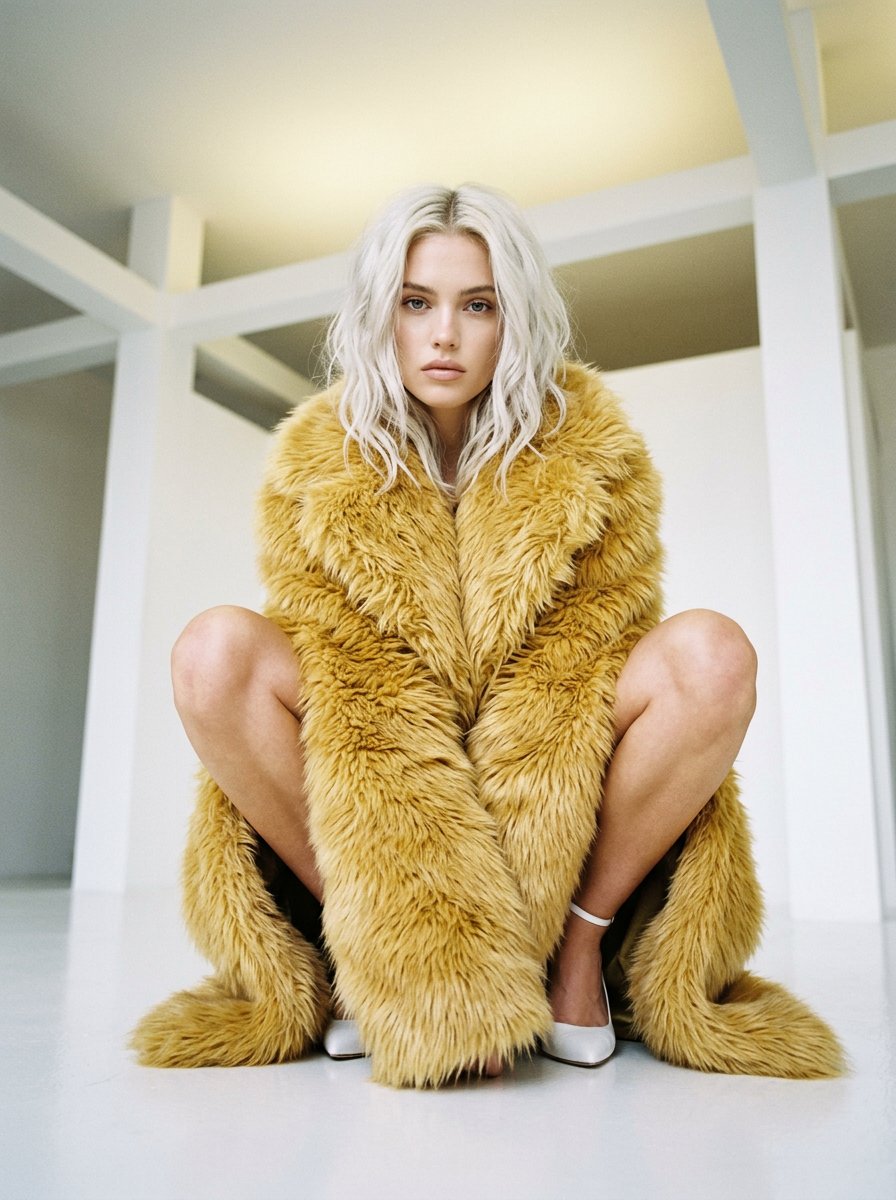
NanoBanana2 is a ready photo look.
- Prompt included
- Model and format preset
- Free template
The prompt behind this image
Copy the exact prompt behind NanoBanana2, or open it in the studio and make it yours.
- Prompt
- High fashion editorial portrait, young woman with platinum white blonde shoulder length wavy hair, sitting in crouched squat pose with knees together, wearing oversized golden yellow shaggy textured faux fur coat draped around body, white minimalist ankle strap high heel sandals, looking directly down at camera with confident powerful neutral expression, light blue grey eyes, natural minimal makeup with nude pink lips, fair porcelain skin, white minimalist studio space with architectural white walls ceiling and beams, shot from low angle looking up at subject creating dramatic perspective, high fashion magazine editorial aesthetic, luxurious texture contrast between fur and skin, powerful feminine pose, soft diffused studio lighting, 3:4
- Negative Prompt
- outdoor, casual clothing, heavy makeup, dark background, harsh shadows, smiling, messy styling
- Style
- high fashion editorial, luxury fashion photography, minimalist white studio, dramatic low angle, powerful pose
- Aspect Ratio
- 3:4
- Camera › Type
- professional fashion photography
- Camera › Angle
- low angle looking up at seated subject, dramatic perspective
- Camera › Framing
- full body shot capturing crouched seated pose from below
- Lighting › Type
- soft diffused studio lighting
- Lighting › Quality
- even professional illumination, clean bright highlights, minimal shadows
- Lighting › Atmosphere
- bright white minimalist studio environment
- Mood
- confident, powerful, editorial, high fashion, luxurious, modern, commanding
- Color Palette
- platinum white blonde, golden yellow fur coat, white heels, white studio background, fair natural skin tones
- Subject Features › Hair
- platinum white blonde, shoulder length, soft wavy texture, middle parted, natural movement
- Subject Features › Skin
- fair, porcelain, flawless natural
- Subject Features › Eyes
- light blue grey, direct confident powerful gaze looking down at camera
- Subject Features › Lips
- natural nude pink, soft relaxed neutral
- Subject Features › Eyebrows
- natural, well groomed soft shape
- Subject Features › Expression
- confident, powerful, neutral, commanding editorial gaze
- Makeup › Style
- natural minimal editorial makeup
- Makeup › Base
- flawless natural porcelain skin
- Makeup › Eyes
- subtle neutral, natural lashes
- Makeup › Lips
- nude pink natural
- Wardrobe › Coat
- oversized golden yellow shaggy textured faux fur coat, long voluminous length, fluffy dramatic texture, wrapped and draped around body
- Wardrobe › Shoes
- white minimalist ankle strap high heel sandals, delicate straps
Raw JSON
{ "prompt": "High fashion editorial portrait, young woman with platinum white blonde shoulder length wavy hair, sitting in crouched squat pose with knees together, wearing oversized golden yellow shaggy textured faux fur coat draped around body, white minimalist ankle strap high heel sandals, looking directly down at camera with confident powerful neutral expression, light blue grey eyes, natural minimal makeup with nude pink lips, fair porcelain skin, white minimalist studio space with architectural white walls ceiling and beams, shot from low angle looking up at subject creating dramatic perspective, high fashion magazine editorial aesthetic, luxurious texture contrast between fur and skin, powerful feminine pose, soft diffused studio lighting, 3:4", "negative_prompt": "outdoor, casual clothing, heavy makeup, dark background, harsh shadows, smiling, messy styling", "style": "high fashion editorial, luxury fashion photography, minimalist white studio, dramatic low angle, powerful pose", "aspect_ratio": "3:4", "camera": { "type": "professional fashion photography", "angle": "low angle looking up at seated subject, dramatic perspective", "framing": "full body shot capturing crouched seated pose from below" }, "lighting": { "type": "soft diffused studio lighting", "quality": "even professional illumination, clean bright highlights, minimal shadows", "atmosphere": "bright white minimalist studio environment" }, "mood": "confident, powerful, editorial, high fashion, luxurious, modern, commanding", "color_palette": "platinum white blonde, golden yellow fur coat, white heels, white studio background, fair natural skin tones", "subject_features": { "hair": "platinum white blonde, shoulder length, soft wavy texture, middle parted, natural movement", "skin": "fair, porcelain, flawless natural", "eyes": "light blue grey, direct confident powerful gaze looking down at camera", "lips": "natural nude pink, soft relaxed neutral", "eyebrows": "natural, well groomed soft shape", "expression": "confident, powerful, neutral, commanding editorial gaze" }, "makeup": { "style": "natural minimal editorial makeup", "base": "flawless natural porcelain skin", "eyes": "subtle neutral, natural lashes", "lips": "nude pink natural" }, "wardrobe": { "coat": "oversized golden yellow shaggy textured faux fur coat, long voluminous length, fluffy dramatic texture, wrapped and draped around body", "shoes": "white minimalist ankle strap high heel sandals, delicate straps" }, "pose": { "position": "sitting in crouched squat position on studio floor", "legs": "knees together bent upward, feet flat on ground", "body": "wrapped in oversized dramatic fur coat covering torso", "gaze": "looking directly down at camera below with powerful confident expression" }, "setting": { "location": "white minimalist professional studio space", "background": "clean white walls with architectural beams, angles and ceiling details", "floor": "white or light grey smooth studio floor", "atmosphere": "high fashion editorial studio environment, bright clean minimal" } }How to use NanoBanana2 in 3 steps
- 1
Open
The prompt is already in the box next to the preview, with the template's model and format selected.
- 2…a portrait of your subject in softgolden-hour light, 85mm…
Personalize
Edit the subject and creative details for your destination.
- 3Generate
Generate
Press Generate — your image is created in PicX Studio, so you can compare it with the original and refine one variable at a time.
More like this
Templates with the same subject, style or setup. Open one to see its prompt.
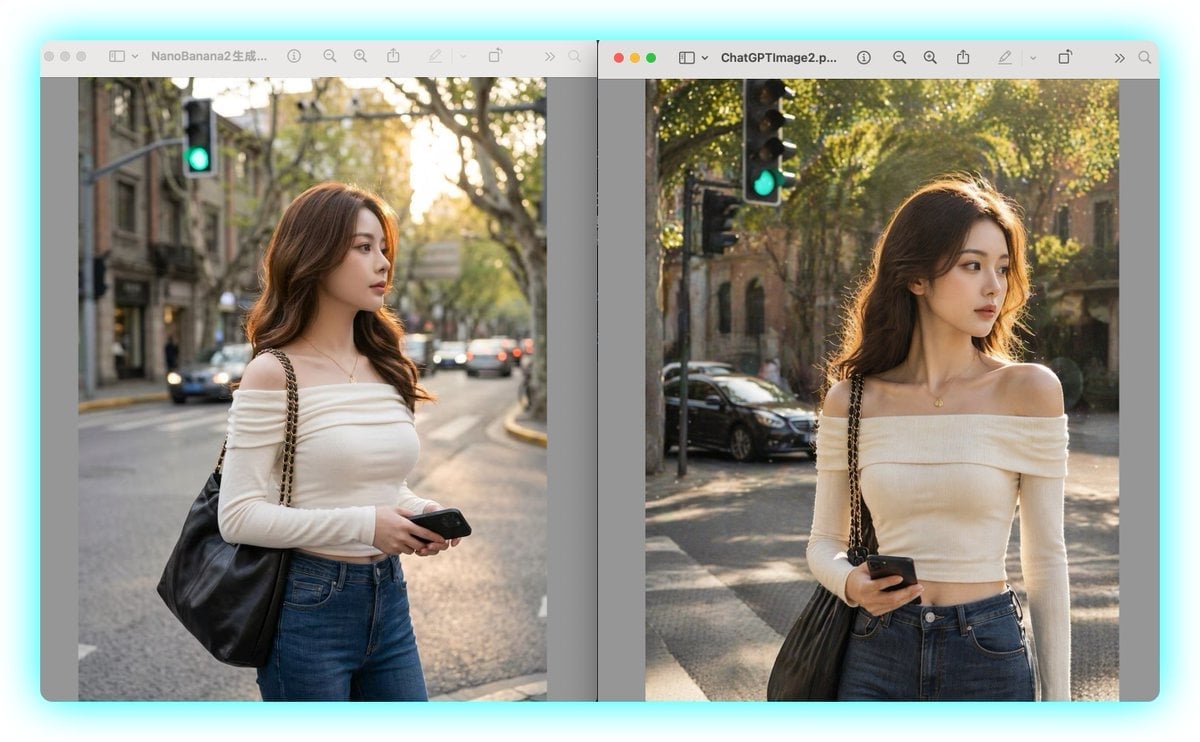
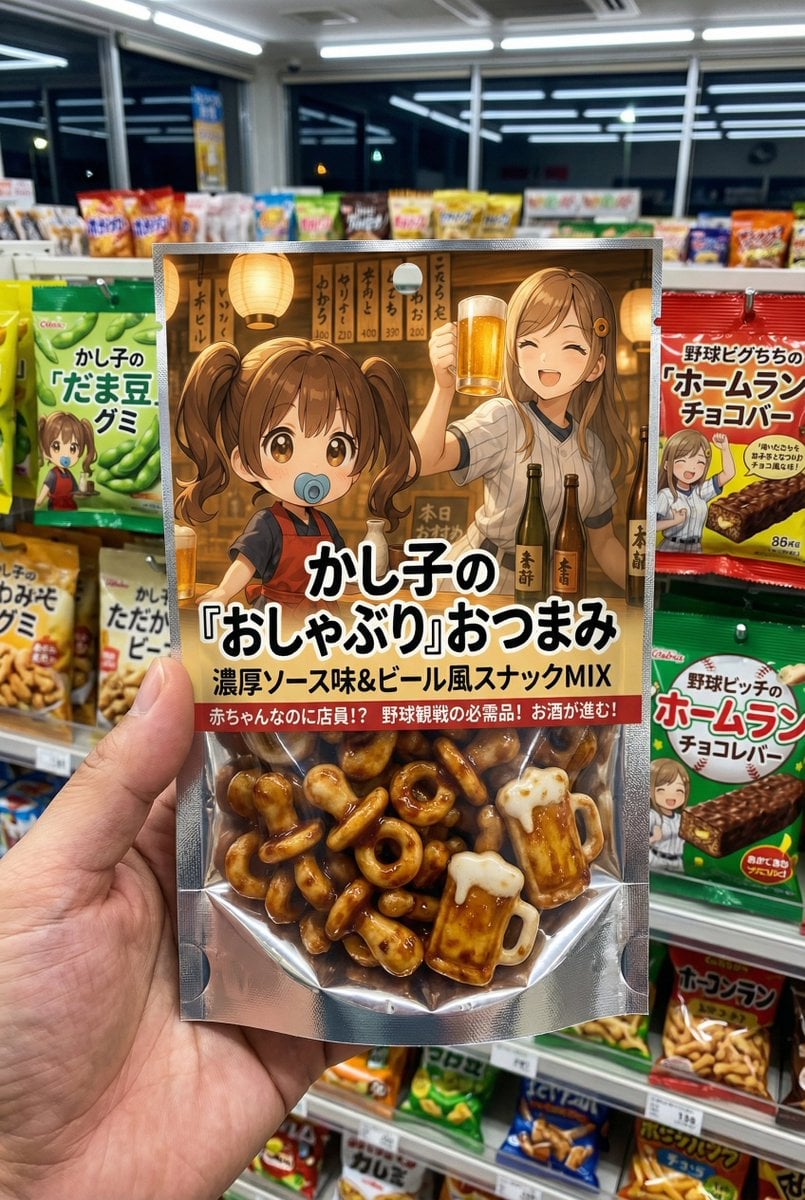
Make it yours
NanoBanana2 works as-is. These are the safest ways to change it without losing the look.
Swap the setting
Keep the rest of the prompt and replace the location block. The current setting is “white minimalist professional studio space”.
Swap the light
One lighting change is enough to compare takes. Current light: “soft diffused studio lighting”.
Change one field
Copy a single group, rewrite it, and generate again so you can see what that field is doing.
| If the result… | Why | Fix |
|---|---|---|
| The result drifts from the preview | Too many fields changed at once. | Reuse NanoBanana2 as-is first, then change one group — subject, light, or setting. |
| PicX Studio ignores part of the JSON | Some models flatten or skip nested keys. | Keep the same values and paste them as a short paragraph instead. |
More image prompts
Fresh picks from across the catalog.
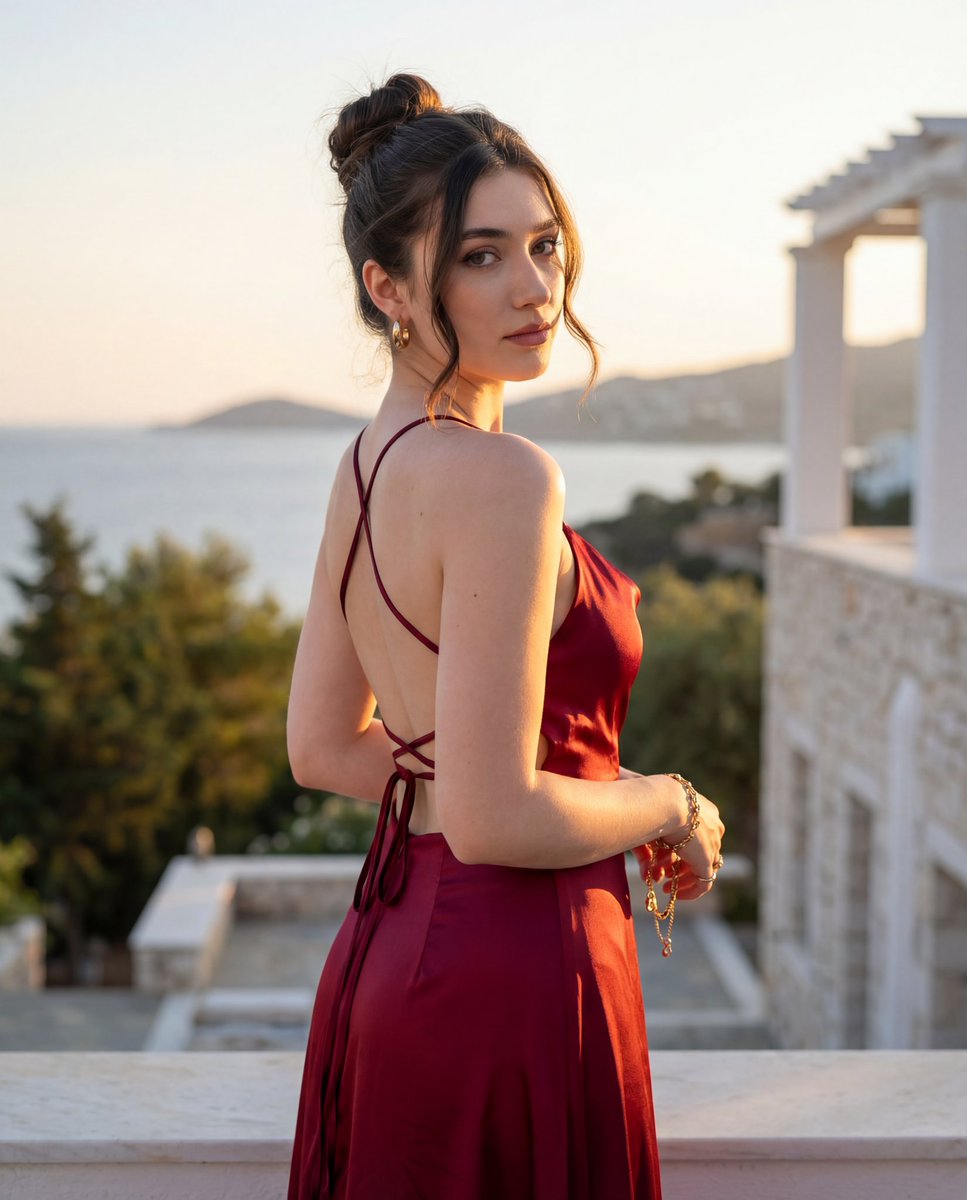
Golden Hour Fashion Editorial Portrait
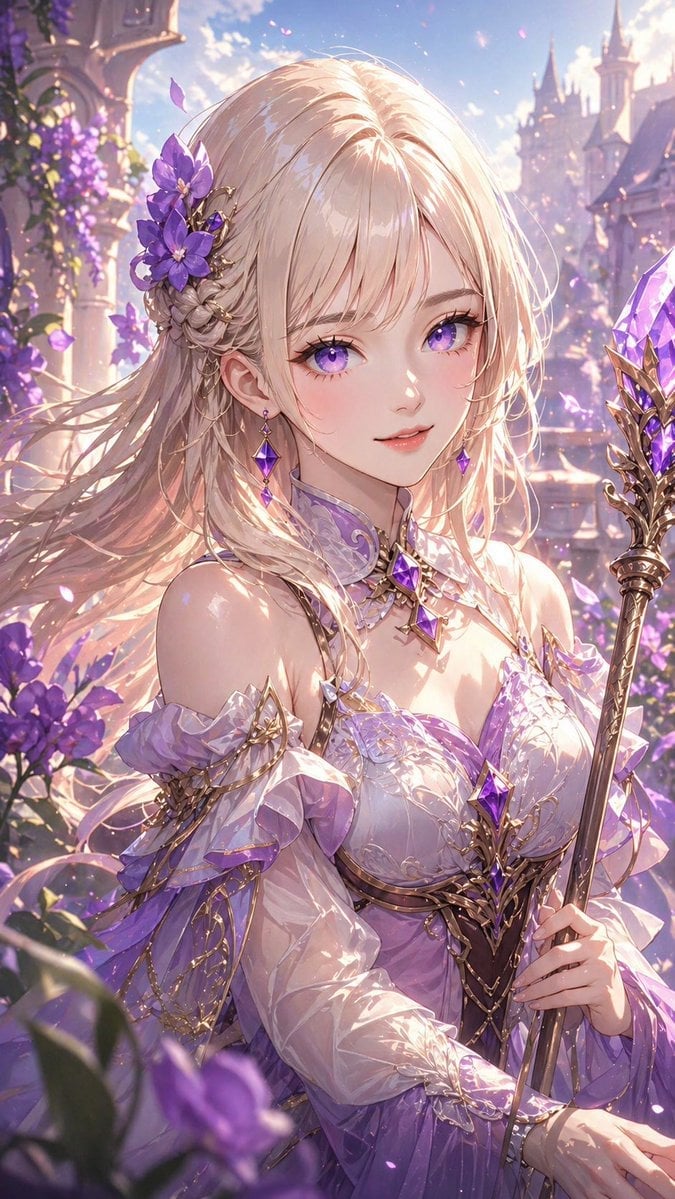
Lavender Fantasy Mage Portrait
Stylish Man Studio Portrait Prompt
Refractive Glass Concept Portrait
Surreal Anime Couple Illustration with Text Overlays
Candid Bedroom Selfie of Three Freckled Girls
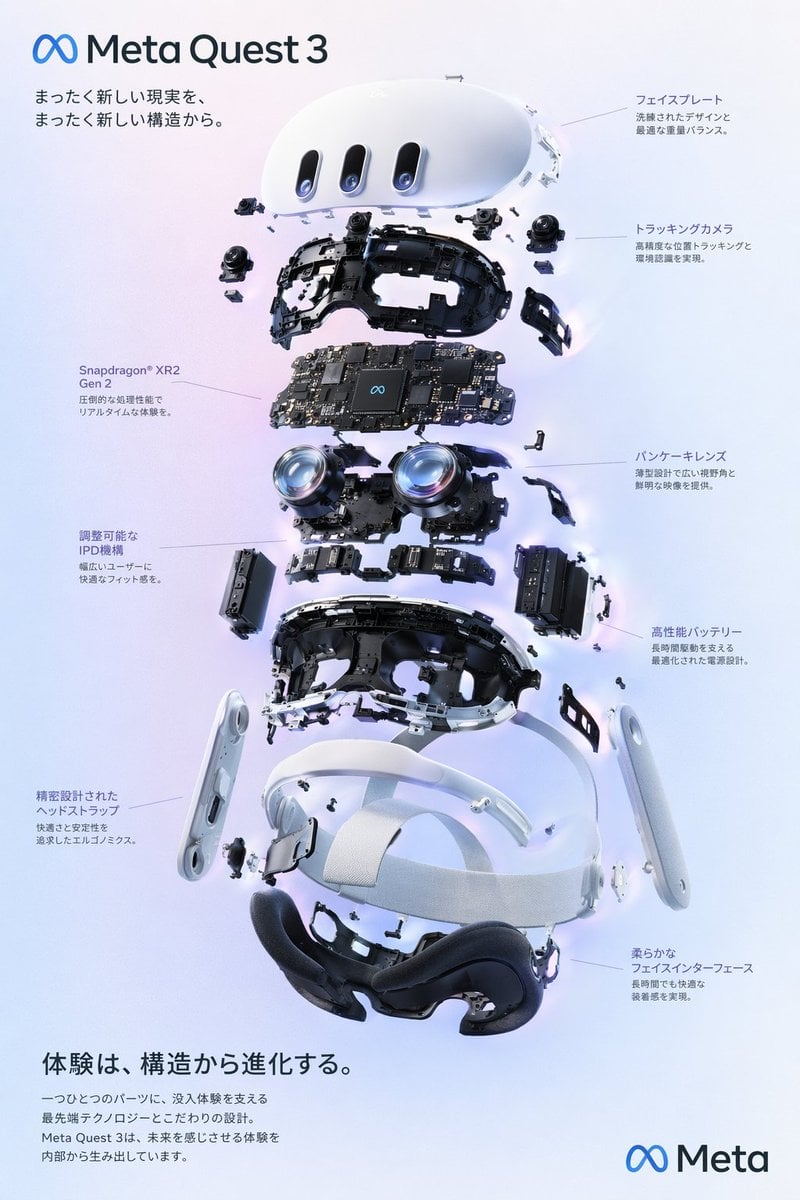
Gpt2 Vr Headset Exploded View Poster
Raw High-Contrast Mirror Selfie JSON Prompt
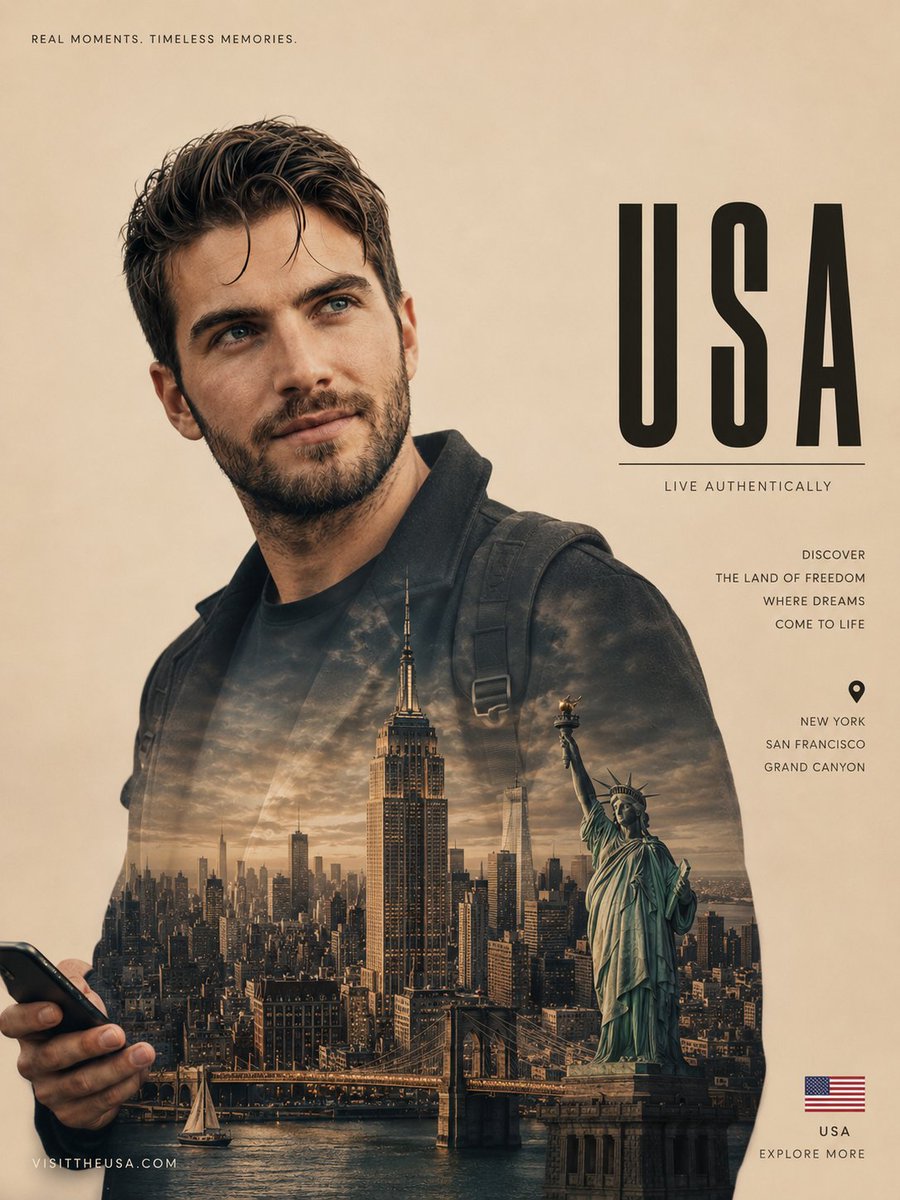
Cinematic Double Exposure Travel Poster
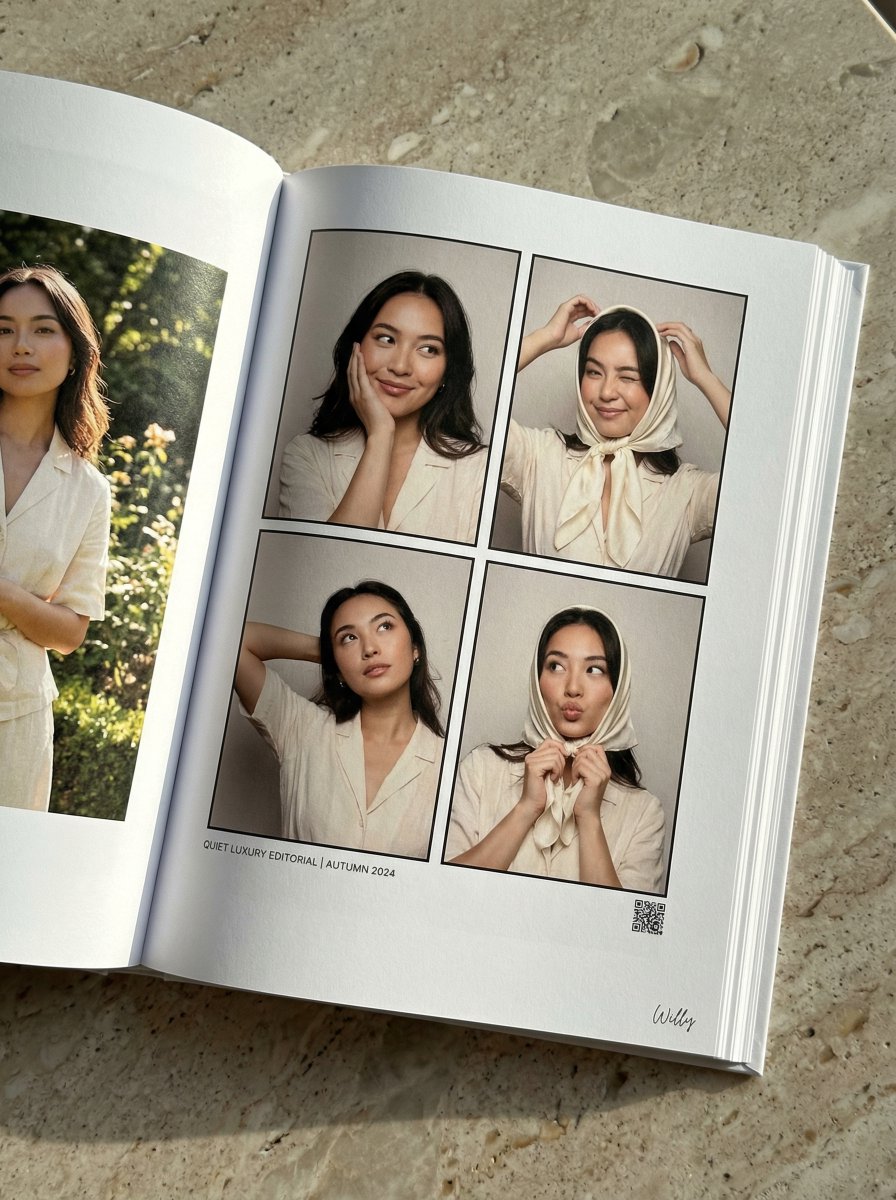
Quiet Luxury Editorial Photobook Spread
Featured in prompt roundups
Hand-picked collections that include this template.
Browse template categories
NanoBanana2 questions
How do I use the NanoBanana2 template?
Add your photo if the template asks for one, edit the prompt if you like — the template's model and format are already selected — and press Generate. Your version opens in PicX Studio.
Can I customize the NanoBanana2 template?
Yes. You can change the subject, setting, lighting, mood, format, and available model controls before creating your image.
Is the NanoBanana2 template free?
Opening and editing this template is free. Generating uses credits, shown on the Generate button when you are signed in.
Which AI model should I use?
Choose a compatible model in PicX Studio based on the style, speed, and output controls your project needs.
Looking for something else? Browse all templates.

Your photo, any look
Thousands of ready templates for every top image and video model, from one credit balance.