
Quiet Luxury Editorial Photobook Spread
A highly detailed prompt for generating a hyperrealistic image simulating an open photobook spread, shot on a Hasselblad camera.
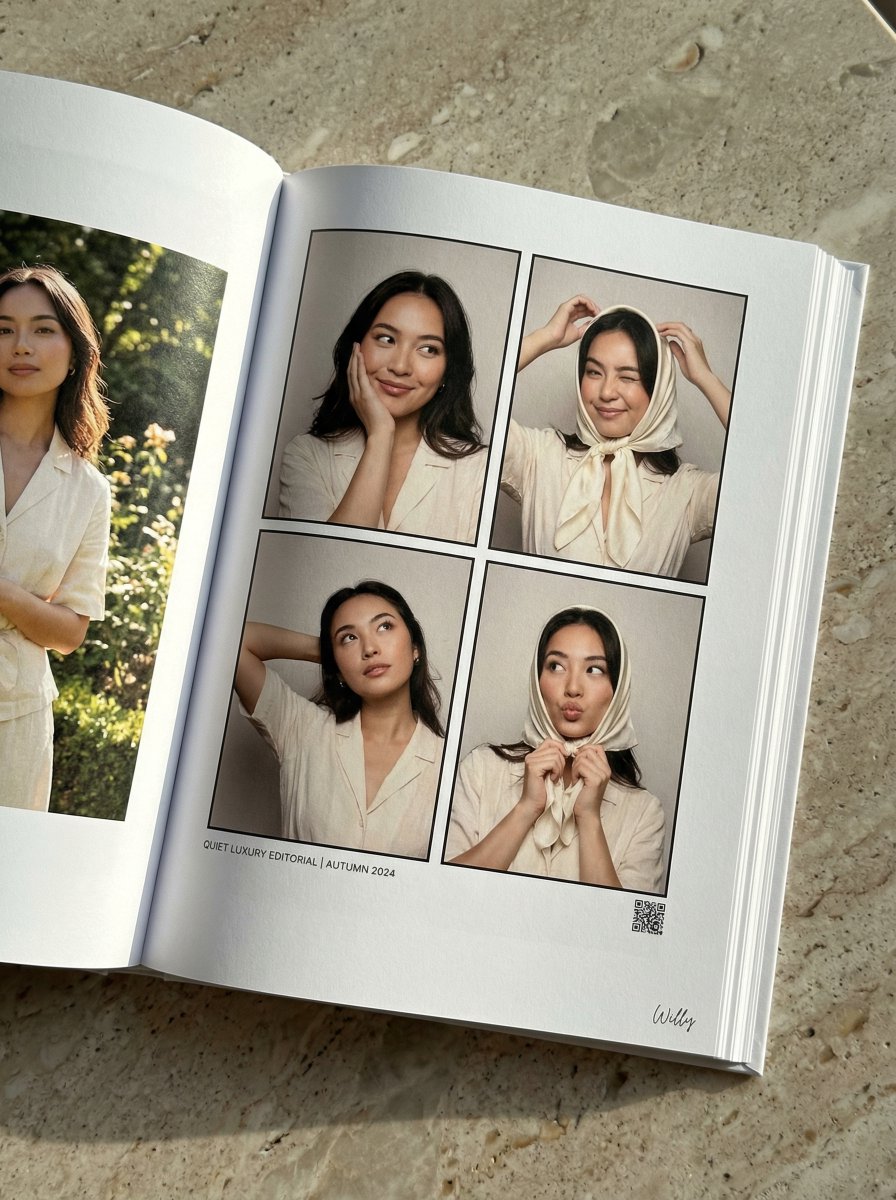
- Prompt included
- Model and format preset
- Premium template
The prompt behind this image
Copy the exact prompt behind Quiet Luxury Editorial Photobook Spread, or open it in the studio and make it yours.
Shot on Hasselblad X2D with 80mm lens, hyperrealistic printed photobook page of a Eurasian model, aged 20s, in an outdoor editorial setting. LAYOUT: Hero + Multi-angle sidebar - Asymmetric editorial layout. BOOK FORMAT & IMAGE PLACEMENT: Open photobook spread viewed from a slight angled perspective, resting on a polished stone surface. Semi-gloss paper with visible grain, realistic ink reflection. Four-frame photobooth-style photo sequence in a precise 2×2 grid with thin black dividers. HERO SECTION - STRICT INTERACTIVE FOUR-POSE SEQUENCE: Top-left frame: Right cheek resting on right hand. Soft smile. Left hand loosely holding a {argument name="accessory" default="silk scarf"}. Head slightly turned to the right, eyes looking toward the top-right frame. Top-right frame: Wearing the scarf as a head wrap. Right hand adjusting. One eye closed in a playful wink. Head slightly angled downward, eyes looking down toward the bottom-right frame. Bottom-right frame: Holding the scarf near the chin. Subtle pout. Head slightly turned to the left, eyes looking toward the bottom-left frame. Bottom-left frame: Scarf removed. Left arm lifted behind the head. Upper body turned slightly. Head lifted upward, eyes looking above the camera. TONE: Tone-on-tone palette of creamy whites, soft beiges, and hints of sage green, quiet luxury aesthetic. LIGHTING: Soft, even studio lighting with natural skin tones and subtle shadows. STYLE: Quiet luxury editorial, natural movement, high fashion photography, old money aesthetic. STYLE KEYWORDS: Cream, light linen, natural light, subtle glam. TYPOGRAPHY & DETAILS: Minimal small text near the bottom of the page. Clean, understated sans-serif typography, with a tiny QR-style printed detail. Negative prompt: illustration, doll, toy, stylization, CGI look, lens flare, chromatic aberration, JPEG artifacts.. A stylish handwritten signature Willy is elegantly and small letters placed at the Bottom Right corner
How to use Quiet Luxury Editorial Photobook Spread in 3 steps
- 1
Open
The prompt is already in the box next to the preview, with the template's model and format selected.
- 2…a portrait of your subject in softgolden-hour light, 85mm…
Personalize
Edit the subject and creative details for your destination.
- 3Generate
Generate
Press Generate — your image is created in PicX Studio, so you can compare it with the original and refine one variable at a time.
More like this
Templates with the same subject, style or setup. Open one to see its prompt.

Quiet Luxury Black and White Fashion Editorial Portrait

Luxury Sliced Wordmark Player Poster
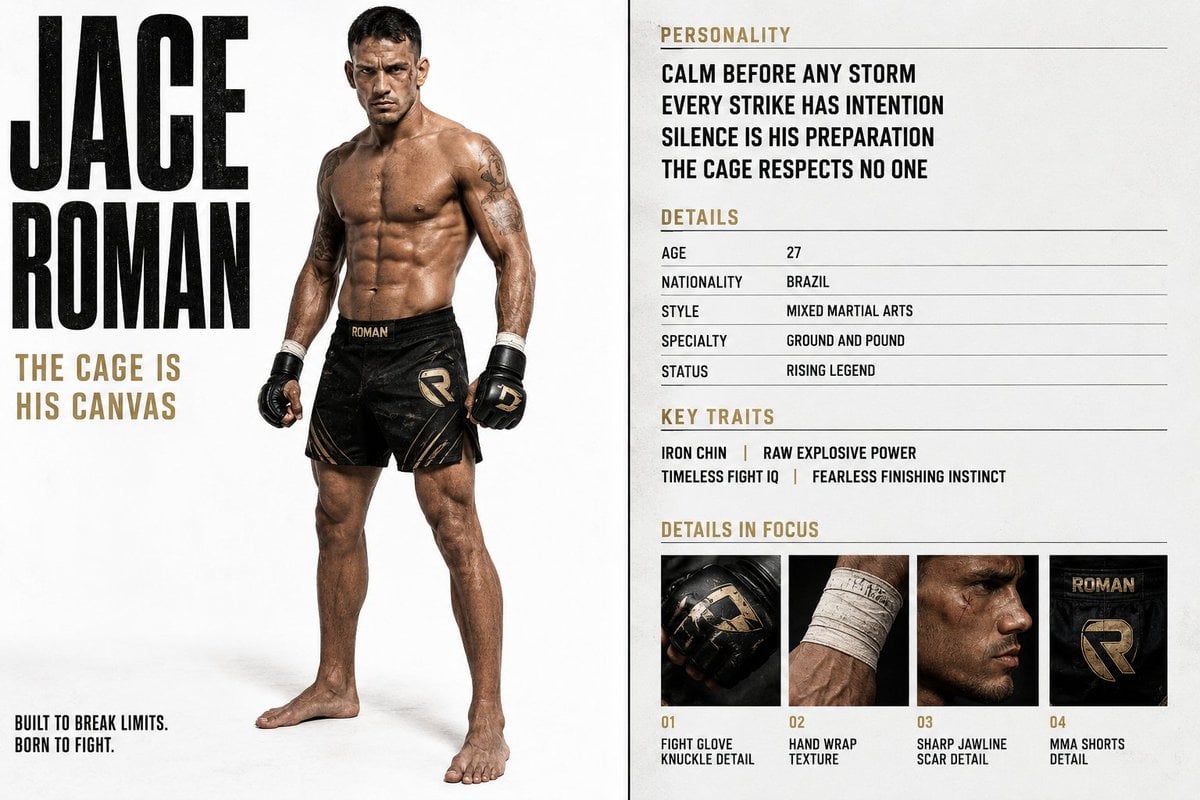
Luxury Editorial Character Spread
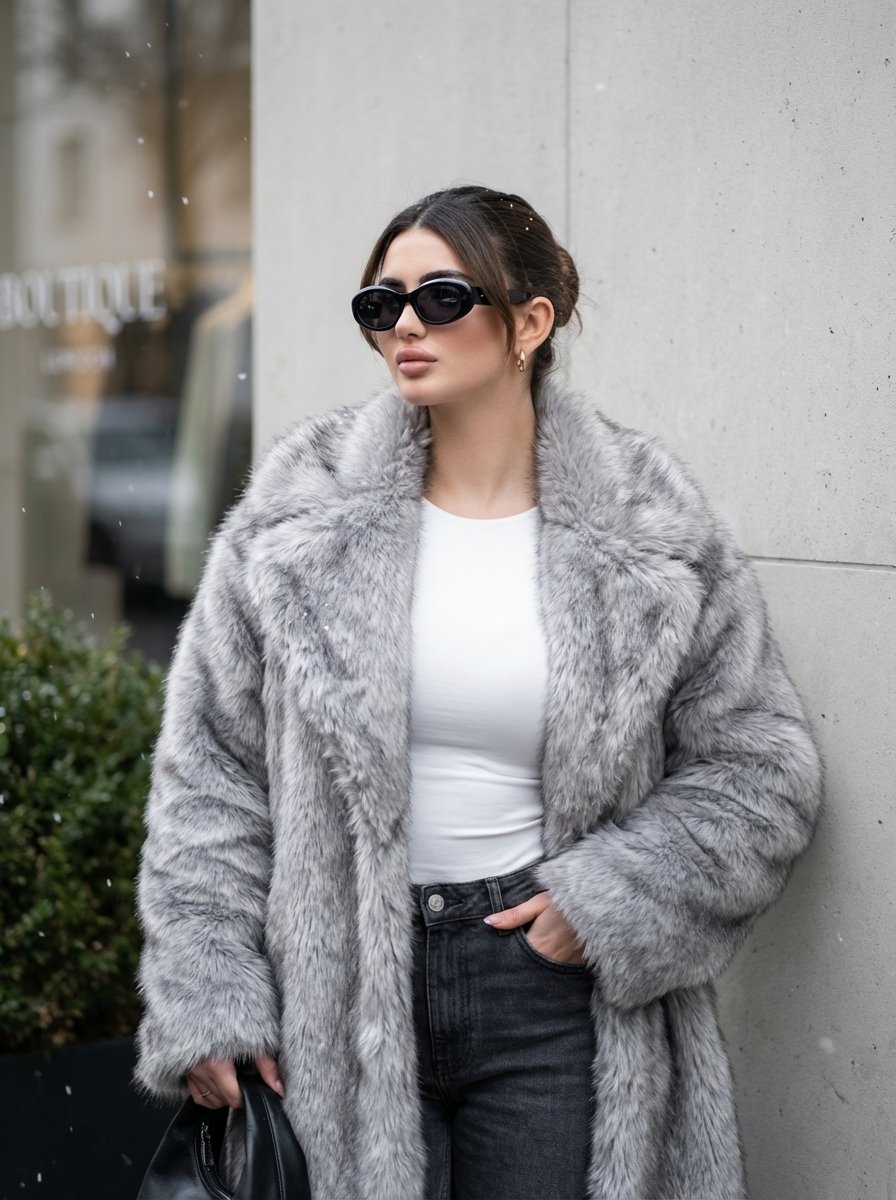
Quiet Luxury Winter Editorial Prompt
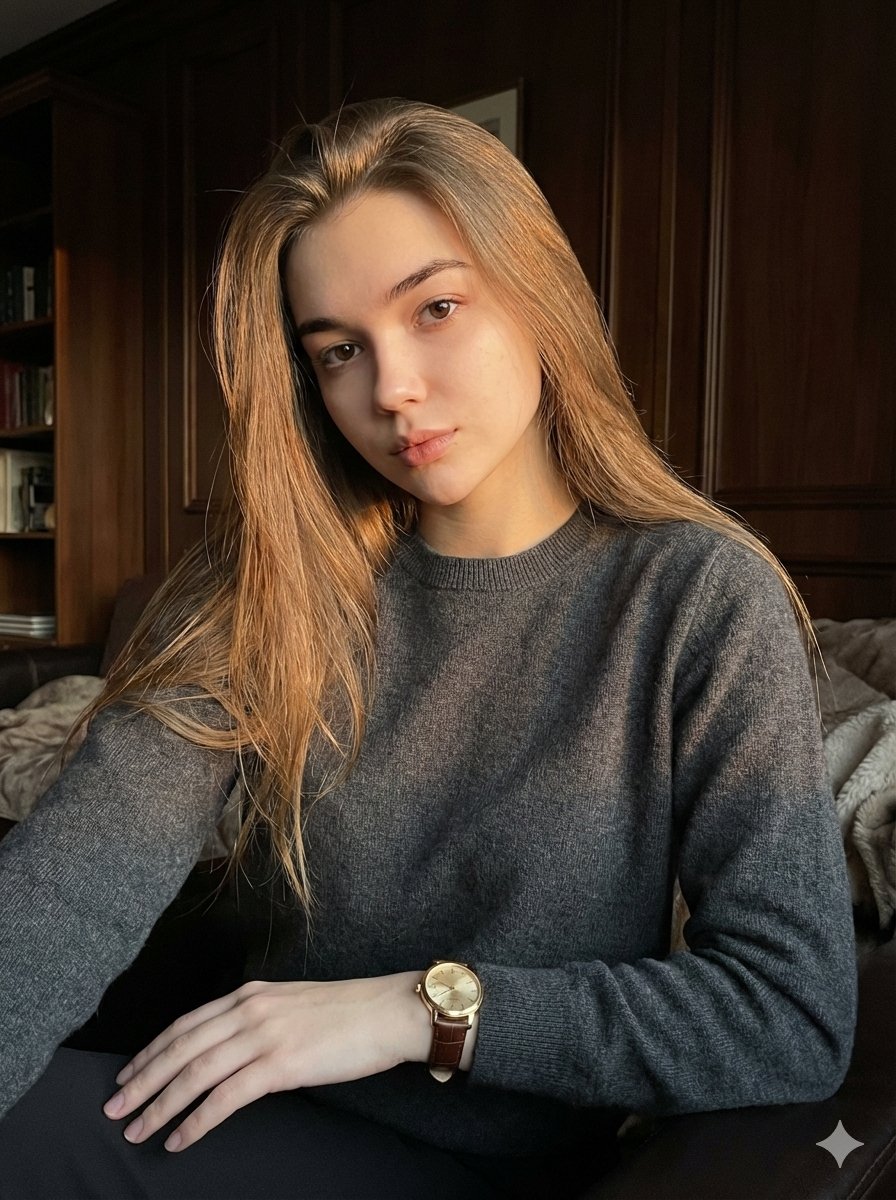
Quiet Luxury Editorial Portrait with Identity Lock
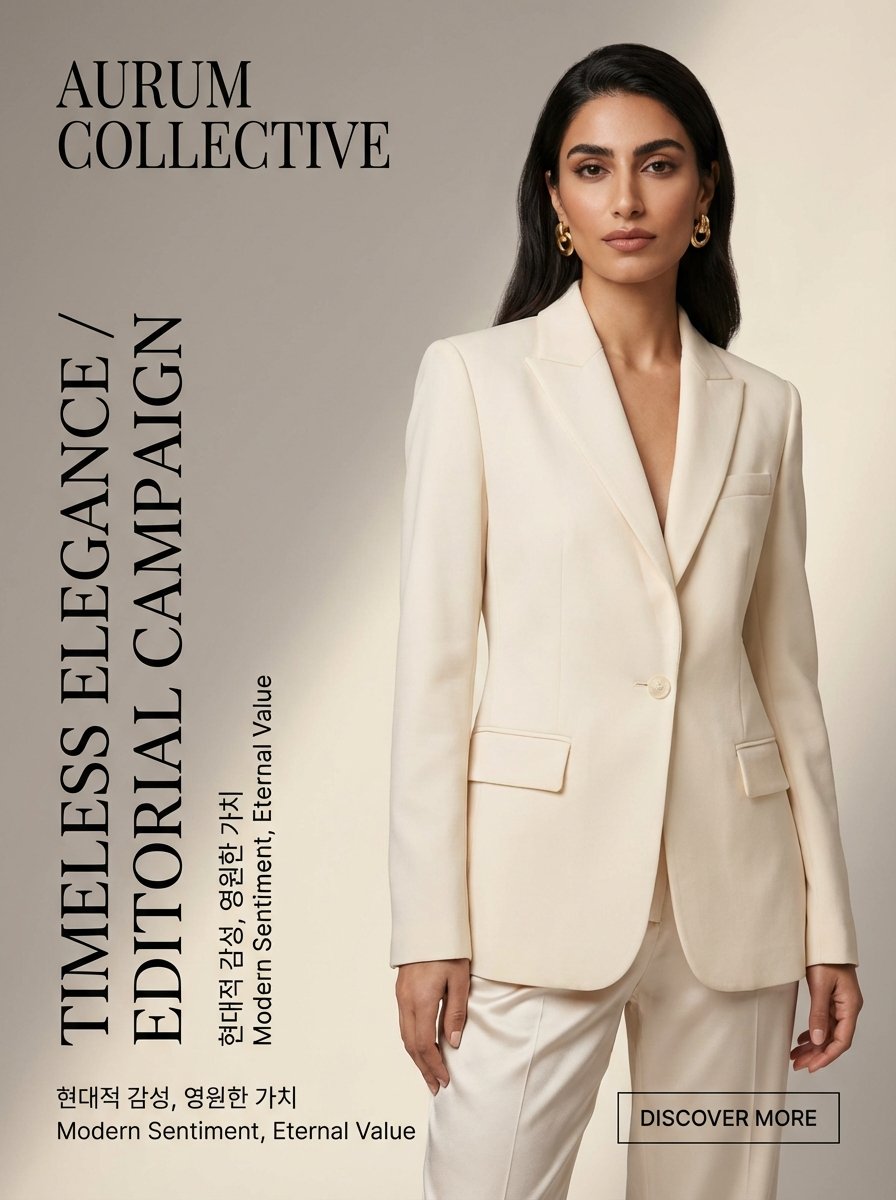
Quiet Luxury Editorial Fashion Template
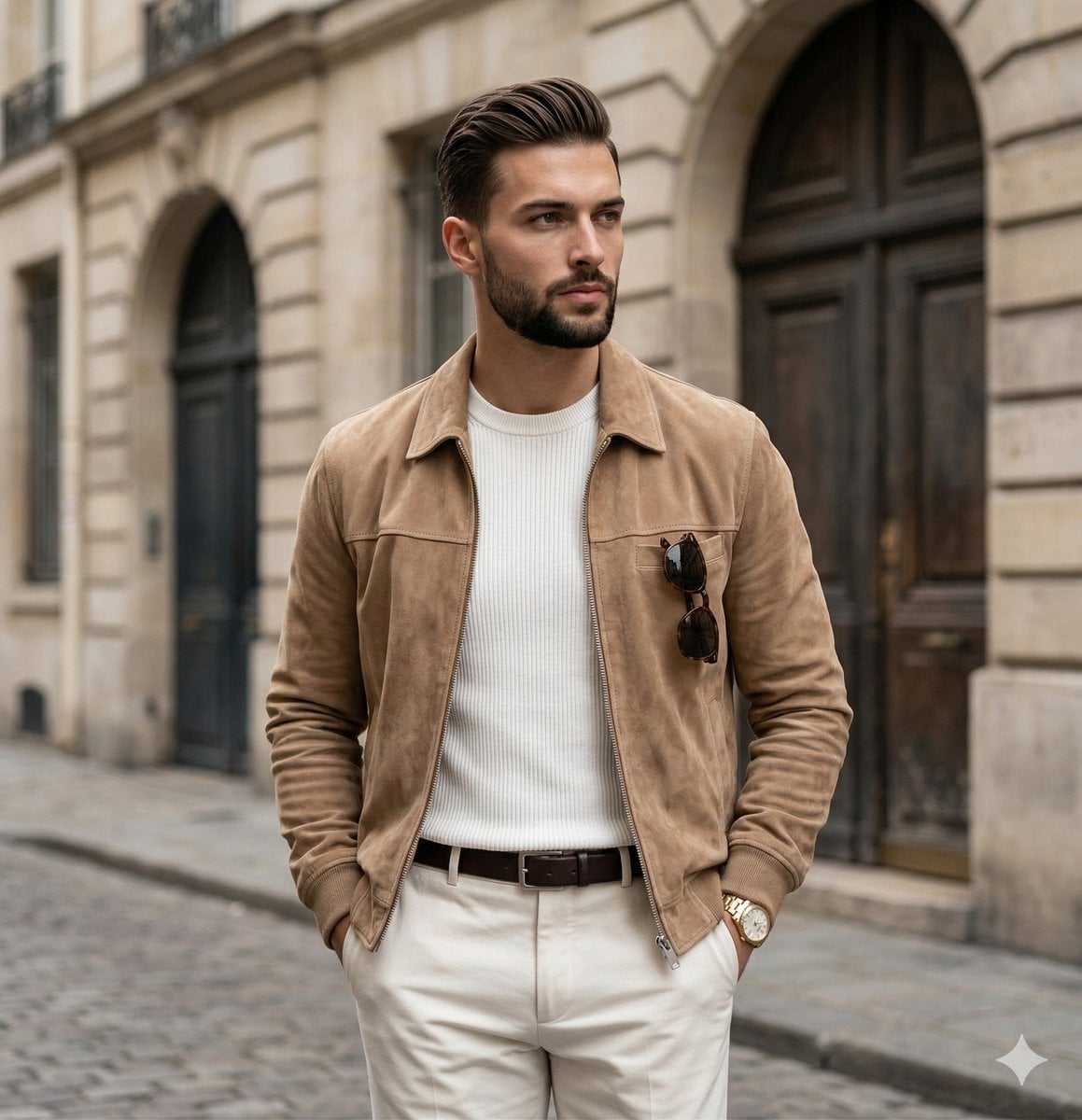
Quiet Luxury Editorial Portrait Prompt
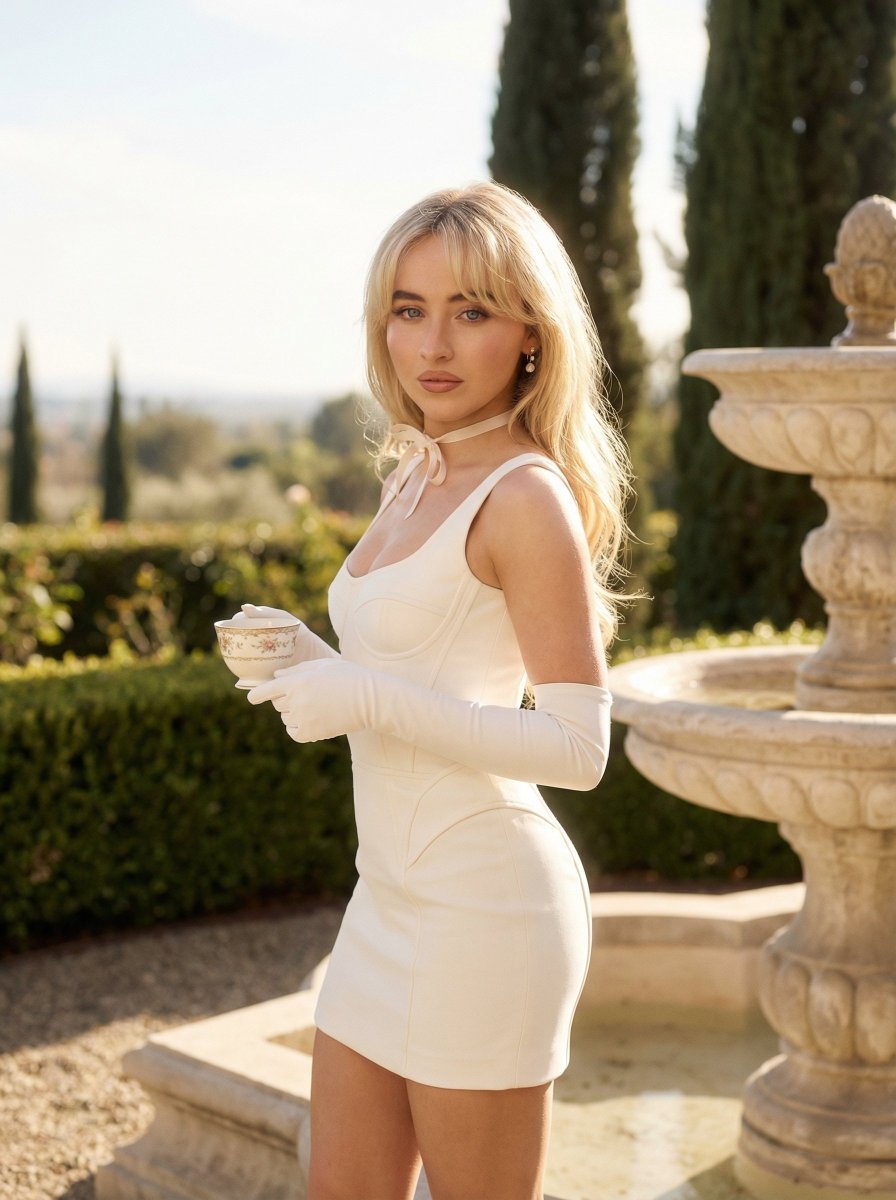
Quiet Luxury Outdoor Editorial Portrait

19 Luxury Helicopter Travel — California Series

08 Rodeo Drive Luxury Exit — California Series
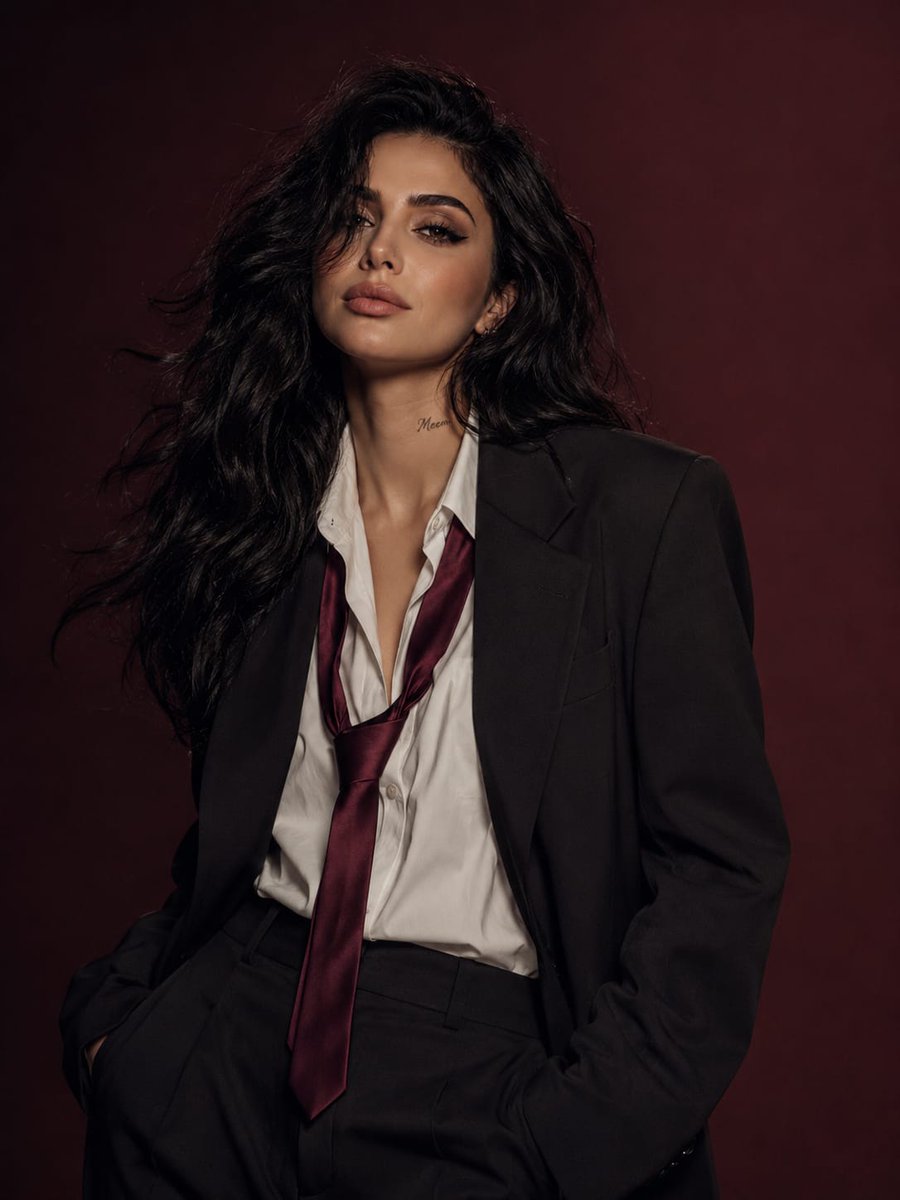
Power Suit Luxury Editorial

Luxury Fashion Editorial Portrait
Make it yours
Quiet Luxury Editorial Photobook Spread works as-is. These are the safest ways to change it without losing the look.
Change one field
Copy a single group, rewrite it, and generate again so you can see what that field is doing.
Keep the frame, change the subject
Hold the composition and light of Quiet Luxury Editorial Photobook Spread, then swap wardrobe, props or the person for a new take.
| If the result… | Why | Fix |
|---|---|---|
| The result drifts from the preview | Too many fields changed at once. | Reuse Quiet Luxury Editorial Photobook Spread as-is first, then change one group — subject, light, or setting. |
| The model over-stylizes the scene | The prose prompt leaves finish and camera underspecified. | Add one camera or lighting sentence and stay on Nano Banana 2. |
More Nano Banana 2 templates
Other prompts made for Nano Banana 2.

Photorealistic Leaf Shaped Like a Dragon

K-Pop Idol Portrait Grid for Rapid Selection

Poetic Rain Forest Portrait During Golden Hour

Urban Street Portrait with Cartoon Inner Self Duo

Candid Nighttime Photo with Cat Prompt

High-Concept 3D Diorama Generation Prompt

Cinematic Futuristic Studio Portrait Template

Skincare Editorial Photography Collage Prompt

Hyper-Realistic Commercial Product Photography (Splash Effect)

Hyper-Realistic Nightclub Portrait Prompt
More image prompts
Fresh picks from across the catalog.
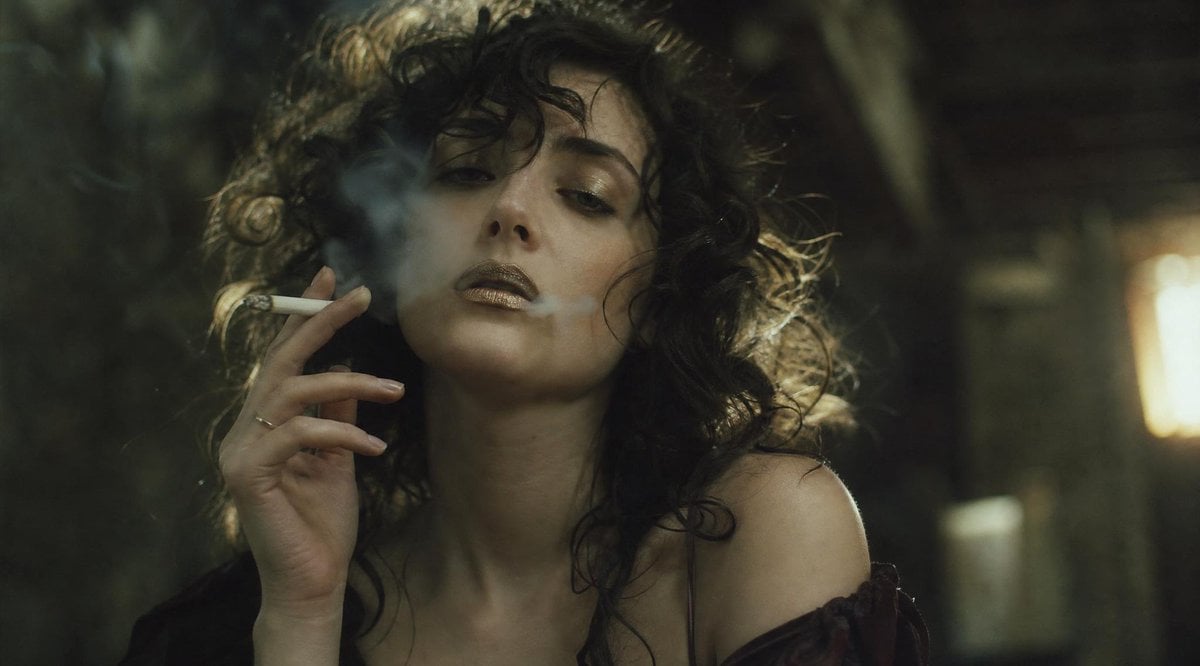
Censored Smoky Film Still
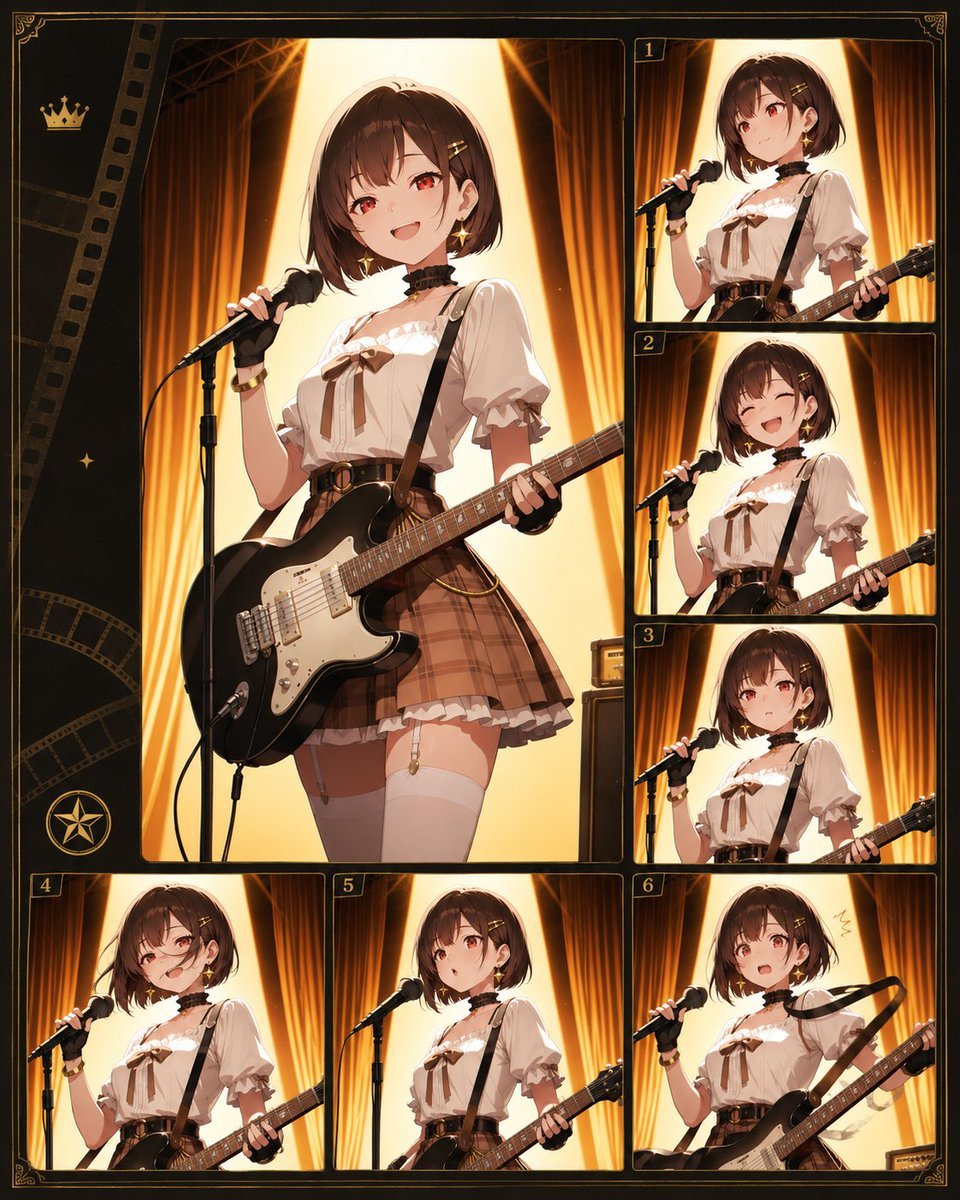
Anime Idol Guitarist Contact Sheet
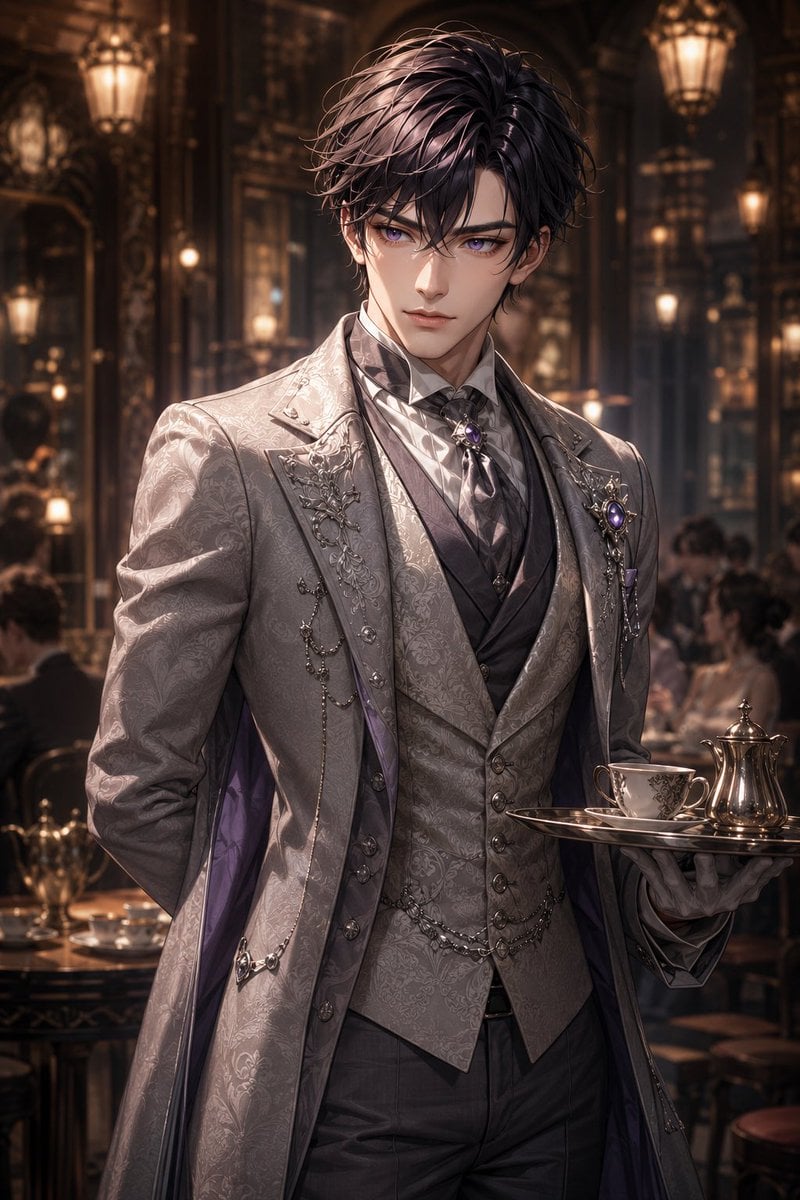
Damask Gothic Butler Portrait
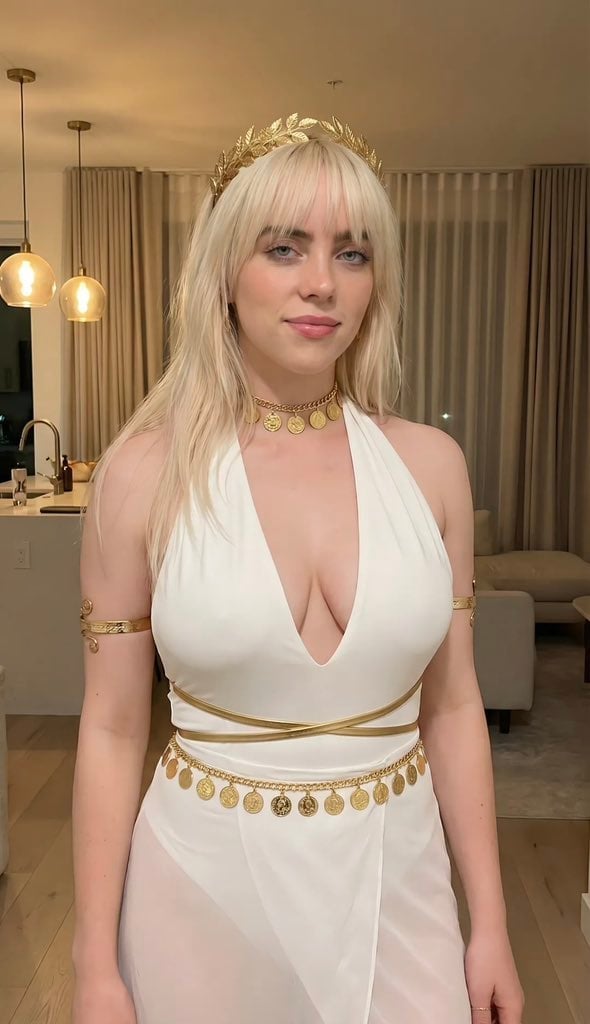
Goddess-Inspired Platinum Blonde Portrait Prompt
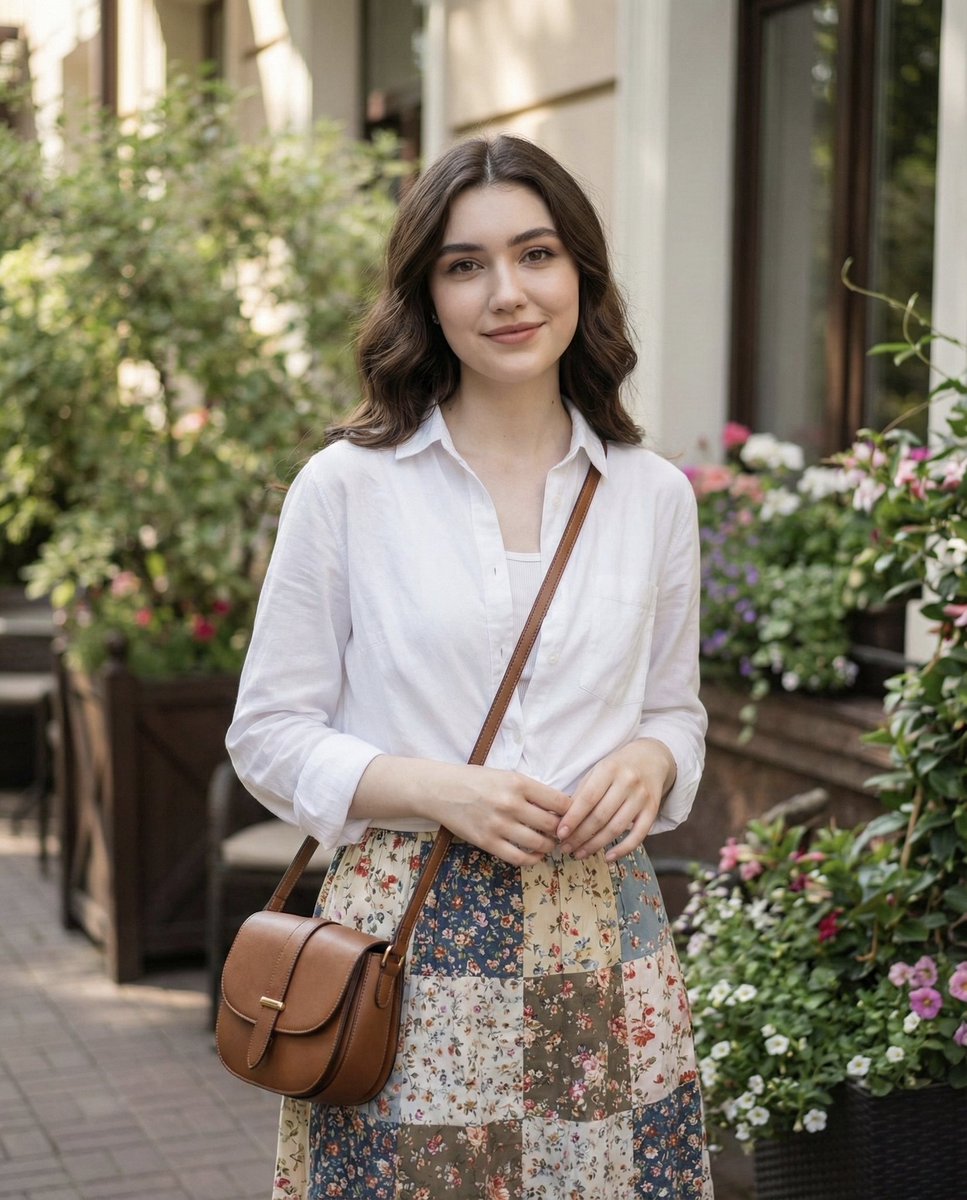
Natural Lifestyle Portrait in Cottagecore Style
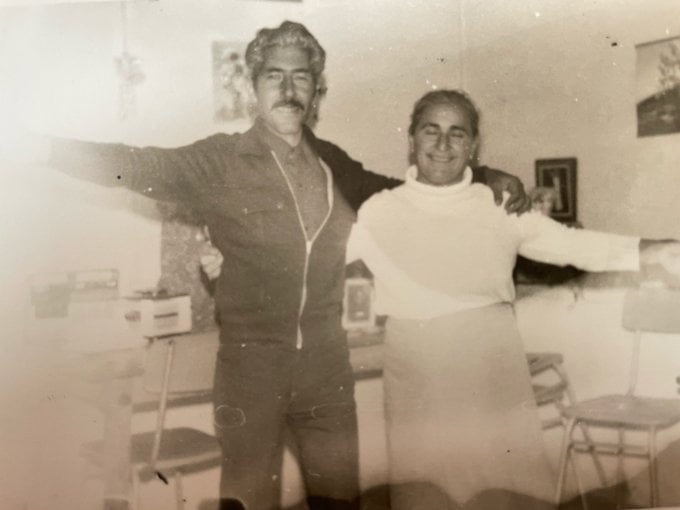
Old photo restoration to modern digital portrait
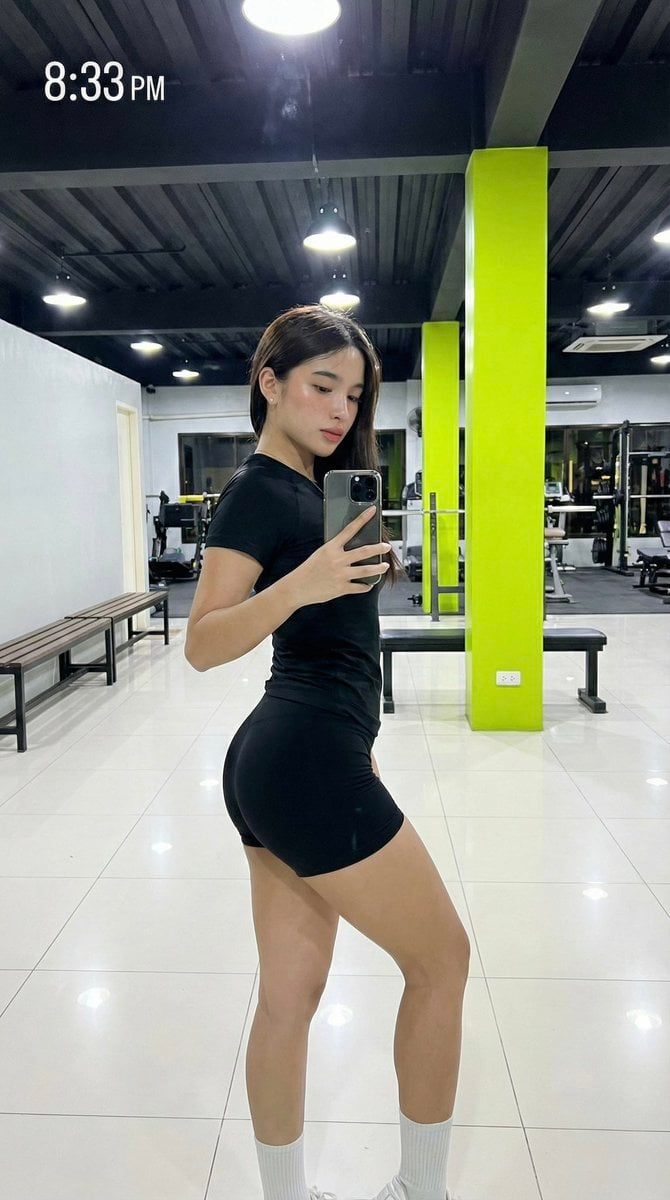
Hyper-Realistic Gym Mirror Selfie Prompt (iPhone 17 Pro Simulation)
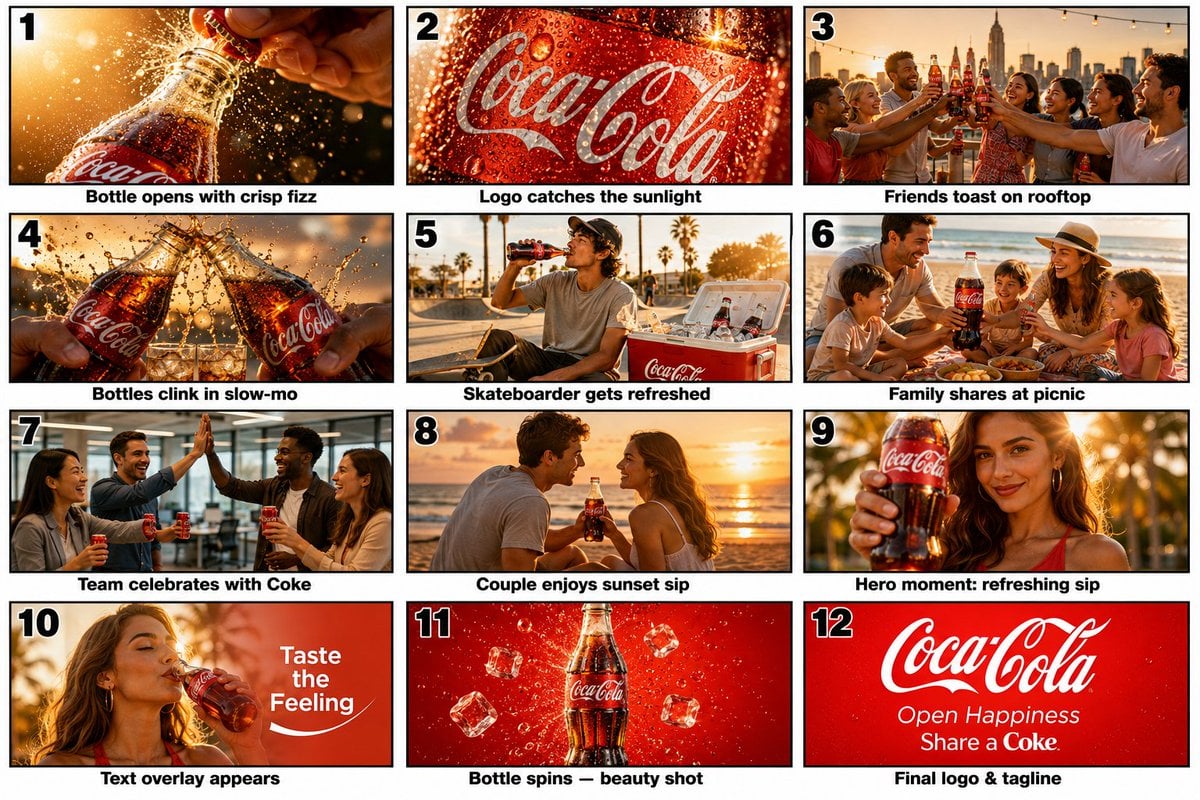
Commercial Storyboard Scene Generation
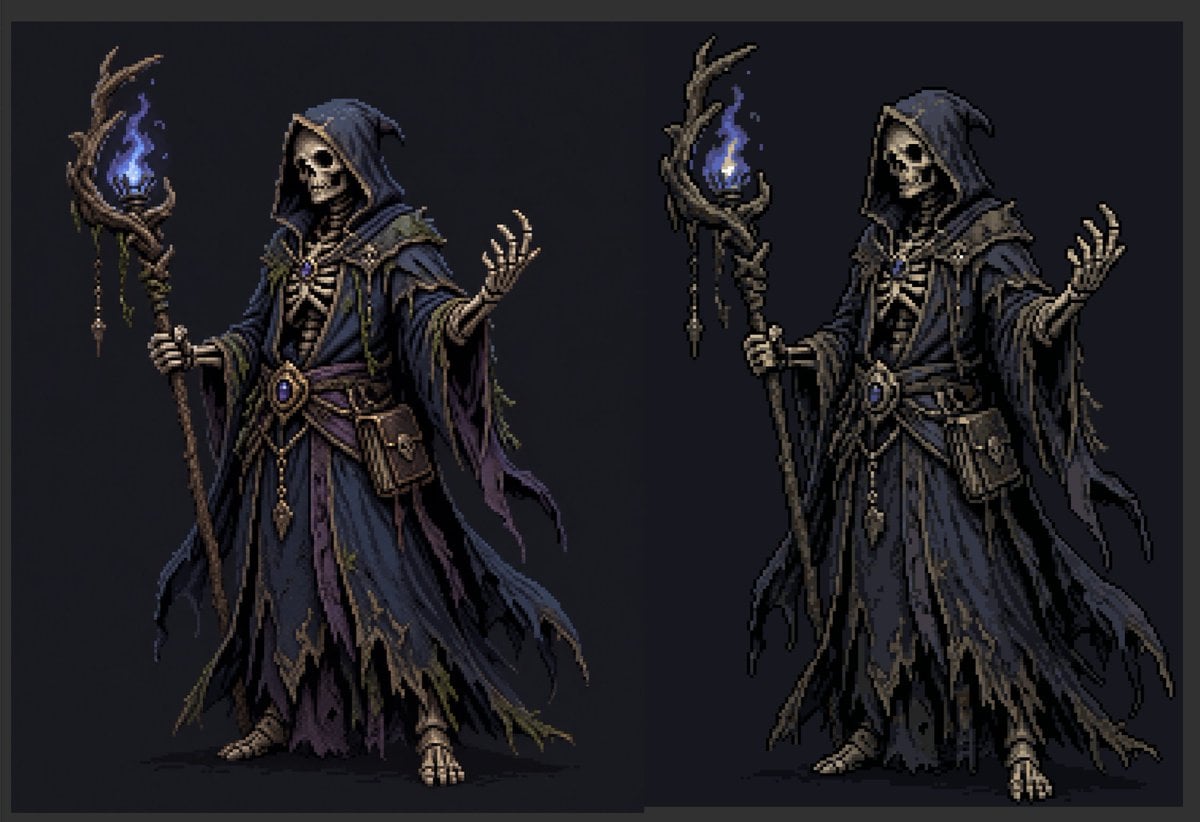
Necromancer Pixel Art Comparison
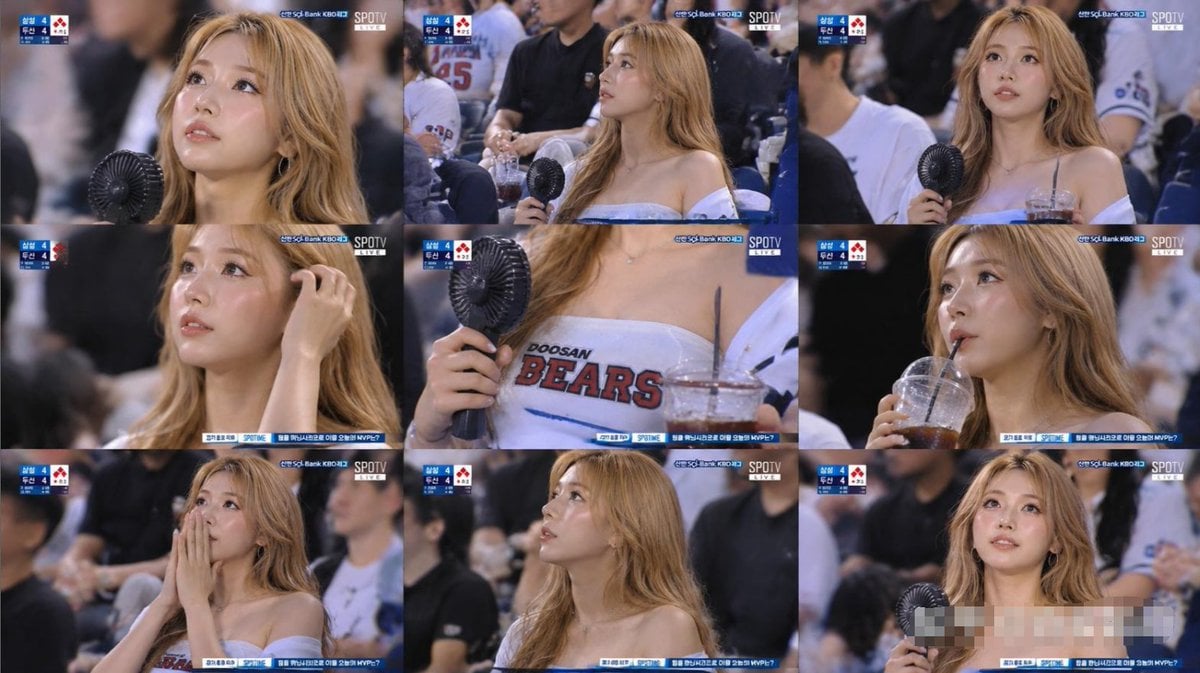
KBO Baseball Fan Television Broadcast Storyboard
Browse template categories
Quiet Luxury Editorial Photobook Spread questions
How do I use the Quiet Luxury Editorial Photobook Spread template?
Add your photo if the template asks for one, edit the prompt if you like — the template's model and format are already selected — and press Generate. Your version opens in PicX Studio.
Can I customize the Quiet Luxury Editorial Photobook Spread template?
Yes. You can change the subject, setting, lighting, mood, format, and available model controls before creating your image.
Is the Quiet Luxury Editorial Photobook Spread template free?
Opening and editing this template is free. Generating uses credits, shown on the Generate button when you are signed in.
Which AI model should I use?
Start with Nano Banana 2, which is the model associated with this template. You can compare another compatible model for a different finish.
Looking for something else? Browse all templates.

Your photo, any look
Thousands of ready templates for every top image and video model, from one credit balance.