
Commercial Storyboard Scene Generation
Uses GPT Image 2 to generate high-quality storyboard frames for commercial video production.
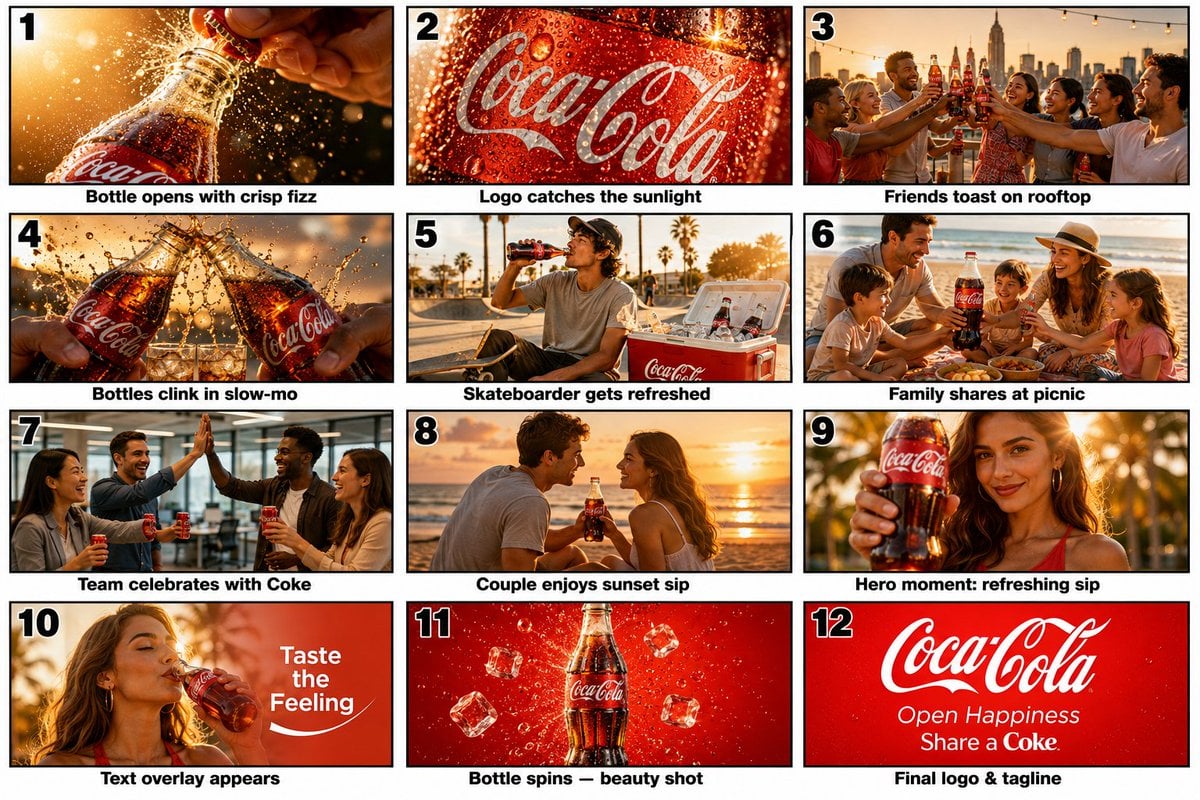
- Prompt included
- Model and format preset
- Premium template
The prompt behind this image
Copy the exact prompt behind Commercial Storyboard Scene Generation, or open it in the studio and make it yours.
15-Second Coca-Cola Commercial Storyboard Scene 1 (0–1s) Extreme macro shot of an ice-cold Coca-Cola glass bottle covered in condensation. A hand twists the cap open. Crisp fizz explosion, sparkling droplets flying through golden sunlight. Cinematic slow motion, shallow depth of field. Scene 2 (1–2s) Close-up of the Coca-Cola logo on the bottle. Water droplets glisten as sunlight reflects across the label. Tiny bubbles rise inside the bottle. Smooth push-in camera movement. Scene 3 (2–4s) Golden-hour rooftop party overlooking a city skyline. Diverse group of friends laugh, raise Coca-Cola bottles, and toast together. Warm sunlight, cinematic lens flares, energetic atmosphere. Scene 4 (4–5s) Slow-motion bottle clink. Coca-Cola splashes dramatically through the air. Macro droplets frozen in motion. Premium commercial look. Scene 5 (5–6s) Young skateboarder in a sunny urban park grabs a Coca-Cola from a cooler and takes a refreshing sip. Dynamic tracking shot. Scene 6 (6–7s) Happy family enjoying a beach picnic at sunset. They share a large Coca-Cola bottle while laughing together. Warm, emotional storytelling. Scene 7 (7–8s) Modern office team celebrates success. Coworkers cheer, high-five, and raise Coca-Cola cans. Bright natural lighting. Scene 8 (8–9s) Young couple on a tropical beach watching the sunset. They smile and sip Coca-Cola while waves roll behind them. Scene 9 (9–10s) Hero shot. Beautiful young woman holds a Coca-Cola bottle toward the camera with a confident smile. Golden sunlight creates a glowing rim light. Scene 10 (10–12s) 360-degree orbit around the woman as she takes a slow refreshing sip. Cooling mist, sparkling bubbles, and soft sunlight rays. Elegant text appears: "Taste the Feeling". Scene 11 (12–14s) Product beauty shot. Coca-Cola contour bottle rotates slowly against a rich red background. Floating ice cubes, rising bubbles, sparkling highlights. Scene 12 (14–15s) Final brand frame. Large Coca-Cola logo appears with subtle sparkle effects. Taglines fade in: "Open Happiness" and "Share a Coke". Premium commercial finish, uplifting music reaches its peak. Style: Ultra-realistic, photorealistic, 4K, 60fps, high-budget global advertising campaign, vibrant red-and-white branding, golden-hour lighting, dynamic camera movement, cinematic depth of field, realistic condensation, fizzy bubbles, premium color grading, masterpiece commercial quality.
How to use Commercial Storyboard Scene Generation in 3 steps
- 1
Open
The prompt is already in the box next to the preview, with the template's model and format selected.
- 2…a portrait of your subject in softgolden-hour light, 85mm…
Personalize
Edit the subject and creative details for your destination.
- 3Generate
Generate
Press Generate — your image is created in PicX Studio, so you can compare it with the original and refine one variable at a time.
More like this
Templates with the same subject, style or setup. Open one to see its prompt.

Soft Shadow Studio Minimalist Product Shot
Soft Shadow Studio Minimalist Product Shot

Goalmaster Youth Sports Poster

Headphones Lifestyle Nine Panel Grid

Cappuccino Bottle Splash Product Ad

FIFA-Inspired — World Cup Final Goal Net Commercial
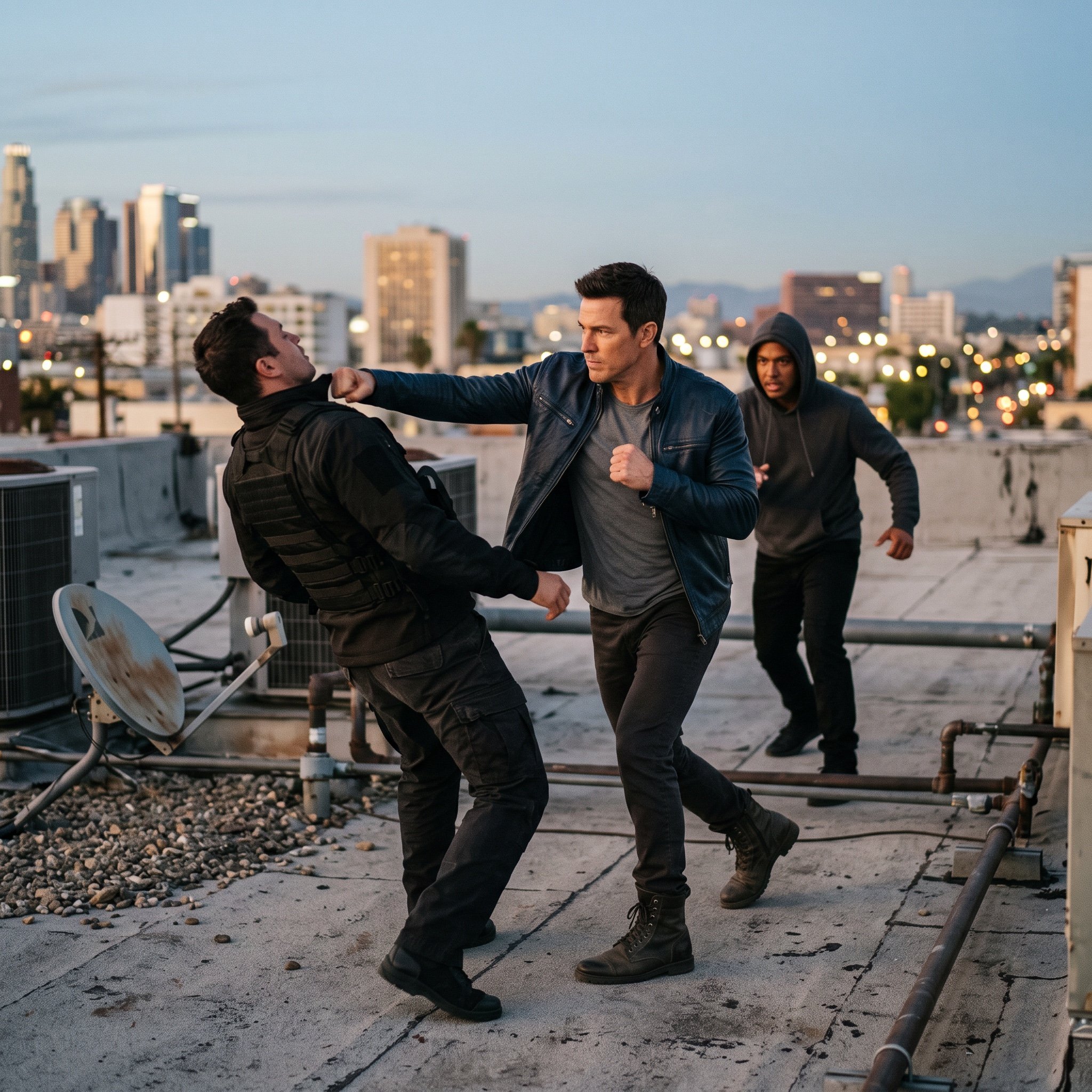
action movie hollywood movie hollywood fight scene... (IMAGE-NANO_BANANA)

Product Shot - T-Shirt Mockup
Seedance - Storyboard to Movie
Seedance - Brand Commercial
Commercial Headphone Campaign - Seedance 2.0
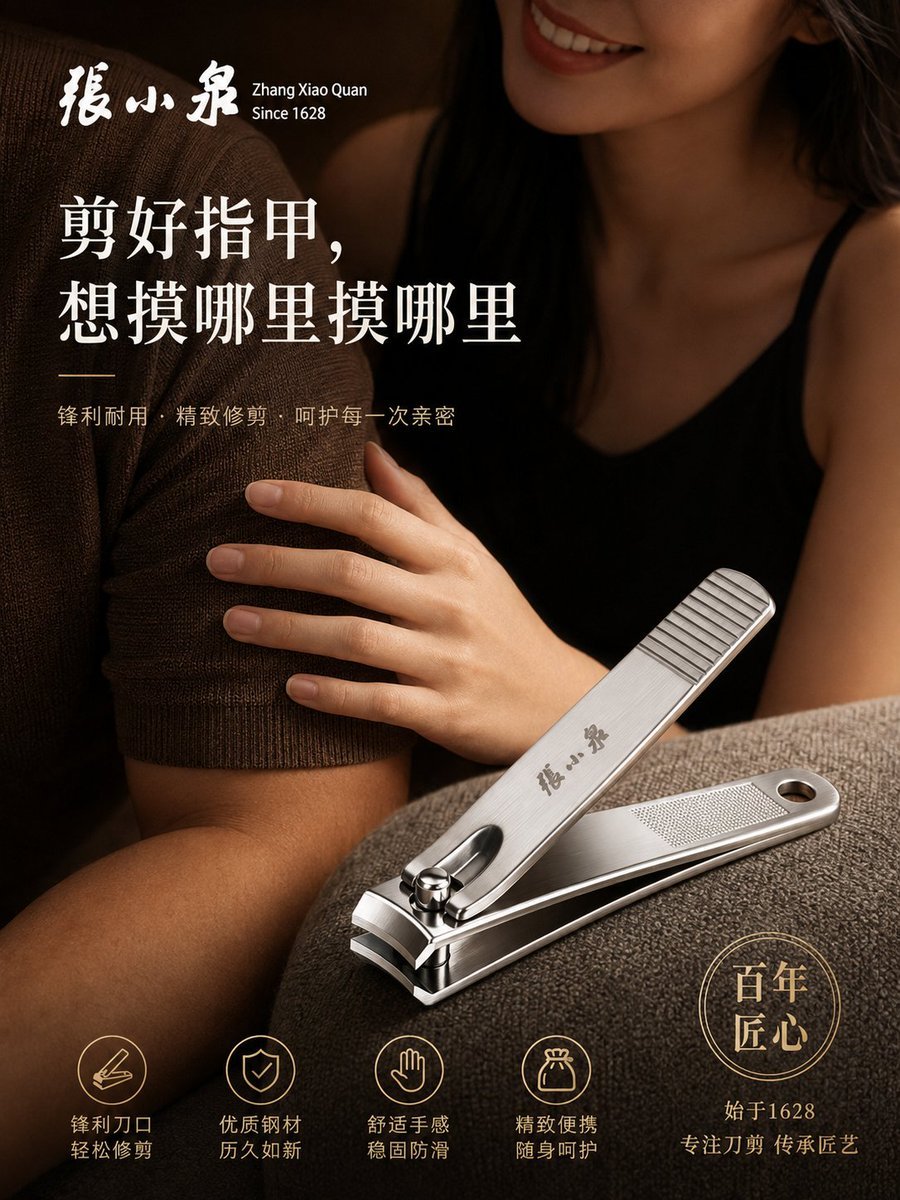
Luxury Nail Clipper Commercial Ad
Make it yours
Commercial Storyboard Scene Generation works as-is. These are the safest ways to change it without losing the look.
Change one field
Copy a single group, rewrite it, and generate again so you can see what that field is doing.
Keep the frame, change the subject
Hold the composition and light of Commercial Storyboard Scene Generation, then swap wardrobe, props or the person for a new take.
| If the result… | Why | Fix |
|---|---|---|
| The result drifts from the preview | Too many fields changed at once. | Reuse Commercial Storyboard Scene Generation as-is first, then change one group — subject, light, or setting. |
| The model over-stylizes the scene | The prose prompt leaves finish and camera underspecified. | Add one camera or lighting sentence and stay on GPT Image 2. |
More GPT Image 2 templates
Other prompts made for GPT Image 2.

Six VTuber Japanese Logo Sheet

Realistic Portrait of Woman and Deer

The Vista Modular Condo Poster

AI Model Routing Comparison Infographic

2.5D Anime Art Board

Isometric Productivity Desk Scene

New York Double Exposure Poster

Four-Panel AI Landscape Comparison

Japanese Tatami Lifestyle Magazine Cover

NESCAFÉ Coffee Map Poster
More image prompts
Fresh picks from across the catalog.
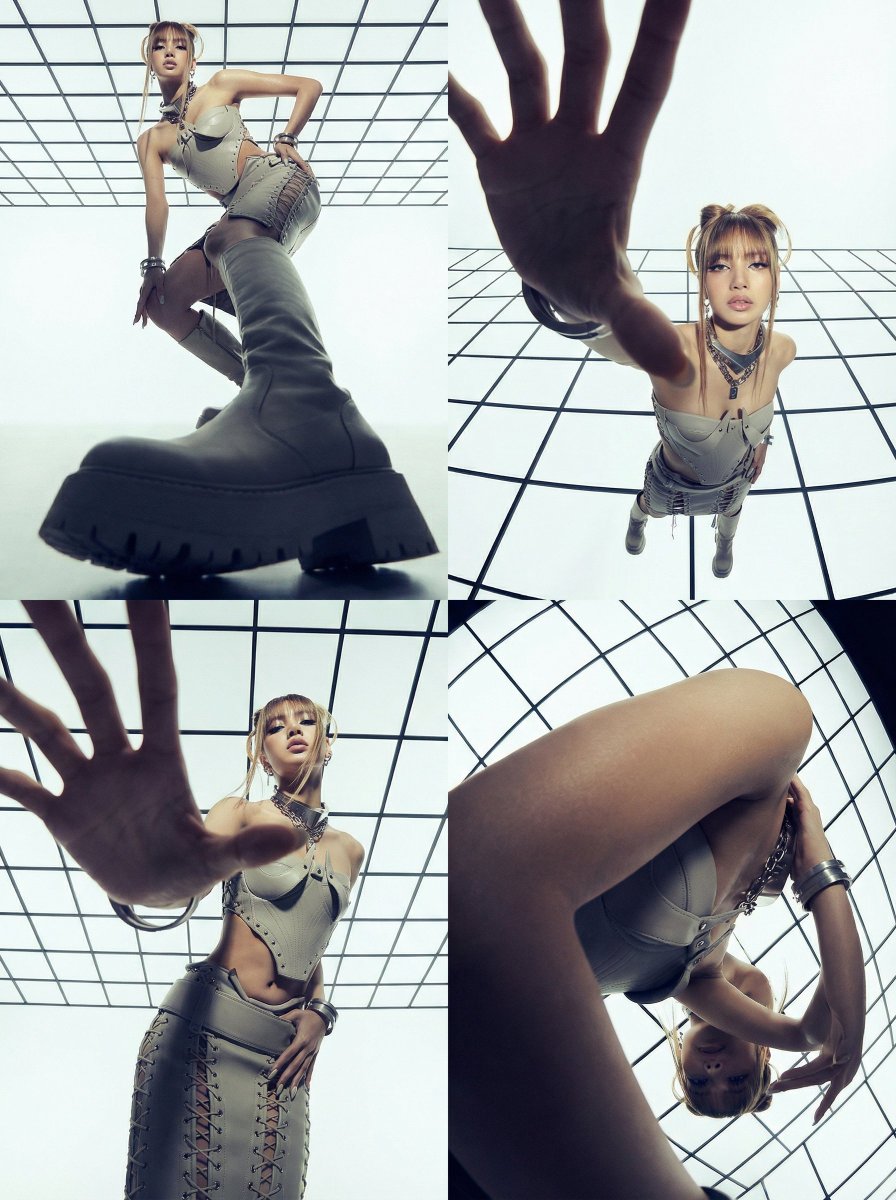
Dramatic Photo Transformation for BLACKPINK
Cinematic Summer Beach Portrait
Motion and Image Prompt for Ultra-Realistic Food Photography of Pasta
Image-to-Image Action Generation Template

Cyberpunk AI Entrepreneur Portrait
Candid Night Portrait in a Parked Car
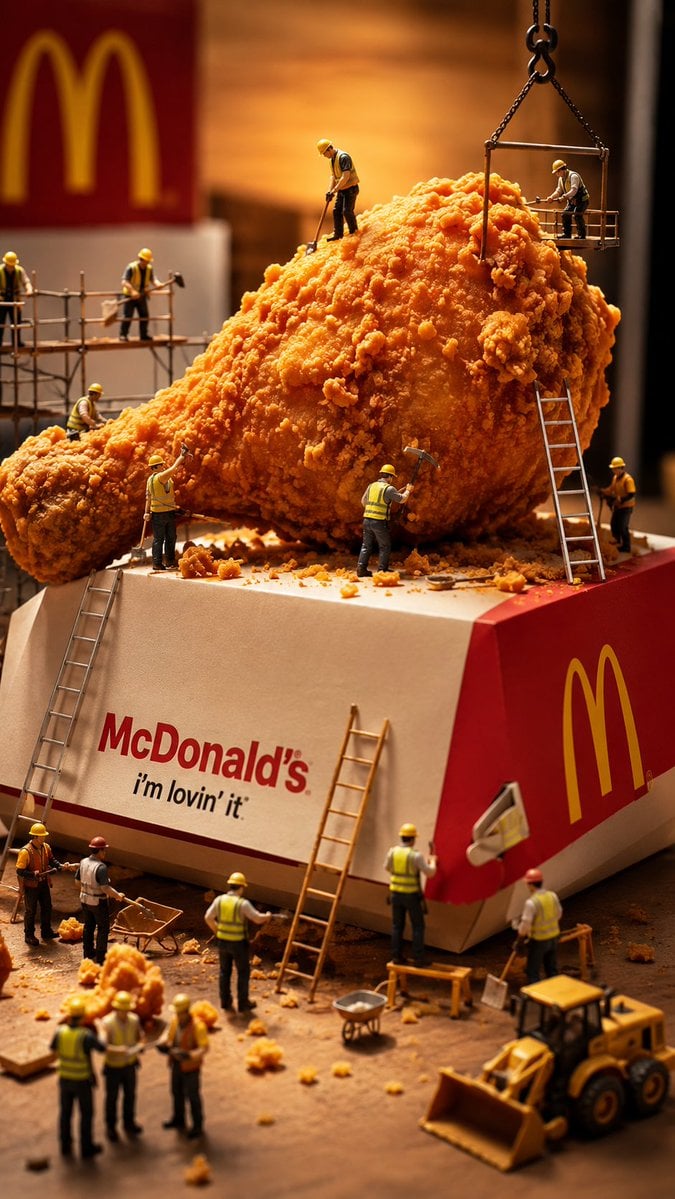
Miniature Workers Sculpt Giant McDonald's Drumstick
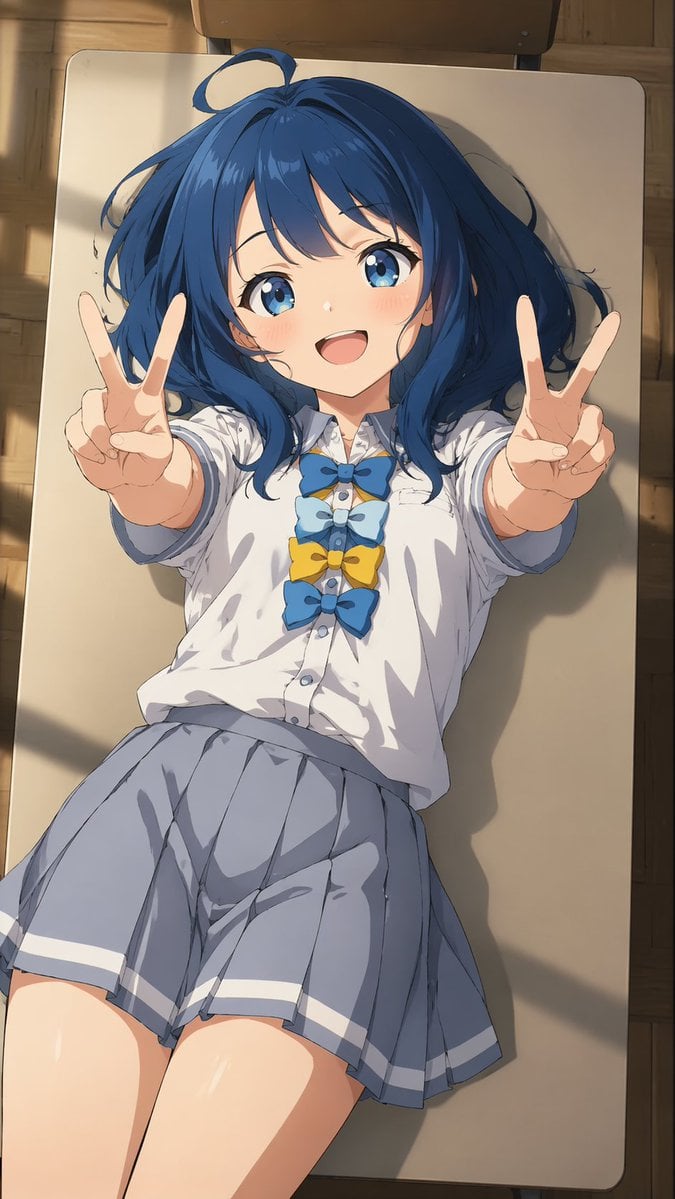
Overhead Anime Girl Peace Sign Portrait
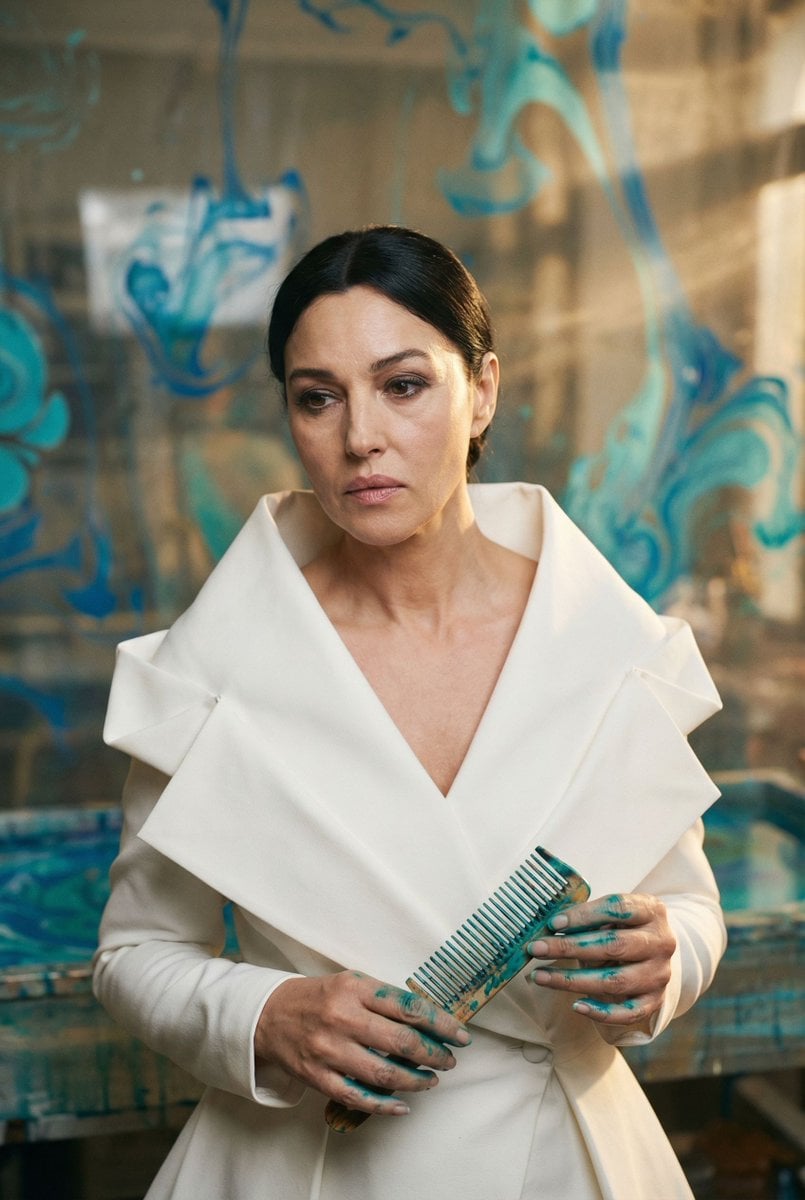
Cinematic Portrait of 'The Melancholic Prodigy'
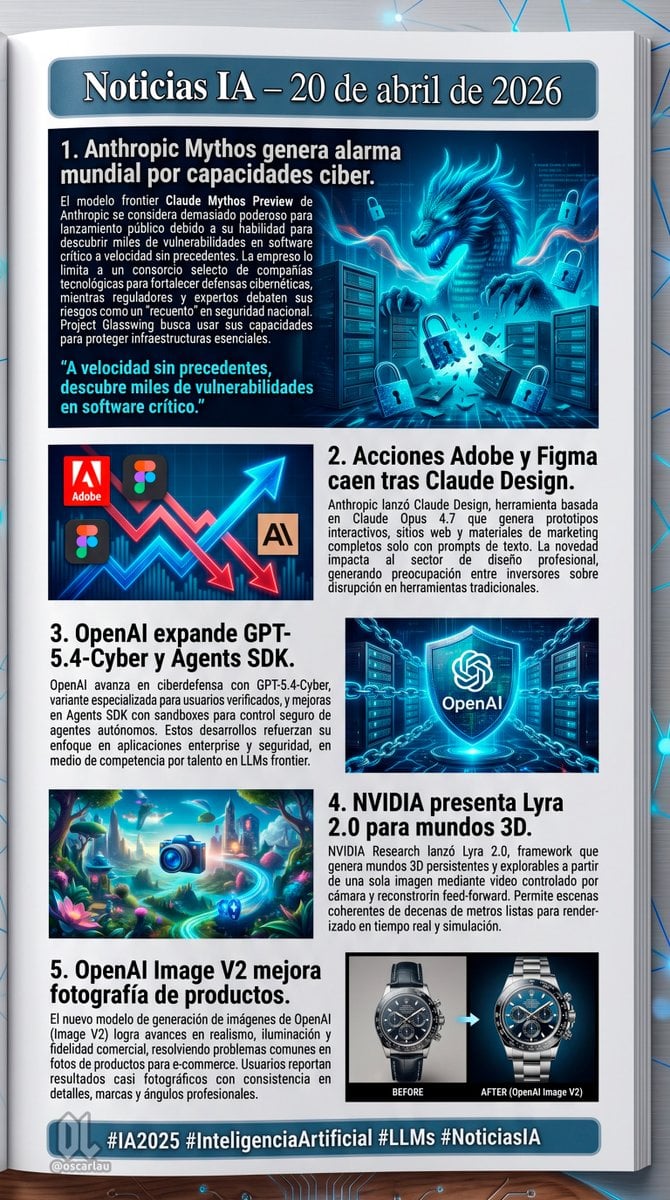
AI News Newsletter Page Layout
Browse template categories
Commercial Storyboard Scene Generation questions
How do I use the Commercial Storyboard Scene Generation template?
Add your photo if the template asks for one, edit the prompt if you like — the template's model and format are already selected — and press Generate. Your version opens in PicX Studio.
Can I customize the Commercial Storyboard Scene Generation template?
Yes. You can change the subject, setting, lighting, mood, format, and available model controls before creating your image.
Is the Commercial Storyboard Scene Generation template free?
Opening and editing this template is free. Generating uses credits, shown on the Generate button when you are signed in.
Which AI model should I use?
Start with GPT Image 2, which is the model associated with this template. You can compare another compatible model for a different finish.
Looking for something else? Browse all templates.

Your photo, any look
Thousands of ready templates for every top image and video model, from one credit balance.