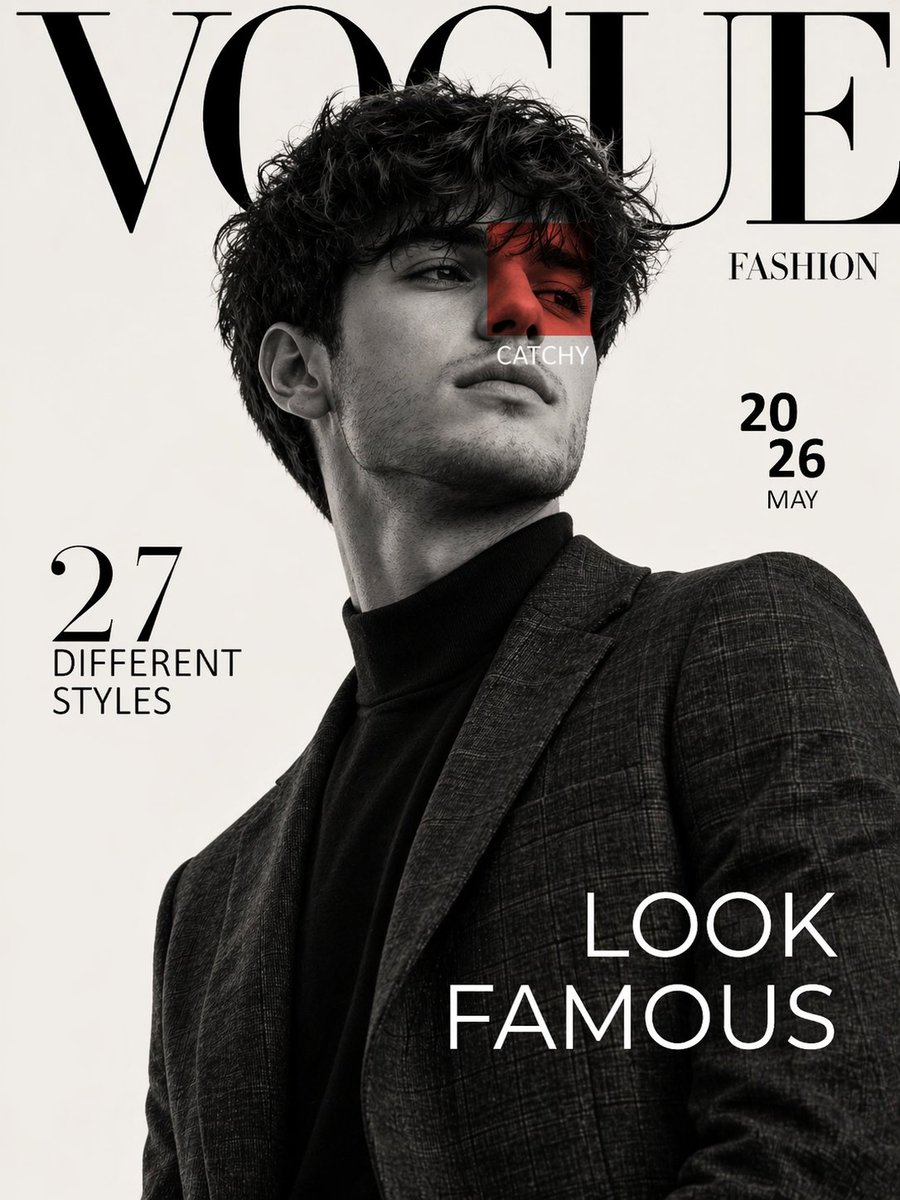
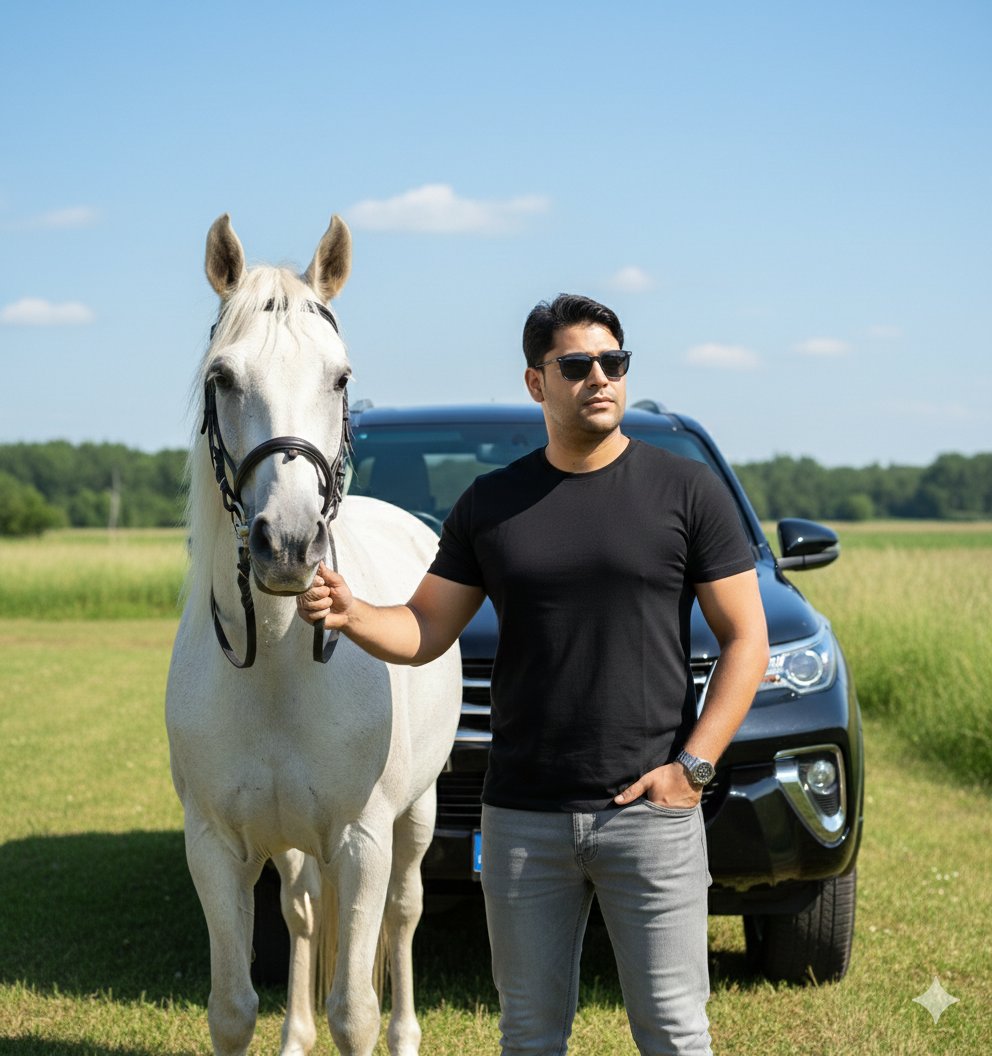
How do I use the Sydney Sweeney Street Style Cinematic Portrait template?
Choose the primary action to open PicX Studio with the available template settings. Review the model and format, personalize the creative direction, and generate when ready.
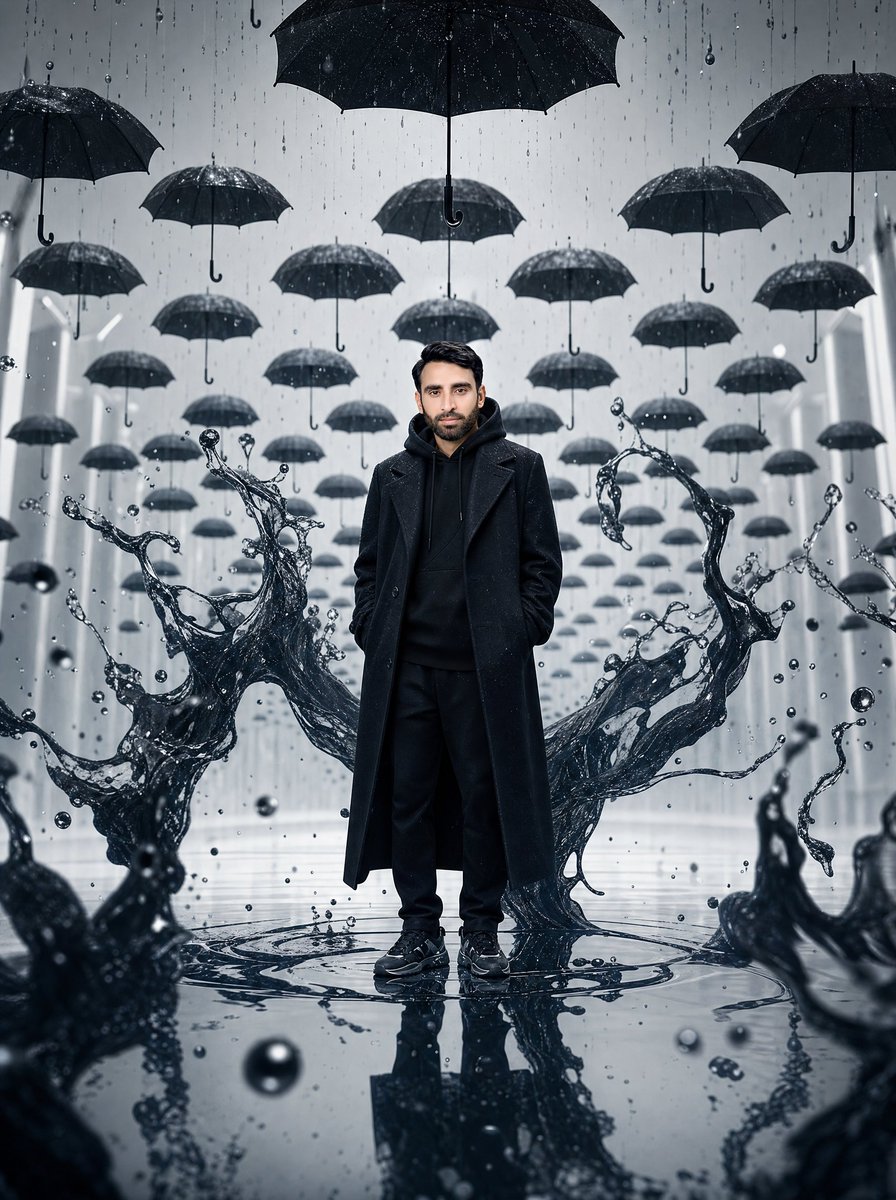
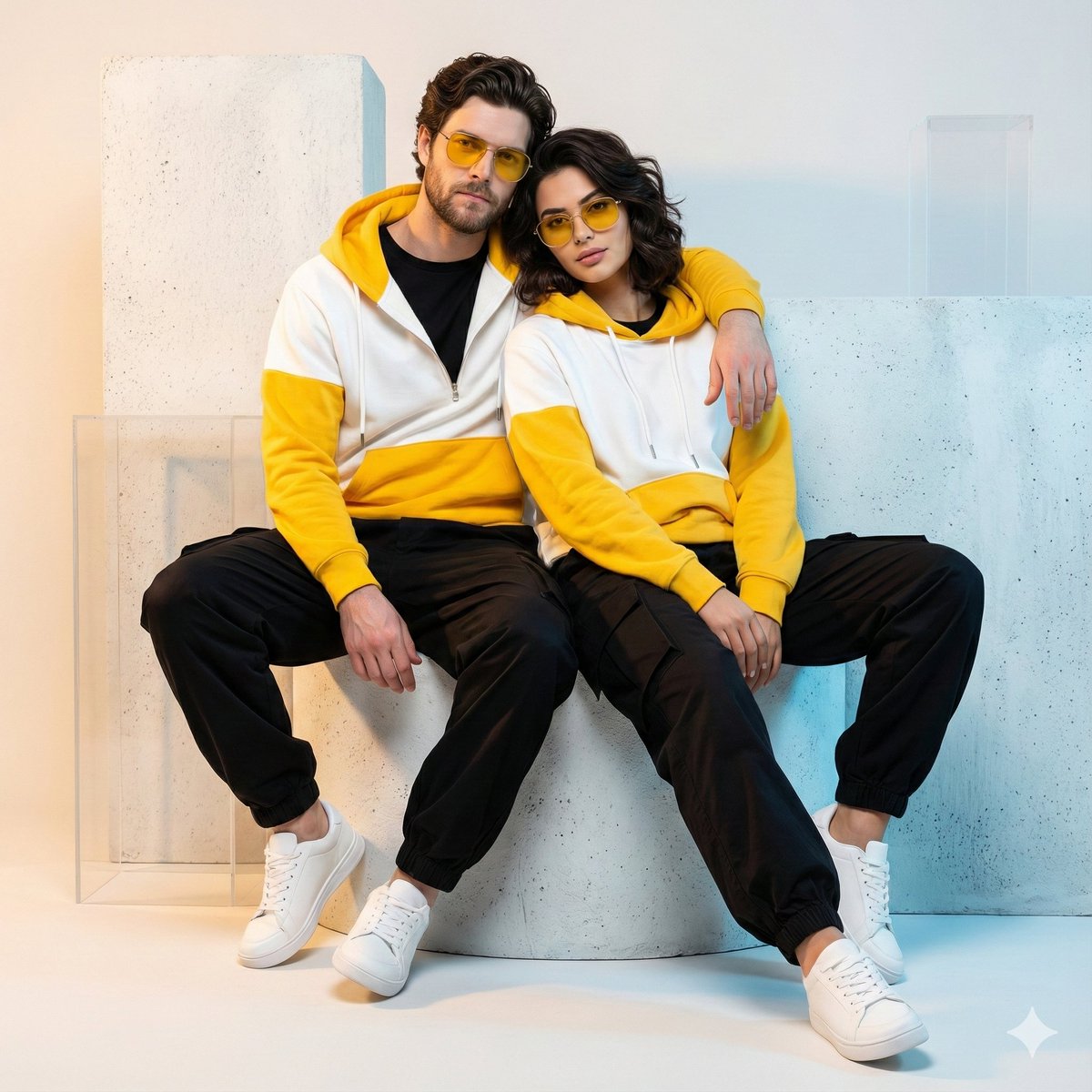
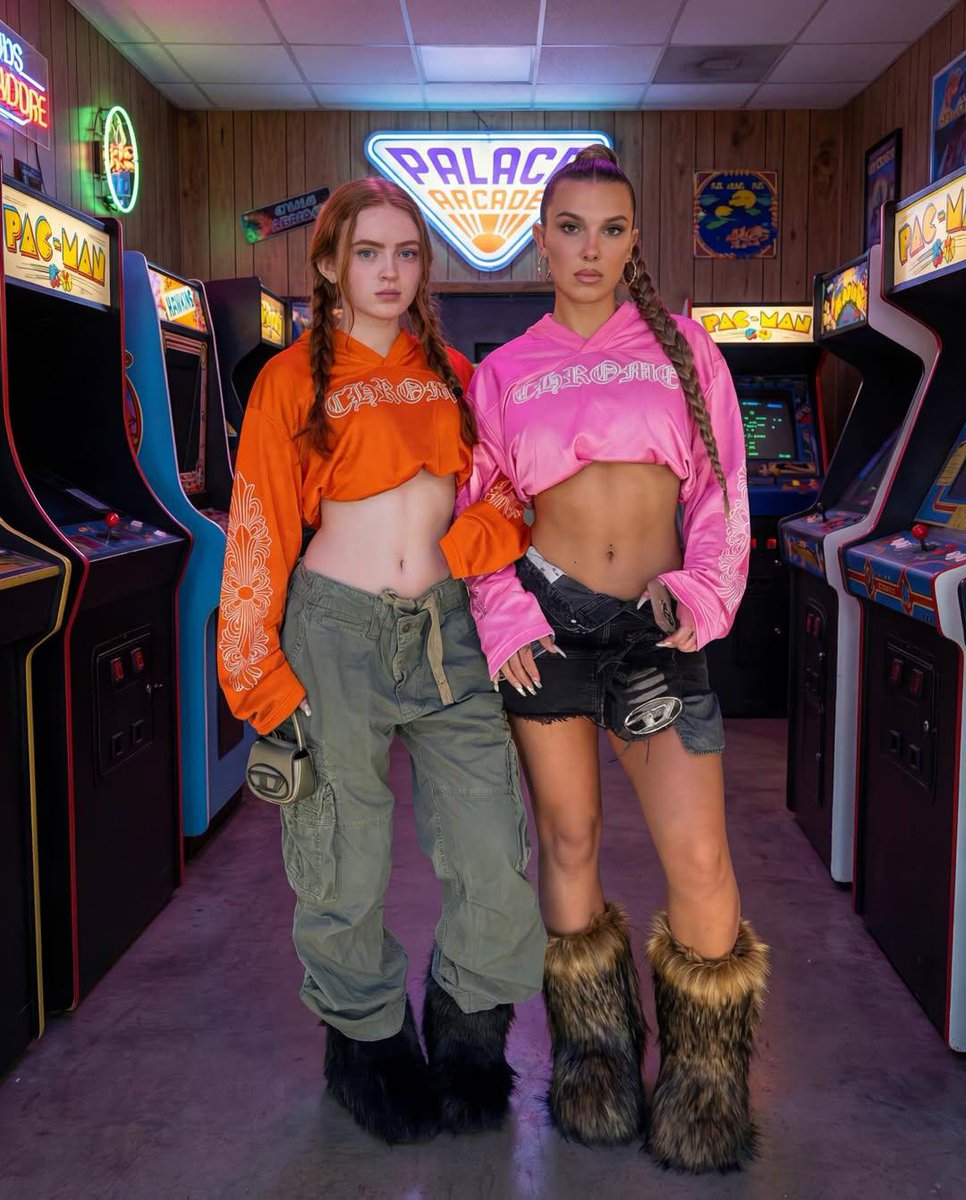
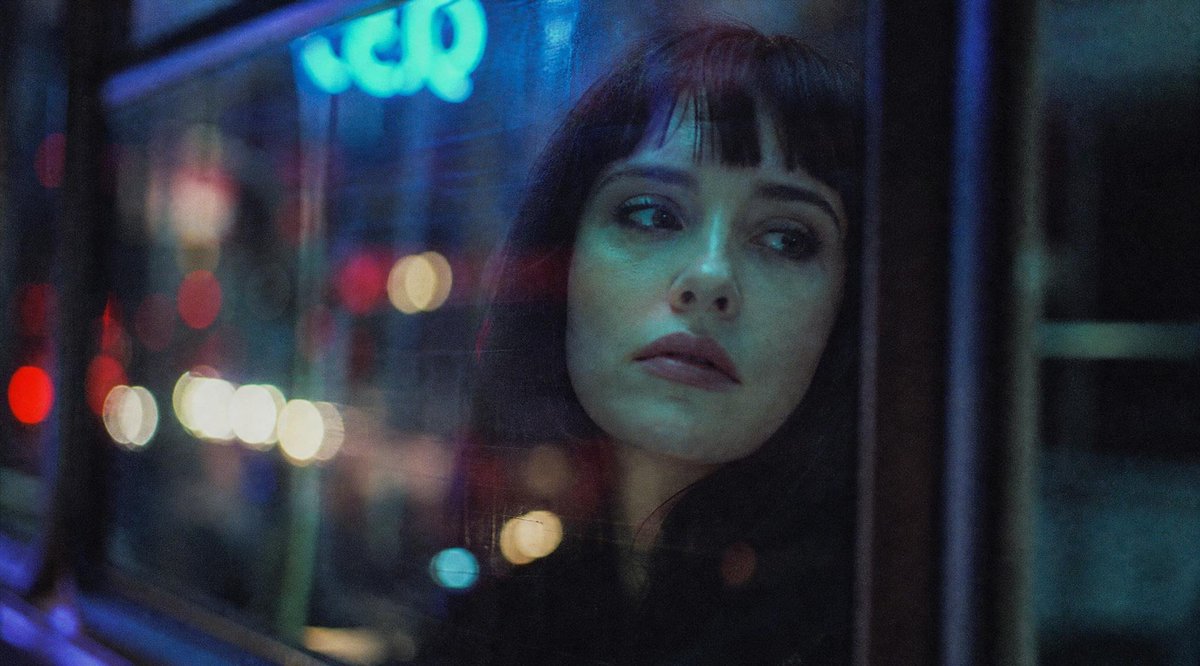
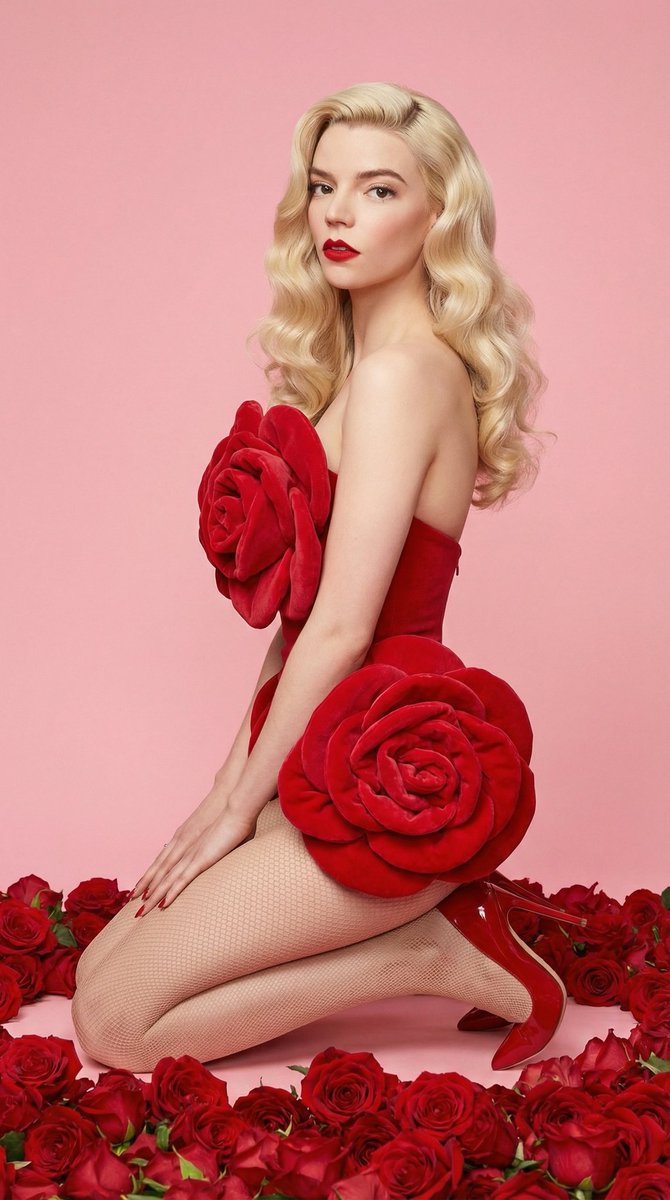
A highly structured JSON prompt for generating a hyper-realistic cinematic photograph of Sydney Sweeney in street style attire (distressed denim, tube top) crouching on a cobblestone alleyway, focusing on precise lighting (warm street lamp glow, cool twilight fill) and camera settings (low-angle, deep bokeh) to achieve a dramatic effect. Change the subject, setting, or lighting one variable at a time.

{ "image_configuration": { "aspect_ratio": "9:16", "output_format": "4K Ultra HD / 8K Post-Sampling", "rendering_style": "Hyper-Realistic Cinematic Photography" }, "subject_node": { "identity": { "name": "{argument name="subject name" default="Sydney Sweeney"}", "likeness_accuracy": "High" }, "physical_attributes": { "hair": "Long, straight, platinum blonde; middle part; fine texture", "skin": "Fair complexion; visible pores; realistic skin luminescence", "eyes": "Expressive blue-grey; visible through clear lenses" }, "pose_and_interaction": { "body_position": "Low-angle crouch on street surface", "hand_gesture": "Right hand delicately adjusting the upper frame of glasses", "eye_contact": "Directly into the camera lens; soft/gentle expression" }, "accessories": [ { "item": "Classic tortoise-shell glasses", "material": "Polished acetate" }, { "item": "Gold link bracelet", "placement": "Left wrist" }, { "item": "Thin gold chain bracelet", "placement": "Right wrist" } ] }, "attire_node": { "upper_garment": { "type": "Strapless tube top", "color": "Light beige / Cream", "fit": "Form-fitting", "material": "Ribbed fabric texture" }, "lower_garment": { "type": "Distressed denim jeans", "color": "Light wash blue", "details": "Prominent heavy distressing/rips at the knees" }, "footwear": { "type": "Low-top sneakers", "color": "Optic white" } }, "environmental_node": { "setting": "Narrow European-style cobblestone alleyway", "temporal_context": "{argument name="time of day" default="Blue hour transitioning to twilight"}", "background_elements": [ "Vanishing point perspective", "Dark iron bollards", "Historical building facades with soft interior window glow" ], "surface_texture": "Wet-look weathered cobblestones; reflective highlights" }, "cinematography_node": { "lighting": { "primary": "Warm amber street lamp glow", "secondary": "Cool twilight fill light", "character": "Cinematic chiaroscuro; soft-edged shadows" }, "camera_settings": { "focus": "Pin-sharp on subject's facial features", "depth_of_field": "f/1.8 (Deep bokeh background)", "lens_type": "35mm prime lens aesthetics" }, "post_processing": [ "HDR", "Natural color grading", "Zero-noise high ISO simulation" ] } }
Choose the primary action to open PicX Studio with the available template settings. Review the model and format, personalize the creative direction, and generate when ready.
Yes. You can change the subject, setting, lighting, mood, format, and available model controls before creating your image.
This template is free to open and customize. Generation usage is shown in PicX Studio before you create.
Start with Nano Banana 2, which is the model associated with this template. You can compare another compatible model for a different finish.
© 2026 PicX Studio. All rights reserved.

Follow a topic to a crawlable collection of related PicX Studio templates.
43,474 public templates available. Verified via the PicX Studio public templates API; refreshed hourly.
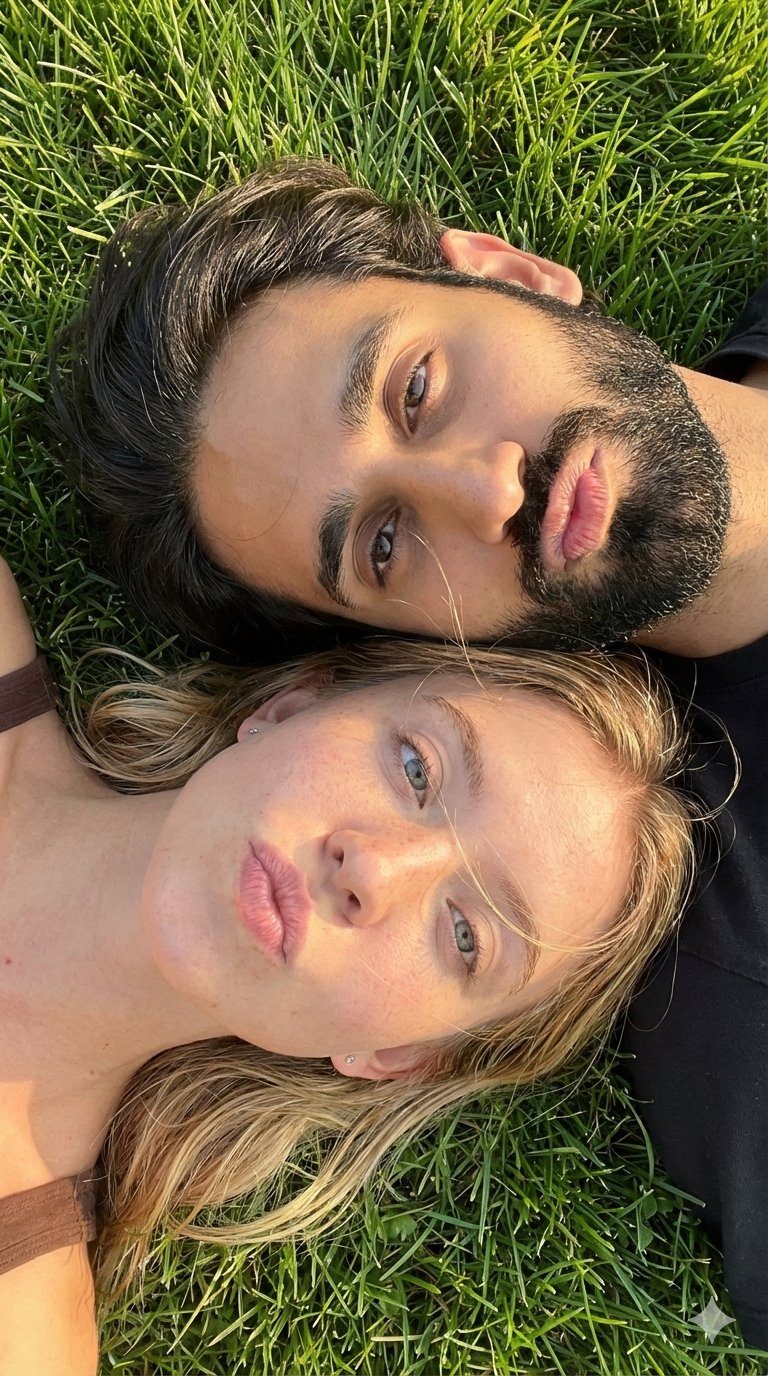


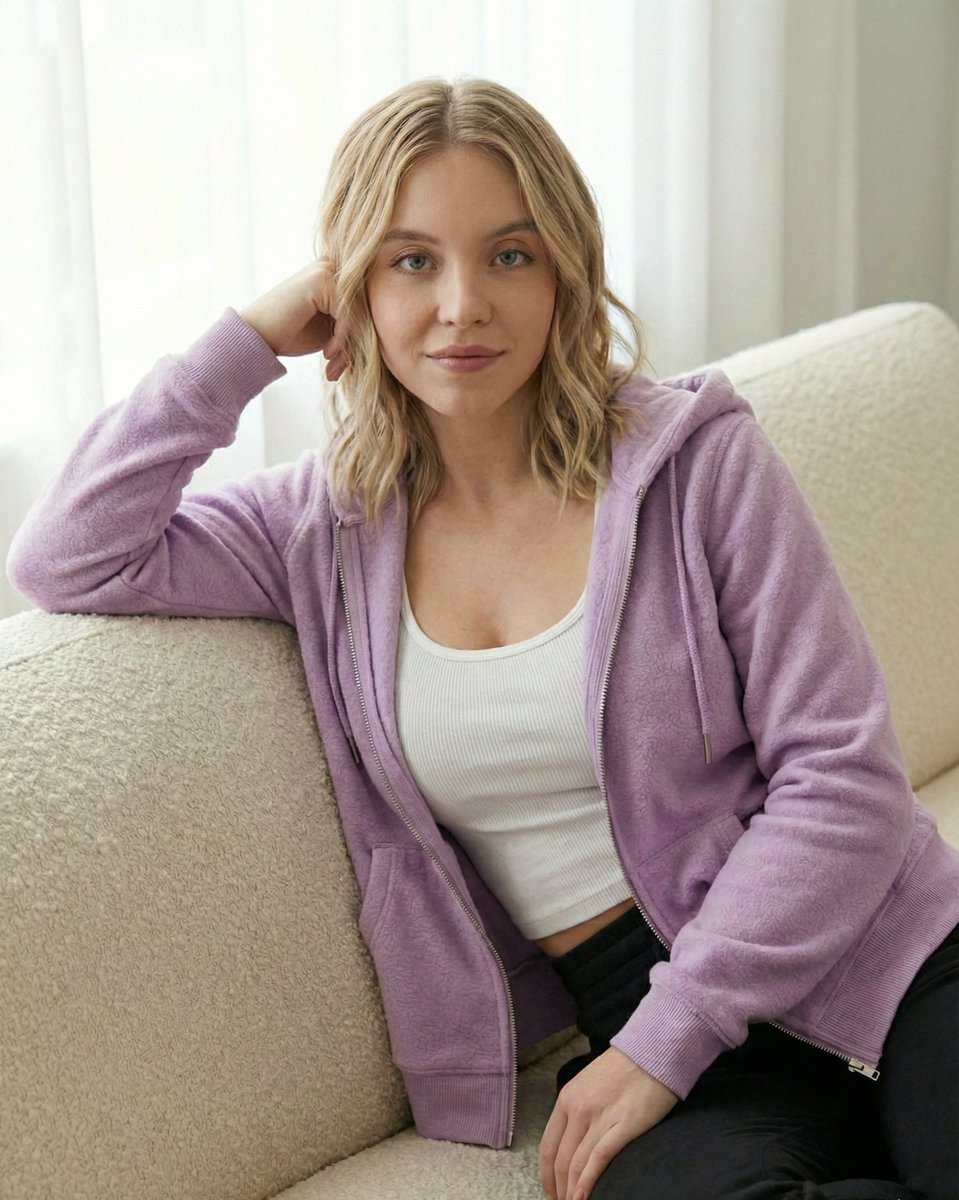






![Naive doodle-style subject illustration — A doodle-style {argument name="subject" default="[subject]"}, naive lines, humorous shape exaggeration](https://pbs.twimg.com/media/G6Wl2YxbsAARB2b.jpg)