How do I use the High-Speed Camera Rush Motion Prompt template?
Choose the primary action to open PicX Studio with the available template settings. Review the model and format, personalize the creative direction, and generate when ready.
A detailed motion prompt for video generation (Kling 3.0) describing a single continuous shot that starts high, dives down, rushes through an environment with rapid movement and motion blur, and then decelerates sharply to settle on a subject. The prompt specifies camera movement, action, and style to create a thrilling, exhilarating effect. (free to use) — Free AI image template on PicX Studio.
Motion Prompt: CAMERA: Single continuous shot. The camera moves at high speed through the environment in a straight-line rush. Starts high above, then immediately dives down into the scene. The camera weaves between obstacles with tight margins — quick banking turns, rapid dodges, surroundings rushing past in peripheral blur. Light flickers rapidly through beams and shadows. Final approach decelerates sharply as the subject comes into view, the speed resolving into a calm, steady hover. Camera settles into a low-angle medium shot with subtle drift. ACTION: Opens from above, then plunges into the environment. Surroundings become a blur of color and light streaks. Obstacles whoosh past on both sides, particles streak through the frame. Volumetric light rays flash by. As the subject appears ahead, speed suddenly drops, chaos calms, and the camera floats the final distance. The final frame holds steady on the subject, glowing and still. Nothing is visible in the frame except the environment and the subject. STYLE: Thrilling high-speed camera rush. Urgent and exhilarating. Rapid light–shadow transitions with motion blur emphasizing speed. The contrast between the frenetic journey and the calm arrival creates a satisfying effect. CAMERA: Single continuous shot. The camera moves at high speed through the environment in a straight-line rush. Starts high above, then immediately dives down into the scene. The camera weaves between obstacles with tight margins — quick banking turns, rapid dodges, surroundings rushing past in peripheral blur. Light flickers rapidly through beams and shadows. Final approach decelerates sharply as the subject comes into view, the speed resolving into a calm, steady hover. Camera settles into a low-angle medium shot with subtle drift. ACTION: Opens from above, then plunges into the environment. Surroundings become a blur of color and light streaks. Obstacles whoosh past on both sides, particles streak through the frame. Volumetric light rays flash by. As the subject appears ahead, speed suddenly drops, chaos calms, and the camera floats the final distance. The final frame holds steady on the subject, glowing and still. Nothing is visible in the frame except the environment and the subject. STYLE: Thrilling high-speed camera rush. Urgent and exhilarating. Rapid light–shadow transitions with motion blur emphasizing speed. The contrast between the frenetic journey and the calm arrival creates a satisfying effect.
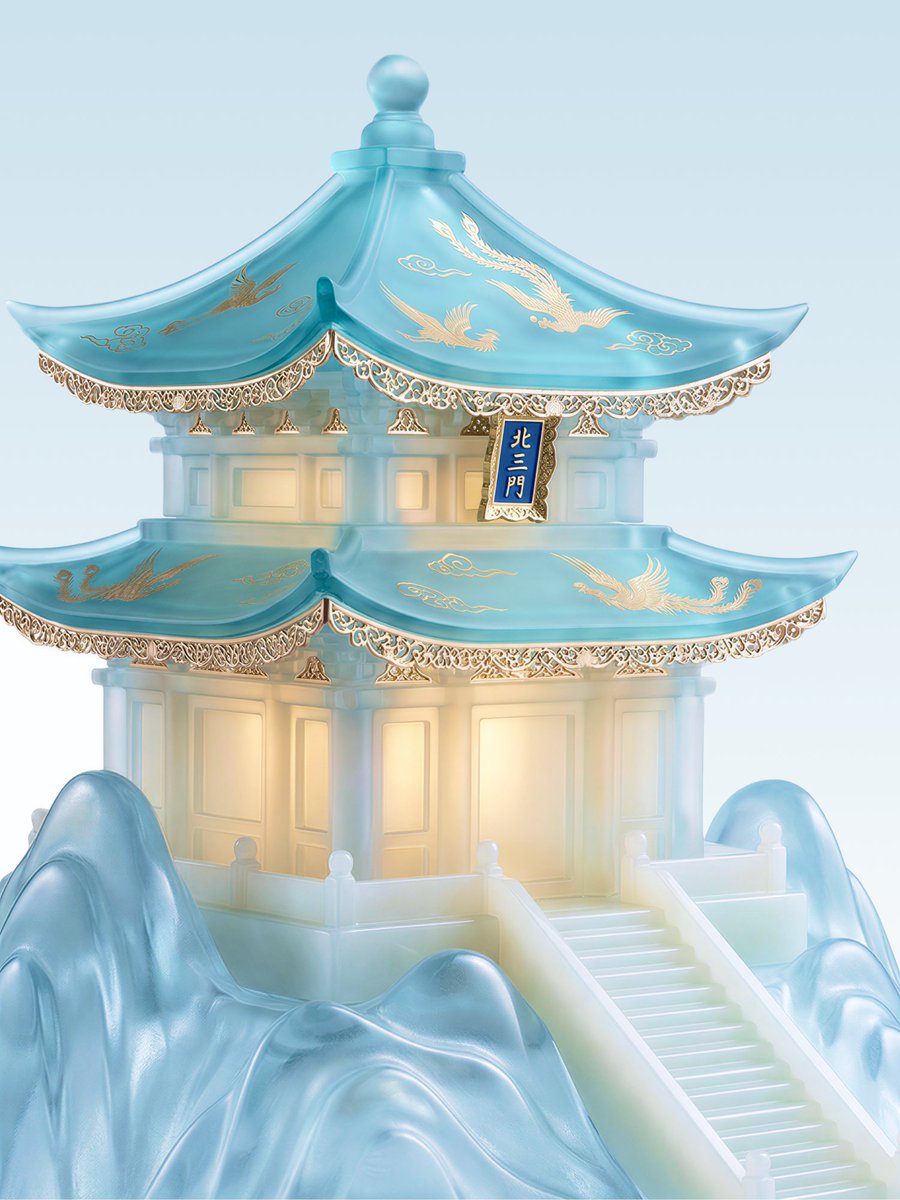
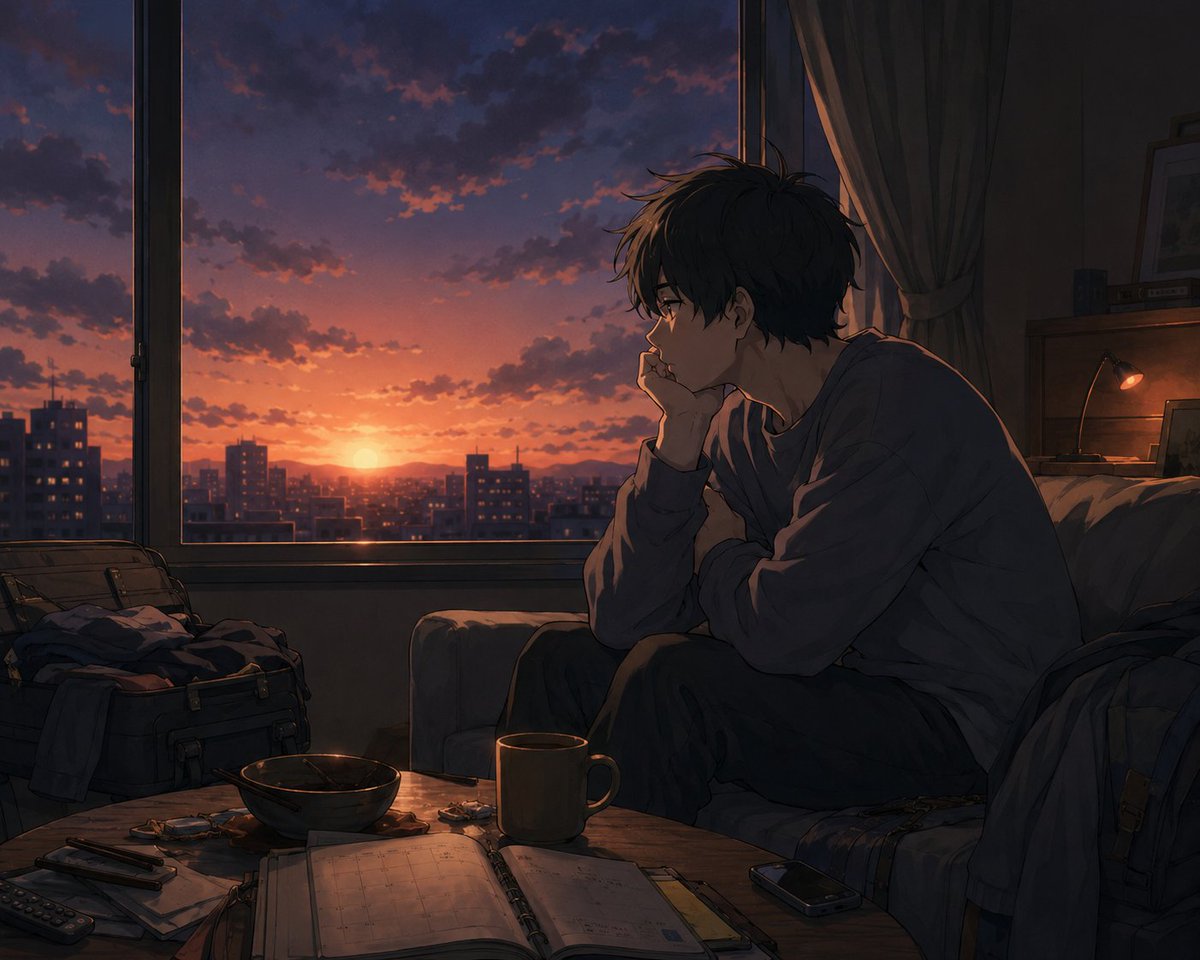
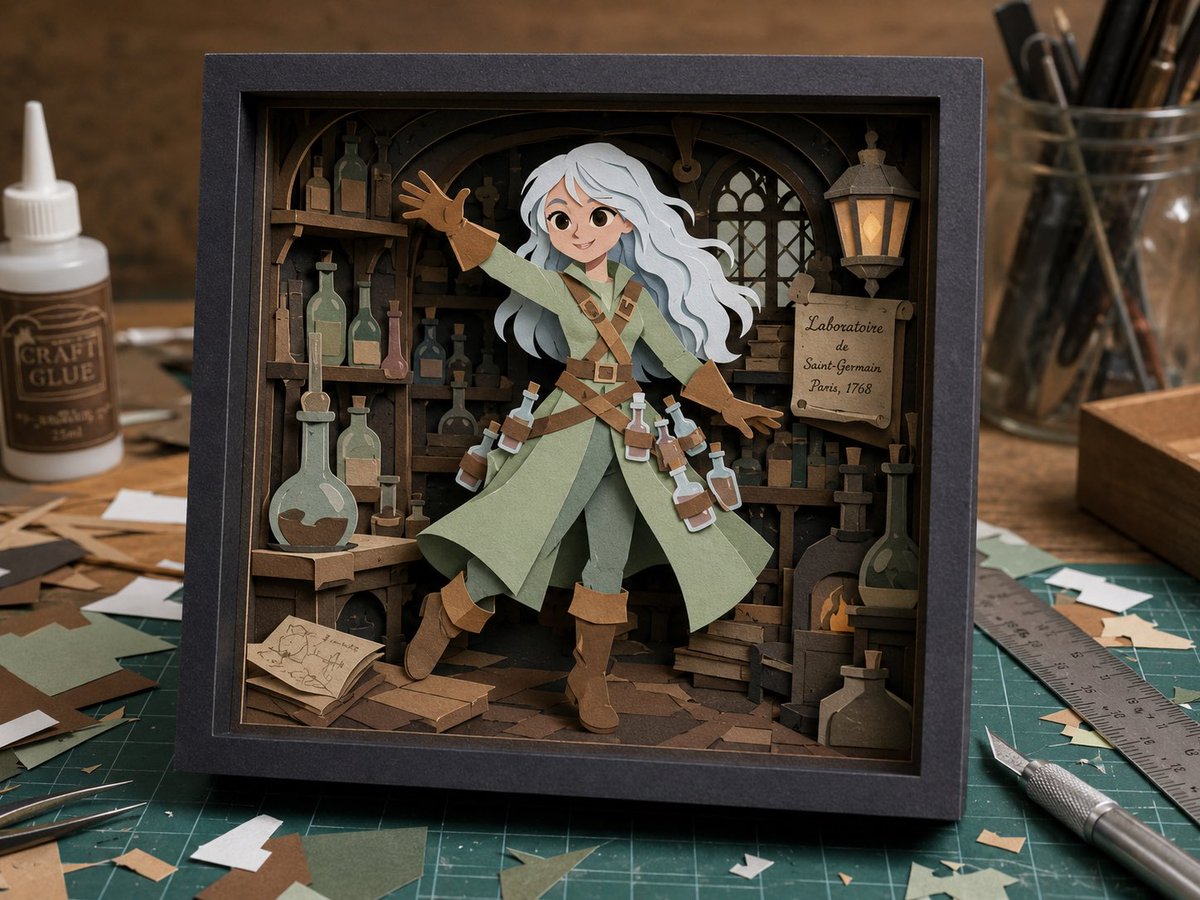
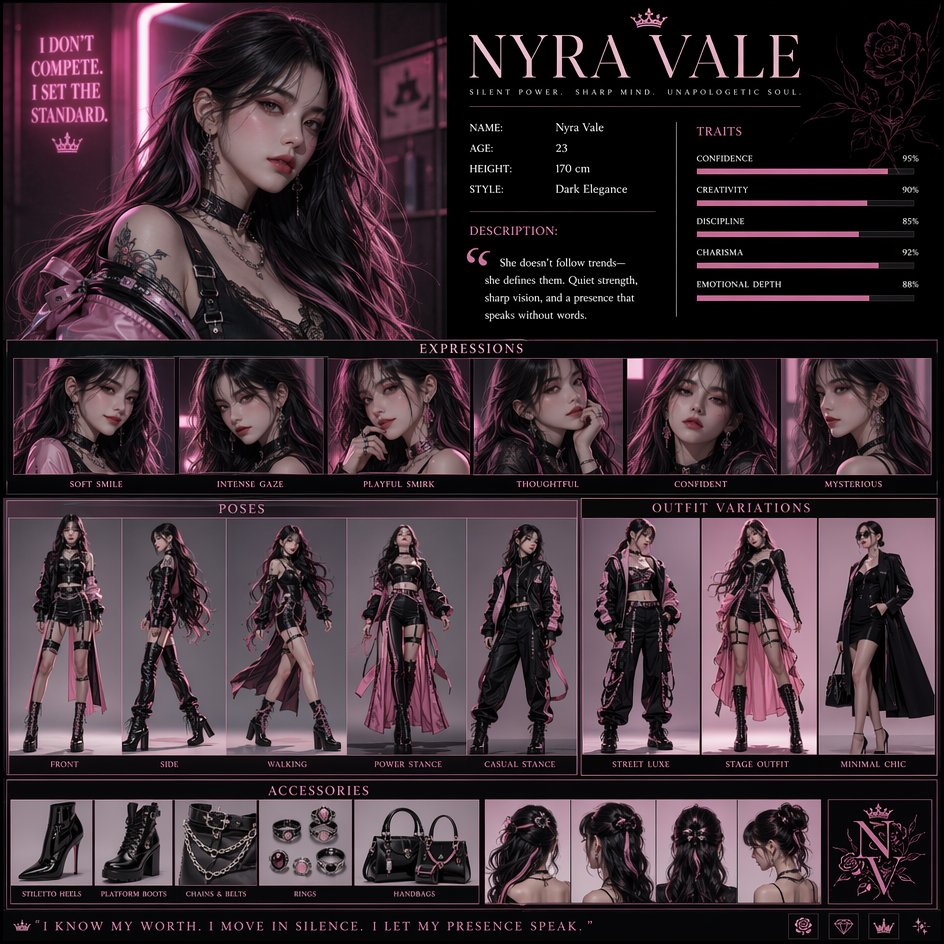
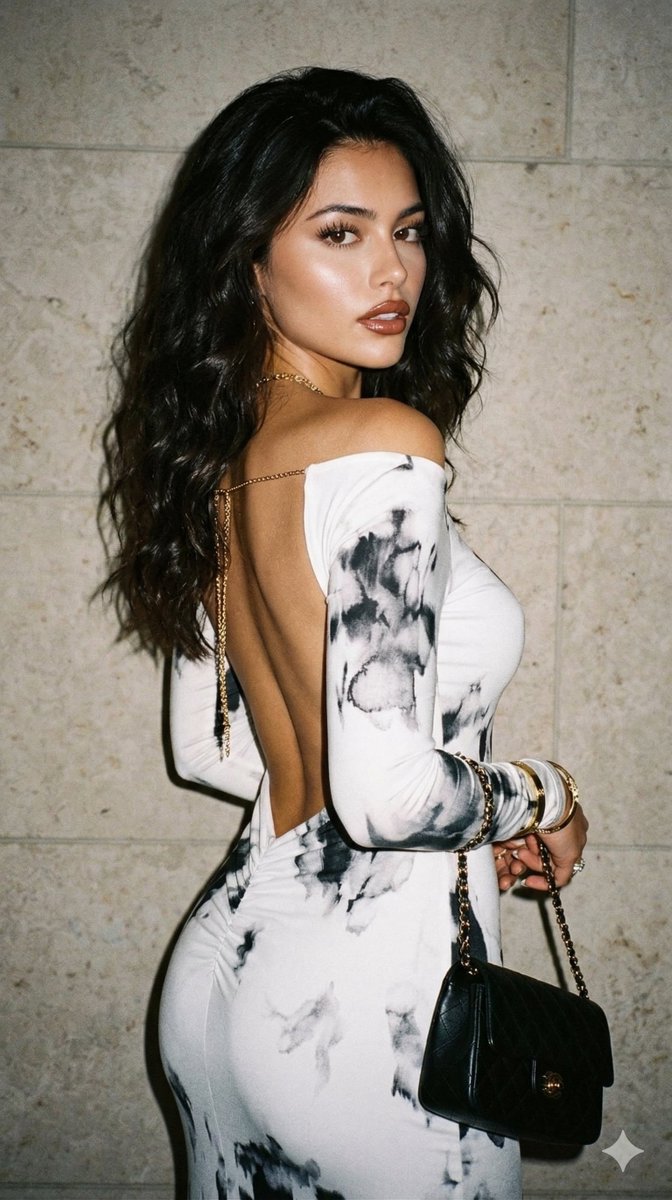
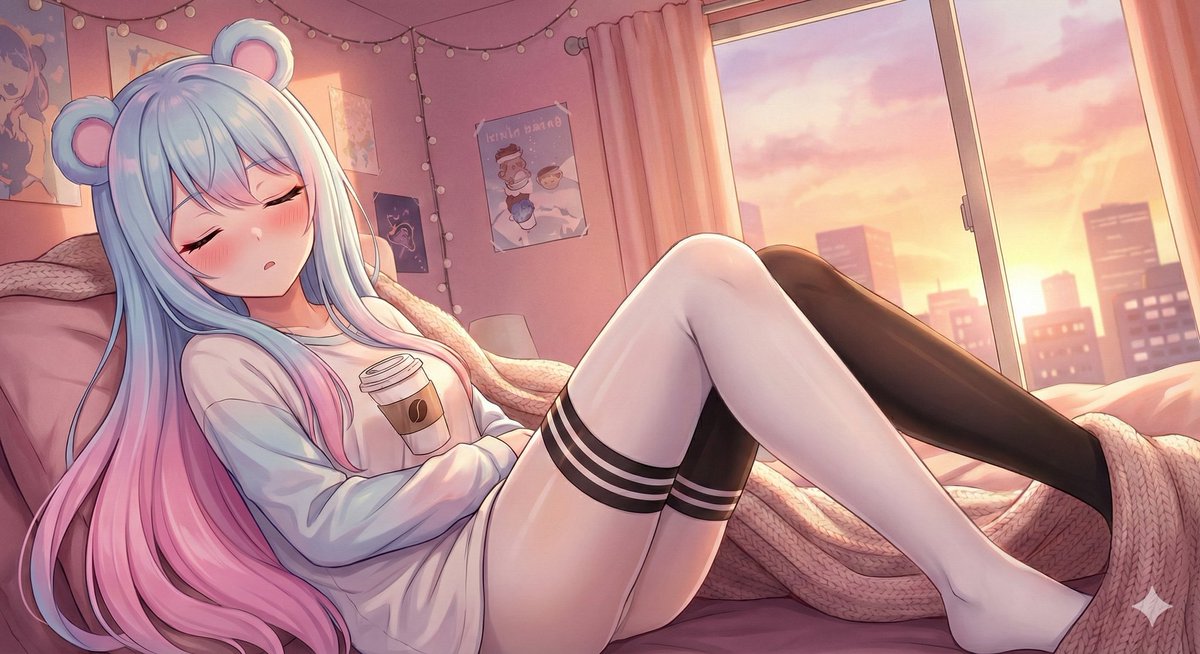
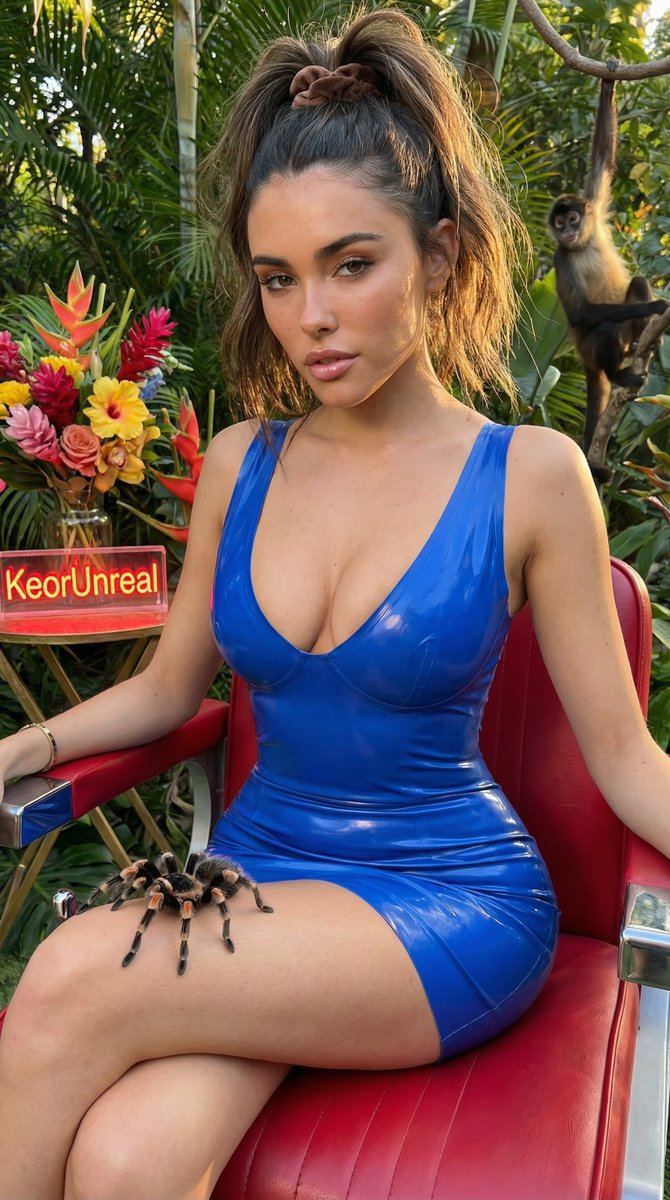
Use High-Speed Camera Rush Motion Prompt to plan an AI image around nano-banana-2 generation. Match the preview's composition first, then personalize the subject, setting, and mood for your own project.
Use the primary action to load the template settings in PicX Studio.
Adjust the subject and creative details for your destination.
Create the image, compare the result with the preview, and refine one variable at a time.
A continuous mix — similar concepts first, woven with same-model prompts and fresh picks from the catalog.
Choose the primary action to open PicX Studio with the available template settings. Review the model and format, personalize the creative direction, and generate when ready.
Yes. You can change the subject, setting, lighting, mood, format, and available model controls before creating your image.
This template is free to open and customize. Generation usage is shown in PicX Studio before you create.
Start with nano-banana-2, which is the model associated with this template. You can compare another compatible model for a different finish.
Follow a topic to a crawlable collection of related PicX Studio templates.
39,157 public templates available. Verified via the PicX Studio public templates API; refreshed hourly.
A continuous mix — similar concepts first, woven with same-model prompts and fresh picks from the catalog.