How do I use the Low-Angle Fashion Campaign Photograph template?
Choose the primary action to open PicX Studio with the available template settings. Review the model and format, personalize the creative direction, and generate when ready.
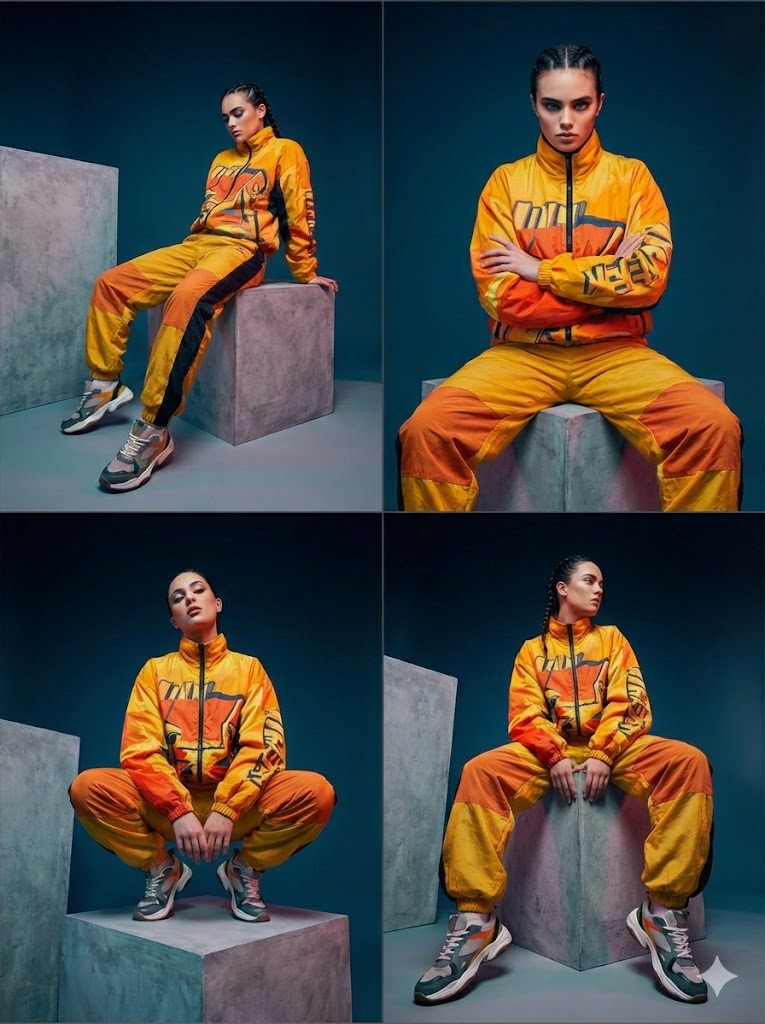
A prompt for Nano Banana Pro to create a low-angle fashion campaign photograph featuring a model resembling Ana de Armas, emphasizing exaggerated perspective, high-key lighting, and sharp focus on a large luxury wristwatch in the foreground. Change the subject, setting, or lighting one variable at a time.

Low-angle fashion campaign photograph of a confident model resembling {argument name="model resemblance" default="Ana de Armas"} holding a large luxury wristwatch very close to the camera, exaggerated perspective with the hand and product dominating the foreground, full-body pose visible in the background, wide stance, dynamic posture, clean pure white studio background, high-key lighting, sharp focus on product, slight depth of field on the model, bold colorful outfit with strong contrast tones, modern beauty advertising aesthetic, ultra-clean composition, commercial studio photography, glossy packaging detail visible, crisp shadows
Choose the primary action to open PicX Studio with the available template settings. Review the model and format, personalize the creative direction, and generate when ready.
Yes. You can change the subject, setting, lighting, mood, format, and available model controls before creating your image.
This template is free to open and customize. Generation usage is shown in PicX Studio before you create.
Start with Nano Banana 2, which is the model associated with this template. You can compare another compatible model for a different finish.
© 2026 PicX Studio. All rights reserved.

Follow a topic to a crawlable collection of related PicX Studio templates.
43,474 public templates available. Verified via the PicX Studio public templates API; refreshed hourly.
Prompt stories that include this template.
![Low-angle fashion campaign photograph of a confident model holding — Low-angle fashion campaign photograph of a confident model holding a large [product name] v](https://images.meigen.ai/tweets/2037168464801259602/0.jpg)
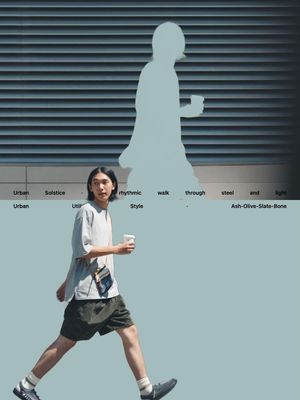
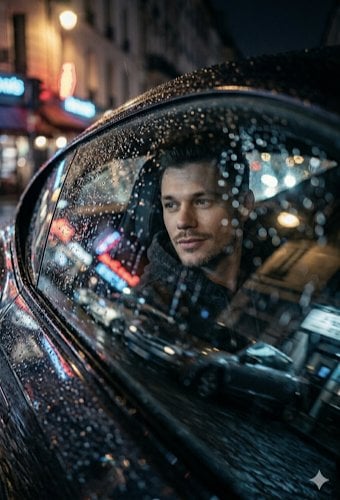
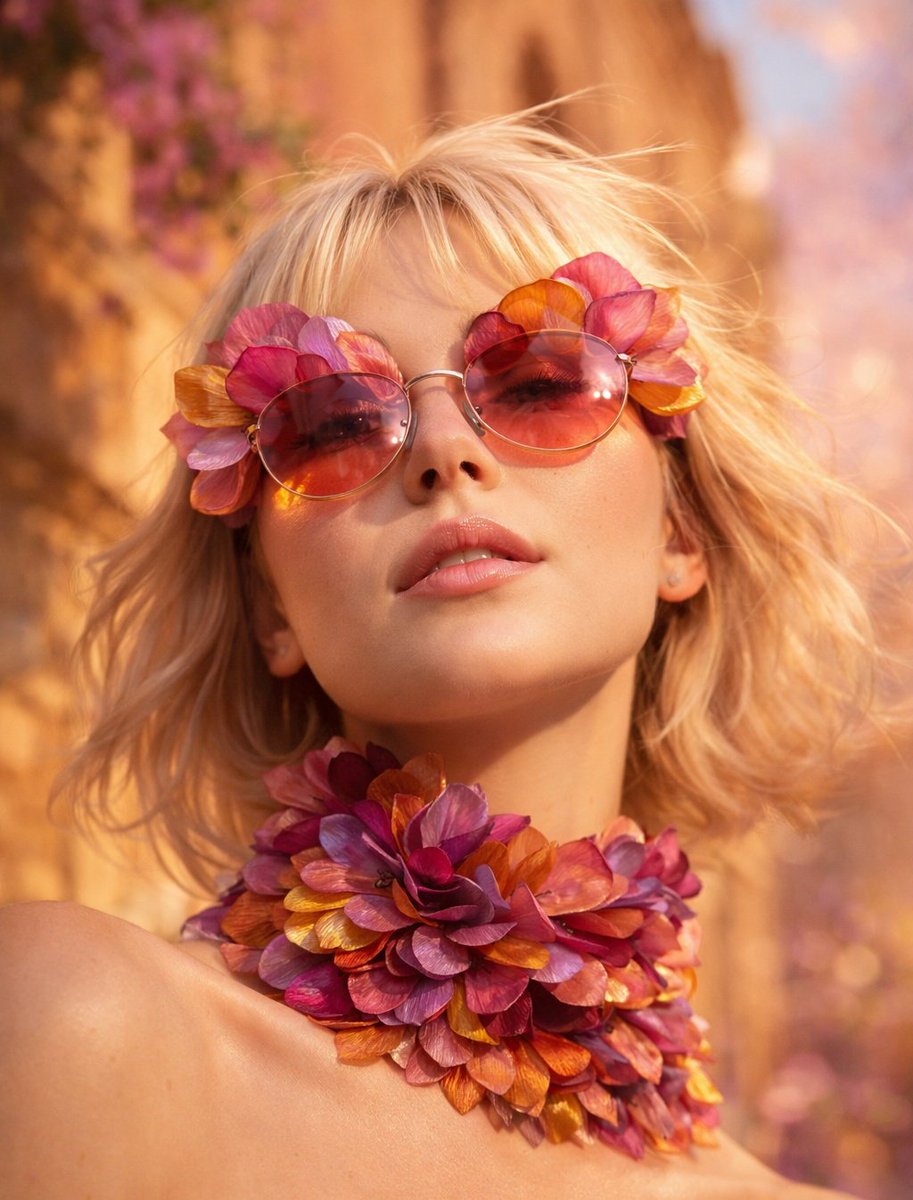
![Act as a Senior Editorial Art Director and Campaign Photographer — [BRAND NAME]
Act as a Senior Editorial Art Director and Campaign Photographer specializing i](https://images.meigen.ai/tweets/2038678161873838496/0.jpg)
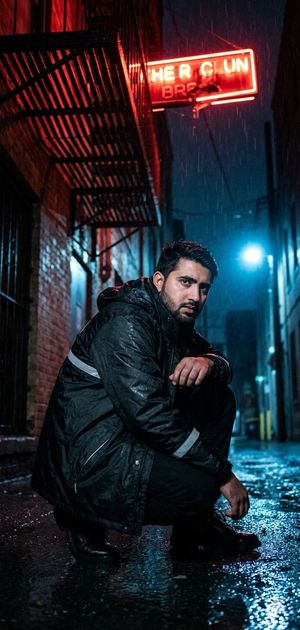
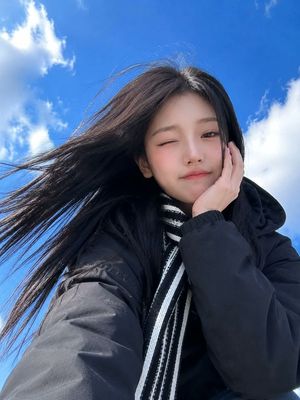
![Low-angle fashion campaign photograph of a confident model holding — Low-angle fashion campaign photograph of a confident model holding a large [product name] v](https://images.meigen.ai/tweets/2048748266293190833/0.jpg)
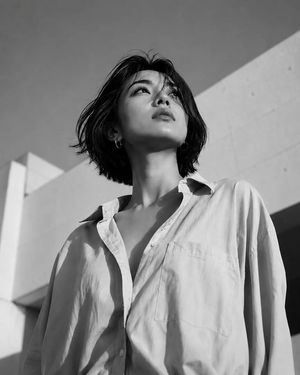
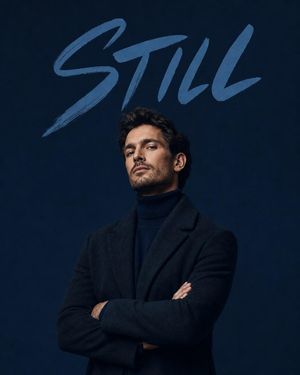
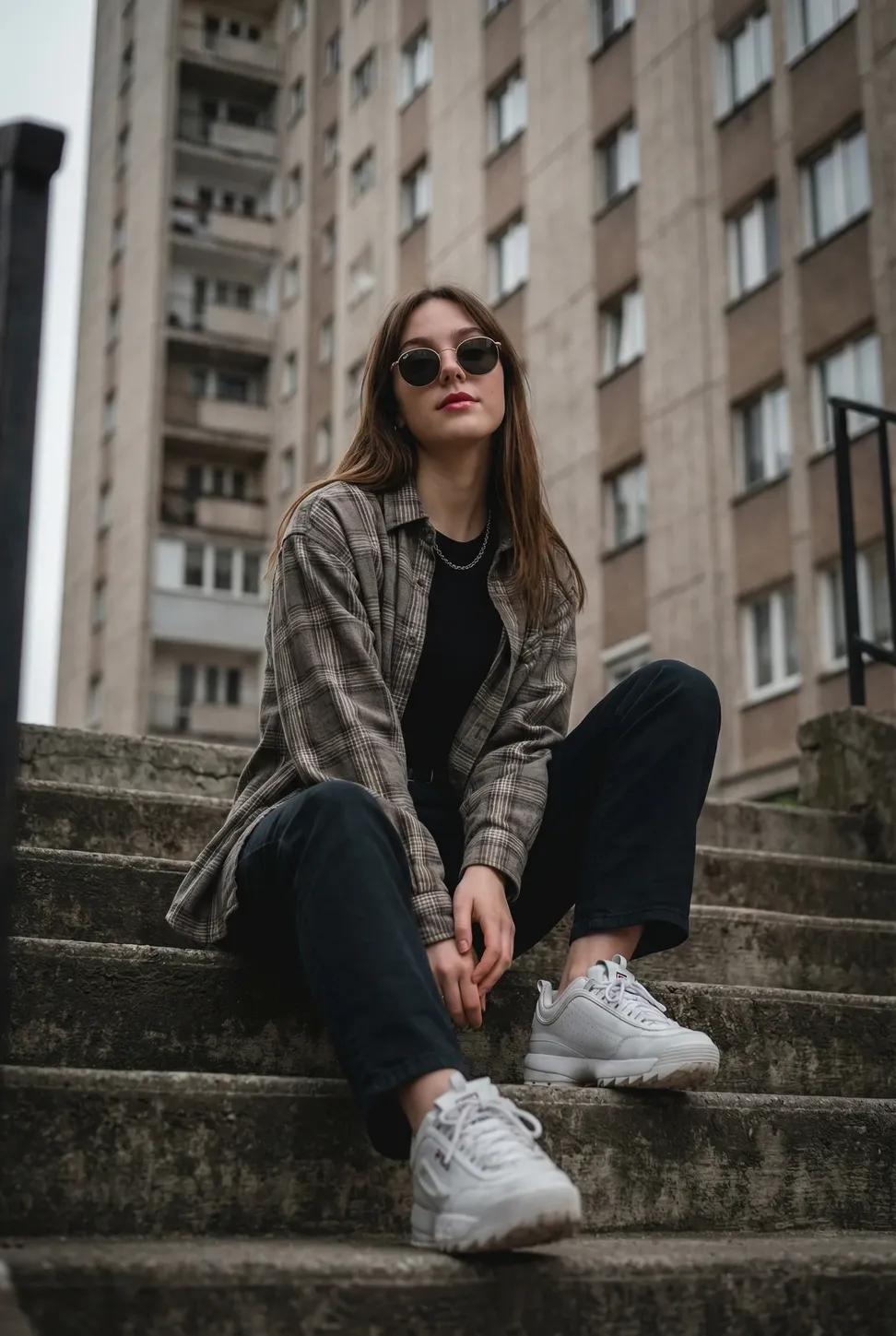
![A high fashion campaign poster — [BRAND]. A high fashion campaign poster. A model with a strong expressive face as the centerpiece, wearing a signature outfit i](https://images.meigen.ai/tweets/2031843569942622631/0.jpg)
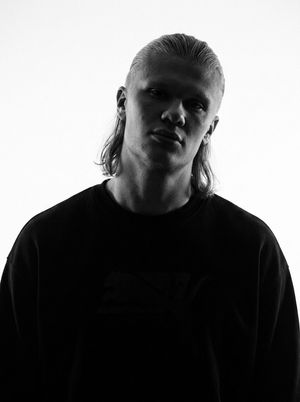
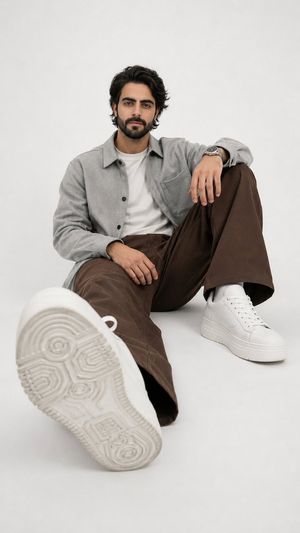
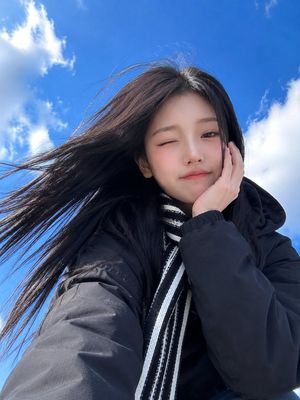
![Naive doodle-style subject illustration — A doodle-style {argument name="subject" default="[subject]"}, naive lines, humorous shape exaggeration](https://pbs.twimg.com/media/G6Wl2YxbsAARB2b.jpg)











![3D Icon Collection Grid Generator — プロンプト:[テーマ]を表すアイコンのコレクションを作成してください。それらは単一のテーマとしてまとまっています。3x3のグリッドに配置してください。背景は白です。アイコンはカラフルで立体感のある3Dスタイルで作成してください。テキストは不要です。](https://pbs.twimg.com/media/G_J5Dw4aoAUPSby.jpg)

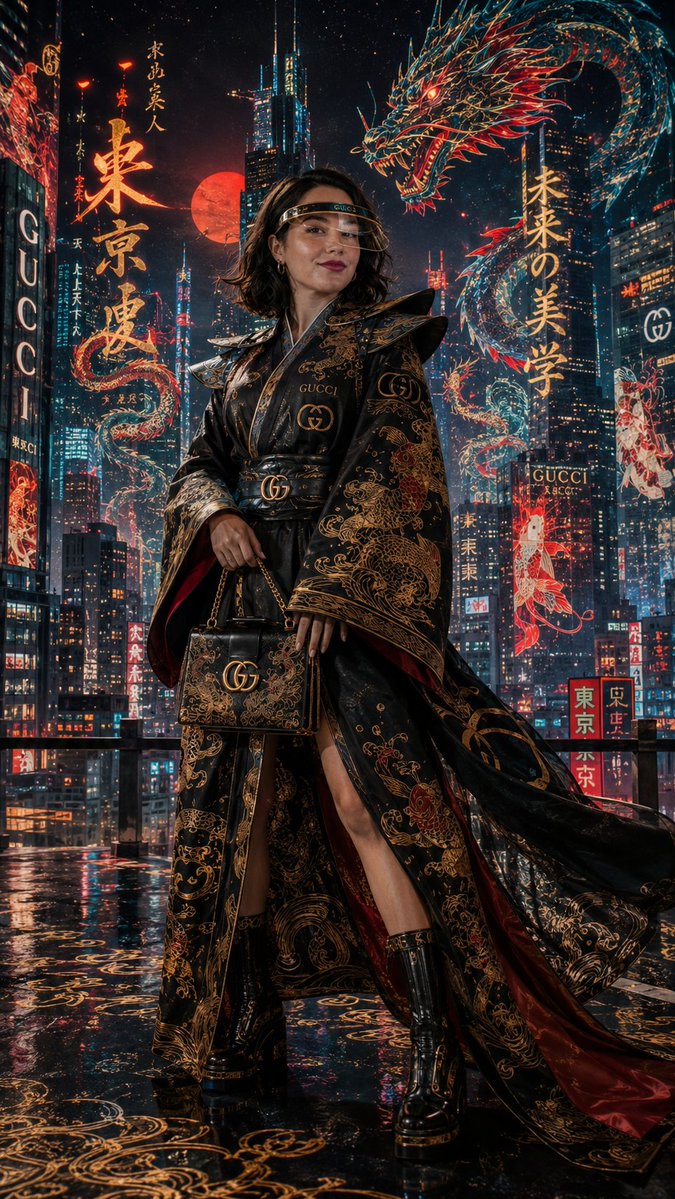






![Abstract Geometry Portrait in Zen Space — [SUBJECT] abstracted into simple geometric forms, floating in a monochromatic zen space. Clean lines…](https://pbs.twimg.com/media/G-XuVCybEAA3w9c.jpg)
![Western Outlaw Woodburning Pyrography Prompt — Ultra-detailed Western outlaw portrait engraved into natural wood. [Use uploaded image as reference]…](https://pbs.twimg.com/media/HDLZq2bXoAA9C3P.jpg)