How do I use the Low-Angle Streetwear Editorial template?
Edit the prompt in the box under the preview — the template's model and format are already selected — and press Generate. Your version appears right on this page.
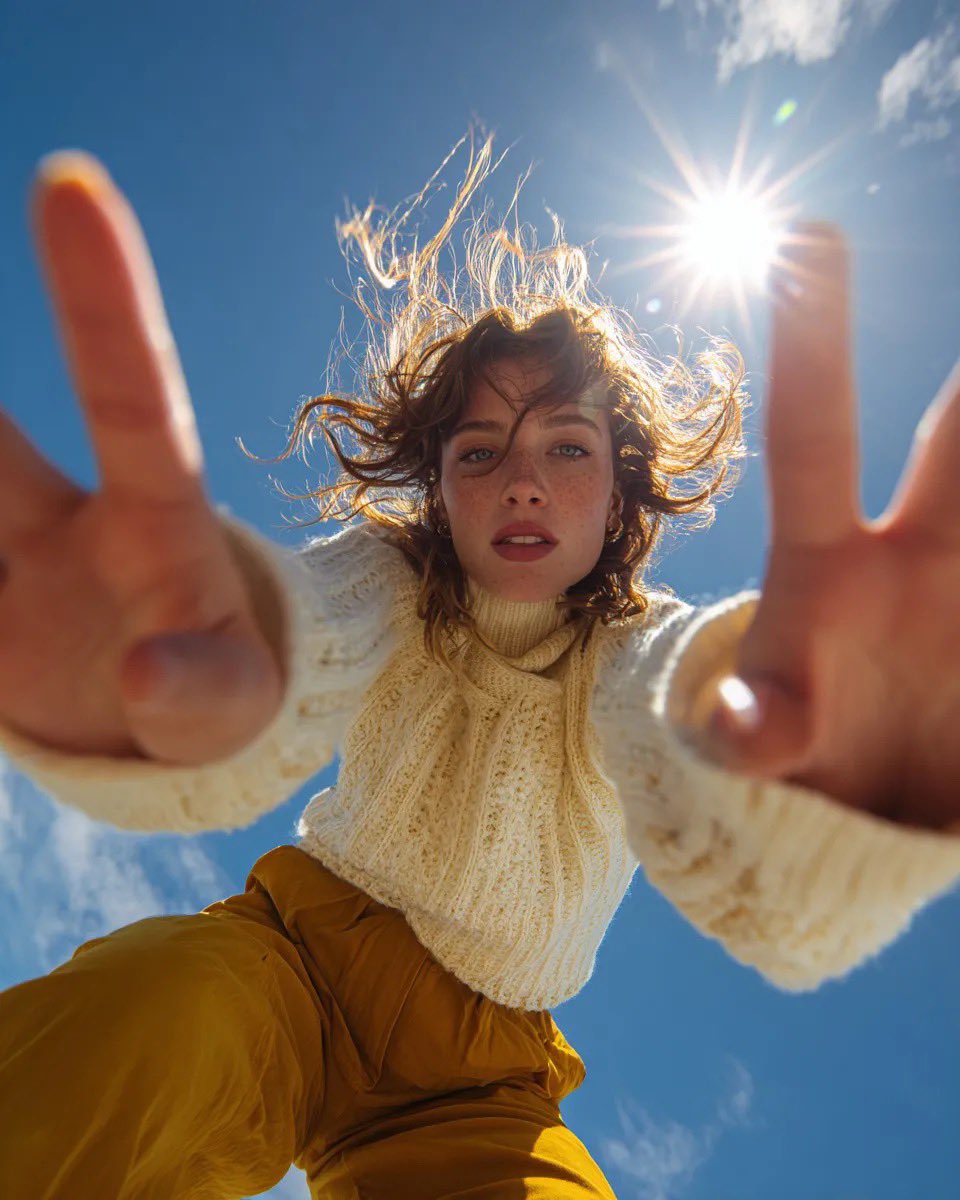
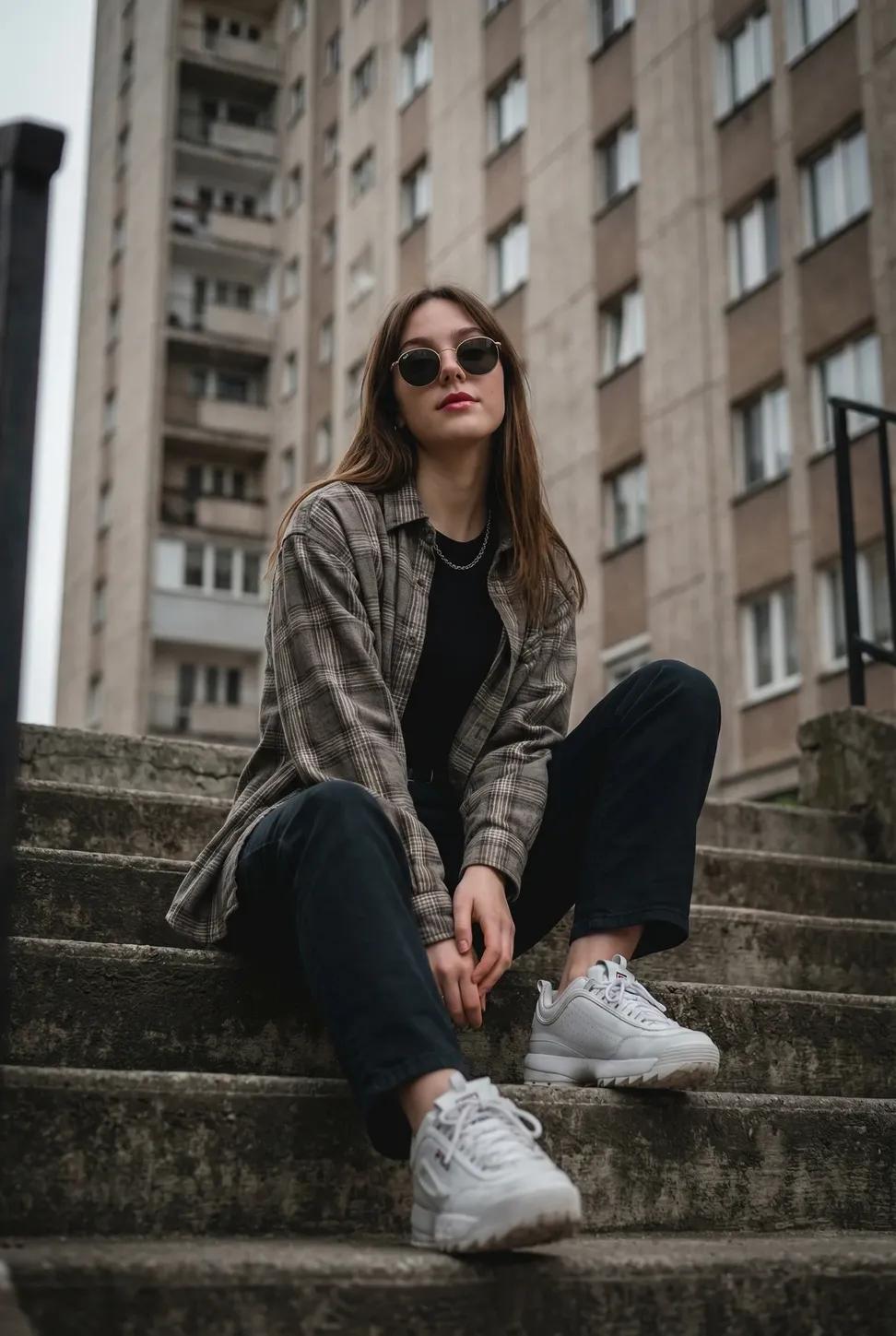
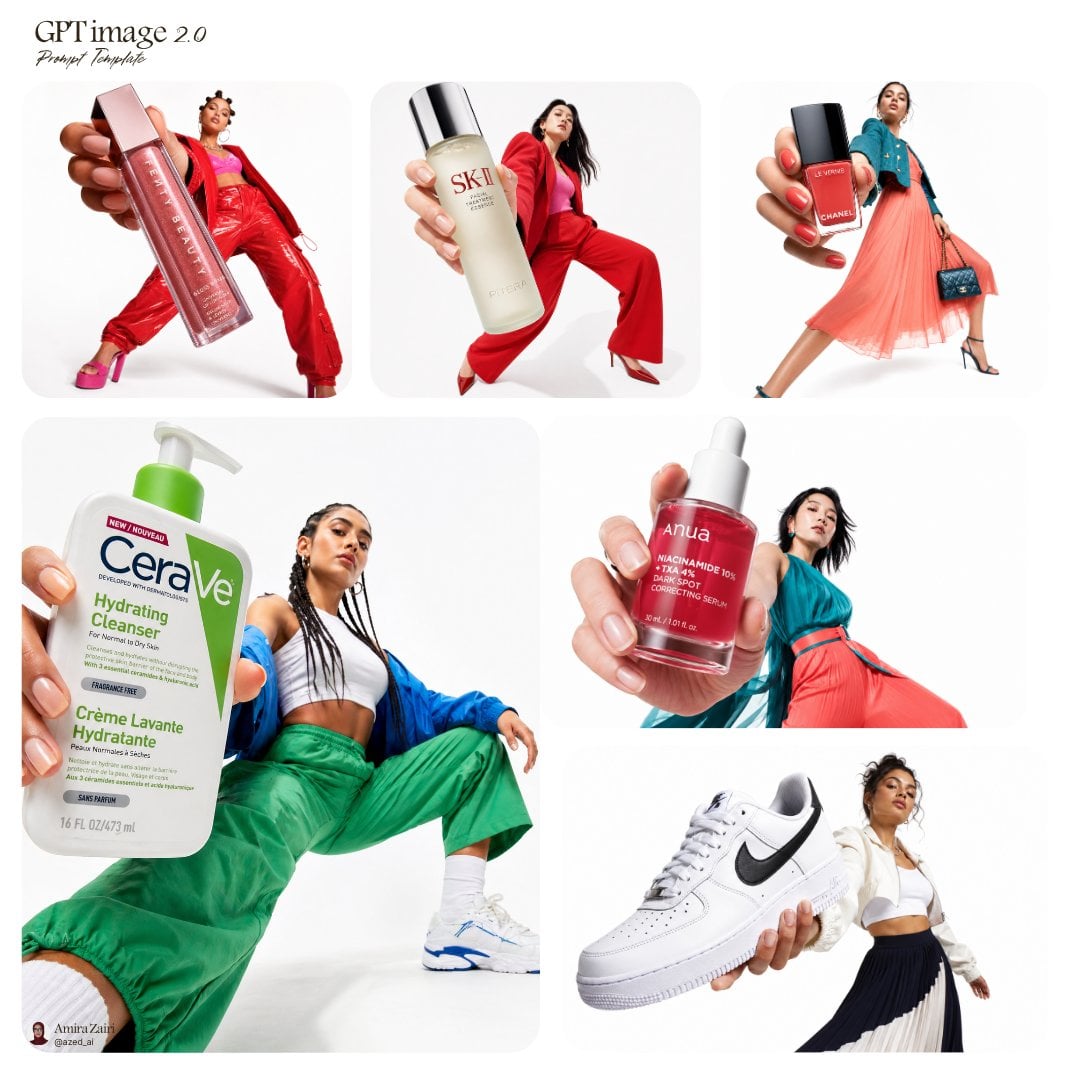
A high-fashion minimalist photoshoot from a dramatic low-angle perspective, highlighting chunky sneakers and modern streetwear.

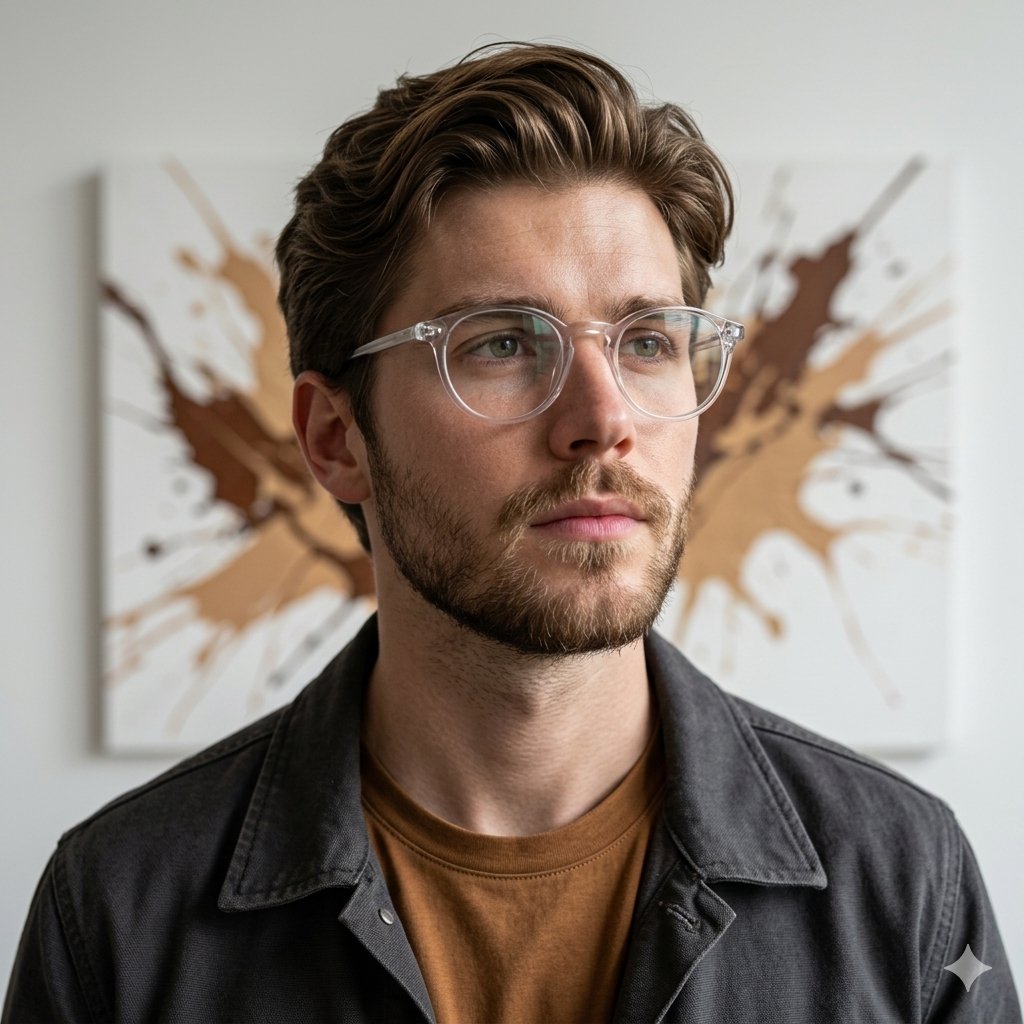
This template uses your photo — add one with the + button.
Create a minimalist editorial studio photoshoot of a {argument name="subject" default="man sitting casually on the floor"} in a relaxed pose. The shot should be taken from a dramatic low-angle perspective, making the oversized sneaker in the foreground appear dominant and powerful. The man is wearing a light grey overshirt layered over a neutral t-shirt, paired with loose brown trousers and chunky white sneakers. One knee is bent upward while the other leg stretches forward, with the sneaker sole facing the camera in sharp detail and texture. His hands should rest casually on his knees, wearing a wristwatch, with a calm and subtle smile expression. The background should feature a clean, seamless white studio backdrop with soft, even lighting and no harsh shadows, achieving a high-fashion minimalist aesthetic. The shot should have DSLR sharpness with an ultra-wide lens perspective, capturing a Pinterest editorial style with a modern streetwear look.Make sure to match the exact face expression and details of the subject in the photo provided
Create a minimalist editorial studio photoshoot of a {argument name="subject" default="man sitting casually on the floor"} in a relaxed pose. The shot should be taken from a dramatic low-angle perspective, making the oversized sneaker in the foreground appear dominant and powerful. The man is wearing a light grey overshirt layered over a neutral t-shirt, paired with loose brown trousers and chunky white sneakers. One knee is bent upward while the other leg stretches forward, with the sneaker sole facing the camera in sharp detail and texture. His hands should rest casually on his knees, wearing a wristwatch, with a calm and subtle smile expression. The background should feature a clean, seamless white studio backdrop with soft, even lighting and no harsh shadows, achieving a high-fashion minimalist aesthetic. The shot should have DSLR sharpness with an ultra-wide lens perspective, capturing a Pinterest editorial style with a modern streetwear look.Make sure to match the exact face expression and details of the subject in the photo provided
Edit the prompt in the box under the preview — the template's model and format are already selected — and press Generate. Your version appears right on this page.
Yes. You can change the subject, setting, lighting, mood, format, and available model controls before creating your image.
Opening and editing this template is free. Generating uses credits, shown on the Generate button when you are signed in.
Start with GPT Image 2, which is the model associated with this template. You can compare another compatible model for a different finish.
Follow a topic to a crawlable collection of related PicX Studio templates.