How do I use the Cyberpunk Streetwear Editorial template?
Choose the primary action to open PicX Studio with the available template settings. Review the model and format, personalize the creative direction, and generate when ready.
A vibrant fashion editorial prompt mixing hyper-realistic human photography with urban illustration and graffiti elements.
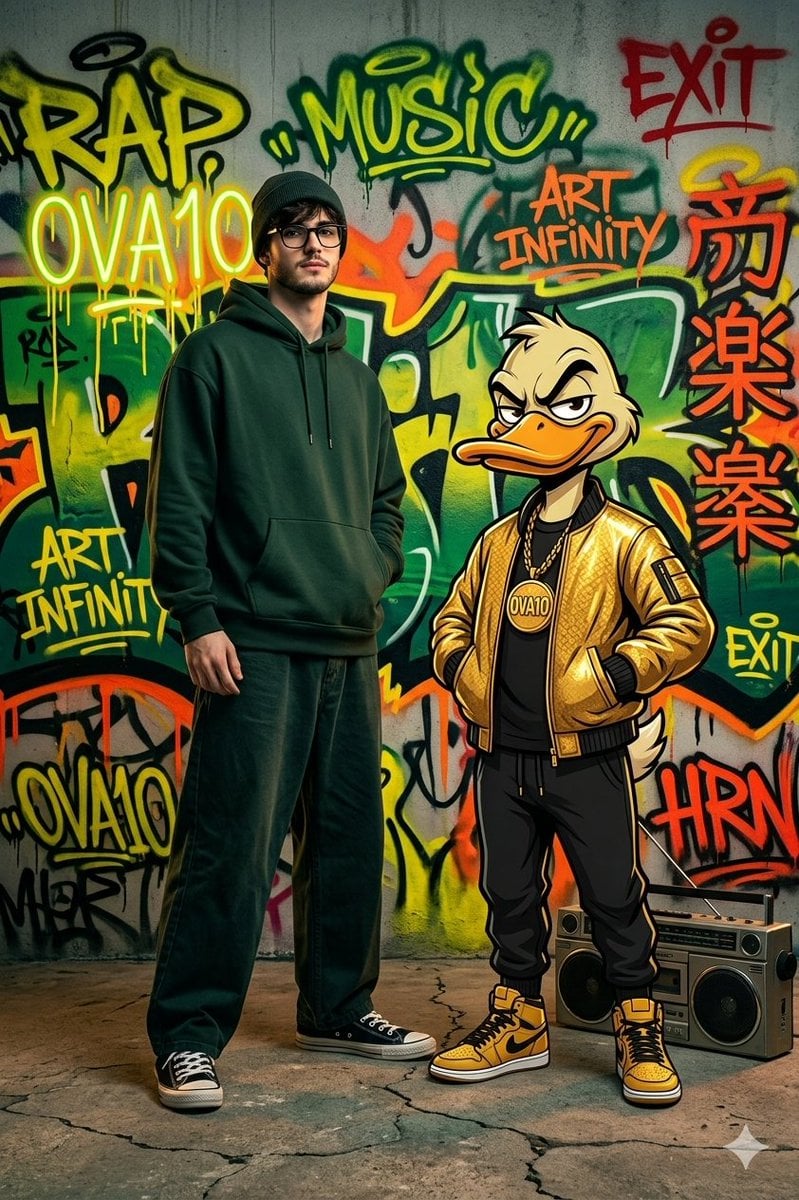
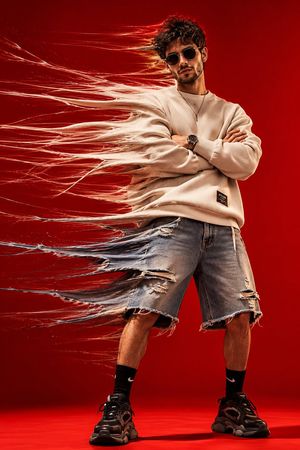
Hyperrealistic 4K HDR fashion editorial photo of a young man with black-framed glasses, wearing a {argument name="hoodie" default="dark forest green oversized hoodie"}, a dark beanie hat, wide-leg baggy pants, and classic canvas sneakers — standing next to an {argument name="companion" default="anthropomorphic cartoon duck character"} dressed in a {argument name="jacket" default="gold bomber jacket"}, black joggers, gold chain medallion, and yellow high-top sneakers. Both striking a bold, arrogant, confident street-style pose. Urban environment with vibrant graffiti-covered concrete walls, spray-painted tags and throw-ups, neon orange and yellow dripping lettering, Japanese kanji murals splashed across the background. Boombox sitting on the ground beside them. Saturated punchy colors — electric yellow, deep forest green, neon orange, bold red accents. Graffiti text tags: "RAP", "MUSIC", "ART INFINITY", "OVA10", "EXIT", "HRN". Street fashion photography aesthetic mixed with urban illustration. Cinematic dramatic lighting, deep shadows, rim light. Ultra-sharp 4K HDR details, photorealistic textures, high contrast, fashion magazine quality shot.
Choose the primary action to open PicX Studio with the available template settings. Review the model and format, personalize the creative direction, and generate when ready.
Yes. You can change the subject, setting, lighting, mood, format, and available model controls before creating your image.
This template is free to open and customize. Generation usage is shown in PicX Studio before you create.
Start with Nano Banana 2, which is the model associated with this template. You can compare another compatible model for a different finish.
Follow a topic to a crawlable collection of related PicX Studio templates.