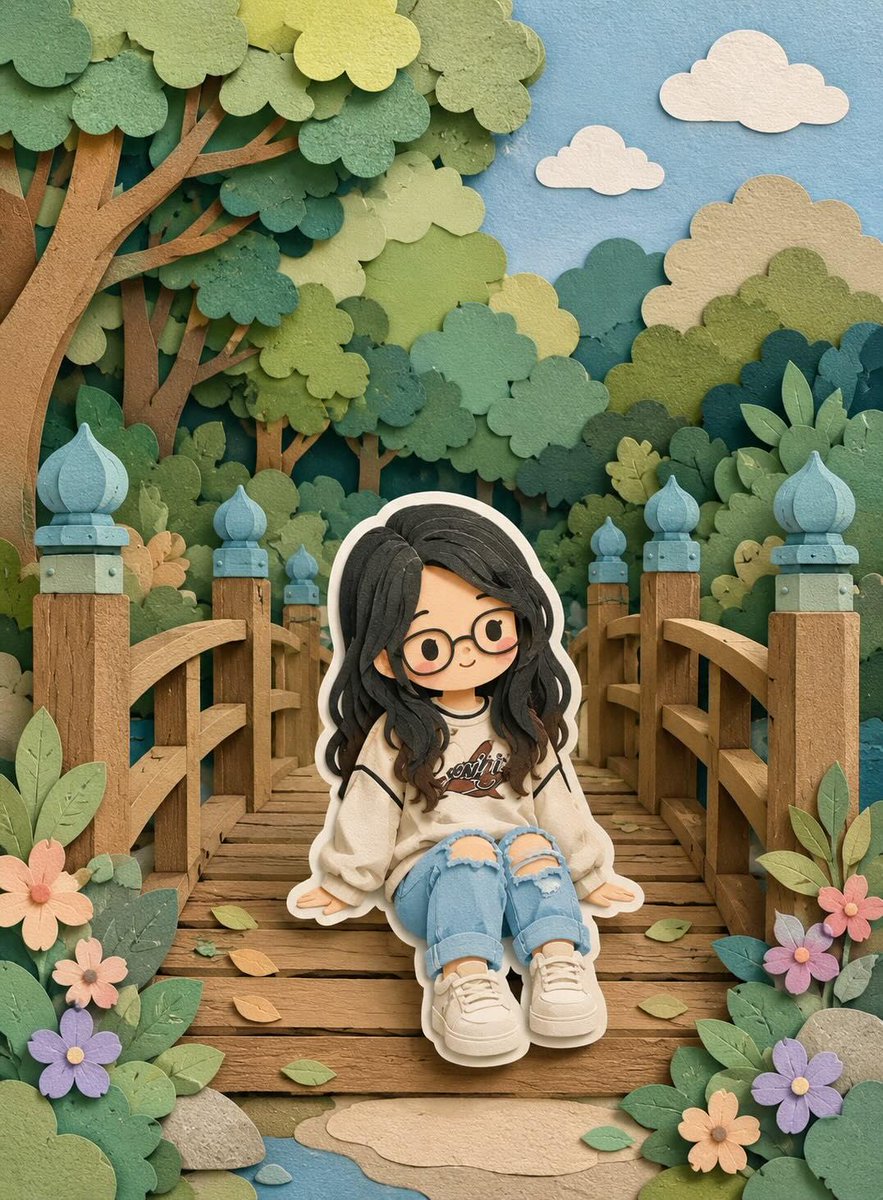


How do I use the Madison Beer Red Carpet Recreation Prompt template?
Choose the primary action to open PicX Studio with the available template settings. Review the model and format, personalize the creative direction, and generate when ready.
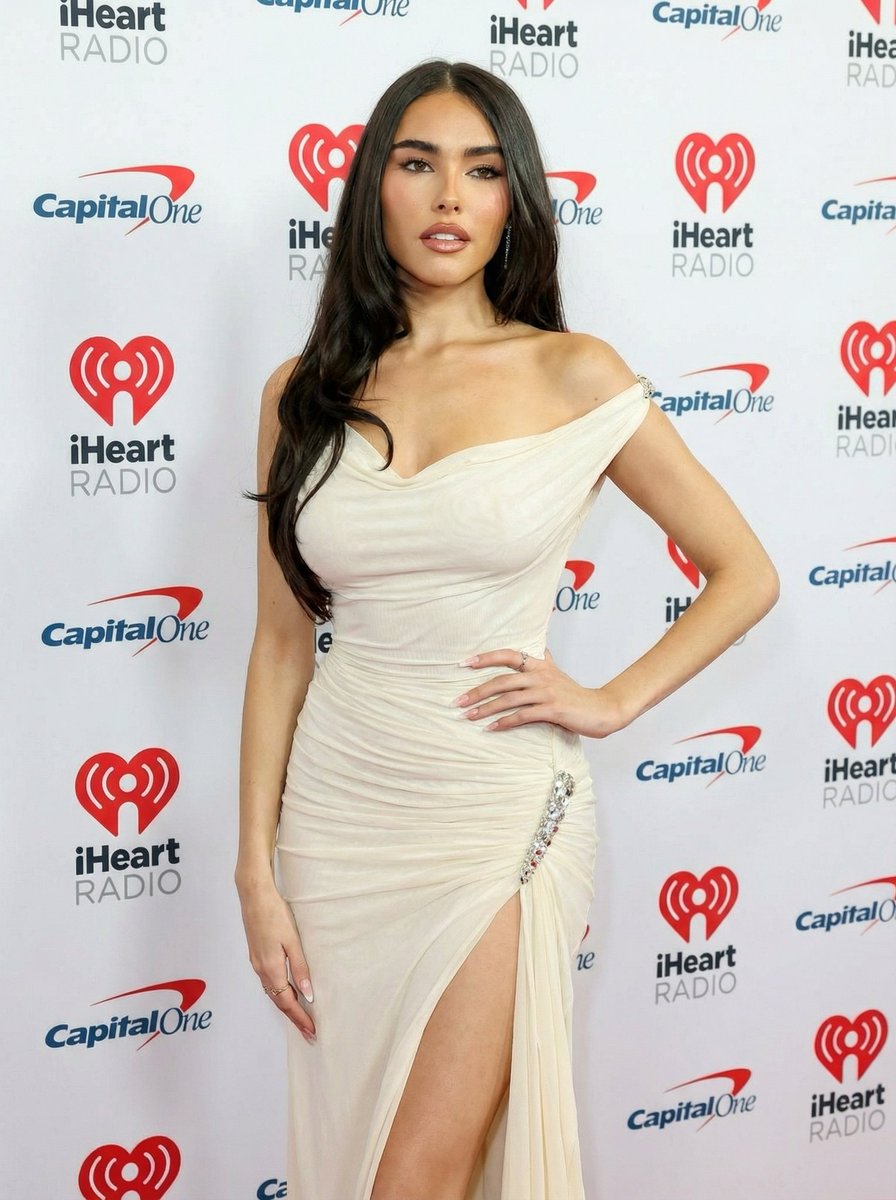
A comprehensive JSON prompt designed to recreate a high-end red carpet photograph of a woman resembling Madison Beer, wearing an ivory draped gown, with strict instructions to lock the identity and use an uploaded reference image for maximum fidelity. (free to use) — Free AI image template on PicX Studio.
{ "task": "image_generation", "mode": "reference_locked_recreation", "reference_image": { "use_uploaded_image": true, "weight": 0.95, "lock_identity": true }, "subject": { "type": "adult female", "appearance": { "face": { "structure": "oval face, soft jawline, balanced cheekbones", "skin_tone": "light to medium warm tone, smooth natural texture", "makeup": "red carpet glam makeup, defined brows, neutral eyeshadow, subtle eyeliner, mascara, contoured cheeks, nude glossy lips", "expression": "confident, slightly open lips, head turned slightly to the side" }, "hair": { "color": "dark brown", "style": "long, straight with soft waves at the ends", "part": "center part", "finish": "smooth, glossy" }, "body": { "type": "slim with feminine curves", "proportions": "natural, realistic anatomy", "posture": "elegant red carpet stance" } } }, "pose": { "description": "standing red carpet pose, body angled slightly sideways, shoulders relaxed, hands gently positioned near the body", "balance": "natural weight distribution", "anatomy_accuracy": "high" }, "clothing": { "dress": { "type": "evening gown", "color": "{argument name="dress color" default="ivory / off-white"}", "material": "soft sheer fabric with gathered draping", "fit": "body-hugging with natural fabric tension", "details": "off-shoulder neckline, thigh-high slit on one side with jeweled embellishment", "realism": "high, realistic folds and gravity" }, "accessories": { "jewelry": "minimal, elegant earrings", "other": "no additional accessories" } }, "environment": { "location": "red carpet event", "background": { "type": "step-and-repeat wall", "logos": "iHeartRadio and Capital One logos repeated", "color_scheme": "white background with red and blue logos", "focus": "slightly out of focus, readable but not sharp" }, "floor": "red carpet" }, "lighting": { "type": "professional event lighting", "setup": "even frontal lighting with soft shadows", "highlights": "natural skin highlights, fabric sheen", "color_temperature": "neutral daylight" }, "camera": { "camera_type": "professional DSLR or mirrorless", "lens": "85mm portrait lens", "aperture": "f/2.8", "iso": 200, "shutter_speed": "1/200", "angle": "eye-level", "framing": "full body portrait", "depth_of_field": "shallow to medium, subject in sharp focus" }, "style": { "photography": "high-end red carpet photography", "realism": "ultra-realistic", "post_processing": "minimal, natural color correction", "no_stylization": true }, "quality": { "resolution": "high", "detail_level": "maximum", "texture_accuracy": "high", "noise": "low" }, "ne"
Use Madison Beer Red Carpet Recreation Prompt to plan an AI image around nano-banana-2 generation. Match the preview's composition first, then personalize the subject, setting, and mood for your own project.
Use the primary action to load the template settings in PicX Studio.
Adjust the subject and creative details for your destination.
Create the image, compare the result with the preview, and refine one variable at a time.
A continuous mix — similar concepts first, woven with same-model prompts and fresh picks from the catalog.
Choose the primary action to open PicX Studio with the available template settings. Review the model and format, personalize the creative direction, and generate when ready.
Yes. You can change the subject, setting, lighting, mood, format, and available model controls before creating your image.
This template is free to open and customize. Generation usage is shown in PicX Studio before you create.
Start with nano-banana-2, which is the model associated with this template. You can compare another compatible model for a different finish.
Follow a topic to a crawlable collection of related PicX Studio templates.
39,155 public templates available. Verified via the PicX Studio public templates API; refreshed hourly.
A continuous mix — similar concepts first, woven with same-model prompts and fresh picks from the catalog.