How do I use the Macro Portrait of Zhao Lushi in Sequined Gown template?
Choose the primary action to open PicX Studio with the available template settings. Review the model and format, personalize the creative direction, and generate when ready.
A prompt for generating a macro, close-up portrait of the Chinese actress Zhao Lushi in a highly stylized formal setting. Change the subject, setting, or lighting one variable at a time.

{ "subject": "{argument name="actress name" default="Zhao Lushi"}, well-known Chinese actress, internationally famous after Stephen Chow's 2016 film The Mermaid", "scene": "Highly stylized formal setting, like a red carpet event or high-fashion editorial shoot", "outfit": { "gown": { "color": "{argument name="gown color" default="rose-gold or peach"}", "material": "sequined fabric over silk or satin", "style": "structured sweetheart corset bodice with floral appliqués trailing down the side", "effect": "liquid-like sheen, high-quality texture" }, "accessories": { "necklace": "statement necklace with multi-colored gemstones (rubies and diamonds)", "earrings": "matching drop earrings", "watch": "slim elegant watch on left wrist" }, "props": { "bouquet": "pink gerbera daisies, orange carnations, greenery" } }, "hair": { "style": "sleek low ponytail with face-framing strands" }, "makeup": { "style": "soft, dewy, 'glass skin', warm-toned lip" }, "skin_texture": "dewy skin, glistening skin, oily sheen, sweaty texture", "lighting": { "type": "soft directional lighting", "effect": "gentle shadows, emphasizes shimmering outfit" }, "background": { "style": "minimalist, muted burgundy and grey" }, "camera": { "style": "macro photography, close-up portrait", "focus": "fine facial details" }, "image": { "width": 504, "height": 1002, "orientation": "vertical" } }
Choose the primary action to open PicX Studio with the available template settings. Review the model and format, personalize the creative direction, and generate when ready.
Yes. You can change the subject, setting, lighting, mood, format, and available model controls before creating your image.
This template is free to open and customize. Generation usage is shown in PicX Studio before you create.
Start with Nano Banana 2, which is the model associated with this template. You can compare another compatible model for a different finish.
Follow a topic to a crawlable collection of related PicX Studio templates.
43,474 public templates available. Verified via the PicX Studio public templates API; refreshed hourly.



![69-untitled — FORMAT: 15s / 145 BPM / 14 SHOTS
SUBJECT: @[image1]
WARDROBE: Clean modern outfit
ENVIRONMENT: Street / indoor transitions
MOOD: Discovery → contr](/_next/image?url=https%3A%2F%2Fcdn.picxstudio.com%2Fuploads%2Fpost69_img0_d45faecf-38c3-4bcb-81a4-f6eb1cf42bb2.jpg&w=828&q=100)














![118-google-nano-banana-pro-skincare-product- — A professional skincare shot of a [product container] with [cap/lid], labeled [brand, product, descriptor, volume](/_next/image?url=https%3A%2F%2Fcdn.picxstudio.com%2Fuploads%2Fpost118_img0_332898b8-29ea-42a9-87ab-9ed746a3f944.jpg&w=828&q=100)


![Naive doodle-style subject illustration — A doodle-style {argument name="subject" default="[subject]"}, naive lines, humorous shape exaggeration](https://pbs.twimg.com/media/G6Wl2YxbsAARB2b.jpg)











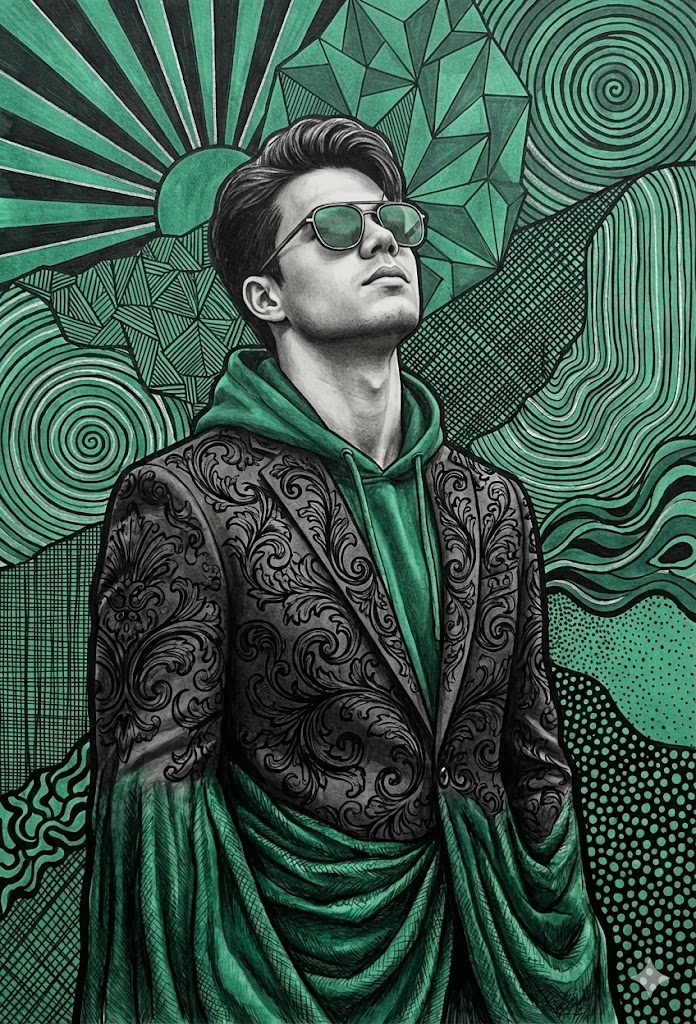


![Genspark Product Photography Prompt Template — [{argument name="製品名" default="製品名"}]のスタジオ撮影。柔らかな影とグラデーション背景に囲まれた[{argument name="背景" default="…](https://pbs.twimg.com/media/G72JjGdaMAURlfP.jpg)





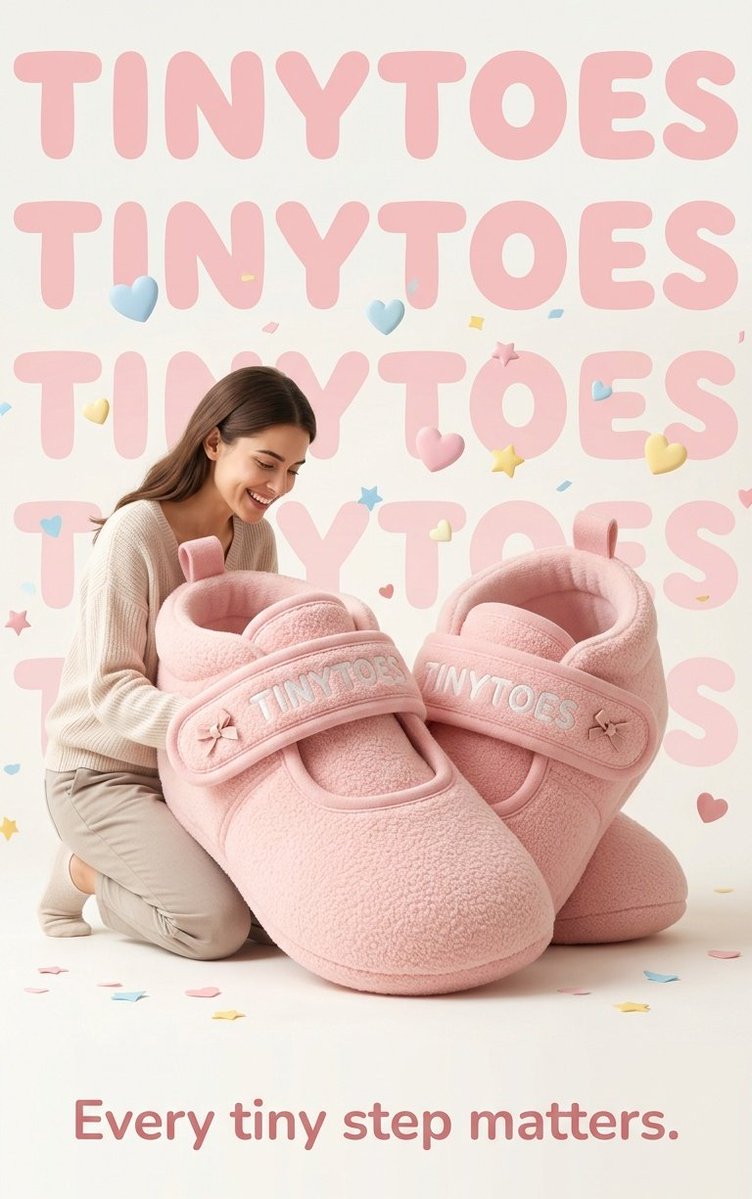








![3D Brand Advertisement Mockup — Create a creative 3D advertisement for {argument name="brand name" default="[type here any brand]"}, featuring a surreal object](https://cms-assets.youmind.com/media/1777797558748_mza2yv_HHSbDkyb0AAOqEr.jpg)