
Conceptual Frame: Absurd Specimen Jar Study
A structured Chinese prompt for generating a conceptual frame image.
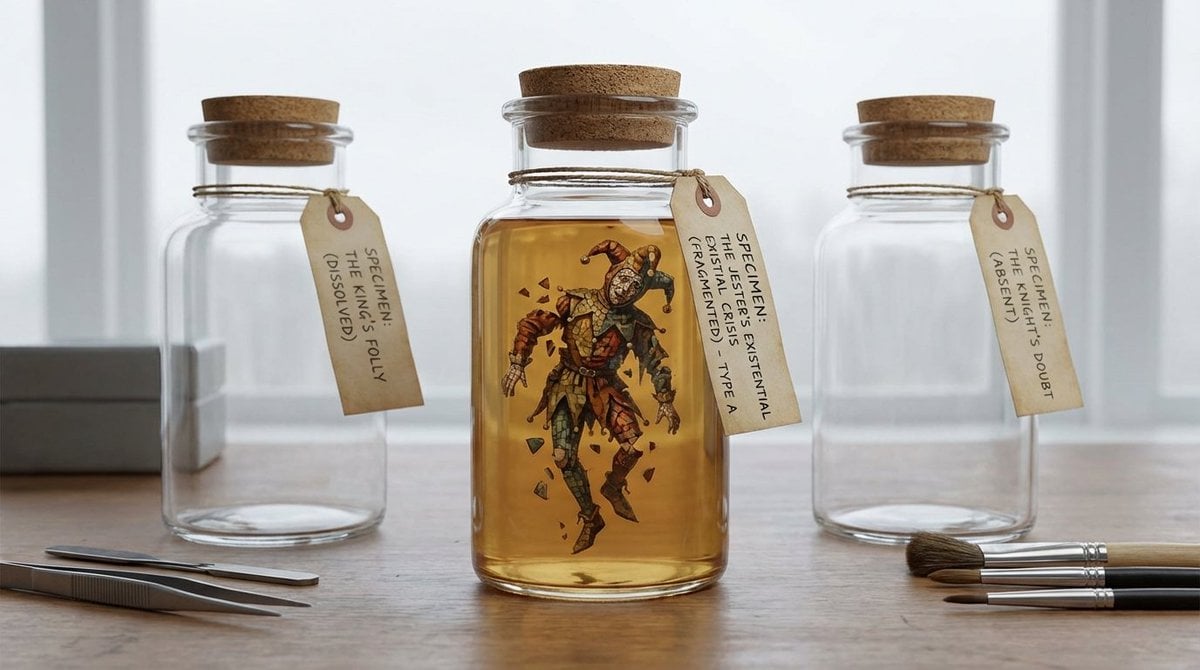
- Prompt included
- Model and format preset
- Premium template
The prompt behind this image
Copy the exact prompt behind Conceptual Frame: Absurd Specimen Jar Study, or open it in the studio and make it yours.
- Creation Intent
- 娱乐或玩笑
- Generation Logic
- 瞬间叙事
- Subject Kit › Primary Subject
- 标本罐
- Subject Kit › Secondary Elements
- 软木塞封, 浑浊液体, 手写标签
- Core Tension
- 角色 vs 原型
- Twist Mechanisms
- 碎片马赛克, 服装分解, 时间断裂
- Stage Context
- 博物馆修复工作间
- Composition Rule
- 类型学序列布局
- Lighting Rule
- 阴天柔光
- Imaging Assumption
- 极简物体研究
- Deliverable Type
- 概念帧
- Creative Directive
- 对荒诞的事物使用过度的正式感
- Oblique Strategy
- 极简约束:只用3个元素
Raw JSON
{
"creation_intent": "娱乐或玩笑",
"generation_logic": "瞬间叙事",
"subject_kit": {
"primary_subject": "标本罐",
"secondary_elements": [
"软木塞封",
"浑浊液体",
"手写标签"
]
},
"core_tension": "角色 vs 原型",
"twist_mechanisms": [
"碎片马赛克",
"服装分解",
"时间断裂"
],
"stage_context": "博物馆修复工作间",
"composition_rule": "类型学序列布局",
"lighting_rule": "阴天柔光",
"imaging_assumption": "极简物体研究",
"deliverable_type": "概念帧",
"creative_directive": "对荒诞的事物使用过度的正式感",
"oblique_strategy": "极简约束:只用3个元素"
}How to use Conceptual Frame: Absurd Specimen Jar Study in 3 steps
- 1
Open
The prompt is already in the box next to the preview, with the template's model and format selected.
- 2…a portrait of your subject in softgolden-hour light, 85mm…
Personalize
Edit the subject and creative details for your destination.
- 3Generate
Generate
Press Generate — your image is created in PicX Studio, so you can compare it with the original and refine one variable at a time.
More like this
Templates with the same subject, style or setup. Open one to see its prompt.
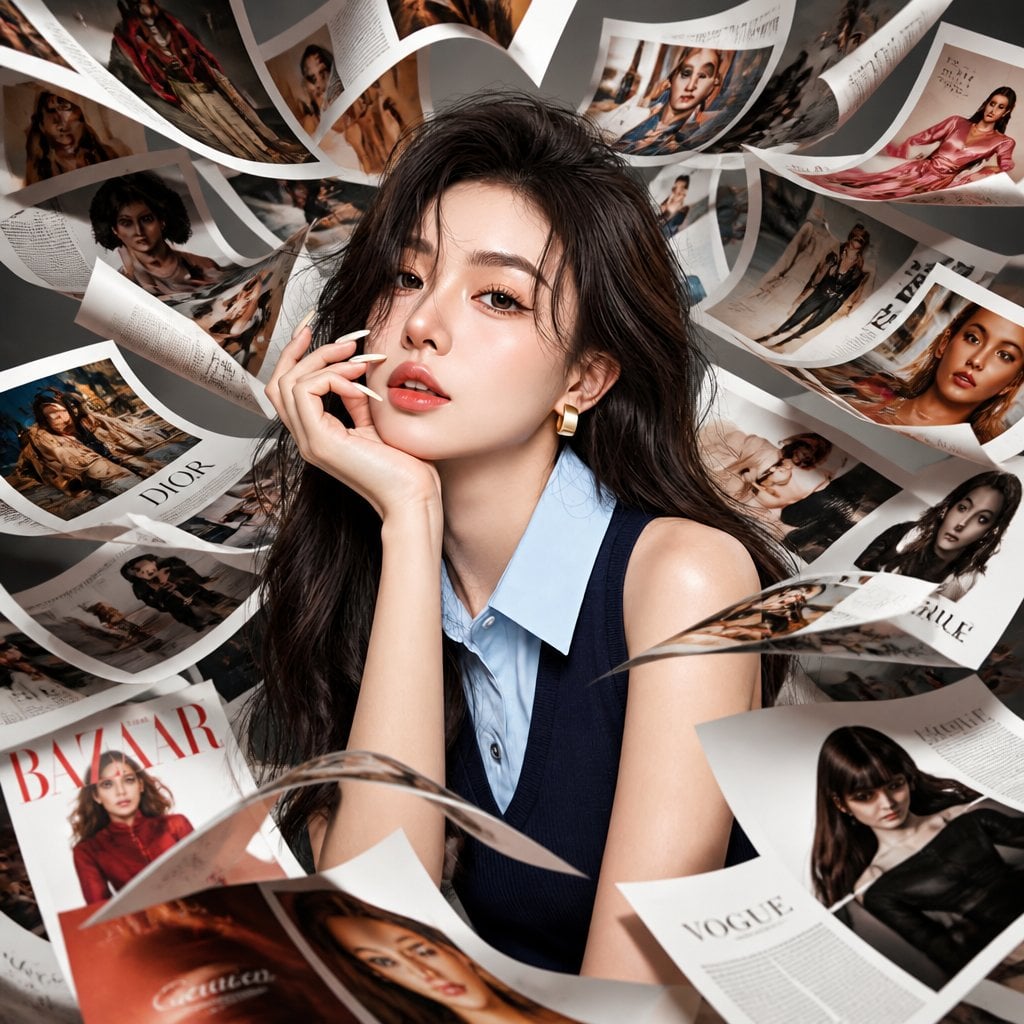
Korean Model Floating Magazine Pages Campaign

Douyin Aesthetic Café Study Portrait

Caution Tape Fashion — Industrial Editorial

Conceptual Time-Stretch Fashion Photography

Absurd Purple Mofumofu Pachinko Machine
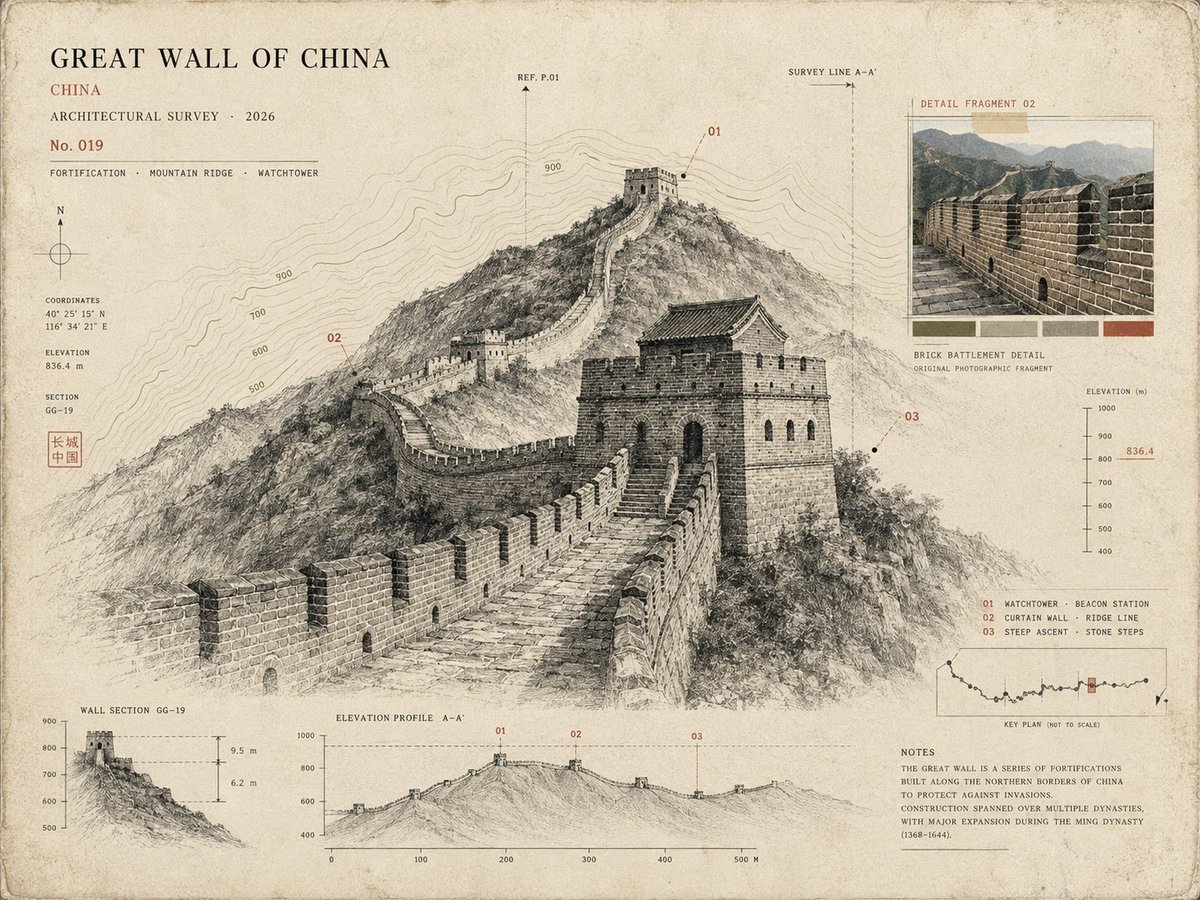
Architectural Museum Specimen Card

Absurd Sans Serif Meme
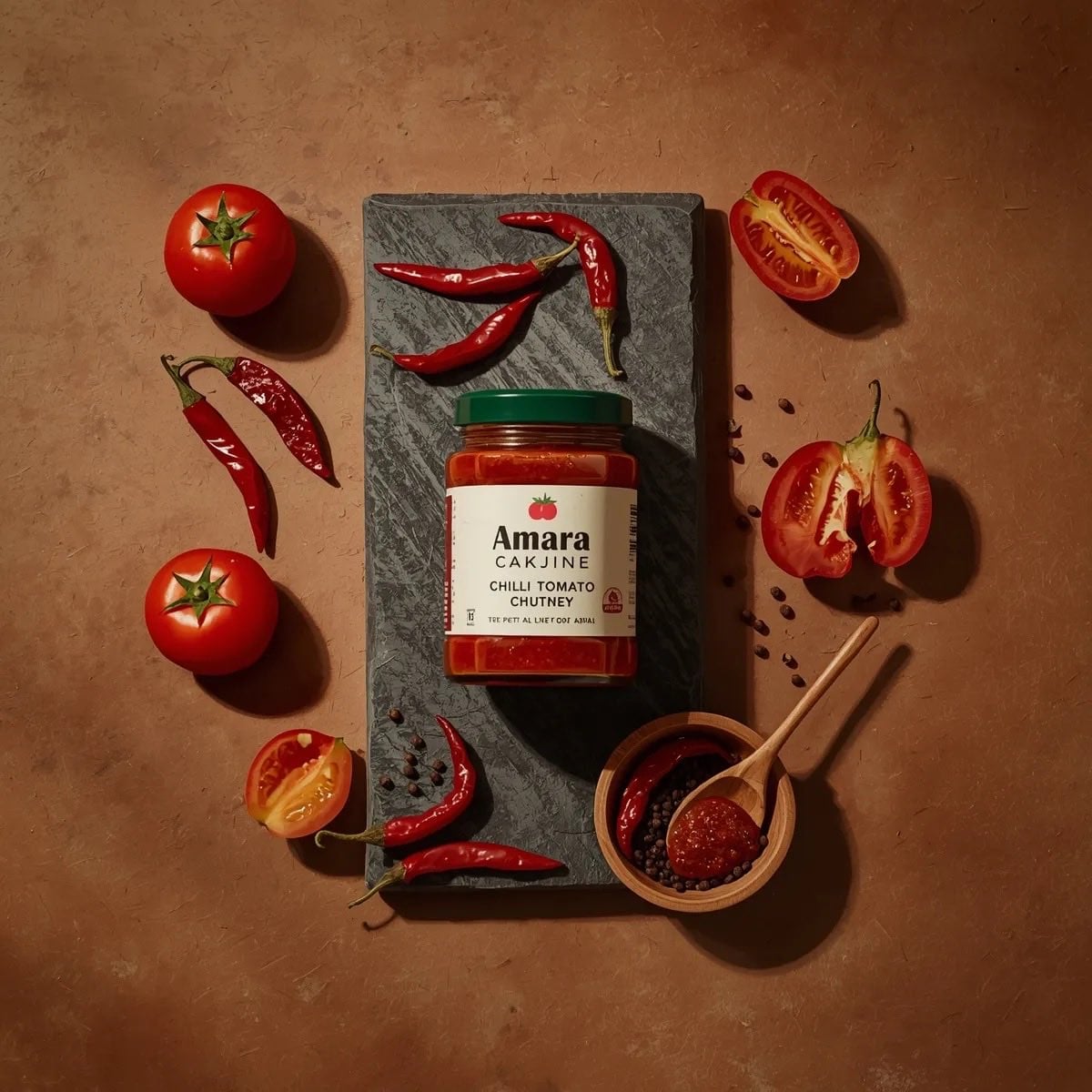
Top-down premium food photography of a glass jar of chili tomato chutney
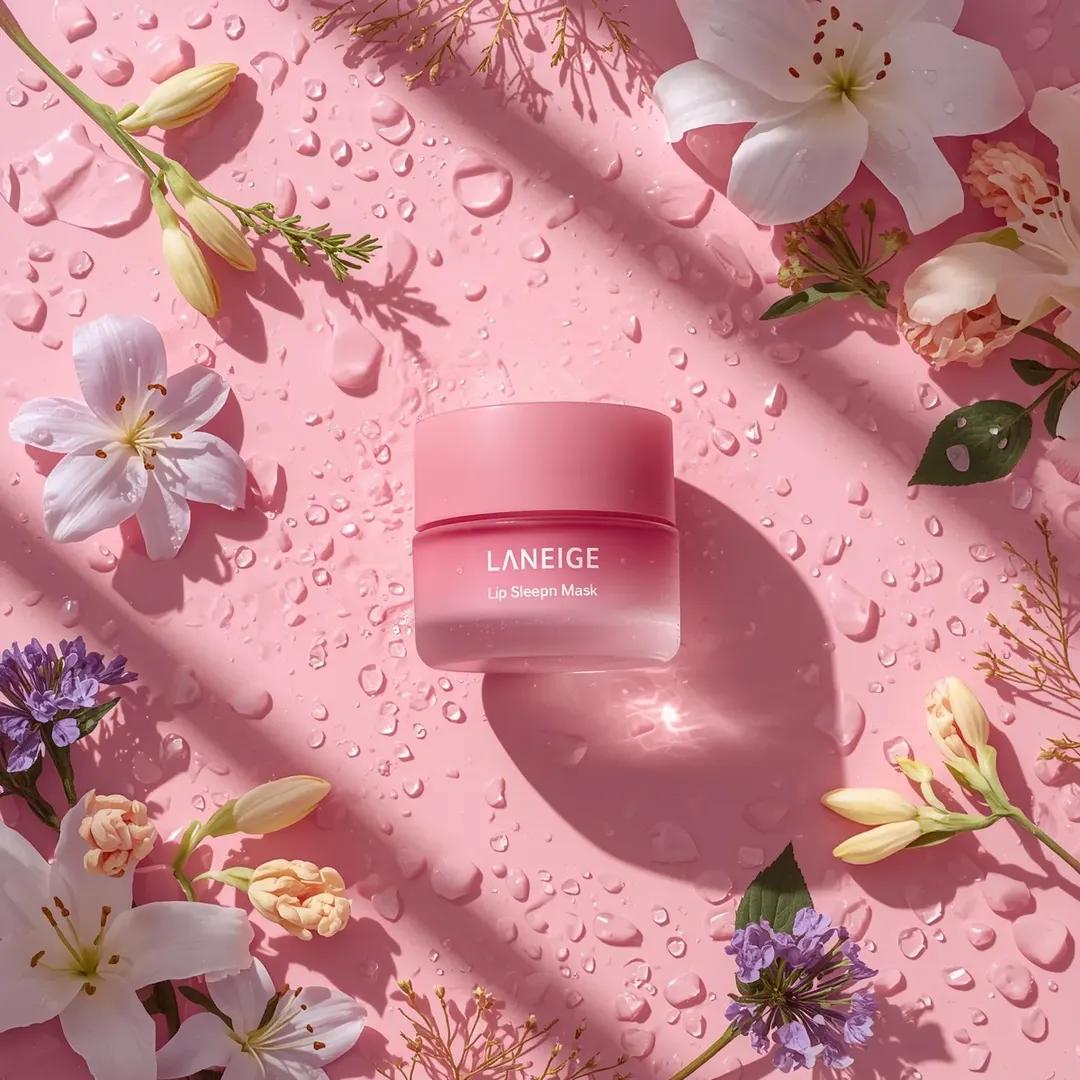
A hyper-realistic beauty product photograph of a pink jar placed
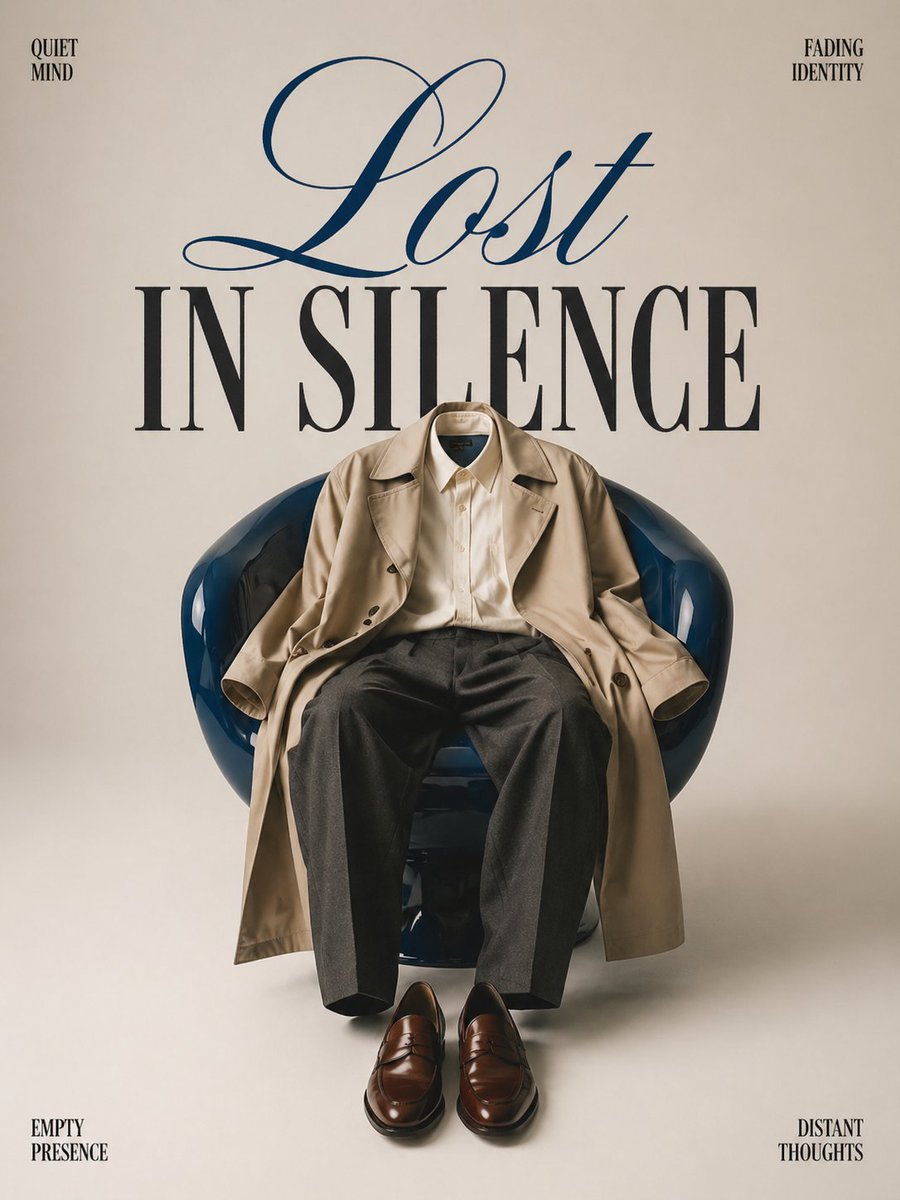
Minimalist conceptual fashion editorial poster, studio shot on a clean

Premium Skincare Ad with Giant Product Jar

Absurdist 2D Rubber Cartoon Illustration
Make it yours
Conceptual Frame: Absurd Specimen Jar Study works as-is. These are the safest ways to change it without losing the look.
Swap the light
One lighting change is enough to compare takes. Current light: “阴天柔光”.
Change one field
Copy a single group, rewrite it, and generate again so you can see what that field is doing.
Keep the frame, change the subject
Hold the composition and light of Conceptual Frame: Absurd Specimen Jar Study, then swap wardrobe, props or the person for a new take.
| If the result… | Why | Fix |
|---|---|---|
| The result drifts from the preview | Too many fields changed at once. | Reuse Conceptual Frame: Absurd Specimen Jar Study as-is first, then change one group — subject, light, or setting. |
| Nano Banana 2 ignores part of the JSON | Some models flatten or skip nested keys. | Keep the same values and paste them as a short paragraph instead. |
More Nano Banana 2 templates
Other prompts made for Nano Banana 2.

Photorealistic Leaf Shaped Like a Dragon

K-Pop Idol Portrait Grid for Rapid Selection

Poetic Rain Forest Portrait During Golden Hour

Urban Street Portrait with Cartoon Inner Self Duo

Candid Nighttime Photo with Cat Prompt

High-Concept 3D Diorama Generation Prompt

Cinematic Futuristic Studio Portrait Template

Skincare Editorial Photography Collage Prompt

Hyper-Realistic Commercial Product Photography (Splash Effect)

Hyper-Realistic Nightclub Portrait Prompt
More image prompts
Fresh picks from across the catalog.

Beard Oil How-To Ad
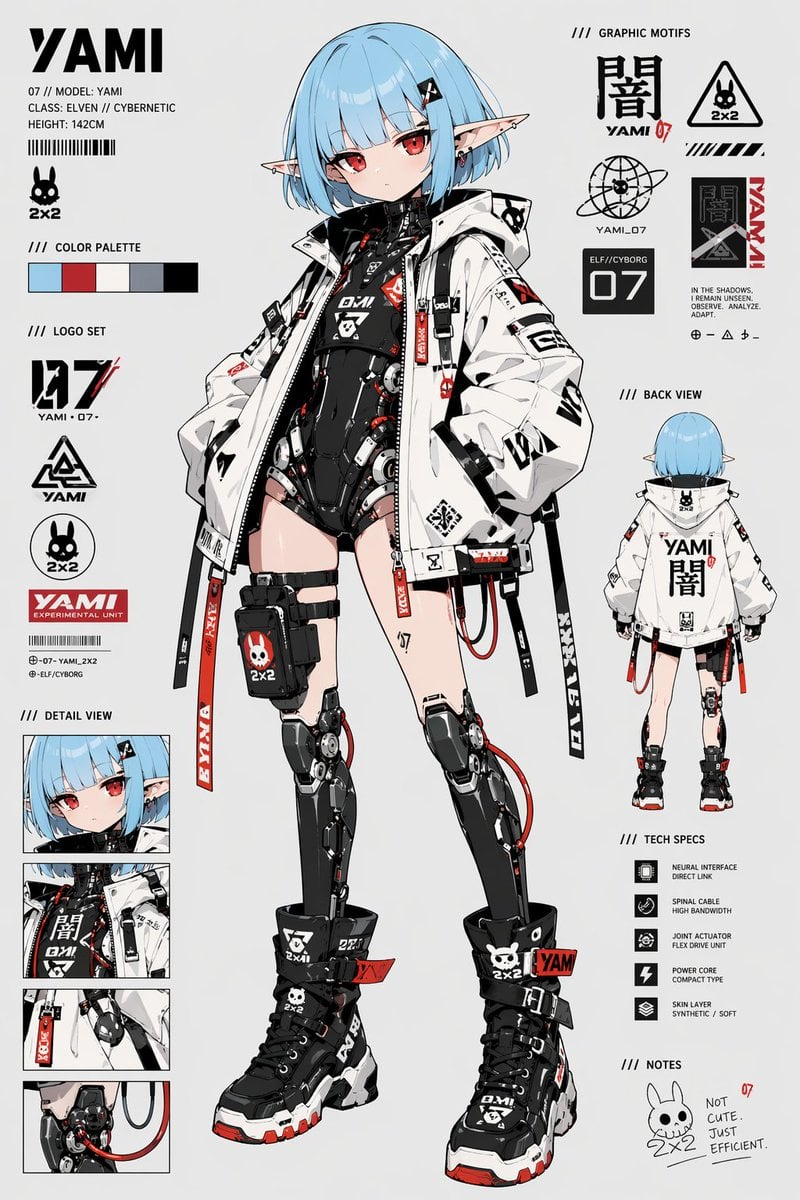
Cyberpunk Elf Android Reference Sheet

Vintage Travel Poster Illustration

First-Person Perspective Christmas Gift Delivery with Character Model
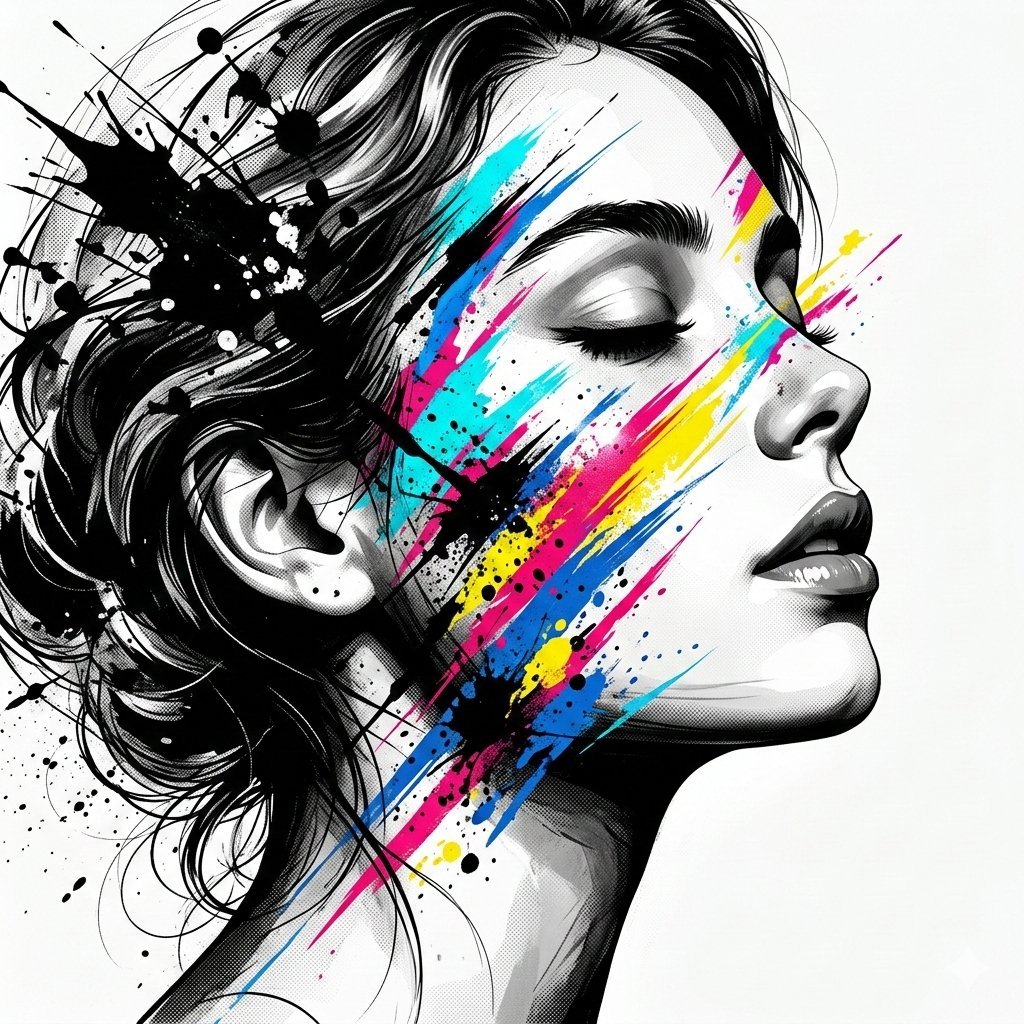
High-Contrast Abstract Mixed Media Portrait Prompt
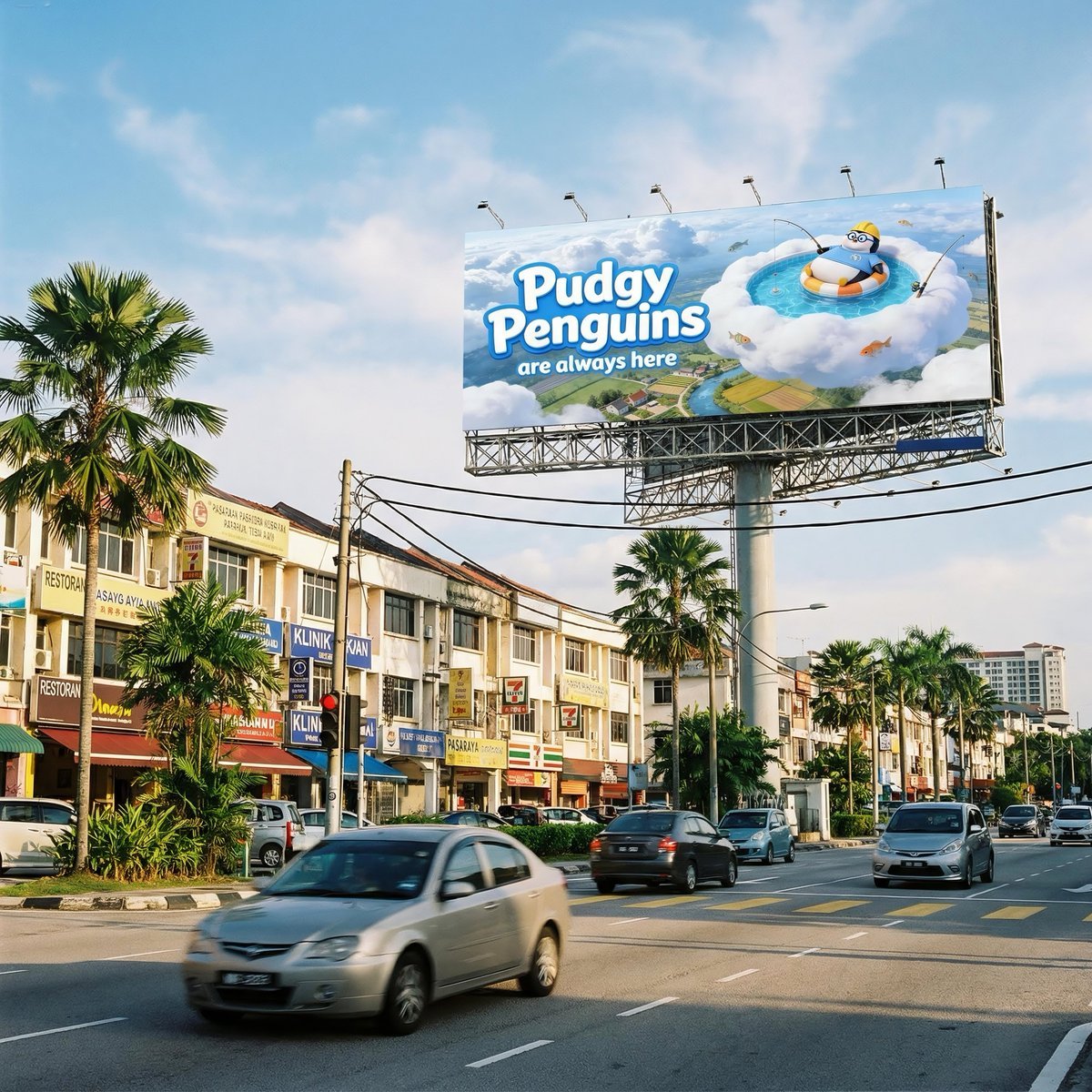
Malaysian City Billboard Commercial Photography Prompt

Moody Cinematic Platinum Blonde Portrait

Epic Fantasy Double Exposure Silhouette
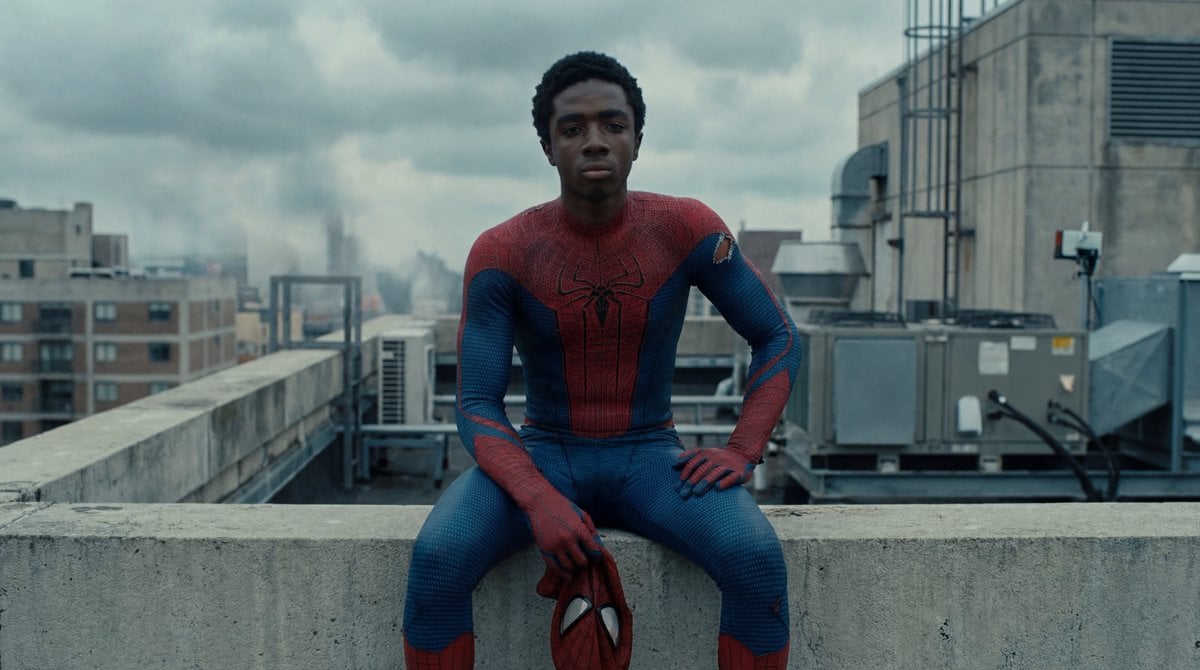
Photorealistic Superhero on Skyscraper Rooftop
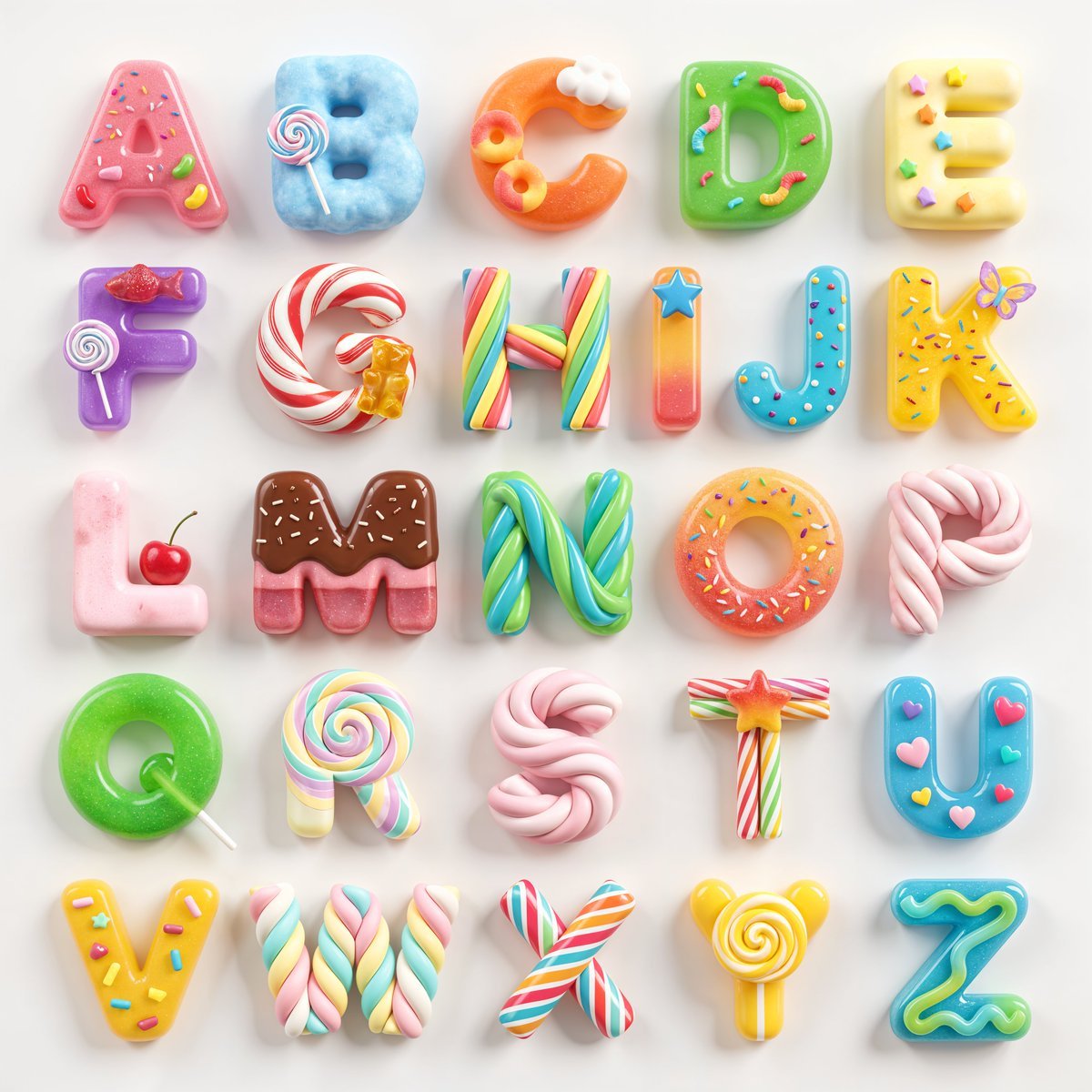
3D Squishy Candy Alphabet
Browse template categories
Conceptual Frame: Absurd Specimen Jar Study questions
How do I use the Conceptual Frame: Absurd Specimen Jar Study template?
Add your photo if the template asks for one, edit the prompt if you like — the template's model and format are already selected — and press Generate. Your version opens in PicX Studio.
Can I customize the Conceptual Frame: Absurd Specimen Jar Study template?
Yes. You can change the subject, setting, lighting, mood, format, and available model controls before creating your image.
Is the Conceptual Frame: Absurd Specimen Jar Study template free?
Opening and editing this template is free. Generating uses credits, shown on the Generate button when you are signed in.
Which AI model should I use?
Start with Nano Banana 2, which is the model associated with this template. You can compare another compatible model for a different finish.
Looking for something else? Browse all templates.

Your photo, any look
Thousands of ready templates for every top image and video model, from one credit balance.