
Sepia Anime Chamber Trio
Generates an elegant sepia anime album-cover scene of three young male string musicians performing in a richly decorated vintage salon.
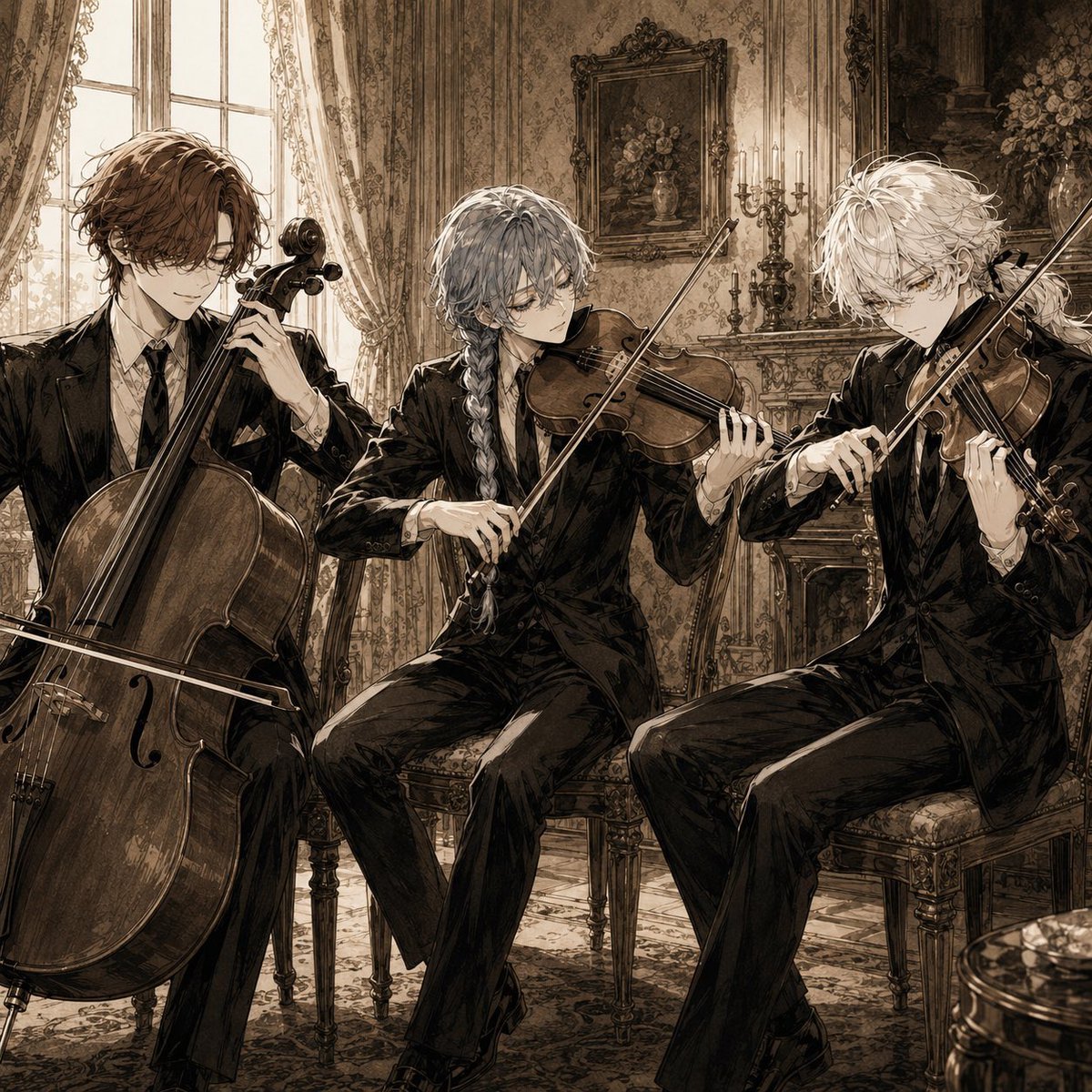
- Prompt included
- Model and format preset
- Free template
The prompt behind this image
Copy the exact prompt behind Sepia Anime Chamber Trio, or open it in the studio and make it yours.
Create a square anime-style album-cover illustration of {argument name="ensemble name" default="three elegant young male classical musicians"} performing in an ornate antique salon. Show exactly 3 seated musicians: left, a brown-haired cellist in a black suit playing a large cello; center, a silver-gray-haired violinist with a long braid playing violin while seated slightly forward; right, a tousled white-haired violinist playing violin, seated at a slight diagonal angle. All three wear formal black suits with white shirts and dark ties, refined slim silhouettes, serious focused expressions, and delicate bishonen facial features. The room should be a richly decorated European vintage interior with tall bright windows on the left, lace curtains, patterned wallpaper, carved wooden chairs, a mantelpiece, candelabras, framed floral paintings, vases of flowers, ornate trim, and a patterned carpet. Use a sepia monochrome palette with warm beige, brown, ivory, and black ink tones, high-detail manga linework, painterly shading, dramatic soft window light, elegant shadows, intricate instrument wood grain, and a melancholic chamber-music mood. Composition should be intimate and cropped close, with the cello dominating the lower left foreground, the two violins angled across the center and right, bows forming strong diagonals, no visible text, no logo, no watermark.
How to use Sepia Anime Chamber Trio in 3 steps
- 1Upload ImagePNG, JPG or paste
Add your photo
Upload the photo the template builds on. The prompt, model and format are already set.
- 2…a portrait of your subject in softgolden-hour light, 85mm…
Personalize
Edit the subject and creative details for your destination.
- 3Generate
Generate
Press Generate — your image is created in PicX Studio, so you can compare it with the original and refine one variable at a time.
More like this
Templates with the same subject, style or setup. Open one to see its prompt.












Make it yours
Sepia Anime Chamber Trio works as-is. These are the safest ways to change it without losing the look.
Change one field
Copy a single group, rewrite it, and generate again so you can see what that field is doing.
Keep the frame, change the subject
Hold the composition and light of Sepia Anime Chamber Trio, then swap wardrobe, props or the person for a new take.
| If the result… | Why | Fix |
|---|---|---|
| The result drifts from the preview | Too many fields changed at once. | Reuse Sepia Anime Chamber Trio as-is first, then change one group — subject, light, or setting. |
| The model over-stylizes the scene | The prose prompt leaves finish and camera underspecified. | Add one camera or lighting sentence and stay on GPT Image 2. |
More GPT Image 2 templates
Other prompts made for GPT Image 2.

Six VTuber Japanese Logo Sheet

Realistic Portrait of Woman and Deer

The Vista Modular Condo Poster

AI Model Routing Comparison Infographic

2.5D Anime Art Board

Isometric Productivity Desk Scene

New York Double Exposure Poster

Four-Panel AI Landscape Comparison

Japanese Tatami Lifestyle Magazine Cover

NESCAFÉ Coffee Map Poster
More image prompts
Fresh picks from across the catalog.
Flooded Subway Horror Chase
2.5D Thick Paint Style Poster
Capsule Product Packaging Design Prompt
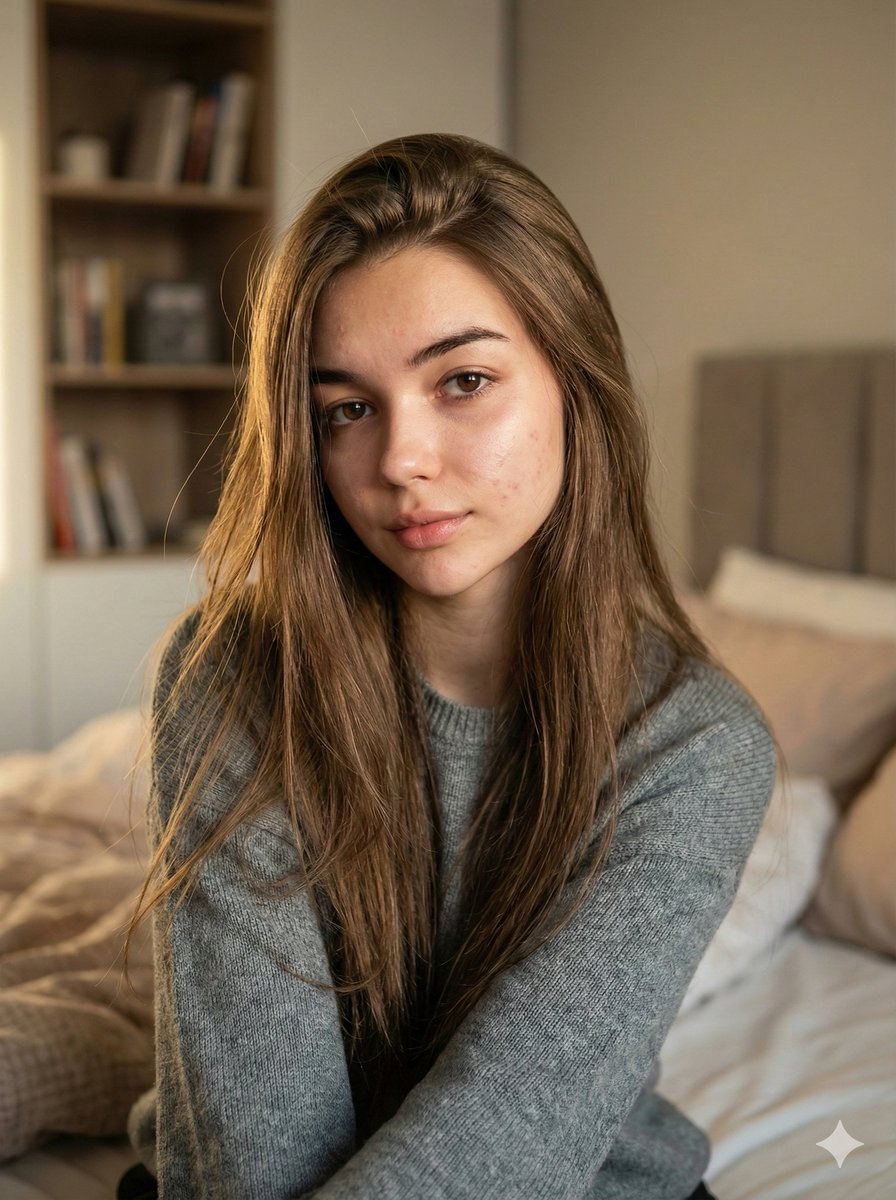
Nano Banana Pro Ultra Realistic Indoor Portrait Prompt
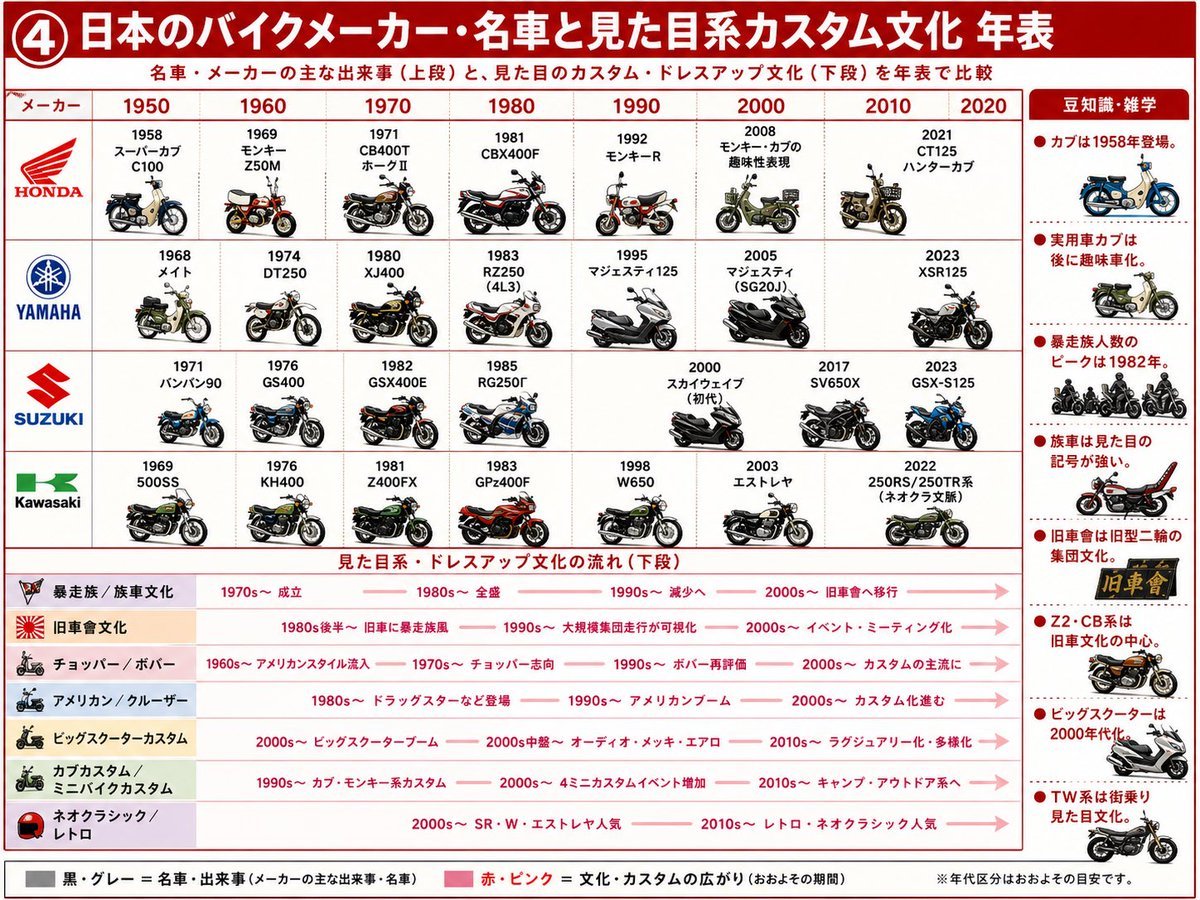
Japanese Motorcycle Culture Timeline
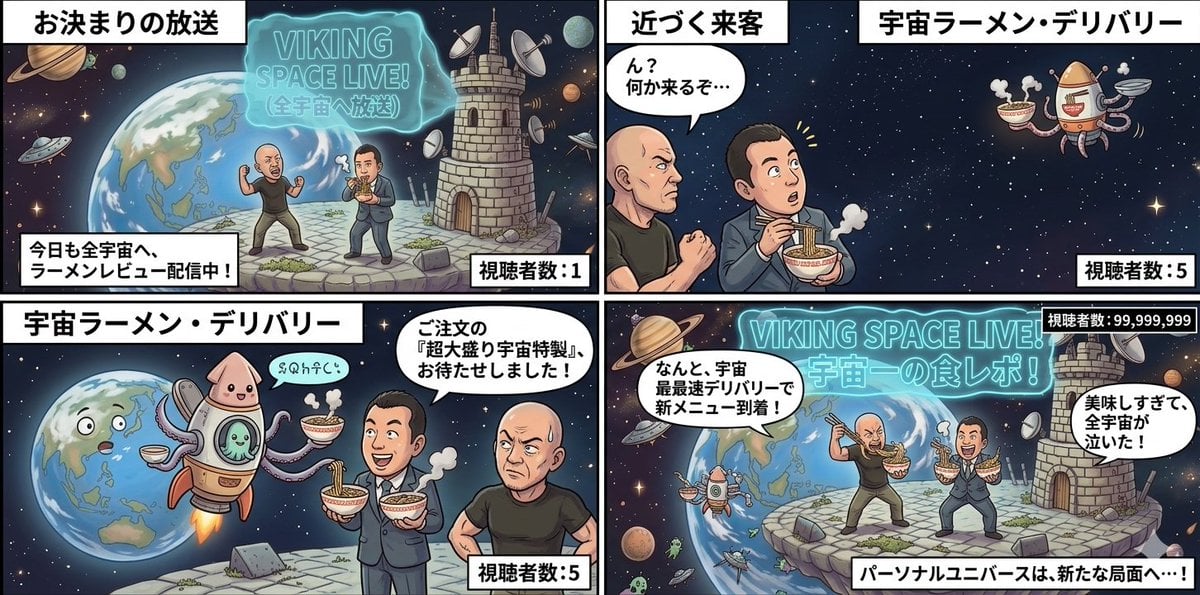
Four-Panel Manga: Personal Universe
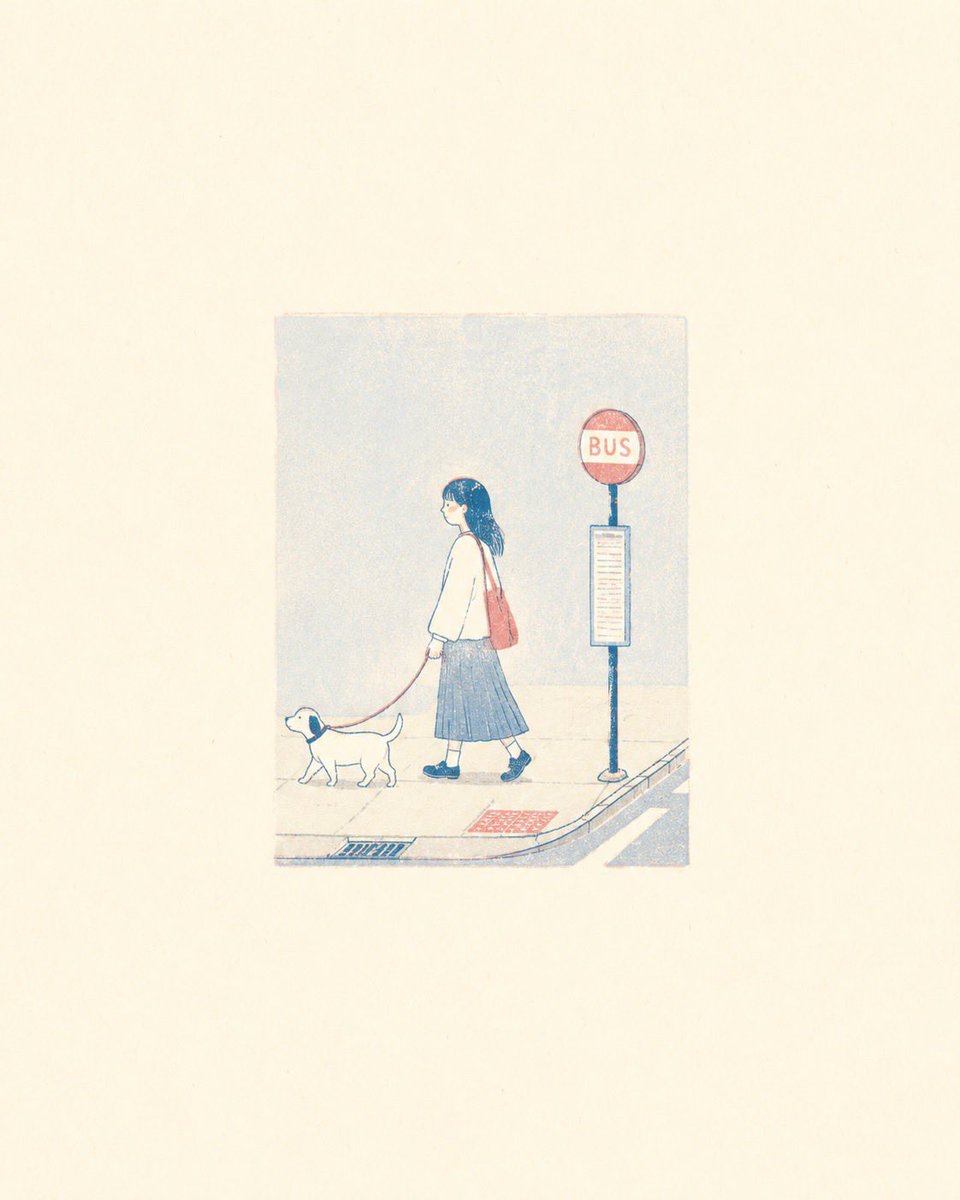
Minimalist Risograph Poetic Style
Storyboard Grid Generation Prompt
Minimal Clay Animal Trio
Whimsical Flat Illustration Generator
Browse template categories
Sepia Anime Chamber Trio questions
How do I use the Sepia Anime Chamber Trio template?
Add your photo if the template asks for one, edit the prompt if you like — the template's model and format are already selected — and press Generate. Your version opens in PicX Studio.
Can I customize the Sepia Anime Chamber Trio template?
Yes. You can change the subject, setting, lighting, mood, format, and available model controls before creating your image.
Is the Sepia Anime Chamber Trio template free?
Opening and editing this template is free. Generating uses credits, shown on the Generate button when you are signed in.
Which AI model should I use?
Start with GPT Image 2, which is the model associated with this template. You can compare another compatible model for a different finish.
Looking for something else? Browse all templates.

Your photo, any look
Thousands of ready templates for every top image and video model, from one credit balance.