How do I use the Firewoman Catwalk Fashion Editorial template?
Choose the primary action to open PicX Studio with the available template settings. Review the model and format, personalize the creative direction, and generate when ready.
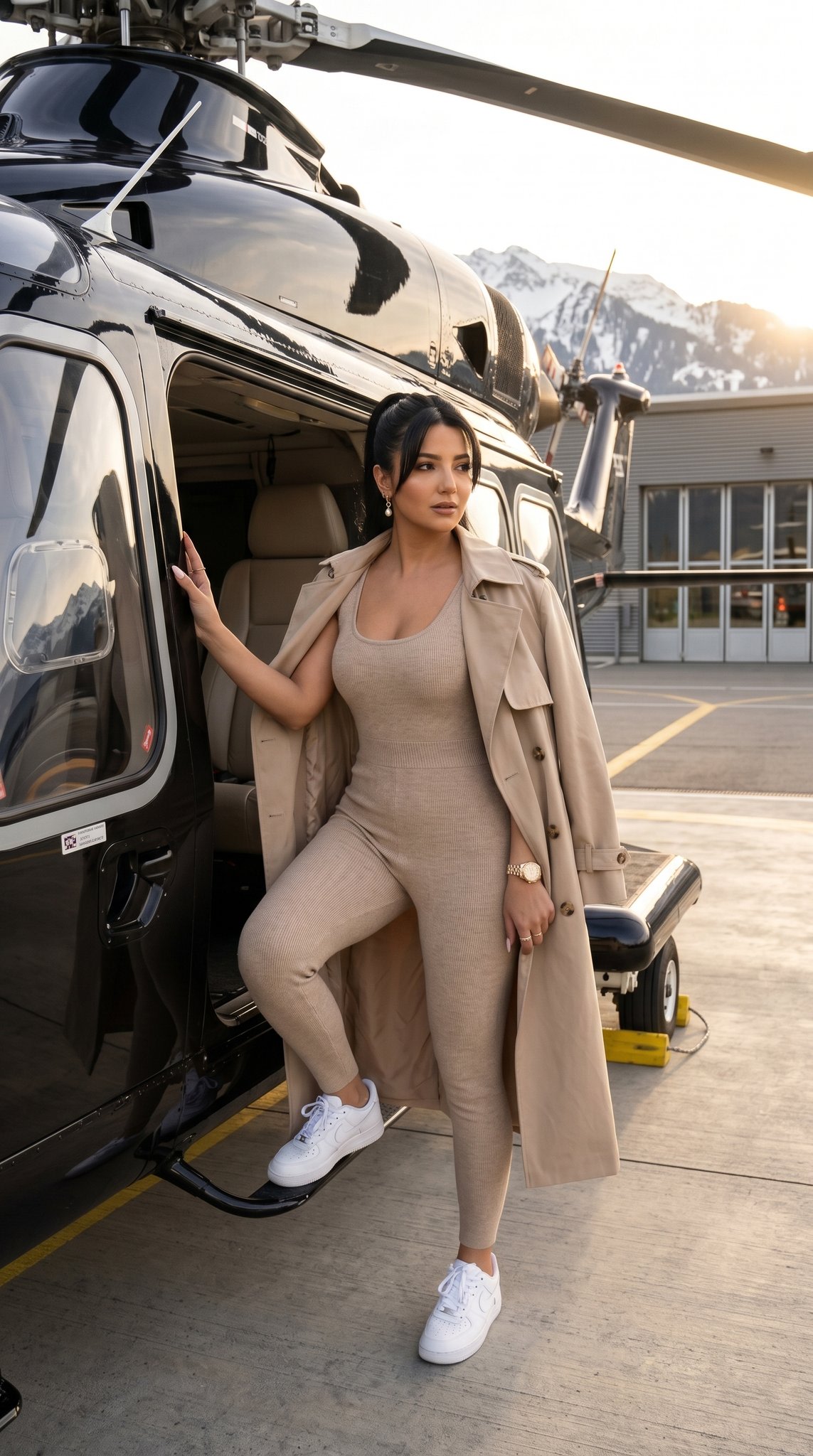
A detailed JSON prompt for generating an ultra-photorealistic fashion editorial image of a Scandinavian woman in a modern, chic, fireman-inspired red outfit. The scene is set by a fire truck during golden hour, emphasizing confidence, sharp focus on the eyes, and a subtle 'Always on Fire' badge detail. (free to use) — Free AI image template on PicX Studio.
{ "meta": { "template": "MPNB", "version": "Nano Banana Pro", "quality": "ultra-photorealistic, editorial, 8k, HDR, cinematic realism", "style_intent": "modern fire-inspired fashion editorial, empowered feminine confidence" }, "non_negotiables": { "aspect_ratio": "4:5 vertical", "medium": "photorealistic fashion editorial photography", "camera_angle": "slightly low angle for strength and presence", "focus_priority": "her eyes, posture, and badge detail", "no_logos": true, "no_watermarks": true, "no_cartoon_style": true }, "subject": { "description": "Beautiful 25-year-old Scandinavian woman with luminous fair skin and refined Nordic features", "expression": "attractive, confident gaze directly at camera with a subtle passionate smile", "pose": "standing beside a fire truck, one hand resting against the vehicle for support, body slightly angled, natural weight shift creating a graceful silhouette", "body_language": "confident, self-assured, sensual but tasteful" }, "wardrobe": { "outfit": "fireman-inspired chic red outfit redesigned with modern fashion tailoring", "top": "fitted red t-shirt with subtle structured seams and breathable technical fabric", "shorts": "coordinated red tailored shorts with minimal reflective detailing", "badge": { "description": "small understated metallic badge", "text": "Always on Fire", "placement": "upper chest area", "scale": "discreet and realistic proportion", "finish": "subtle brushed metal reflection" }, "boots": "authentic firefighter boots, slightly worn, realistic heavy-duty texture", "helmet": "none" }, "environment": { "primary_element": "partial side section of a fire truck visible (red metallic body and emergency light area)", "interaction": "her hand gently resting on the truck surface, natural contact shadow visible", "location": "urban fire station exterior or modern city street", "background_depth": "softly blurred to isolate subject" }, "lighting": { "key_light": "soft golden hour or diffused daylight enhancing skin glow", "rim_light": "subtle edge highlight separating subject from truck", "accent": "natural metallic reflections on fire truck surface and badge", "shadow_control": "balanced shadows preserving fabric and boot texture" }, "camera": { "body": "full-frame DSLR equivalent", "lens": "85mm portrait prime", "aperture": "f/2.0", "focus": "sharp on eyes and badge, smooth falloff to background", "grain": "minimal cinematic grain" }, "color_grading": { "palette": "bold fire-engine red contrasted with soft neutral surroundings", "skin_tones": "natural Scandinavian radiance", "contrast": "editorial crisp without oversaturation", "mood": "confident, modern hero aesthetic"
Use Firewoman Catwalk Fashion Editorial to plan an AI image around nano-banana-2 generation. Match the preview's composition first, then personalize the subject, setting, and mood for your own project.
Use the primary action to load the template settings in PicX Studio.
Adjust the subject and creative details for your destination.
Create the image, compare the result with the preview, and refine one variable at a time.
A continuous mix — similar concepts first, woven with same-model prompts and fresh picks from the catalog.
Choose the primary action to open PicX Studio with the available template settings. Review the model and format, personalize the creative direction, and generate when ready.
Yes. You can change the subject, setting, lighting, mood, format, and available model controls before creating your image.
This template is free to open and customize. Generation usage is shown in PicX Studio before you create.
Start with nano-banana-2, which is the model associated with this template. You can compare another compatible model for a different finish.
A continuous mix — similar concepts first, woven with same-model prompts and fresh picks from the catalog.
Follow a topic to a crawlable collection of related PicX Studio templates.
32,032 public templates available. Verified via the PicX Studio public templates API; refreshed hourly.