
20 VIP Nightclub Dance — California Series
Nano Banana 2 Scene 20
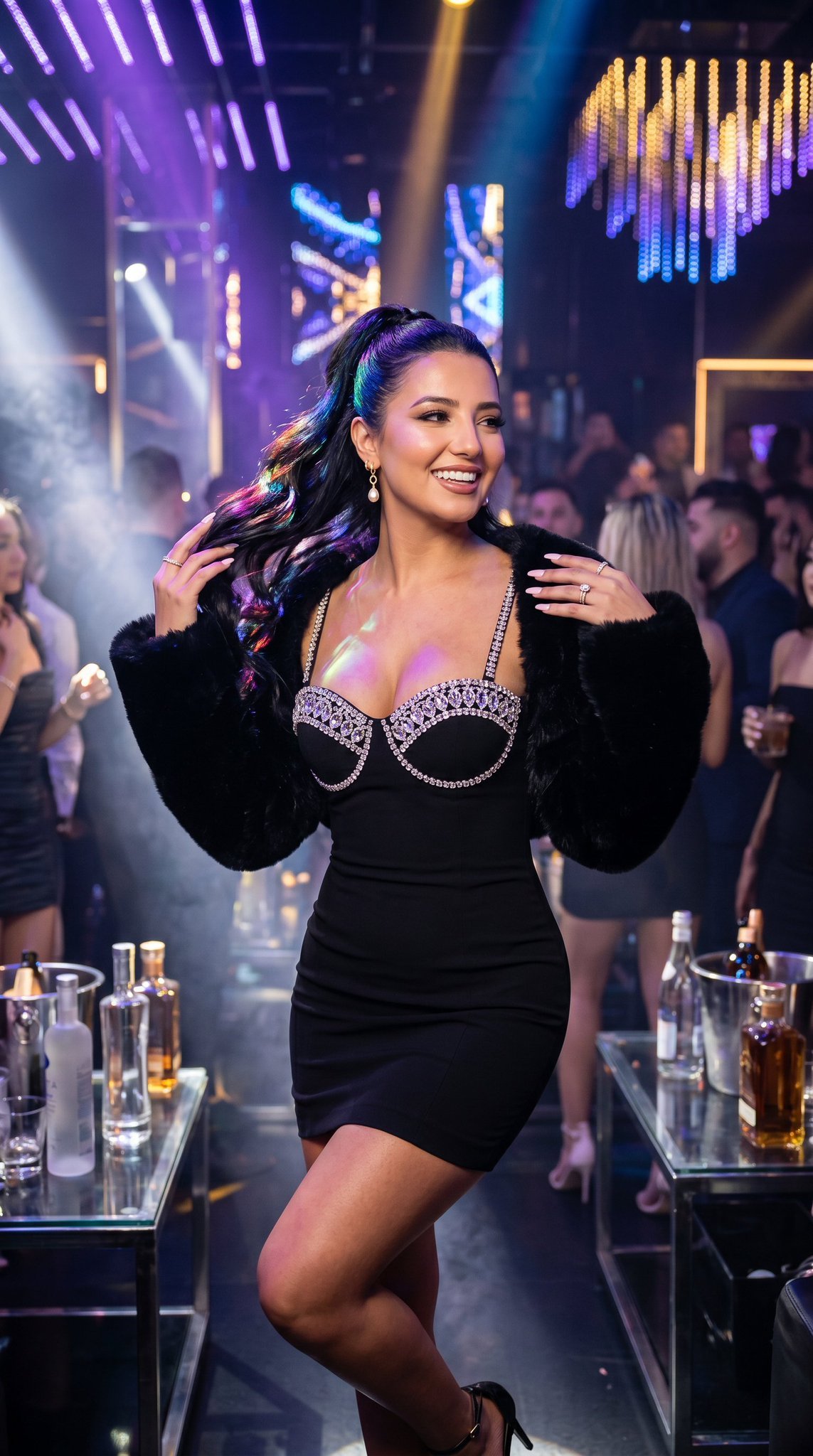
- Prompt included
- Model and format preset
- Free template
The prompt behind this image
Copy the exact prompt behind 20 VIP Nightclub Dance — California Series, or open it in the studio and make it yours.
Use the reference woman. Place her inside an upscale Los Angeles nightclub VIP section. The environment must feel exclusive, high-end, and cinematic — not chaotic. Visible crowd, but curated and blurred. LED lights, reflective surfaces, and soft haze create depth. She is the clear center of attention. Outfit: ultra-luxury club couture: a fitted black or deep metallic mini dress with crystal or reflective detailing, sculpted silhouette, premium fabric, body-contouring and elegant. Scene: luxury nightclub interior with VIP seating, LED lighting, reflective tables, glass surfaces, and a stylish crowd. Lighting: mix of deep violet, blue, magenta, and warm gold highlights, soft key light on face, rim light defining silhouette. Mood: exclusive, seductive, high-energy, cinematic nightlife luxury. Color palette: black, violet, blue, magenta, gold. Aspect ratio: 4:5. Must-have: nightclub VIP setting, dance motion, luxury outfit, cinematic lighting, same identity, perfect anatomy, no text. Avoid: cheap club scene, overcrowded chaos, awkward dance, bad anatomy, extra limbs, plastic skin, text, logo, watermark.
How to use 20 VIP Nightclub Dance — California Series in 3 steps
- 1
Open
The prompt is already in the box next to the preview, with the template's model and format selected.
- 2…a portrait of your subject in softgolden-hour light, 85mm…
Personalize
Edit the subject and creative details for your destination.
- 3Generate
Generate
Press Generate — your image is created in PicX Studio, so you can compare it with the original and refine one variable at a time.
More like this
Templates with the same subject, style or setup. Open one to see its prompt.
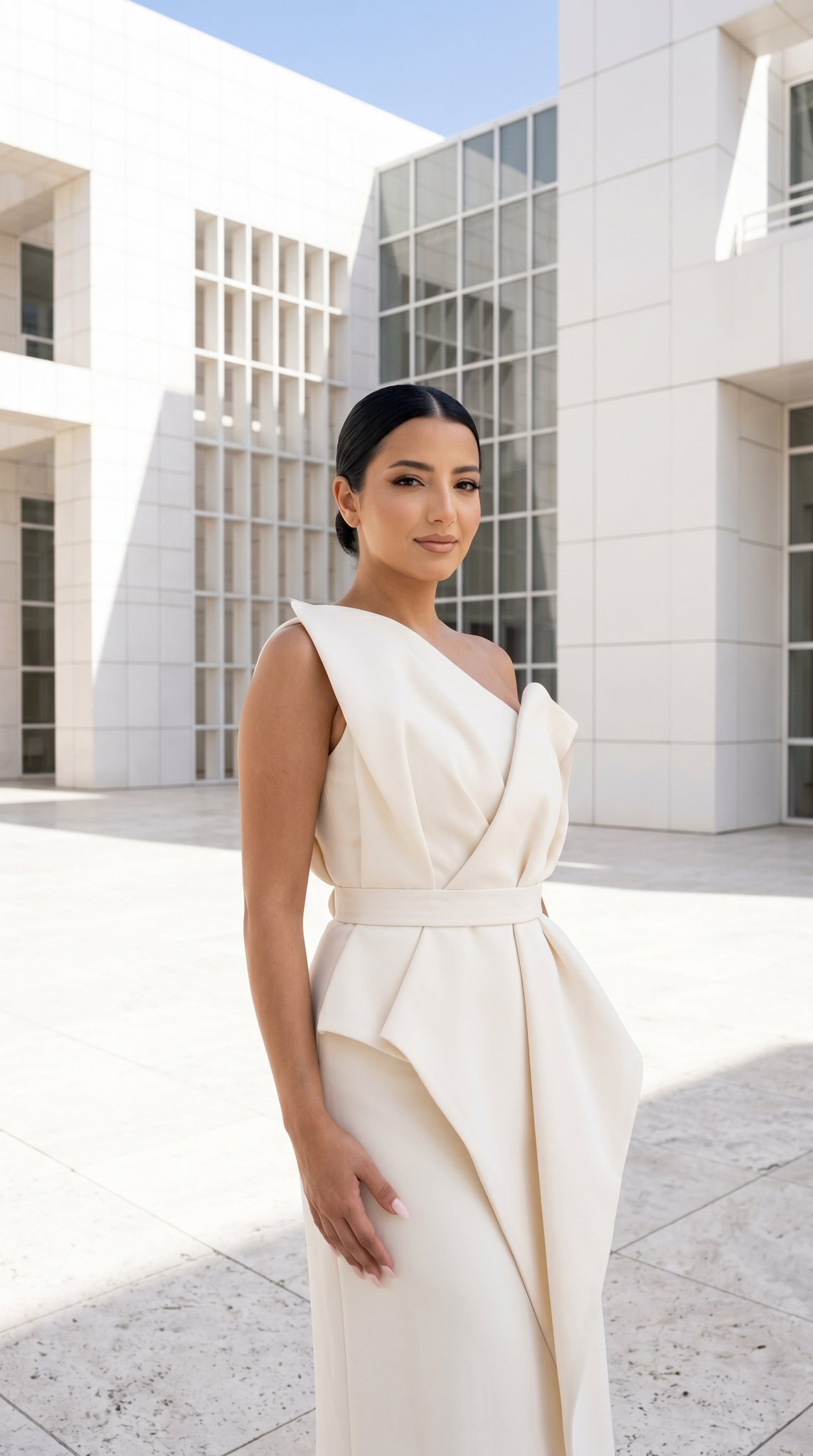
24 The Getty Center — California Series
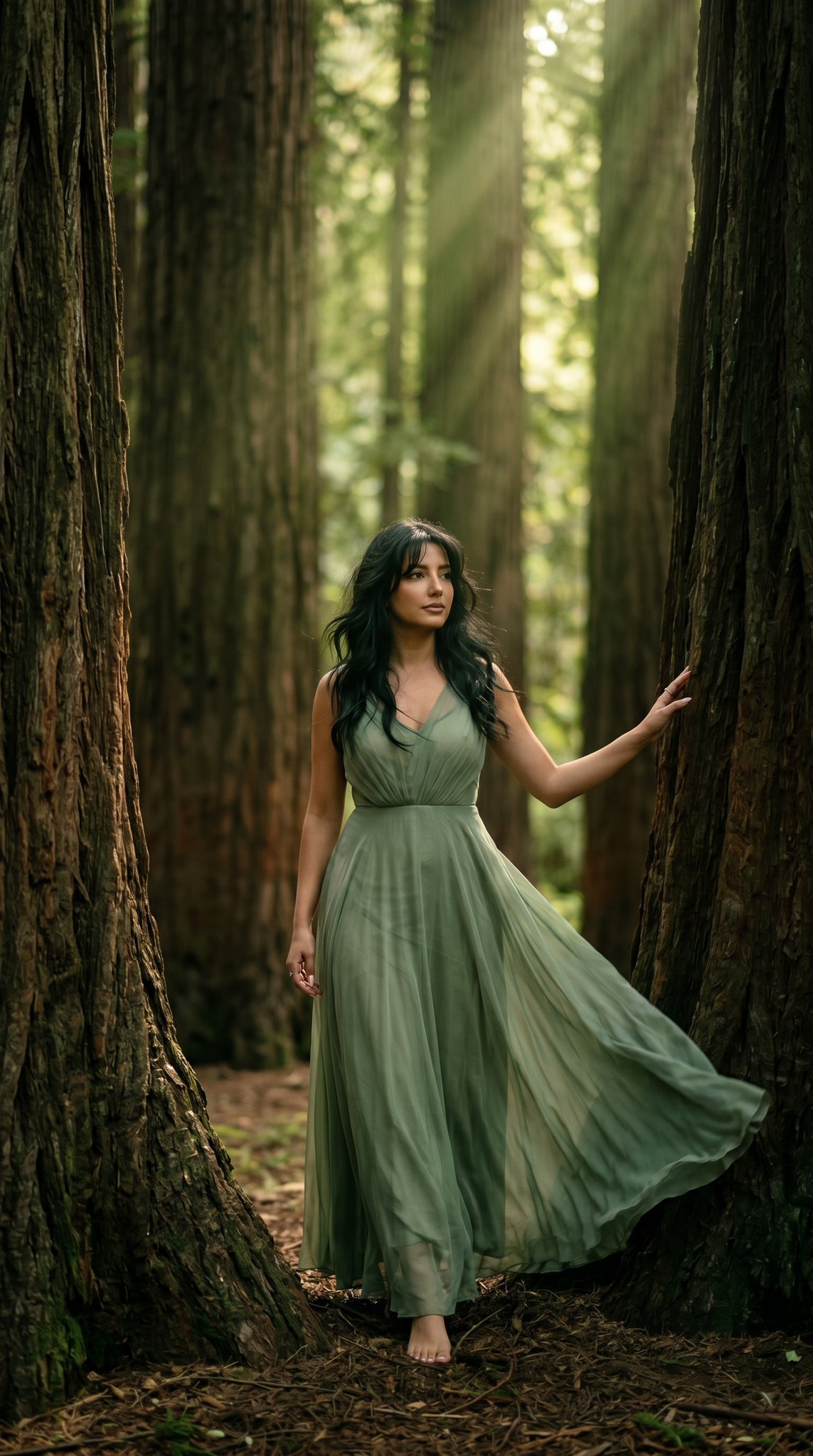
23 California Redwood Forest — California Series
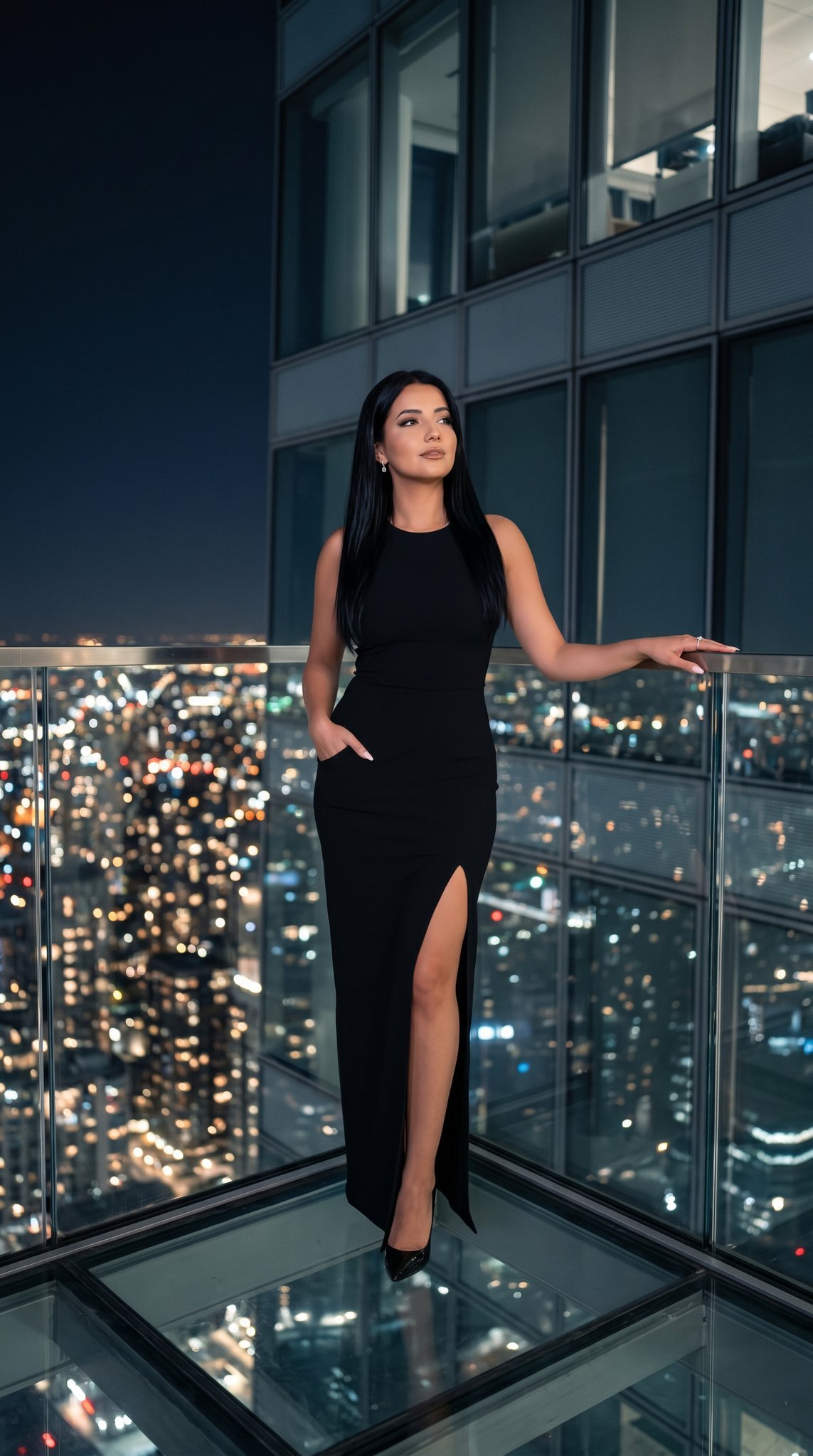
21 Glass Floor Skyscraper — California Series
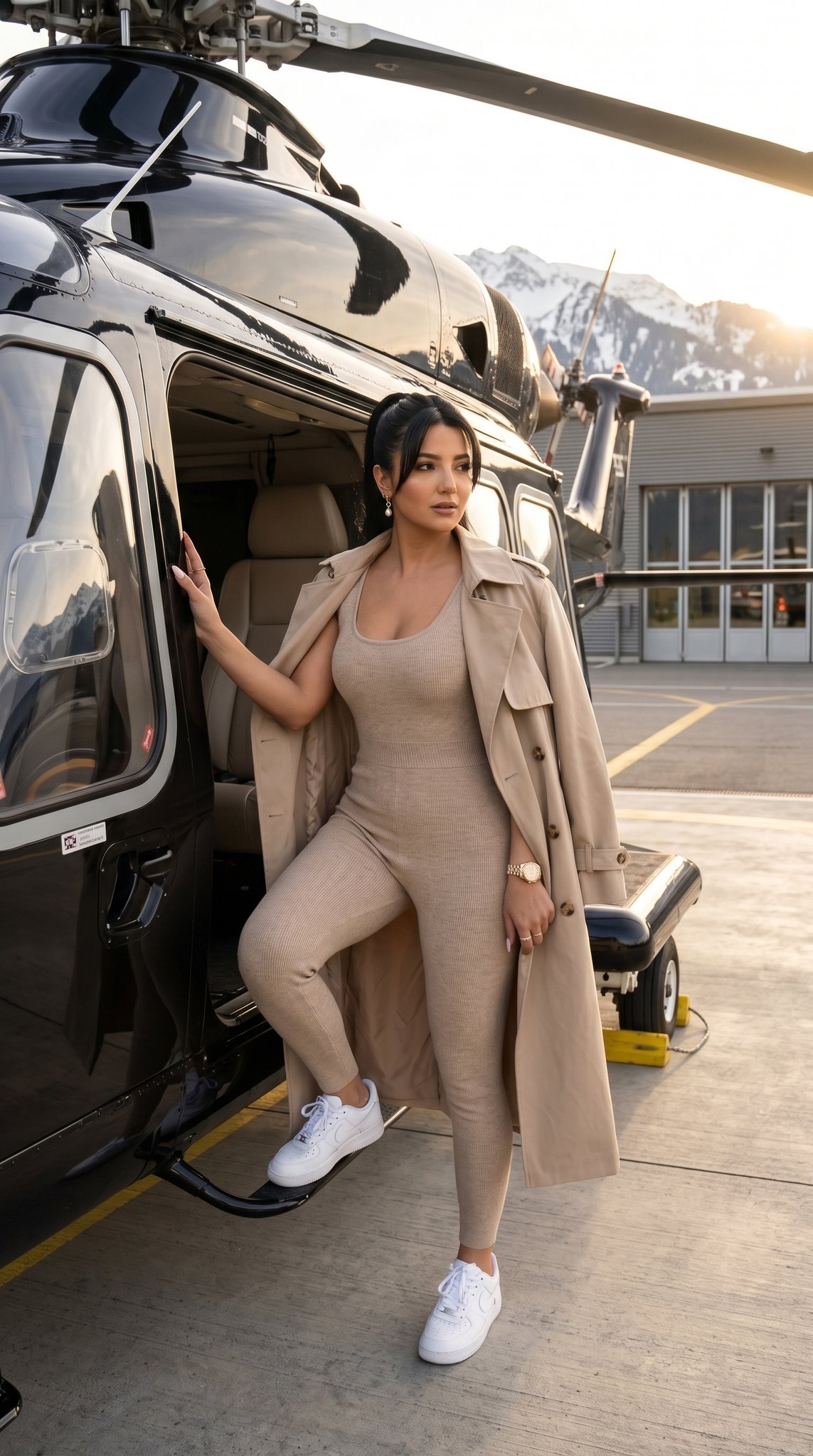
19 Luxury Helicopter Travel — California Series
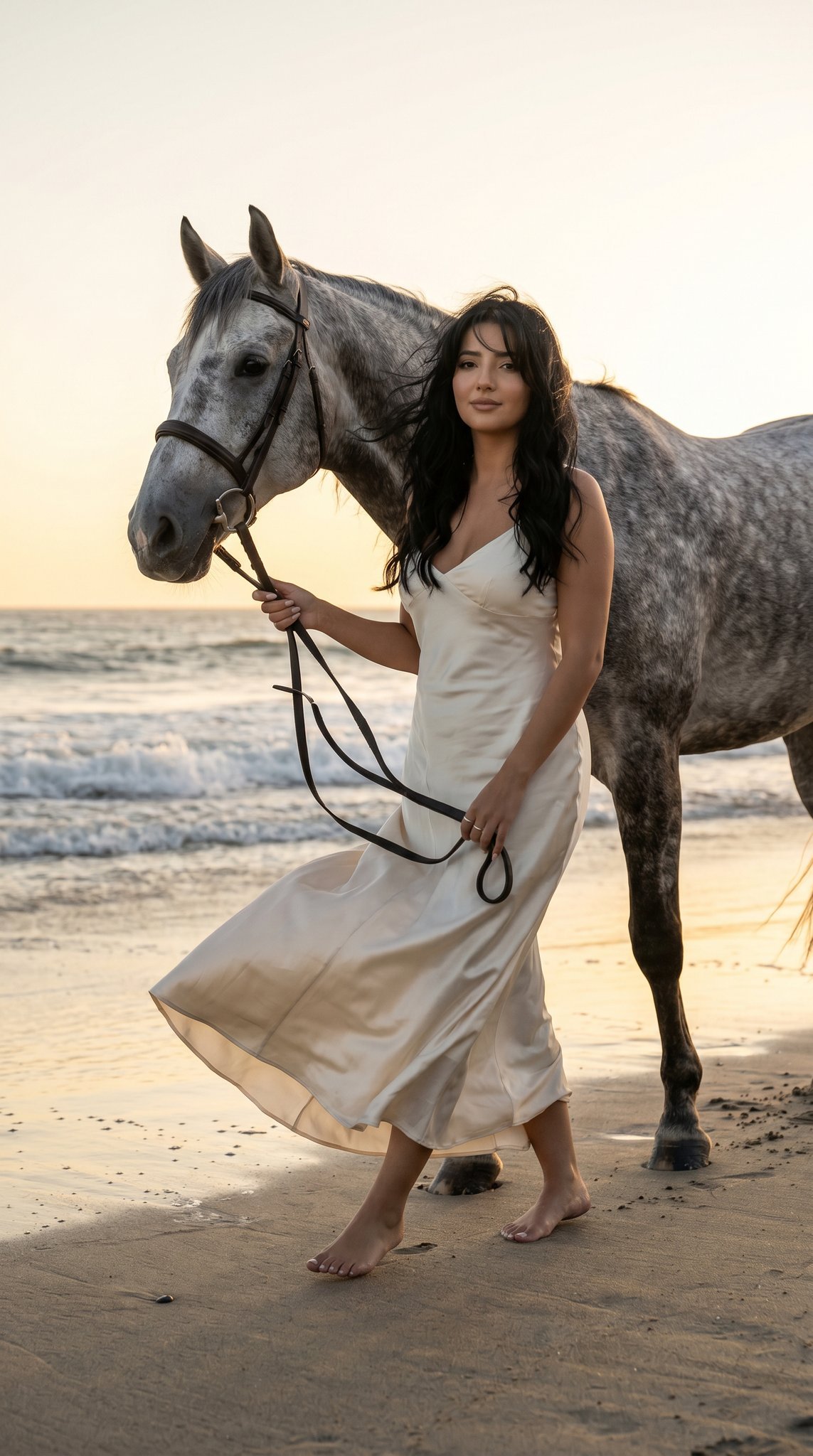
16 Malibu Beach Horse — California Series
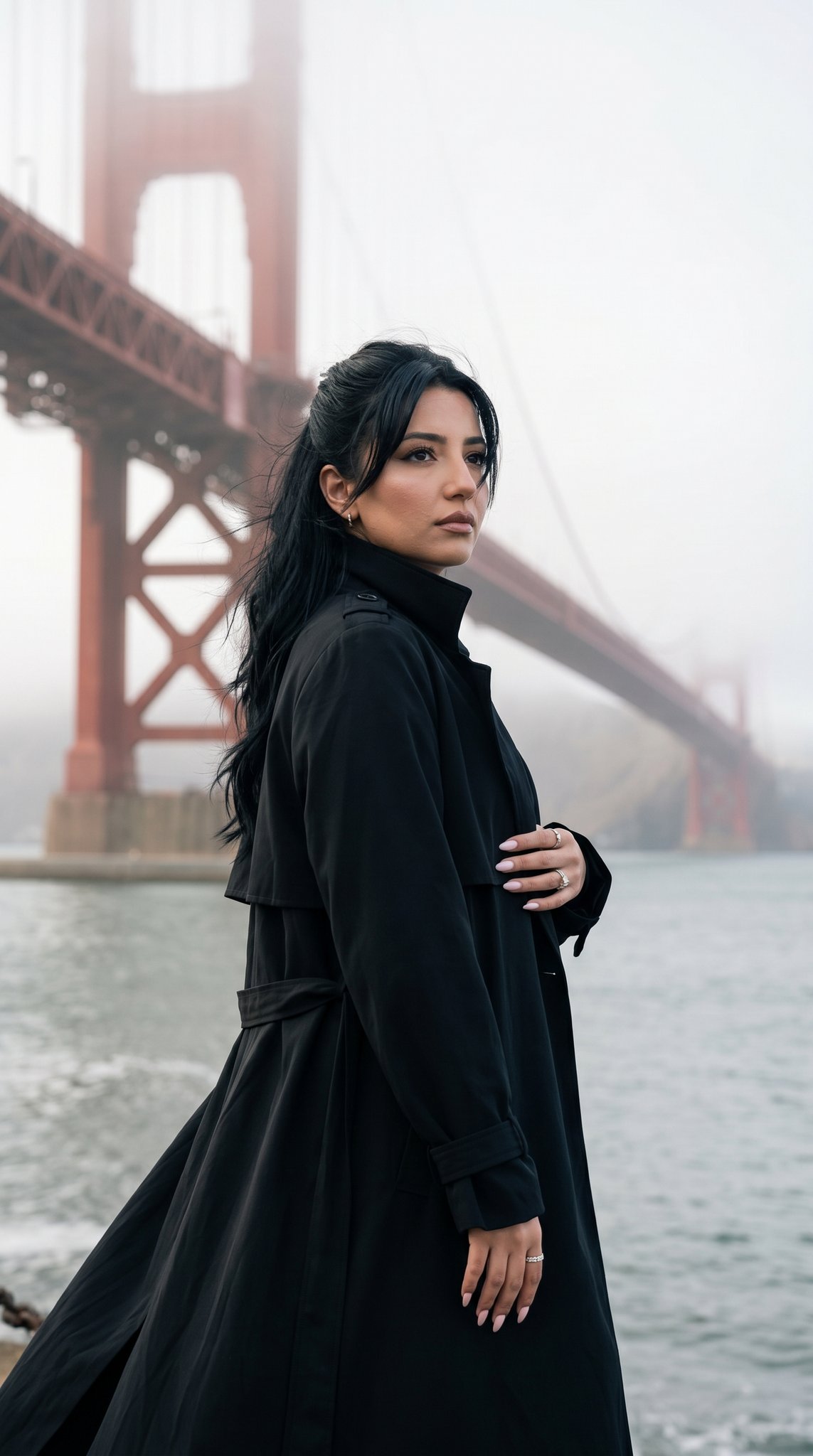
15 Golden Gate Bridge — California Series
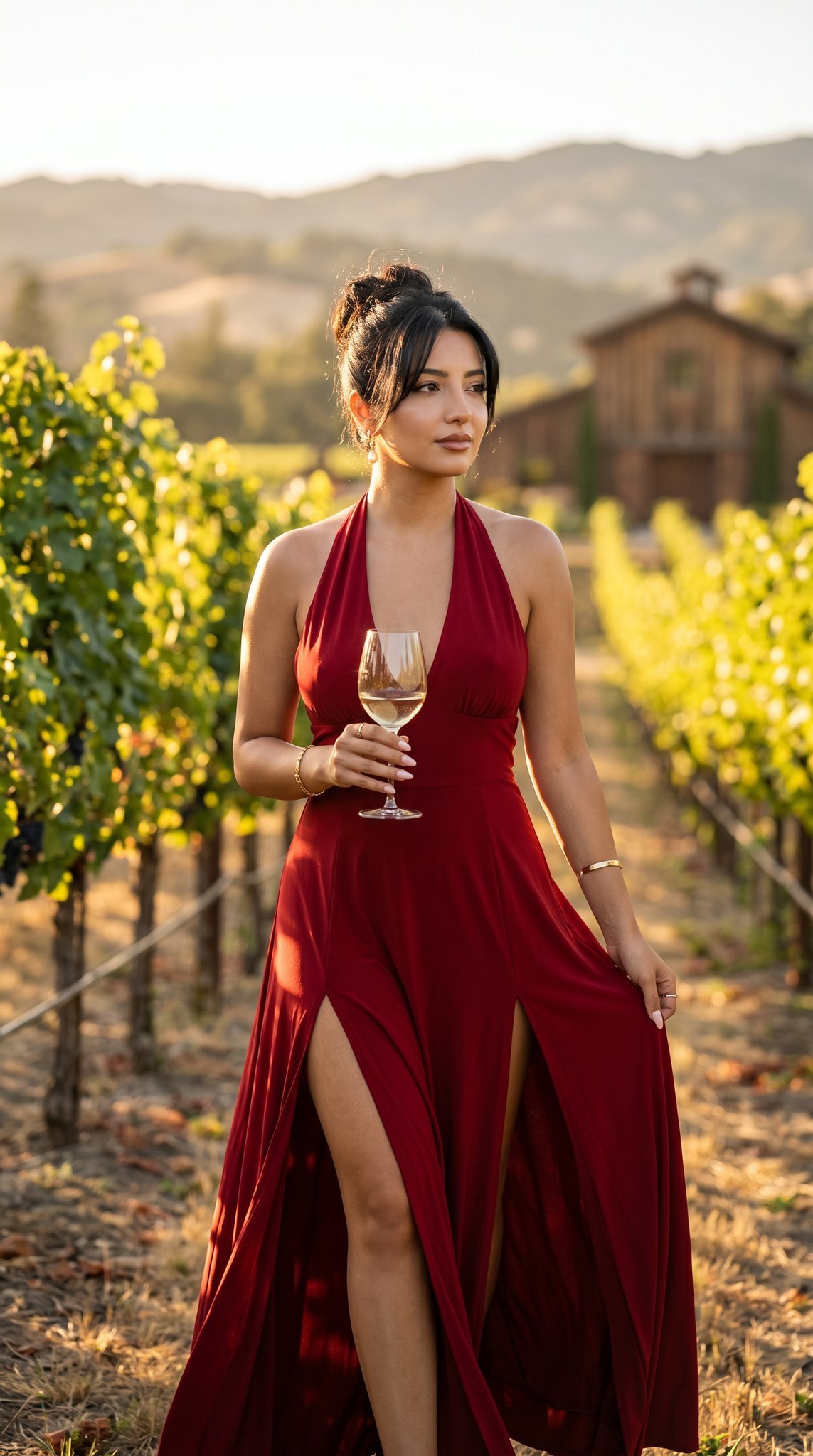
14 Napa Valley Vineyard — California Series
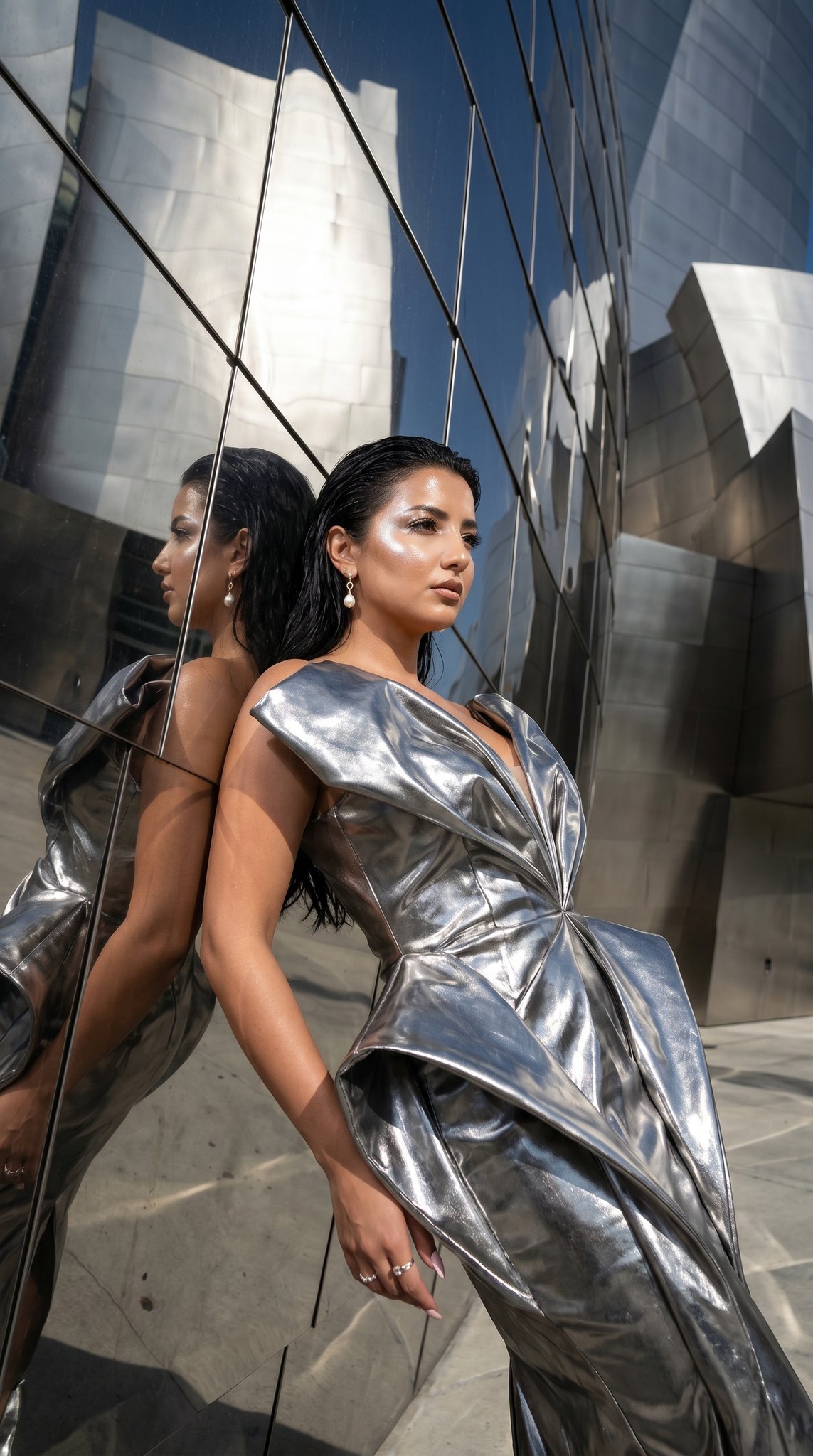
11 Walt Disney Concert Hall — California Series
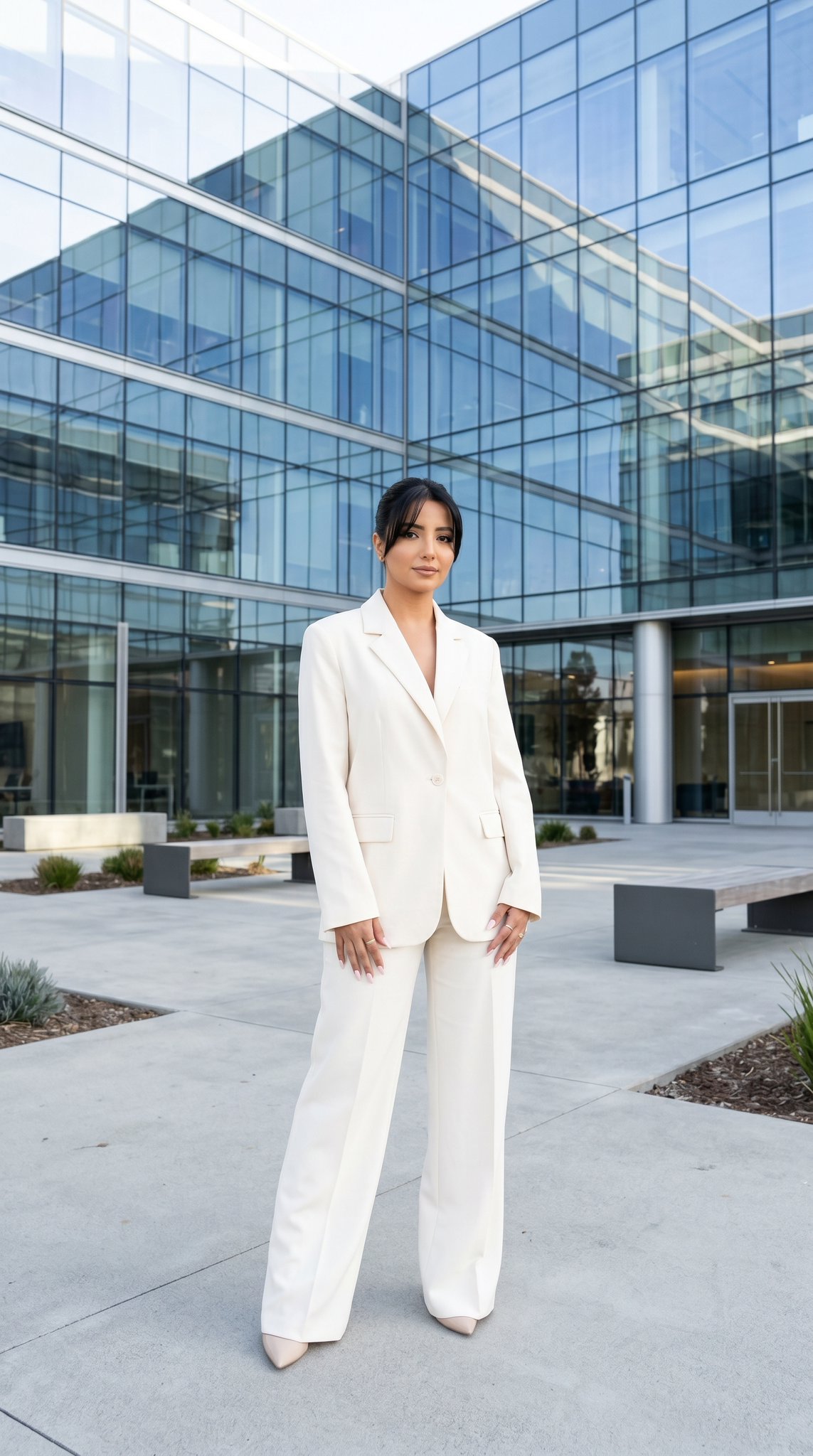
10 Modern Glass HQ Building — California Series
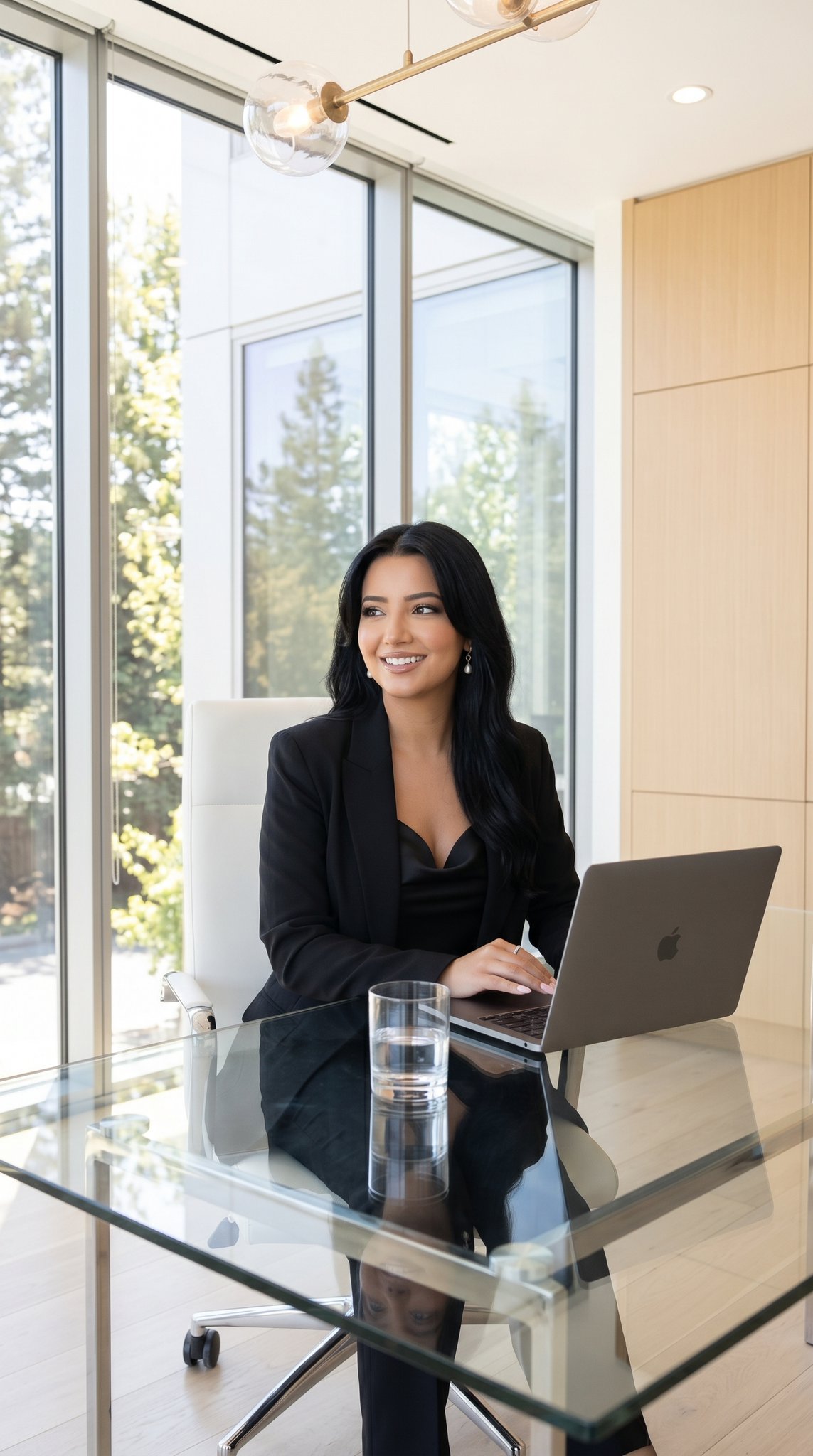
09 Silicon Valley Startup — California Series
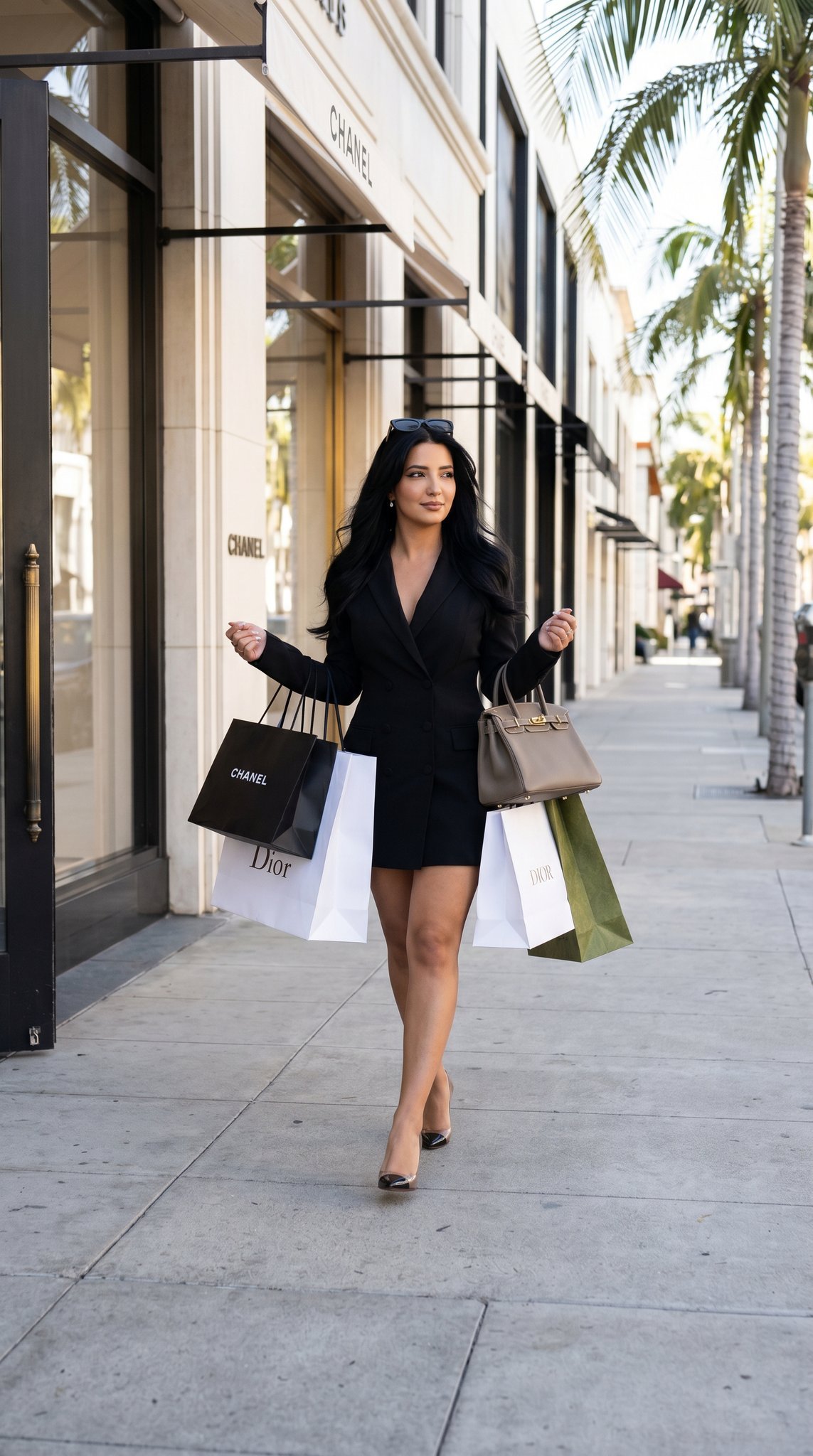
08 Rodeo Drive Luxury Exit — California Series
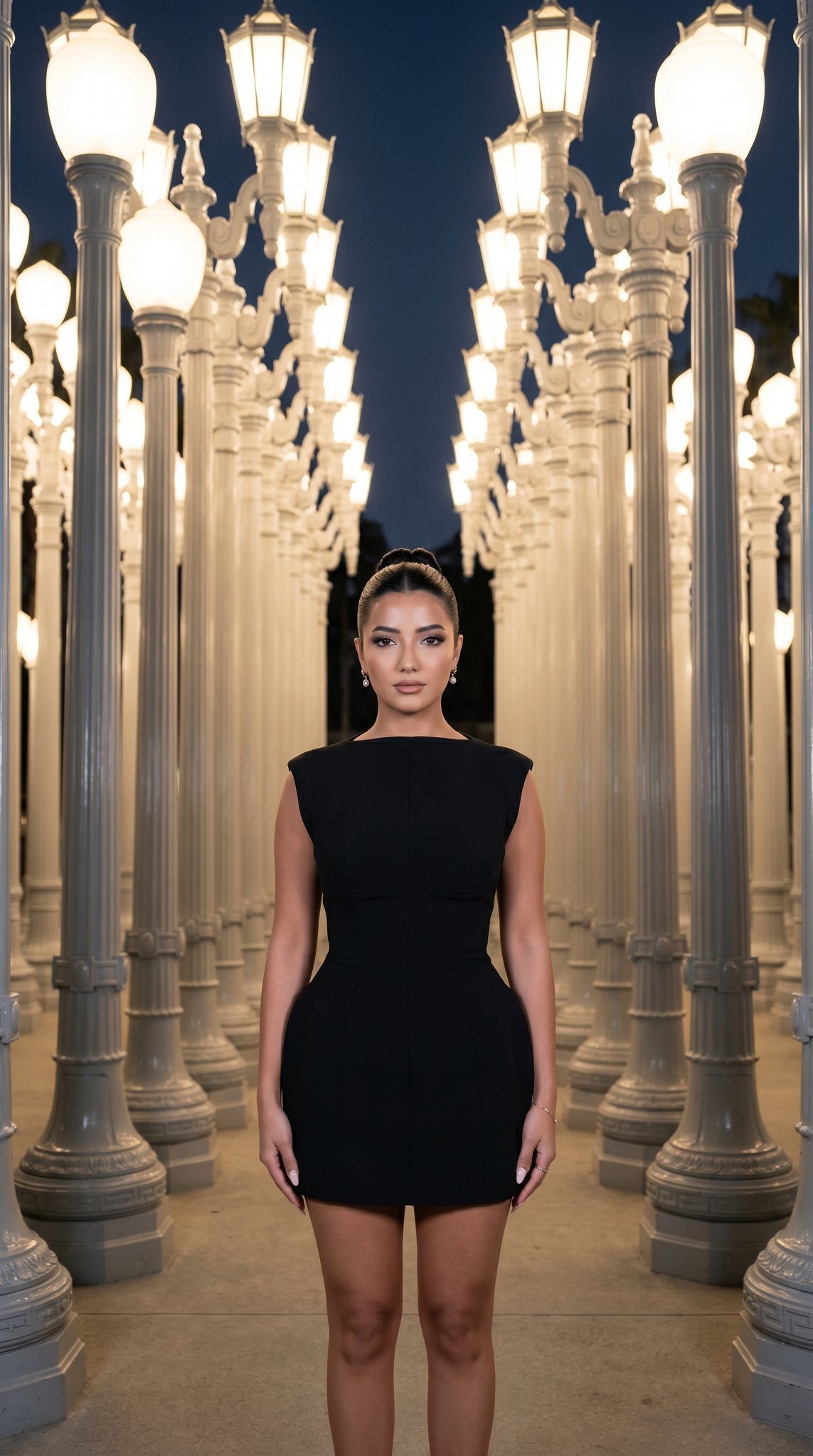
07 LACMA Urban Light — California Series
Make it yours
20 VIP Nightclub Dance — California Series works as-is. These are the safest ways to change it without losing the look.
Change one field
Copy a single group, rewrite it, and generate again so you can see what that field is doing.
Keep the frame, change the subject
Hold the composition and light of 20 VIP Nightclub Dance — California Series, then swap wardrobe, props or the person for a new take.
| If the result… | Why | Fix |
|---|---|---|
| The result drifts from the preview | Too many fields changed at once. | Reuse 20 VIP Nightclub Dance — California Series as-is first, then change one group — subject, light, or setting. |
| The model over-stylizes the scene | The prose prompt leaves finish and camera underspecified. | Add one camera or lighting sentence and stay on Nano Banana. |
More Nano Banana templates
Other prompts made for Nano Banana.
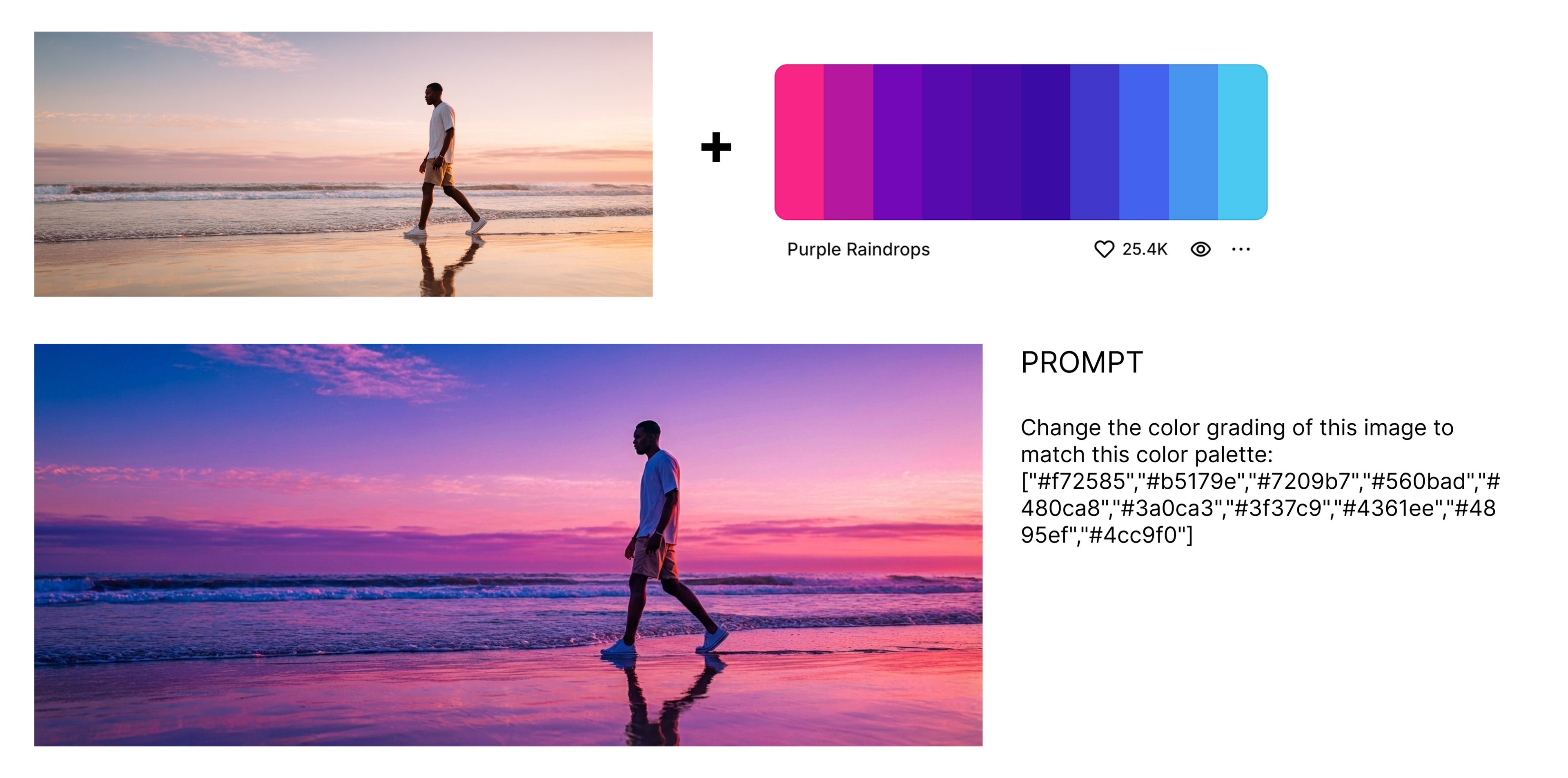
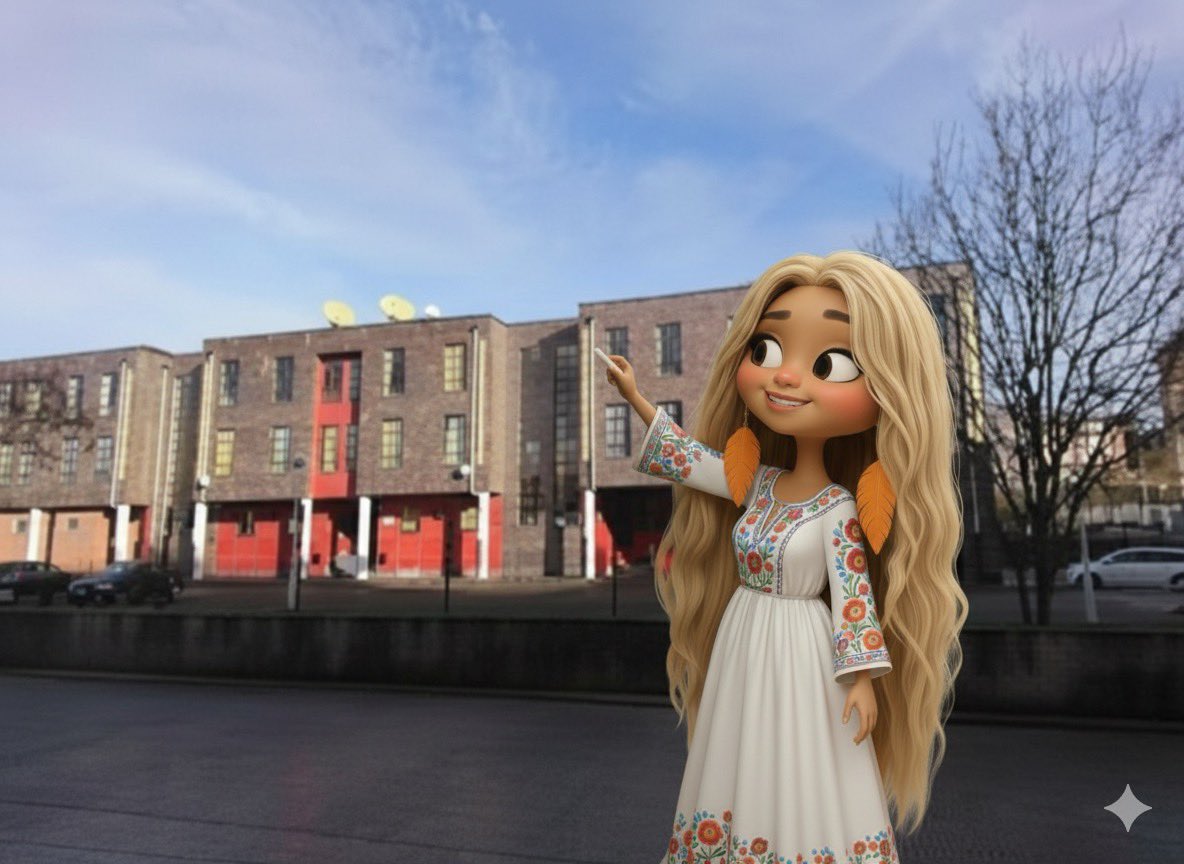

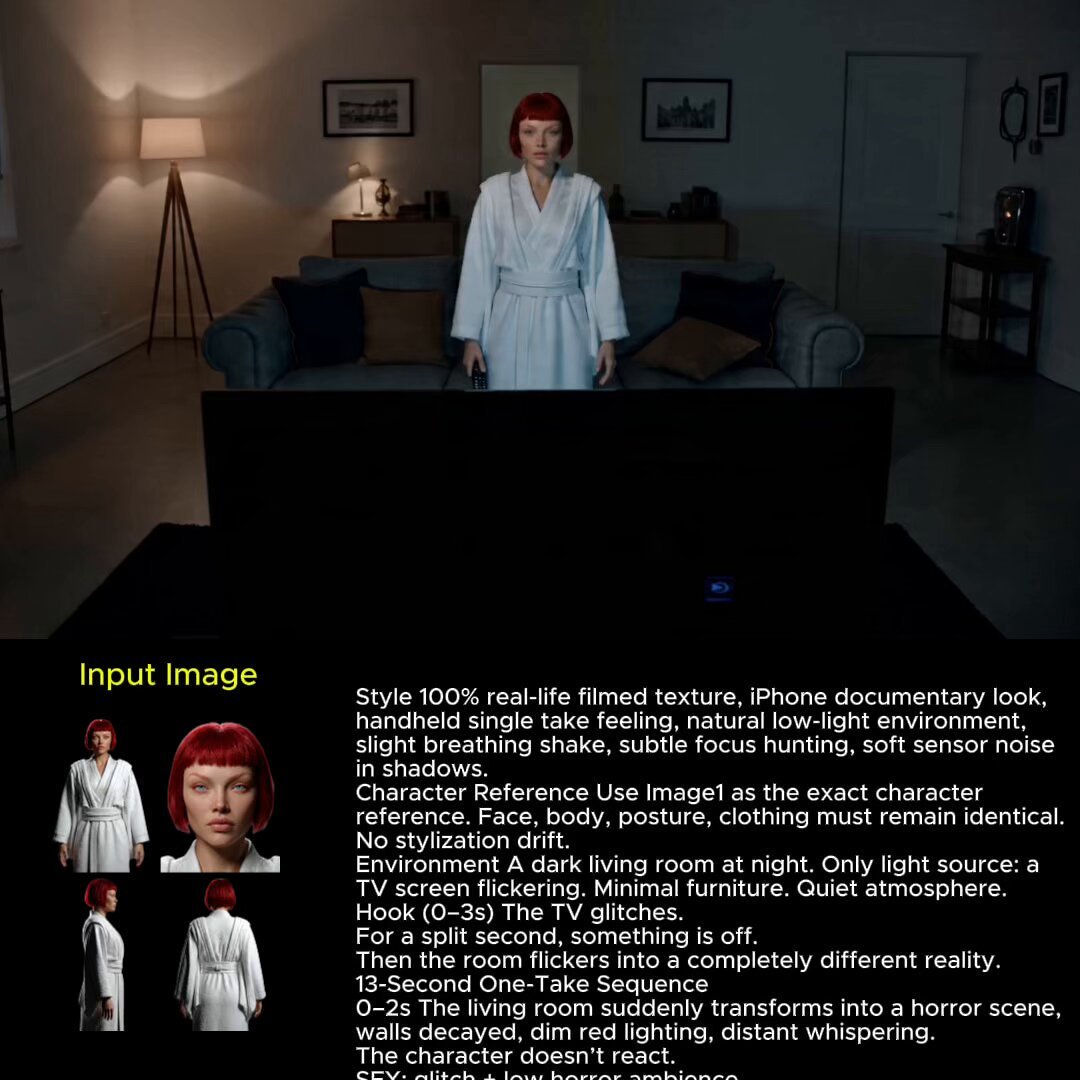
More image prompts
Fresh picks from across the catalog.
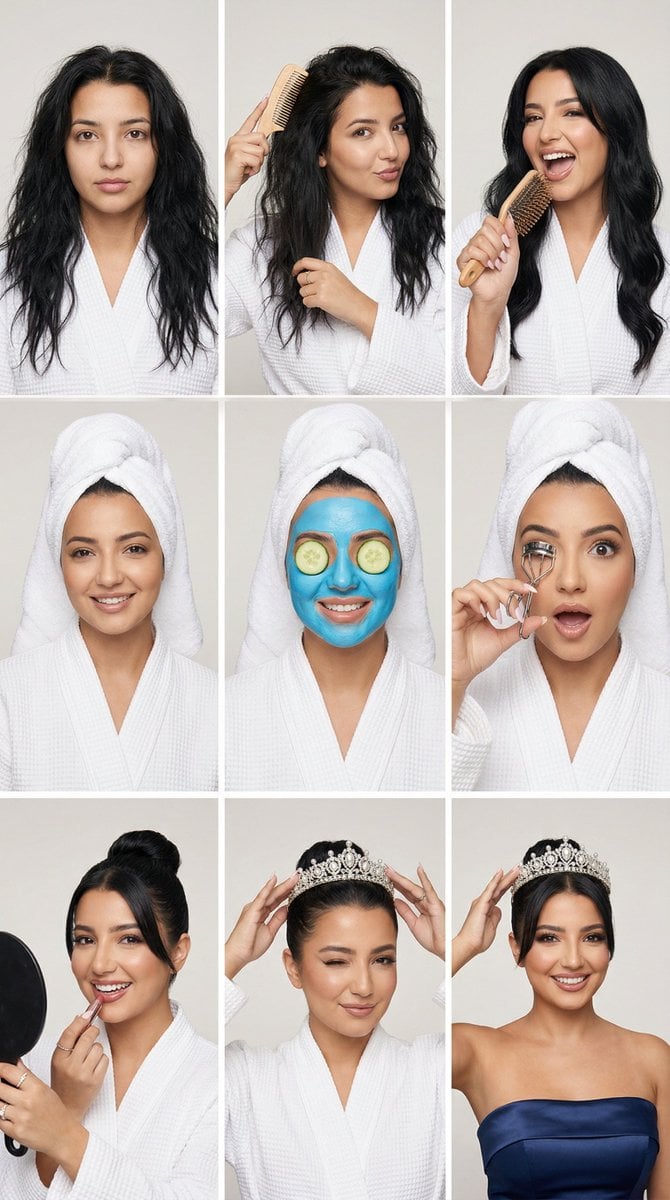
Glam Spa to Tiara Story Grid (3x3 Identity Lock)
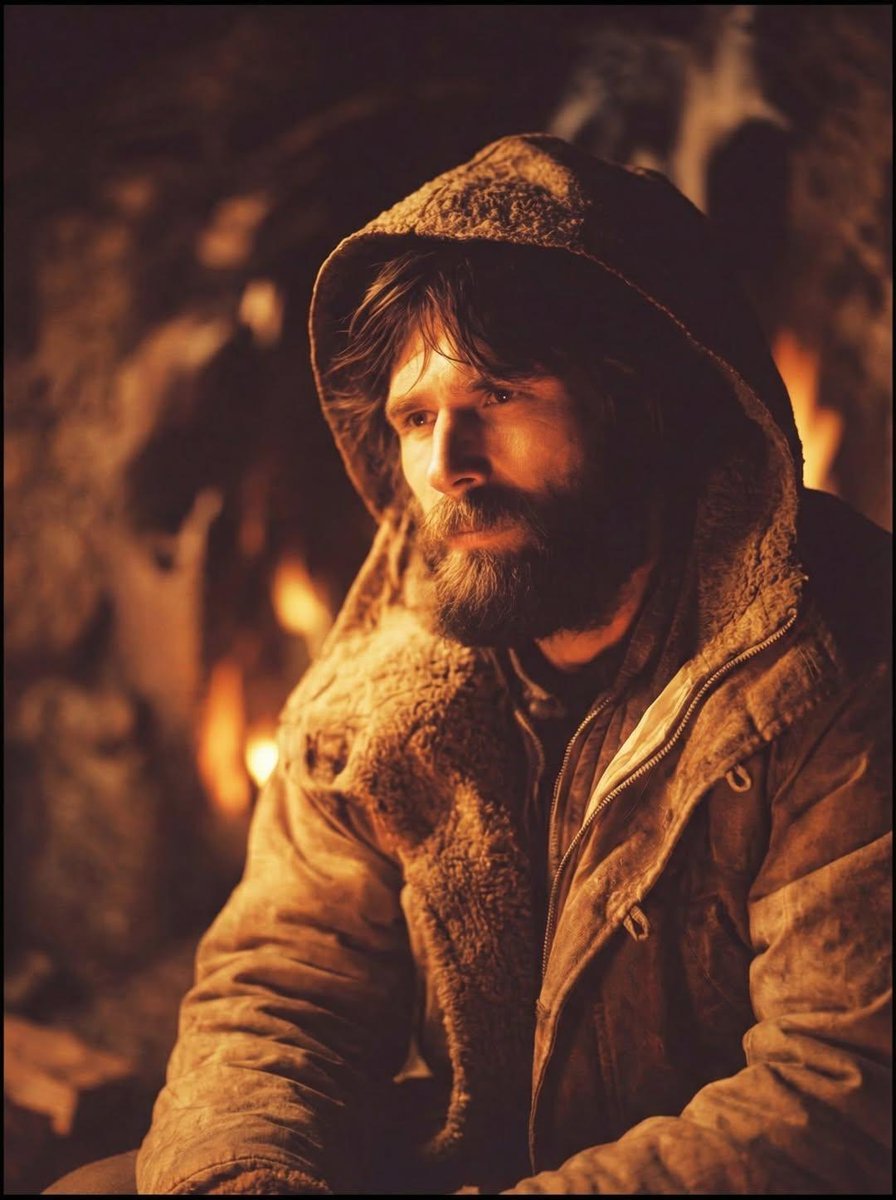
Cinematic Portrait of a Rugged Survivalist Prompt
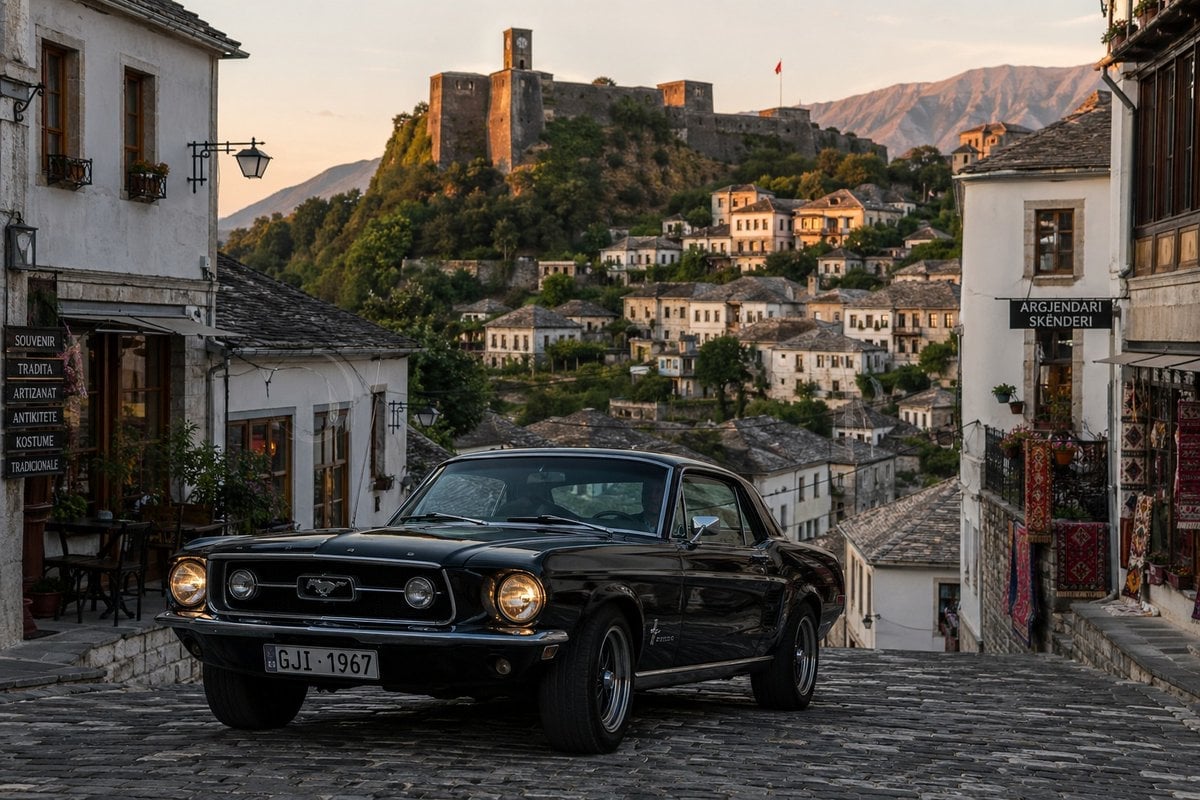
Classic Car in Scenic Location
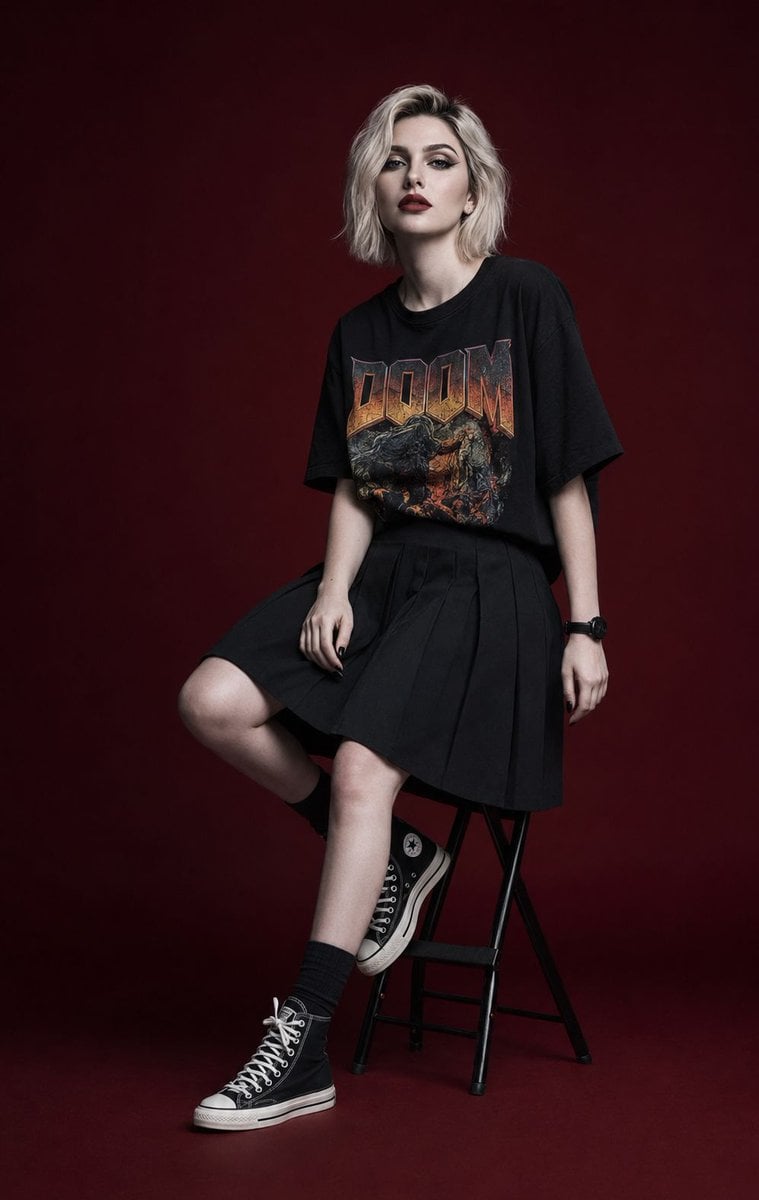
Luxury Editorial Fashion Campaign Portrait
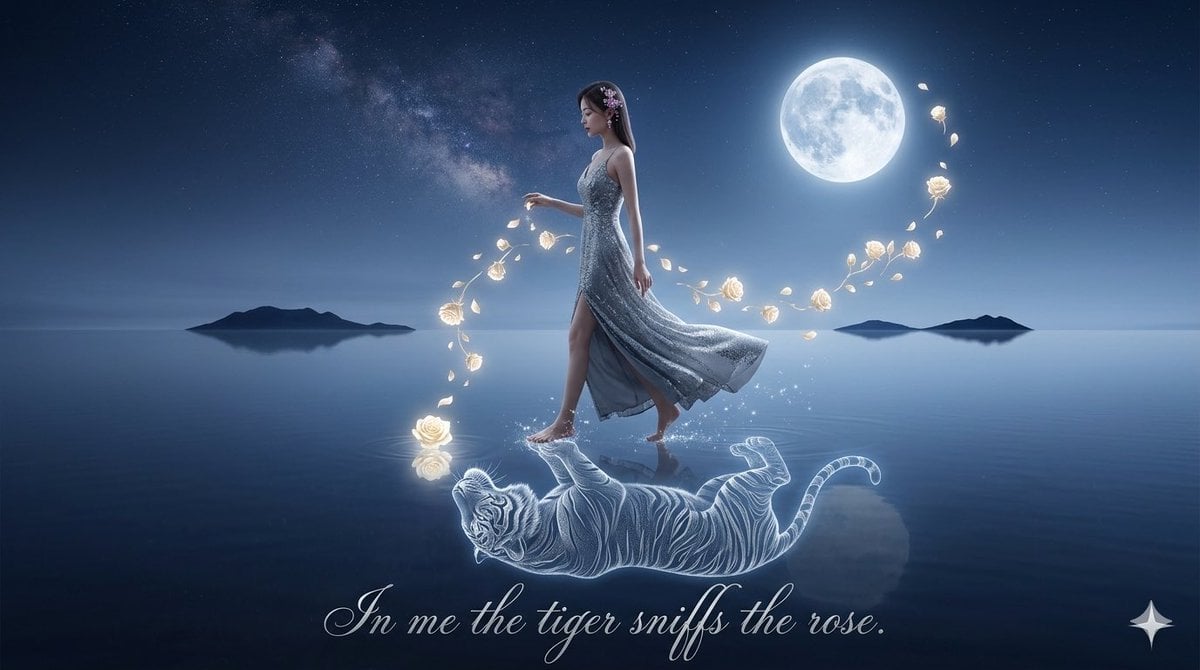
Spirit-Tiger Water Walk
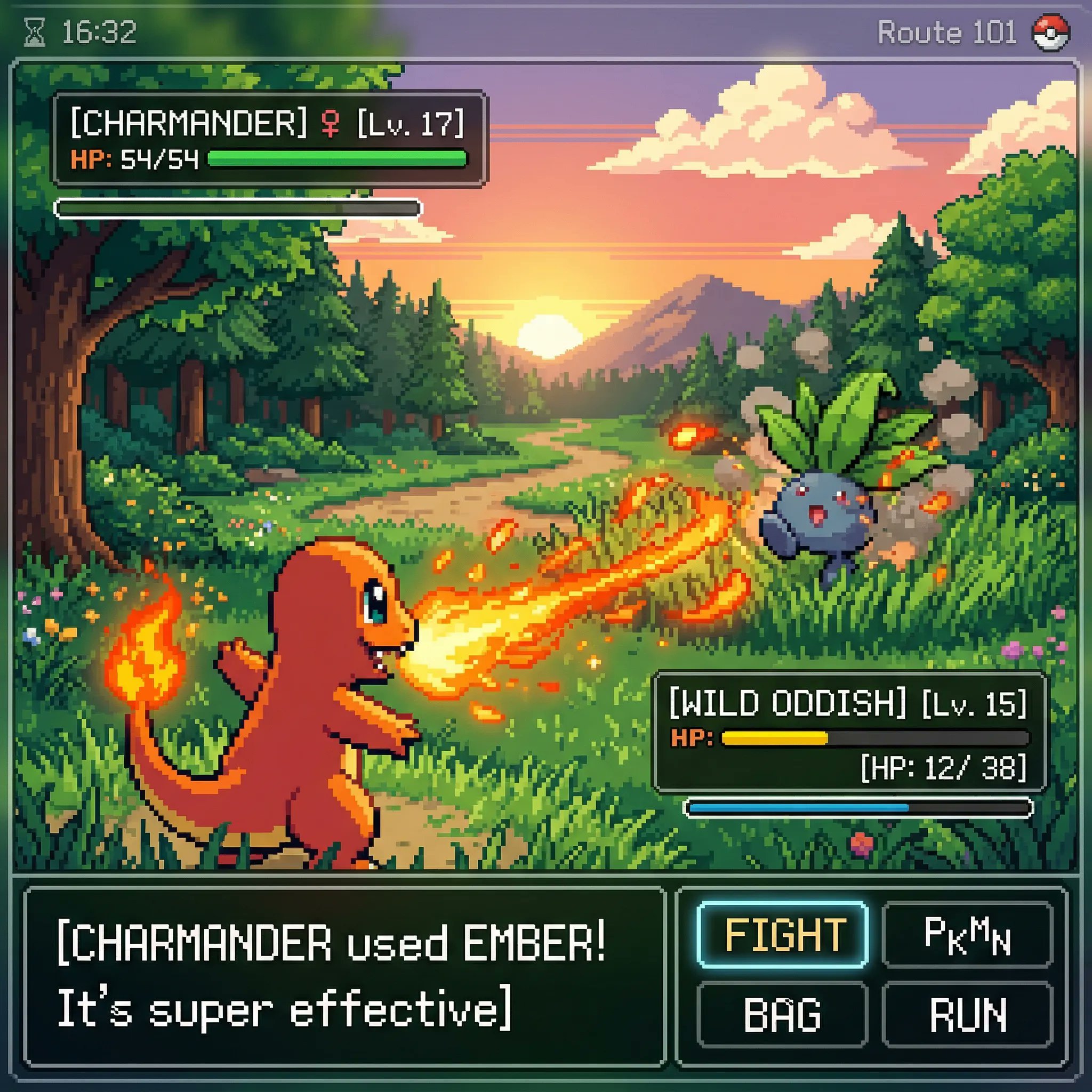
Classic Gameboy Pokemon Style Pixel Art
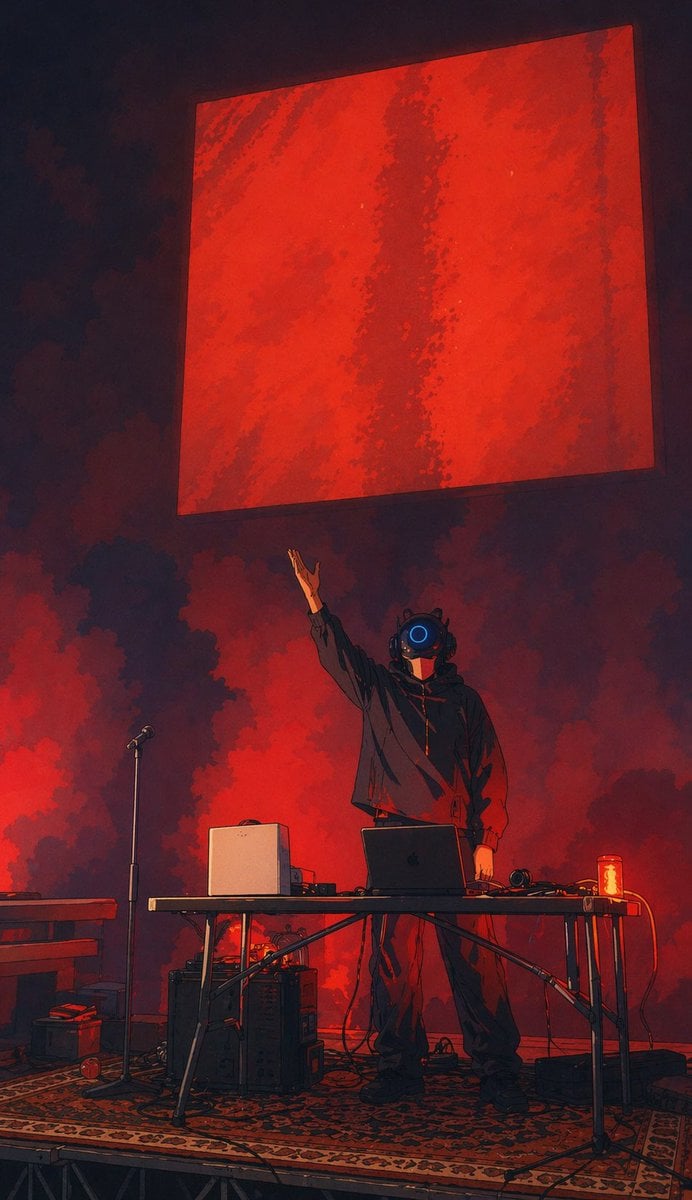
Cyber DJ Beneath a Red Monolith
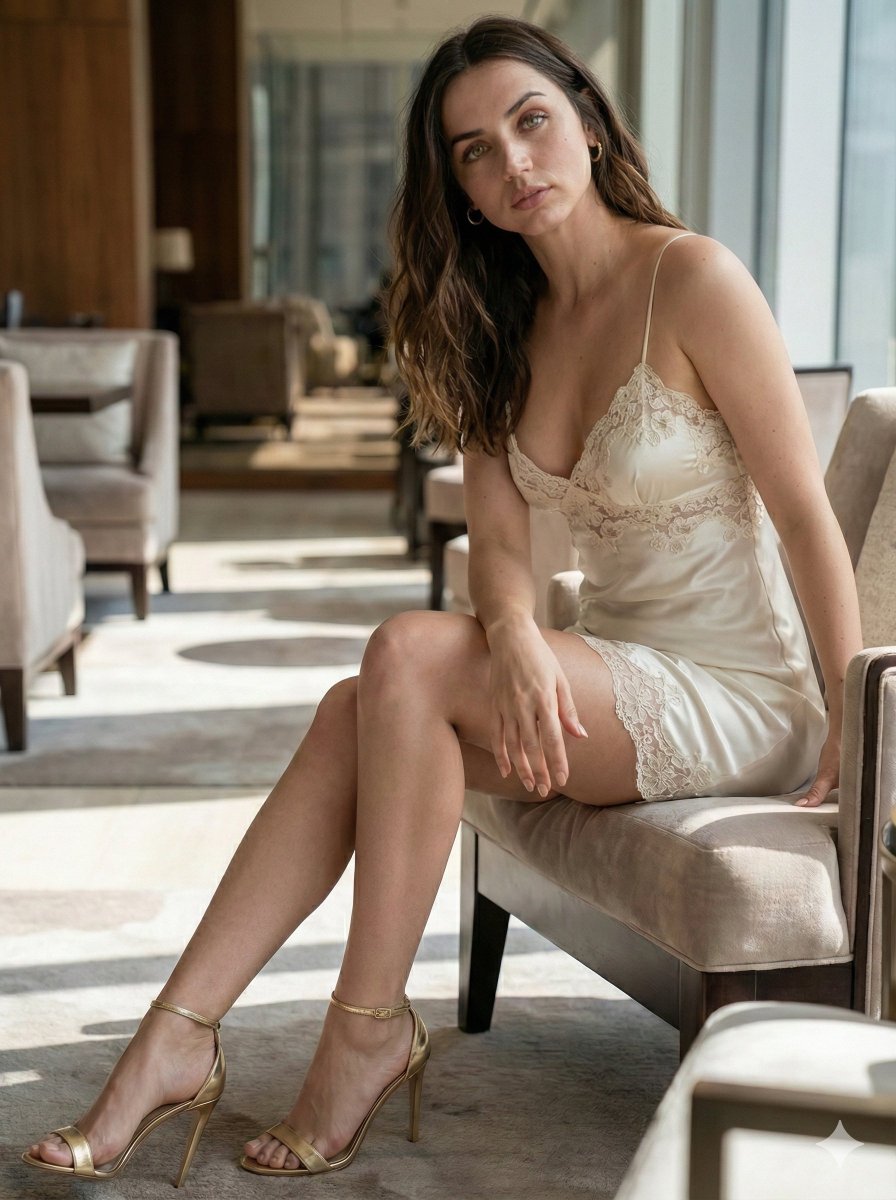
Hyper-Realistic Fashion Portrait in Ivory Lace Minidress
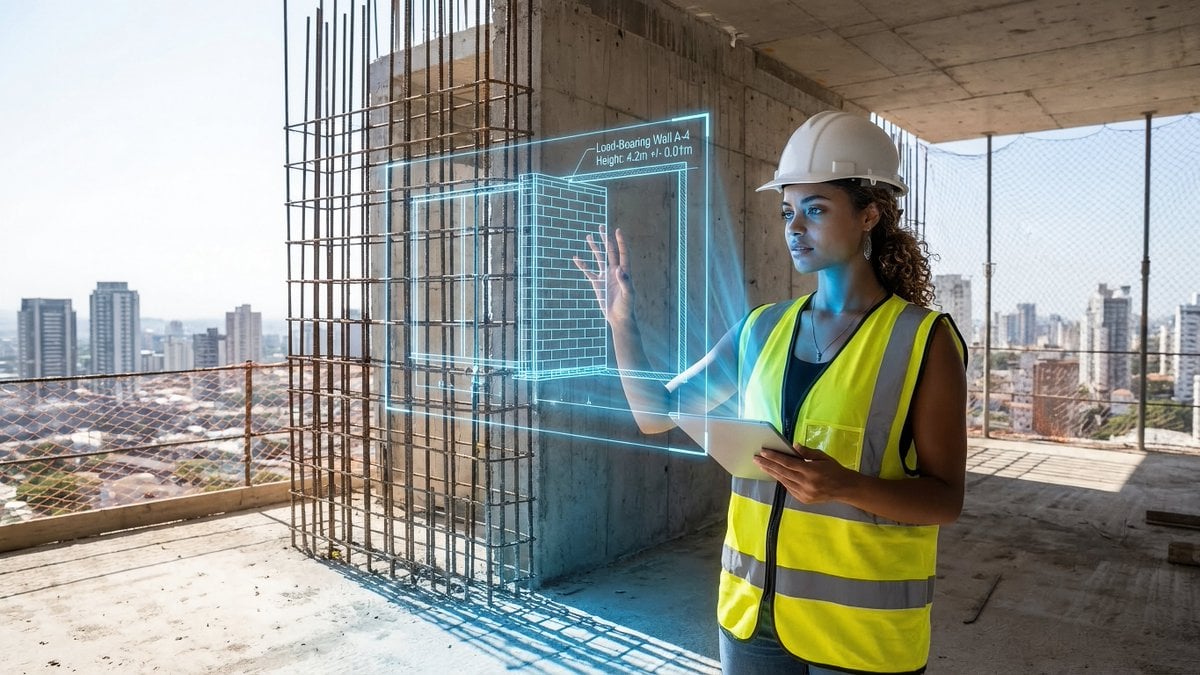
JSON prompt for construction site AR blueprint overlay
Ultra-Realistic 3D Render of a Furry Logo
Browse template categories
20 VIP Nightclub Dance — California Series questions
How do I use the 20 VIP Nightclub Dance — California Series template?
Add your photo if the template asks for one, edit the prompt if you like — the template's model and format are already selected — and press Generate. Your version opens in PicX Studio.
Can I customize the 20 VIP Nightclub Dance — California Series template?
Yes. You can change the subject, setting, lighting, mood, format, and available model controls before creating your image.
Is the 20 VIP Nightclub Dance — California Series template free?
Opening and editing this template is free. Generating uses credits, shown on the Generate button when you are signed in.
Which AI model should I use?
Start with Nano Banana, which is the model associated with this template. You can compare another compatible model for a different finish.
Looking for something else? Browse all templates.

Your photo, any look
Thousands of ready templates for every top image and video model, from one credit balance.