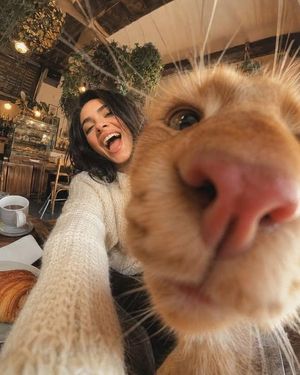
Low Angle Floor Selfie With Upside Down Cat
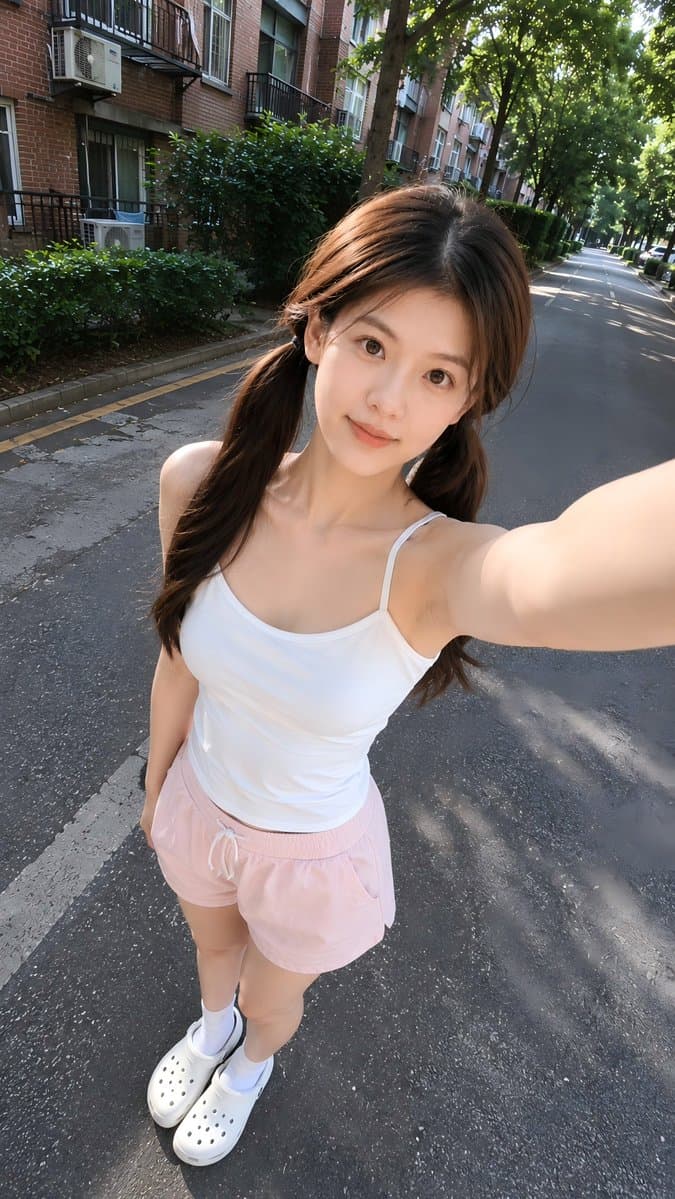
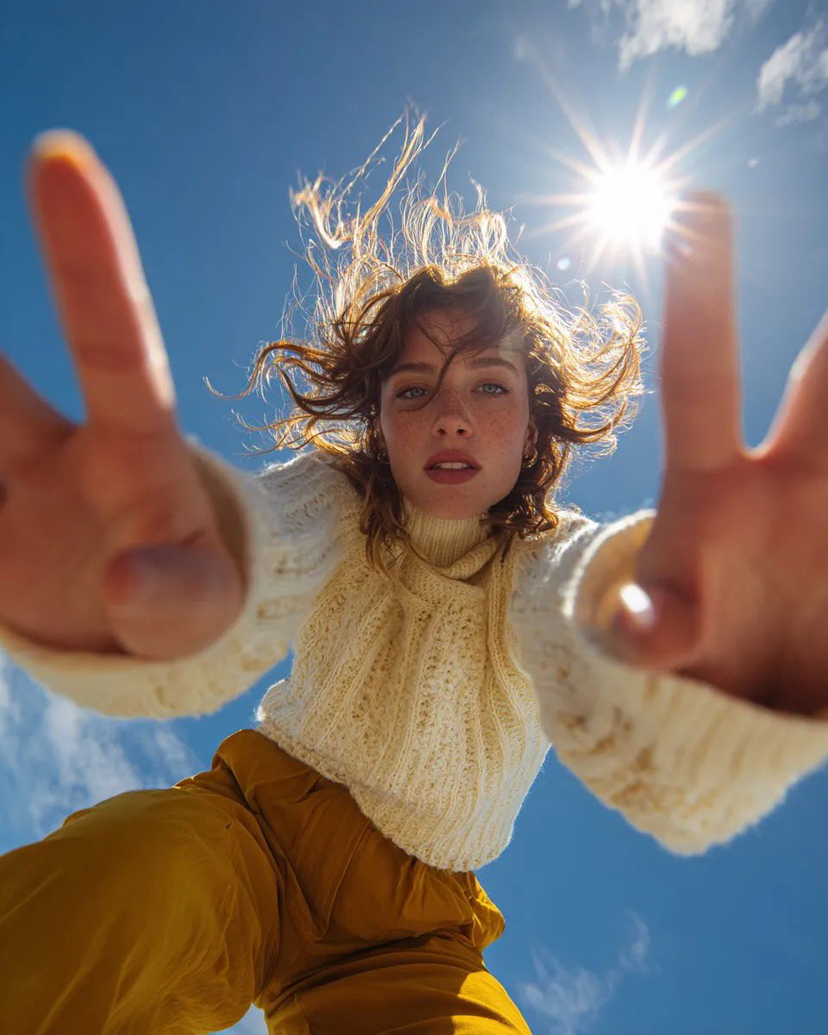
Create a realistic vertical smartphone selfie taken indoors from a very low floor-level angle, with the camera pointing upward. A woman with fair skin, naturally proportioned facial features, expressive eyes, and shoulder-length dark hair stands in the lower center of the frame wearing an oversized black T-shirt. She looks down into the camera with a warm genuine smile, bright friendly eyes, and a relaxed social-media selfie expression.
At the top center of the frame, an upside-down fluffy cat leans toward the lens, looking directly downward and dominating the upper composition with a cute, funny, and charming expression that matches the woman's friendly and cheerful mood.
Bright modern apartment interior, large windows, soft natural daylight, clean minimal background. Ultra-realistic skin rendering with visible natural pores, fine facial hairs, subtle skin texture, realistic eyelids, natural lip texture, soft under-eye details, authentic complexion variations, slight redness in natural areas of the face, realistic skin translucency, no beauty filter effect, no plastic skin, no excessive retouching, realistic facial depth and micro-details. Matte skin finish with natural light absorption, true-to-life skin tones and highly realistic texture reproduction.
Professional portrait photography quality captured with a Sony A7R V, 85mm f/1.8 portrait lens, f/2.0 aperture, ISO 100, ultra-high-resolution sensor, shallow depth of field, natural optical bokeh, realistic lens rendering, high dynamic range, accurate skin color reproduction, crisp focus on the face and eyes. Soft window light combined with realistic ambient indoor illumination, natural shadow transitions, subtle catchlights in the eyes, cinematic yet realistic lighting.
Highly detailed cat fur, individual hair strands visible, realistic whiskers and facial features. Natural smartphone-photo composition with balanced framing, candid atmosphere, social-media-friendly aesthetic, photorealistic, ultra-detailed, lifelike textures, realistic lighting physics, premium portrait quality, 8K resolution.
Negative prompt: duck face, serious expression, eye-level camera, flat selfie angle, side-positioned animal, random animal, cartoon, anime, CGI, artificial skin smoothing, plastic skin, beauty filter, glamour retouching, waxy skin, distorted anatomy, extra limbs, messy room, scary expressions, aggressive animal behavior, blur, low resolution, watermark, logo, text.















![Minimalist Flat Vector Travel Poster — Premium minimalist flat-vector travel poster for {argument name="city name" default="[CITY_NAME]"}, 3:4 vertical format.](https://cms-assets.youmind.com/media/1787917359711_3ug846_HQX205cbMAA6F6S-300x400.jpg)



















![Encyclopedic 3D Infographic Evolution Chart — 役割と主題: 16:9 比率の巨大で百科事典的な 3D インフォグラフィックポスター。タイトル:「THE EVOLUTION OF {argument name="製品名" default="[製品名]"}」。ビジュアルスタイル](https://pbs.twimg.com/media/G95BJy8bMAAMeUO.jpg)