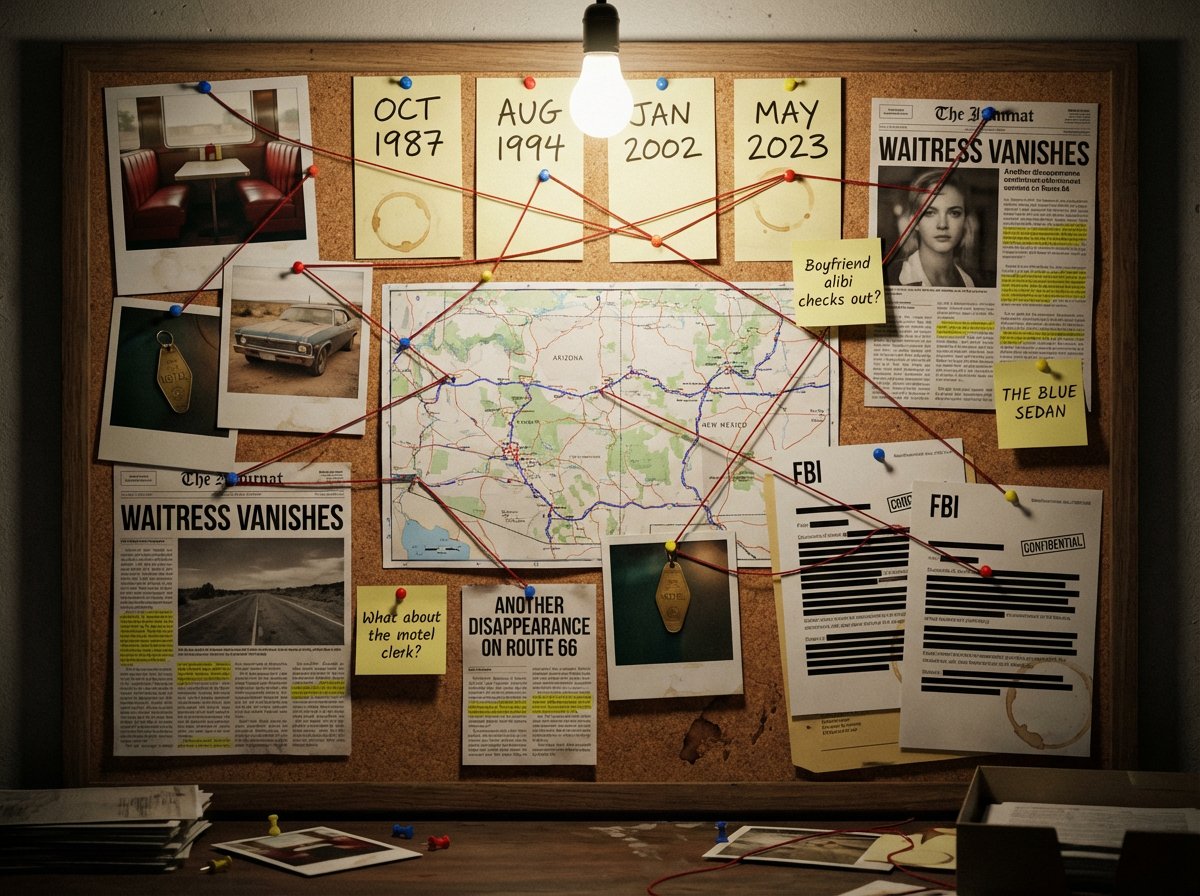
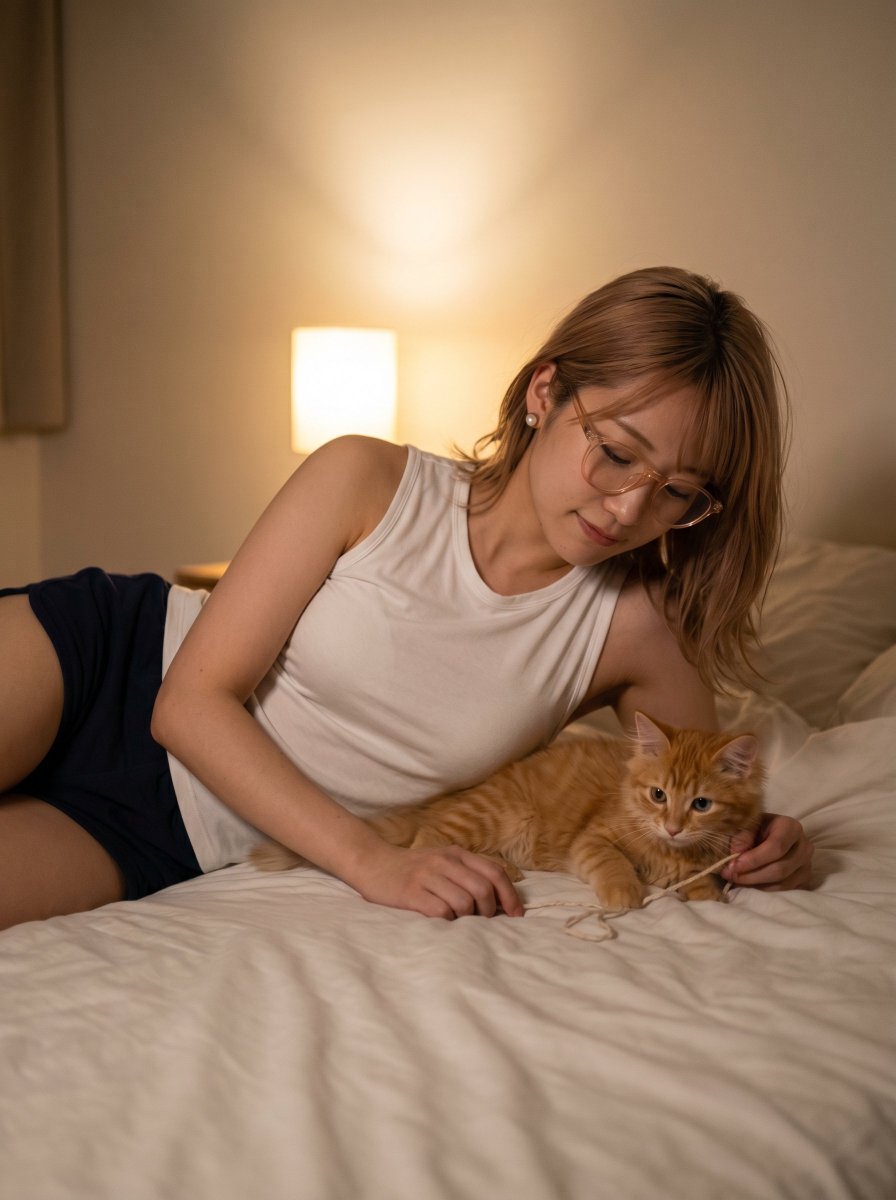
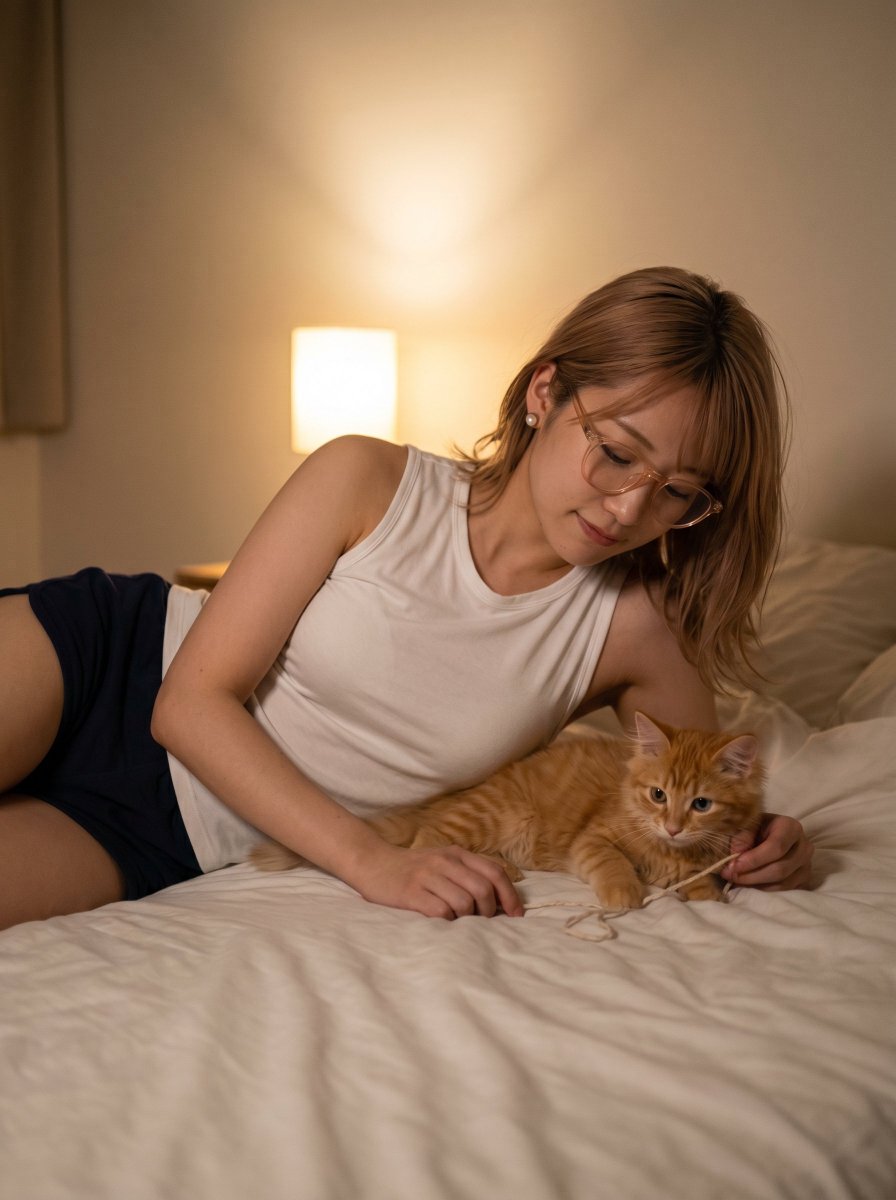
How do I use the Tender Portrait of Woman Nuzzling a Kitten template?
Choose the primary action to open PicX Studio with the available template settings. Review the model and format, personalize the creative direction, and generate when ready.
A detailed prompt for generating a photorealistic portrait of a young woman sitting on a bed, tenderly nuzzling a ginger kitten. Change the subject, setting, or lighting one variable at a time.

{ "image_type": "photorealistic_portrait", "subject_details": { "demographics": "Young woman with light skin tone", "hair": "Long, straight, light brown hair with blonde highlights, falling over shoulders", "attire": "Black ribbed sleeveless crop top, black pants/shorts (waistband visible)", "body_modifications": "Silver belly button piercing (navel ring), small nose piercing", "pose": "Sitting on a bed, holding a kitten up to her face, nuzzling/kissing the kitten's side, profile view of the woman's face" }, "animal_details": { "species": "Cat", "age": "Kitten (very young)", "color": "{argument name="kitten color" default="Ginger / Orange Tabby"} with white chest", "eye_color": "Blue", "pose": "Held in hands, paws suspended in air, looking slightly upward and away" }, "environment": { "setting": "Bedroom", "background": "Large, plush, diamond-tufted velvet headboard in champagne/silver color with crystal buttons", "foreground": "White bed sheets and bedding" }, "lighting_and_atmosphere": { "lighting_style": "Soft indoor lighting, slight studio flash feel", "shadows": "Soft shadows, even illumination on face", "mood": "Tender, affectionate, cute, cozy" }, "technical_parameters": { "aspect_ratio": "3:4", "resolution": "8k", "focus": "Sharp focus on the kitten and woman's face", "texture_quality": "High detail on hair strands, kitten fur, and velvet fabric texture" } }
Choose the primary action to open PicX Studio with the available template settings. Review the model and format, personalize the creative direction, and generate when ready.
Yes. You can change the subject, setting, lighting, mood, format, and available model controls before creating your image.
This template is free to open and customize. Generation usage is shown in PicX Studio before you create.
Start with Nano Banana 2, which is the model associated with this template. You can compare another compatible model for a different finish.
Follow a topic to a crawlable collection of related PicX Studio templates.
43,474 public templates available. Verified via the PicX Studio public templates API; refreshed hourly.


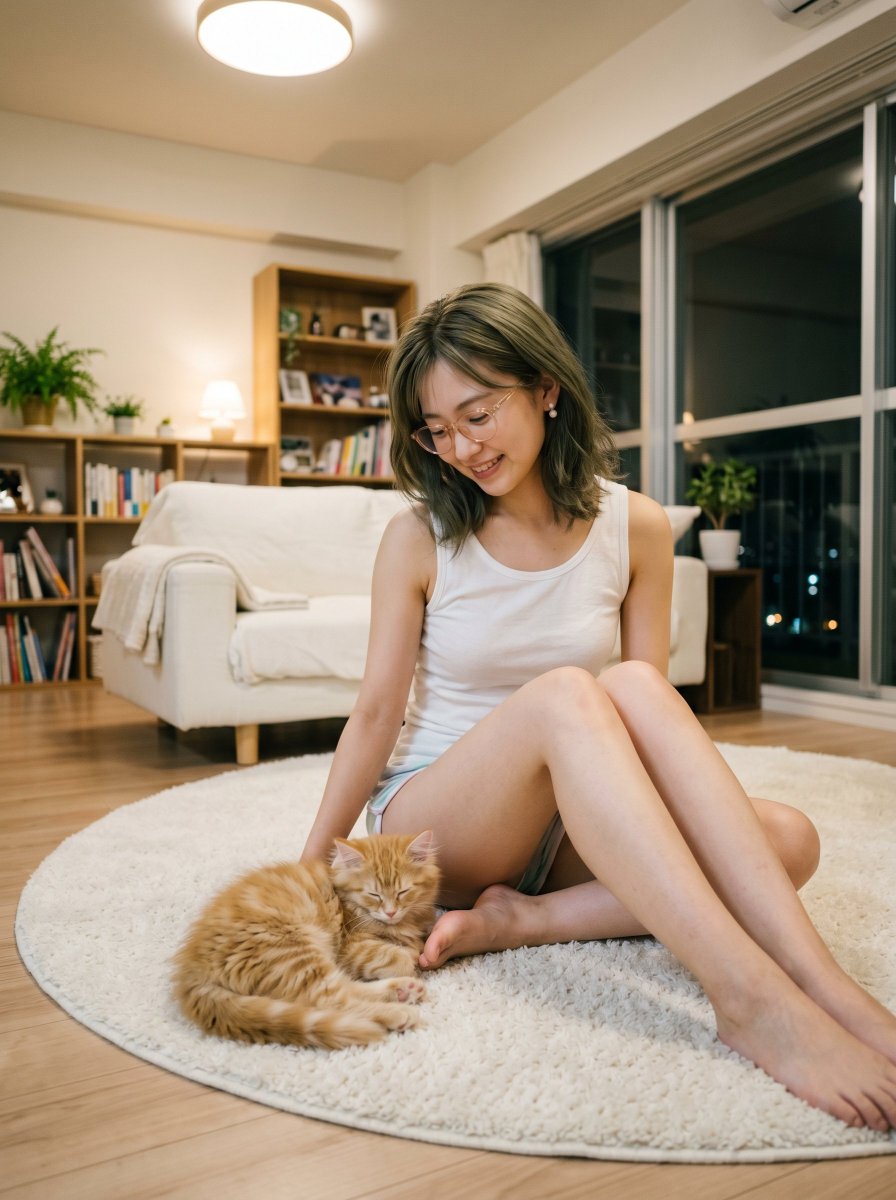

![69-untitled — FORMAT: 15s / 145 BPM / 14 SHOTS
SUBJECT: @[image1]
WARDROBE: Clean modern outfit
ENVIRONMENT: Street / indoor transitions
MOOD: Discovery → contr](/_next/image?url=https%3A%2F%2Fcdn.picxstudio.com%2Fuploads%2Fpost69_img0_d45faecf-38c3-4bcb-81a4-f6eb1cf42bb2.jpg&w=828&q=100)


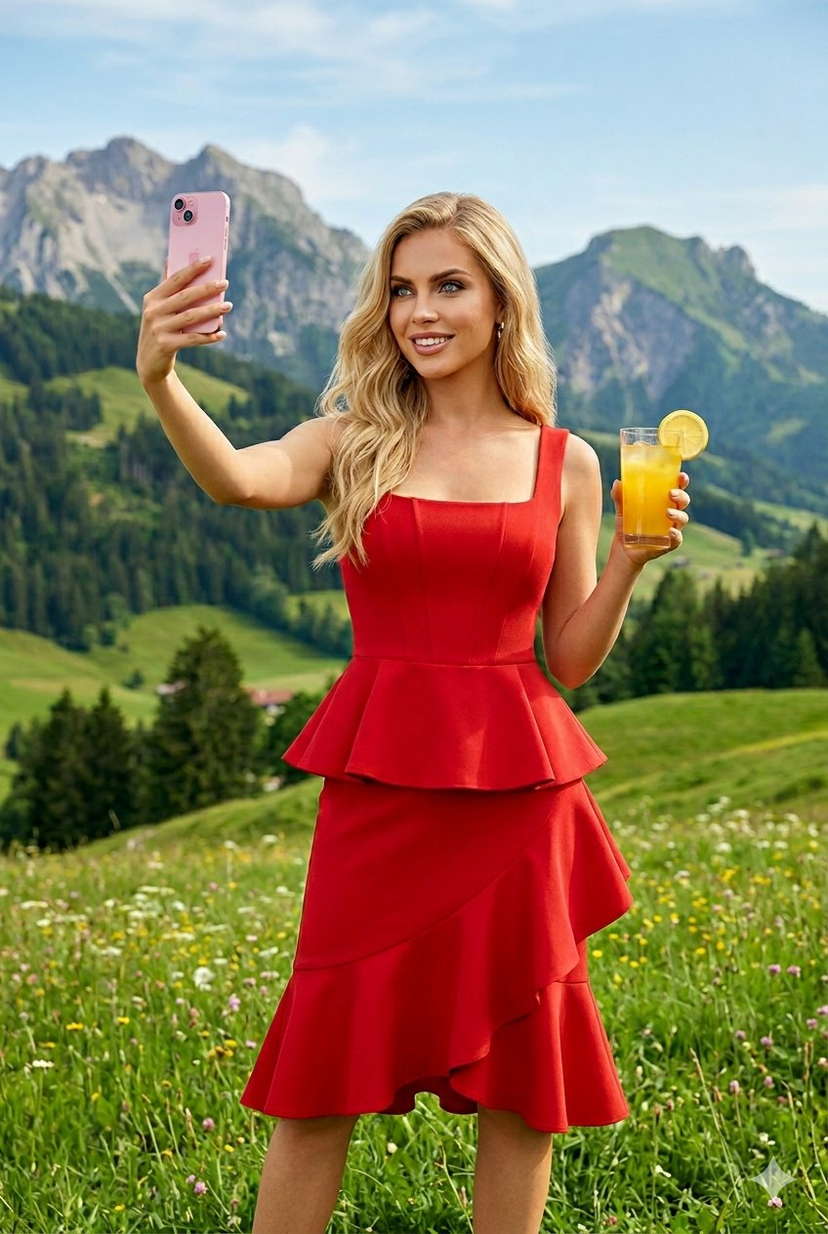
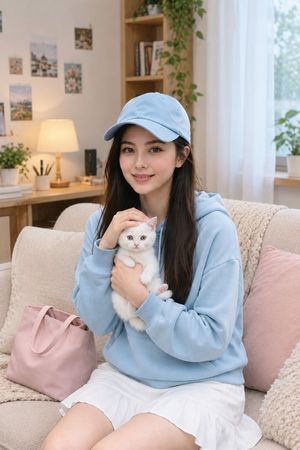











![118-google-nano-banana-pro-skincare-product- — A professional skincare shot of a [product container] with [cap/lid], labeled [brand, product, descriptor, volume](/_next/image?url=https%3A%2F%2Fcdn.picxstudio.com%2Fuploads%2Fpost118_img0_332898b8-29ea-42a9-87ab-9ed746a3f944.jpg&w=828&q=100)
![Naive doodle-style subject illustration — A doodle-style {argument name="subject" default="[subject]"}, naive lines, humorous shape exaggeration](https://pbs.twimg.com/media/G6Wl2YxbsAARB2b.jpg)


















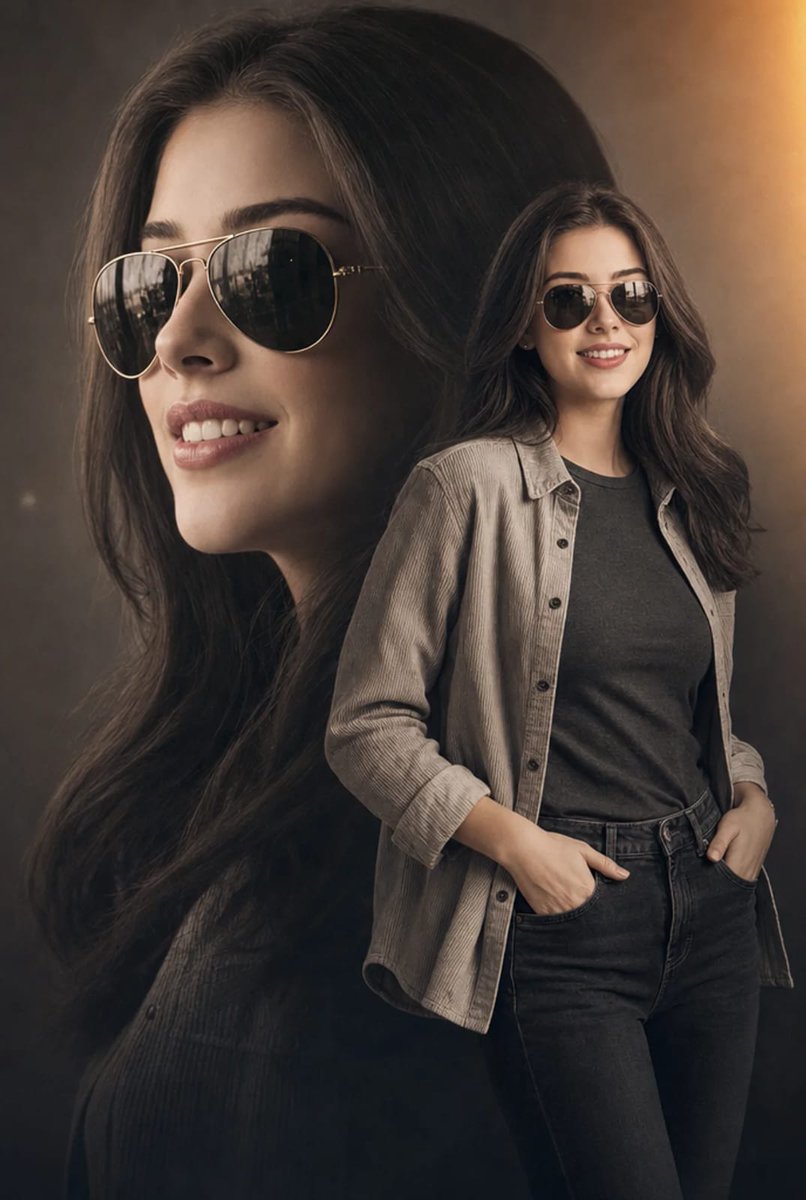





![Three-Panel Luxury Fashion Editorial — Ultra-realistic luxury fashion campaign, [same stylish woman in all three panels], three-panel editorial layout, [beautif](https://cms-assets.youmind.com/media/1780307027350_81dox3_HJnlJtmaoAA22Ot.jpg)