
Frame Film Collage Prompt (Photographer Version)
A multi-frame prompt designed for Nano Banana Pro/Gemini to create a 3-frame, low-resolution webcam collage with a cinematic film aesthetic (Cinesteel 800T).
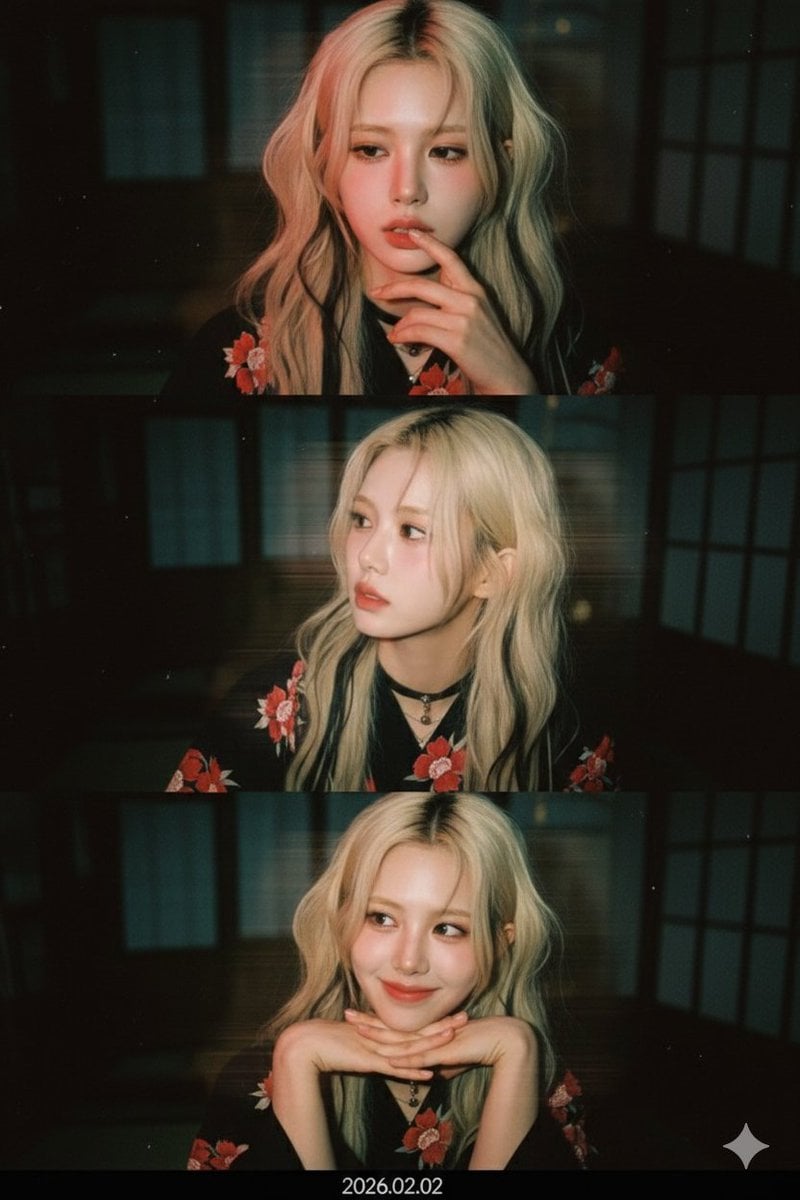
- Prompt included
- Model and format preset
- Free template
The prompt behind this image
Copy the exact prompt behind Frame Film Collage Prompt (Photographer Version), or open it in the studio and make it yours.
첨부한 얼굴 사진을 그대로 사용해 세로형 3프레임 low-res 웹캠 콜라주를 만든다 얼굴 관련 절대 규칙: 얼굴은 절대 변형하지 않는다 이목구비 비율, 얼굴형, 눈 크기, 코, 입, 턱선을 그대로 유지한다 나이를 더 어려 보이게 하거나 귀엽게 미화하지 않는다 입력된 사진 속 인물의 성별을 절대 변경하지 않는다 새로운 인물(이성/동성)을 생성하지 않는다 헤어스타일: 원본 헤어스타일을 유지한다 길이, 가르마, 컬은 바꾸지 않는다 다만 자연스럽게 살짝 흐트러진 러프한 상태로만 연출한다 촬영 톤 & 색감 (레퍼런스 반영): 첨부한 레퍼런스 사진과 동일한 색감으로 표현한다 배경: 일본식 나무로 만들어진 료칸. 배경 디테일은 최소화 어둡고 흐린 상태 유지 의상 규칙 (입력 사진 기준): 입력된 사진이 여자일 경우 → 모든 프레임에서 검은색에 빨간색 꽃무늬가 그려진 {argument name="female attire" default="유카타"} 입력된 사진이 남자일 경우 → 모든 프레임에서 검은색 실크 와이셔츠에 {argument name="male attire" default="빨간 넥타이"} 1번째 프레임: 슬픈 영화속 주인공처럼 슬픈 표정 입가 근처에 손가락 2번째 프레임: 고개는 살짝 옆으로 돌리고 아름다운 옆라인을 보여주고 일상적인 셀피 느낌, 과한 포즈 금지 3번째 프레임: 따뜻하고 아름다운 미소 양손은 깍지를 껴서 턱을 괸다 감정은 차분하고 몽환적인 분위기 중요 추가 지침: 입력된 사진 속 인물 한 명만 사용한다 성별, 얼굴, 분위기를 바꾸지 않는다 스타일 변화는 조명, 색감, 노이즈, 효과에만 적용한다 모든 프레임에서 동일한 얼굴을 일관되게 사용한다 효과 관련 절대 규칙: 모든 프레임에서 동일한 cinesteel 800T film style, 시네마틱 광원효과로 조명을 넣는다. 효과 관련 절대 규칙: 모든 프레임에서 동일한 한쪽엔 레드조명 효과와 좌에서 우로 센스있는 모션블러 효과를 넣는다.
How to use Frame Film Collage Prompt (Photographer Version) in 3 steps
- 1
Open
The prompt is already in the box next to the preview, with the template's model and format selected.
- 2…a portrait of your subject in softgolden-hour light, 85mm…
Personalize
Edit the subject and creative details for your destination.
- 3Generate
Generate
Press Generate — your image is created in PicX Studio, so you can compare it with the original and refine one variable at a time.
More like this
Templates with the same subject, style or setup. Open one to see its prompt.












Make it yours
Frame Film Collage Prompt (Photographer Version) works as-is. These are the safest ways to change it without losing the look.
Change one field
Copy a single group, rewrite it, and generate again so you can see what that field is doing.
Keep the frame, change the subject
Hold the composition and light of 3-Frame Film Collage Prompt (Photographer Version), then swap wardrobe, props or the person for a new take.
| If the result… | Why | Fix |
|---|---|---|
| The result drifts from the preview | Too many fields changed at once. | Reuse 3-Frame Film Collage Prompt (Photographer Version) as-is first, then change one group — subject, light, or setting. |
| The model over-stylizes the scene | The prose prompt leaves finish and camera underspecified. | Add one camera or lighting sentence and stay on Nano Banana 2. |
More Nano Banana 2 templates
Other prompts made for Nano Banana 2.

Photorealistic Leaf Shaped Like a Dragon

K-Pop Idol Portrait Grid for Rapid Selection

Poetic Rain Forest Portrait During Golden Hour

Urban Street Portrait with Cartoon Inner Self Duo

Candid Nighttime Photo with Cat Prompt

High-Concept 3D Diorama Generation Prompt

Cinematic Futuristic Studio Portrait Template

Skincare Editorial Photography Collage Prompt

Hyper-Realistic Commercial Product Photography (Splash Effect)

Hyper-Realistic Nightclub Portrait Prompt
More image prompts
Fresh picks from across the catalog.
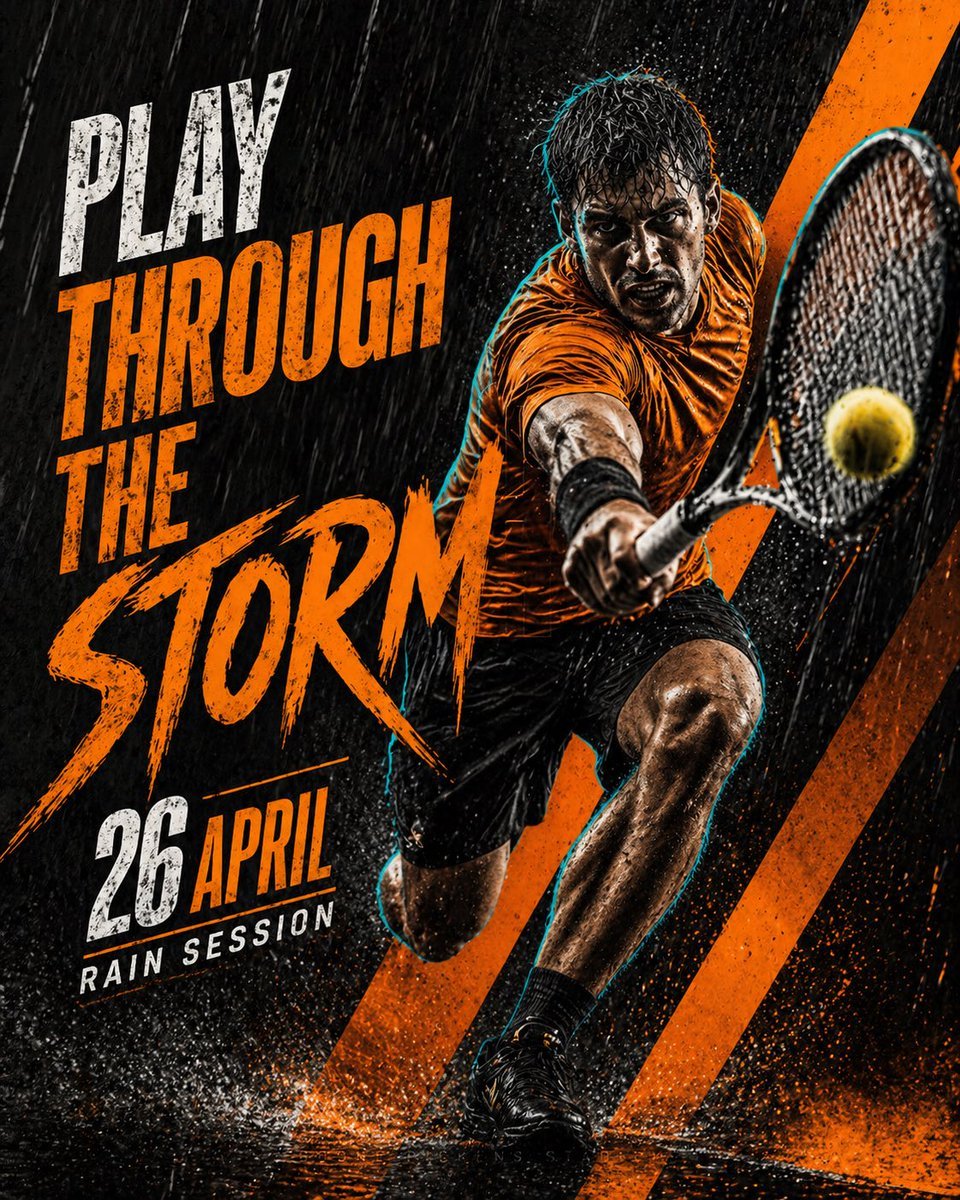
Cinematic Tennis Sports Poster
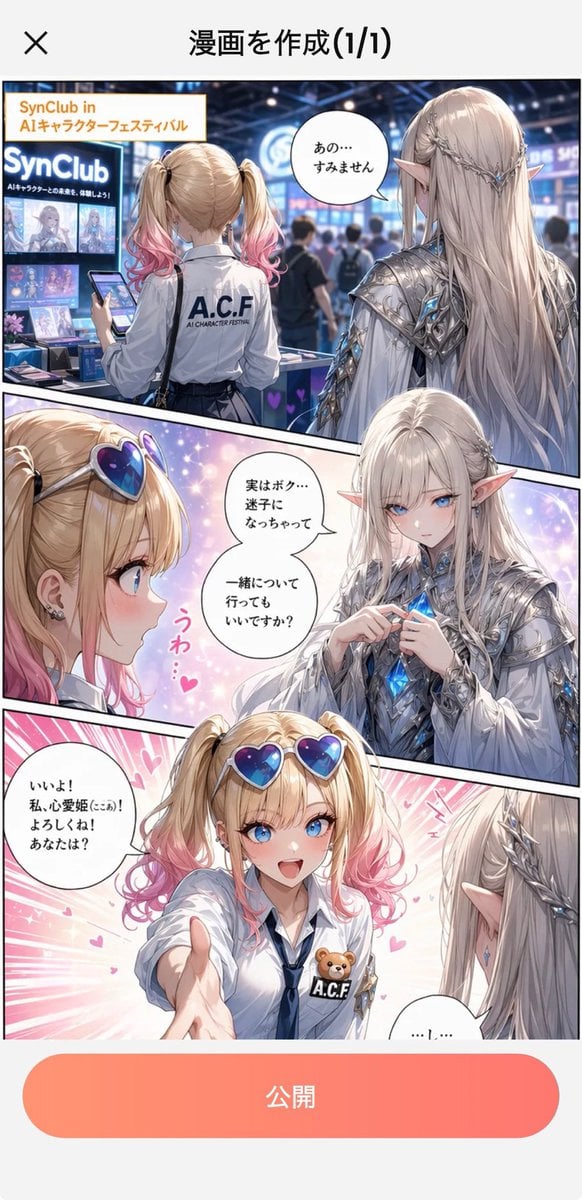
Japanese Manga Creation App Screenshot
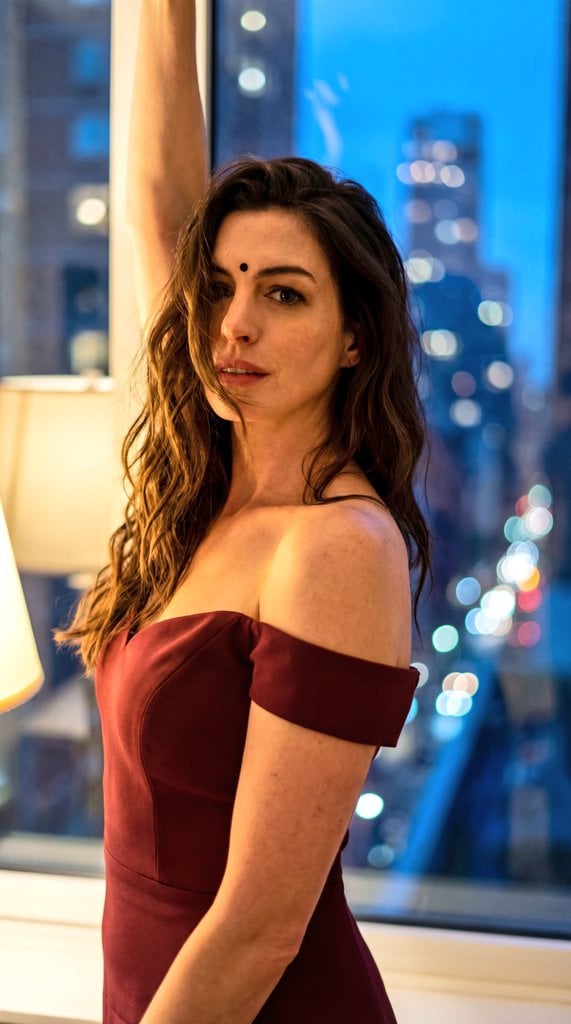
Cinematic Eastern Night Portrait
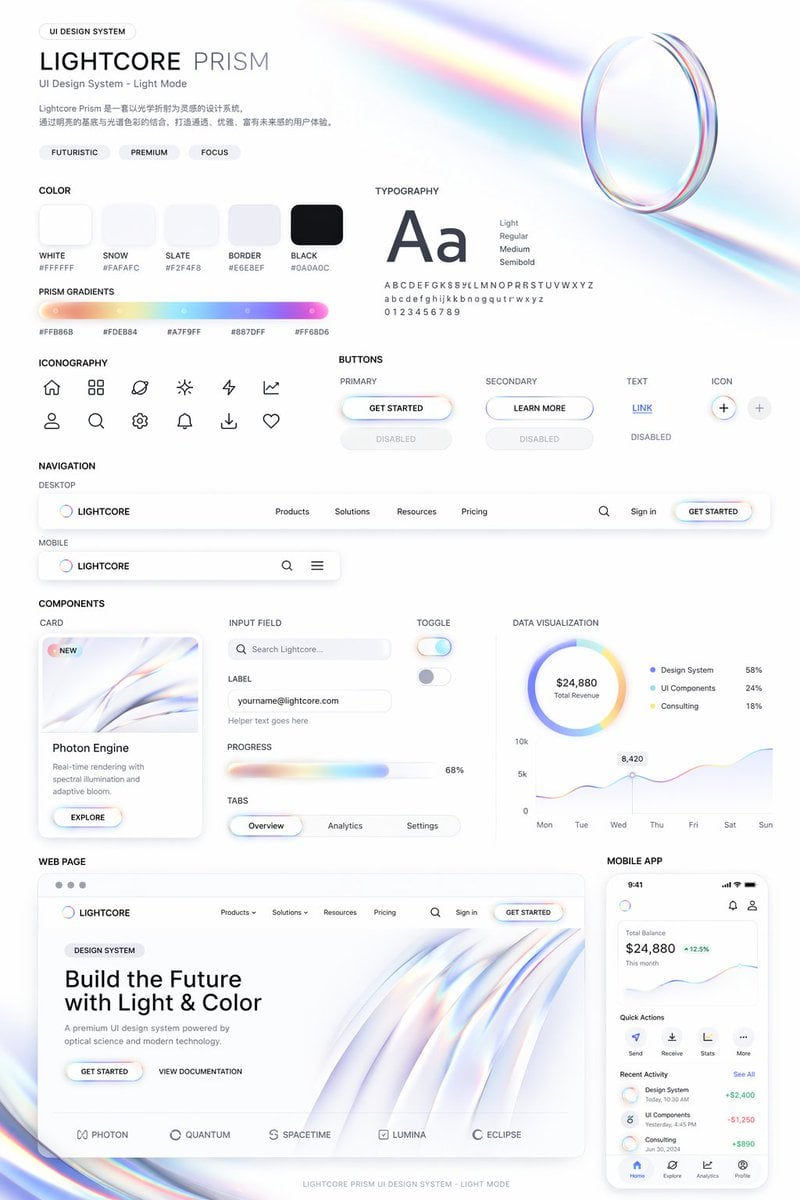
Light Mode UI Design System Board
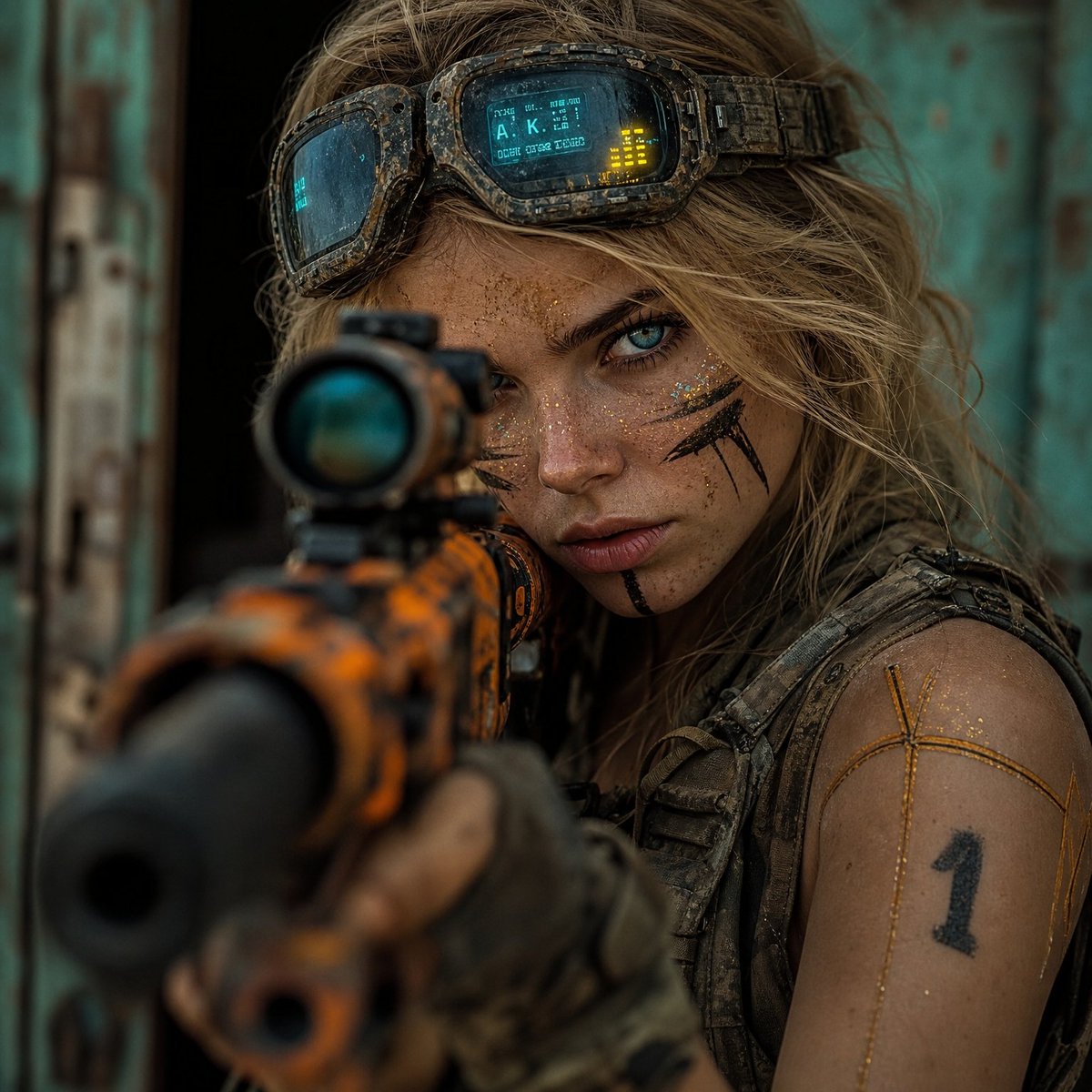
Hyper-Realistic Cinematic Rifle Portrait
Dark Alien Megastructure Cavern
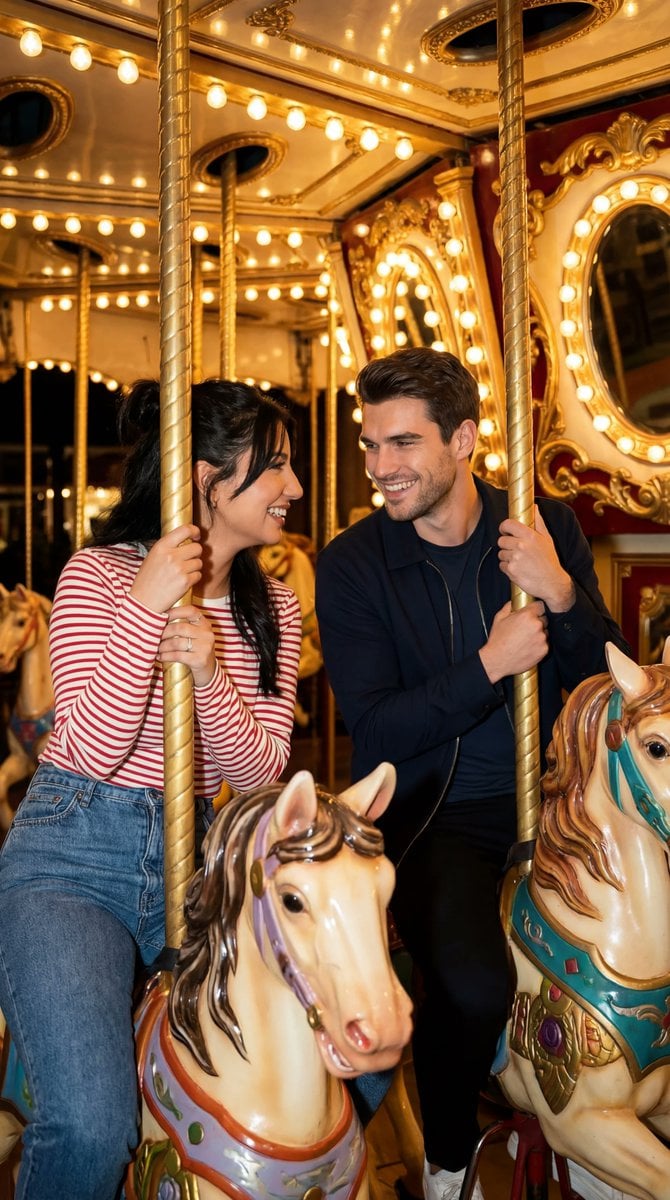
Cinematic Romcom Scene on a Carousel with Identity Lock
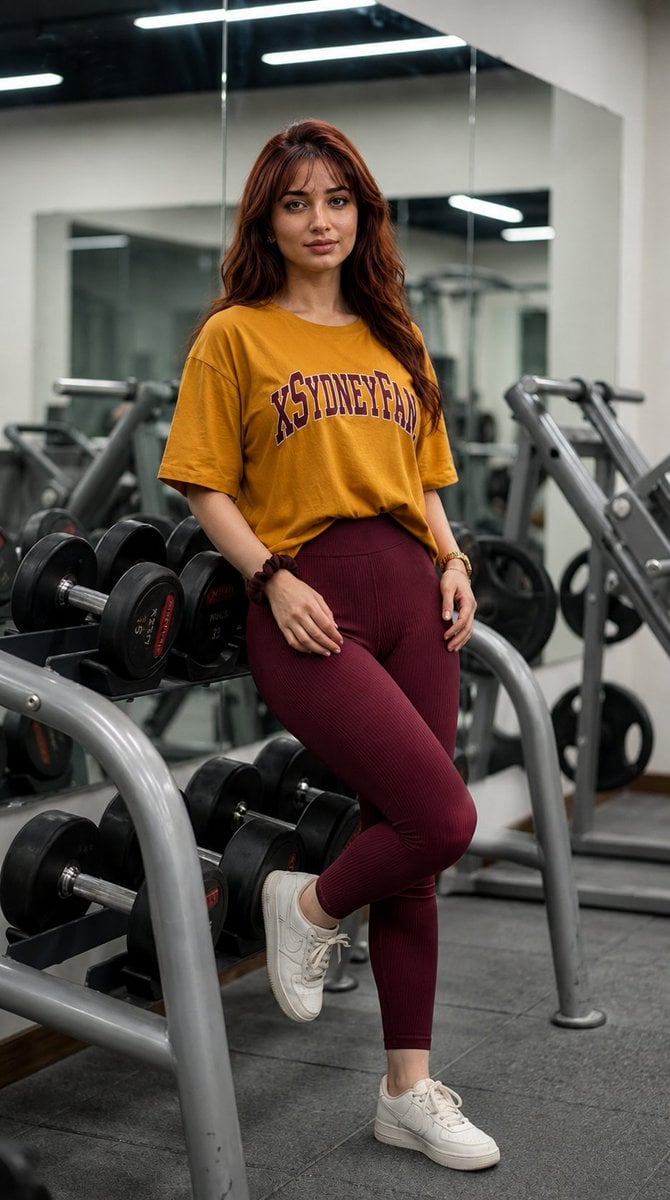
Gym Mirror Selfie Portrait
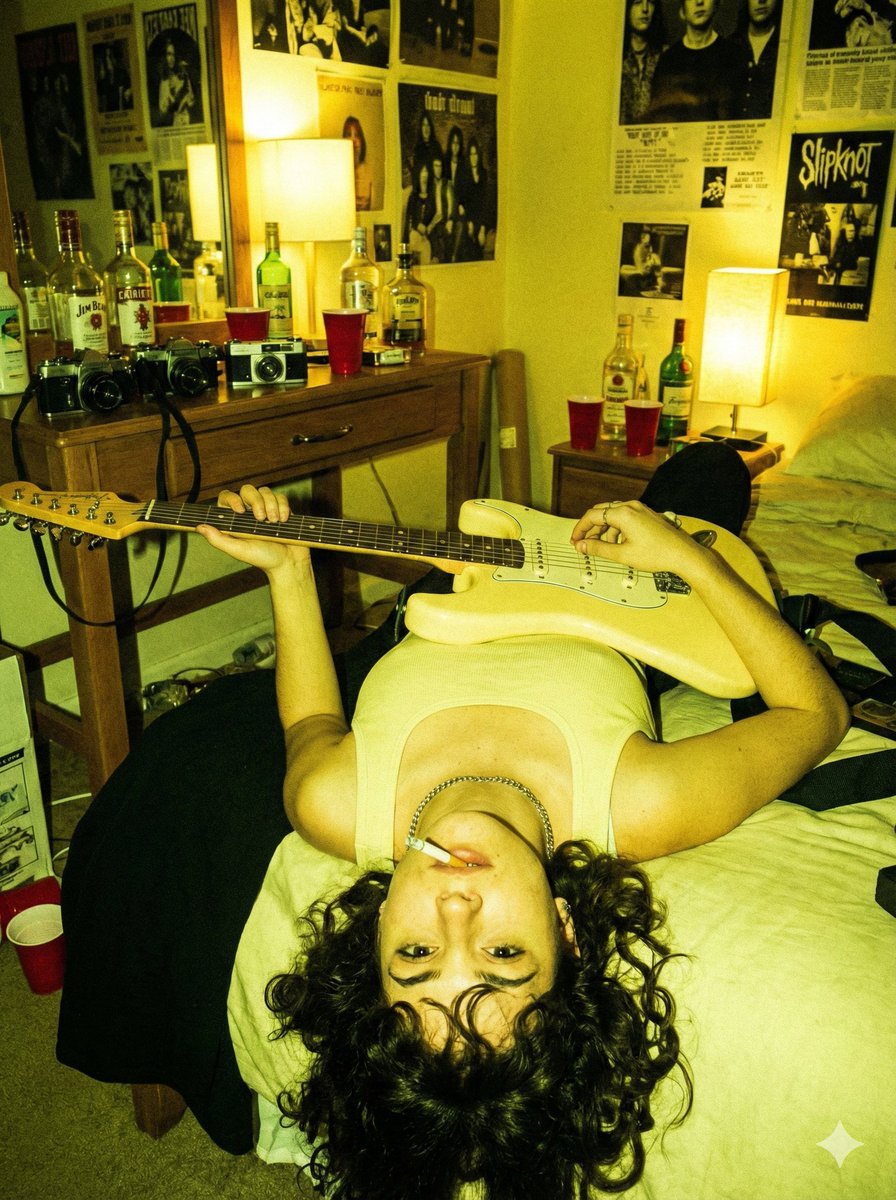
Indie Sleaze Flash Snapshot: Inverted Guitar Pose

Air France ad fix prompt
Browse template categories
Frame Film Collage Prompt (Photographer Version) questions
How do I use the 3-Frame Film Collage Prompt (Photographer Version) template?
Add your photo if the template asks for one, edit the prompt if you like — the template's model and format are already selected — and press Generate. Your version opens in PicX Studio.
Can I customize the 3-Frame Film Collage Prompt (Photographer Version) template?
Yes. You can change the subject, setting, lighting, mood, format, and available model controls before creating your image.
Is the 3-Frame Film Collage Prompt (Photographer Version) template free?
Opening and editing this template is free. Generating uses credits, shown on the Generate button when you are signed in.
Which AI model should I use?
Start with Nano Banana 2, which is the model associated with this template. You can compare another compatible model for a different finish.
Looking for something else? Browse all templates.

Your photo, any look
Thousands of ready templates for every top image and video model, from one credit balance.