
Gym Mirror Selfie Portrait
A highly detailed photorealistic prompt for generating a confident and aesthetic mirror selfie of a woman in a modern gym setting.
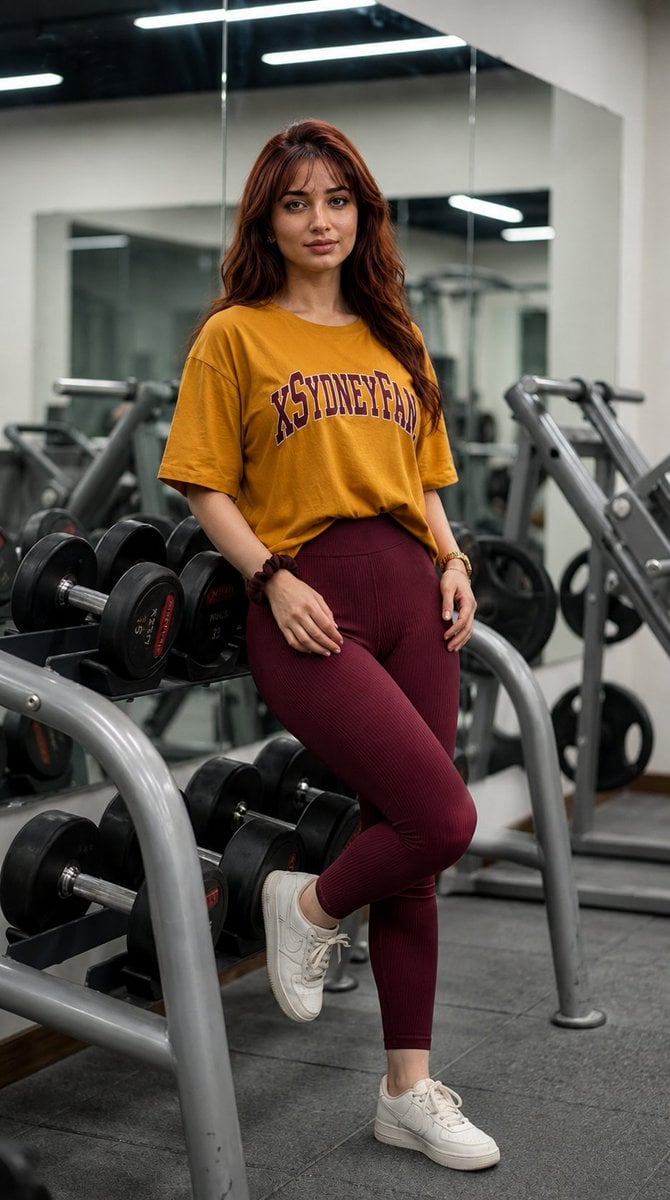
- Prompt included
- Model and format preset
- Free template
The prompt behind this image
Copy the exact prompt behind Gym Mirror Selfie Portrait, or open it in the studio and make it yours.
A stunningly detailed photorealistic portrait of a young beautiful woman with vibrant {argument name="hair color" default="auburn"} hair and soft bangs, capturing a mirror selfie in a high-end, {argument name="location" default="modern fitness center"}. She is wearing a {argument name="shirt color" default="mustard-yellow"} oversized graphic t-shirt with "ATHLETIC DEPT." printed in varsity-style lettering, paired with high-waisted, ribbed maroon leggings that accentuate her fit physique. She is seated gracefully on a black weight bench, legs crossed, holding a sleek pink smartphone with both hands to cover the center of her face, leaving her expressive eyes visible. Her accessories include a gold watch, a delicate bracelet, and a dark scrunchie on her wrist. The background is a clean, spacious gym featuring rows of professional dumbbells, mirrors, and a leg press machine, all rendered with a soft bokeh effect. The lighting is bright and cinematic, utilizing overhead studio-grade LEDs to create natural highlights on her skin texture and the fine fabric of her clothing. Captured with a professional DSLR and a 35mm lens, the image features a shallow depth of field, sharp focus on the subject, and an ultra-detailed 8K resolution. The mood is confident and aesthetic, with a clean color palette of warm yellows, deep reds, and cool gym greys. ultra realistic, photorealistic, cinematic composition, professional photography, 8K resolution, sharp focus, depth of field, natural skin texture, high detail, masterpiece.
How to use Gym Mirror Selfie Portrait in 3 steps
- 1
Open
The prompt is already in the box next to the preview, with the template's model and format selected.
- 2…a portrait of your subject in softgolden-hour light, 85mm…
Personalize
Edit the subject and creative details for your destination.
- 3Generate
Generate
Press Generate — your image is created in PicX Studio, so you can compare it with the original and refine one variable at a time.
More like this
Templates with the same subject, style or setup. Open one to see its prompt.

Rooftop Fisheye — Cat-Ear Balaclava at Golden Hour

Felt & Knit 3D Character — Photo-Exact Face, Pixar-Quality Plush Figurine

Surreal Cat Astronaut — Humanoid Face Freefall
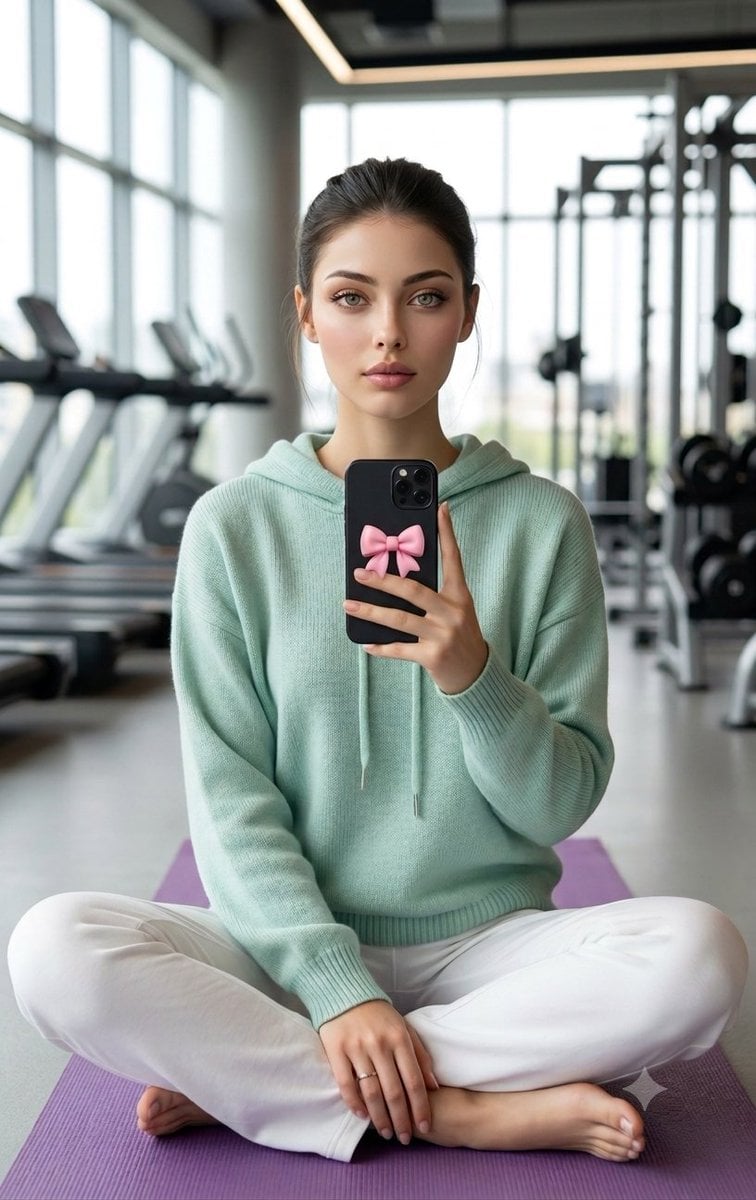
Professional Gym Mirror Selfie Portrait
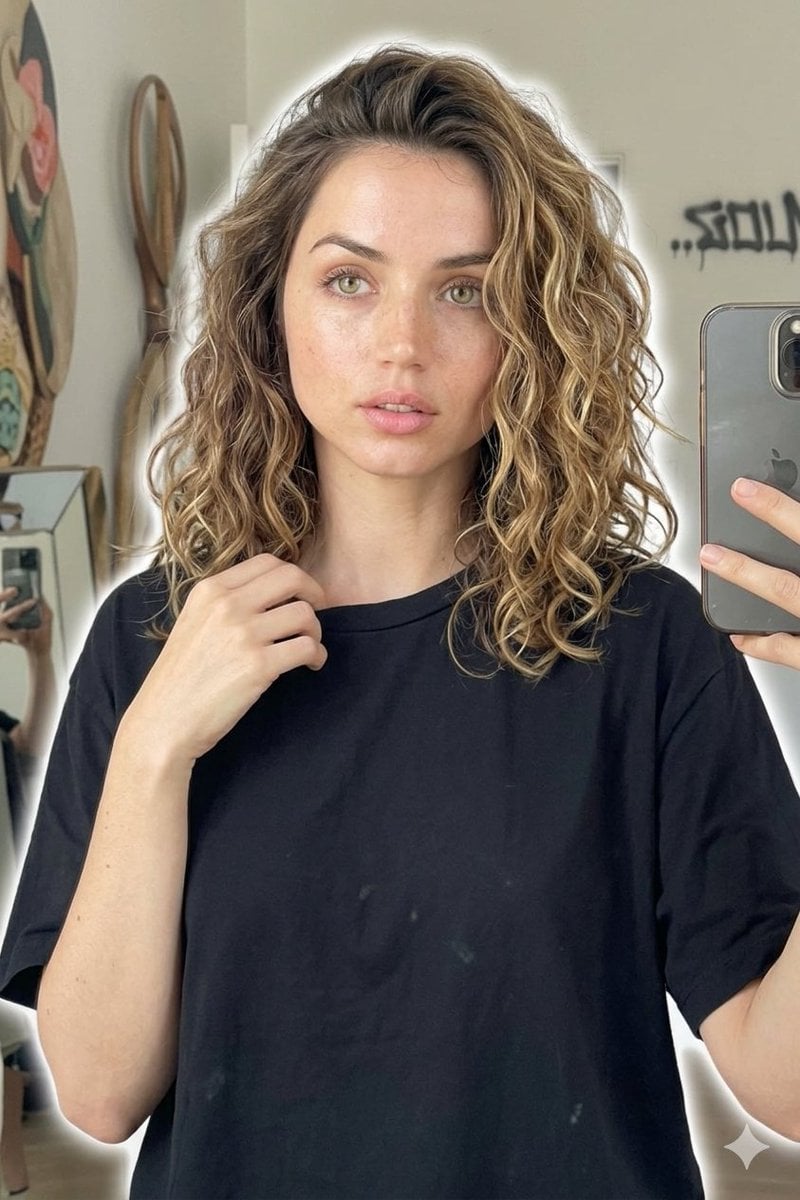
Candid Mirror Selfie Beauty Portrait
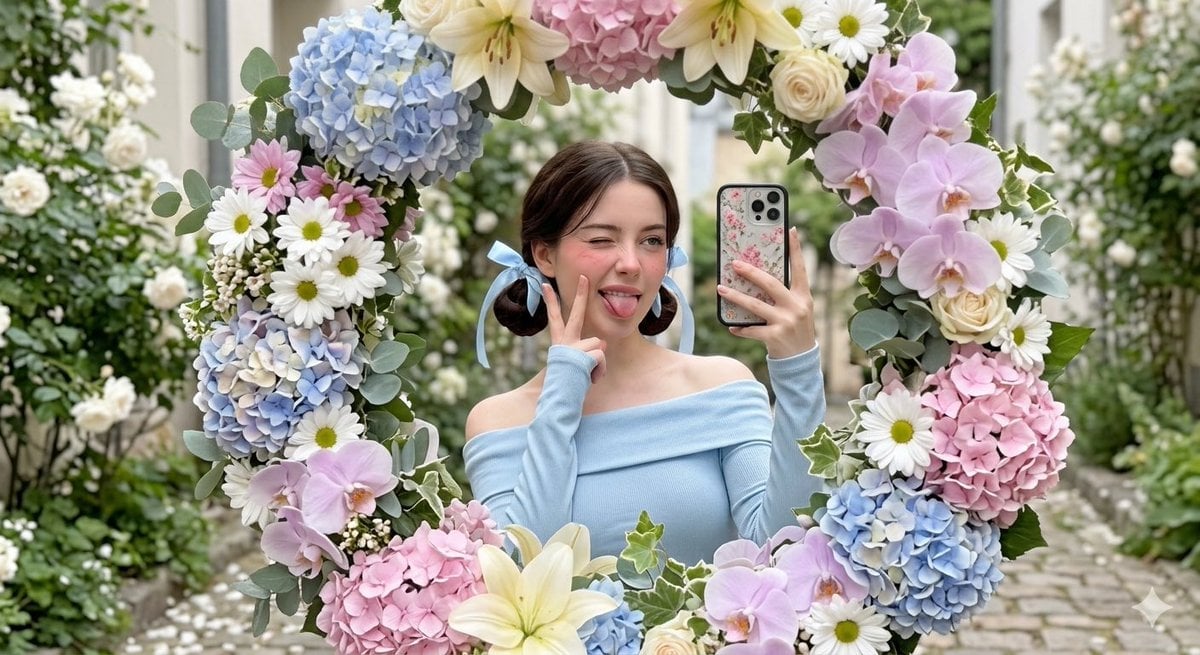
Floral Mirror Selfie Portrait
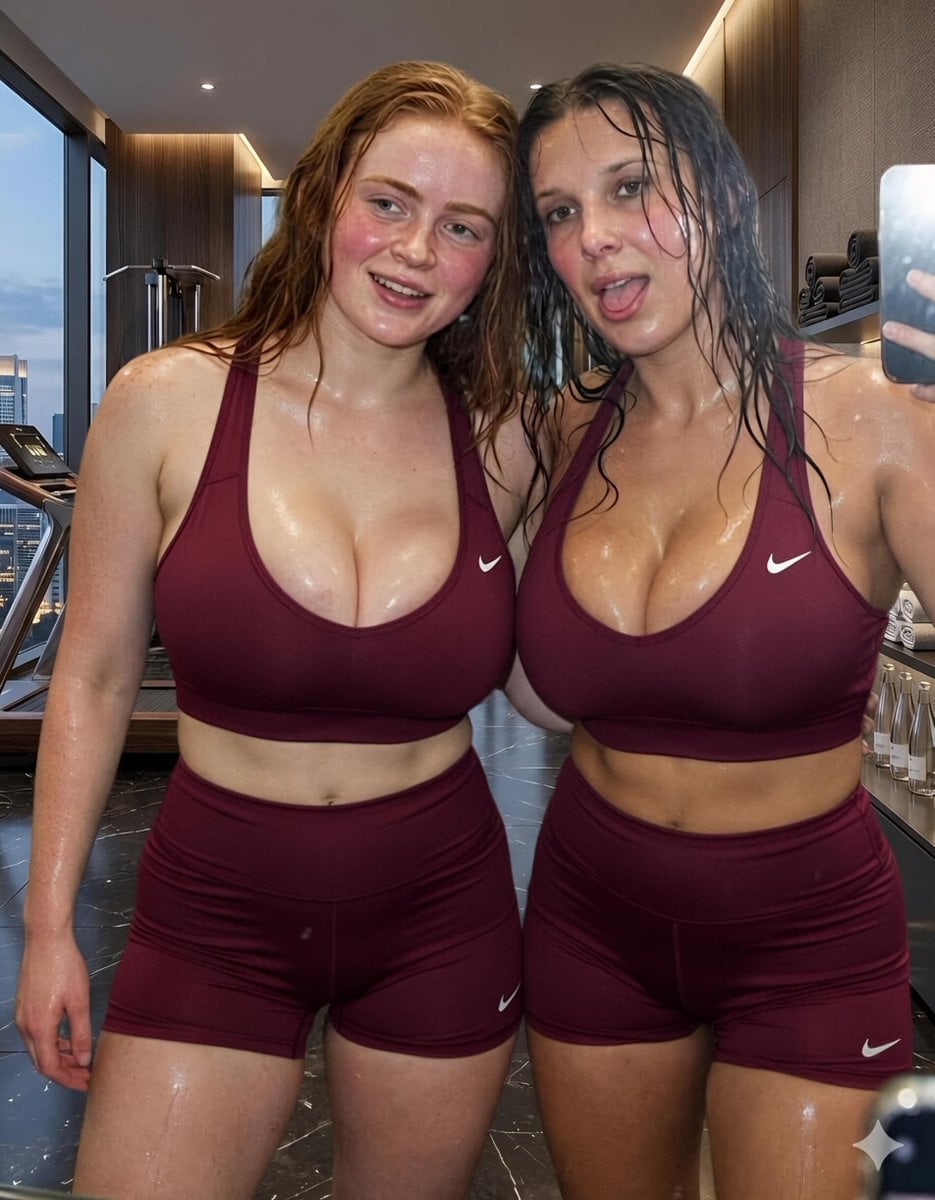
Modern Luxury Gym Mirror Selfie
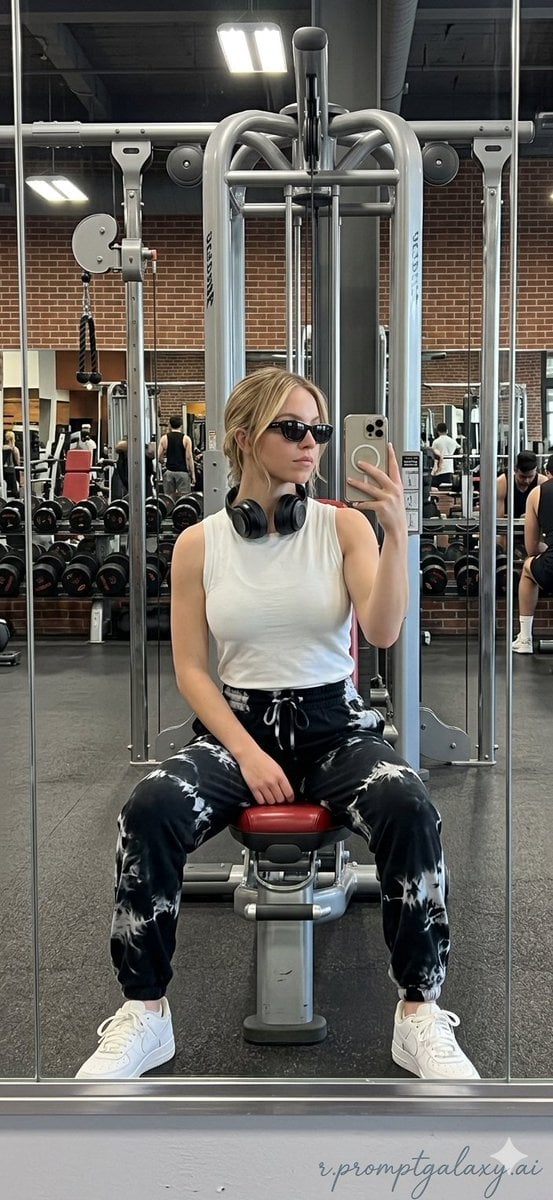
Realistic Gym Mirror Selfie
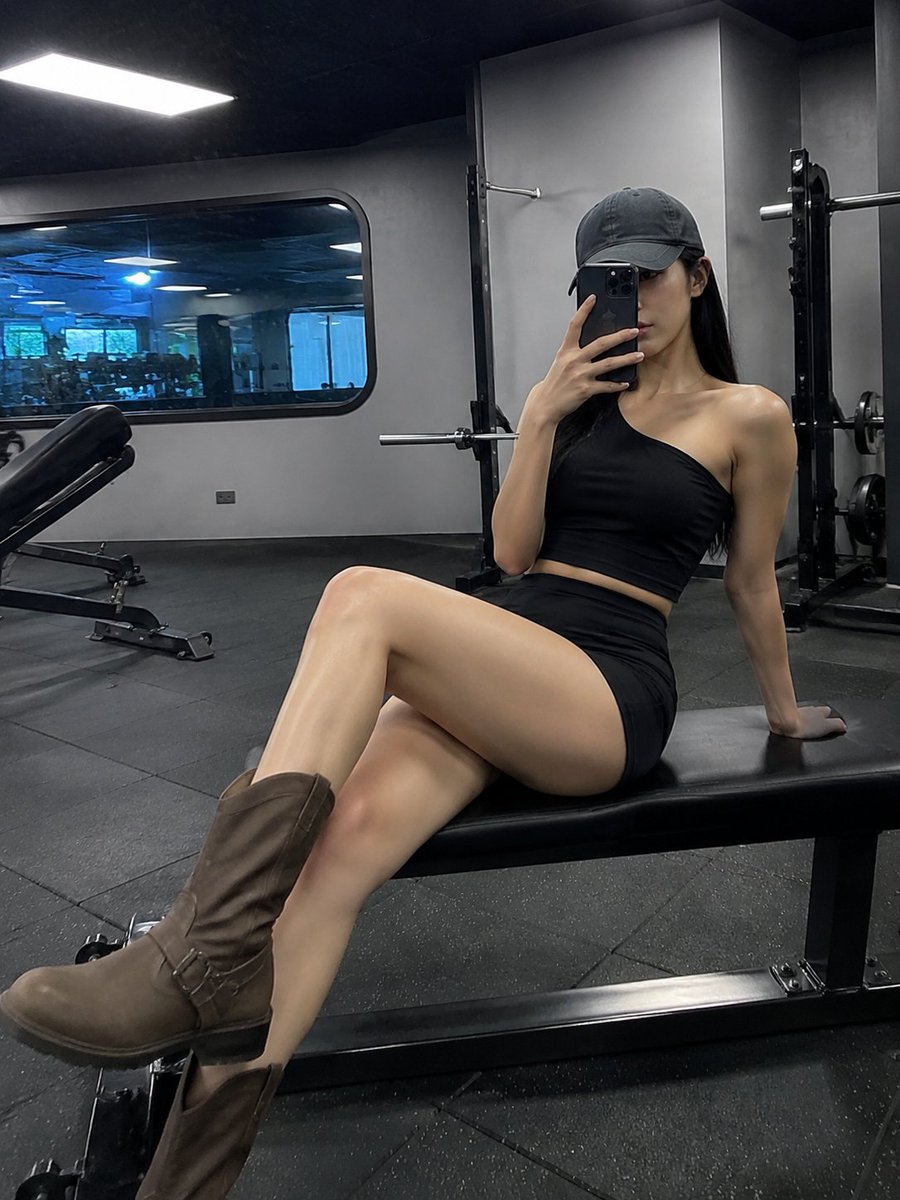
Realistic Gym Mirror Selfie
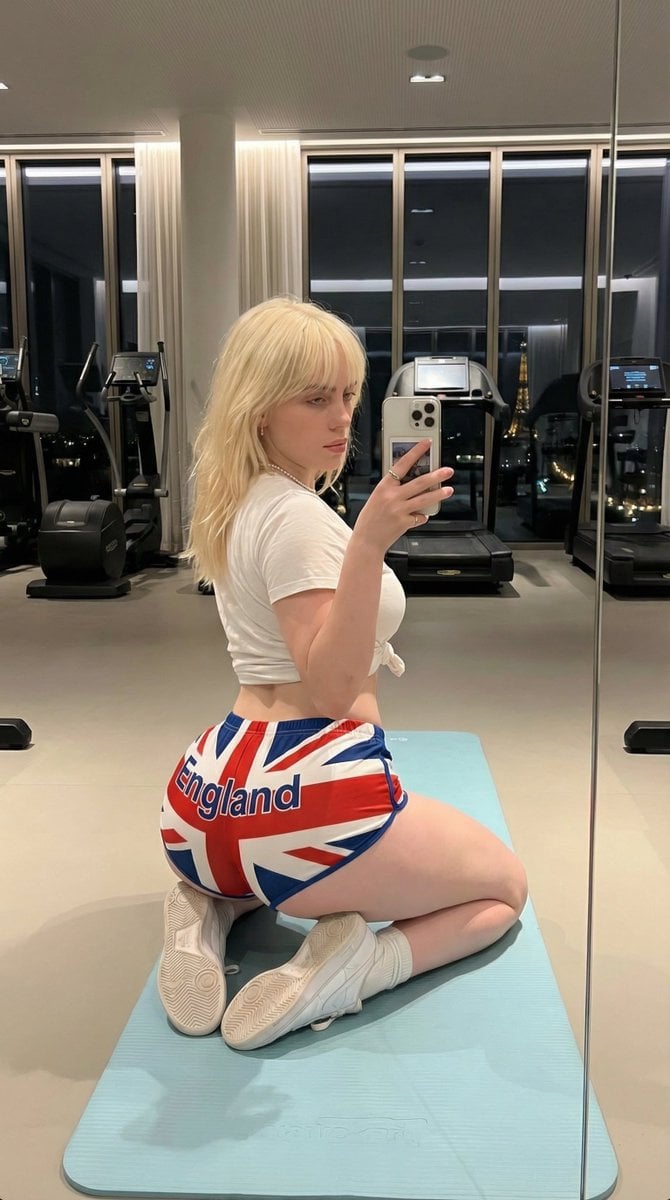
Exaggerated Physique Gym Mirror Selfie Prompt (Spain Theme)
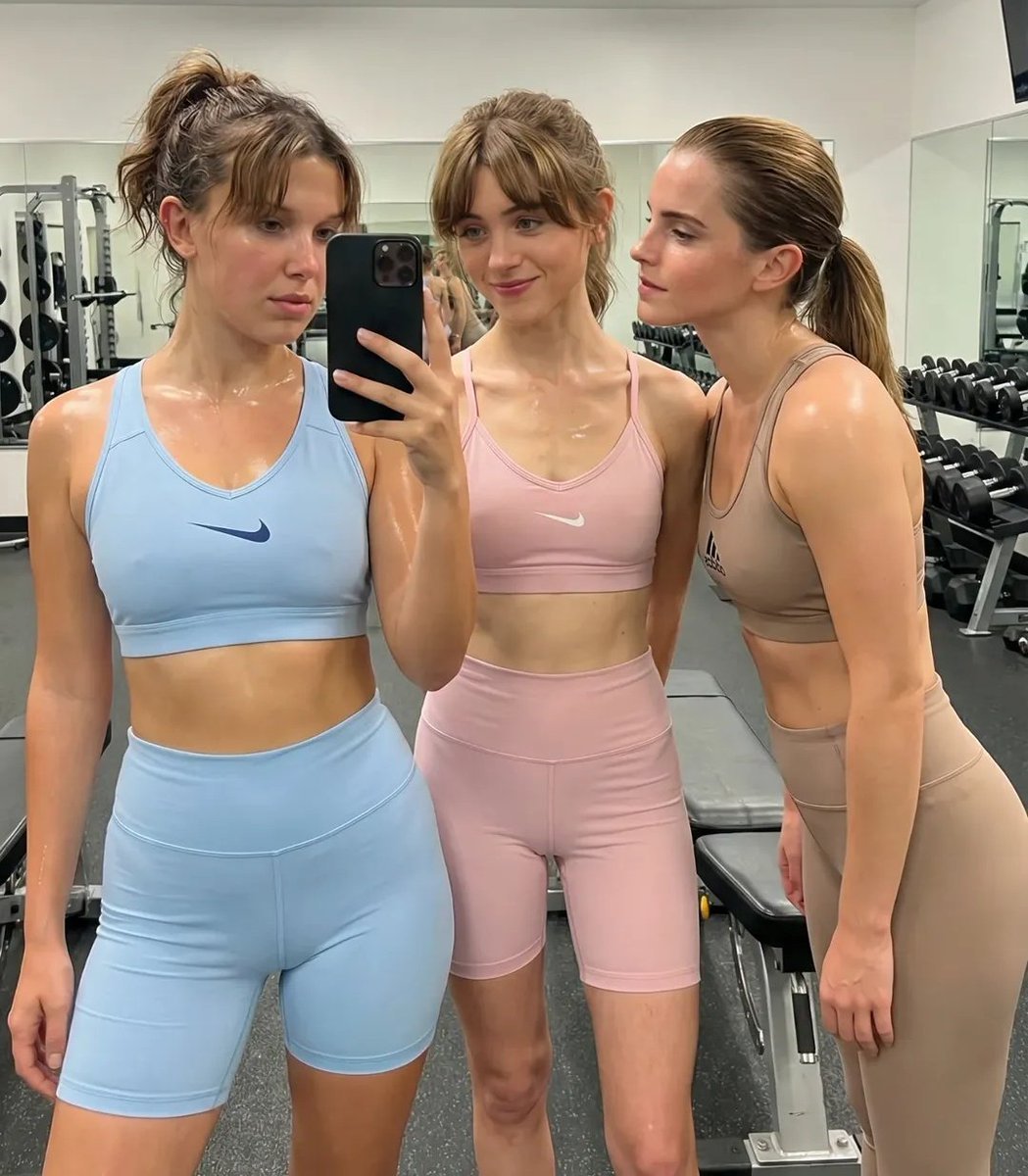
Ultra-Realistic Gym Mirror Selfie
Make it yours
Gym Mirror Selfie Portrait works as-is. These are the safest ways to change it without losing the look.
Change one field
Copy a single group, rewrite it, and generate again so you can see what that field is doing.
Keep the frame, change the subject
Hold the composition and light of Gym Mirror Selfie Portrait, then swap wardrobe, props or the person for a new take.
| If the result… | Why | Fix |
|---|---|---|
| The result drifts from the preview | Too many fields changed at once. | Reuse Gym Mirror Selfie Portrait as-is first, then change one group — subject, light, or setting. |
| The model over-stylizes the scene | The prose prompt leaves finish and camera underspecified. | Add one camera or lighting sentence and stay on GPT Image 2. |
More GPT Image 2 templates
Other prompts made for GPT Image 2.

Six VTuber Japanese Logo Sheet

Realistic Portrait of Woman and Deer

The Vista Modular Condo Poster

AI Model Routing Comparison Infographic

2.5D Anime Art Board

Isometric Productivity Desk Scene

New York Double Exposure Poster

Four-Panel AI Landscape Comparison

Japanese Tatami Lifestyle Magazine Cover

NESCAFÉ Coffee Map Poster
More image prompts
Fresh picks from across the catalog.
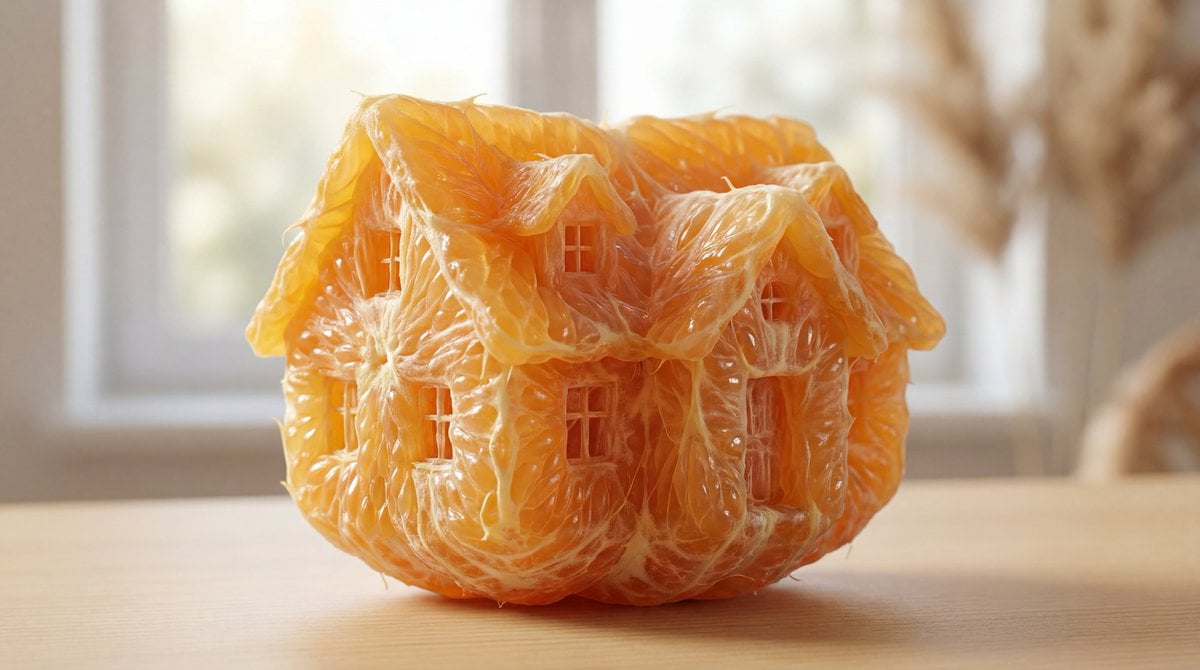
Orange Pulp Sculpture Prompt
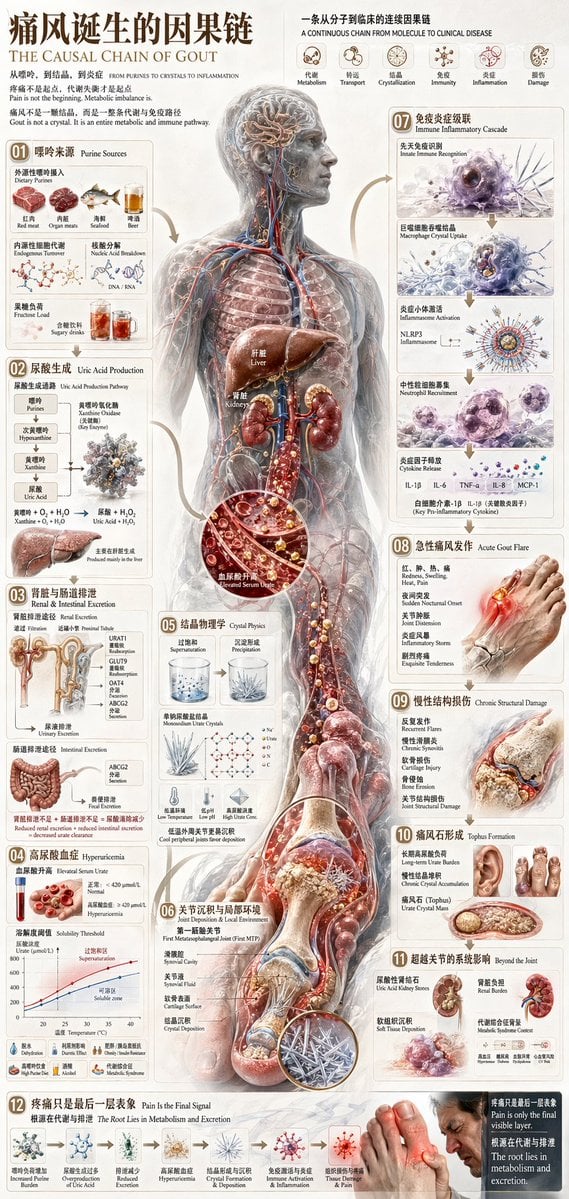
Chinese Medical Gout Infographic Poster
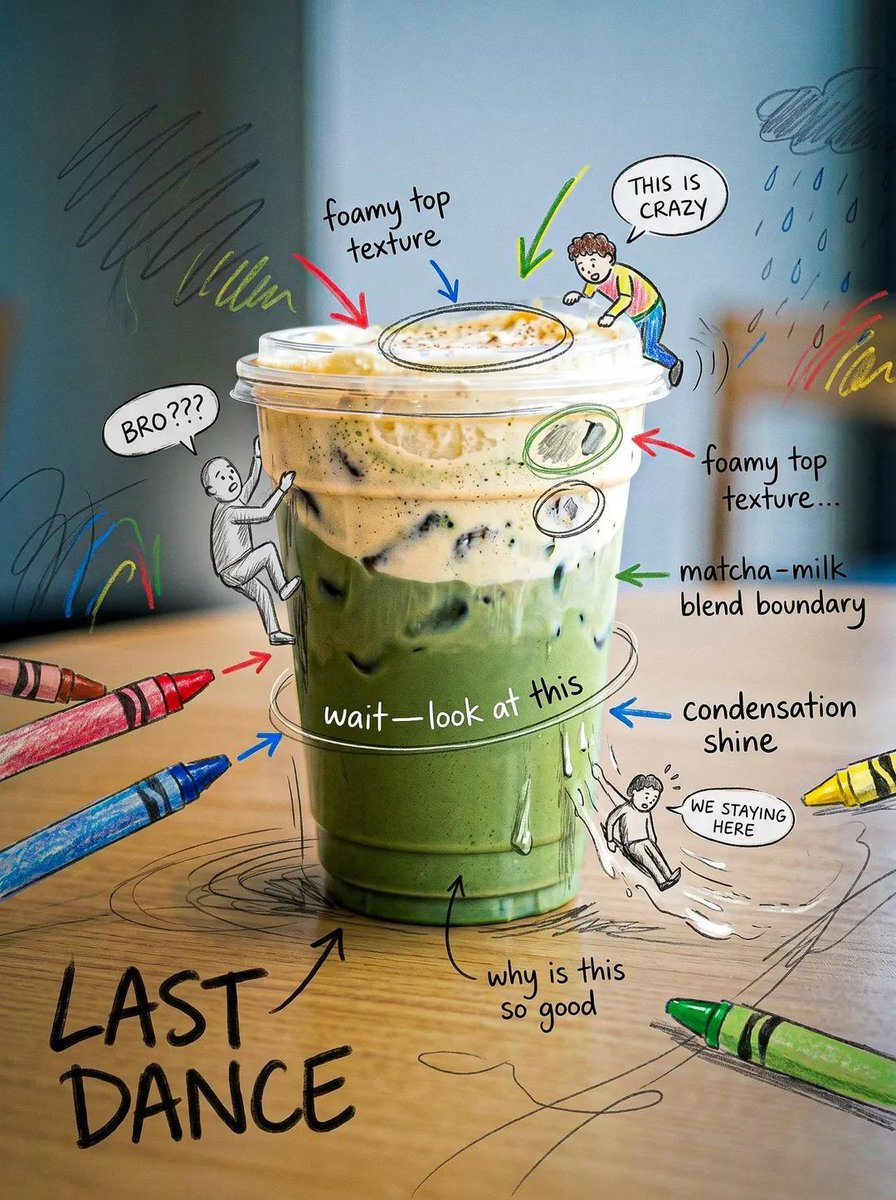
Creative Doodled Image Overlay
High Fashion Lookbook Spread

Chibi Bunny Mascot Illustration
Indoor Group Flash Photo Prompt for Nano Banana
Passport Size Image Generator
Glamorous Christmas Sleigh Full Body Shot
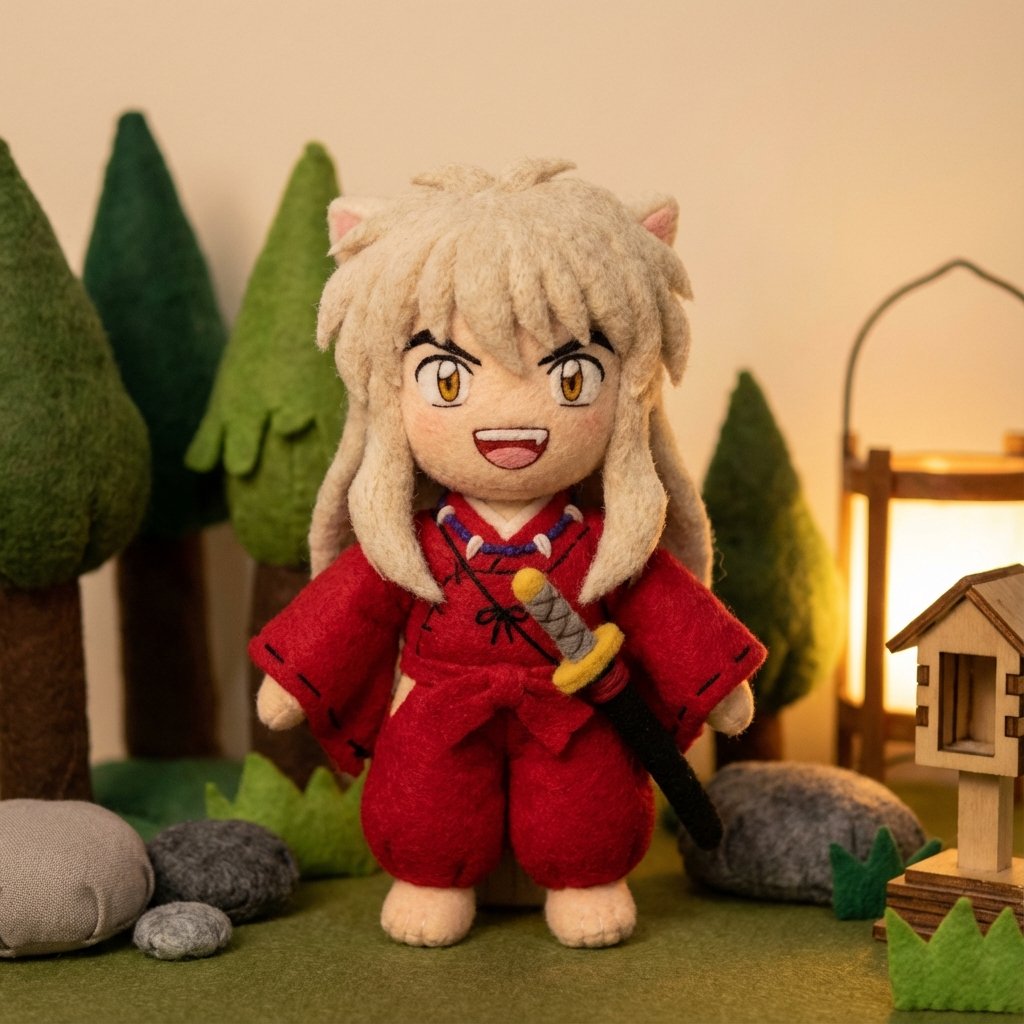
Inuyasha Plush Toy Generation Prompt
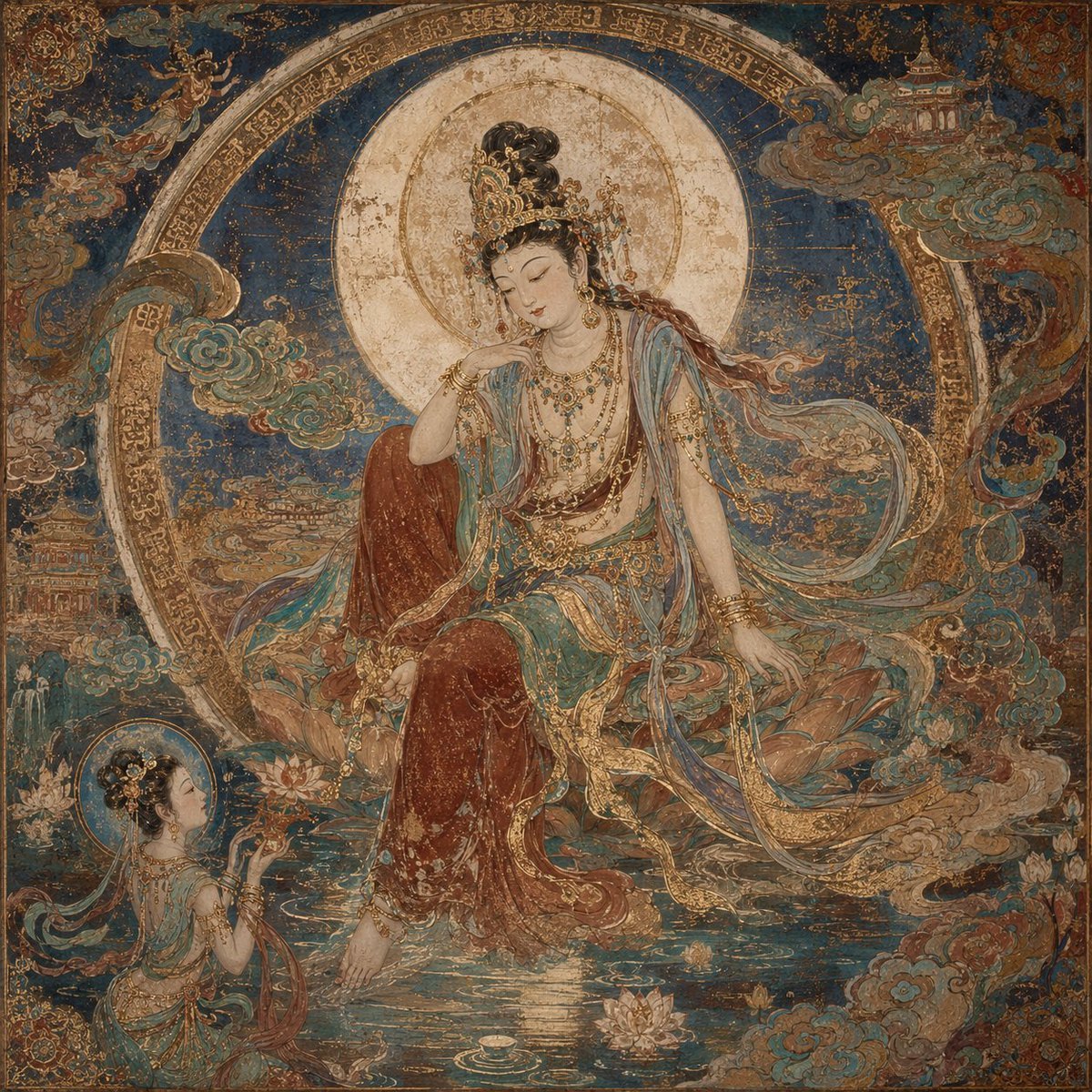
Dunhuang Mural Water Moon Guanyin
Browse template categories
Gym Mirror Selfie Portrait questions
How do I use the Gym Mirror Selfie Portrait template?
Add your photo if the template asks for one, edit the prompt if you like — the template's model and format are already selected — and press Generate. Your version opens in PicX Studio.
Can I customize the Gym Mirror Selfie Portrait template?
Yes. You can change the subject, setting, lighting, mood, format, and available model controls before creating your image.
Is the Gym Mirror Selfie Portrait template free?
Opening and editing this template is free. Generating uses credits, shown on the Generate button when you are signed in.
Which AI model should I use?
Start with GPT Image 2, which is the model associated with this template. You can compare another compatible model for a different finish.
Looking for something else? Browse all templates.

Your photo, any look
Thousands of ready templates for every top image and video model, from one credit balance.