
Indoor Group Flash Photo Prompt for Nano Banana
A highly structured JSON prompt for Nano Banana (likely Pro/2) to generate an indoor group photo featuring six subjects (including Selena Gomez, Madison Beer, Sadie Sink, Sydney Sweeney, and Sabrina Carpenter) in a…
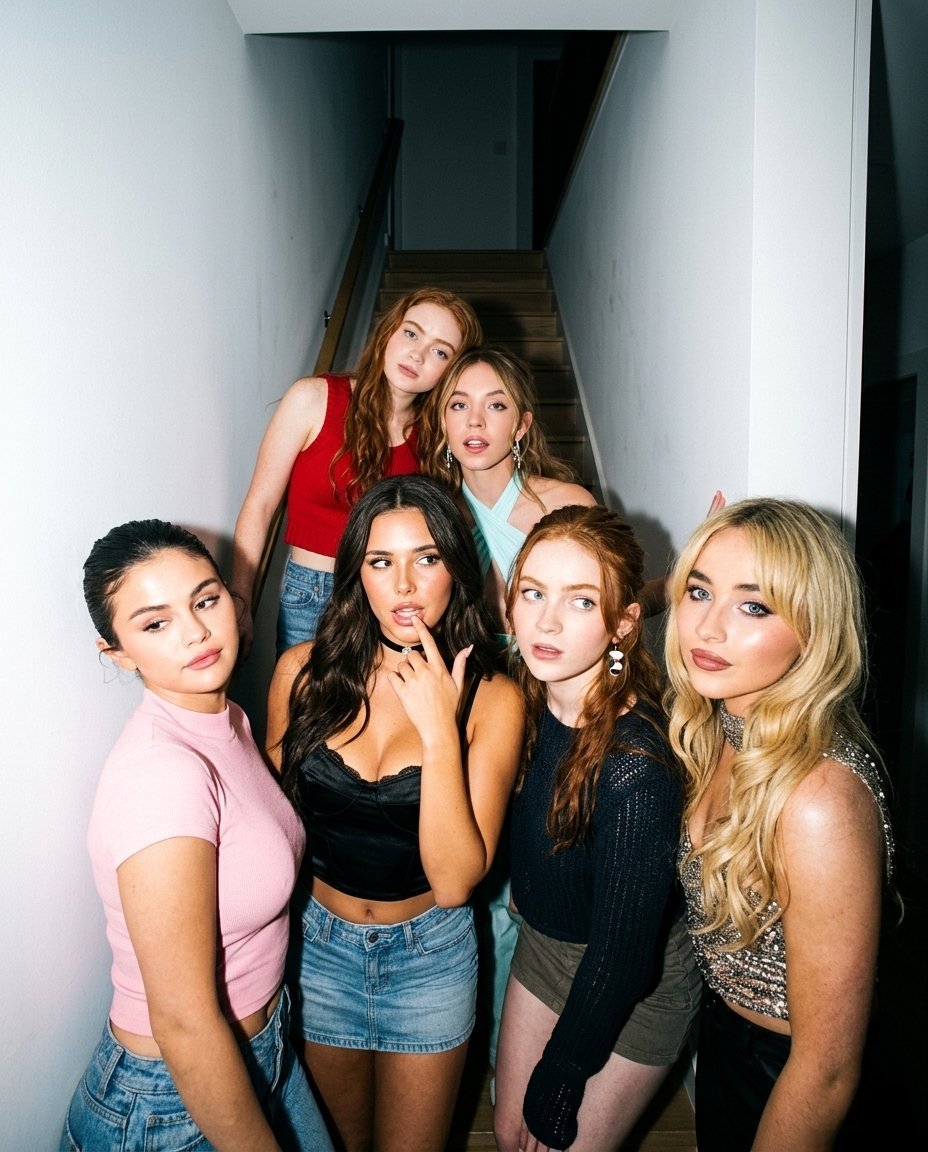
- Prompt included
- Model and format preset
- Premium template
The prompt behind this image
Copy the exact prompt behind Indoor Group Flash Photo Prompt for Nano Banana, or open it in the studio and make it yours.
{ "photo_type": "Indoor house party group photo (real iPhone flash capture, night interior)", "subjects": { "count": 6, "faces": { "description": "Use 6 uploaded reference images, keep identity exact, no smoothing, no reshaping, no facial edits, preserve exact facial structure, skin tone, eyes, lips" }, "pose_description": "group of six friends posing casually in a hallway, some standing front, some slightly behind on stairs, natural layered composition", "expressions": [ "front left: relaxed expression looking slightly away", "front center-left: playful expression with fingers near lips", "front center-right: curious expression looking sideways", "front right: confident neutral look", "back left: soft neutral face leaning forward", "back center: slightly open mouth relaxed expression" ], "body_language": [ "casual party poses", "slight leaning and overlapping positions", "asymmetrical arrangement", "not perfectly aligned or staged" ] }, "clothing": { "details": [ "mix of casual and party outfits", "crop tops, fitted tops, denim, mini skirt", "layered textures like lace, cotton, denim", "natural wrinkles and fabric folds" ] }, "lighting": { "type": "direct flash lighting", "setup": [ "strong iPhone flash from front", "indoor ambient light mixed with flash", "background darker than subjects" ], "effects": [ "bright highlights on skin", "hard shadows behind subjects", "slight overexposure on face and shoulders", "high contrast lighting" ], "color_temperature": "neutral 4300K to 4800K" }, "phone_capture": { "details": [ "flash enabled smartphone capture", "slight wide angle distortion", "tight group framing", "handheld shot feel" ] }, "camera": { "type": "smartphone camera with flash", "lens": "24mm wide", "settings": { "aperture": "f/1.8", "iso": "ISO 400-900", "shutter_speed": "1/50s" }, "focus": "sharp focus on group", "sensor_behavior": [ "grain in darker areas", "shadow noise", "high contrast edges" ] }, "skin_realism": { "details": [ "visible pores under flash", "natural shine", "uneven texture", "no airbrushing" ] }, "hair": { "details": [ "natural styling", "loose strands visible", "slight frizz", "flash highlights on hair" ] }, "background": { "setting": "modern indoor hallway with stairs", "details": [ "white walls", "stairs behind subjects", "minimal interior details", "slight shadow depth" ] }, "color_grading": { "style": "raw flash photo", "rules": [ "no heavy filters", "high contrast", "natural tones", "not cinematic" ] }, "imperfections": [ "harsh shadows", "overexposed highlights", "grain", "slight distortion" ], "composition": { "camera_angle": "eye-level group shot", "framing": "mid to full body group framing", "depth": "all subjects sharp, background flat" }, "resolution_and_aspect_ratio": "4K, 4:5", "vibe": "h"
How to use Indoor Group Flash Photo Prompt for Nano Banana in 3 steps
- 1Upload ImagePNG, JPG or paste
Add your photo
Upload the photo the template builds on. The prompt, model and format are already set.
- 2…a portrait of your subject in softgolden-hour light, 85mm…
Personalize
Edit the subject and creative details for your destination.
- 3Generate
Generate
Press Generate — your image is created in PicX Studio, so you can compare it with the original and refine one variable at a time.
More like this
Templates with the same subject, style or setup. Open one to see its prompt.
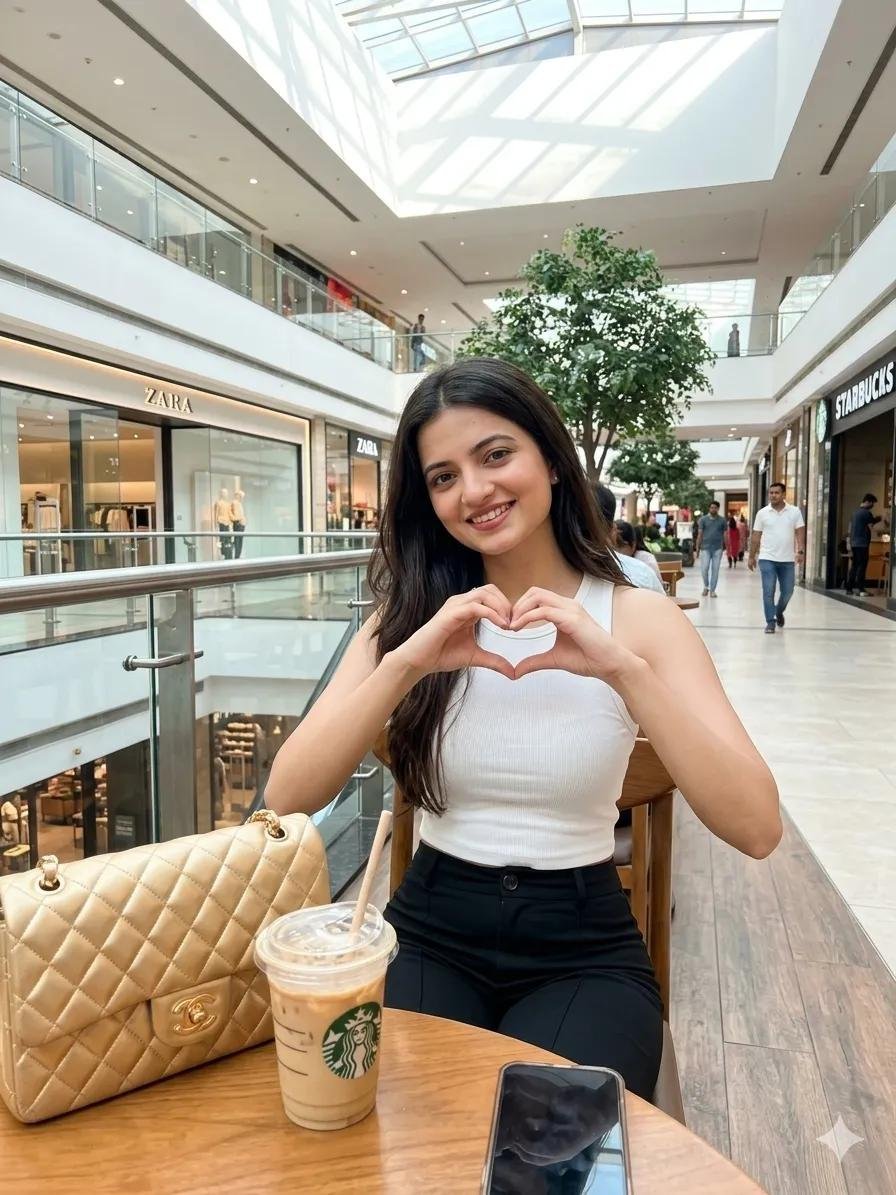
Woman in Mall with Chanel Bag - Heart Gesture
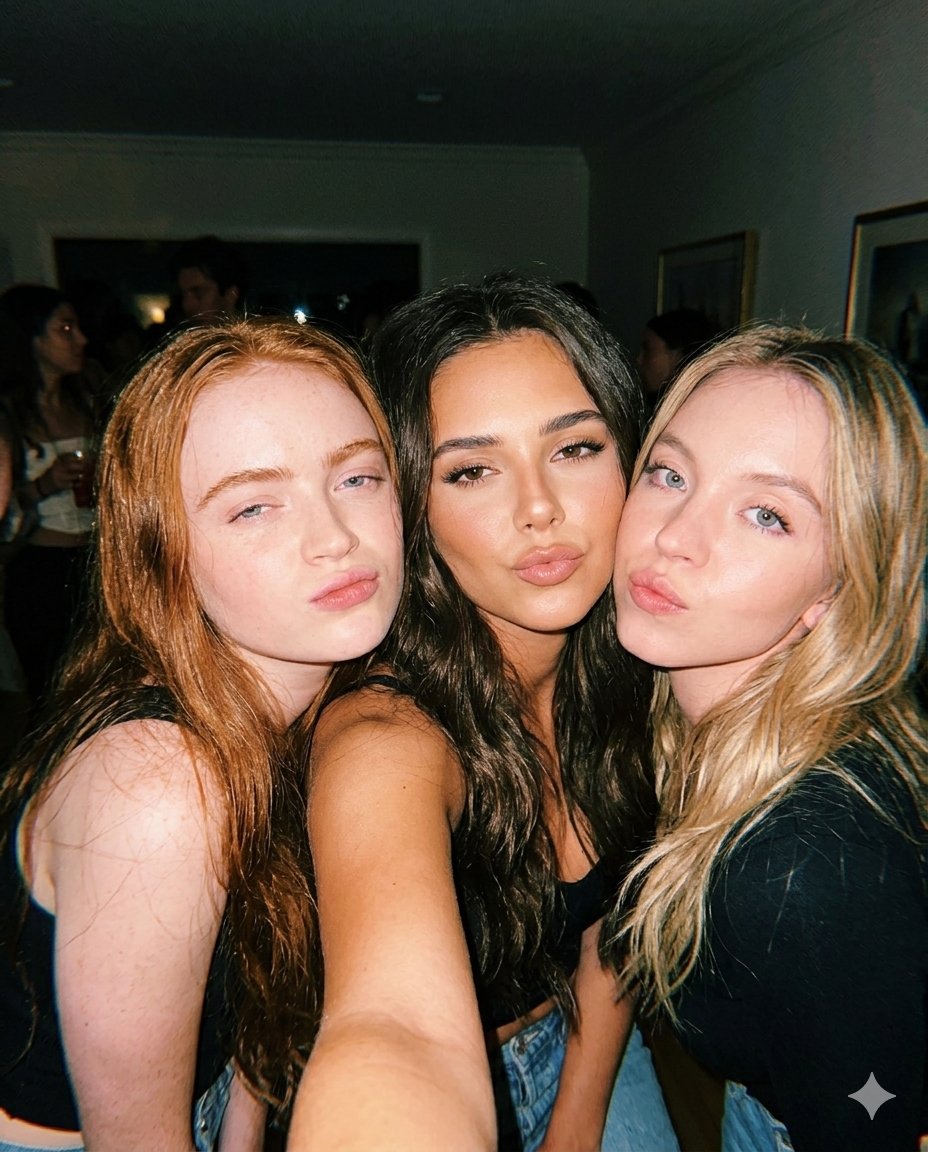
Vintage Flash Group Selfie Prompt for Nano Banana Pro
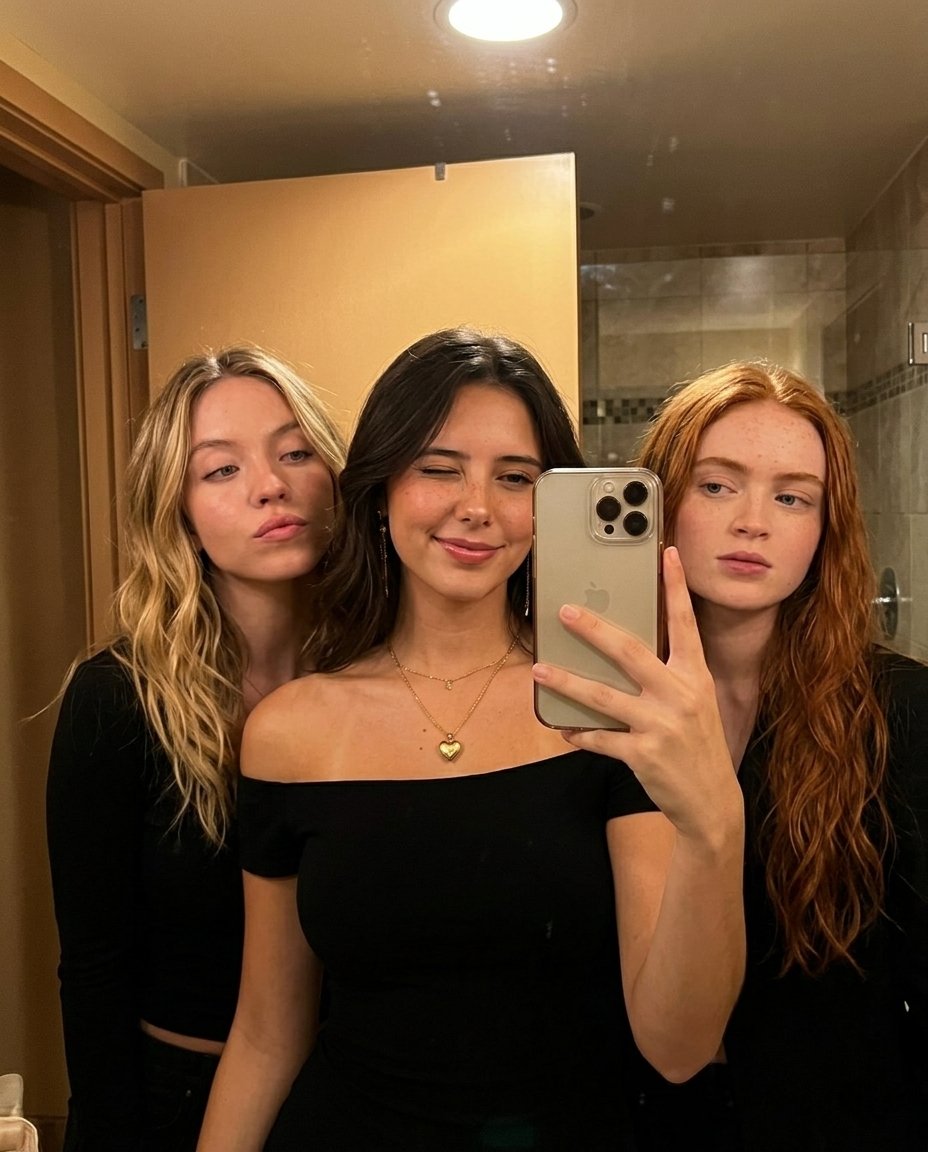
Warm Indoor Group Mirror Selfie Prompt for Nano Banana Pro
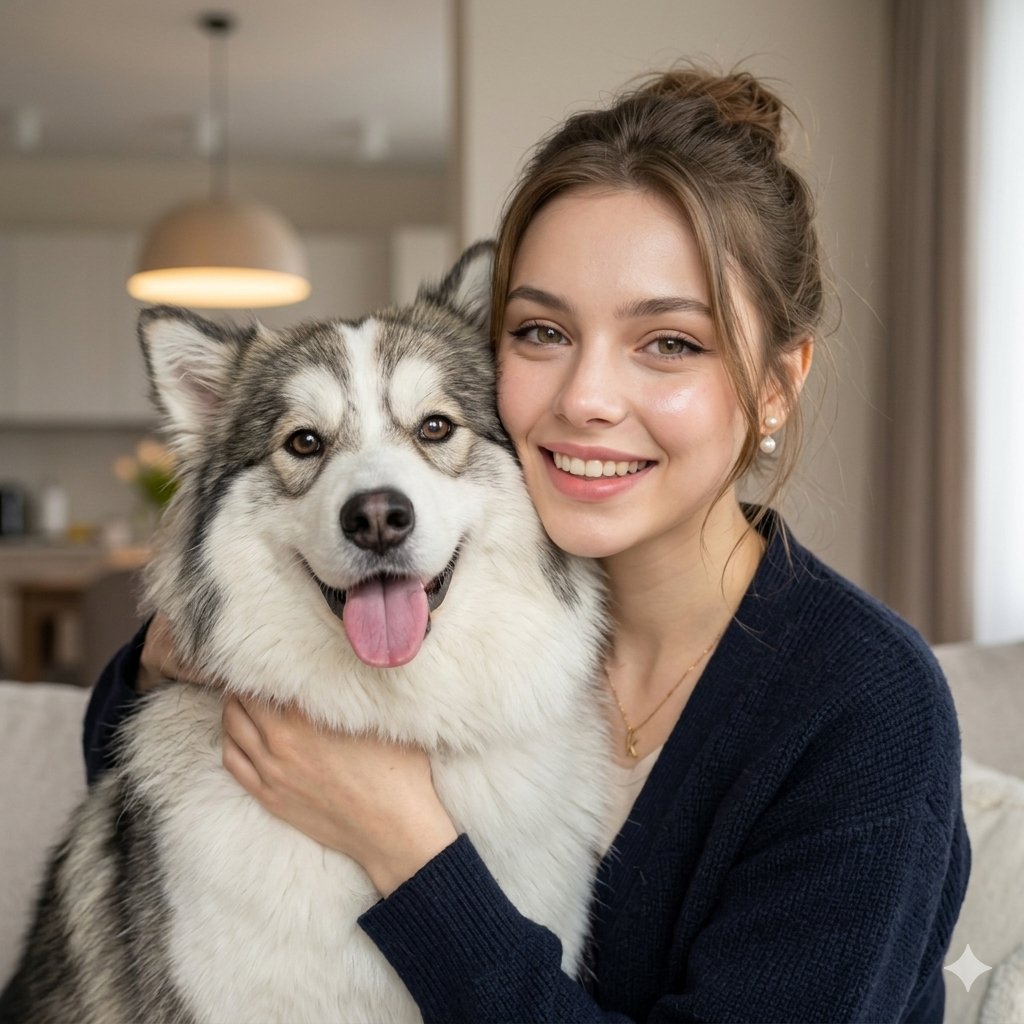
Nano Banana Pet Portrait Dog
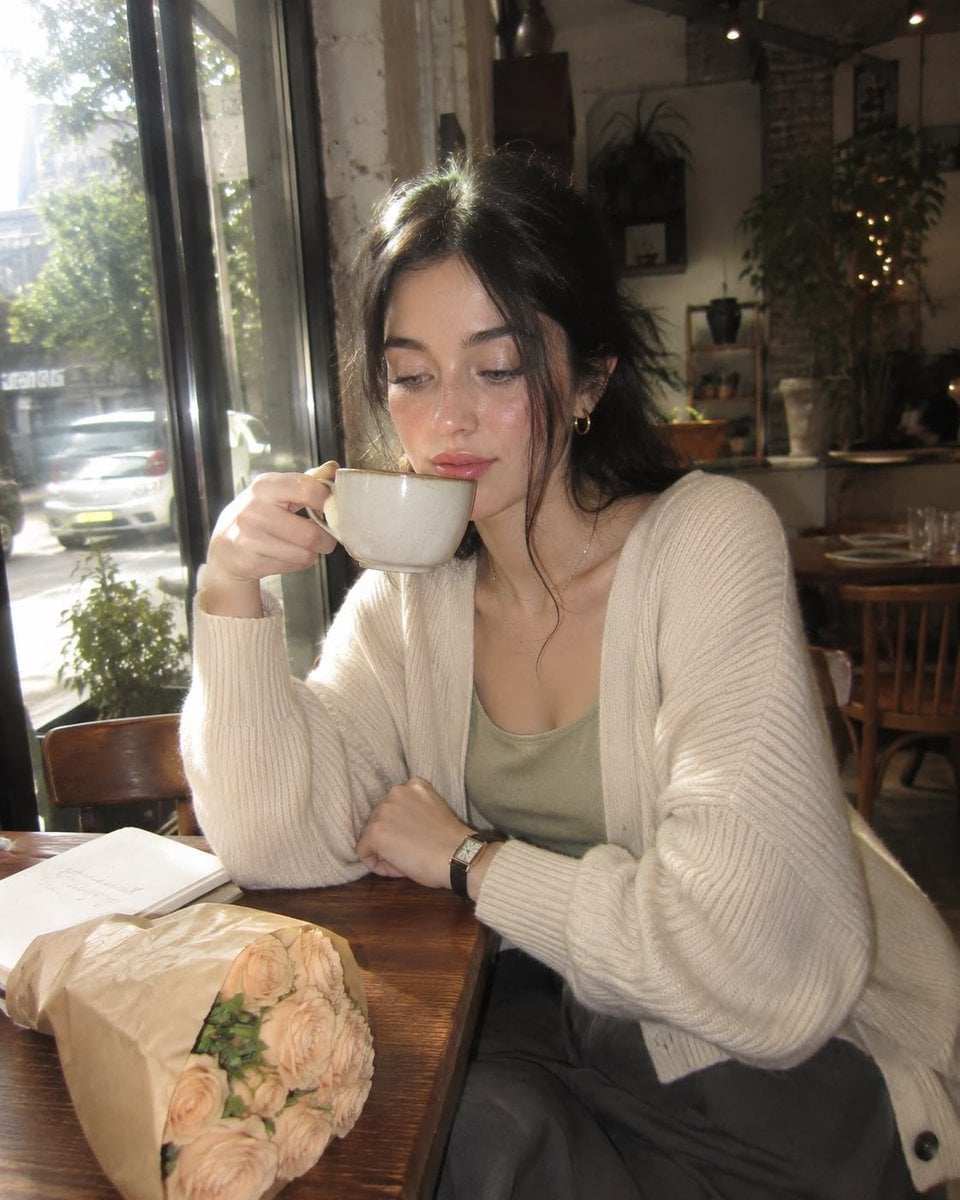
Nostalgic Digicam Café Afternoon Portrait
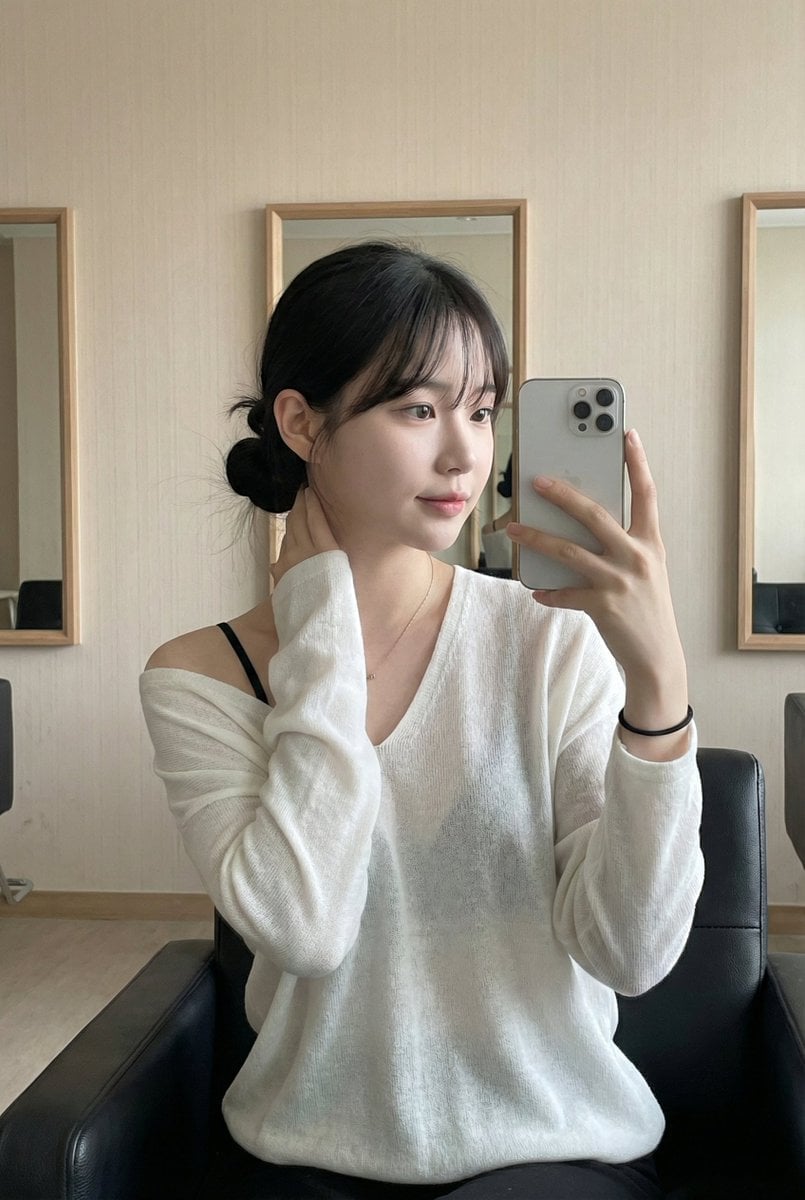
Leather Chair Soft Indoor Mirror Selfie
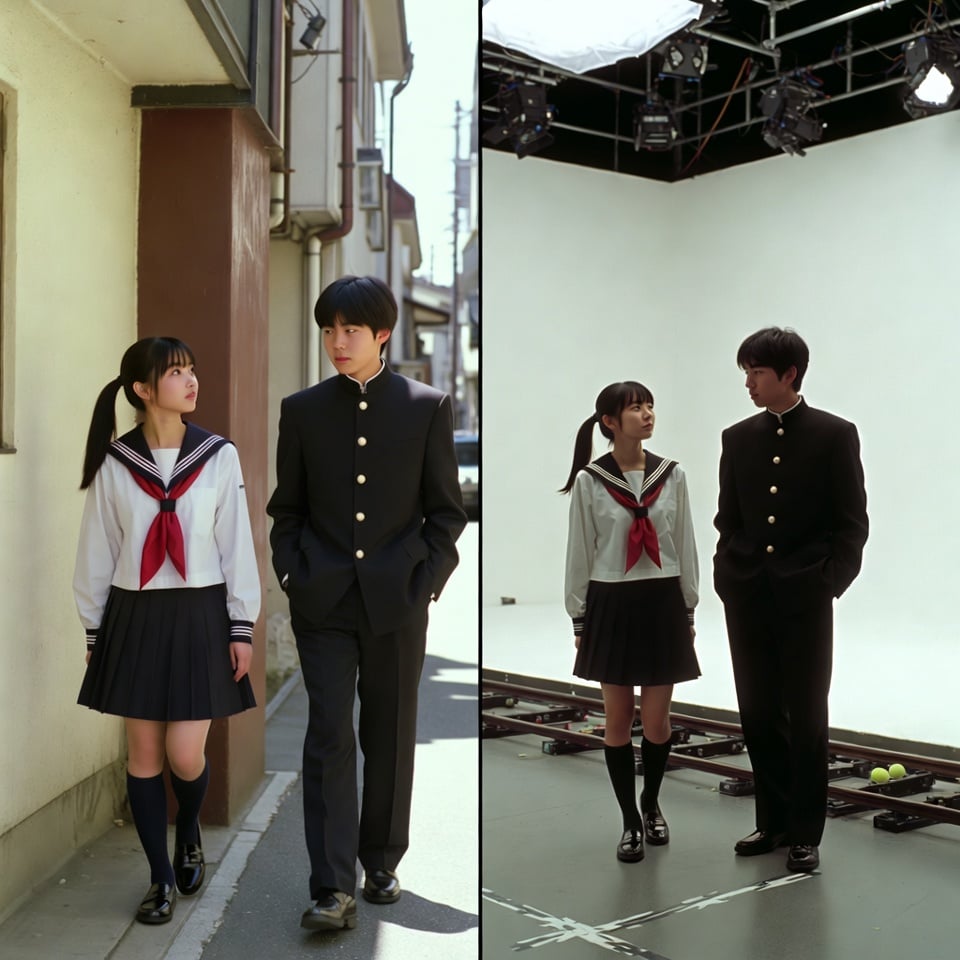
VFX Comparison Image Prompt (Before/After) for Nano Banana Pro
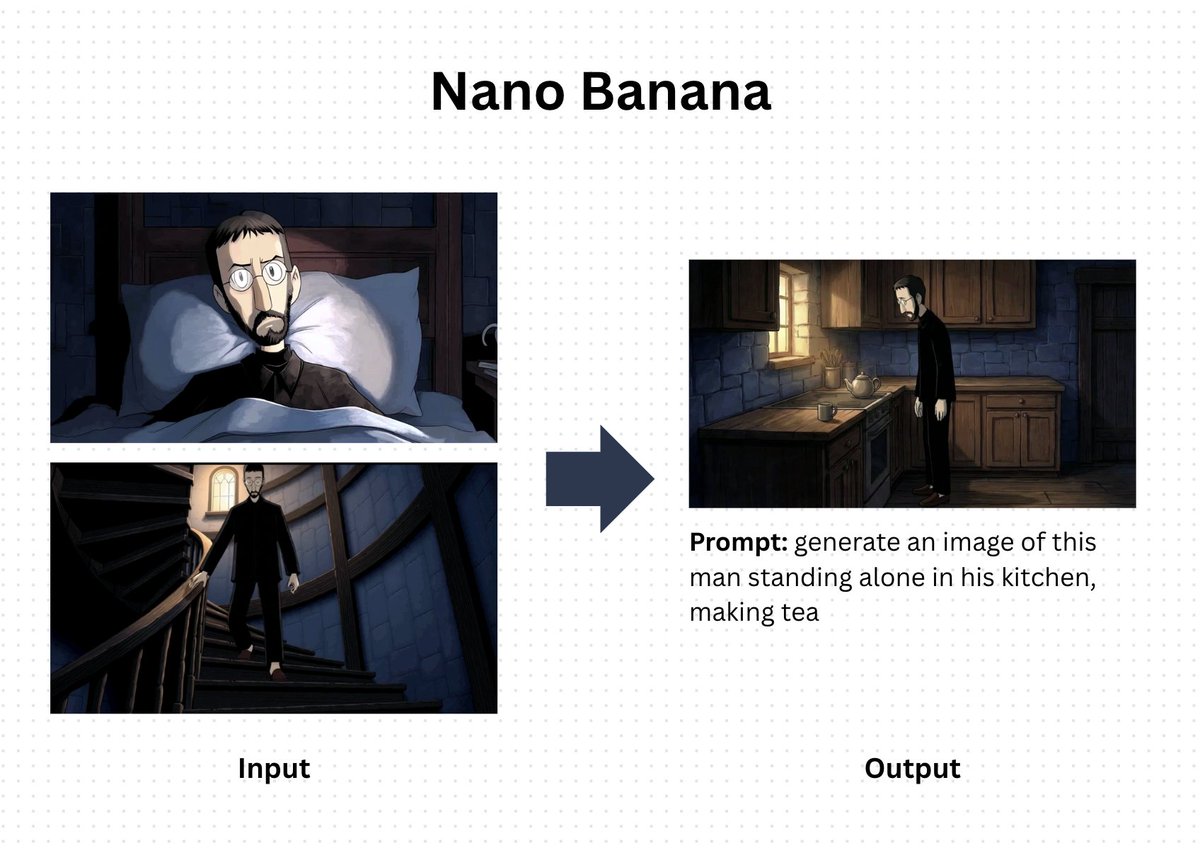
Nano Banana Prompt for Consistent Character Jumpshots
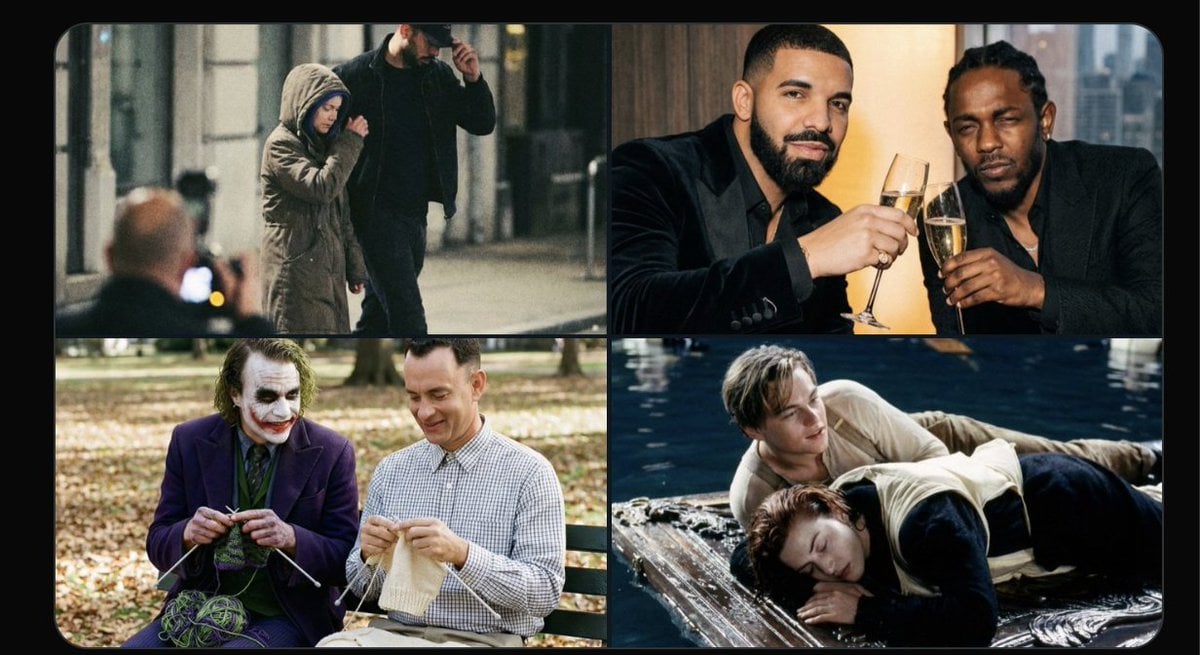
Cinematic Camera Instructions for Nano Banana Pro
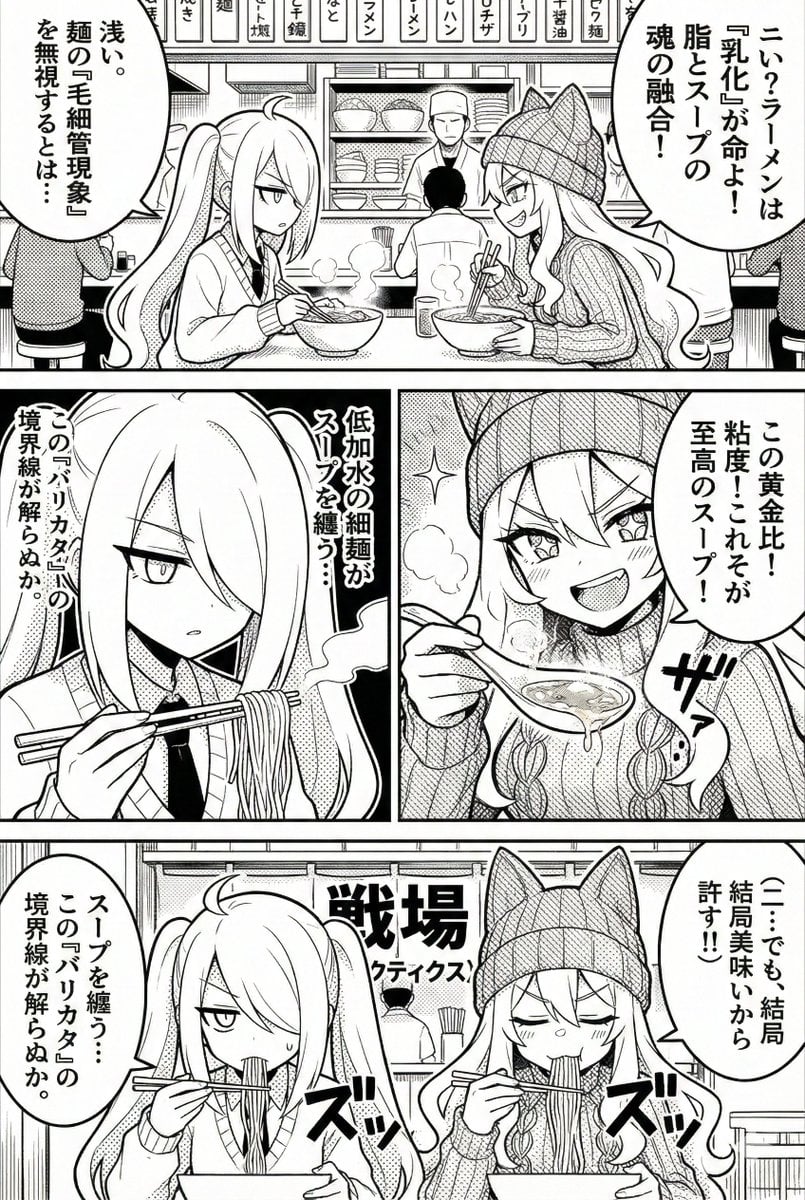
Manga Generation Prompt Template for Nano Banana Pro

Hyper-Realistic Commercial Food Photography Prompt for Gemini Nano Banana Pro
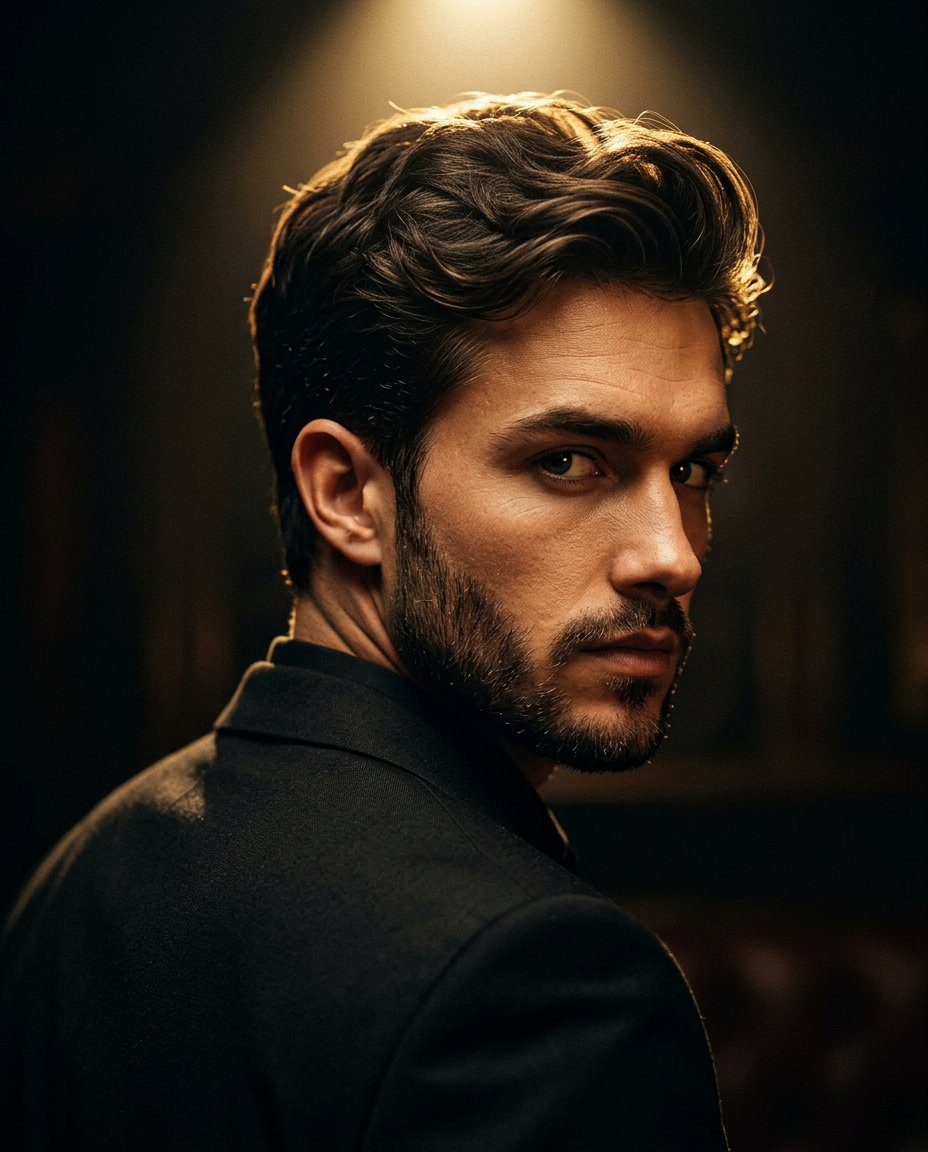
Cinematic Portrait Prompt for Google Nano Banana Pro
Make it yours
Indoor Group Flash Photo Prompt for Nano Banana works as-is. These are the safest ways to change it without losing the look.
Change one field
Copy a single group, rewrite it, and generate again so you can see what that field is doing.
Keep the frame, change the subject
Hold the composition and light of Indoor Group Flash Photo Prompt for Nano Banana, then swap wardrobe, props or the person for a new take.
| If the result… | Why | Fix |
|---|---|---|
| The result drifts from the preview | Too many fields changed at once. | Reuse Indoor Group Flash Photo Prompt for Nano Banana as-is first, then change one group — subject, light, or setting. |
| The model over-stylizes the scene | The prose prompt leaves finish and camera underspecified. | Add one camera or lighting sentence and stay on Nano Banana 2. |
More Nano Banana 2 templates
Other prompts made for Nano Banana 2.

Photorealistic Leaf Shaped Like a Dragon

K-Pop Idol Portrait Grid for Rapid Selection

Poetic Rain Forest Portrait During Golden Hour

Urban Street Portrait with Cartoon Inner Self Duo

Candid Nighttime Photo with Cat Prompt

High-Concept 3D Diorama Generation Prompt

Cinematic Futuristic Studio Portrait Template

Skincare Editorial Photography Collage Prompt

Hyper-Realistic Commercial Product Photography (Splash Effect)

Hyper-Realistic Nightclub Portrait Prompt
More image prompts
Fresh picks from across the catalog.
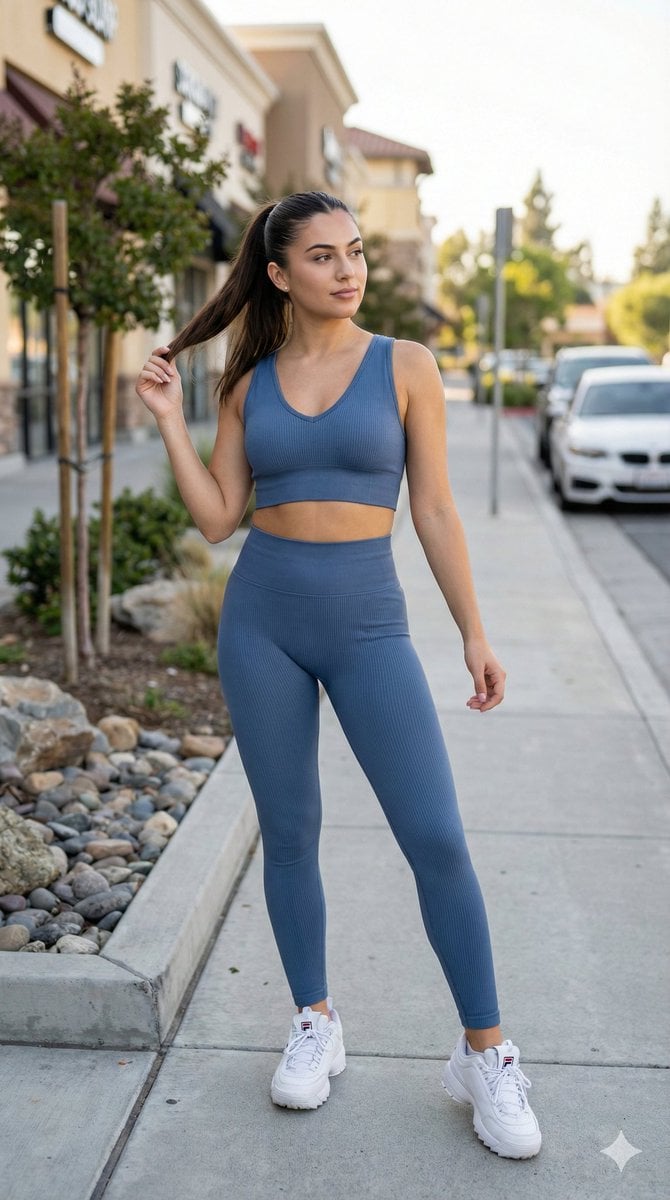
8K Cinematic Fitness Portrait on Suburban Sidewalk
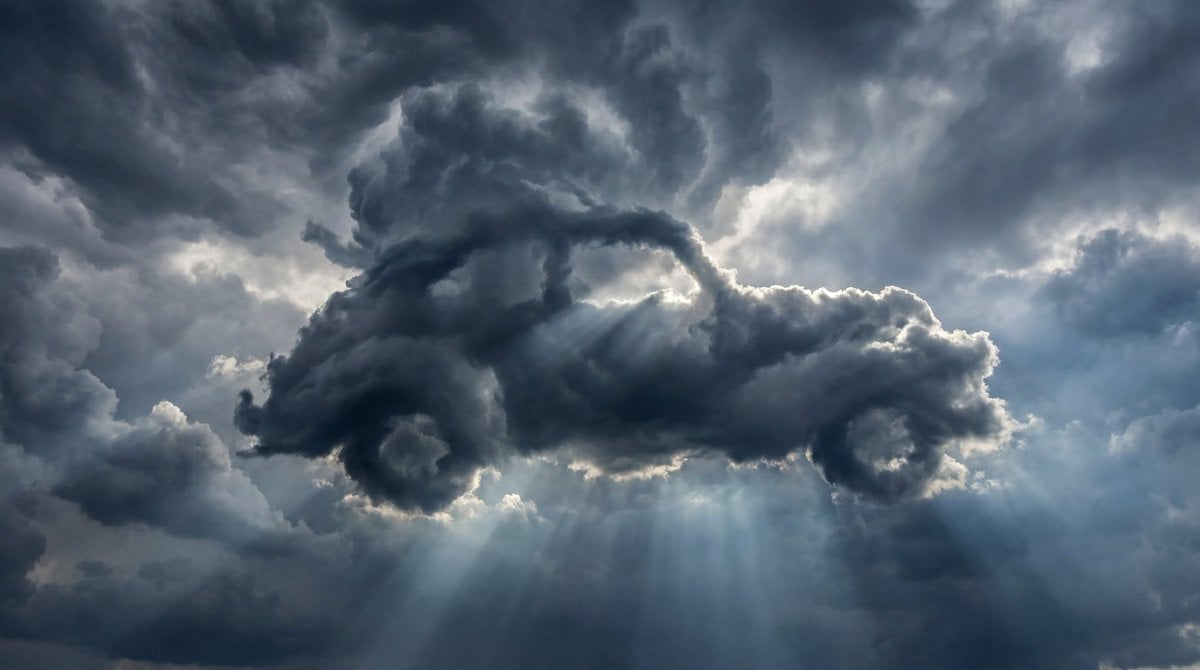
Dramatic Cloud Formation Illusion
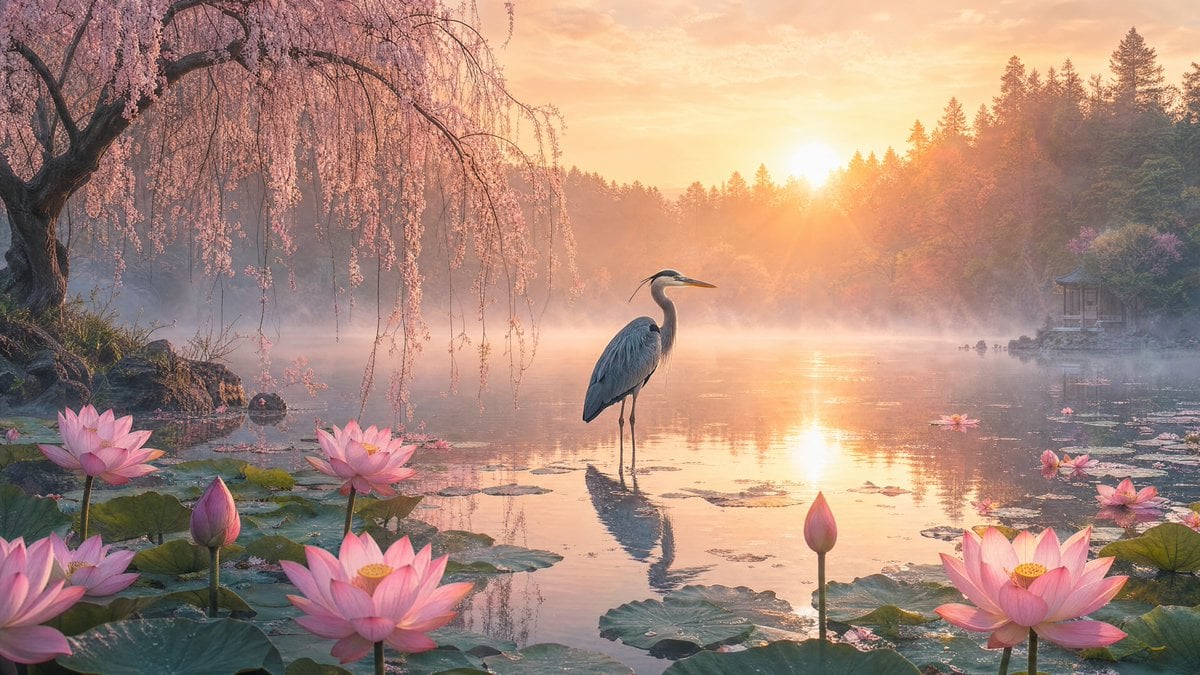
Misty Lotus Pond Heron Sunrise
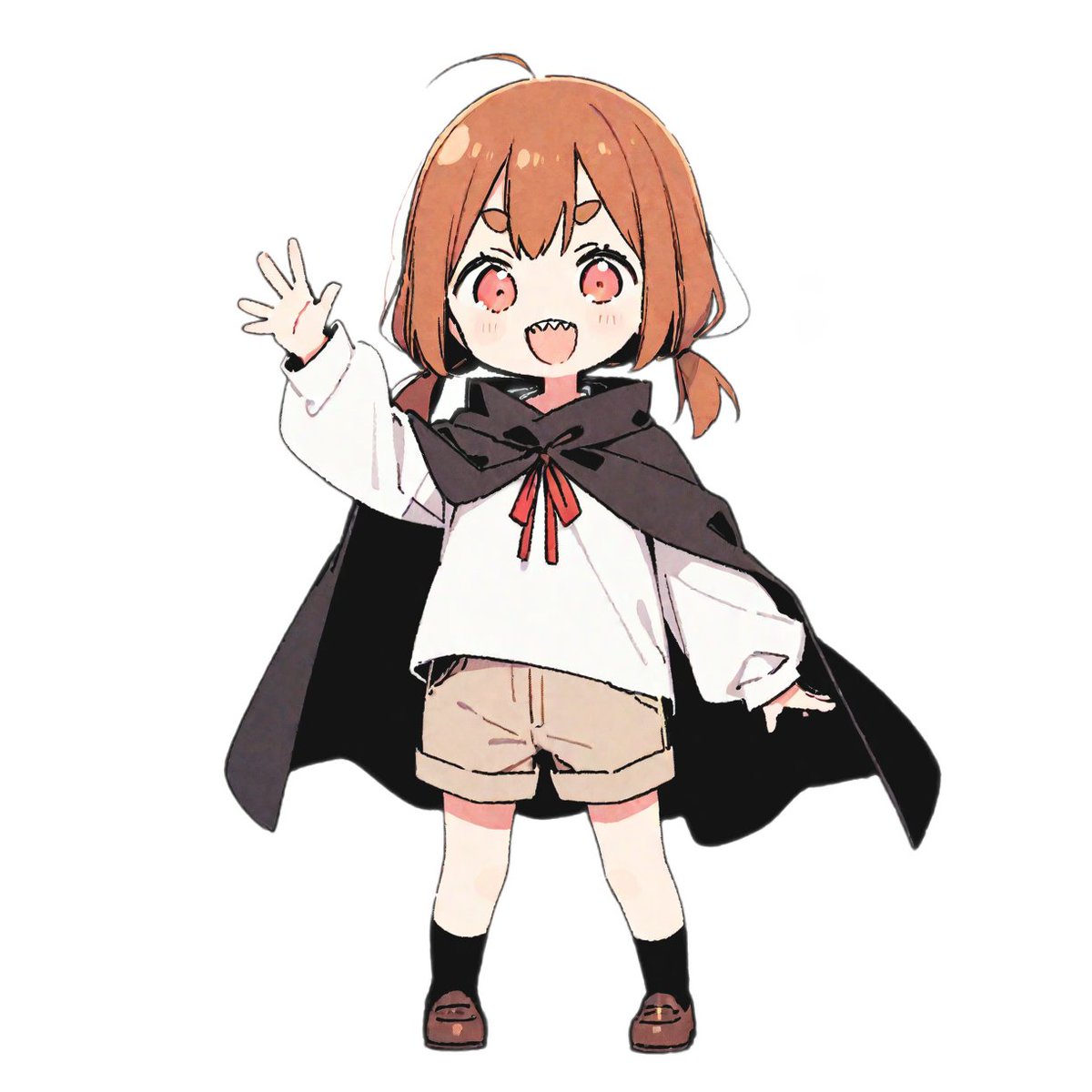
bit Retro Game Character Conversion Prompts
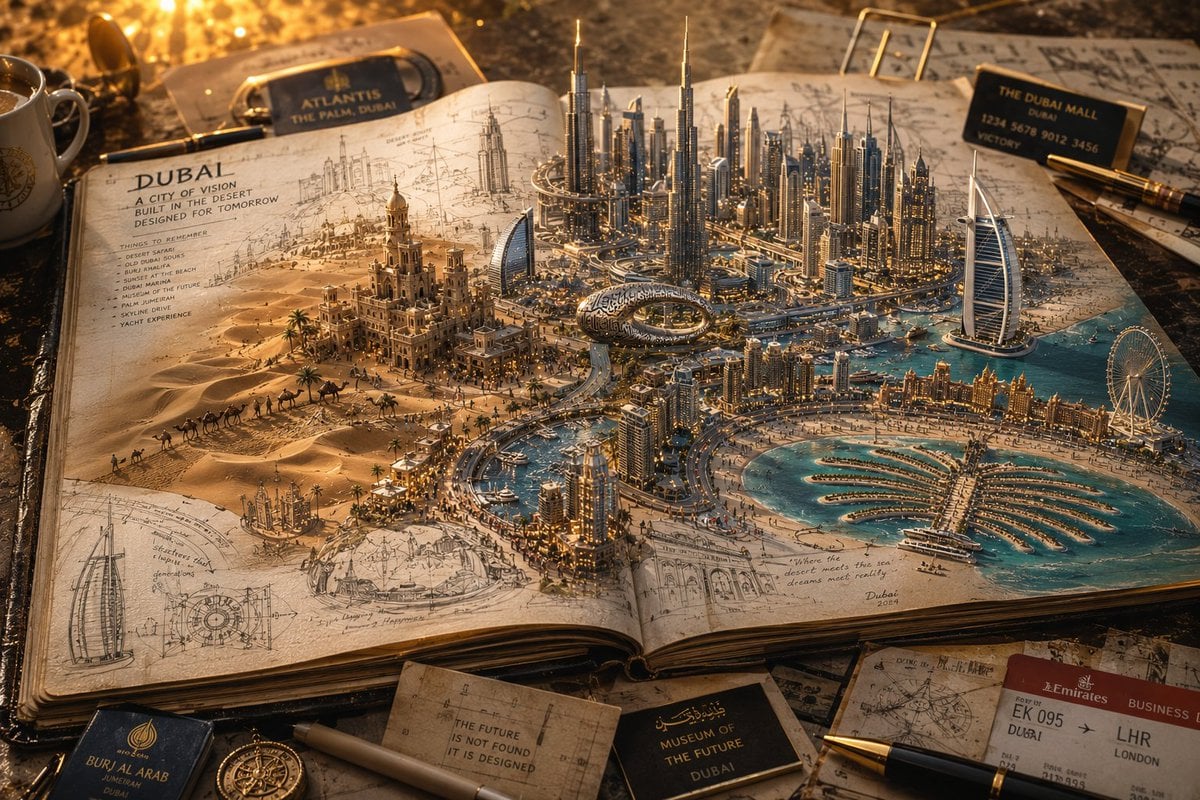
3D Notebook World Travel Poster
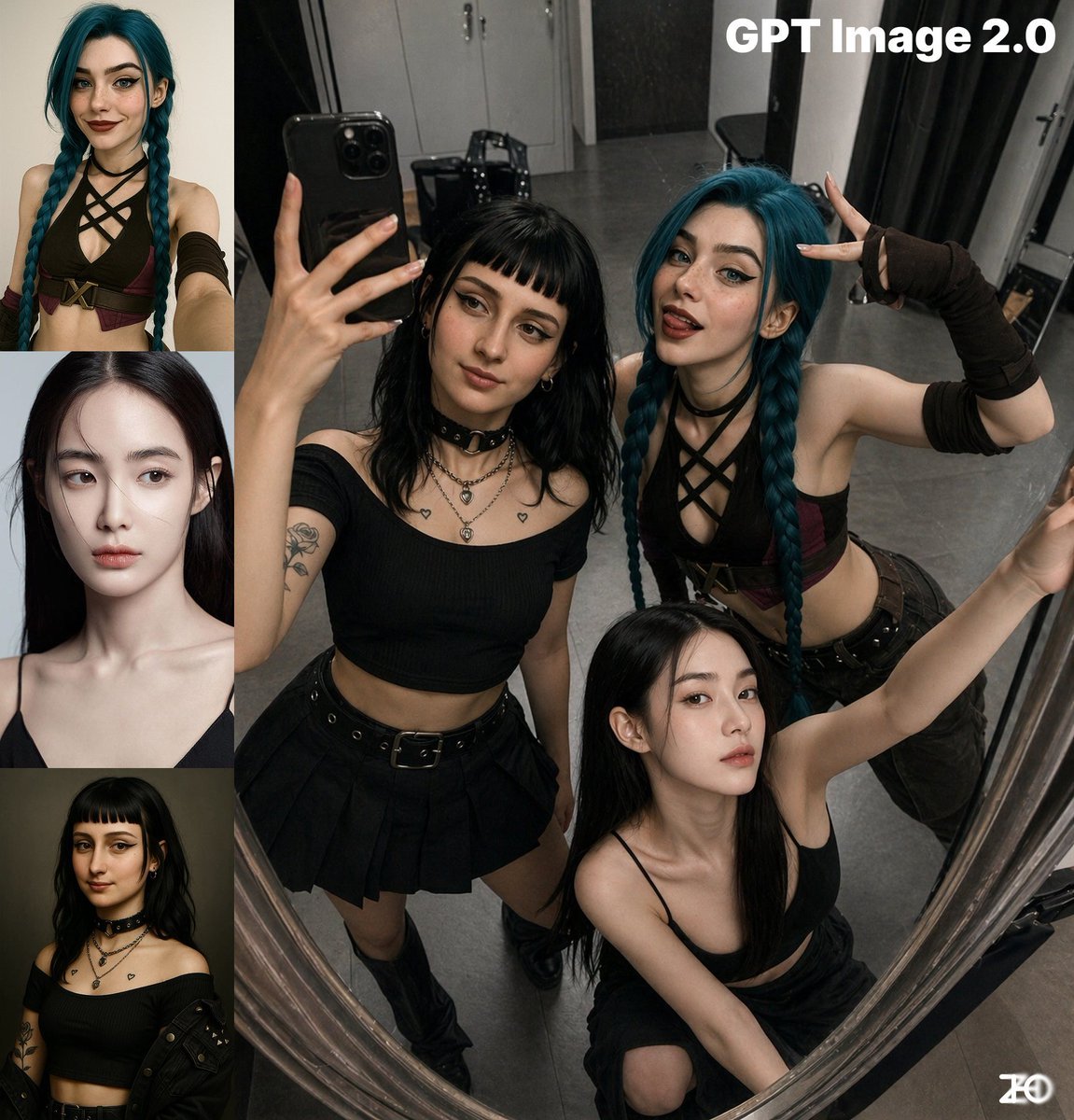
Top-View Mirror Selfie
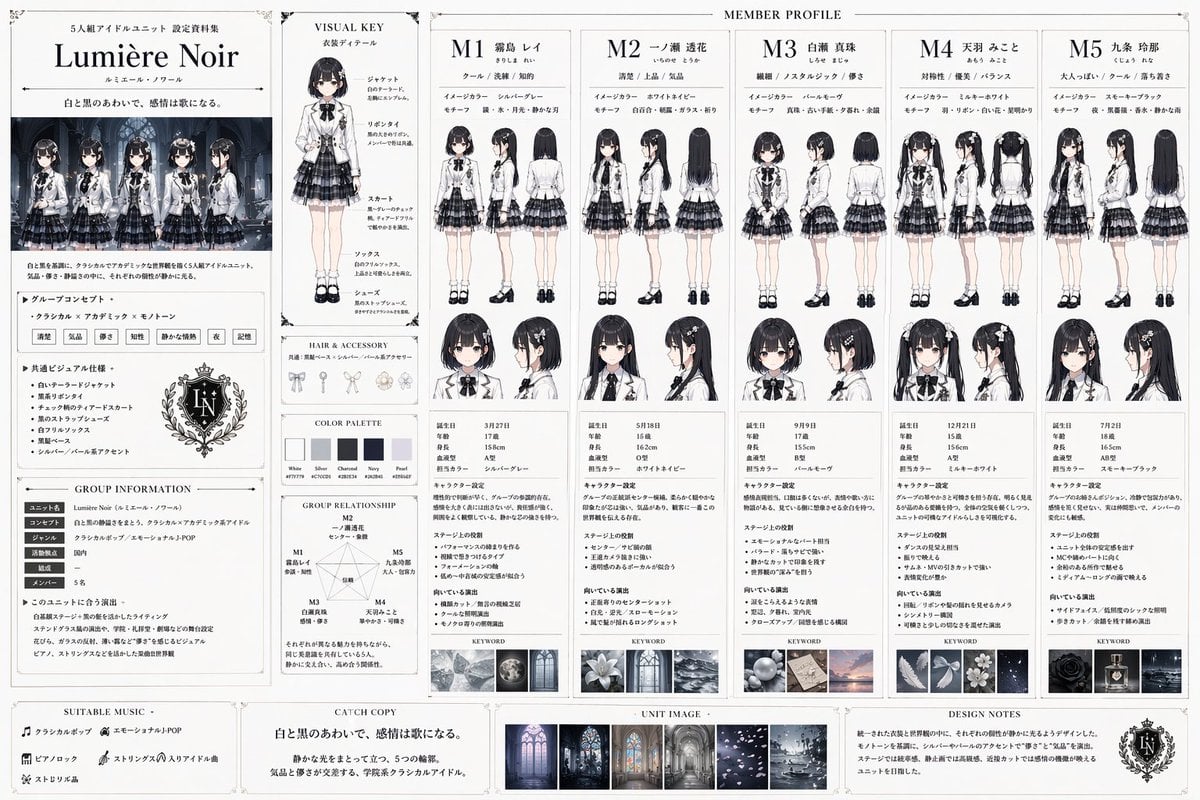
Idol Unit Concept Reference Sheet
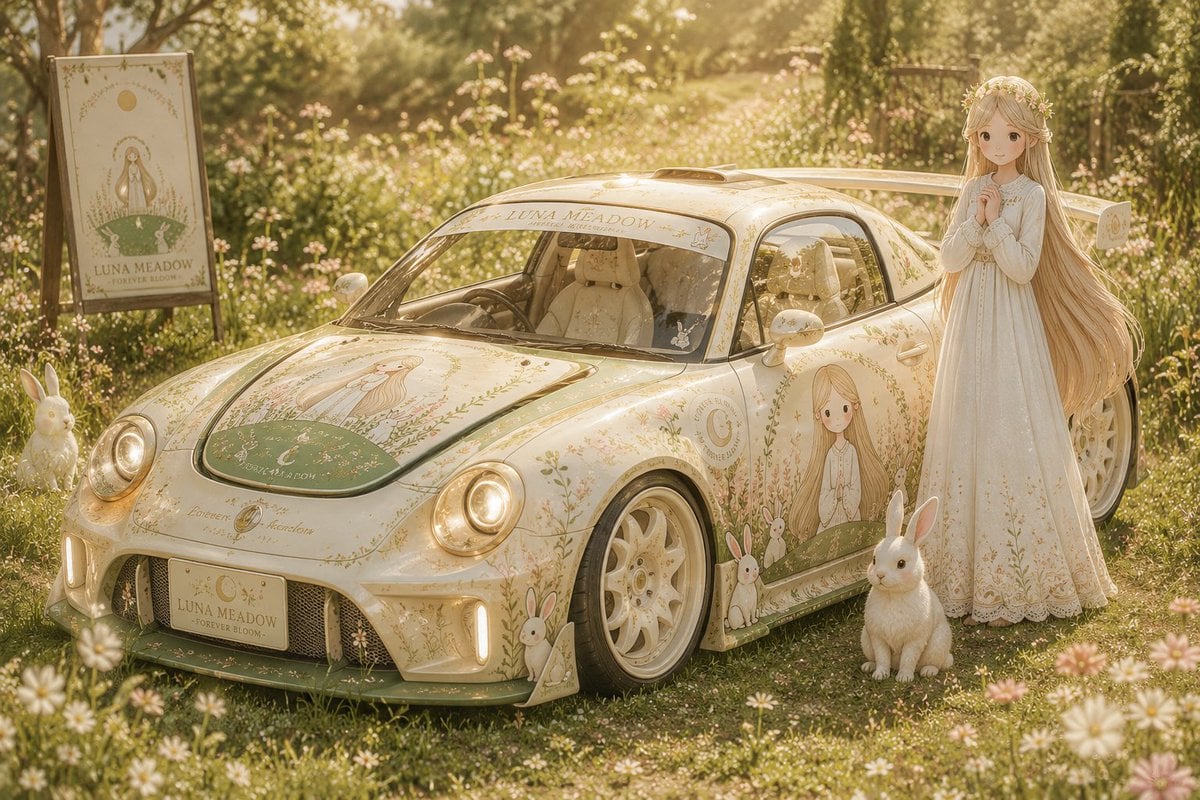
Custom Anime Itasha Vehicle Generator
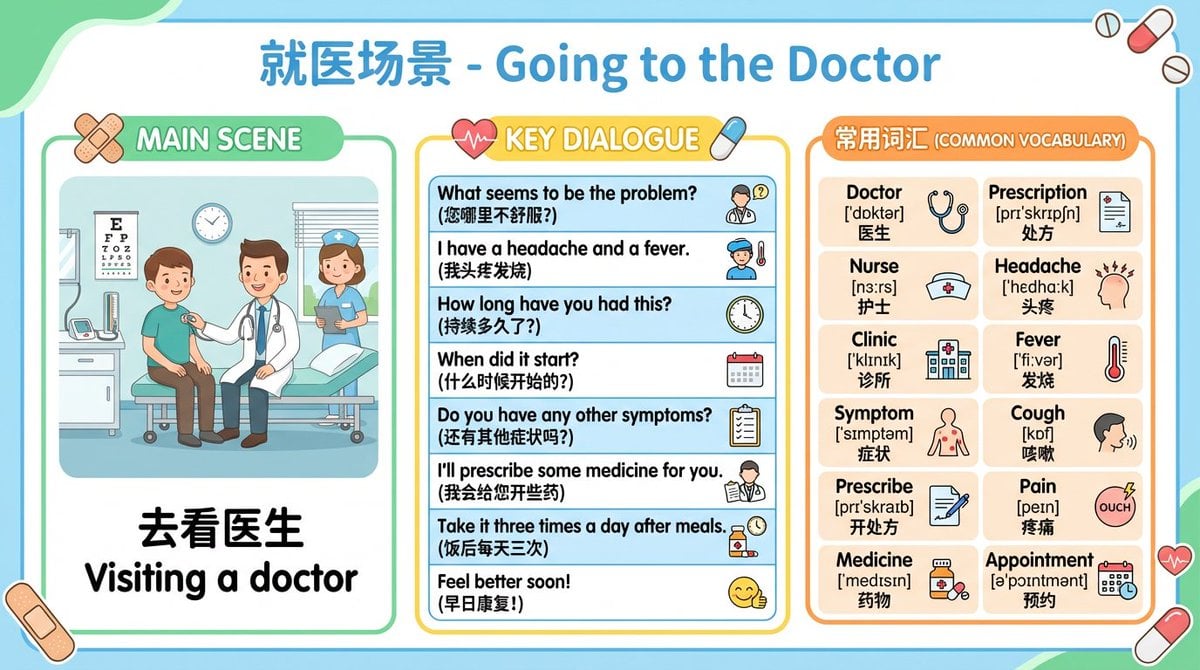
Batch study card generation prompts (physics, English, poetry)
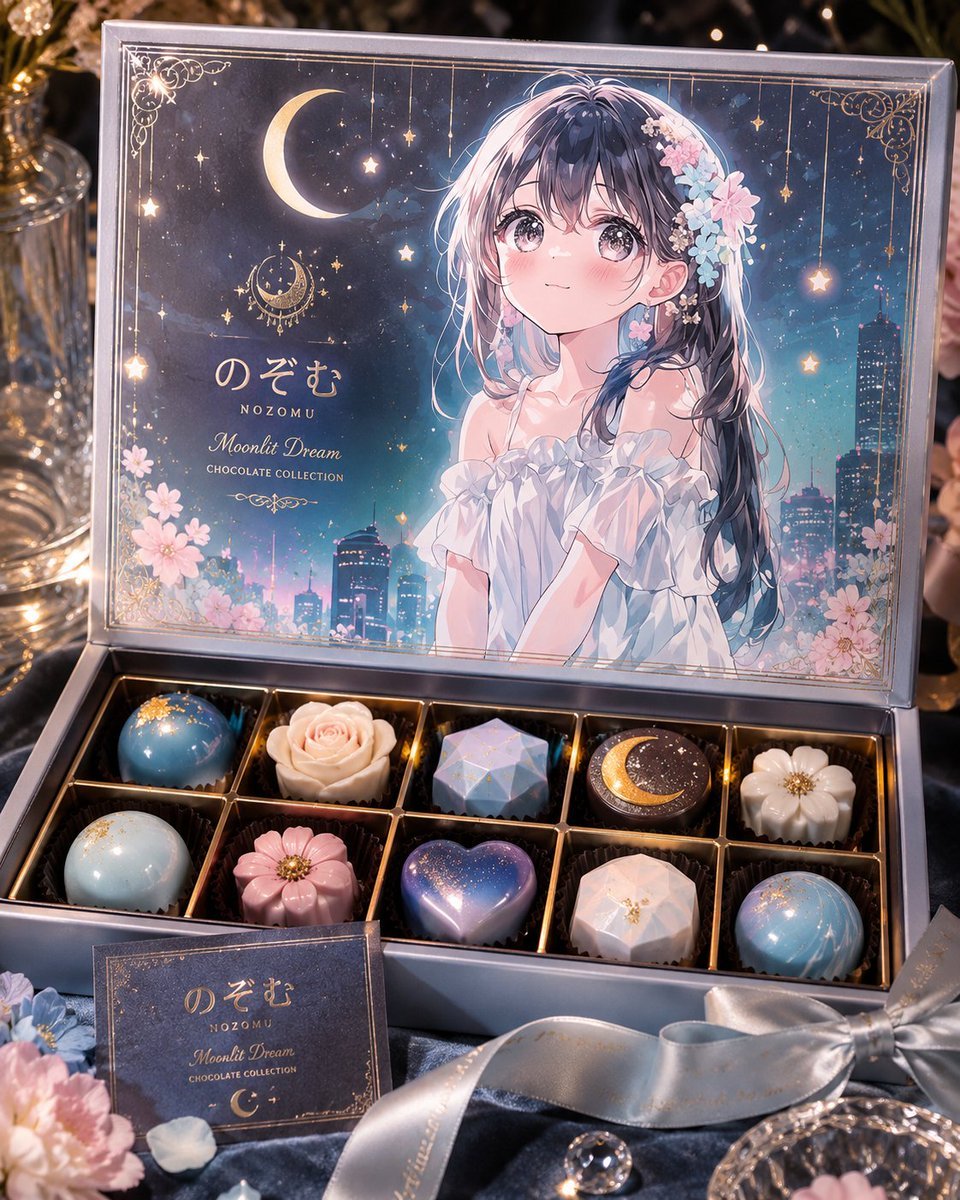
Moonlit Anime Chocolate Box
Browse template categories
Indoor Group Flash Photo Prompt for Nano Banana questions
How do I use the Indoor Group Flash Photo Prompt for Nano Banana template?
Add your photo if the template asks for one, edit the prompt if you like — the template's model and format are already selected — and press Generate. Your version opens in PicX Studio.
Can I customize the Indoor Group Flash Photo Prompt for Nano Banana template?
Yes. You can change the subject, setting, lighting, mood, format, and available model controls before creating your image.
Is the Indoor Group Flash Photo Prompt for Nano Banana template free?
Opening and editing this template is free. Generating uses credits, shown on the Generate button when you are signed in.
Which AI model should I use?
Start with Nano Banana 2, which is the model associated with this template. You can compare another compatible model for a different finish.
Looking for something else? Browse all templates.

Your photo, any look
Thousands of ready templates for every top image and video model, from one credit balance.