
Moonlit Anime Chocolate Box
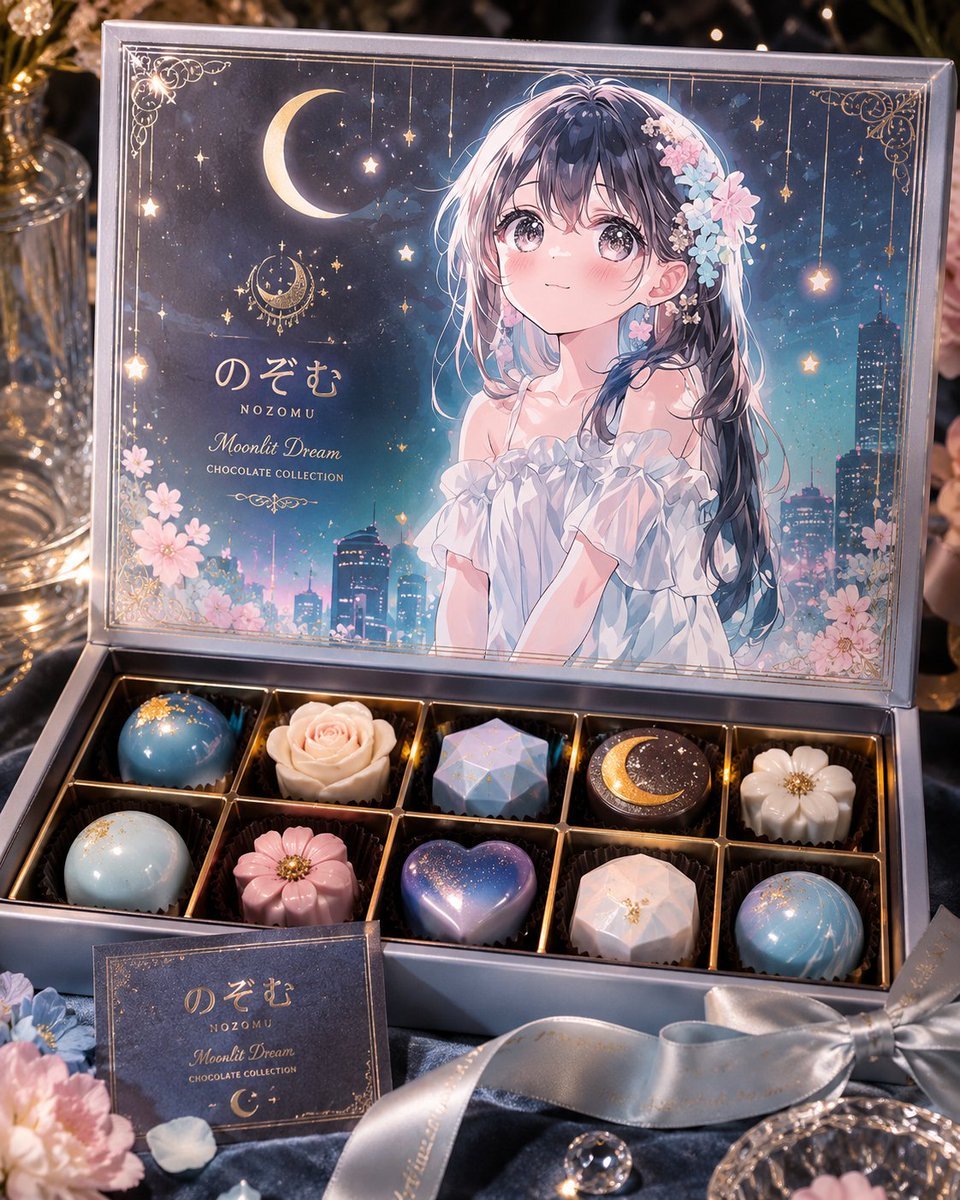
Creates a premium open chocolatier gift box with anime character lid art and ten celestial-themed bonbons for custom character merchandise concepts.
- Prompt included
- Model and format preset
- Free template
The prompt behind this image
Copy the exact prompt behind Moonlit Anime Chocolate Box, or open it in the studio and make it yours.
Goal: Create a luxurious open chocolate gift box inspired by an original anime girl character, styled as an exclusive limited-edition chocolatier package for {argument name="character name" default="Nozomu"}. Canvas: Square 4:5-ish product photography composition, close-up tabletop scene, elegant premium commercial lighting, shallow depth of field, warm bokeh and candlelike highlights. Main subject: An open rectangular luxury chocolate box with a hinged lid standing upright. The lid interior is printed as a full illustrated package design: a dreamy anime girl with long dark navy-to-pink iridescent hair, soft white off-shoulder ruffled dress, pastel blue and pink flower hair accessories, and a romantic night city background. The character’s face is intentionally covered by a centered soft pink rectangular placeholder panel. The lid art includes a crescent moon, hanging stars, ornate gold corner filigree, sakura flowers, a twilight skyline, and delicate gold border lines. Visible text on the lid: large Japanese-style brand text “のぞむ”, small romanization “NOZOMU”, cursive collection name “Moonlit Dream”, and small caps “CHOCOLATE COLLECTION”. Make the text look printed in elegant metallic gold/cream typography. Chocolate tray: The open box contains exactly 10 individual chocolates arranged in a 2-row by 5-column grid inside gold dividers and dark paper cups. Count and design the chocolates as follows: 1 glossy sky-blue dome with gold flakes; 1 cream rose-shaped chocolate; 1 pale blue faceted gemstone chocolate; 1 dark round chocolate with a gold crescent moon and starry speckles; 1 white flower-shaped chocolate with a gold center; 1 pale blue-white speckled dome; 1 pink flower-shaped chocolate with gold center; 1 glossy purple-blue heart chocolate with starry sparkle; 1 pale pink faceted gemstone chocolate with gold accents; 1 glossy blue marbled sphere with fine gold celestial lines. Foreground details: Add a small matching product card in front of the box with the same branding text “のぞむ”, “NOZOMU”, “Moonlit Dream”, “CHOCOLATE COLLECTION”, and a small crescent moon. Include a satin silver ribbon bow on the lower right, scattered pastel flowers on the lower left, crystal glassware, reflective beads or gems, and dark silky fabric underneath. Visual style: Hyper-detailed premium product photo mixed with anime packaging illustration, magical moonlit palette of navy, powder blue, blush pink, ivory, and metallic gold. Use glossy chocolate textures, embossed foil details, realistic reflections on the box, and a luxurious handmade confectionery aesthetic. Constraints: Keep exactly 10 chocolates, keep the open-box composition, preserve the Japanese brand text, avoid extra labels or watermarks, and maintain the character as a printed illustration on the lid rather than a real person.
How to use Moonlit Anime Chocolate Box in 3 steps
- 1Upload ImagePNG, JPG or paste
Add your photo
Upload the photo the template builds on. The prompt, model and format are already set.
- 2…a portrait of your subject in softgolden-hour light, 85mm…
Personalize
Edit the subject and creative details for your destination.
- 3Generate
Generate
Press Generate — your image is created in PicX Studio, so you can compare it with the original and refine one variable at a time.
More like this
Templates with the same subject, style or setup. Open one to see its prompt.

Moonlit Ghost Lotus Anime Portrait
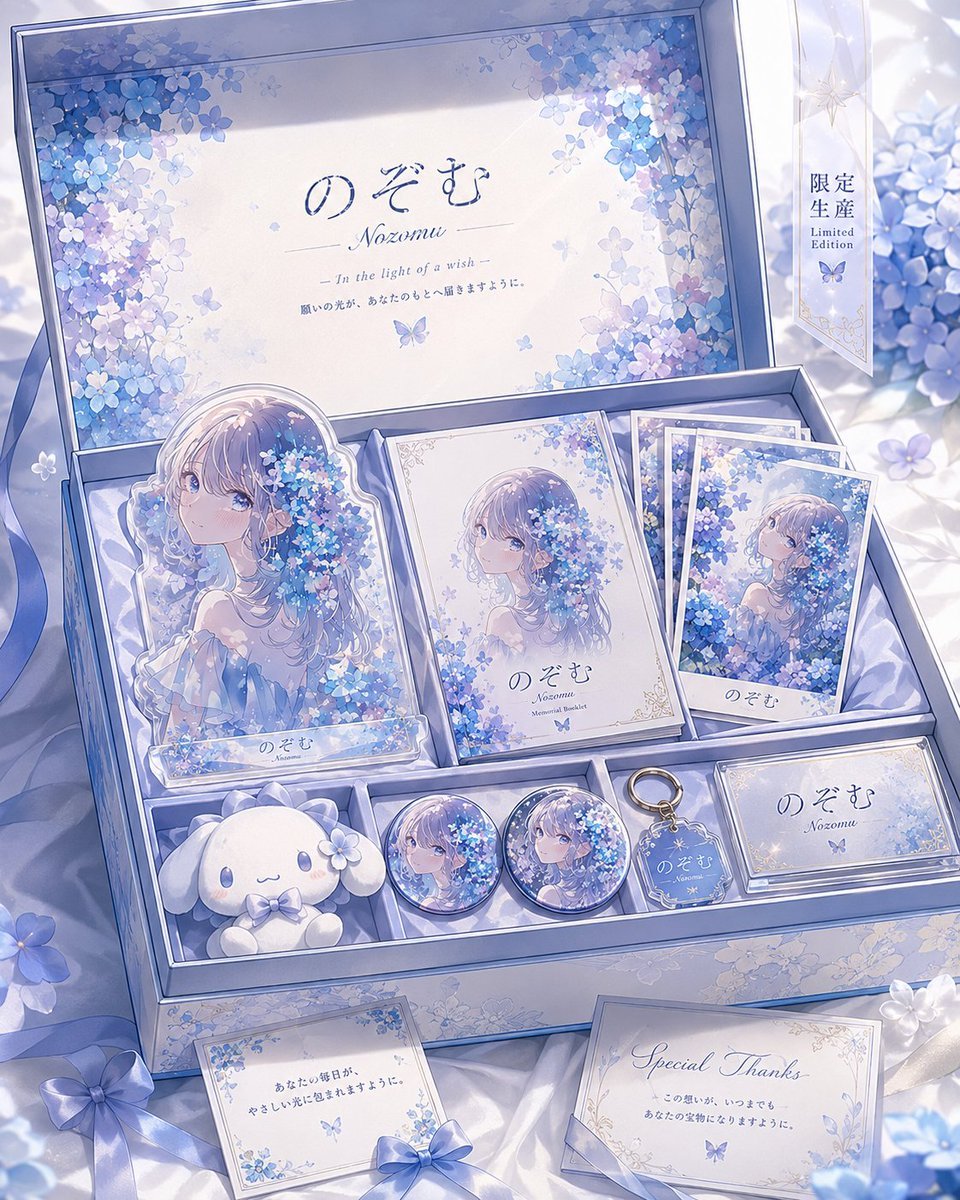
Hydrangea Anime Collector Box
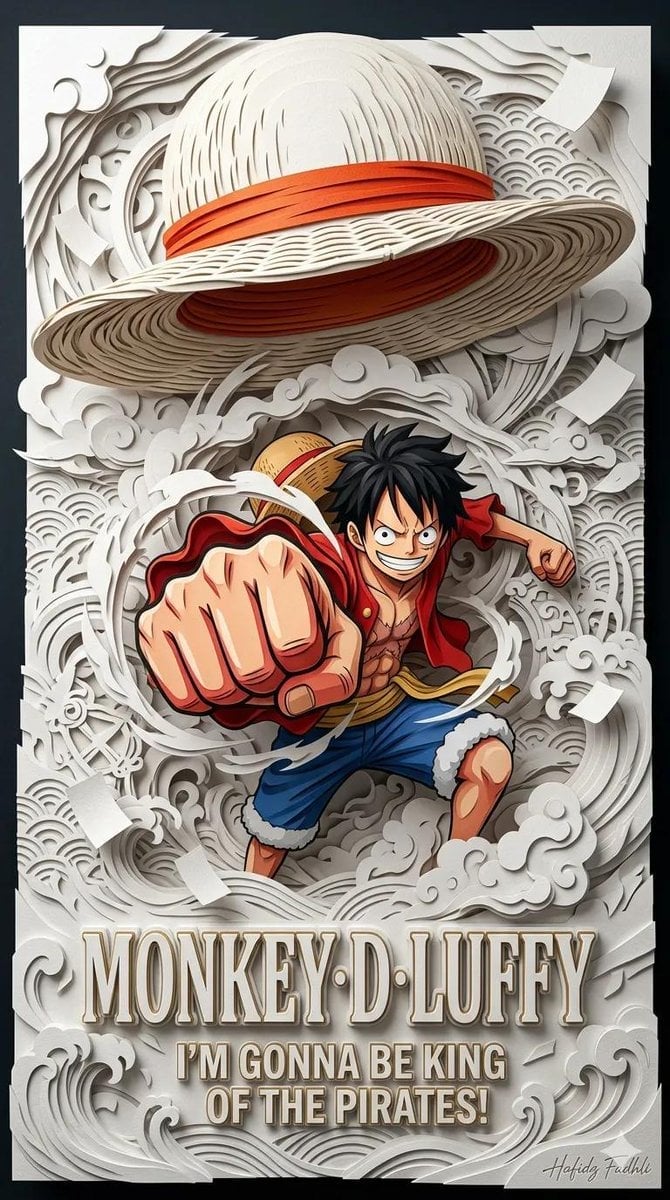
Master Papercraft Shadow Box — Anime Hero Emerging from Paper Waves

Cel 2D Finale Fireworks

Cel 2D Garden Maze

Cel 2D Rooftop Concert

Cel 2D Bicycle Coast

Cel 2D Castle Gate

Cel 2D Kitchen Chaos

Cel 2D Carnival Ride

Cel 2D Rainy Bus Stop

Cel 2D Space Dock
Make it yours
Moonlit Anime Chocolate Box works as-is. These are the safest ways to change it without losing the look.
Change one field
Copy a single group, rewrite it, and generate again so you can see what that field is doing.
Keep the frame, change the subject
Hold the composition and light of Moonlit Anime Chocolate Box, then swap wardrobe, props or the person for a new take.
| If the result… | Why | Fix |
|---|---|---|
| The result drifts from the preview | Too many fields changed at once. | Reuse Moonlit Anime Chocolate Box as-is first, then change one group — subject, light, or setting. |
| The model over-stylizes the scene | The prose prompt leaves finish and camera underspecified. | Add one camera or lighting sentence and stay on GPT Image 2. |
More GPT Image 2 templates
Other prompts made for GPT Image 2.

Six VTuber Japanese Logo Sheet

Realistic Portrait of Woman and Deer

The Vista Modular Condo Poster

AI Model Routing Comparison Infographic

2.5D Anime Art Board

Isometric Productivity Desk Scene

New York Double Exposure Poster

Four-Panel AI Landscape Comparison

Japanese Tatami Lifestyle Magazine Cover

NESCAFÉ Coffee Map Poster
More image prompts
Fresh picks from across the catalog.
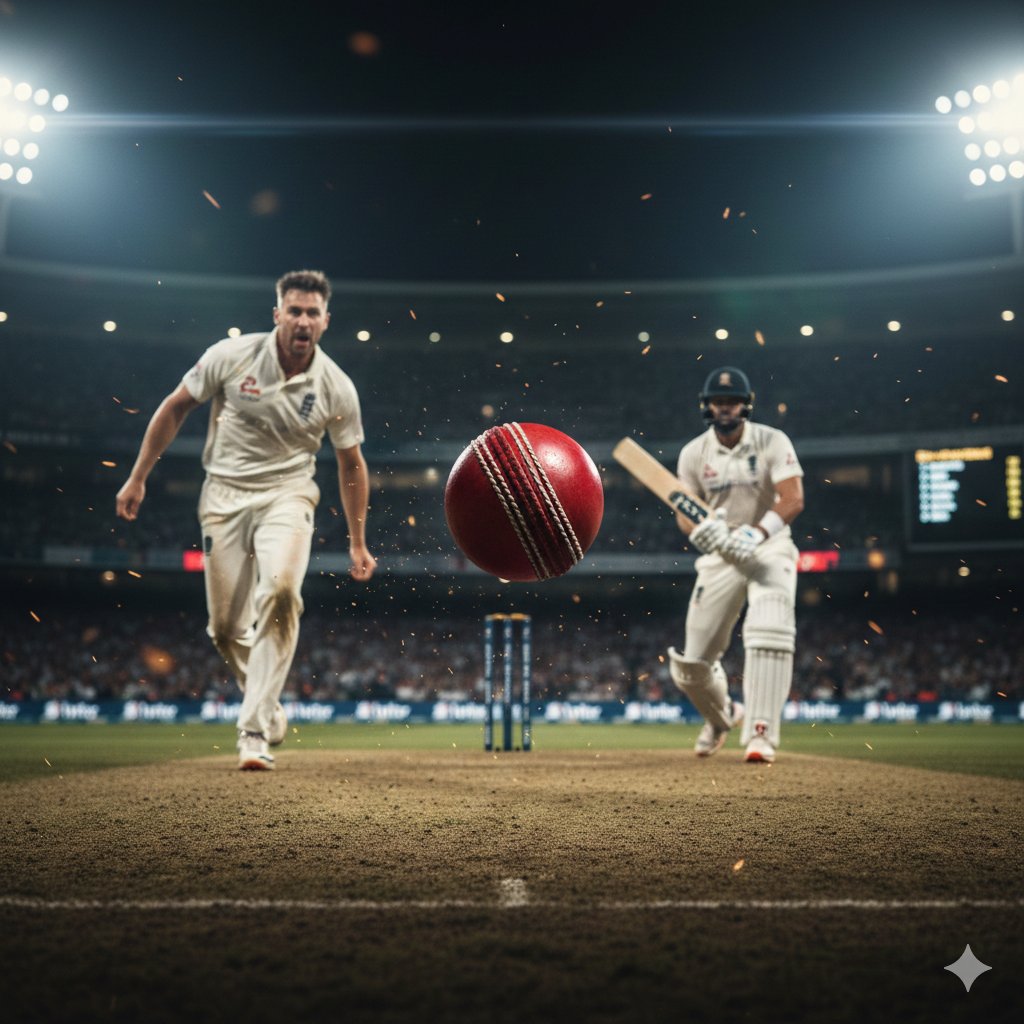
Hyper-realistic cinematic cricket scene prompt for Gemini App
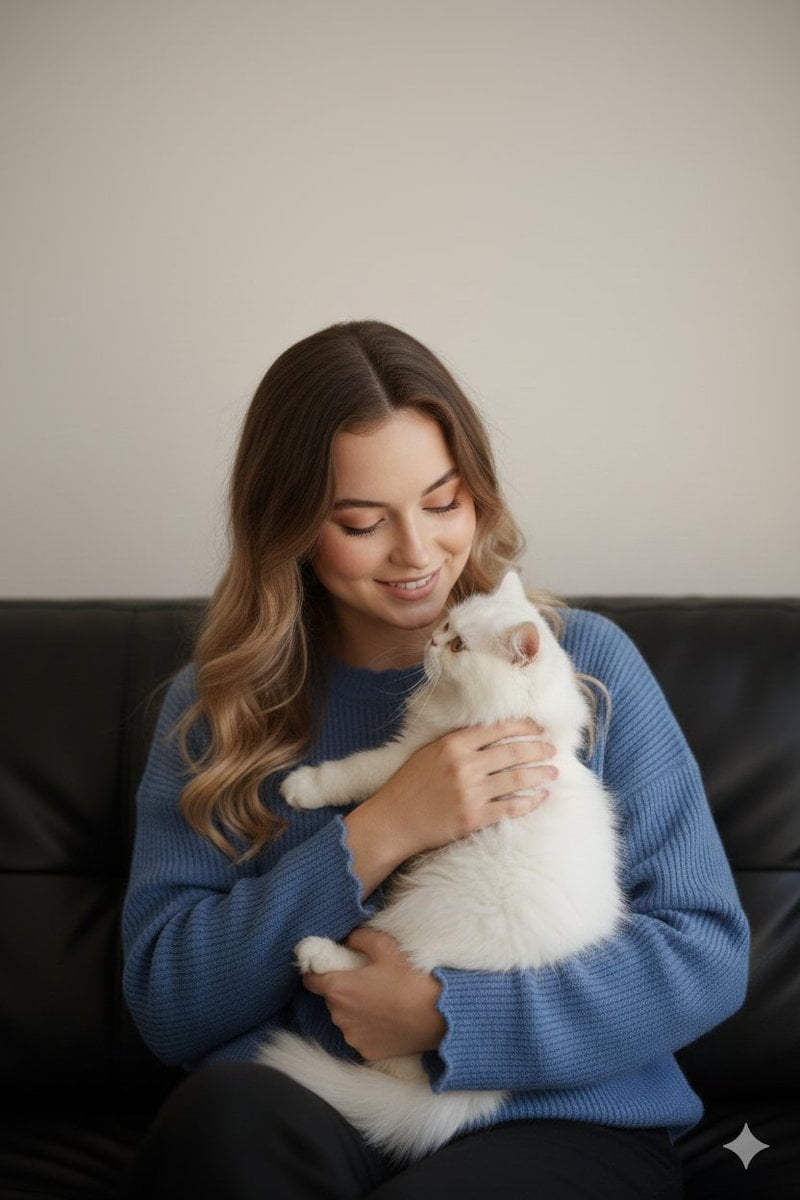
Ultra-Realistic Portrait of Woman Hugging a Persian Cat
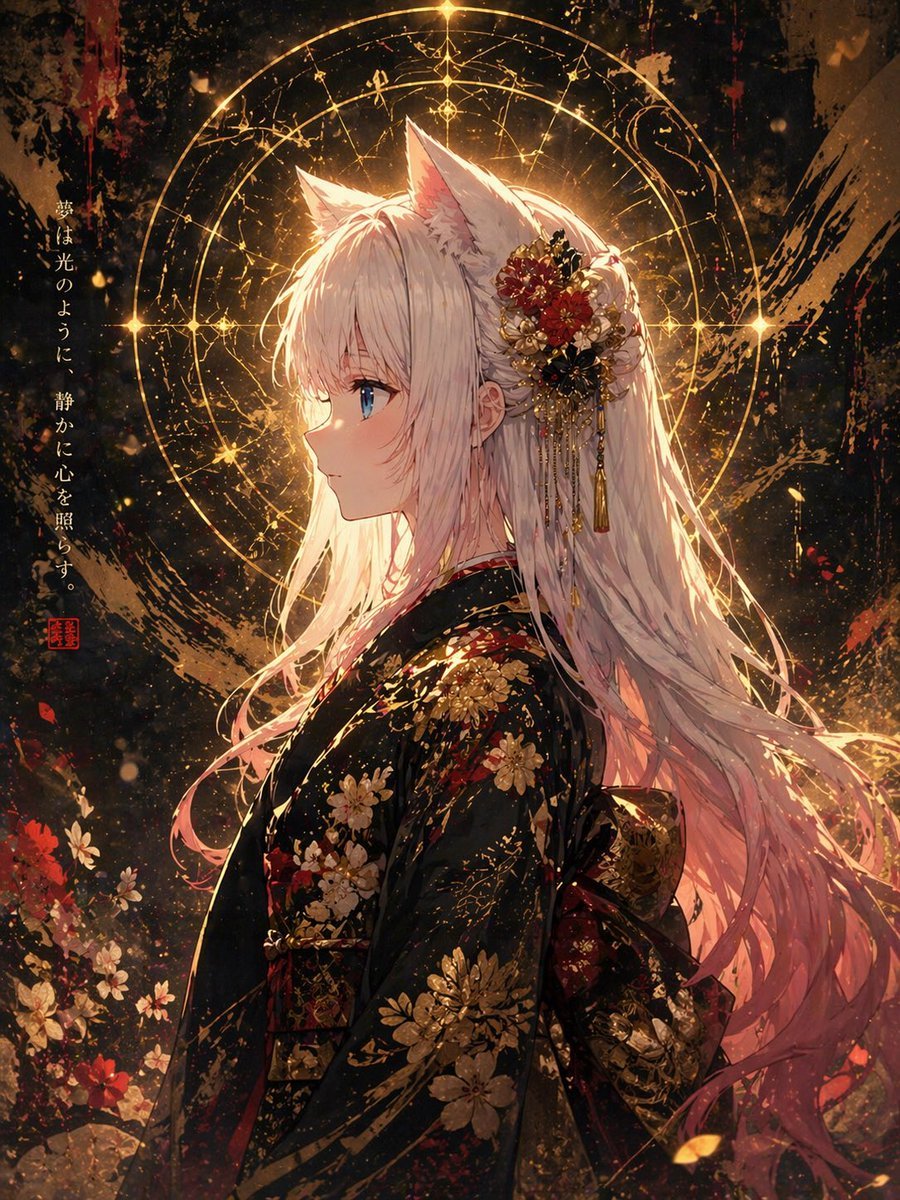
Fox Spirit Kimono Portrait
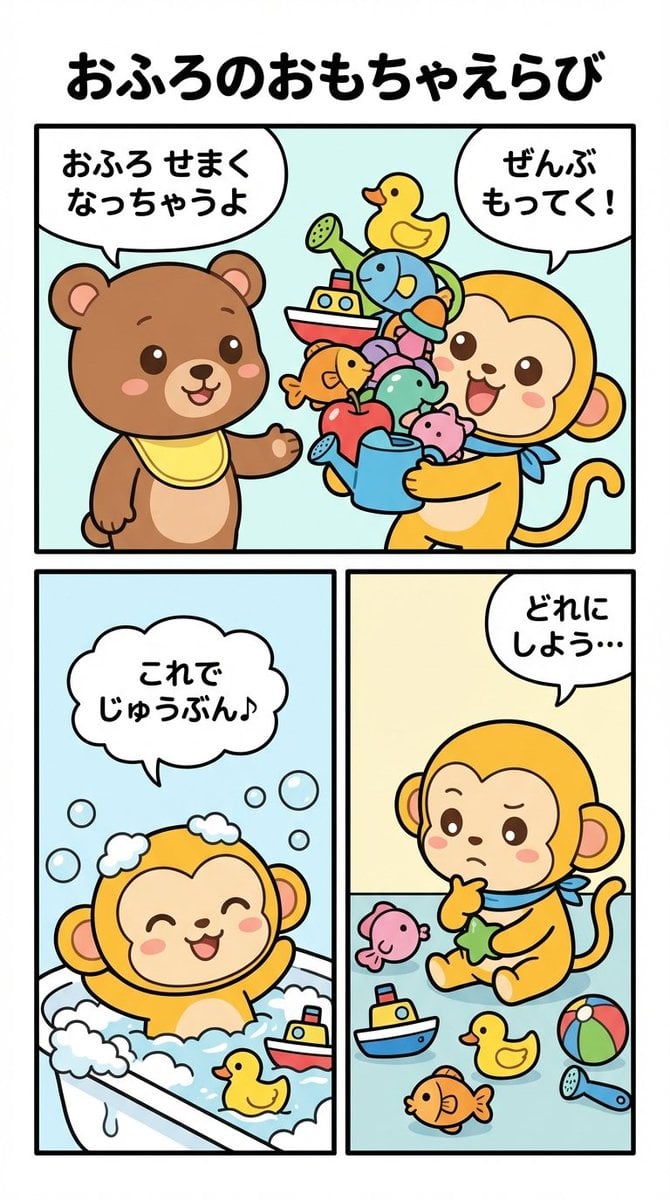
Four-Panel Manga Prompt: Choosing Bath Toys
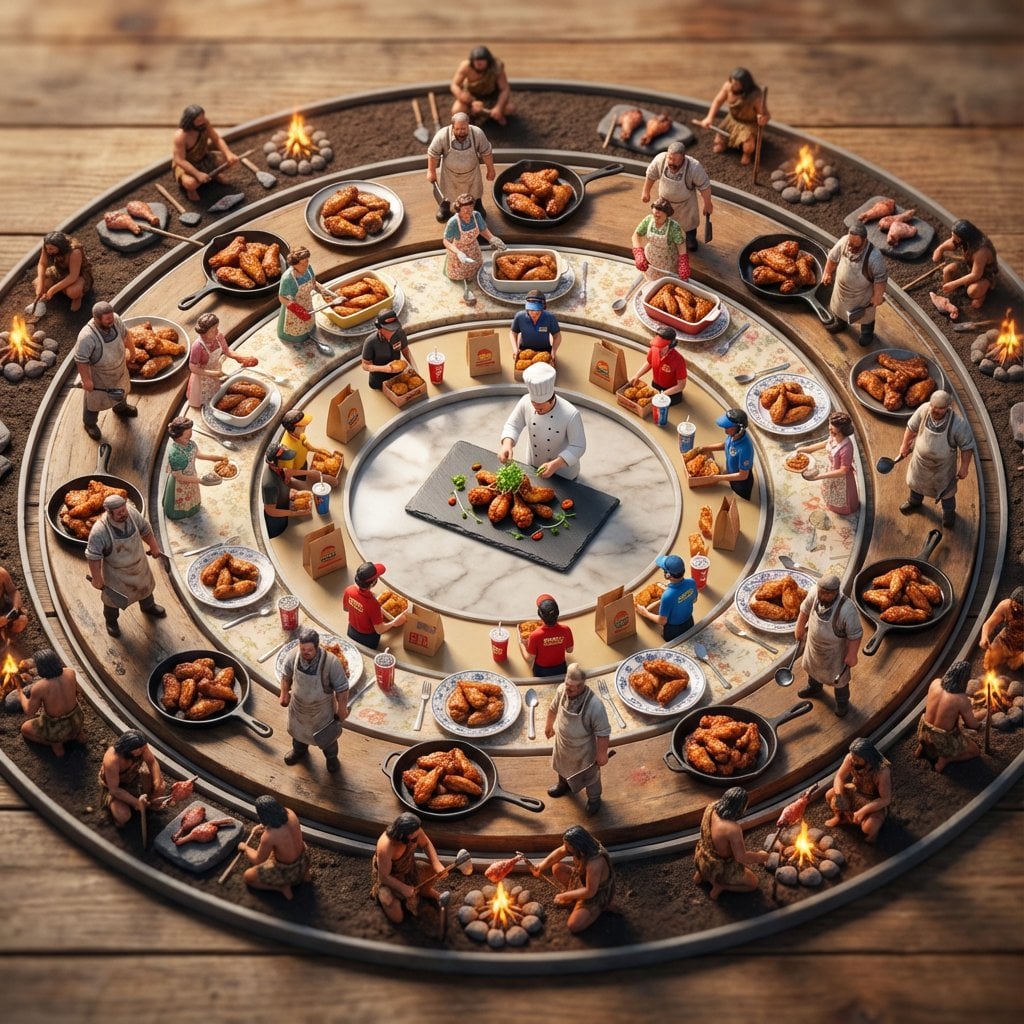
Food History Diorama in Mandala Format (Spicy Chicken Wings)
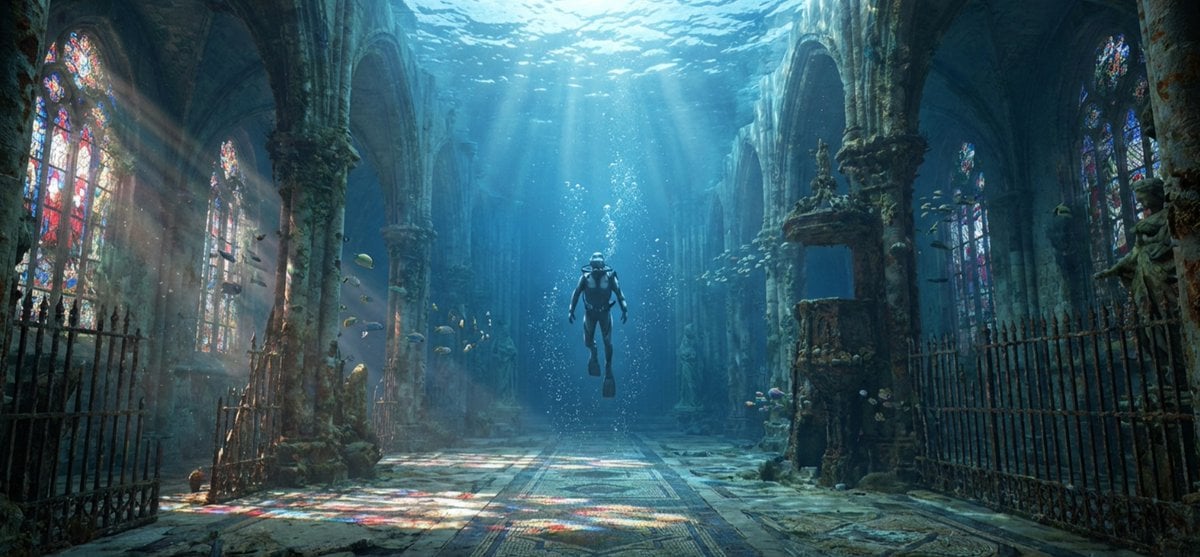
Cinematic rainy street, underwater cathedral, and design-to-photo
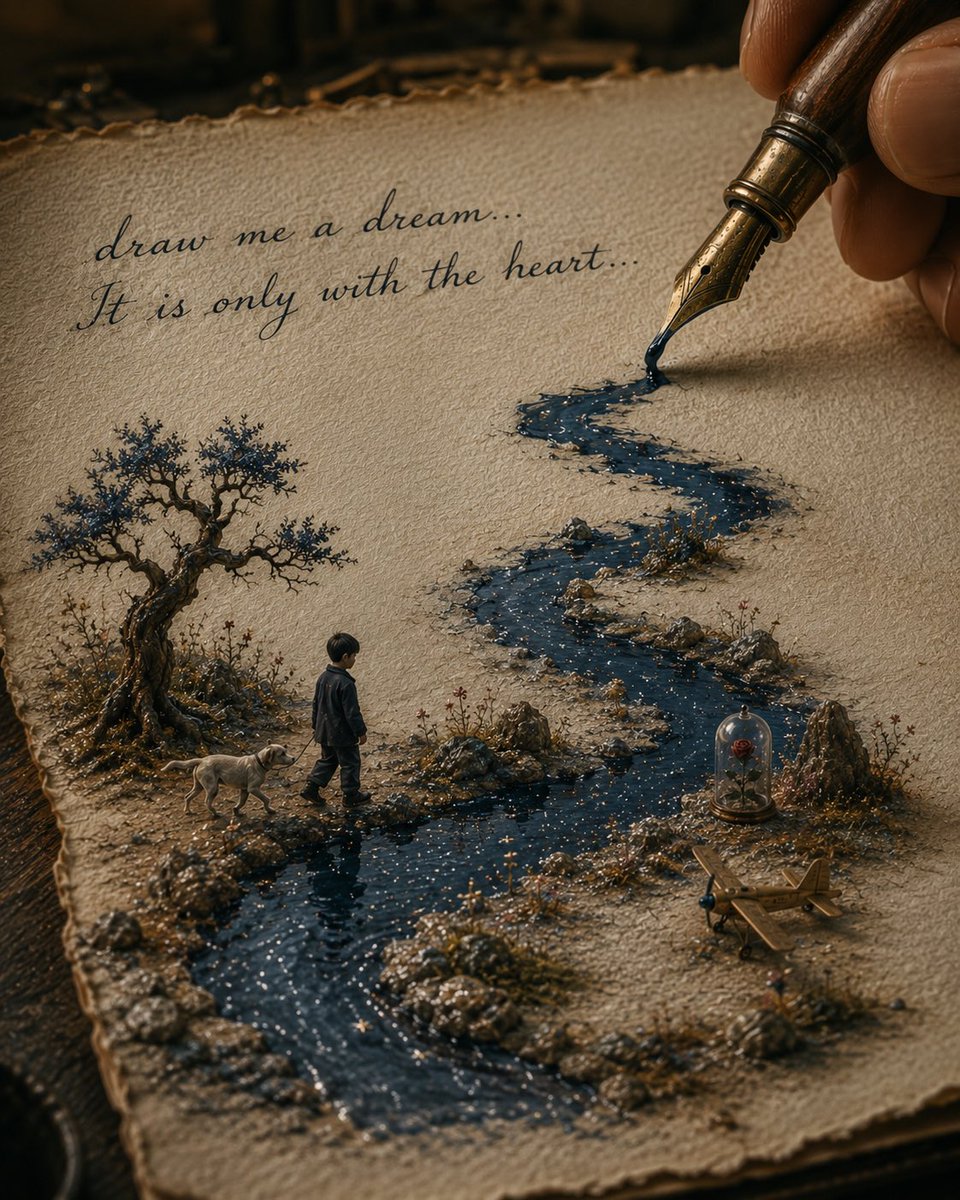
Ink River Fairy Tale Diorama
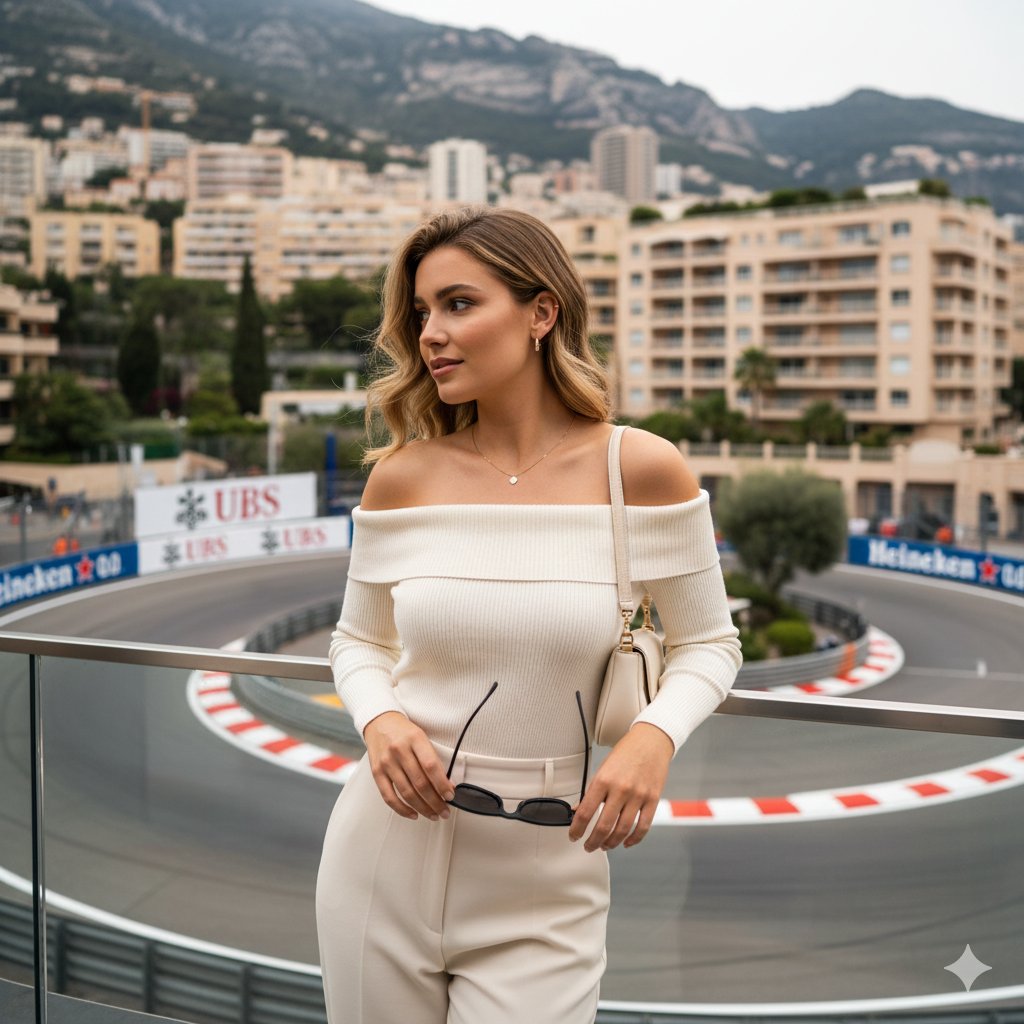
High-end lifestyle editorial image prompt for a young woman at Fairmont Hairpin
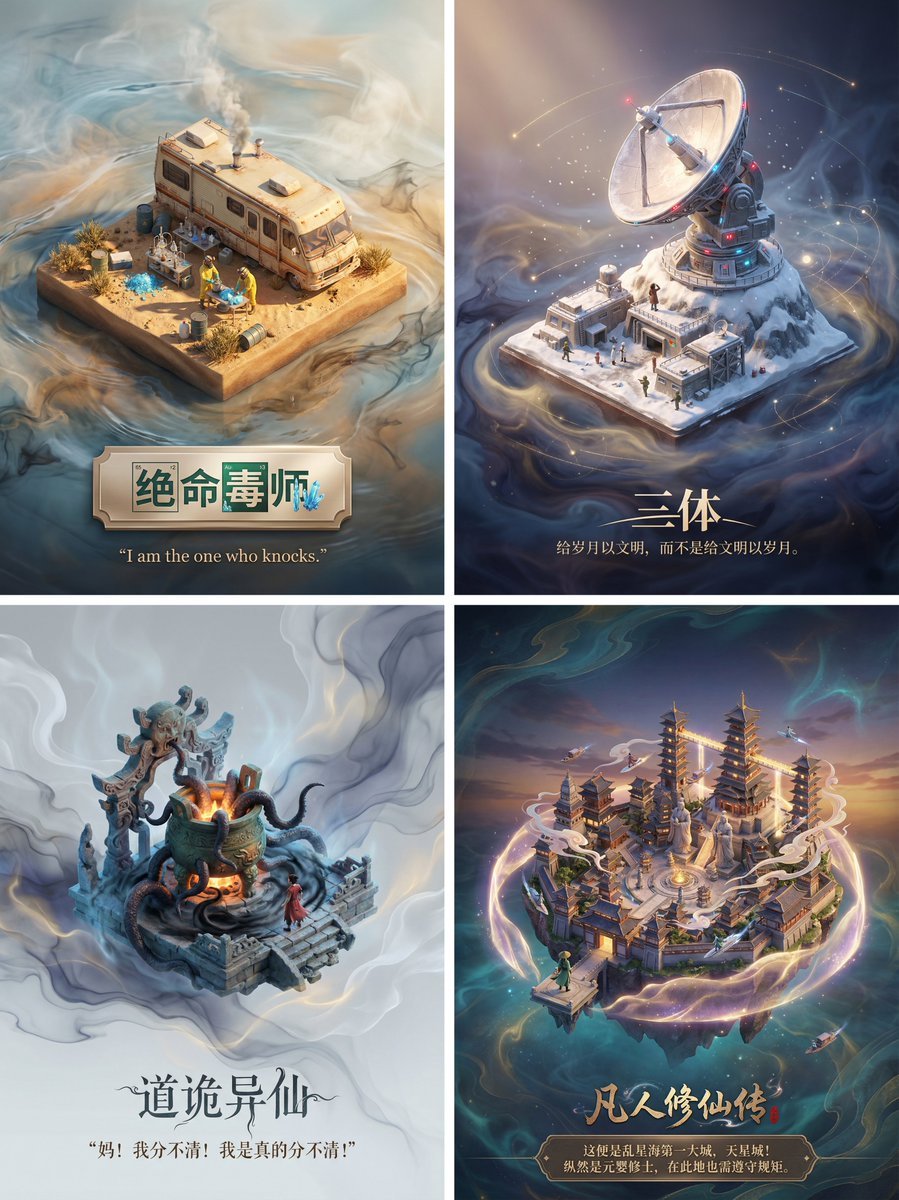
3D Diorama Poster for Film/Novel Scenes
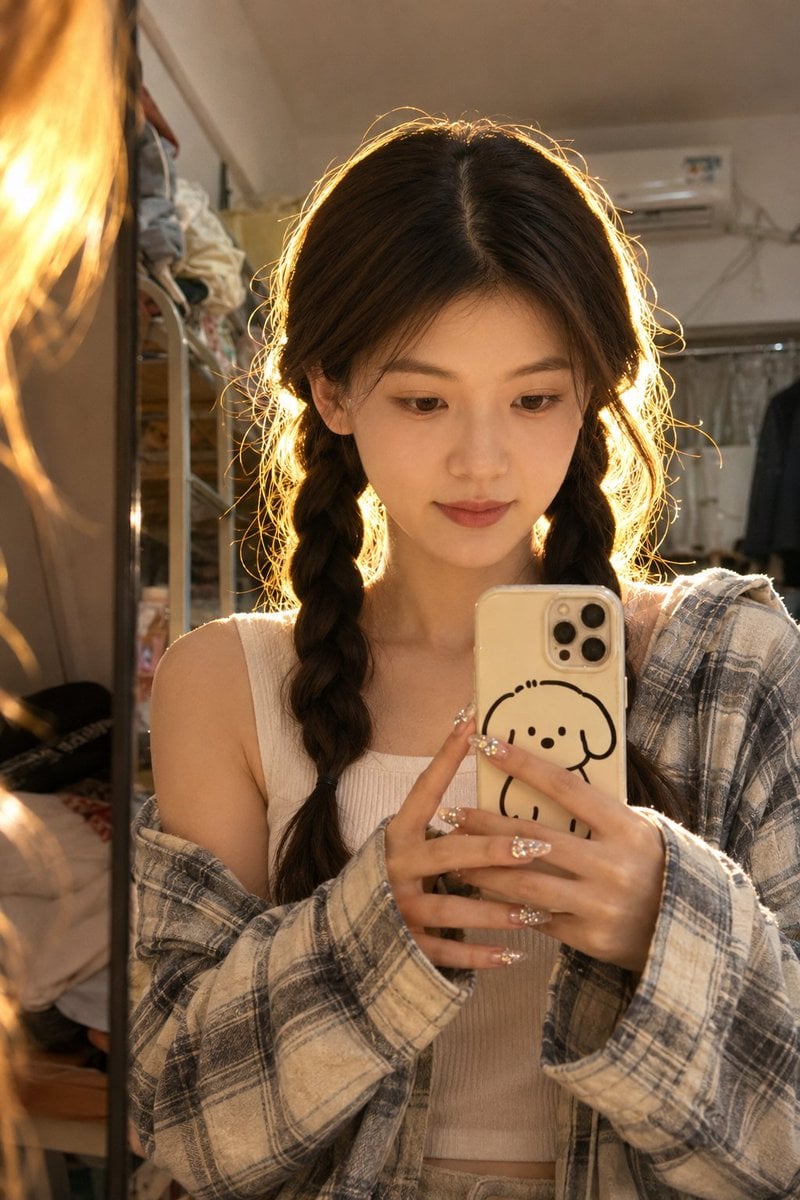
Dorm Mirror Selfie Identity Reference
Browse template categories
Moonlit Anime Chocolate Box questions
How do I use the Moonlit Anime Chocolate Box template?
Add your photo if the template asks for one, edit the prompt if you like — the template's model and format are already selected — and press Generate. Your version opens in PicX Studio.
Can I customize the Moonlit Anime Chocolate Box template?
Yes. You can change the subject, setting, lighting, mood, format, and available model controls before creating your image.
Is the Moonlit Anime Chocolate Box template free?
Opening and editing this template is free. Generating uses credits, shown on the Generate button when you are signed in.
Which AI model should I use?
Start with GPT Image 2, which is the model associated with this template. You can compare another compatible model for a different finish.
Looking for something else? Browse all templates.

Your photo, any look
Thousands of ready templates for every top image and video model, from one credit balance.