
3D Diorama Poster for Film/Novel Scenes
A complex prompt designed to generate a high-quality 3D isometric diorama poster for a specified film or novel.
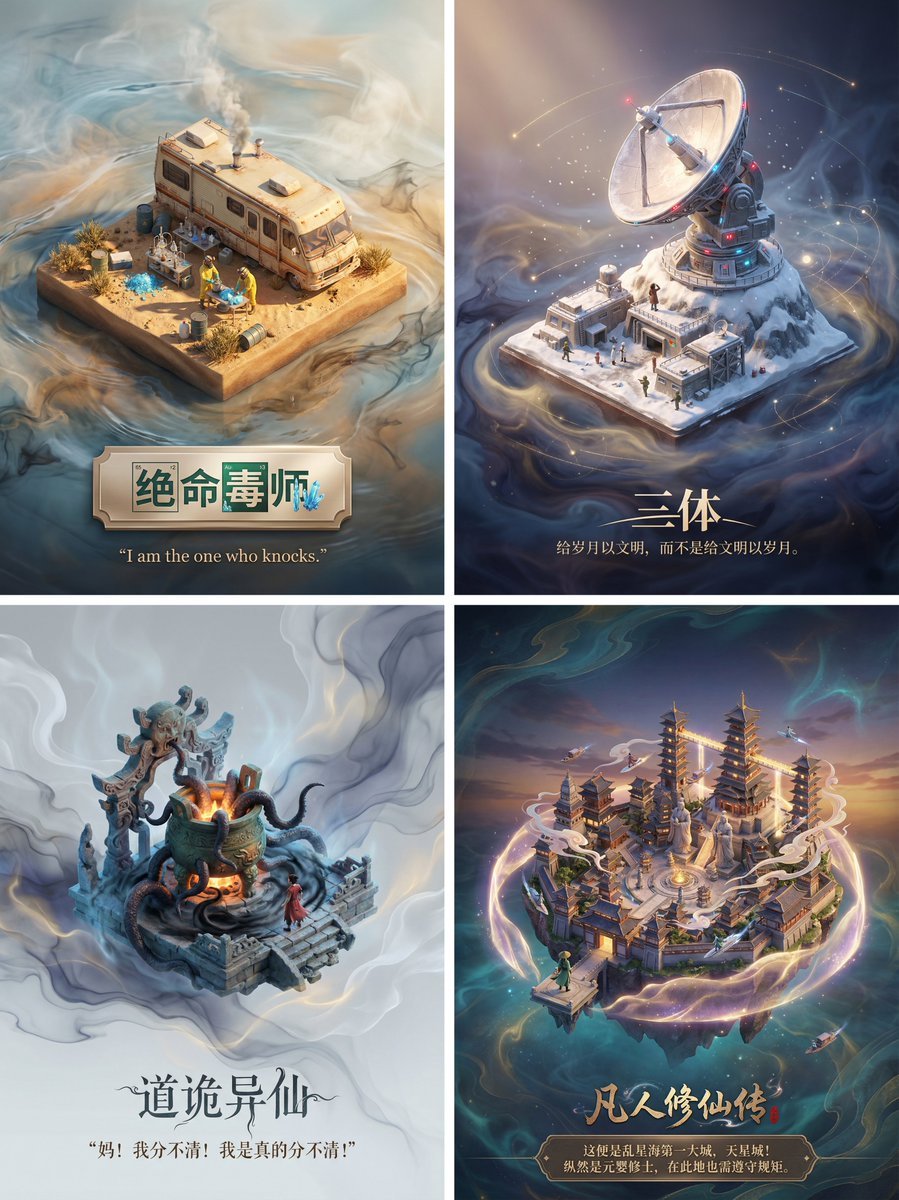
- Prompt included
- Model and format preset
- Premium template
The prompt behind this image
Copy the exact prompt behind 3D Diorama Poster for Film/Novel Scenes, or open it in the studio and make it yours.
请为影视剧/小说《{argument name="名称" default="需要添加的名称"}》设计一张高品质的3D海报,需要先检索影视剧/小说信息和著名的片段场景。 首先,请利用你的知识库检索这个影视剧/小说的内容,找出一个最具代表性的名场面或核心地点。在画面中央,将这个场景构建为一个精致的轴侧视角3D微缩模型。风格要采用梦工厂动画那种细腻、柔和的渲染风格。你需要还原当时的建筑细节、人物动态以及环境氛围,无论是暴风雨还是宁静的午后,都要自然地融合在模型的光影里。 关于背景,不要使用简单的纯白底。请在模型周围营造一种带有淡淡水墨晕染和流动光雾的虚空环境,色调雅致,让画面看起来有呼吸感和纵深感,衬托出中央模型的珍贵。 最后是底部的排版,请生成中文文字。居中写上小说名称,字体要有与原著风格匹配的设计感。在书名下方,自动检索并排版一句原著中关于该场景的经典描写或台词,字体使用优雅的衬线体。整体布局要像一个高级的博物馆藏品铭牌那样精致平衡。
How to use 3D Diorama Poster for Film/Novel Scenes in 3 steps
- 1
Open
The prompt is already in the box next to the preview, with the template's model and format selected.
- 2…a portrait of your subject in softgolden-hour light, 85mm…
Personalize
Edit the subject and creative details for your destination.
- 3Generate
Generate
Press Generate — your image is created in PicX Studio, so you can compare it with the original and refine one variable at a time.
More like this
Templates with the same subject, style or setup. Open one to see its prompt.

Japan Travel Brochure Poster
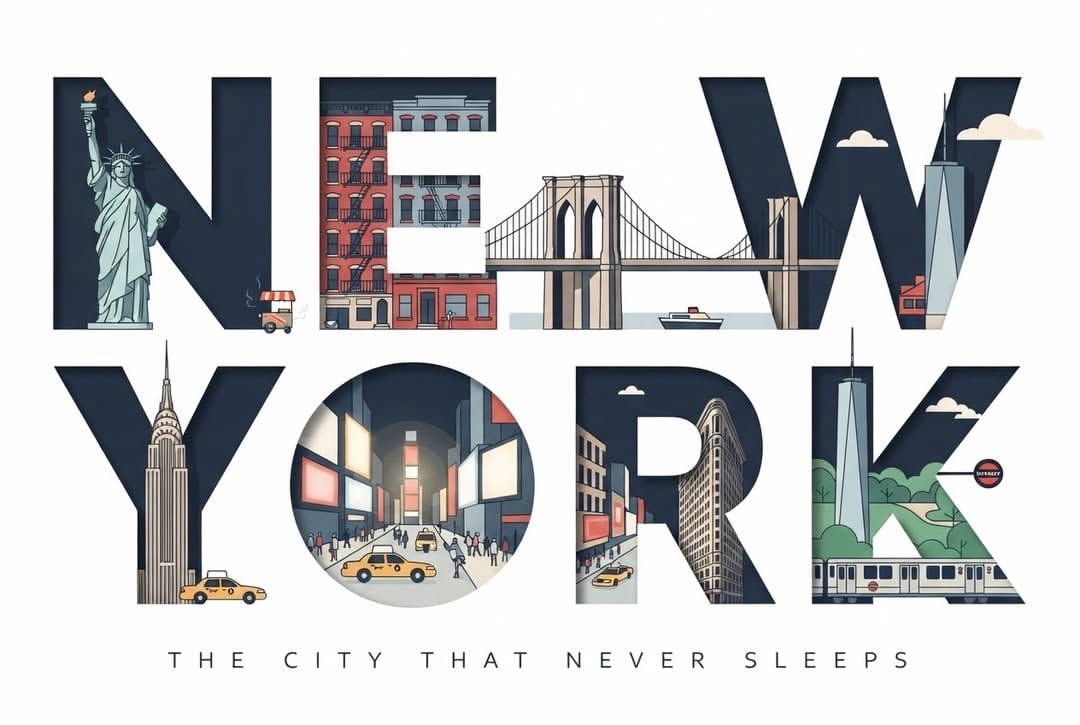
Typographic Travel Poster with Inner Scenes
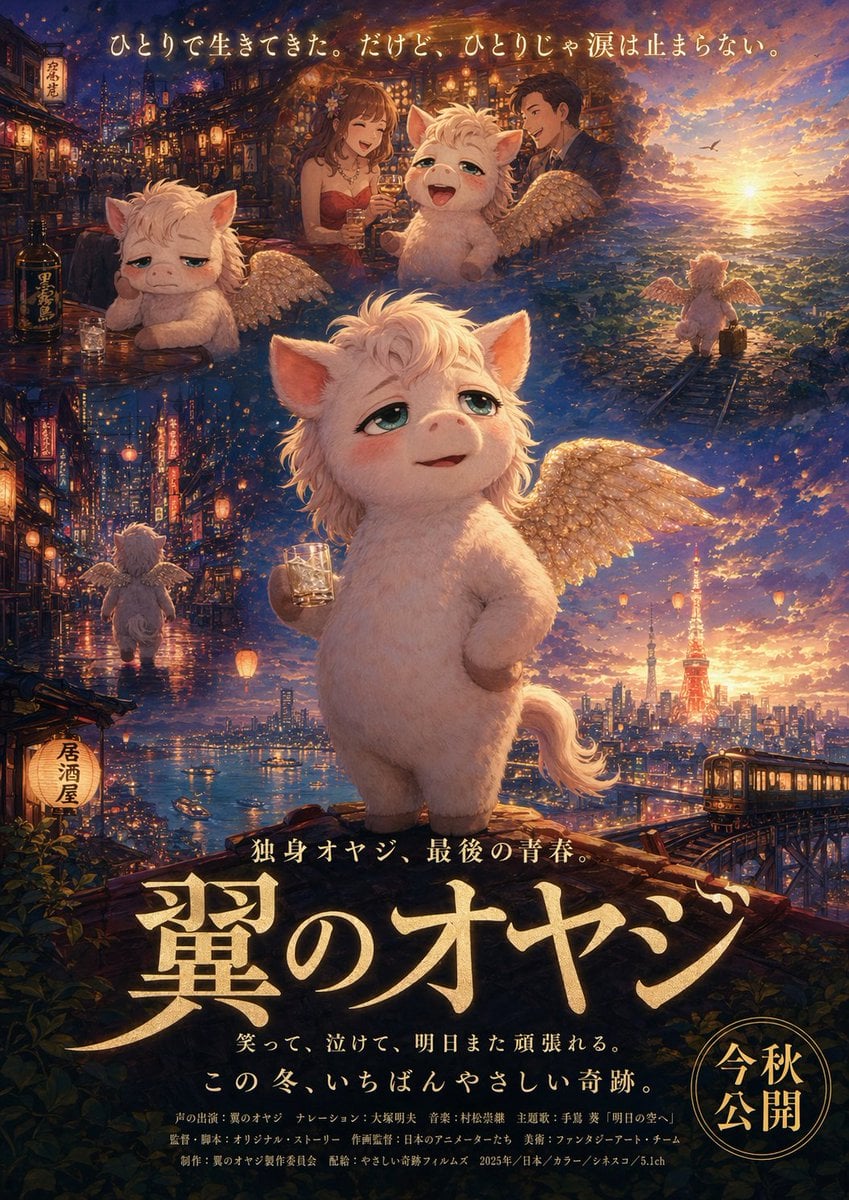
Japanese Fantasy Winged Pig Film Poster
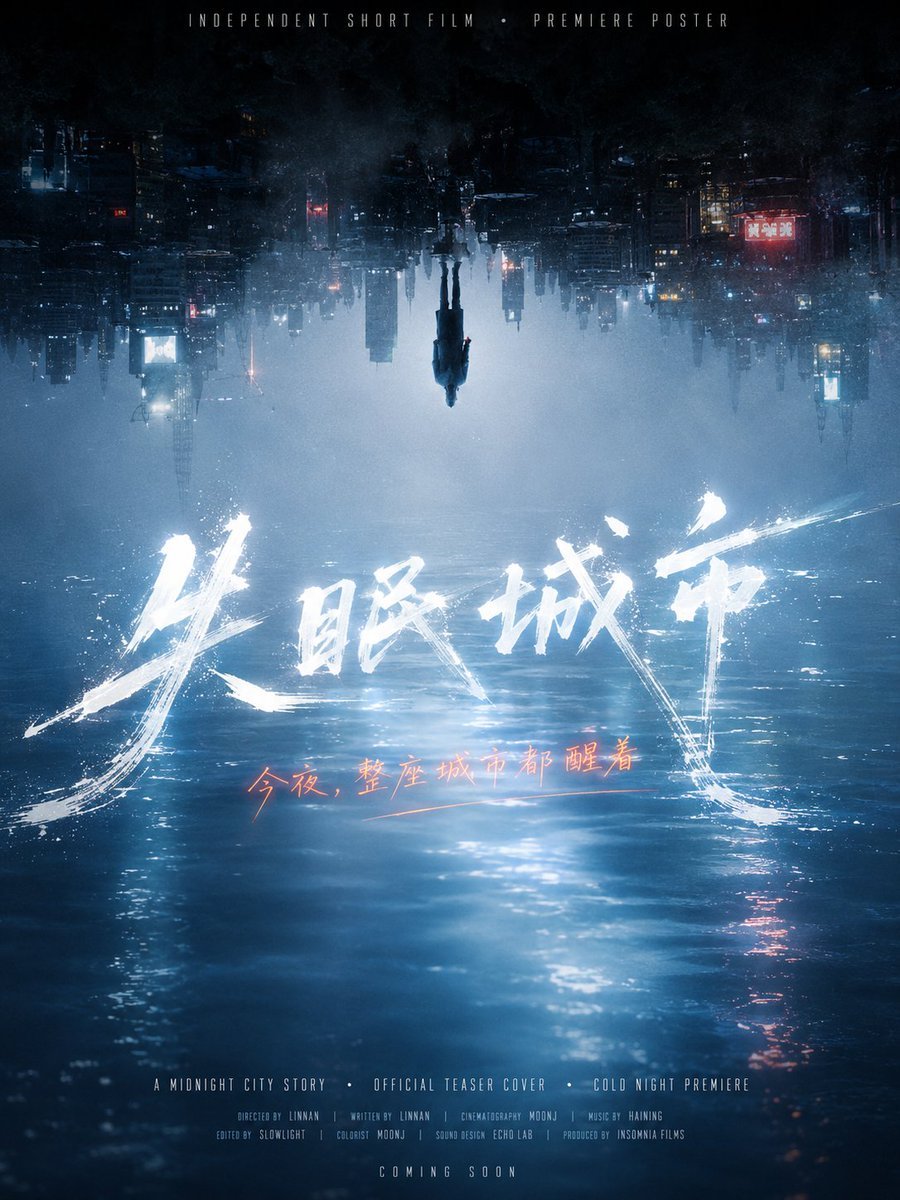
Inverted Midnight City Film Poster
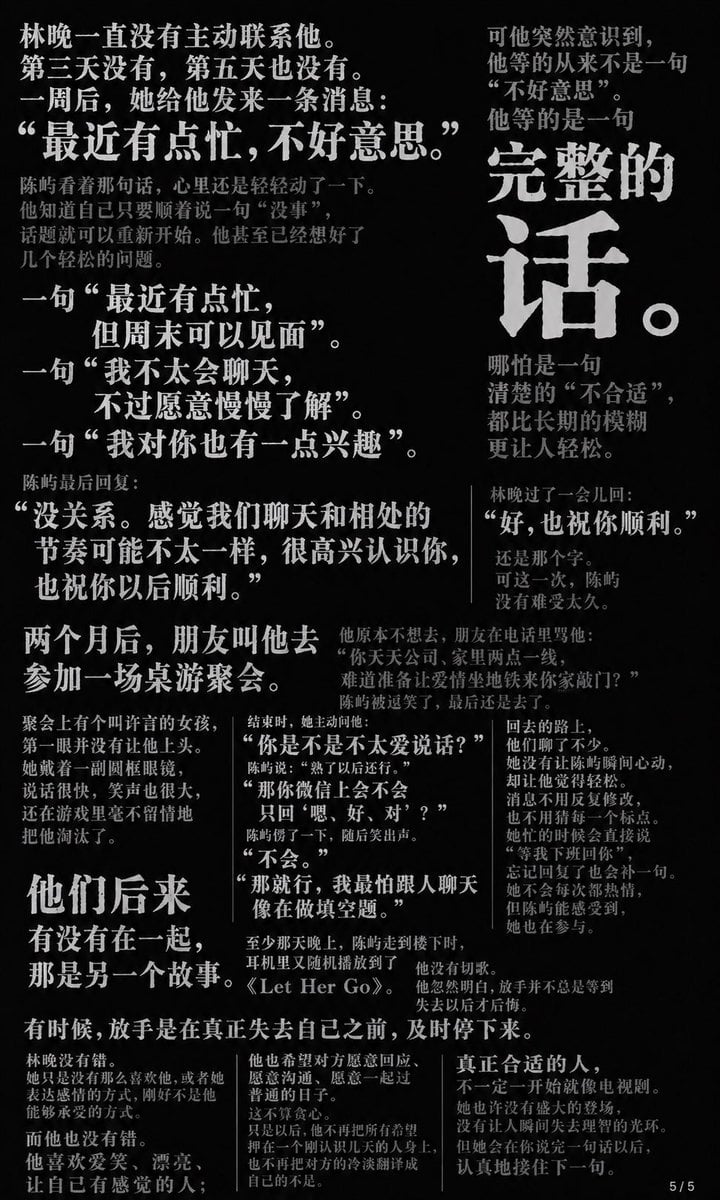
Chinese Novel Quote Typography Poster

Layered Paper Cut Forest Diorama

Soft Handcrafted Paper-Cut Layered Illustration

Sepia Family Portrait Studio

Monogram Luggage Cart

Statue Garden Twilight

Opera Glasses Velvet Seat

Fountain Pen Ink Splash
Make it yours
3D Diorama Poster for Film/Novel Scenes works as-is. These are the safest ways to change it without losing the look.
Change one field
Copy a single group, rewrite it, and generate again so you can see what that field is doing.
Keep the frame, change the subject
Hold the composition and light of 3D Diorama Poster for Film/Novel Scenes, then swap wardrobe, props or the person for a new take.
| If the result… | Why | Fix |
|---|---|---|
| The result drifts from the preview | Too many fields changed at once. | Reuse 3D Diorama Poster for Film/Novel Scenes as-is first, then change one group — subject, light, or setting. |
| The model over-stylizes the scene | The prose prompt leaves finish and camera underspecified. | Add one camera or lighting sentence and stay on Nano Banana 2. |
More Nano Banana 2 templates
Other prompts made for Nano Banana 2.

Photorealistic Leaf Shaped Like a Dragon

K-Pop Idol Portrait Grid for Rapid Selection

Poetic Rain Forest Portrait During Golden Hour

Urban Street Portrait with Cartoon Inner Self Duo

Candid Nighttime Photo with Cat Prompt

High-Concept 3D Diorama Generation Prompt

Cinematic Futuristic Studio Portrait Template

Skincare Editorial Photography Collage Prompt

Hyper-Realistic Commercial Product Photography (Splash Effect)

Hyper-Realistic Nightclub Portrait Prompt
More image prompts
Fresh picks from across the catalog.
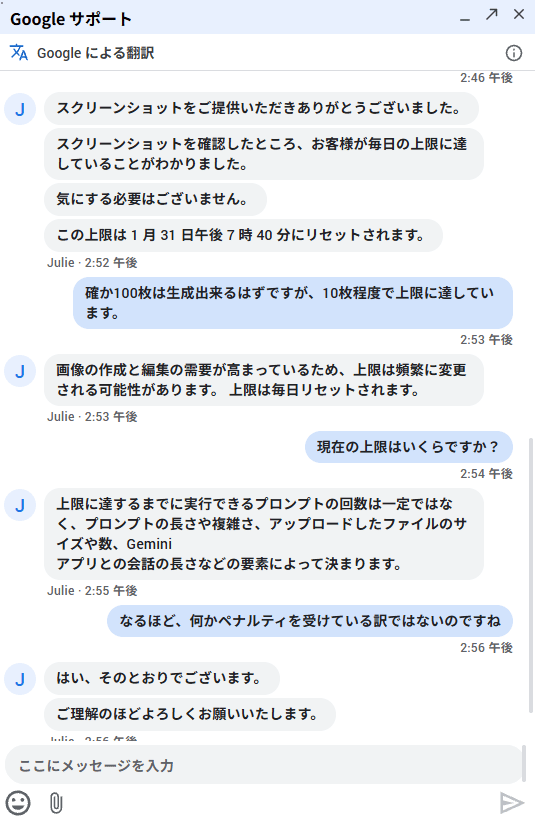
Advice on Generating Images with NanoBananaPro
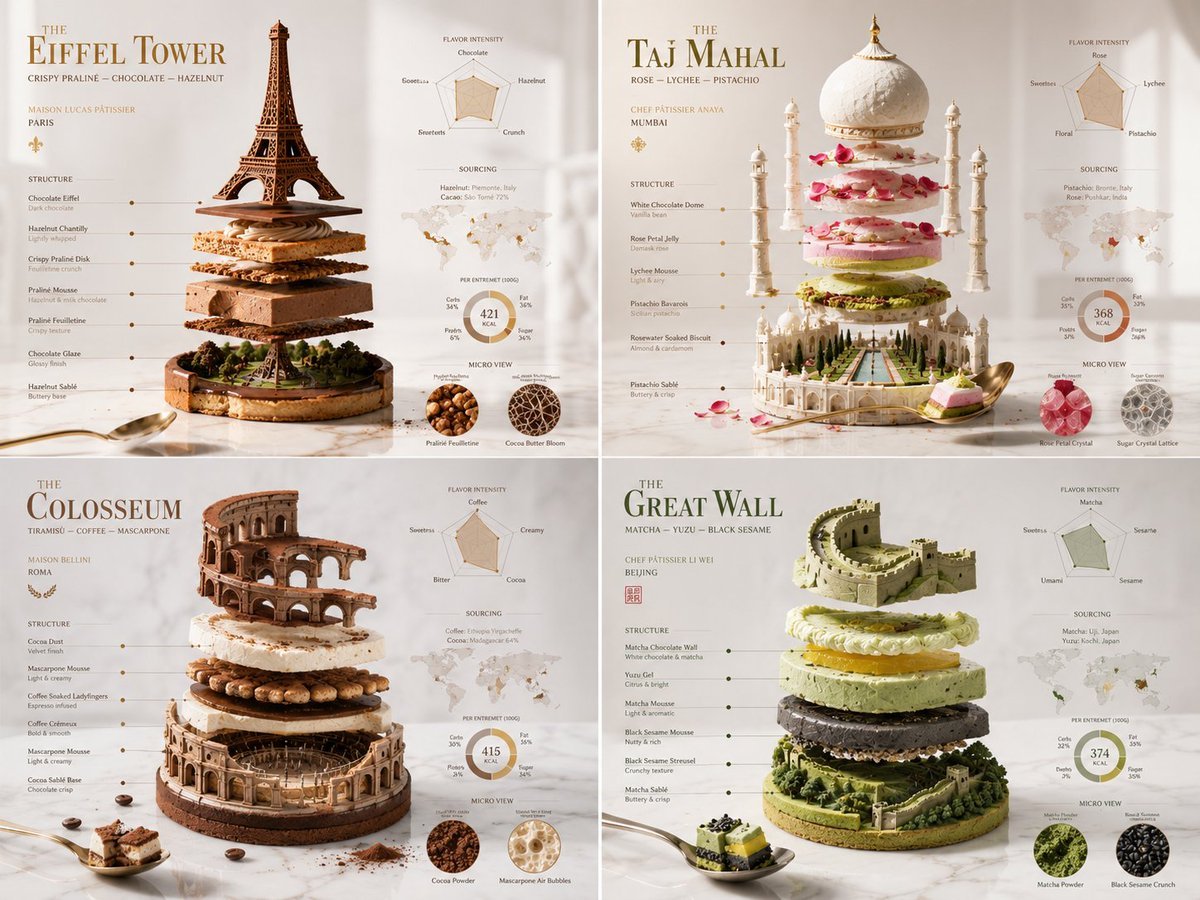
Exploded Monument Pastry Art
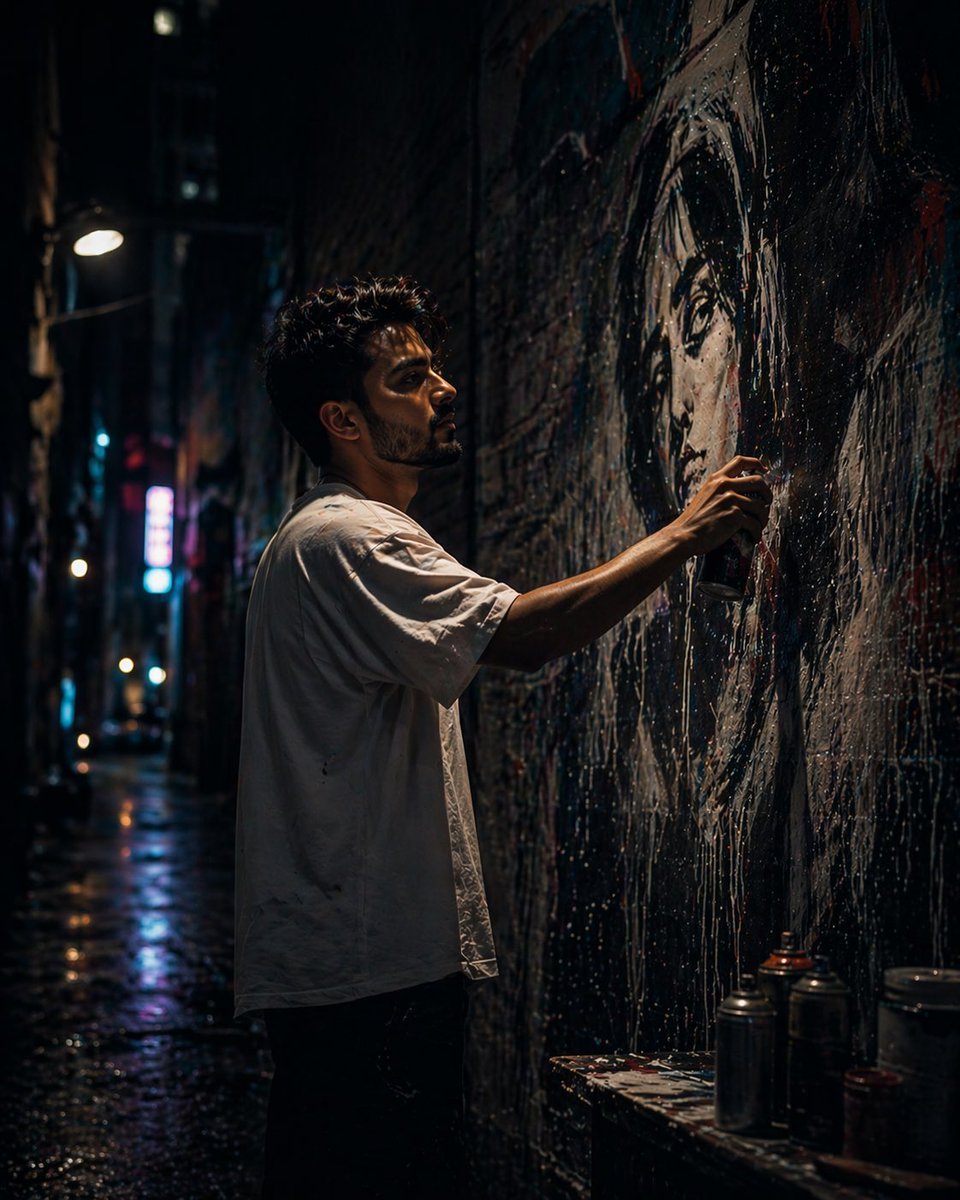
Gpt2 Comic Storyboard Urban Alley Mural Artist
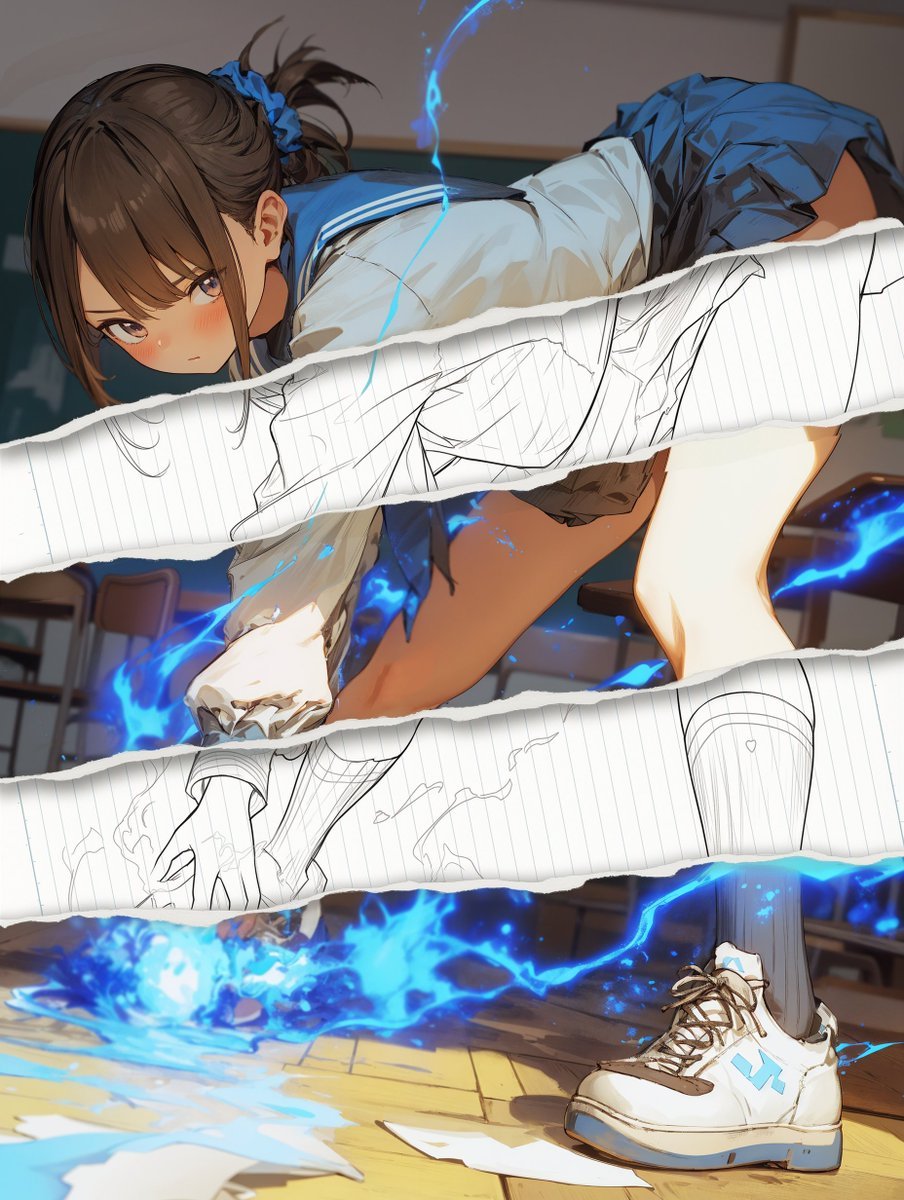
Style Change Prompt for Damaged Areas: Lost Love Girls
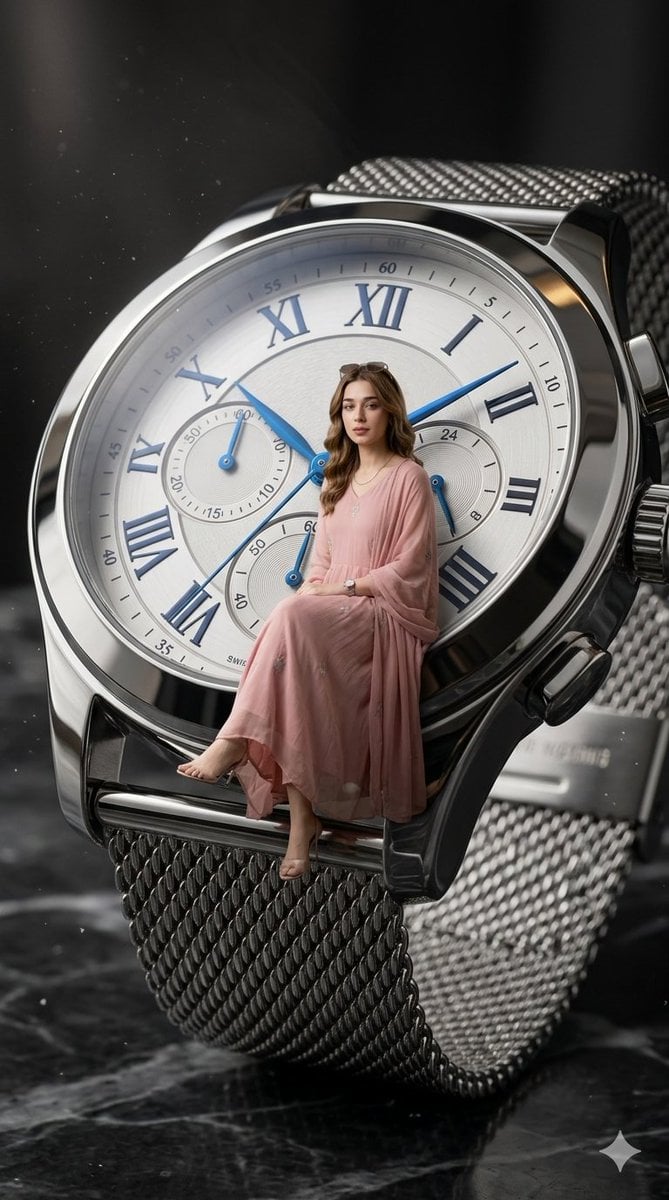
X Aiwithlariab Image on Nano Banana 2
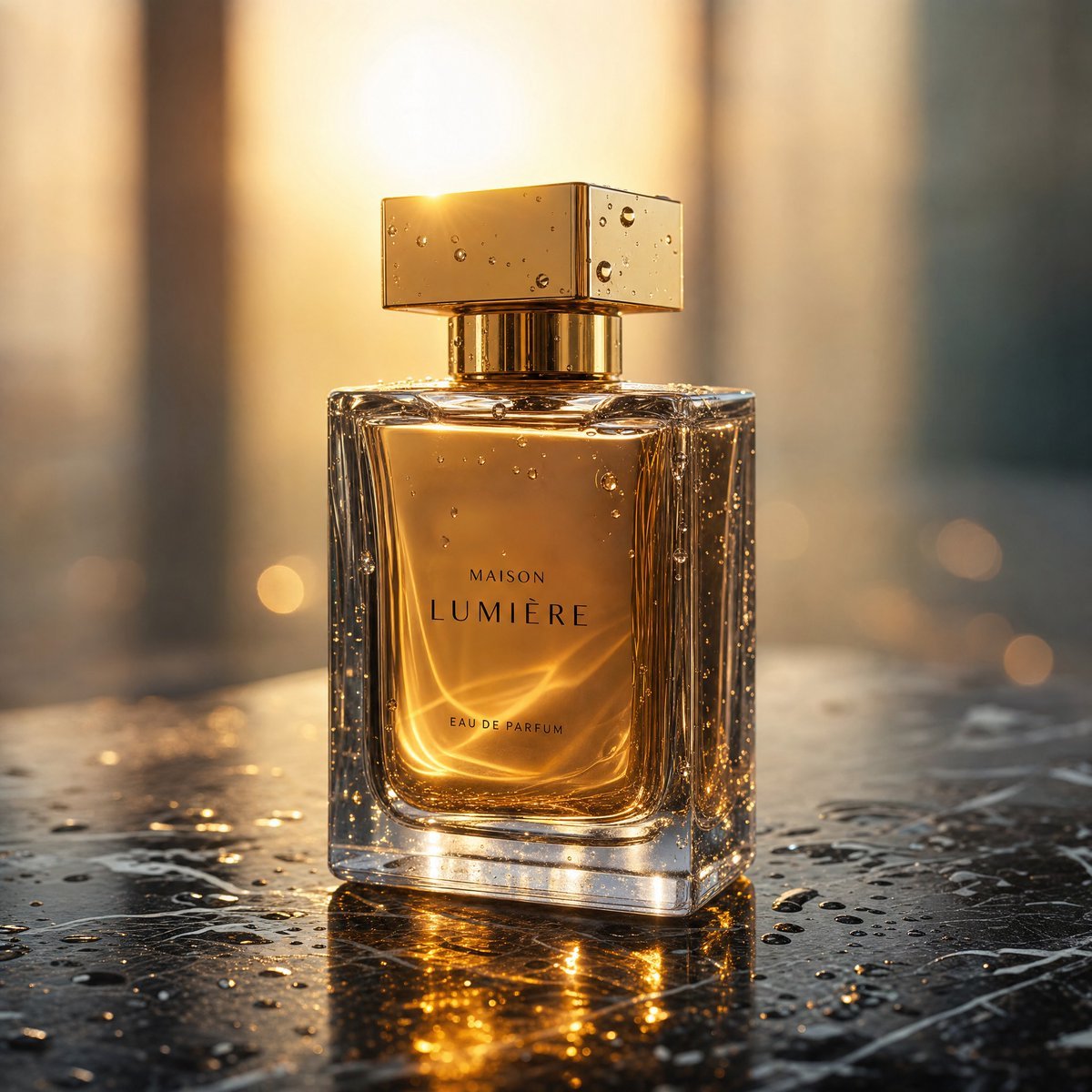
Golden Hour Luxury Perfume
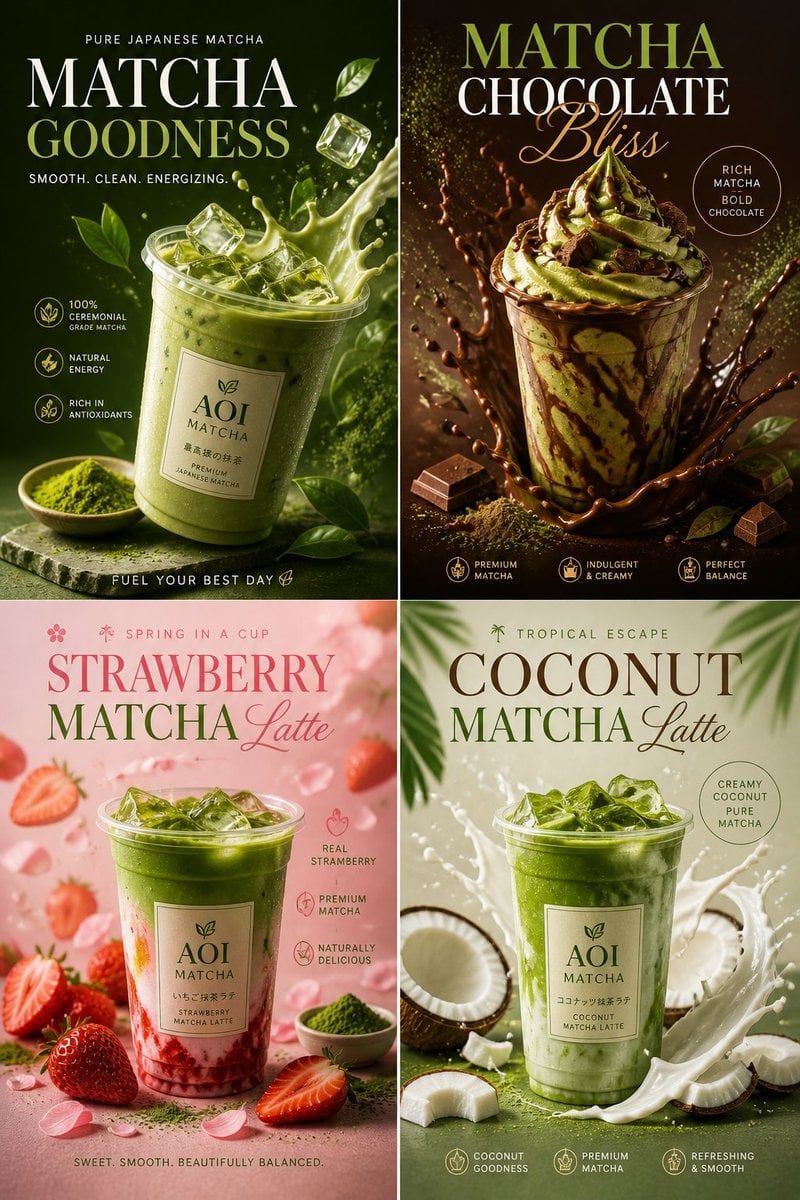
Commercial Food Photography Poster
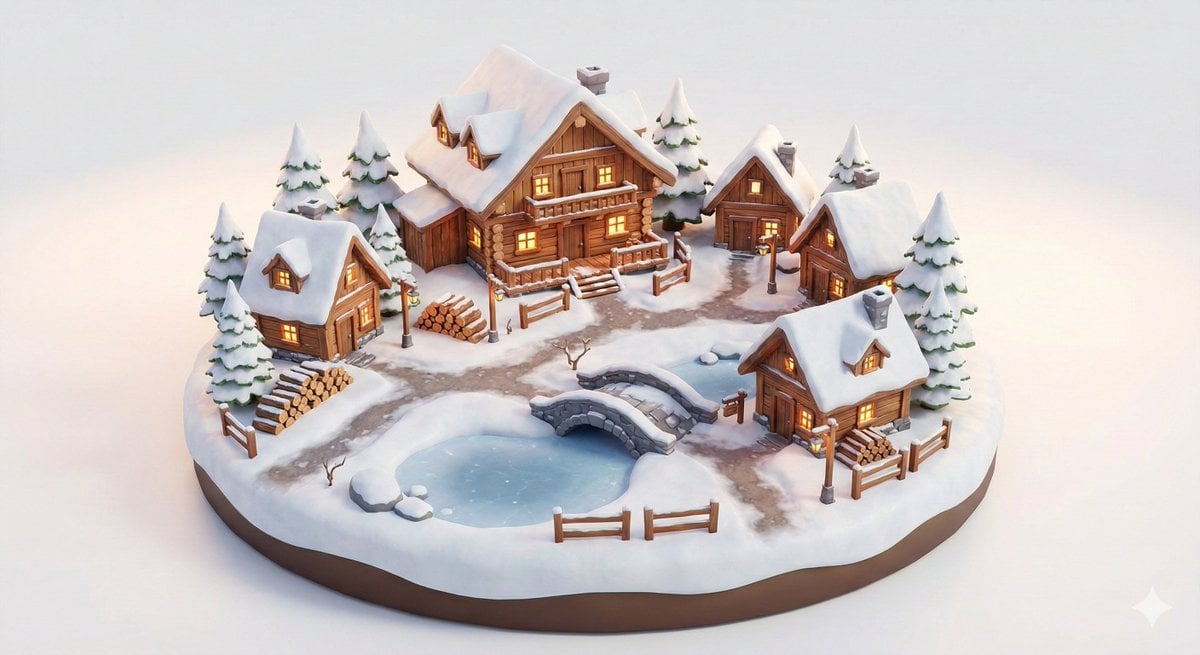
Miniature Alpine Mountainside Village Scene

Whimsical Mono-Punk Floating Miniature Diorama Generator (Duplicate)
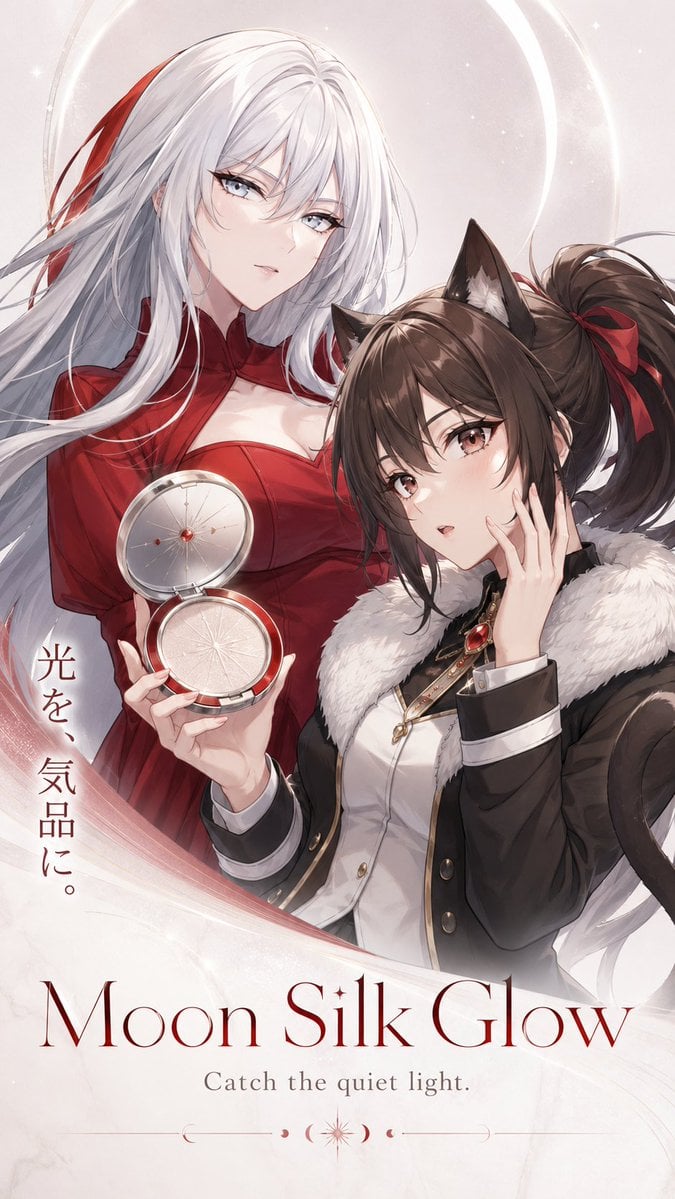
Moon Silk Glow Anime Beauty Poster
Browse template categories
3D Diorama Poster for Film/Novel Scenes questions
How do I use the 3D Diorama Poster for Film/Novel Scenes template?
Add your photo if the template asks for one, edit the prompt if you like — the template's model and format are already selected — and press Generate. Your version opens in PicX Studio.
Can I customize the 3D Diorama Poster for Film/Novel Scenes template?
Yes. You can change the subject, setting, lighting, mood, format, and available model controls before creating your image.
Is the 3D Diorama Poster for Film/Novel Scenes template free?
Opening and editing this template is free. Generating uses credits, shown on the Generate button when you are signed in.
Which AI model should I use?
Start with Nano Banana 2, which is the model associated with this template. You can compare another compatible model for a different finish.
Looking for something else? Browse all templates.

Your photo, any look
Thousands of ready templates for every top image and video model, from one credit balance.