
Exploded Monument Pastry Art
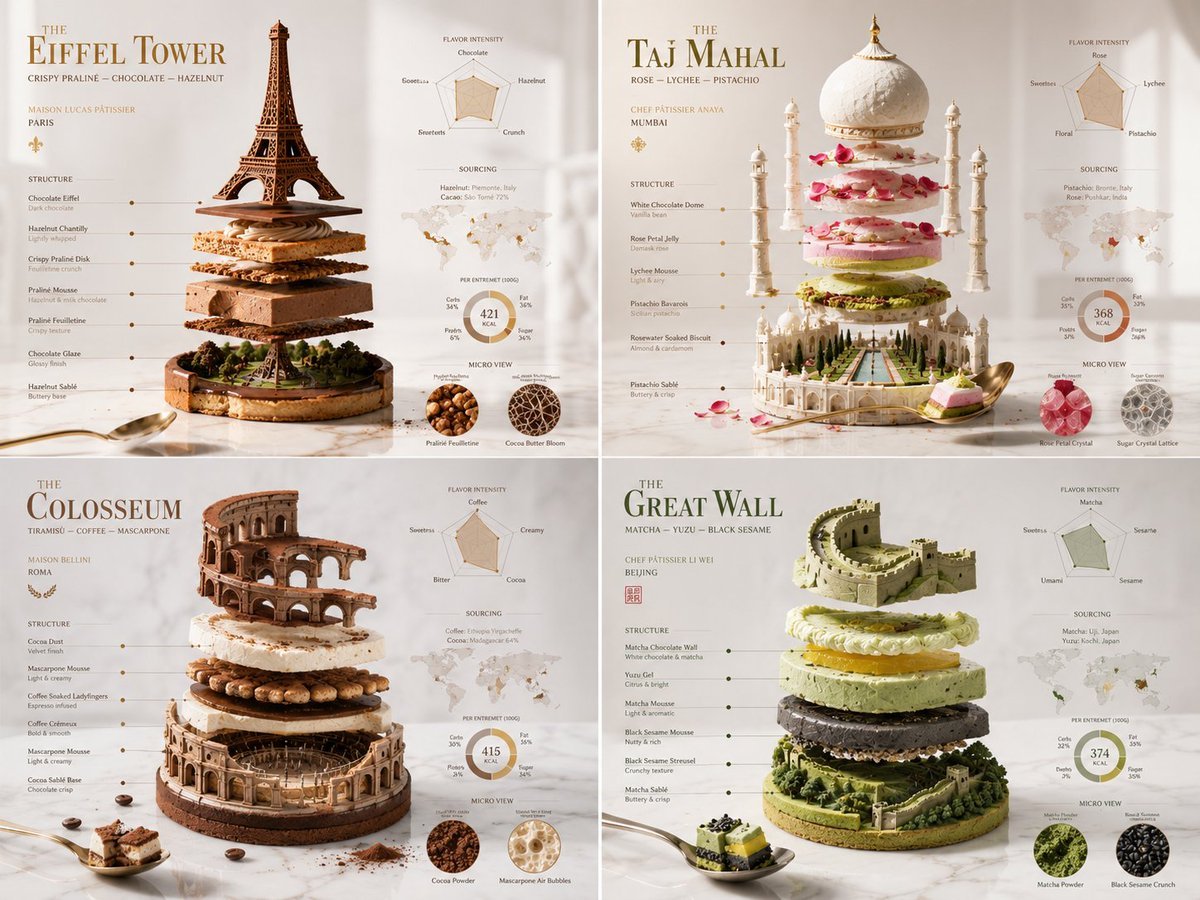
A creative structured prompt that uses a Python-style class format to generate architectural monument-inspired pastry art.
- Prompt included
- Model and format preset
- Premium template
The prompt behind this image
Copy the exact prompt behind Exploded Monument Pastry Art, or open it in the studio and make it yours.
2x2 grid, do this for 4 famous world monuments in pastry class Grande_Patisserie_DNA: def __init__(self): self.subject = "{argument name="pastry" default="[PASTRY CREATION]"}" self.parents = { "composition_parent": "Exploded entremet with layers, glazes, and decorations levitating", "material_parent": "Mirror glaze, velvet chocolate spray, gold leaf, edible flowers", "graphic_parent": "Luxury pâtisserie boutique window card", "atmosphere_parent": "Bright morning light on a Carrara marble countertop" } self.mutations = { "semantic_mutation": "The cake slice reveals a tiny orchard where its fruits grew", "information_mutation": "Flavor intensity graph, texture layers diagram, sourcing map for cocoa and vanilla, calorie composition ring", "medium_mutation": "Smooth uncoated paper with spot gloss on the glaze drips", "scale_mutation": "Microscopic view of a sugar crystal lattice and cocoa butter bloom" } self. style_mix = [0.30, 0.30, 0.25, 0.10, 0.05] def generate_subject(self): subject = """ {argument name="pastry_name" default="[PASTRY CREATION]"} floating in a bright, clean space. All layers — mousse, biscuit, insert, glaze — are gently separated to expose the architecture of taste. A single perfect spoonful hovers nearby. """ return render( subject, format="luxury pâtisserie menu feature", title="{argument name="monument" default="[PASTRY NAME]"}", subtitle="[CHEF PÂTISSIER / MAISON]", constraints="bright, appetizing, high precision, modern dessert art" )
How to use Exploded Monument Pastry Art in 3 steps
- 1
Open
The prompt is already in the box next to the preview, with the template's model and format selected.
- 2…a portrait of your subject in softgolden-hour light, 85mm…
Personalize
Edit the subject and creative details for your destination.
- 3Generate
Generate
Press Generate — your image is created in PicX Studio, so you can compare it with the original and refine one variable at a time.
More like this
Templates with the same subject, style or setup. Open one to see its prompt.
Monumental Golden Omega Mist
Arctic Frozen Product Monument
Elegant Pastry Shop Kimono Man
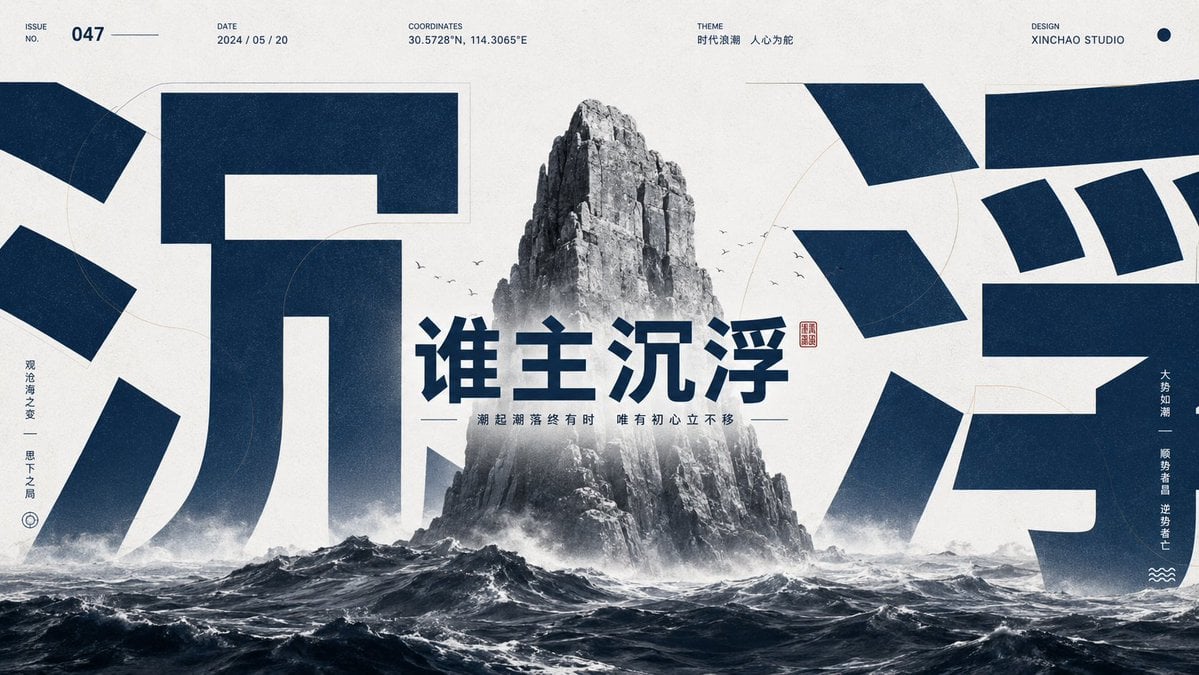
Monumental Chinese Ocean Poster
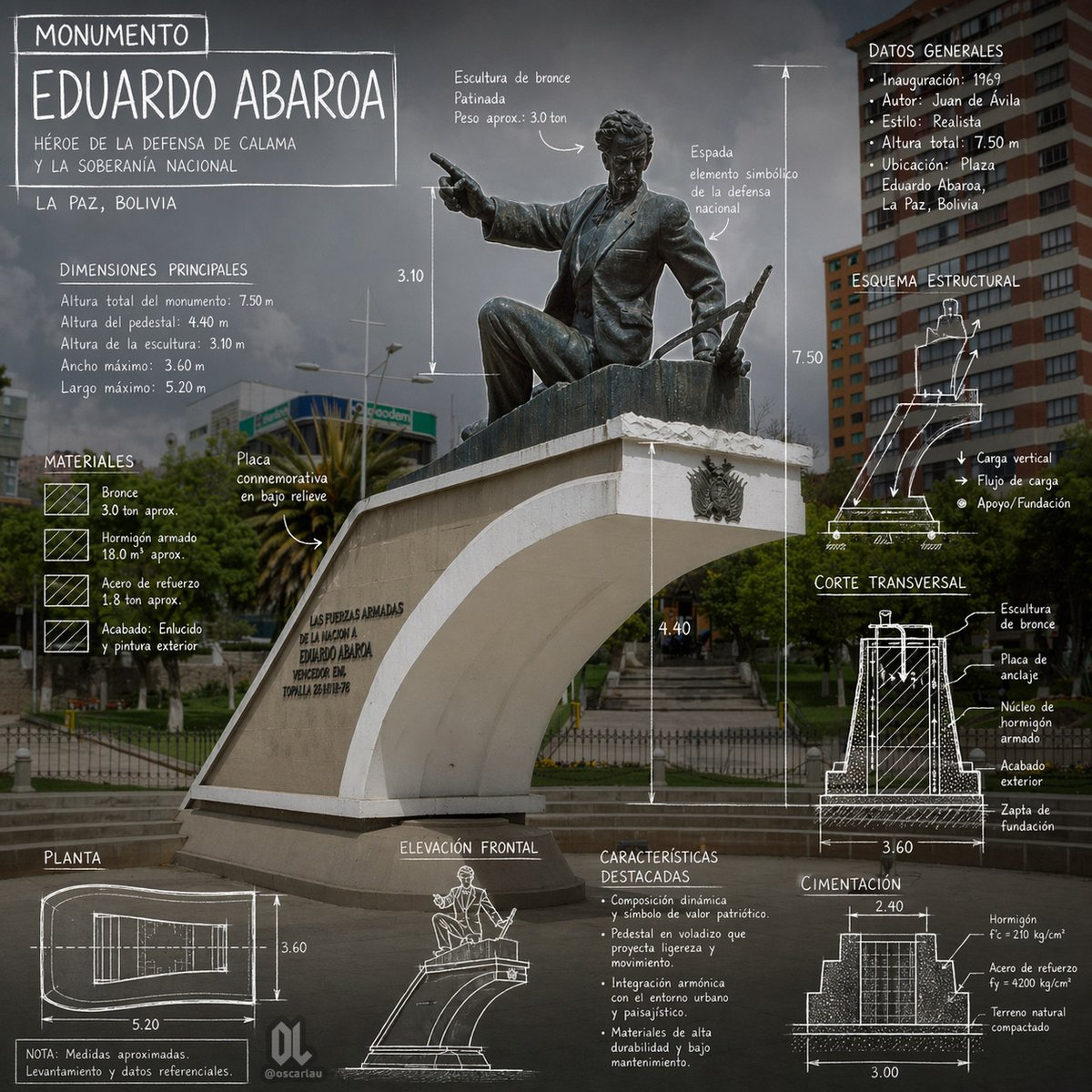
Eduardo Abaroa Monument Infographic
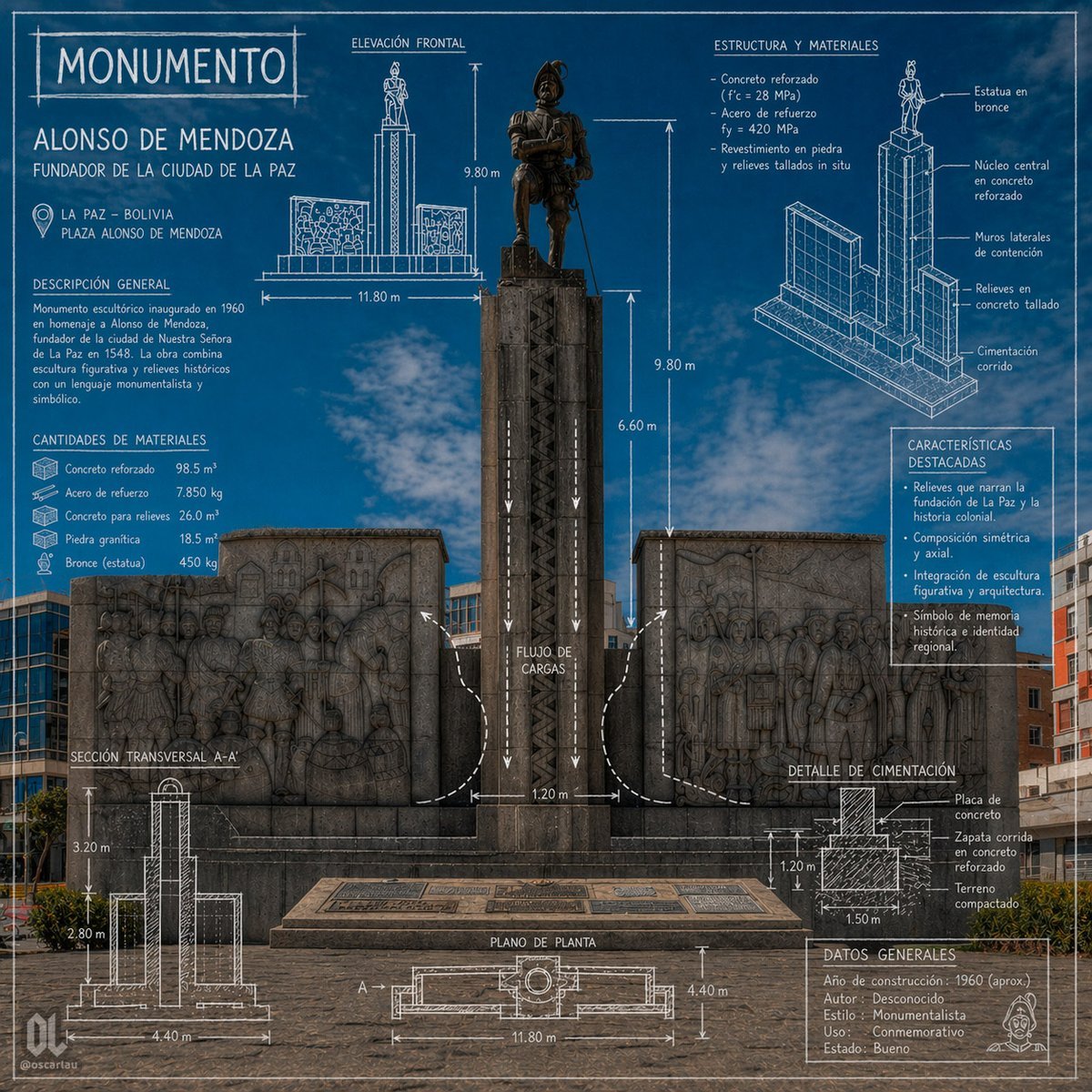
Blueprint Monument Infographic Poster
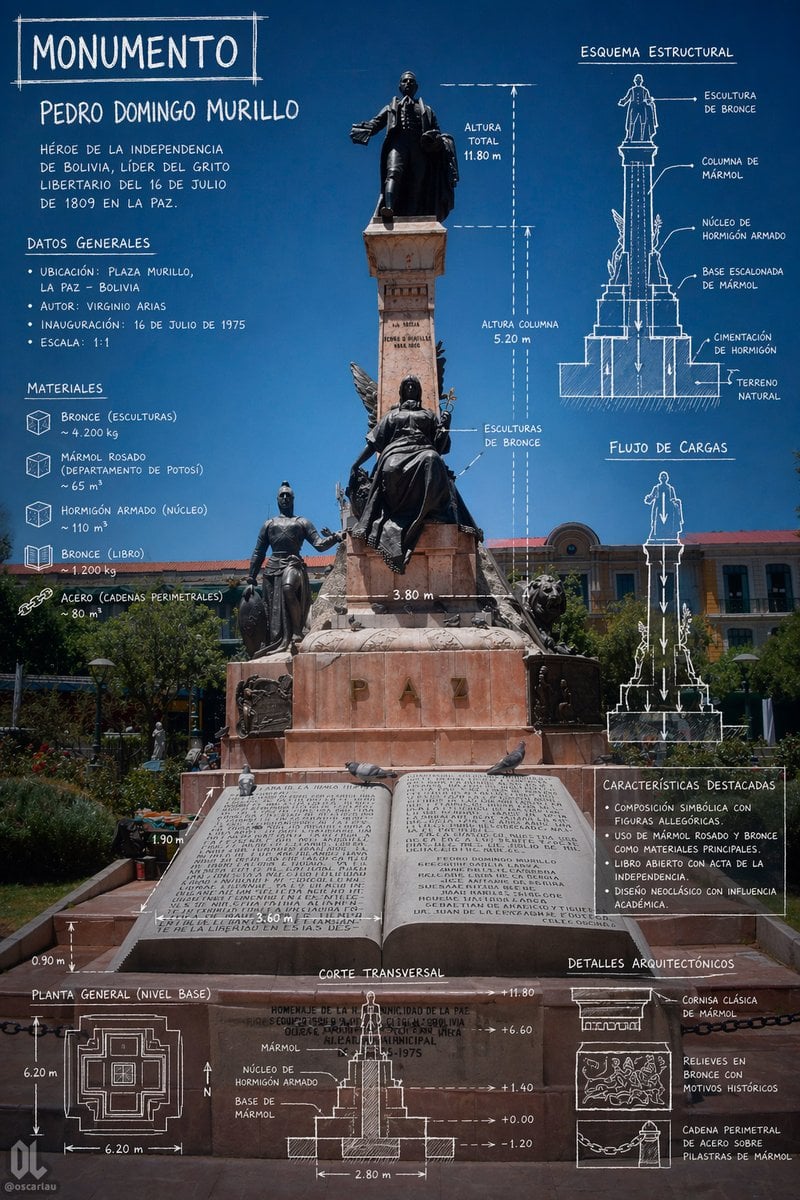
Monument Architectural Infographic Poster
Monument Valley Dawn Quote Wallpaper
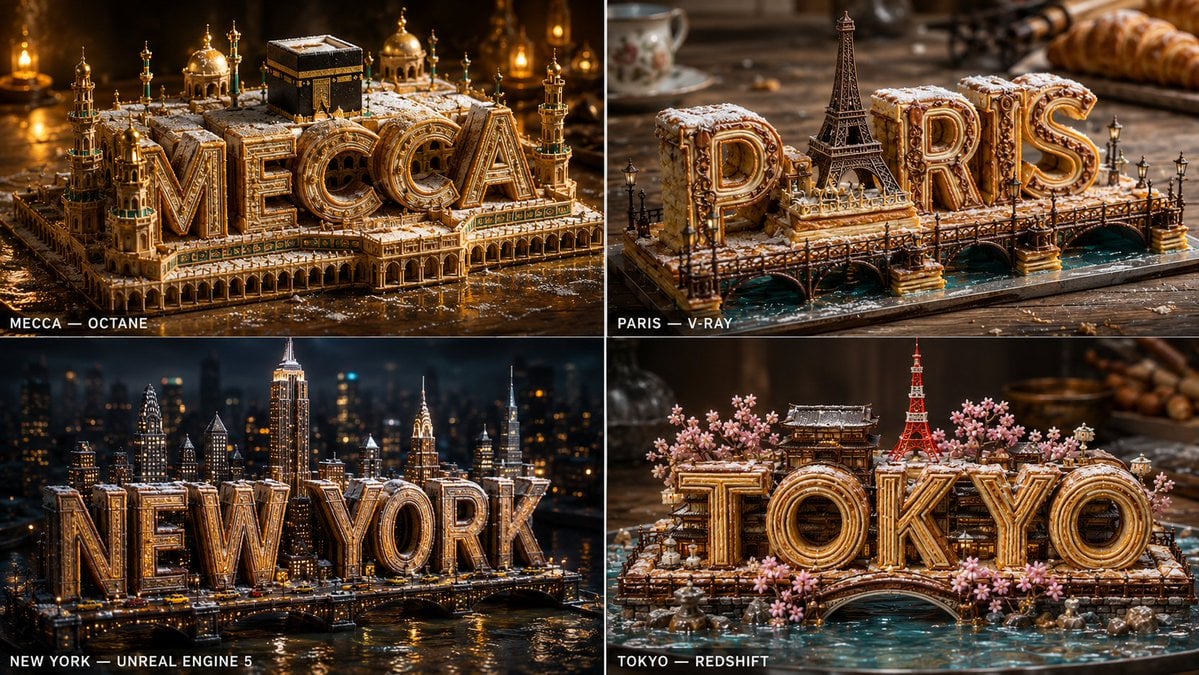
Pastry City Architectural Showpiece
French Bulldog Pastry Chef Magazine Cover
Colossal Labyrinth Woman Monument
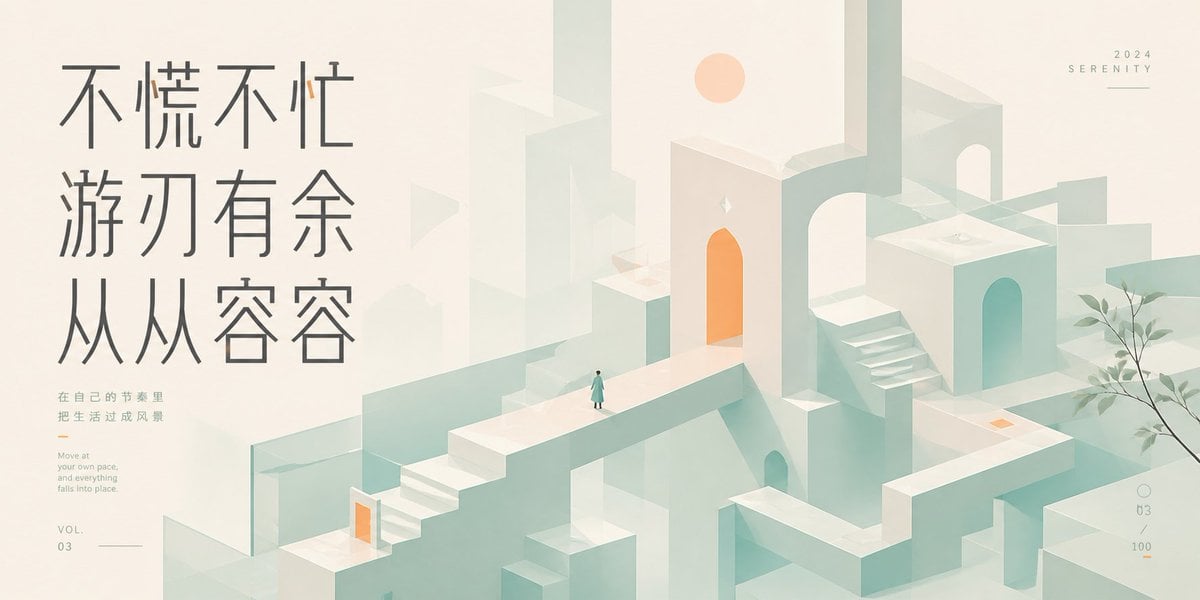
Serene Monument Valley Poster
Make it yours
Exploded Monument Pastry Art works as-is. These are the safest ways to change it without losing the look.
Change one field
Copy a single group, rewrite it, and generate again so you can see what that field is doing.
Keep the frame, change the subject
Hold the composition and light of Exploded Monument Pastry Art, then swap wardrobe, props or the person for a new take.
| If the result… | Why | Fix |
|---|---|---|
| The result drifts from the preview | Too many fields changed at once. | Reuse Exploded Monument Pastry Art as-is first, then change one group — subject, light, or setting. |
| The model over-stylizes the scene | The prose prompt leaves finish and camera underspecified. | Add one camera or lighting sentence and stay on GPT Image 2. |
More GPT Image 2 templates
Other prompts made for GPT Image 2.

Six VTuber Japanese Logo Sheet

Realistic Portrait of Woman and Deer

The Vista Modular Condo Poster

AI Model Routing Comparison Infographic

2.5D Anime Art Board

Isometric Productivity Desk Scene

New York Double Exposure Poster

Four-Panel AI Landscape Comparison

Japanese Tatami Lifestyle Magazine Cover

NESCAFÉ Coffee Map Poster
More image prompts
Fresh picks from across the catalog.
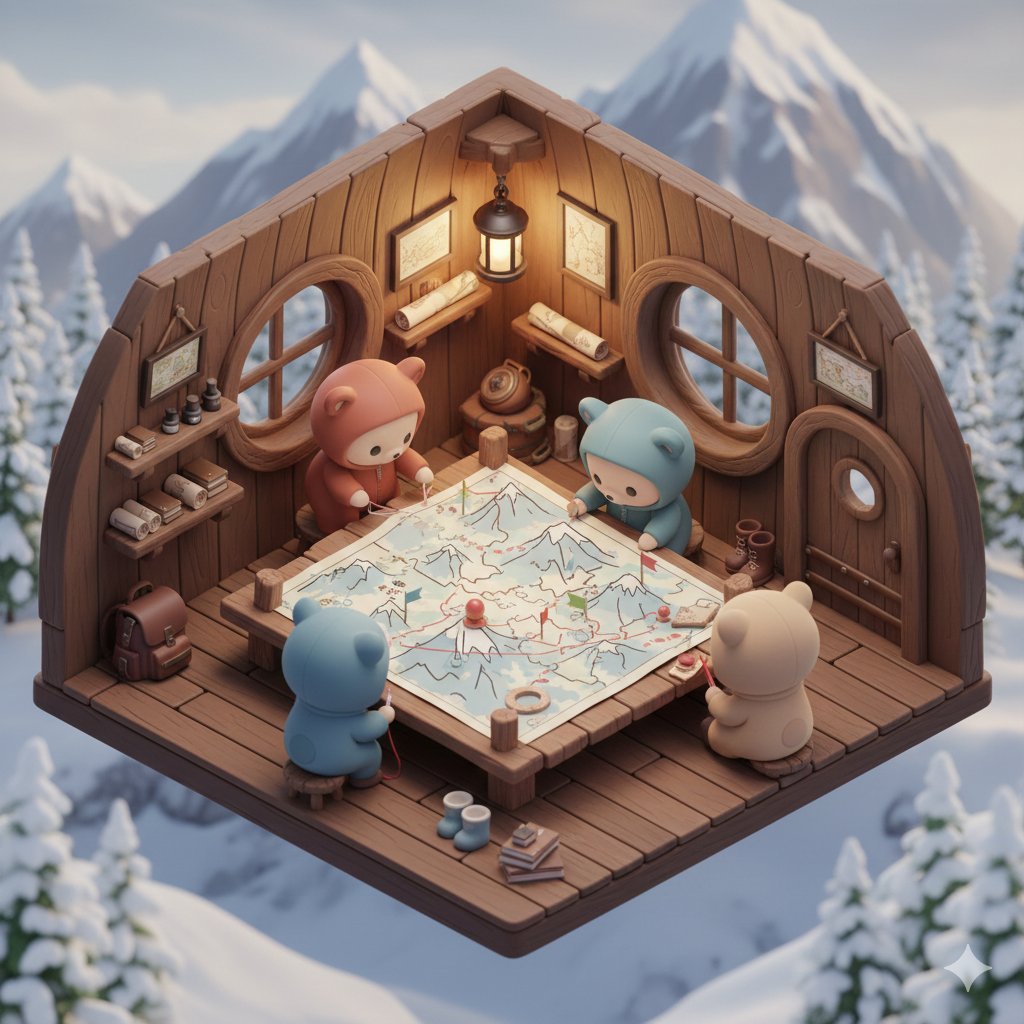
Isometric Kawaii Baby Bears Scene Prompt
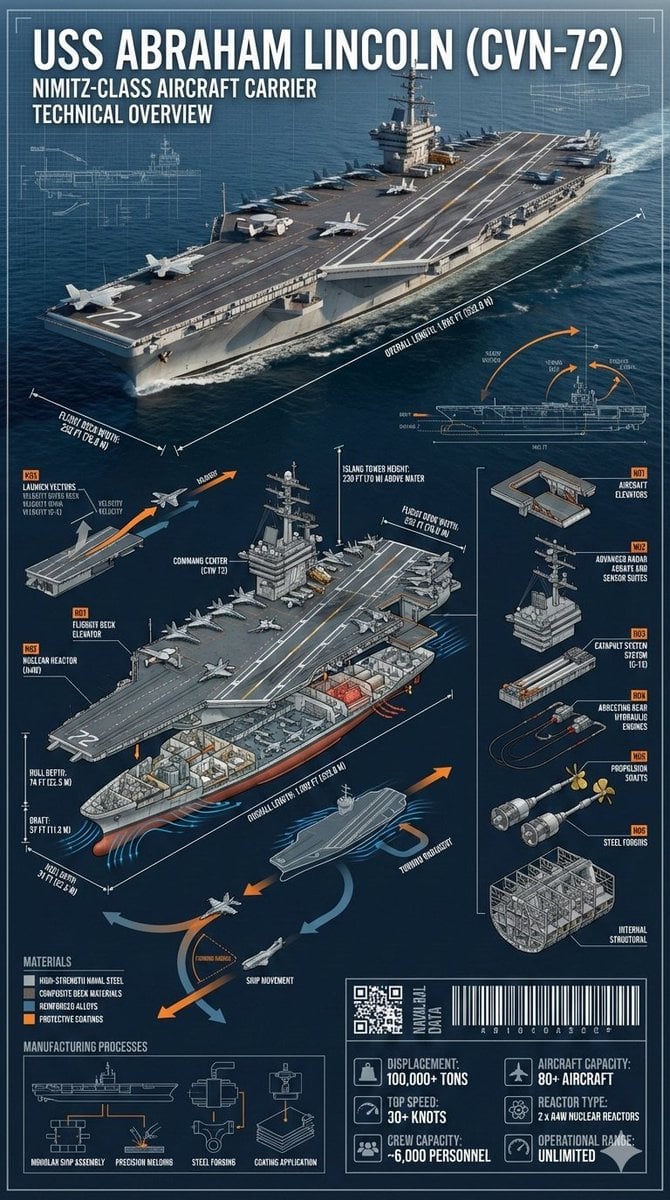
Cinematic Engineering Infographic of USS Abraham Lincoln
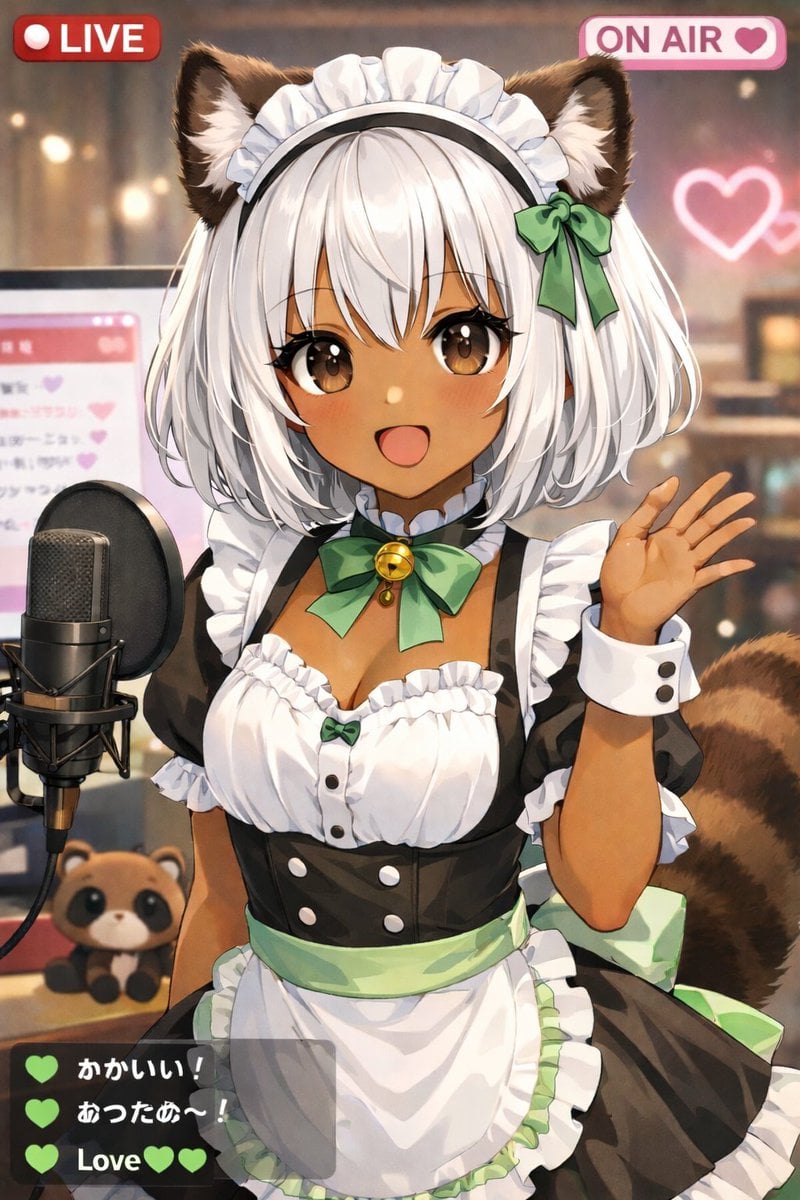
Anime VTuber Live Stream Overlay
Surreal Editorial Fashion Portrait with Newspaper Background
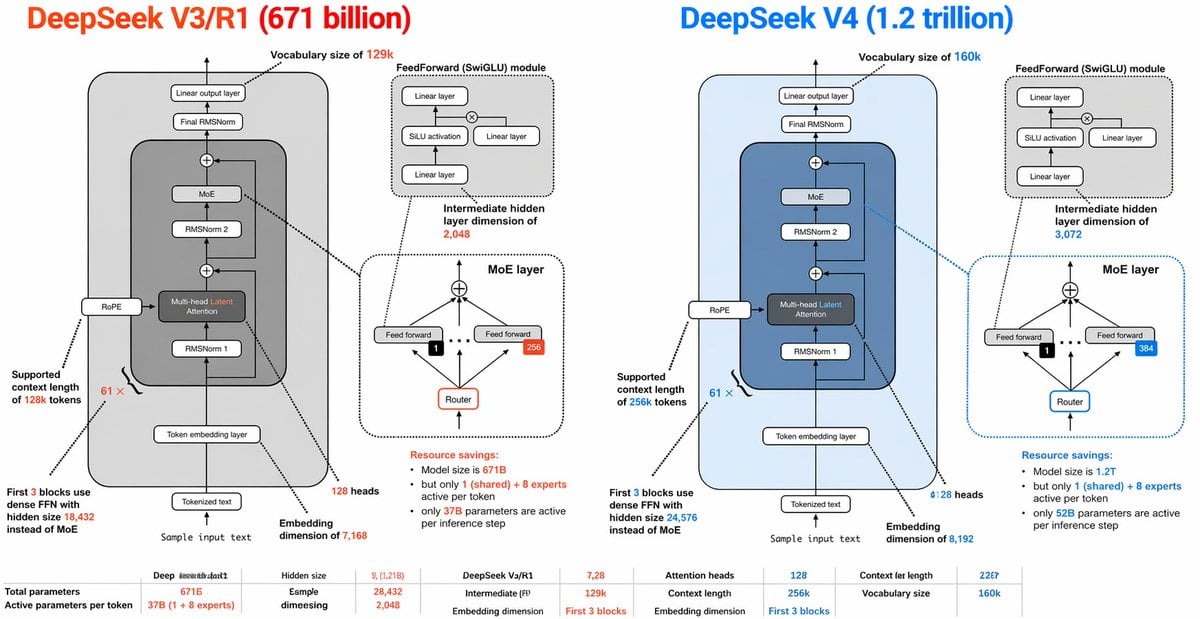
DeepSeek V3 vs V4 Architecture Infographic
Woman with Miniature Clones Portrait
Dieter Rams Inspired VR Headset Sketch
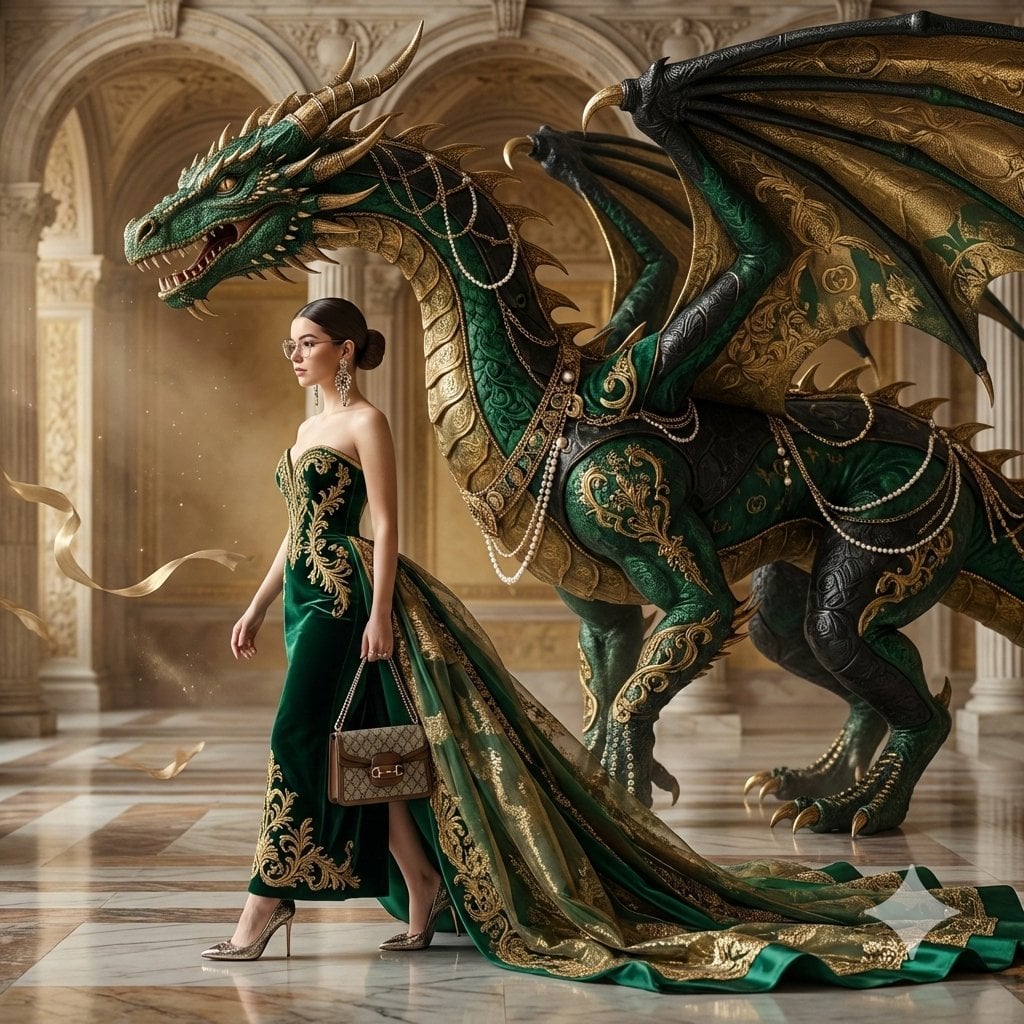
Couture Woman and Colossal Dragon in Renaissance Palace
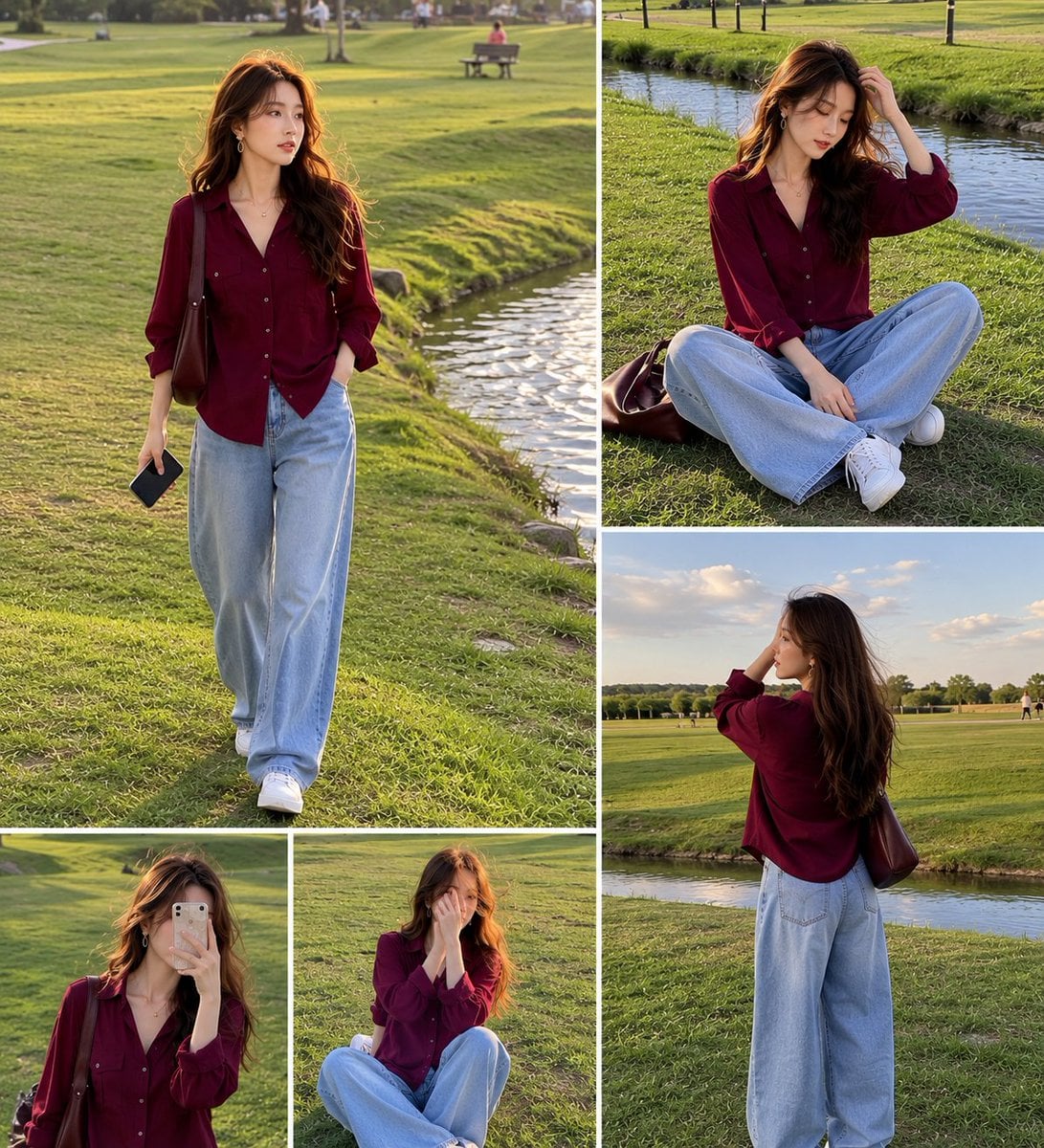
Lifestyle Fashion Collage of a Young Woman
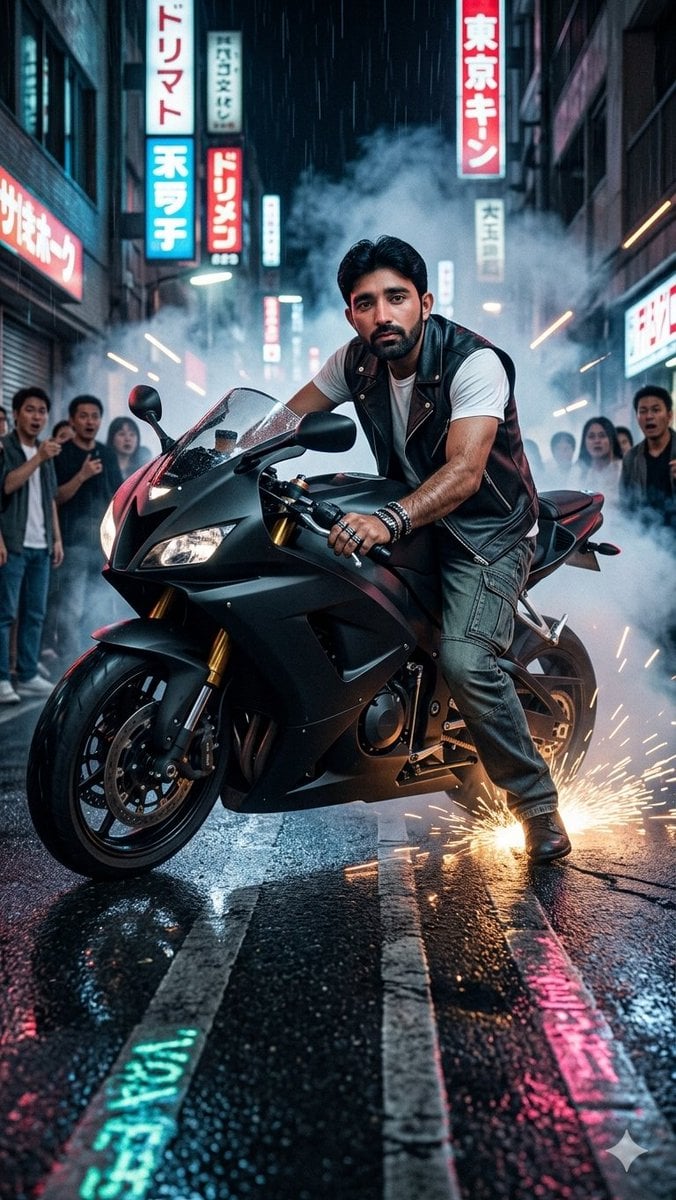
Tokyo Neon Motorcycle Drift
Browse template categories
Exploded Monument Pastry Art questions
How do I use the Exploded Monument Pastry Art template?
Add your photo if the template asks for one, edit the prompt if you like — the template's model and format are already selected — and press Generate. Your version opens in PicX Studio.
Can I customize the Exploded Monument Pastry Art template?
Yes. You can change the subject, setting, lighting, mood, format, and available model controls before creating your image.
Is the Exploded Monument Pastry Art template free?
Opening and editing this template is free. Generating uses credits, shown on the Generate button when you are signed in.
Which AI model should I use?
Start with GPT Image 2, which is the model associated with this template. You can compare another compatible model for a different finish.
Looking for something else? Browse all templates.

Your photo, any look
Thousands of ready templates for every top image and video model, from one credit balance.