
Monument Architectural Infographic Poster
A realistic monument photo combined with technical blueprint annotations, ideal for educational infographics about historic public sculptures.
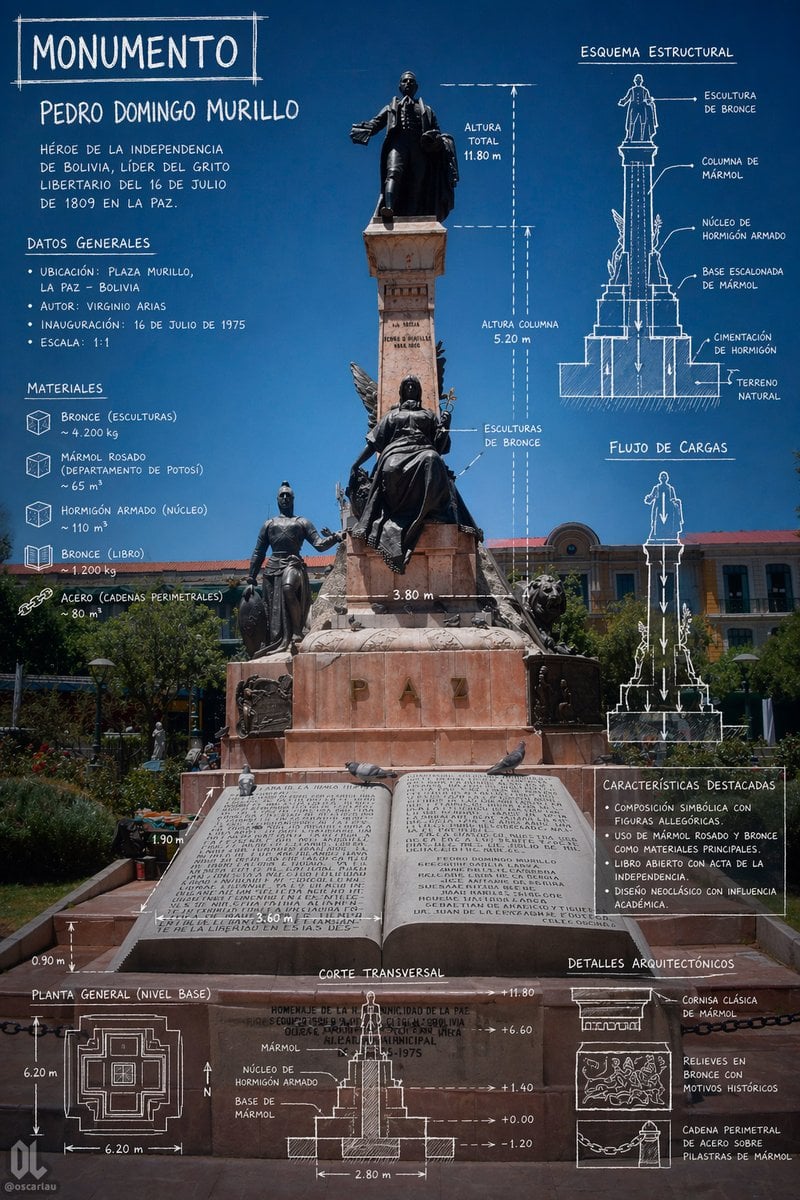
- Prompt included
- Model and format preset
- Free template
The prompt behind this image
Copy the exact prompt behind Monument Architectural Infographic Poster, or open it in the studio and make it yours.
- Type
- architectural monument infographic poster
- Subject › Monument Name
- {argument name="monument name" default="Pedro Domingo Murillo"}
- Subject › Headline
- {argument name="headline text" default="MONUMENTO"}
- Subject › Location
- {argument name="location" default="Plaza Murillo, La Paz - Bolivia"}
- Subject › Historical Text
- {argument name="historical summary" default="Héroe de la independencia de Bolivia, líder del grito libertario del 16 de julio de 1809 en La Paz."}
- Subject › Main View
- full-height front photograph of a monumental statue in a public square under a deep clear blue sky, centered composition, realistic lighting, the entire pedestal and lower forecourt visible
- Subject › Monument Description
- tall marble column monument with a bronze standing figure at the top, a seated bronze allegorical female figure in the middle front, an additional standing bronze figure on the lower left, sculptural details on the sides, lions flanking the base, and a large open stone book plaque at the bottom foreground
- Subject › Inscription
- large carved letters on the base spelling PAZ
- Style › Visual Language
- photo-based infographic with white hand-drawn architectural annotations
- Style › Mood
- scholarly, civic, historical, precise
- Style › Colors › Background
- rich cobalt-to-deep-blue sky
- Style › Colors › Overlay
- white sketch lines and handwritten uppercase text
- Style › Colors › Stone
- pinkish rose marble and light brown stone
- Style › Colors › Metal
- dark bronze
- Style › Typography
- chalk-like handwritten all caps, slightly irregular technical drawing labels
- Style › Rendering
- high-resolution editorial poster, realistic monument photography combined with blueprint overlays
- Layout › Sections › 0 › Title
- DATOS GENERALES
- Layout › Sections › 0 › Position
- upper left
- Layout › Sections › 0 › Count
- 4
- Layout › Sections › 0 › Labels
- Ubicación, Autor, Inauguración, Escala
- Layout › Sections › 1 › Title
- MATERIALES
- Layout › Sections › 1 › Position
- left middle
- Layout › Sections › 1 › Count
- 5
- Layout › Sections › 1 › Labels
- Bronce (esculturas), Mármol rosado (departamento de Potosí), Hormigón armado (núcleo), Bronce (libro), Acero (cadenas perimetrales)
Raw JSON
{"type":"architectural monument infographic poster","subject":{"monument_name":"{argument name=\"monument name\" default=\"Pedro Domingo Murillo\"}","headline":"{argument name=\"headline text\" default=\"MONUMENTO\"}","location":"{argument name=\"location\" default=\"Plaza Murillo, La Paz - Bolivia\"}","historical_text":"{argument name=\"historical summary\" default=\"Héroe de la independencia de Bolivia, líder del grito libertario del 16 de julio de 1809 en La Paz.\"}","main_view":"full-height front photograph of a monumental statue in a public square under a deep clear blue sky, centered composition, realistic lighting, the entire pedestal and lower forecourt visible","monument_description":"tall marble column monument with a bronze standing figure at the top, a seated bronze allegorical female figure in the middle front, an additional standing bronze figure on the lower left, sculptural details on the sides, lions flanking the base, and a large open stone book plaque at the bottom foreground","inscription":"large carved letters on the base spelling PAZ"},"style":{"visual_language":"photo-based infographic with white hand-drawn architectural annotations","mood":"scholarly, civic, historical, precise","colors":{"background":"rich cobalt-to-deep-blue sky","overlay":"white sketch lines and handwritten uppercase text","stone":"pinkish rose marble and light brown stone","metal":"dark bronze"},"typography":"chalk-like handwritten all caps, slightly irregular technical drawing labels","rendering":"high-resolution editorial poster, realistic monument photography combined with blueprint overlays"},"layout":{"sections":[{"title":"DATOS GENERALES","position":"upper left","count":4,"labels":["Ubicación","Autor","Inauguración","Escala"]},{"title":"MATERIALES","position":"left middle","count":5,"labels":["Bronce (esculturas)","Mármol rosado (departamento de Potosí)","Hormigón armado (núcleo)","Bronce (libro)","Acero (cadenas perimetrales)"]},{"title":"ESQUEMA ESTRUCTURAL","position":"upper right","count":5,"labels":["Escultura de bronce","Columna de mármol","Núcleo de hormigón armado","Base escalonada de mármol","Cimentación de hormigón sobre terreno natural"]},{"title":"FLUJO DE CARGAS","position":"right center","count":1,"labels":["vertical load arrows from sculpture to foundation"]},{"title":"CARACTERÍSTICAS DESTACADAS","position":"right lower-middle","count":4,"labels":["Composición simbólica con figuras alegóricas","Uso de mármol rosado y bronce como materiales principales","Libro abierto con acta de la independencia","Diseño neoclásico con influencia académica"]},{"title":"PLANTA GENERAL (NIVEL BASE)","position":"bottom left","count":1,"labels":["square stepped plan with north arrow and dimension lines"]},{"title":"CORTE TRANSVERSAL","position":"bottom center","count":1,"labels":["section drawing with internal core, marble base, elevation marks, and width dimension"]},{"title":"DETALLES ARQUITECTÓNICOS","position":"bottom right","count":3,"labels":["Cornisa clásica de mármol","Relieves en bronce con motivos históricos","Cadena perimetral de acero sobre pilastras de mármol"]}],"dimension_annotations":["Altura total 11.80 m","Altura columna 5.20 m","3.80 m","3.60 m","2.80 m","6.20 m","1.90 m","0.90 m","+11.80","+6.60","+1.40","+0.00","-1.20"],"centerpiece":"the monument occupies the full vertical center, with annotations wrapped around it symmetrically","text_distribution":"large title at top left, descriptive paragraph below, technical notes on left and right, measured drawings and plan aligned along the bottom edge"},"camera":{"perspective":"straight-on eye-level architectural documentation shot","framing":"portrait poster orientation, monument centered, enough foreground to show the open book and lower dimensions, civic buildings and greenery in the background"},"quality":{"finish":"clean infographic composition suitable for a museum panel, heritage poster, or educational social media post","detail_level":"very high, readable labels, crisp line work, realistic textures"}}How to use Monument Architectural Infographic Poster in 3 steps
- 1Upload ImagePNG, JPG or paste
Add your photo
Upload the photo the template builds on. The prompt, model and format are already set.
- 2…a portrait of your subject in softgolden-hour light, 85mm…
Personalize
Edit the subject and creative details for your destination.
- 3Generate
Generate
Press Generate — your image is created in PicX Studio, so you can compare it with the original and refine one variable at a time.
More like this
Templates with the same subject, style or setup. Open one to see its prompt.

Japan Travel Brochure Poster

Gpt2 Infographic Edu Visual Ink Wash Tribute Poster for Chen Uen

Gpt2 Infographic Edu Visual Biomimetic Skyray Aircraft Poster
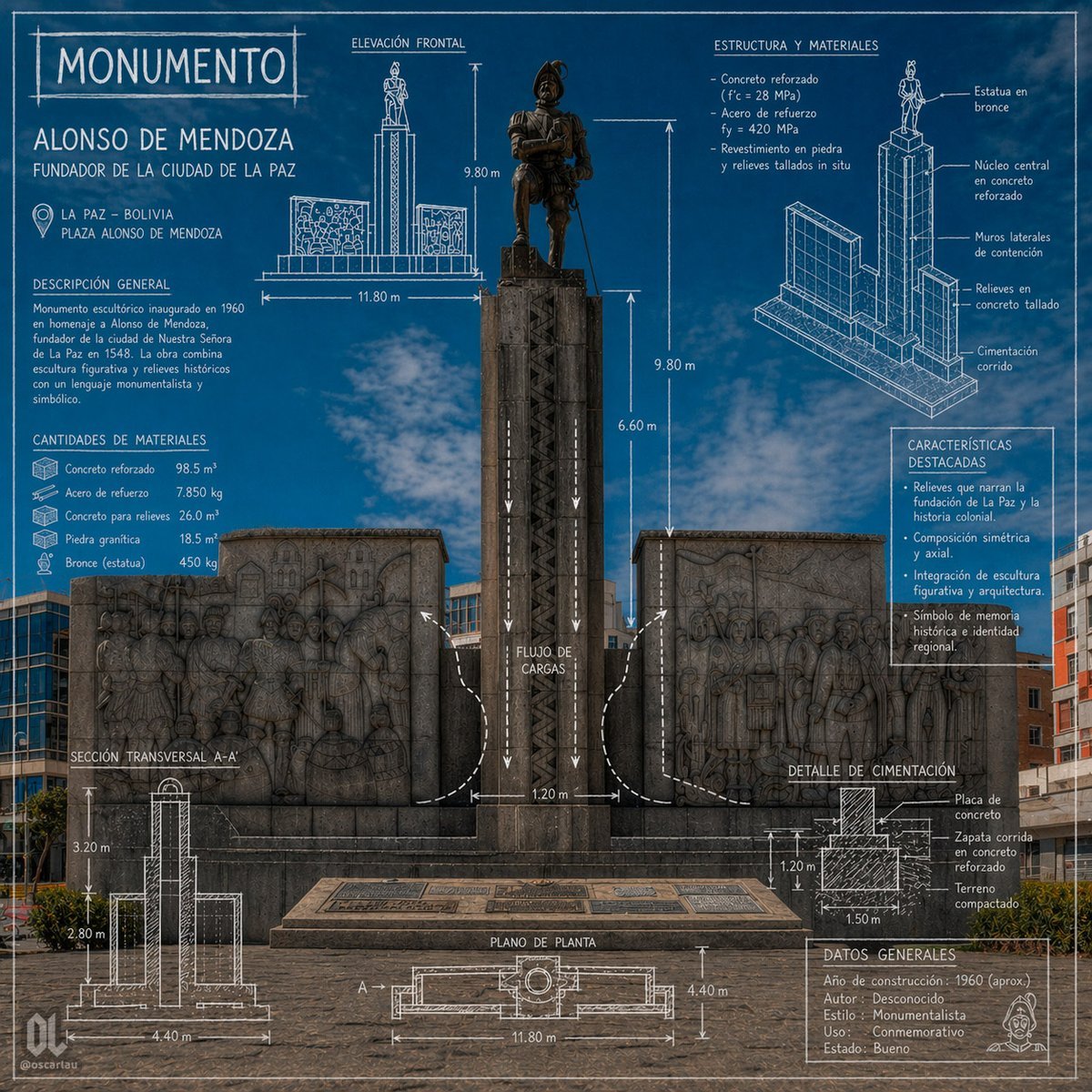
Blueprint Monument Infographic Poster

Cartoon TV Show Poster Pack

Trendy Cafe Drink Promo Poster

Urban Fashion Editorial Collage Streetwear Poster

Premium Fashion Editorial Cover Layout System

Polo Ralph Lauren Luxury American Heritage Fashion Campaign

Monochrome Halftone Editorial Fashion Poster

Retro Mirror Luxury Fashion Campaign Poster

Luxury Fashion Campaign Typography Poster System
Make it yours
Monument Architectural Infographic Poster works as-is. These are the safest ways to change it without losing the look.
Swap the setting
Keep the rest of the prompt and replace the location block. The current setting is “{argument name="location" default="Plaza Murillo, La Paz - Bolivia"}”.
Change one field
Copy a single group, rewrite it, and generate again so you can see what that field is doing.
Keep the frame, change the subject
Hold the composition and light of Monument Architectural Infographic Poster, then swap wardrobe, props or the person for a new take.
| If the result… | Why | Fix |
|---|---|---|
| The result drifts from the preview | Too many fields changed at once. | Reuse Monument Architectural Infographic Poster as-is first, then change one group — subject, light, or setting. |
| GPT Image 2 ignores part of the JSON | Some models flatten or skip nested keys. | Keep the same values and paste them as a short paragraph instead. |
More GPT Image 2 templates
Other prompts made for GPT Image 2.

Six VTuber Japanese Logo Sheet

Realistic Portrait of Woman and Deer

The Vista Modular Condo Poster

AI Model Routing Comparison Infographic

2.5D Anime Art Board

Isometric Productivity Desk Scene

New York Double Exposure Poster

Four-Panel AI Landscape Comparison

Japanese Tatami Lifestyle Magazine Cover

NESCAFÉ Coffee Map Poster
More image prompts
Fresh picks from across the catalog.

Neon Crime Game Street Screenshot

Intimate Portrait of East Asian Woman with Extensive Blackout Tattoos
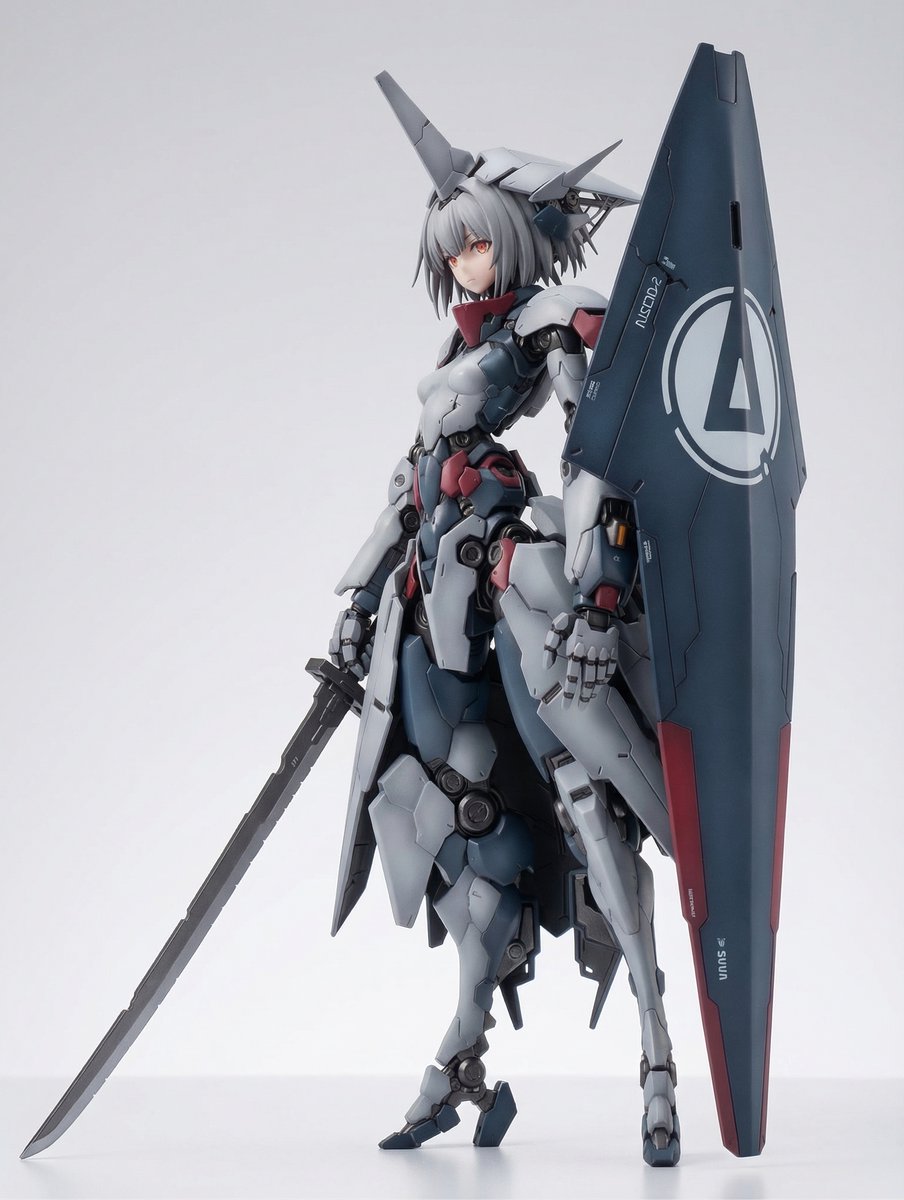
KNIGHT MECHA GIRL Figure Concept

Gorpcore Fashion Campaign Image
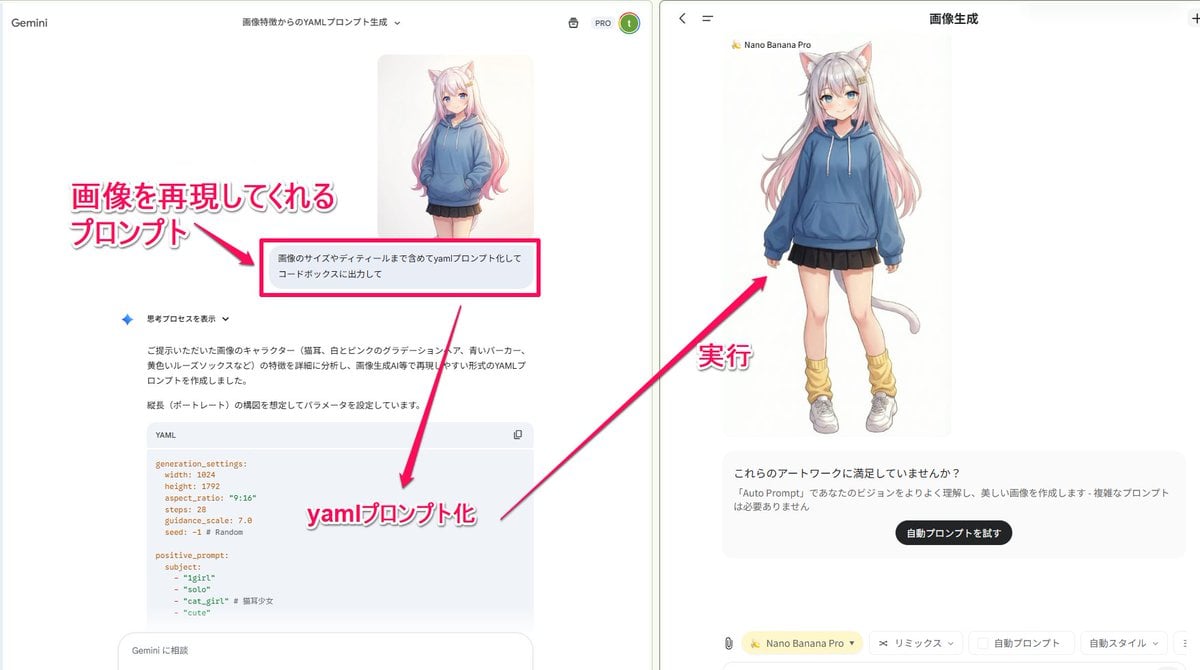
YAML prompt conversion for images and diagrams
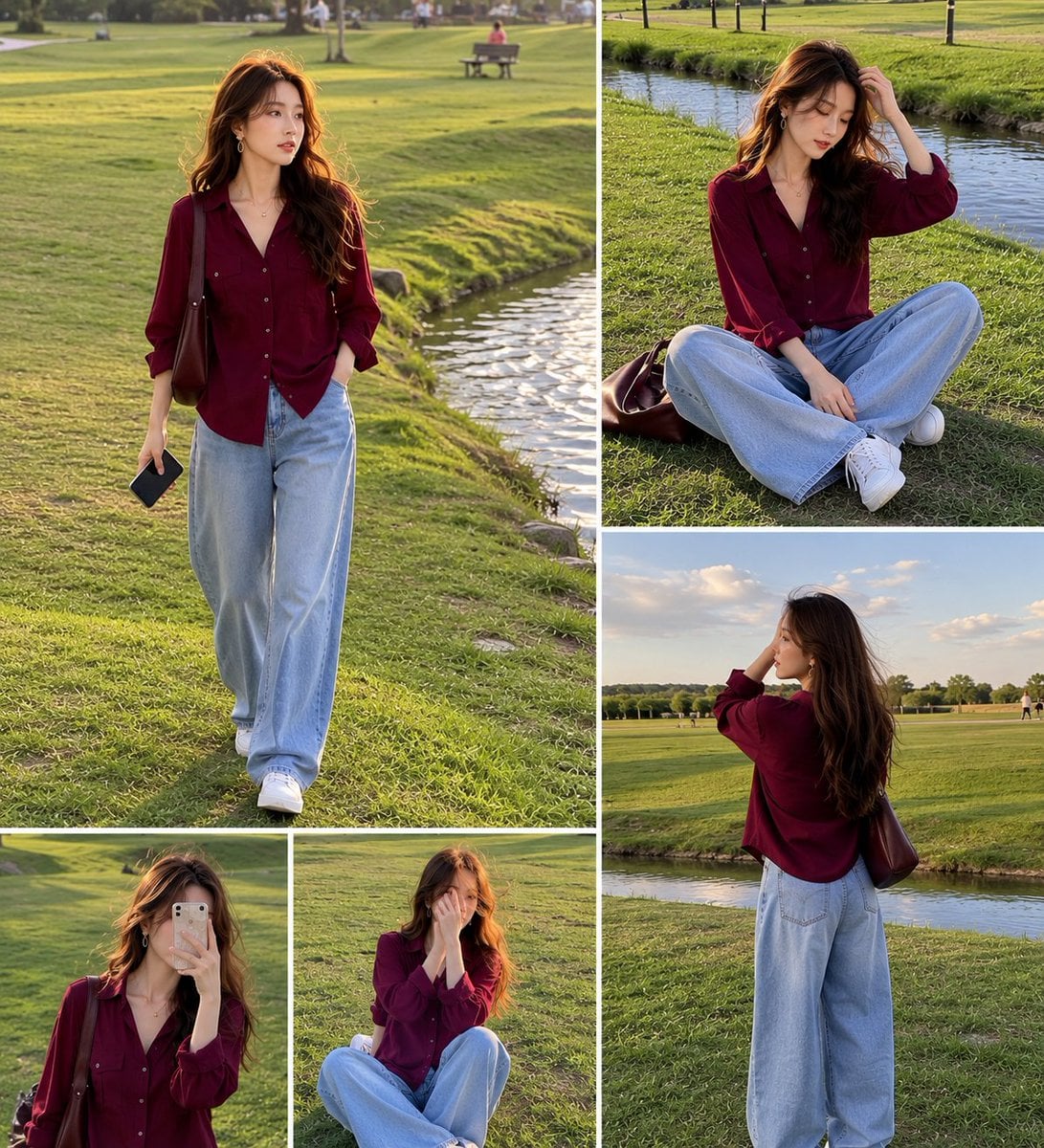
Lifestyle Fashion Collage of a Young Woman
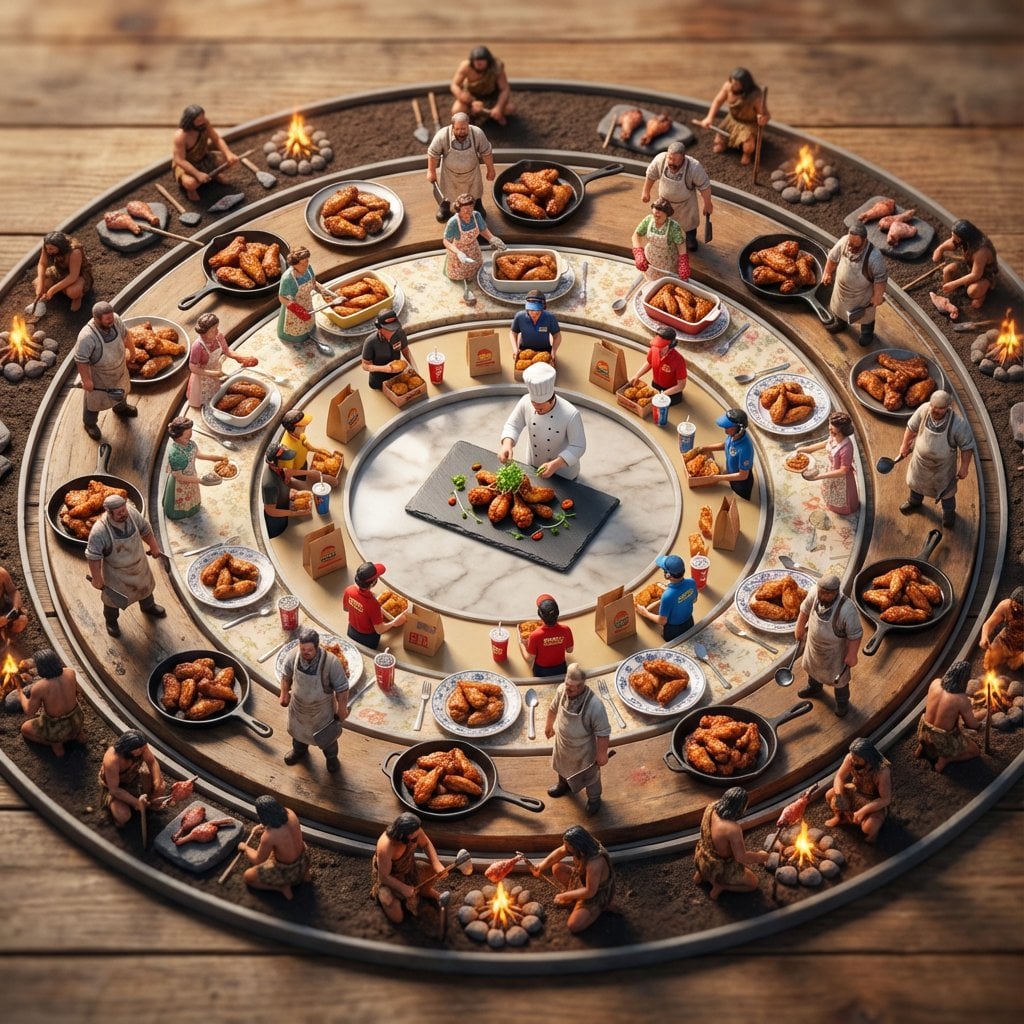
Food History Diorama in Mandala Format (Spicy Chicken Wings)
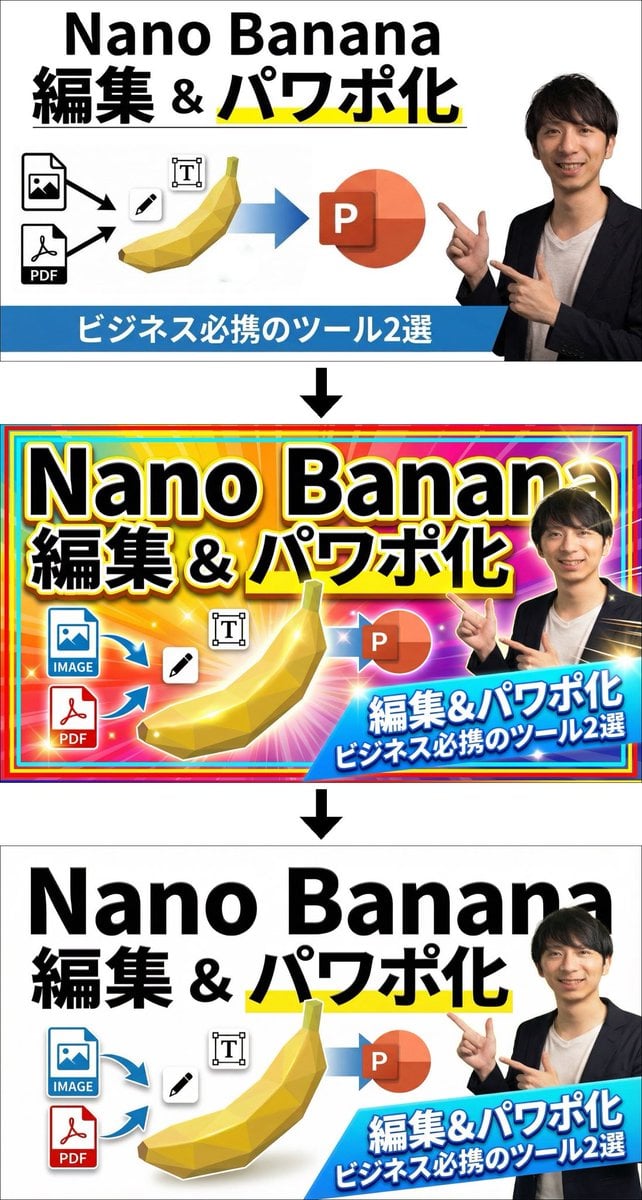
Two-step design refinement process: from flashy to sophisticated (Step 2)
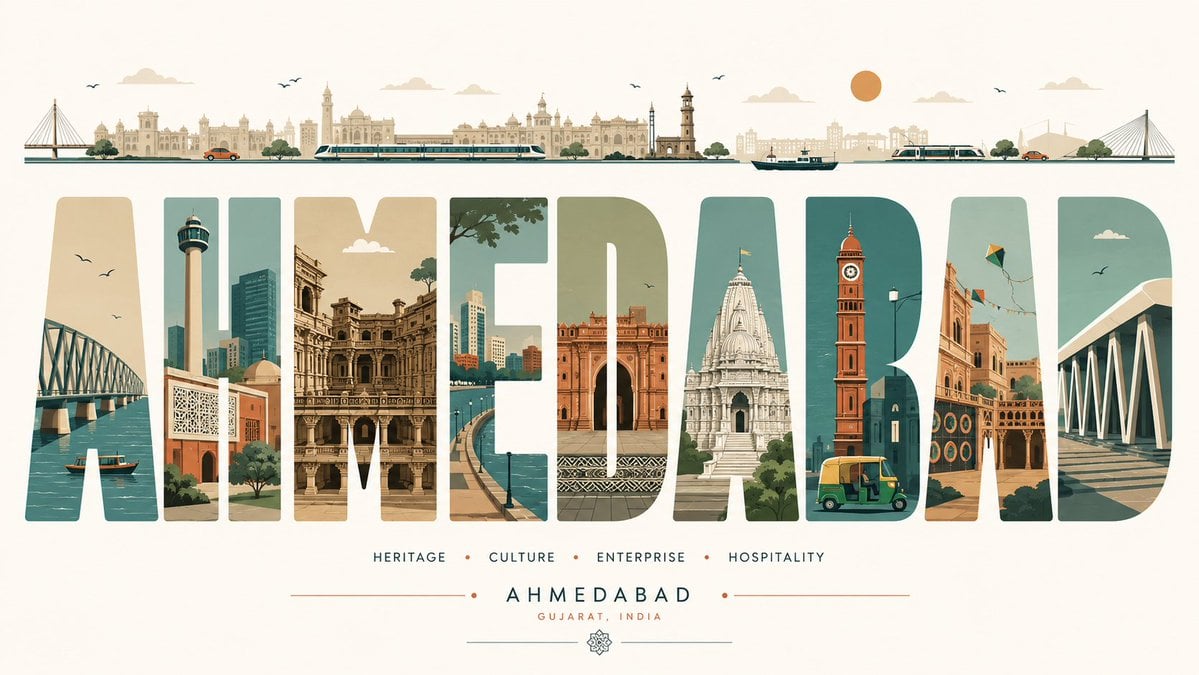
Minimalist Typography Travel Poster
Neon VTuber Arena Stage
Browse template categories
Monument Architectural Infographic Poster questions
How do I use the Monument Architectural Infographic Poster template?
Add your photo if the template asks for one, edit the prompt if you like — the template's model and format are already selected — and press Generate. Your version opens in PicX Studio.
Can I customize the Monument Architectural Infographic Poster template?
Yes. You can change the subject, setting, lighting, mood, format, and available model controls before creating your image.
Is the Monument Architectural Infographic Poster template free?
Opening and editing this template is free. Generating uses credits, shown on the Generate button when you are signed in.
Which AI model should I use?
Start with GPT Image 2, which is the model associated with this template. You can compare another compatible model for a different finish.
Looking for something else? Browse all templates.

Your photo, any look
Thousands of ready templates for every top image and video model, from one credit balance.